THE MERCHANT VISUALIZER

Your products.
Their space.
A clearer yes.

Help shoppers see your catalog in their own home, inside and out. A branded visualizer for your website and your showroom.

Install on Shopify
20 free credits Your storefront stays yours.
Actual visualizer result with sample catalog products placed in a shopper's space
ACTUAL VISUALIZATION · SAMPLE PRODUCTS
Your Catalog
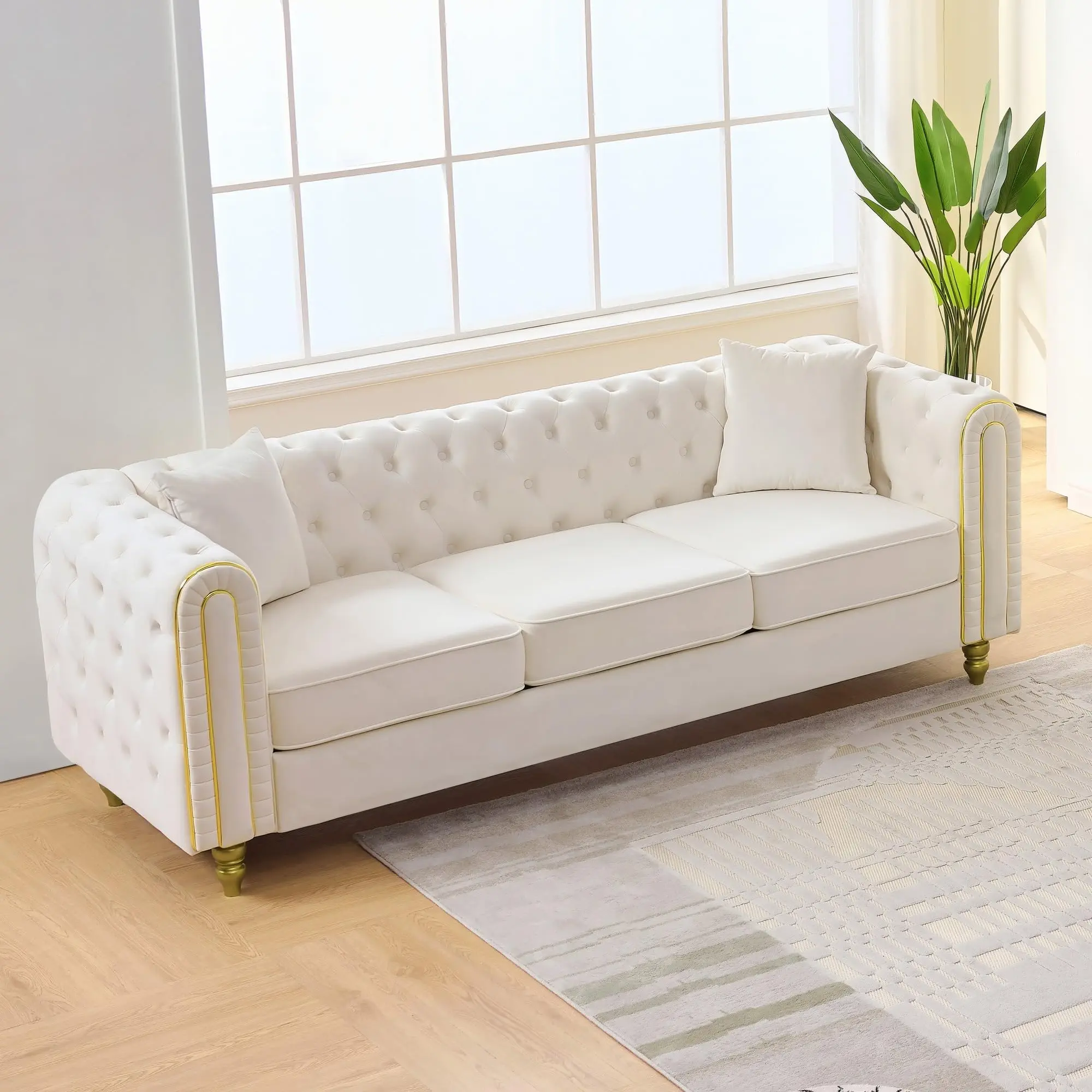
  • Chesterfield Sofa
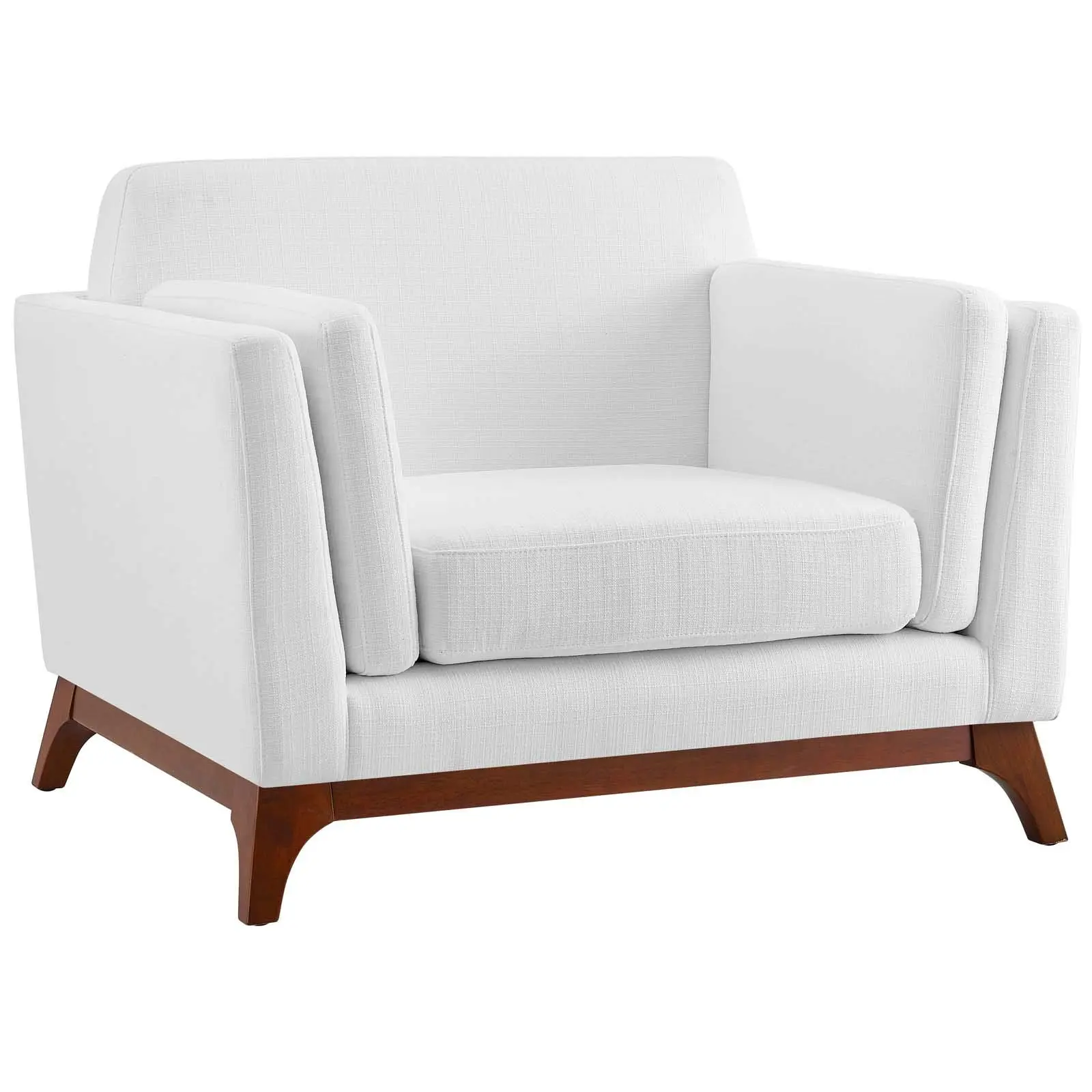
  • Arm Chair
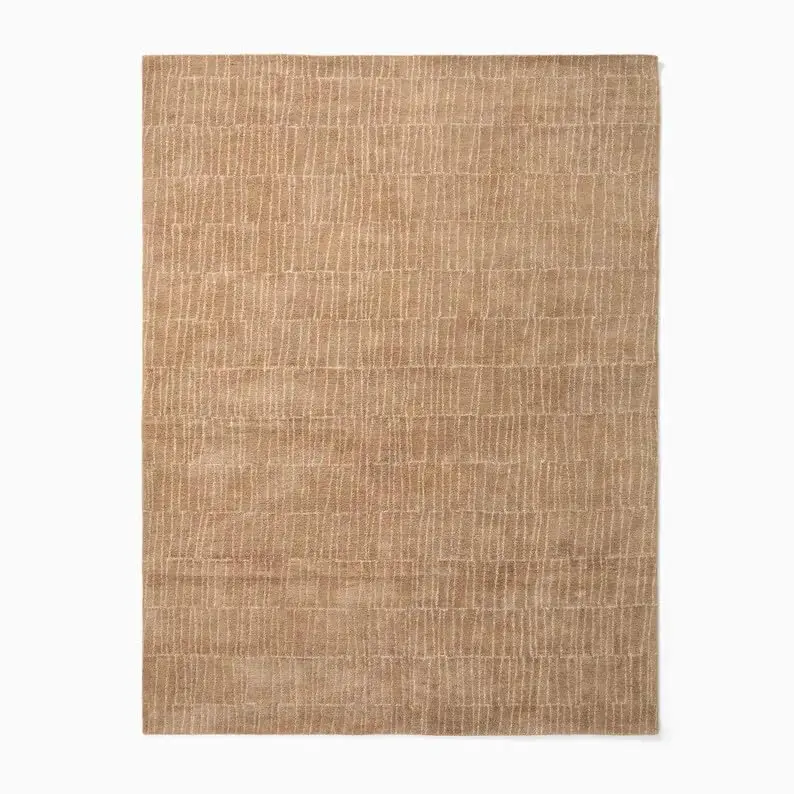
  • Area Rug
Their room. Reimagined.Furniture, décor and exterior materials.
Interior Exterior

Trusted worldwide

  • Trusted by 2.3M+

    homeowners, interior designers
    and real estate professionals

  • 30M+

    design visualizations

  • 185+

    countries

THE LAST QUESTION BEFORE BUYING

“But will it work
in my space?”

They like the product. They like the price.
What they need next is a little more certainty.

ON YOUR WEBSITE

Another tab. Another comparison.

Product photos and dimensions help. But picturing the whole room can still leave a shopper thinking, “I’ll come back to it.”

IN YOUR SHOWROOM

“Let me think about it.”

Even with the product right in front of them, it’s hard to see how a new sofa—or a paving finish—will feel at home.

Keep the decision moving with a view of what’s possible.
01 / EXPERIENCE IT AS A SHOPPER

From your catalog.
Into their world.

Try a space, choose sample products, then open the real visualizer. No installation or catalog upload to get started.

LIVE DEMO · SAMPLE CATALOG
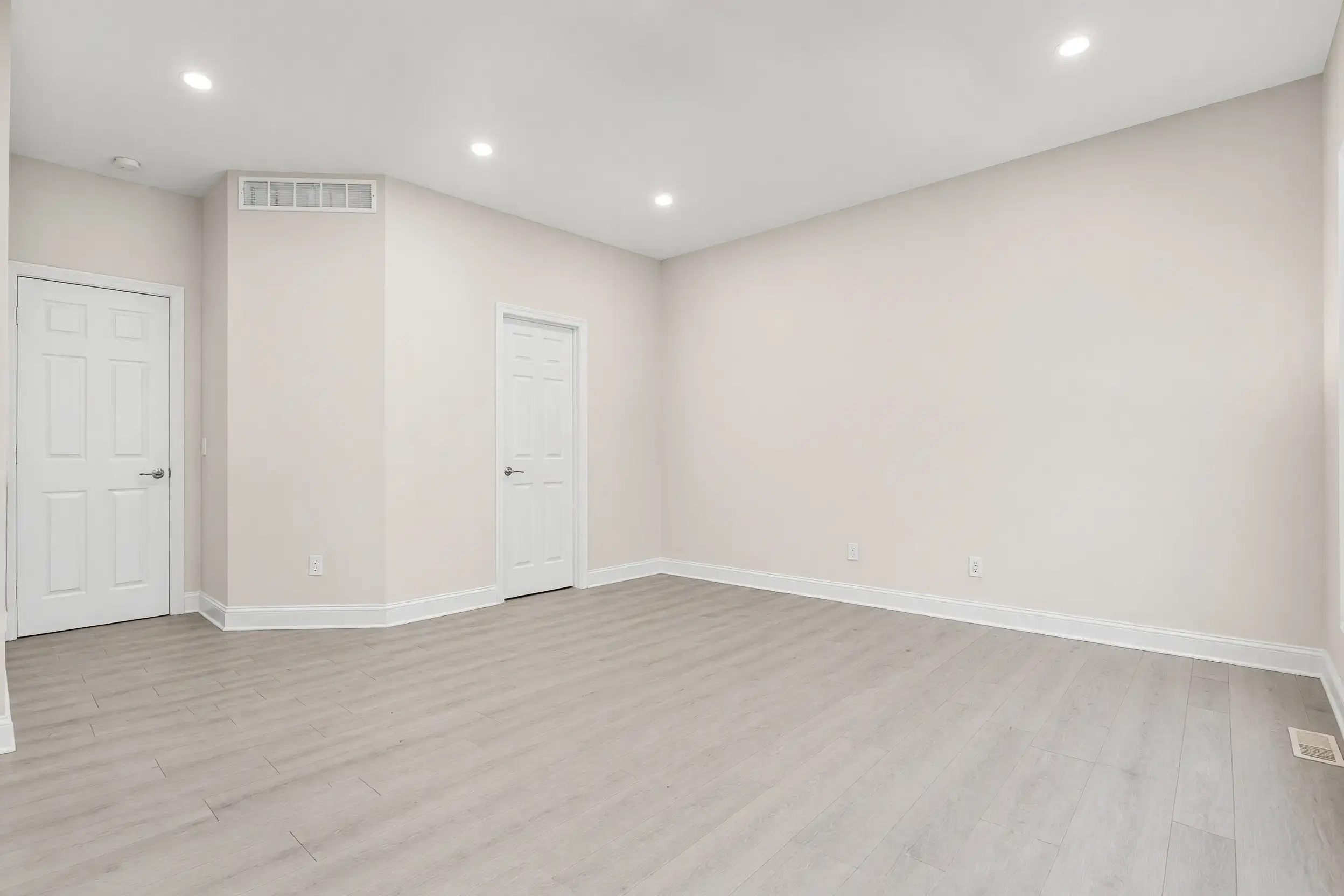
1Your sample space
A real photo. Ready to reimagine.
A room to restSAMPLE SPACE · BEFORE
A room to rest

What could a new sofa and finishing touches change?

2Make it feel like home
PREDEFINED SAMPLE CATALOG
3 items selected

Combine furniture, décor and surface finishes.

Select Visualize inside the experience to generate your view. Sample prices are for demonstration.Visual guidance; always check dimensions and material specifications.
IMAGINE THIS WITH YOUR CATALOG

Your products. Your categories. Your branding.

The sample catalog is just the beginning. Your storefront is the destination.

02 / SELL WITH CONTEXT

Everywhere the
decision happens.

Give online shoppers a clearer next step. Give your store team a better way to bring the conversation home.

ECOMMERCE

Bring the product page
into their home.

A “See it in my space” entry point opens your branded visualizer within your website, with eligible products from your catalog.

DiscoverVisualizeCompareShop
SHOWROOM & ASSISTED SELLING

Help the conversation
go one step further.

Help a shopper see a sofa in their living room or a paver in their garden. Compare possibilities together, while their interest is right in front of you.

See itPicture it at homeDecide together
03 / YOUR STOREFRONT STAYS YOURS

Your catalog.
Your brand.
Your checkout.

A visual selling layer that fits the shopping experience you’ve already built.

Your products, curated by you.

Choose eligible products and collections. Add products individually or import your catalog with a CSV.

Your look, your invitation.

Configure branding, styling, CTA copy and the storefront entry point.

Your customer relationship.

Shoppers stay on your site. Your cart, checkout, billing and payment provider remain in place.
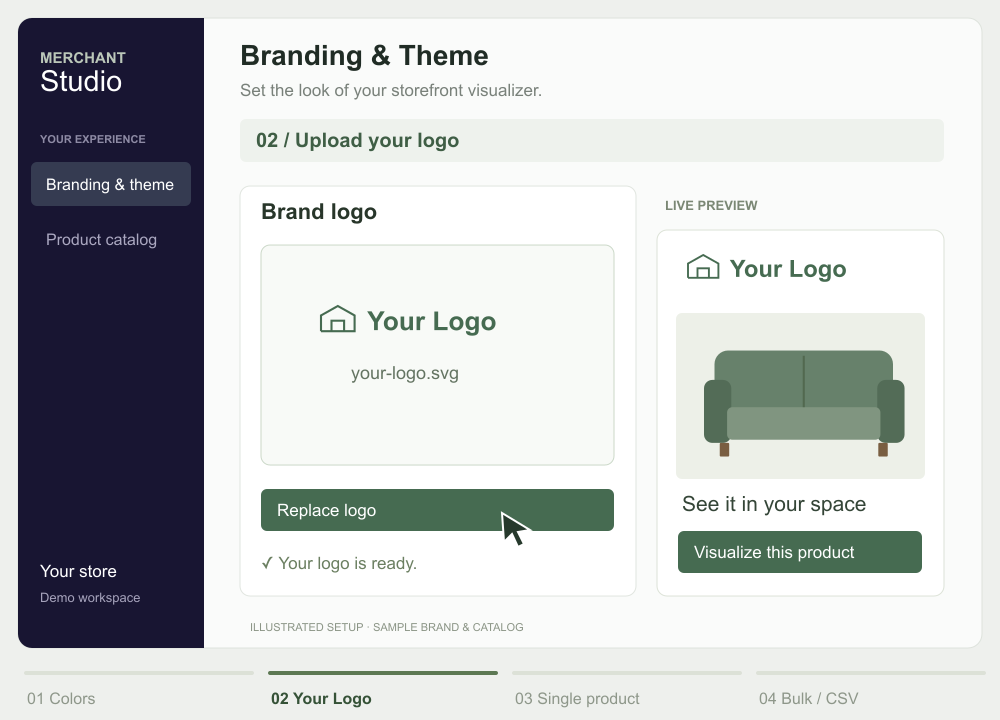
YOUR BRAND. YOUR CATALOG.
Configuration walkthrough: change brand colors, upload Your Logo, add a product individually, and import a catalog CSV.

Make it yours. Fill it with your products.Illustrated walkthrough · sample logo and catalog

Colors & logo Single product CSV upload
04 / A SHORT PATH TO YOUR STOREFRONT

Less setup.
More seeing it live.

Two ways to launch the same visualizer. Choose the one that fits your commerce platform.

FOR SHOPIFY MERCHANTS~2 minutes

Install. Configure.
You’re in the picture.

Start with the Shopify app. Choose eligible products and collections, set your storefront entry point, and make it yours.

  1. Install
  2. Select products
  3. Configure
  4. Go live
Install on ShopifyGet started directly. Minimal engineering lift.
FOR OTHER COMMERCE PLATFORMS~1–2 hours

Fits your site.
Keeps your stack.

Add a lightweight widget or snippet to your existing site. We’ll help you connect the experience to your catalog and shopping journey.

  1. Book a call
  2. Add integration
  3. Configure
  4. Go live
Typical integration time. Setup varies by implementation.
AFTER YOU GO LIVE

See what shoppers
are trying at home.

Review visualization history and the products included in a session. See another part of shopper consideration—beyond the product page view.

Actual visualization history shown. Activity is a signal of consideration, not a guarantee of purchase.
START WITH 20 FREE CREDITS

Let them see it.
Help them choose it.

Put your products in the space that matters most to your shopper. Their own.

Want to experience it first? Try the demo
From a finishing touch
to a fresh start.
Furniture · Décor · Rugs · Lighting
From inside the home
to everything around it.
Outdoor furniture · Hardwood flooring · Ground surfaces

A few things worth knowing.