AI Exterior Rendering for Homes & Buildings
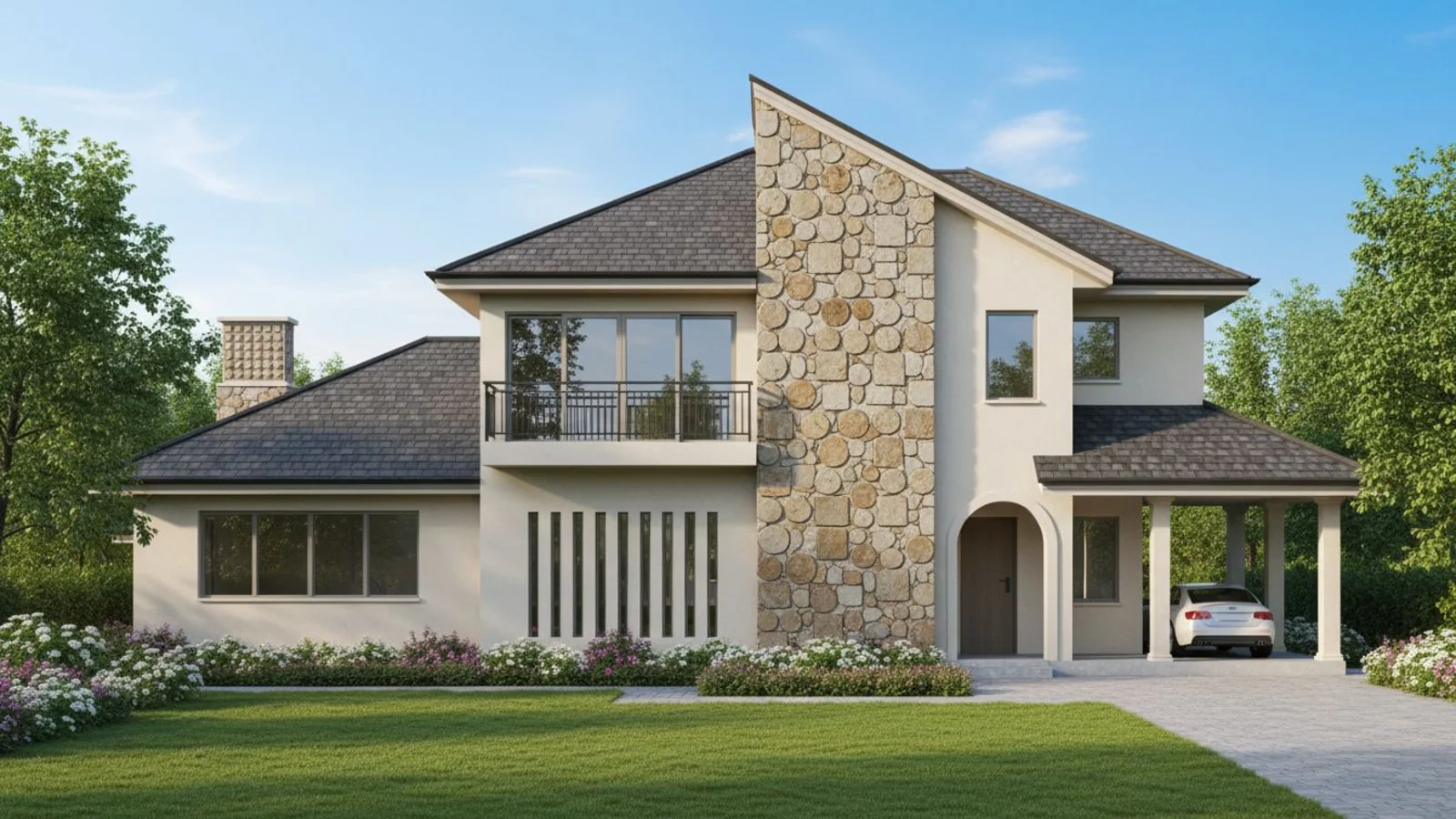
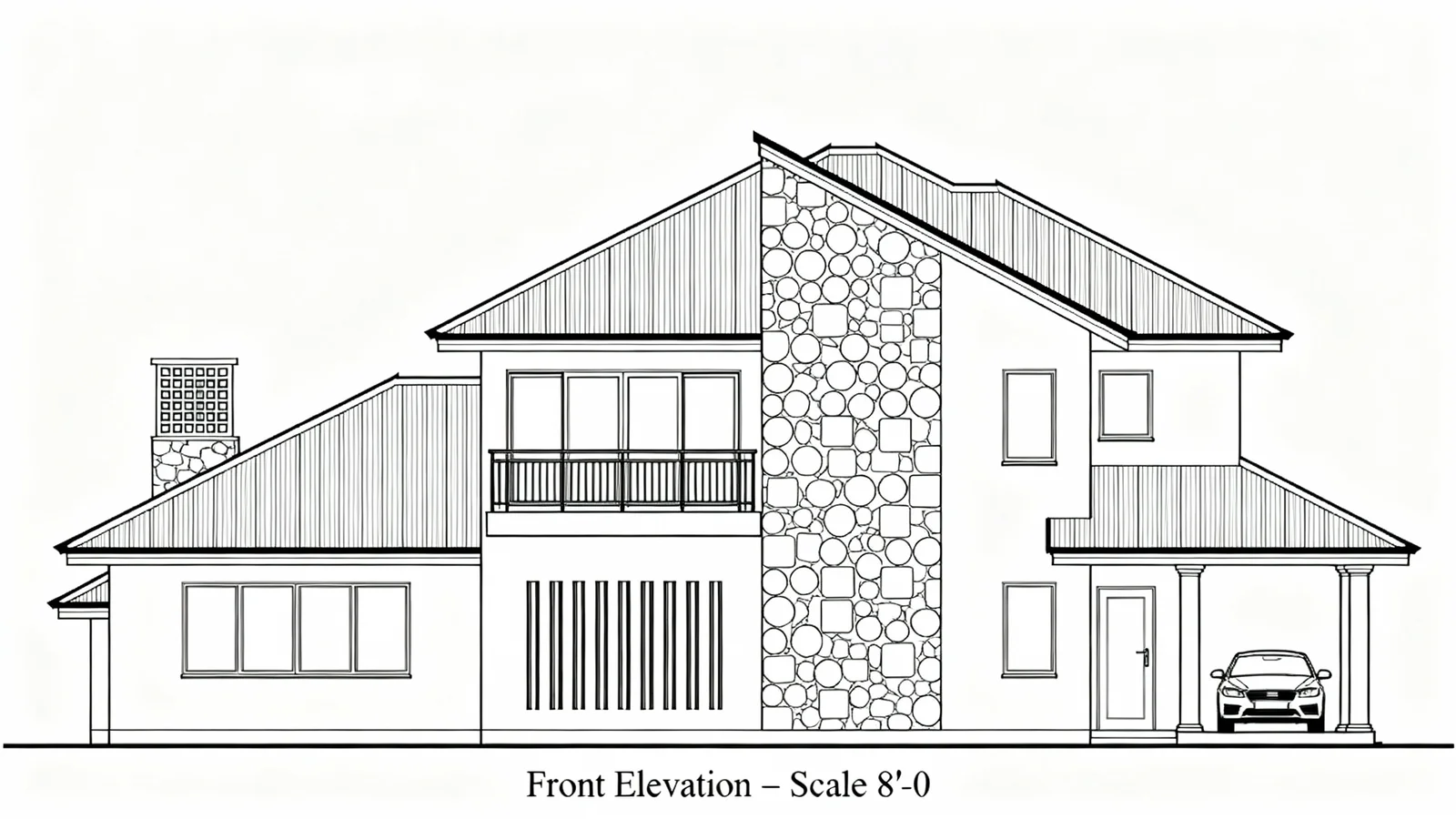
Why Exterior Rendering Matters?
Curb appeal defines first impressions - yet it's the hardest thing to picture. Most people struggle to imagine how a new color, texture, or facade would actually look in sunlight.
How It Works
From upload to download - naturally intuitive, powerfully smart.
Upload Exterior Photos
- Works for single-family homes, condos, buildings, or architectural projects.
AI Reads the Structure
- It detects walls, rooflines, windows, materials, light direction, and shadow behavior.
Prompt the Change You Want
- Type naturally: "Render the exterior in white stucco with wood accents." "Change brick to dark stone." "Add warm exterior lighting."
Refine with Follow-Up Prompts
- "Make the roof darker." "Add vertical paneling." "Try sage green paint." "Add subtle landscaping to the front."
See the Transformed Facade
- Get realistic renderings that preserve perspective, proportion, and natural lighting.
Download When It Feels Right
- Save high-resolution versions for renovation planning, client presentations, or listings.
Prompt Guide
Get the best results with clear, specific prompts.
Do This
Recommended
Clearly specify the type of structure or exterior update you want.
Mention the style of the structure (e.g., Modern, French Country, Mediterranean, Contemporary).
If needed, specify any landscaping style required in the foreground or background.
Use clear action keywords such as "renovate," "complete," or "render."
Avoid This
Common mistakes
Do not request structures or architectural changes that are not physically possible within the existing image.
Specificity leads to better results
"Render the exterior with a clean wall texture and sharp edges."
"Renovate the structure into a French Country–style house with tropical landscaping."
See the Transformations
Real results from our Exterior Rendering solution
Benefits Tailored to Every User
Gives each user the clarity they need to understand the space and make confident decisions.
Homeowners
Key advantages for your workflow
Visualize exterior color and material options risk-free
Plan renovations with clarity and confidence
Improve curb appeal instantly before repainting or remodeling
How the AI Understands Your Space
A clear, grounded explanation of how the system creates realistic results.
Our AI design companion analyzes
Structural edges, depth, and surface mapping
Light reflection, color temperature, and shadow cast
Material patterns like brick, stone, siding, or stucco
It applies new materials or colors while maintaining architectural integrity and lighting realism. You define the vision - AI renders the reality.
See your exterior transformation before the first coat of paint.
Frequently Asked Questions
It's an AI tool that reimagines your property's exterior with new colors, materials, and finishes while keeping lighting and perspective realistic.
Yes - it supports homes, apartments, and commercial facades.
Yes - prompt for textures like stucco, cedar panels, or matte stone, and the AI adjusts realism automatically.
Yes - process multiple angles to ensure visual consistency.
Yes - you can restyle multiple surfaces at once or individually.
Yes - the AI analyzes light direction and blends tone accordingly.
Only if you specify. Otherwise, architectural elements remain unchanged.
Absolutely - the outputs are designed for professional display and marketing.
Related Tools
Explore more AI-powered design solutions
Ready to visualize your perfect layout?
Upload your property photo and explore new colors, materials, and styles. See the curb appeal before the renovation.
Reimagine My Home