AI Virtual Staging for Homes & Listings
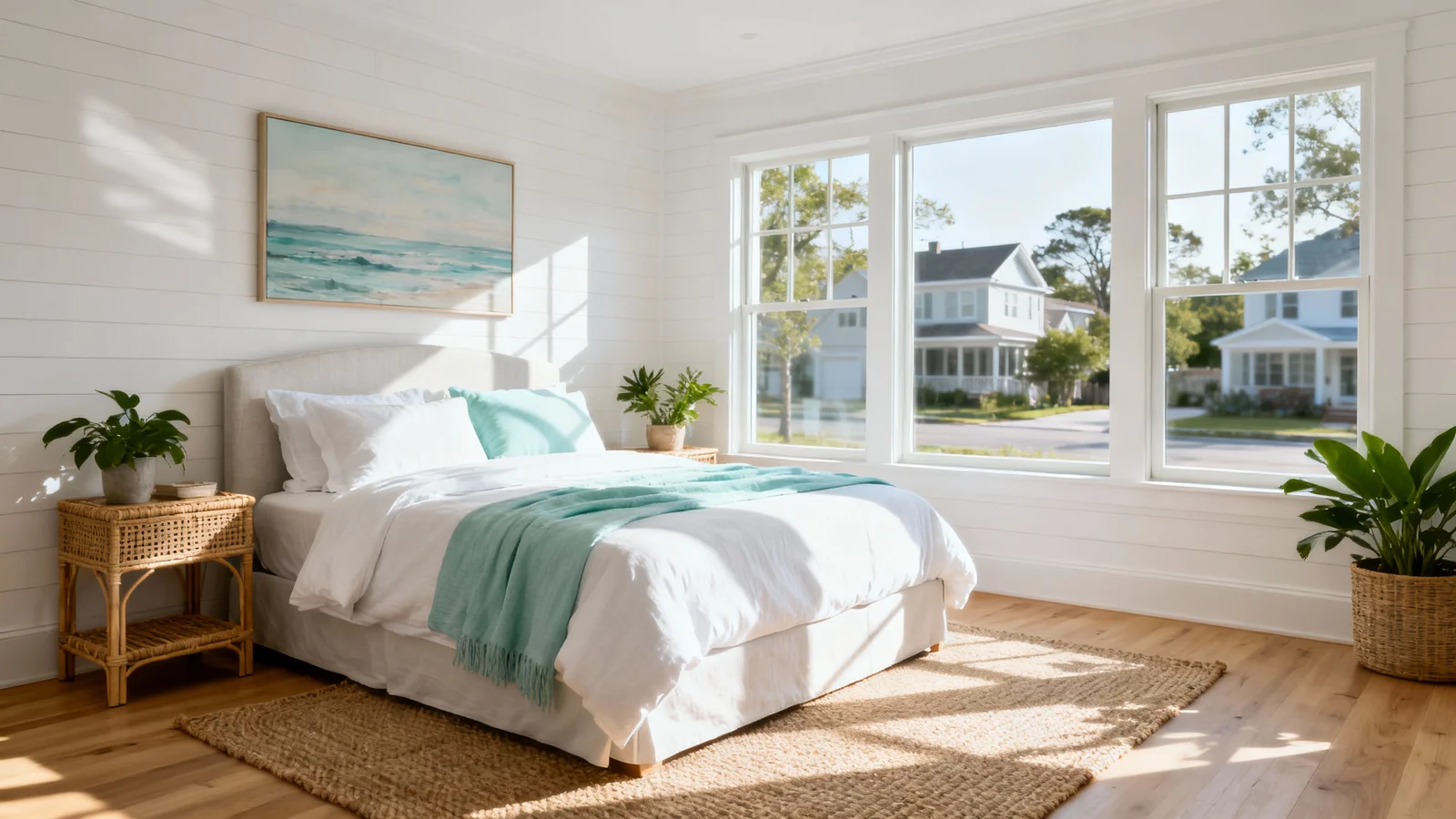
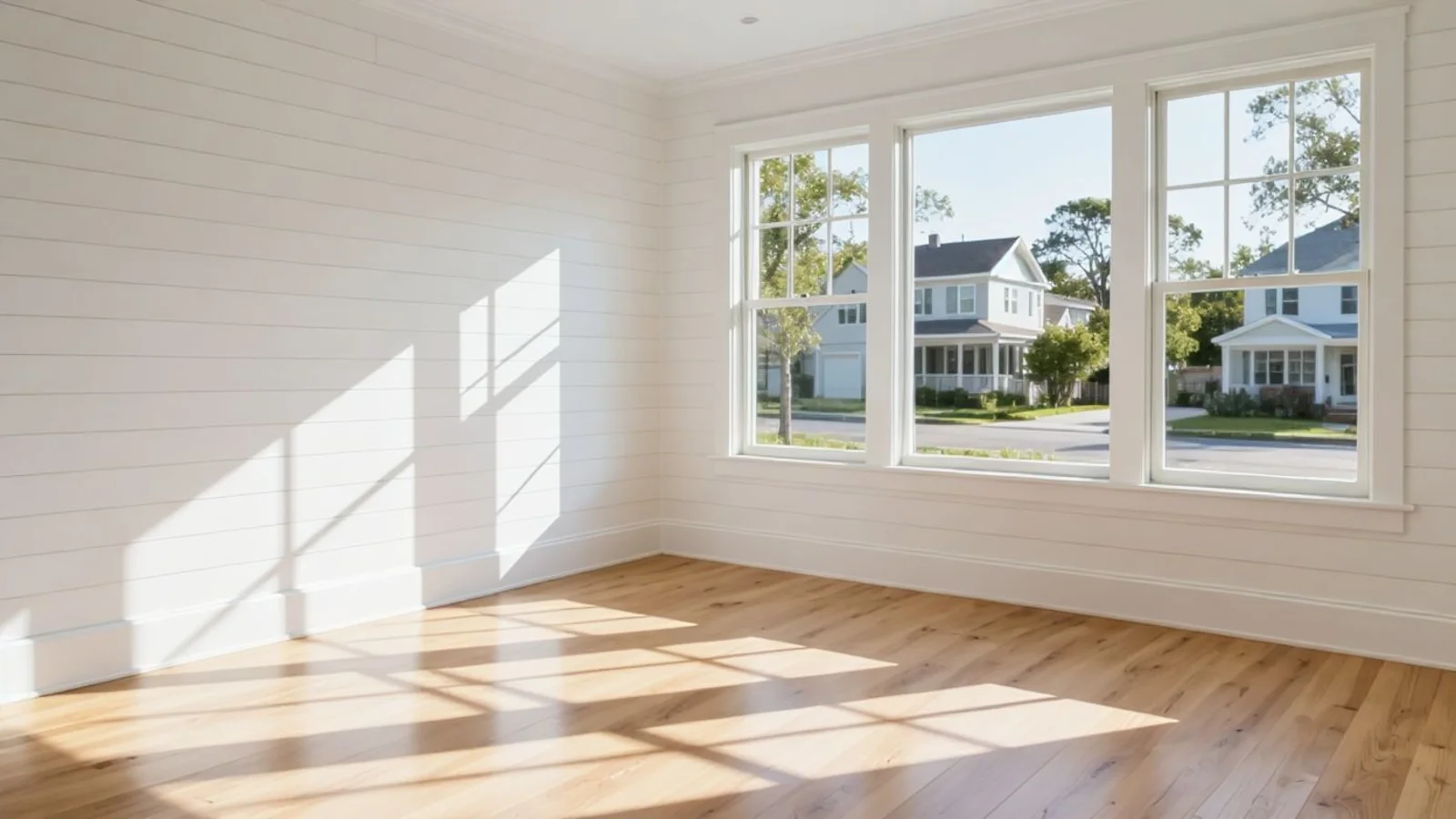
Why AI Virtual Staging Matters?
Most people struggle with visualizing a space, not with knowing what they like.
How It Works
From upload to download - naturally intuitive, powerfully smart.
Upload Your Room Photos
- Upload one photo or multiple at once
- Works for furnished, empty, cluttered, or partially staged rooms
AI Understands Your Space
- The AI Design Companion analyzes the room's layout, lighting, and proportions
- Suggests design directions that make sense for your space
Choose a Direction
- Select one of the AI-suggested styles
- Or type what you want in your own words, in any language
- Transform virtually any room type - from living areas to open layouts - with precision and creative control
Control the Details
- Adjust layout, lighting, colors, and overall mood effortlessly - no design jargon needed
- Explore a wide range of design styles, from modern minimal to cozy classic, tailored to your taste
Refine with Prompts
- Make small adjustments naturally with simple follow-up prompts:
- "Add an ottoman."
- "Make the sofa black instead of beige."
- "Swap the rug for something more minimal."
Download When Ready
- Save high-resolution staged images
- Perfect for design planning, presentations, listings, or client approvals
Prompt Guide
Get the best results with clear, specific prompts
Do This
Recommended
Always mention "virtually stage" or "stage" at the beginning of your request.
Specify the exact style you want, or state that the AI can choose one.
Give precise placement for primary or important furniture (e.g., center, left wall, right corner).
If there is anything you do not want changed, clearly mention it in the prompt.
Avoid This
Common mistakes
Avoid vague words like "nice," "beautiful," or "inviting."
Do not request mood-based or cinematic effects.
Avoid unclear placement terms such as "best position" or "make it spacious."
Specificity leads to better results
"Virtually stage the living room in a coastal style."
"Stage the room in a modern farmhouse style and place a queen bed on the left wall, with two side tables and a bench at the foot."
"Virtually stage the space as a combined living–dining area, keeping the living zone in the foreground and the dining zone in the background."
See the Transformations
Real results from our AI Virtual Staging solution
Benefits Tailored to Every User
Gives each user the clarity they need to understand the space and make confident decisions.
Homeowners & Renters
Key advantages for your workflow
Make confident furniture and layout decisions
Avoid expensive mistakes and frustration
Discover your personal design language
How the AI Understands Your Space
A clear, grounded explanation of how the system creates realistic results.
Our AI design companion analyzes
Architecture, walls, and proportions
Light direction & shadow behavior
Furniture scale & spatial flow
Then it renders designs that fit your room's reality, maintaining perspective and realism. Because it's AI, a detail might occasionally shift, but quick regeneration corrects it.
You stay in control, AI just accelerates clarity.
Frequently Asked Questions
It's a digital process that uses artificial intelligence to furnish or redesign real-room photos, helping you visualize interior styles before buying or renovating.
Yes, with standard "virtually staged" or "virtually enhanced" disclosure.
Yes. Upload as-is. We handle decluttering digitally.
Yes, lighting, scale, and material depth are preserved for photorealistic results.
As many as you want. Explore freely.
"AI Virtual Staging" helps agents attract more buyers, sell properties faster, and save costs & time on traditional staging, allowing for a quicker turnaround.
Ready to visualize your perfect layout?
Test-drive layouts visually with ReimagineHome. Drop in your room photo, compare two orientations, and choose the one that fits your life.
Reimagine My Home