
TL;DR
AI interior design can add rugs, curtains, art, plants, consoles, and more into your exact room photo so you can judge size, style, and layout before you buy. If you’re searching “ai redesign my room” or “ai room planner,” upload a photo to ReimagineHome.ai and test different looks in minutes. Use the Add Anything tool to fix scale (bigger rug, wider TV console), add contrast (curtain color, pillows), and plan flow (chair placement) without moving heavy pieces. It’s fast, realistic, and cheaper than trial-and-error shopping.
The Real Cost of Guessing on Rugs, Curtains, and Layout
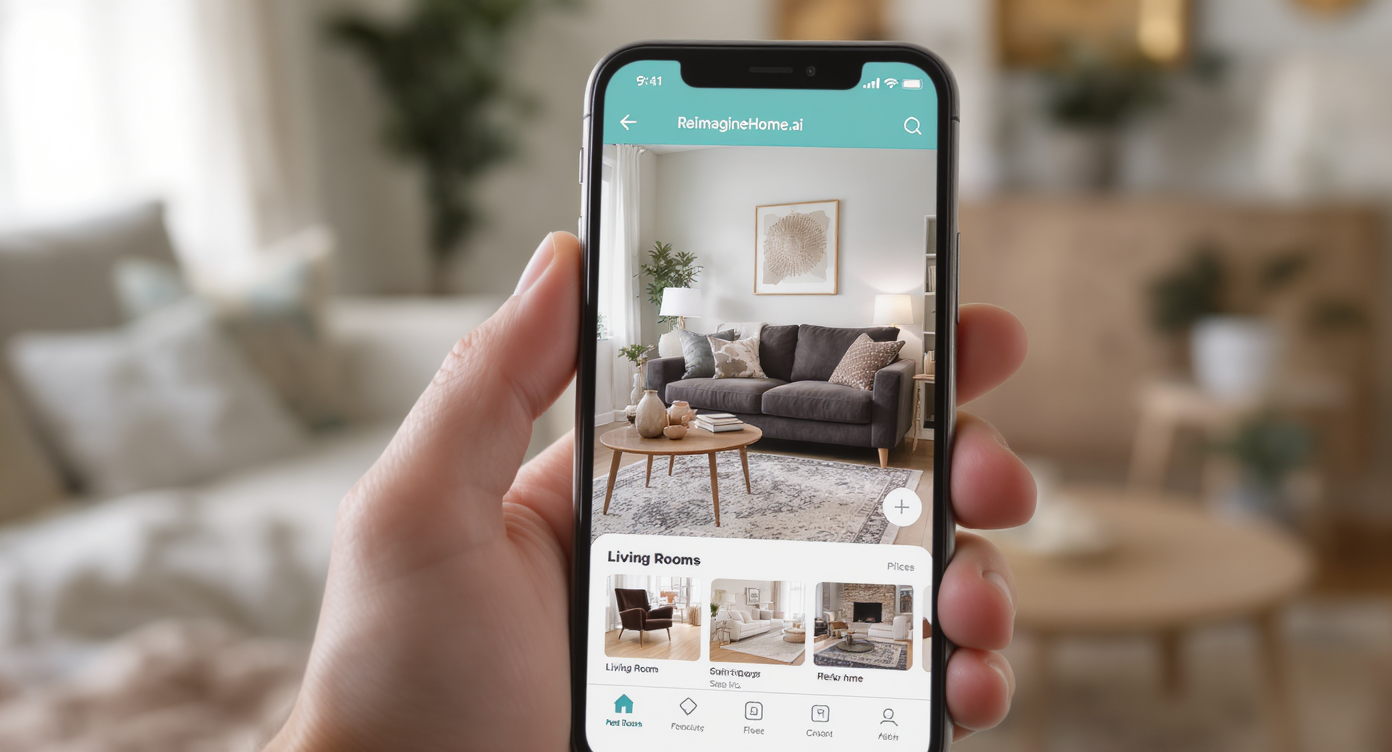
Use AI tools like ReimagineHome.ai to visualize decor changes directly in your real space.
AI room design works best when it lets you try true-to-scale ideas in your real space; ReimagineHome.ai’s Add Anything tool places new decor and furniture into your photo so you can judge proportion and flow. That matters because scale (rug size, curtain length), contrast (color against walls), and circulation (sofa-to-entry paths) make or break how a living room feels.
- Results: Test a larger area rug, a wider console under the TV, full-length drapes, and bigger art to see instant cohesion.
- Realism: Objects render directly in your photo for accurate size and light, so choices feel grounded.
- Speed: Generate multiple options in minutes—ideal when the room feels “almost there” but not quite.
- Cost: Avoid costly returns and one-more-trip-to-the-store syndrome.
- Workflow: Add, swap, or move items; save the best versions for side-by-side comparison.
- ROI: Better scale and layout often make rooms feel larger and more intentional.
- Peace of mind: Decide colors and heights (curtains, lamps, art) before you drill or buy.
If you already have a tricky living room photo, upload it to ReimagineHome.ai and test this solution on a real image while you read. For direct object placement, open ReimagineHome.ai’s Add Furniture & Objects tool.
Why This Visual Problem Hurts More Than You Think
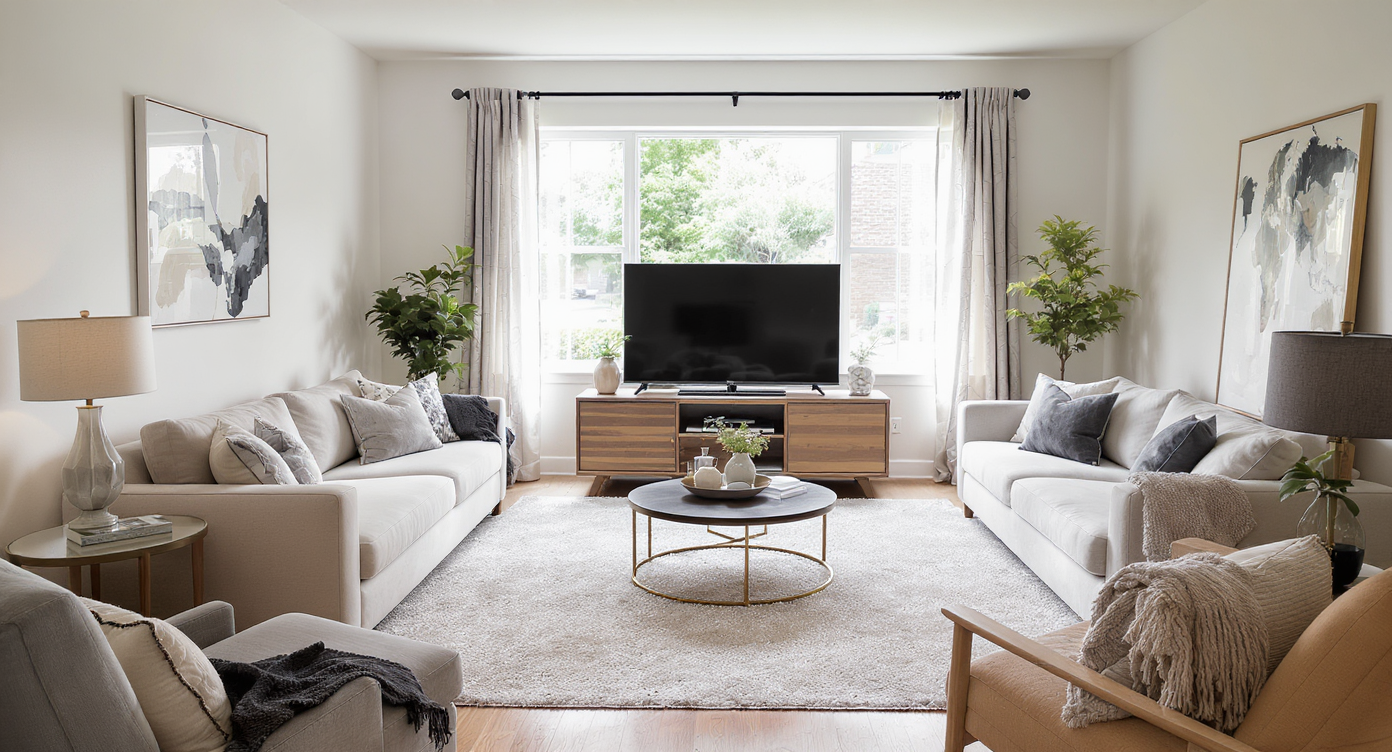
Small design missteps like wrong rug size and console width upset room harmony and comfort.
Even simple missteps—like a rug that doesn’t reach the chairs or a TV console narrower than the TV—can make a room feel smaller and less cohesive at a glance. When seating pieces don’t share a rug, chairs become “wallflowers,” walkways feel awkward, and the eye has nowhere to rest.
Three common culprits:
- Scale: A too-small rug breaks the conversation area; a short TV stand makes the screen look like it’s “floating.”
- Contrast: Walls, curtains, and rug in the same tone can wash each other out; darker or warmer drapes often ground tall walls and draw the eye up.
- Flow: Long rooms need a defined path; floating a sofa to create a walkway or aligning furniture to the rug edge often solves it.
Warm, layered lighting and right-height art help too. As a rule, art over a sofa looks best when it’s roughly two-thirds the sofa width and hung close to the back—about 6–10 inches above it. Likewise, full-length drapes that kiss the floor add polish and visually heighten ceilings.
Anecdote
That perfect-but-nearly-there living room: lovely blue walls, a great rug, and cozy chairs—yet the chairs sit off the rug, the TV “floats,” and the curtains stop short. One pass in Add Anything with a wider console, 9x12 rug, and full-length drapes pulls it together instantly.
What “Add Anything” Actually Is (In Plain Language)
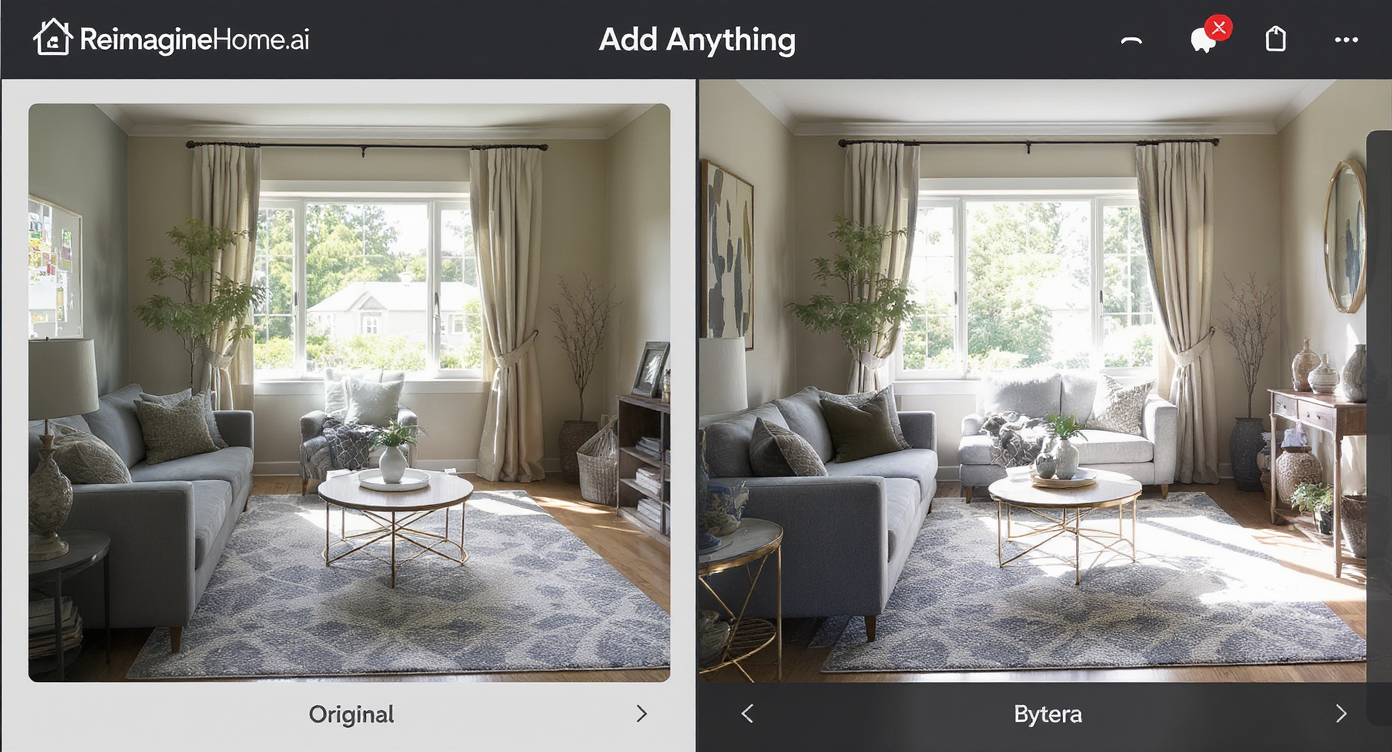
Add Anything lets you compare real and augmented room designs side by side for confident choices.
Add Anything is AI room design from your photo: you upload a space, then digitally add decor and furniture—rugs, drapes, consoles, art, side tables, lamps, plants—so you can preview scale, color, and placement before you commit. It’s like a practical, room-by-room virtual staging you control.
From one image, you can try a 9x12 rug to anchor all front legs, test cream versus navy drapes, drop in a longer media console, place a tall plant for vertical balance, or swap in a round side table between accent chairs. The output is a realistic, ready-to-share image you can use to make decisions or get buy-in from a partner.
To try it now, open ReimagineHome.ai’s Add Furniture & Objects tool. If you want to preview paint or wall color shifts while you’re at it, pair it with ReimagineHome.ai’s Surface Restyling to test warmer tones or deeper contrasts on your walls.
How Add Anything Works Step by Step
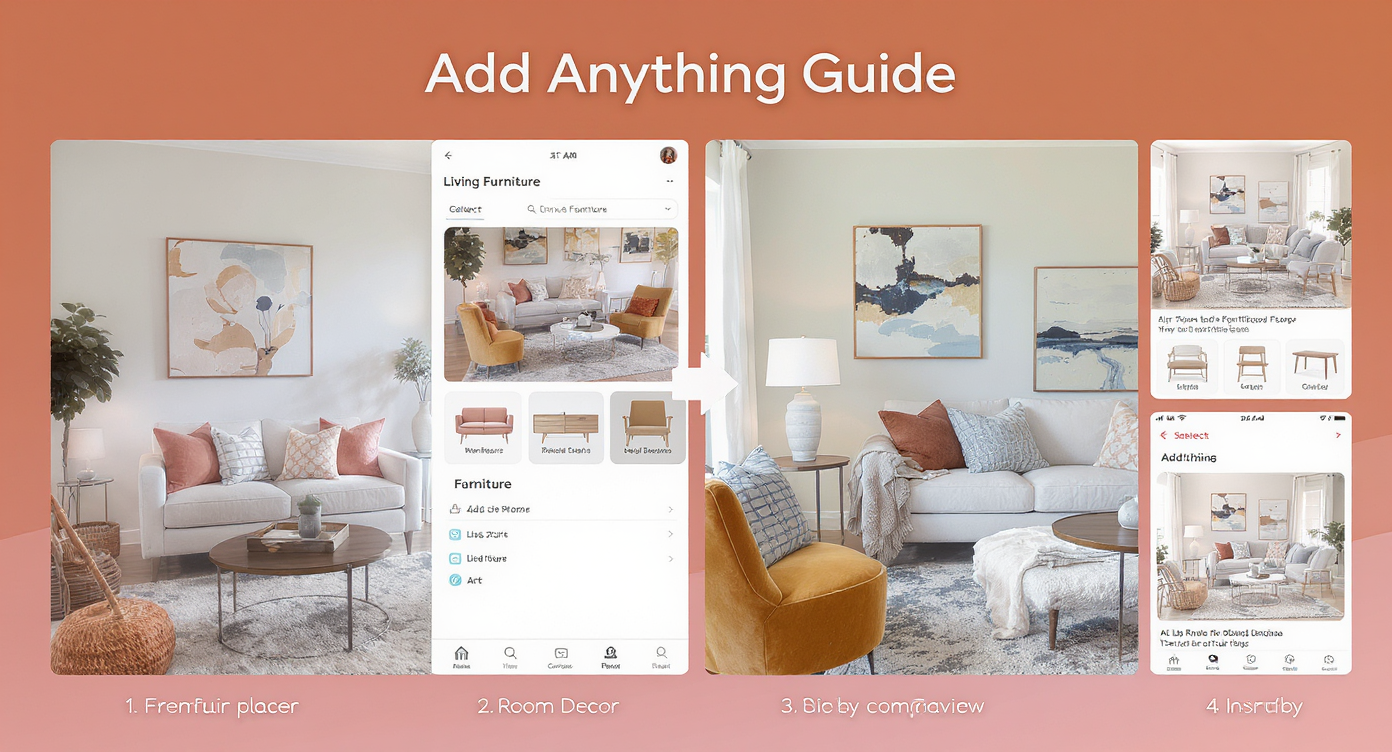
Follow clear steps to add and compare digital decor effortlessly with Add Anything.
Good source photos and a clear plan produce the best results.
- Choose the right photo: A wide shot that shows the whole seating area and the windows/TV wall is ideal. Natural light or warm lamps beat overhead glare.
- Upload to ReimagineHome.ai and select Add Anything.
- Set your goal: “Bigger rug to include chairs,” “full-length curtains,” “wider media console,” “add art two-thirds sofa width,” “add plant for height.”
- Place objects and compare: Try a 9x12 or 10x14 rug; cream vs. navy drapes; a longer, lower console (wider than the TV); a small martini table between chairs.
- Refine realism: Keep front furniture legs on the rug; hang art lower; ensure drapes touch the floor. Adjust lighting to warmer tones for evening mood.
- Export and decide: Save 2–3 finalists and choose as a household. For a complete rethink, first clear the room with ReimagineHome.ai’s Occupied → Vacant tool, then rebuild with Add Anything.
Pro note: Higher-resolution photos produce cleaner edges; aim for at least ~2000 px on the long side. If a small accessory is in the way, quickly hide it with ReimagineHome.ai’s clutter and object removal tool before you add new pieces.
Tips and Tricks for More Realistic Results
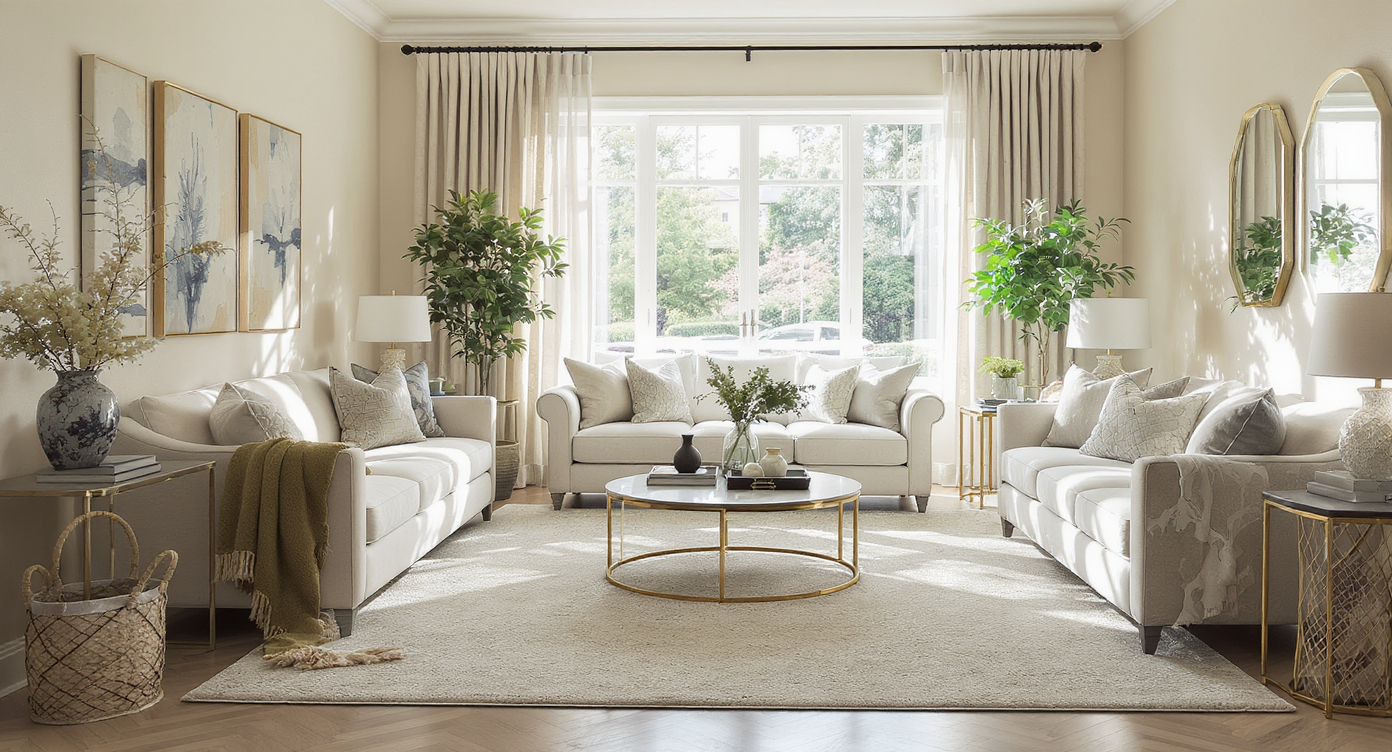
Design tips like correct rug sizing and circulation create realistic, inviting spaces.
Realistic AI room edits start with believable rules of thumb.
- Rug as the anchor: Size up so all front legs of sofa and chairs sit on it. In long rooms, pull the rug away from the wall to define a walkway.
- TV wall balance: Choose a console wider than the TV and slightly lower to “ground” the screen; add a tall plant or art stack for vertical balance.
- Drape length and color: Hang rods high and use lined drapes that just meet the floor. Cream/off-white warms blue walls; navy adds drama and height; patterned bands can tie to your rug.
- Art scale: Over a sofa, think two-thirds sofa width and hang close—about 6–10 inches above the back. Gallery sets should read as one visual block.
- Lighting temperature: Favor warm lamps and multiple light sources over a single cool ceiling light; move a table lamp beside the sofa for layered glow.
- Contrast check: If walls, rug, and curtains share a tone, introduce deeper or warmer accents (pillows, throws, frames). To test wall color shifts, try Surface Restyling for quick digital repainting.
- Edit before you add: If something steals focus (a too-tall lamp or small stand), temporarily remove it with Remove Anything to see the room with fresh eyes.
Visualization Scenario
Upload a photo of your living room taken from the entry. Add a 9x12 jute rug layered under your patterned rug, swap in floor-length cream drapes, place a low, wider media console, drop a martini table between the two chairs, and test a large landscape art piece two-thirds the sofa width.
FAQ
Can AI really add rugs, curtains, and furniture to my room photo?
Yes. Using ReimagineHome.ai’s Add Furniture & Objects tool, you can place true-to-scale decor—rugs, drapes, consoles, lamps, plants—into your actual space to preview size, color, and layout.
How do I redesign my living room with AI without moving heavy pieces?
Upload one wide photo, add a larger rug to anchor seating, test full-length drapes, try a wider media console, and place a side table between chairs. Save your favorite renders, then arrange once—no trial-and-error.
What resolution do I need for realistic AI room design?
Higher is better. Aim for at least ~2000 px on the long side for clean edges and textures. If the image is dark, add warm lamp light or lightly brighten before editing.
Can I clear my current furniture before I add new pieces?
Yes. Use Occupied → Vacant to clear the room or Remove Anything to hide specific items, then rebuild with Add Anything.
Will AI room edits look realistic enough to share with a partner or client?
When you start with a good photo and follow scale rules (rug under front legs, console wider than TV, drapes to the floor), results read as natural and persuasive for decision-making.
Visualize Your Next Listing (or Project) Before You Commit
Seeing scale and flow in your own photo is the shortcut to a room that finally feels “finished.” With Add Anything, you can audition the exact moves decorators recommend—larger rug, longer drapes, wider console, lower art, warm lighting—without buying a single piece first.
Want a deeper reset? This primer pairs well with our guide on clearing rooms fast for fresh planning; read the blog on Occupied → Vacant in minutes, or explore creative space planning in Room Reuse with ReimagineHome.ai.
Ready to stop guessing? Open ReimagineHome.ai’s Add Furniture & Objects and visualize your living room with the right scale, contrast, and flow in minutes.