
TL;DR
TL;DR: Lawn Replacement in ReimagineHome.ai is AI landscape design from a photo that swaps turf for beds, groundcovers, or meadows and helps model privacy screens and view corridors without topping trees. It’s a fast way to test low-lawn, native-plant layouts that improve curb appeal and buyer clarity. Try it now on a yard photo at ReimagineHome.ai and see how a no-lawn or less-lawn plan might solve the view-vs-privacy tension.
The Real Cost of Chasing a View Instead of Designing the Yard

See your yard’s potential before any pruning with AI-generated photo-realistic landscape previews.
Lawn Replacement in ReimagineHome.ai is a simple AI landscaping tool that lets you redesign a yard from a single photo—replacing turf with planting beds, groundcover, or native meadow and sketching in low-profile privacy solutions. It matters because you can model a view corridor and a living privacy screen before any pruning, avoiding costly, unhealthy tree topping and neighbor conflicts.
- Results first: See a more inviting, low-lawn design that preserves trees and improves curb appeal.
- Realism: Photorealistic AI previews make it easy to spot scale, shade, and materials.
- Speed: Generate options in minutes from a phone photo.
- Cost: Explore multiple layouts digitally before hiring crews or buying plants.
- Workflow: Export ready-to-share images for sellers, neighbors, and contractors.
- ROI: Better exterior photos drive more clicks and showings; clear plans reduce change orders.
- Peace of mind: Keep the canopy; fix the foreground. No risky topping, no regrets.
If you already have a tricky yard photo in mind, upload it to ReimagineHome.ai and test this solution on a real image while you read.
Why This Visual Problem Hurts More Than You Think
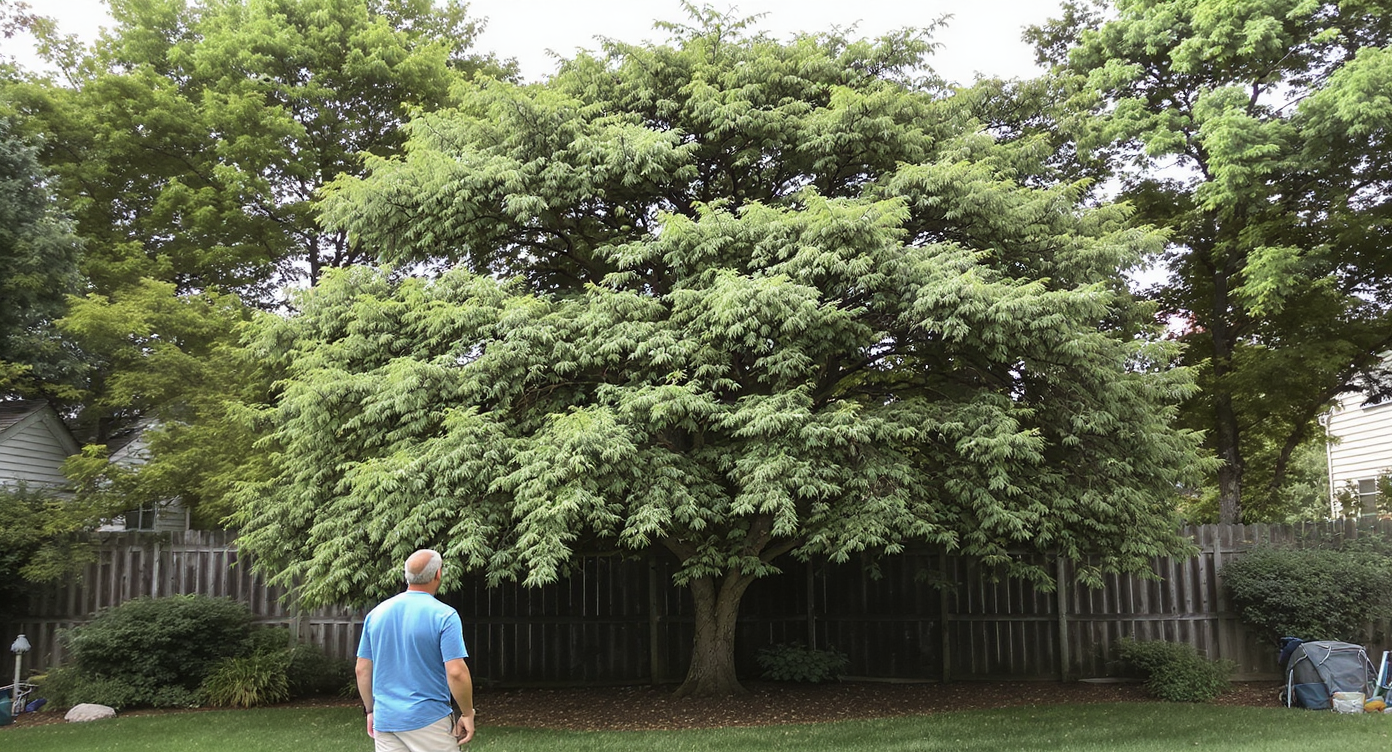
Improper tree topping leads to unhealthy growth that quickly blocks your view and privacy goals.
Tree topping often backfires: aggressive cuts trigger dense, weak regrowth that blocks views faster and increases failure risk. Beyond biology, what buyers perceive online is coherence—yards that look planned, livable, and maintained. A flat, patchy lawn plus an argument about views can read as ‘project’ instead of ‘place.’
Here’s the quiet reality agents and homeowners see:
- Scroll behavior: Exterior thumbnails with layered landscaping and strong leading lines get more clicks than flat turf shots.
- Perception: Buyers read mature trees as value—shade, habitat, and privacy—when the understory looks intentional.
- Confidence: Clear visuals of a no-lawn or low-lawn design calm neighbor tension and help everyone say yes to a plan that protects trees.
That perfect-but-ordinary Cape lot? If the lawn is tired and the trees are the only story, the listing can feel unbalanced. The fix isn’t a chainsaw; it’s design clarity, shown visually.
Anecdote
That backyard photo where the trees are perfect but the lawn is just… there. Instead of arguing with the neighbor about trimming tops, we dropped in a low hedge, curved the bed, and the view naturally opened without losing the canopy.
What Lawn Replacement Actually Is (In Plain Language)

Use AI lawn replacement tools to transform your yard quickly and preview native plant layouts before planting.
Lawn Replacement is AI lawn design from a photo: upload a yard image and swap grass for native beds, groundcovers, stone, or mulch while testing low hedge lines and sightlines. You keep the trees in place and redesign the foreground for privacy, drainage, and curb appeal.
Inputs: a clear exterior photo (ideally 3000+ px on the long edge) with the house and yard in frame. Outputs: photorealistic renderings you can share with neighbors, sellers, or a landscaper.
To try it, open ReimagineHome.ai’s Lawn Replacement tool and generate multiple treatments—from perennial borders to native meadows—before touching a limb. If winter photos make everything look bare, you can also use Seasonal Reset to preview the same yard in greener months for a fair comparison.
How Lawn Replacement Works Step by Step
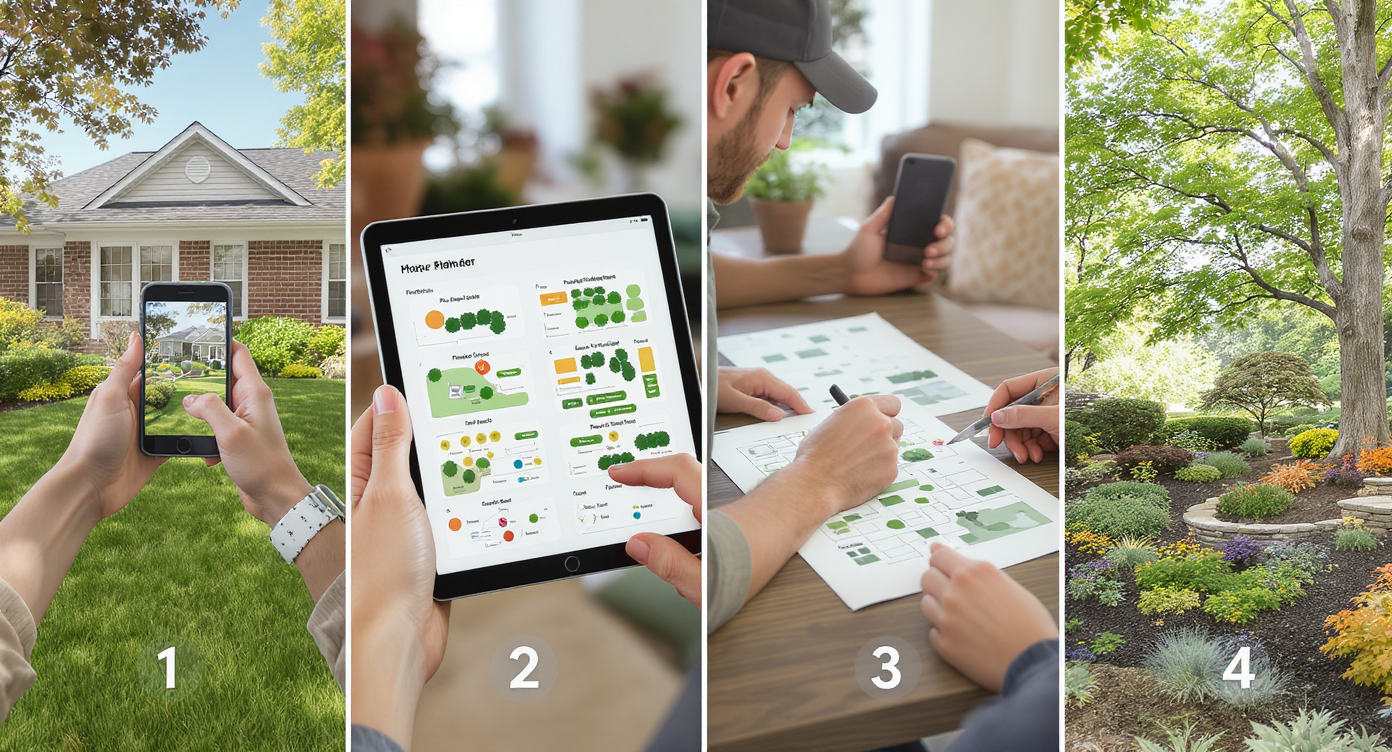
Follow simple photo selection, design, review, and planting steps for successful lawn replacement.
Good previews start with good photos and a simple plan.
- Choose the right photo: Shoot from eye level with the house and tree line visible. Avoid extreme wide angles that distort scale.
- Upload to ReimagineHome.ai: Start a new project and select Lawn Replacement.
- Pick a direction: Try ‘native meadow,’ ‘low hedge with perennials,’ or ‘no-lawn stone and groundcover.’ Think view corridors, not clear-cuts.
- Dial details: Adjust bed depth, edging material, and plant height to keep sightlines under a neighbor’s deck rail while preserving canopy.
- Generate and compare: Create 2–4 versions—e.g., boxwood hedge at 3 ft, inkberry at 4 ft, or a pollinator meadow at 2–3 ft.
- Refine realism: Re-run with slight angle or lighting tweaks; remove any clutter in the photo first if needed.
- Export and share: Download images for MLS, seller decks, or to align with a contractor.
Constraint to remember: keep the original photo at high resolution (3000–4000 px long edge) and avoid severe backlight; better input equals better AI landscape previews.
Tips and Tricks for More Realistic Results
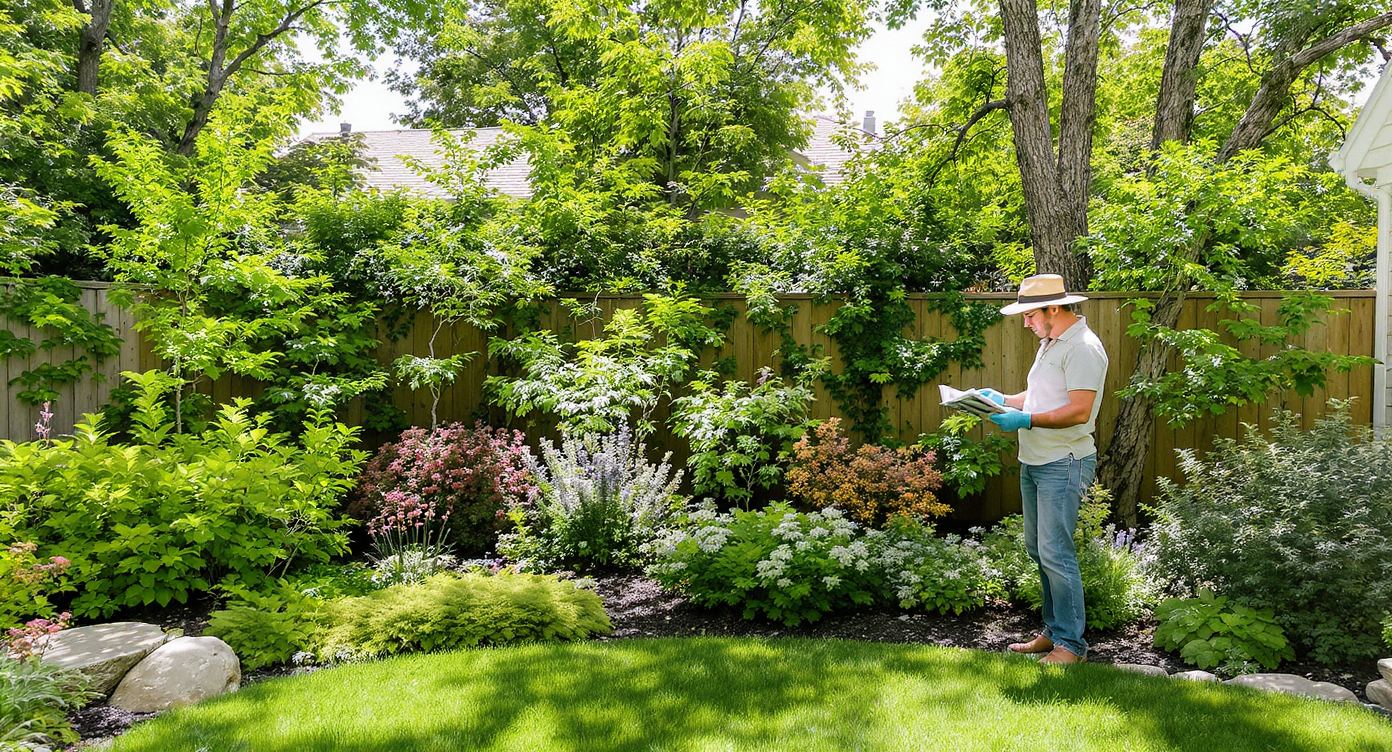
Design layered plantings between 2 and 5 feet high to enhance privacy while preserving your tree canopy.
Rule of thumb: design for layered privacy at 2–5 feet high and leave the canopy alone.
- Think low, lush, and layered: Mix a low hedge (inkberry, bayberry, boxwood) with mid-height perennials and groundcovers. It screens living spaces without touching the tops.
- Use curves to redirect the eye: A softly curved bed anchored by a small ornamental tree pulls focus toward the house and away from distant view drama.
- Respect local ecology: Native coastal plants on Cape sites handle wind and salt better—and look right year-round.
- Match maintenance: A no-lawn meadow is beautiful but needs a late-winter cutback; clipped hedges need seasonal shaping. Choose what you’ll truly keep up.
- Preview by season: If your reference photo is off-season, generate a green-season view with Seasonal Reset so scale and color choices feel honest.
- Polish the photo: If exposure is dull, run a pass with Image Enhancement so textures and plant forms read clearly.
- Borrow ideas: For habitat-friendly, no-lawn concepts, see this guide on no‑lawn landscaping that balances hardscape with habitat.
Visualization Scenario
Upload a straight-on shot of your yard facing the water. Use Lawn Replacement to test a 3-foot hedge with perennials and a stone path. Compare it to a 2-foot meadow mix. Note how sightlines clear at deck height while the treetops—and the birds—stay.
FAQ
Is AI lawn replacement realistic enough to plan a privacy screen?
Yes. AI lawn design from a photo is excellent for massing, bed lines, and plant height strategy, though exact species and spacing should be finalized with a local pro.
Can ReimagineHome.ai help me avoid topping trees for a view?
Yes. By previewing low hedges, groundcovers, and curved beds, you can preserve canopy while opening sightlines at human height. Start with Lawn Replacement.
What resolution do I need for good AI landscaping results?
Aim for 3000–4000 pixels on the long edge, good daylight, and steady framing. Higher-quality inputs produce more believable plant textures and edges.
Will a no-lawn design help my listing photos?
Often, yes. Layered beds and paths create depth and focal points, which tend to increase clicks and buyer time on photos compared to flat turf shots.
Can I preview how my yard looks in greener months?
Yes. Use Seasonal Reset to flip winter dormancy to spring/summer color for more accurate scale and screening decisions.
Visualize Your Next Listing (or Project) Before You Commit
Before/after clarity settles nerves—and negotiations.
- Coastal Cape, neighbor view tension: Instead of topping black cherries, the owner used Lawn Replacement to add a 3–4 ft inkberry hedge with a curved bed and native grasses. The neighbor got a clean view corridor above the hedge; the canopy stayed. The photos made the compromise obvious.
- Off-season listing with flat turf: A tired winter lawn read “project.” Replacing turf with mixed beds and a stone path turned the hero image into a scroll-stopper—and the property drew more showings.
- Investor flip with erosion: Meadow-style groundcover in the preview convinced the contractor to skip sod and stabilize slopes with natives. Fewer change orders, stronger story.
Most disappointment with yard visuals comes from bad source photos or unclear goals—not the AI. Keep the trees, fix the foreground, and show everyone exactly what you mean before anyone starts cutting.
Ready to model a privacy-first, view-smart yard? Open Lawn Replacement in ReimagineHome.ai and sketch a plan you can live with—shade, birds, quiet and all. If you’re exploring winter screening specifically, this primer on winter privacy landscaping ideas pairs perfectly with a quick render.