FOR PROPERTY PORTALS & MARKETPLACE GROUPS
Make your portal
the place they
picture home.
Turn listing interest into a more considered next step. Help buyers and renters explore what a property could become, within your brand.
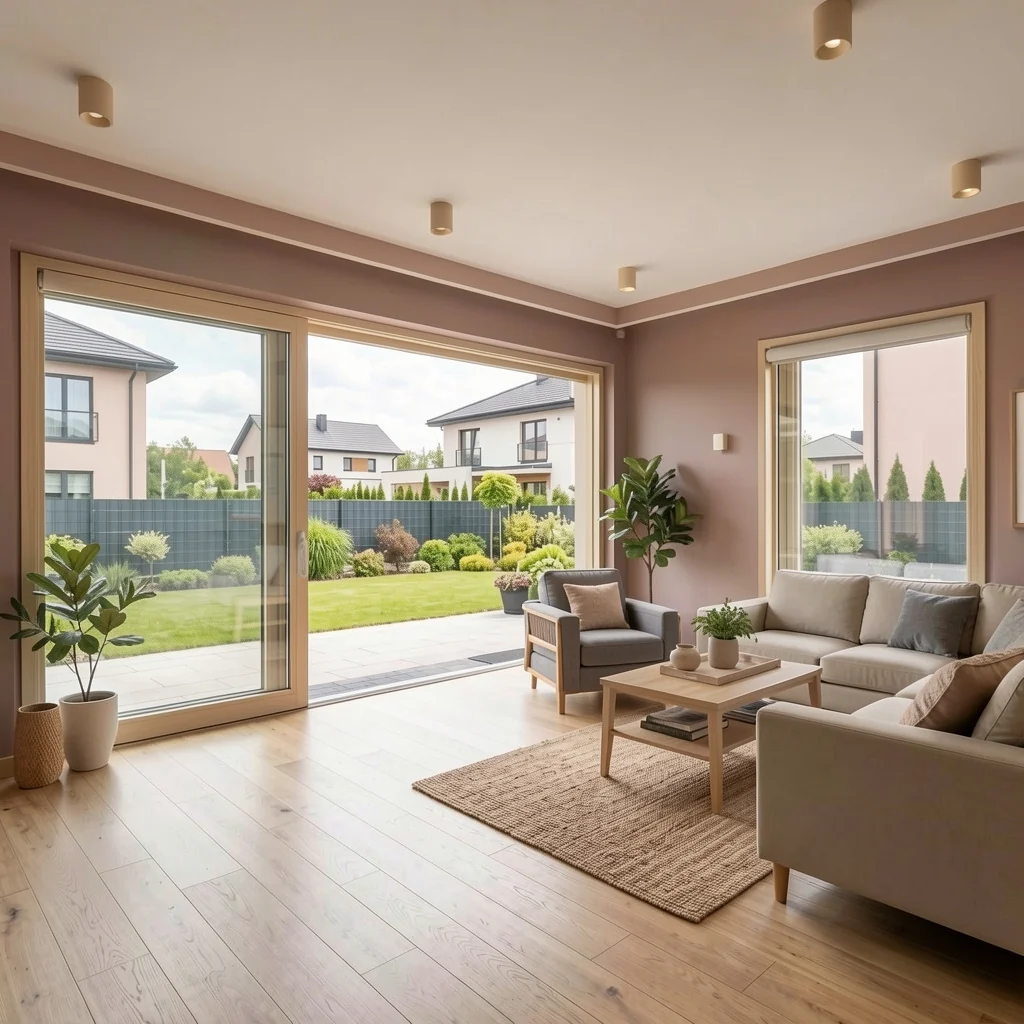 A POSSIBILITY · AI VISUALIZATION
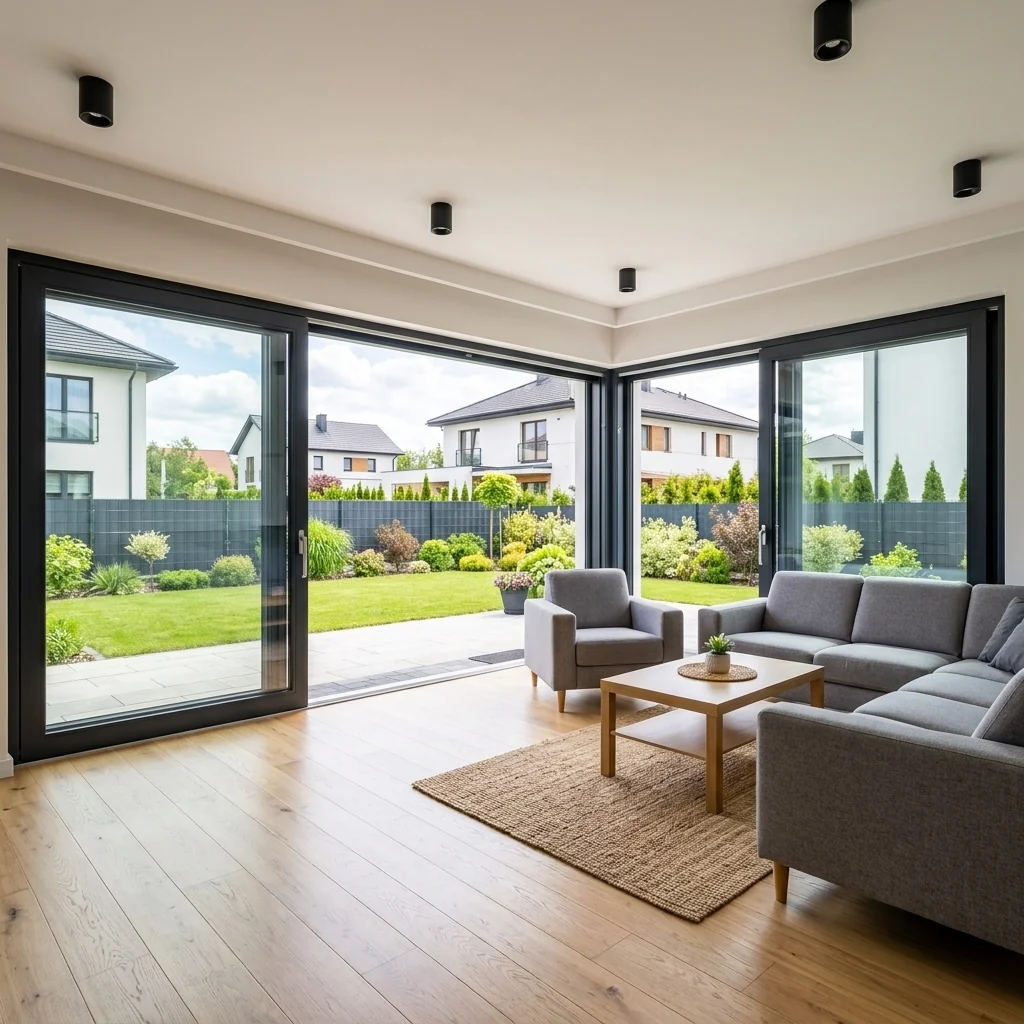 THE ORIGINAL LISTING
INSIDE YOUR LISTING JOURNEY
Let them try the “what if.”
A different style. A specific change. A furnishing budget.
Three ways to move a property decision forward.
ORIGINALJAPANDI · AI EXAMPLEEXAMPLE RESULT · TRY YOUR OWN DIRECTION
Try a style.
See what changes.
Choose different styles, or empty the room with Unfurnished.
Few styles to start with, many more available on demand.
THE OPPORTUNITY FOR YOUR PORTAL
More of the decision.
Within your portal.
A listing earns attention. Helping someone picture life there gives your portal a deeper role in what happens next.
- 01
Help them see a possibility
Explore alternatives within the listing.
- 02
Give the next visit a purpose
Test saving an idea and returning to it.
- 03
Make the next step relevant
Connect an idea to an enquiry or furnishing.
“Could this feel like us?”
Let buyers and renters test a direction while the listing has their attention.
ANSWER THE NEXT LISTING QUESTION
“Would our life
fit in here?”
Give seekers a way to explore the layout before the viewing. Connect listing photos to a plan, wall elevations and a room they can navigate.
Explore the live spatial experience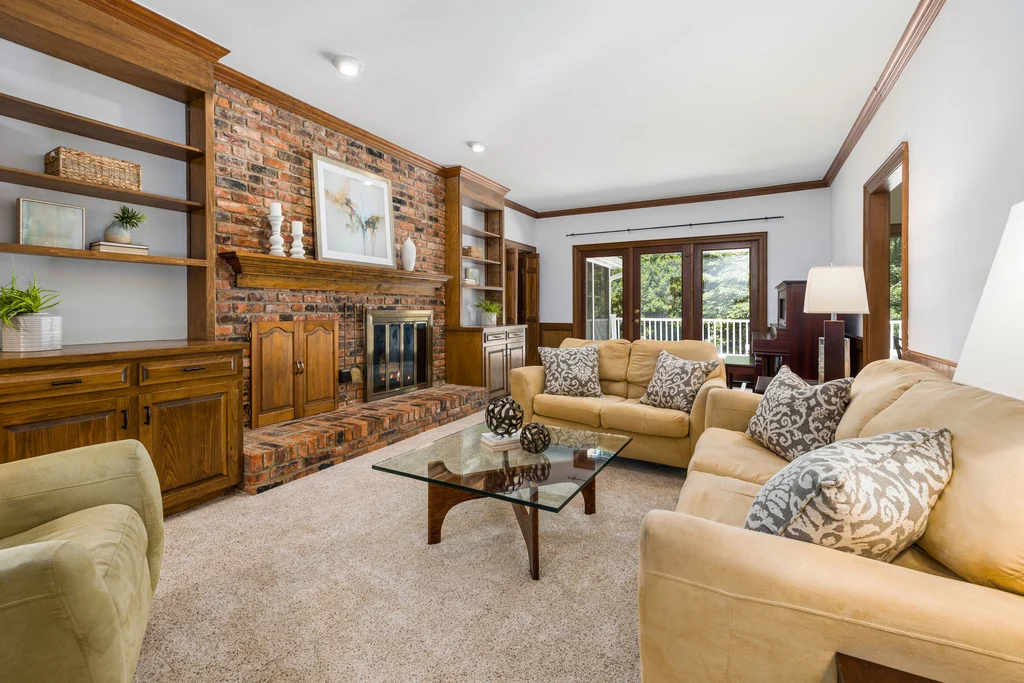
Start with overlapping views of the same room.
BUILD YOUR BUSINESS CASE
Pick the outcome.
Design the test.
Your portal sets the question.
Start small enough to get a useful answer.
What gets seekers to explore?
Test listing CTA placement, or simple versus conversational exploration.
Scope this pilot →Activations / exposed eligible visitors, then successful completion and listing actions.
Portal exposure events supply the denominator. Separate repeat generations from return visits.
MAKE THE PILOT READABLE
See the engagement.
Understand the value.
From active time to enquiry progression and paid demand. See what is native, and what your portal data makes possible.
Native product fields
Is the experience earning attention?
From entry to exploration
Product sessionsActive time, generating sessions
Weekly average2.0 images per generating session. Use active time and repeat use to understand engagement; verify value downstream.
Your data. Your operating choices.
Export activity to your analytics. Configure brand, language, allowed domains and supported provider keys.
SMART MEDIA · FOR YOUR ADVERTISERS
Stronger listings
start at the upload.
Help advertisers submit stronger media, with fewer avoidable rounds of review.
Classify a listing’s photos, review the suggested actions, then apply selected fixes and enhancements in a batch.
Better presentation.
A workflow you can govern.
One listing. A clear action plan.
ILLUSTRATION
Compliance fixes
3 photosFlag people, signage and branding for review.
Enhancements
18 photosImprove lighting, colour and presentation.
Ready to keep
5 photosPreserve the photos that need no changes.
Review selections. Apply fixes in a batch. Check the results.
your portal.
Fix, enhance or keep
Batch fixes, with your notes
Compare against the originals
FOR PRODUCT & ENGINEERING
Fits your journey.
Clear on who owns what.
Start with the supported widget. Scope the interface, model policy and measurement around your portal.
SUPPORTED TODAY
A widget from your listing CTA.
The JavaScript loader creates a session and opens the editor in an iframe overlay. Configure its brand, copy and language.
Agree placement, context and lifecycle.
Define the contract and scope; no turnkey headless API is implied.
LET’S MAKE IT CONCRETE
Your portal. Your audience.
What should we prove?
Choose a starting point. We’ll define the experience, integration and success measure with your team.
Built around a real portal journey.
A focused embedded visualization pilot with a leading property portal in Poland brought product, data, engineering and business teams into the conversation, with measurement and further capabilities under discussion.
Discuss your portal
Tell us a little about your portal.
BEFORE THE PILOT
The questions
worth settling early.
Can we test this without committing the whole portal?+
Yes. Start with an agreed brand, eligible inventory and traffic cohort. Your team owns assignment and rollout decisions; the pilot needs a defined time window, primary outcome and guardrails.
Do we need to adopt every experience?+
No. Simple and conversational exploration are alternative starting points. Spatial, commerce and Smart Media are optional scopes, not prerequisites.
Who pays, and who runs checkout?+
Scope portal-funded use, seeker allowances, advertiser packages or commercial partners. Retailers can retain product checkout and fulfilment. Paid access to the experience needs its own payment integration and commercial agreement.
What would turn a promising pilot into a rollout?+
An agreed outcome against assigned eligible visitors, with a credible comparison and acceptable cost, latency and failure rates. Qualified enquiries need CRM definitions; order and payment attribution need partner data.