6 Parent-Approved Dorm Room Planning Tips
TL;DR
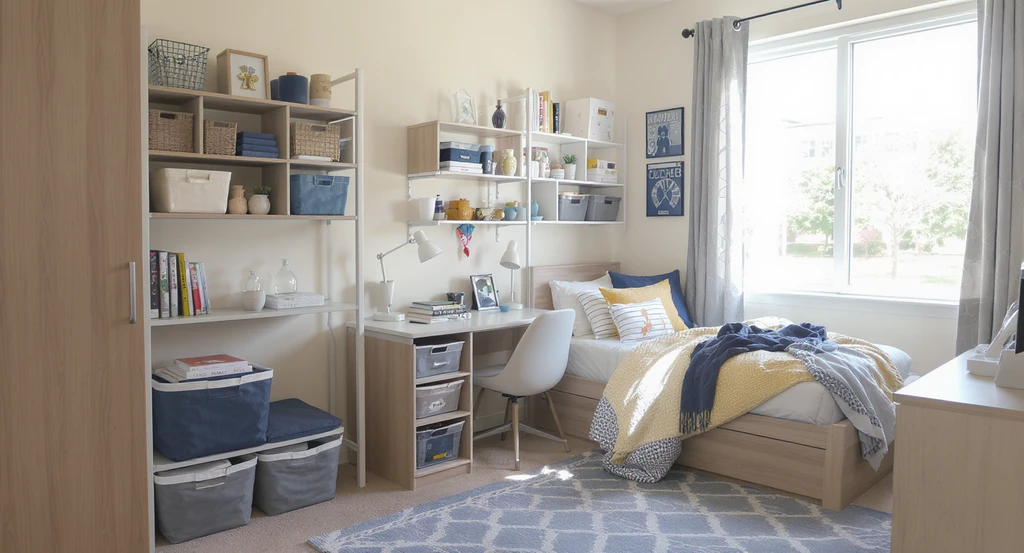
Parents can help students plan a comfortable, safe, and budget-friendly college dorm by setting expectations, reviewing dorm rules, and coordinating with roommates. Here’s how to make move-in less chaotic and student life easier, according to both expert advice and student experience.
-
01. Review Housing Rules Together
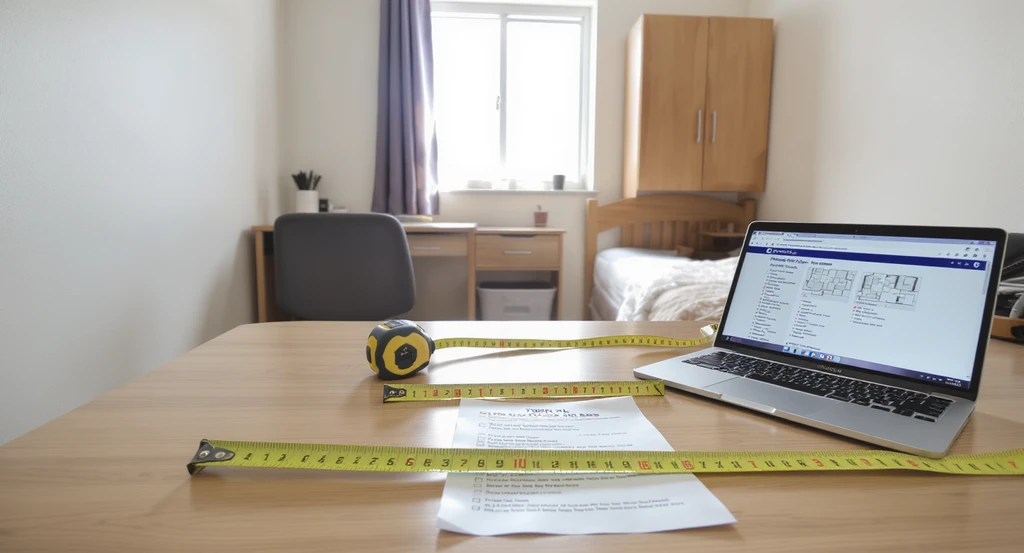
Use an ai dorm room layout planner and virtual dorm room makeover with ai to review dorm rules, check mattress size, and visualize dorm room design before move-in. Maximize dorm storage using ai design while ensuring all items comply with university housing policies.
Every college has its own list of what’s allowed in dorms, and what definitely isn’t. Help your student check the university housing site for:
- Room dimensions and layout
- What’s already in the room (bed, desk, closet)
- Mattress size (usually Twin XL!)
- Policies about appliances and wall decor
- List of banned items (hot plates, extension cords, candles, these are usually a no)
-
02. Set the Budget, And Stick To It
Before you fill a cart, figure out what you actually need, and how much to spend. The best curb: make a realistic list and decide what can be split with the roommate.
- Divide budget into: must-haves vs. nice-to-haves
- Bedding, storage, and lighting come first
- Use a shared document to plan fridge, microwave, or rug with the roommate
- Leave decor and extras for after move-in
-
03. Build a Checklist From Essentials
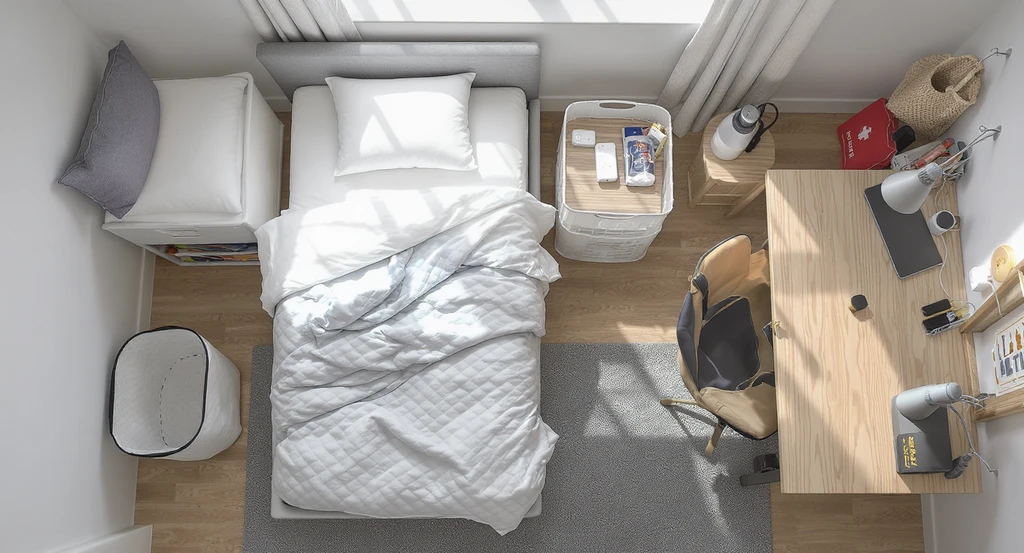
This virtual dorm room makeover with ai shows how to visualize dorm room design ai and organize essentials using ai tools for organizing small dorm spaces.
What’s actually worth packing? Keep it simple and parent-approved.
- 2 sets of Twin XL sheets
- Mattress topper
- Pillow and comforter
- Laundry hamper or bag
- Mesh shower caddy + flip-flops
- Mini first-aid kit
- Desk lamp (with approved bulb only)
- Power strip (UL or ETL listed only)
- Removable wall hooks or strips
- Under-bed and over-the-door storage
- Reusable water bottle and snack bin
-
04. Coordinate With the Roommate
No one wants double fridges (or awkward style clashes). Early roommate group chats are a must.
- Decide who brings larger shared items (especially fridge, microwave, rug, fan)
- Set a basic color vibe so decor won’t clash
- Share move-in tips, allergy concerns, and schedule plans
- Agree who keeps what after the year ends
-
05. Pack for Smart Storage
Dorm space is limited, max out every inch! Storage = sanity.
- Use under-bed bins, hanging closet shelves, and over-door organizers
- Pack in XL moving bags or bins you can reuse all year
- Leave pillows and bulky bedding in plastic until arrival (saves car space)
- Unbox new items at home for less move-in trash
-
06. Prep Together, But Let Them Make It Theirs
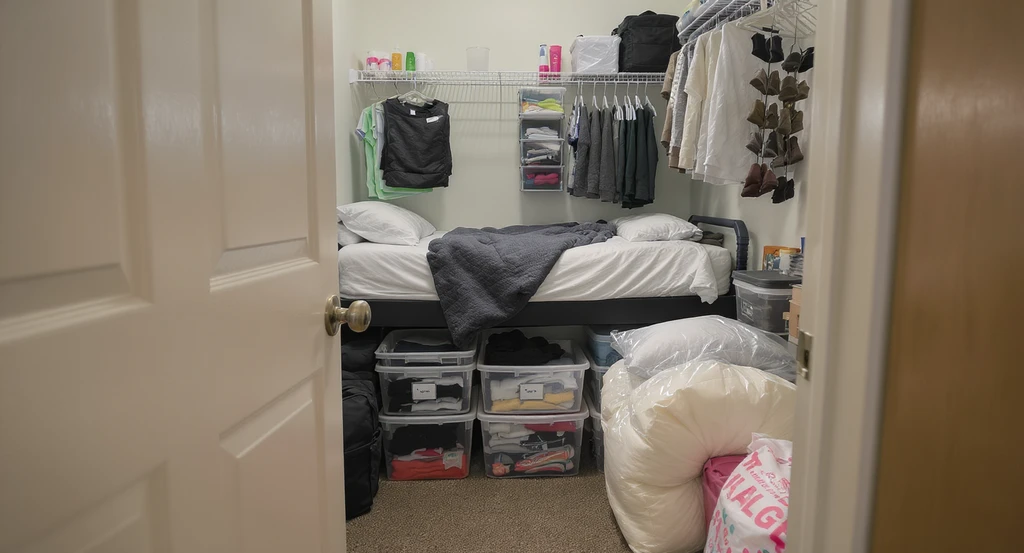
Maximize dorm storage using ai dorm room layout planner—see how to visualize dorm room design ai for organizing small spaces with bins, bags, and hanging shelves.
Move-in is emotional. Parents, your experience is helpful, but let students choose their own style, even if it’s not what you’d pick.
- Offer practical advice, but don’t take over setup
- Encourage them to choose bedding, desk extras, and wall decor
- Respect their routines, some study at the desk, some on the bed
Frequently Asked Questions
Six to eight weeks before move-in is smart. Shop basics early, add extras after you see the room.
What items should roommates split?
Microfridge, rug, TV, fan, and sometimes storage bins. Always agree who keeps what at the end.
How do we set a realistic budget?
Focus on core essentials first, reuse what you have, and set a per-roommate max for shared appliances.
Should parents join the roommate chat?
It’s best for students to handle this themselves, but parents can guide what topics to bring up!
What should we NOT bring?
Anything listed on the dorm’s “banned” list. Leave home: large furniture, candles, hot plates, non-UL power cords, and multiple sets of dishes.
The Bottom Line
Dorm planning works best with teamwork. Parents offer essential safety and budget support, but students own the space.
Use checklists, talk early, and bring only what you’ll actually need. That’s how you create a comfy, clutter-free dorm, and a smooth start to college independence.
For a stress-free preview, try uploading your real dorm photo to Dormie and plan together before move-in.