7 Practical Home Office Layout Corrections for Focused, Comfortable Workspaces
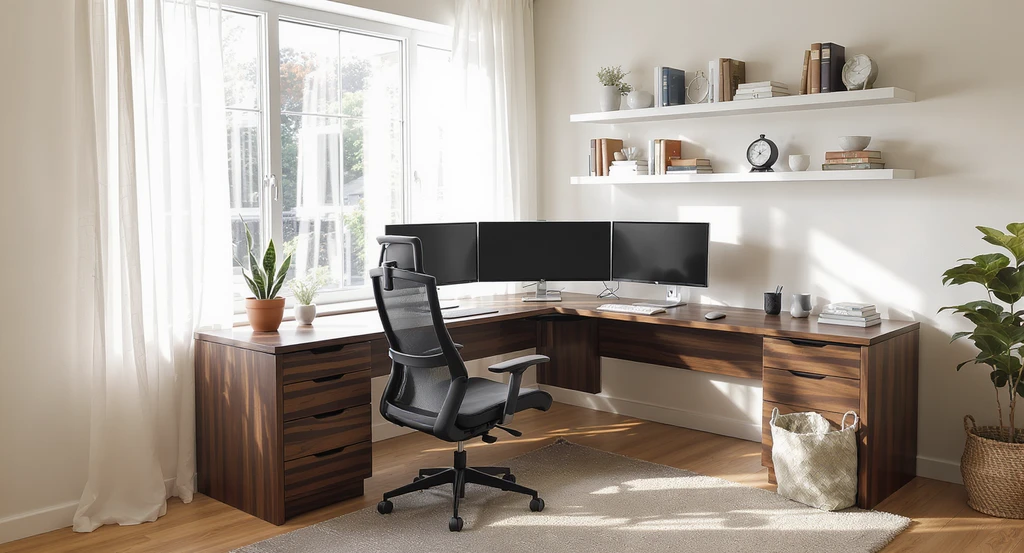
TL;DR
A home office should be planned for daily function, not just looks. Proper layout, the right furniture, cohesive style, layered lighting, softness, focused wall decor, and a clear checklist keep your workspace practical, calming, and productive.
Introduction

Before applying AI-powered home office design ideas or virtual staging tools, common layout mistakes—like misplaced chairs and cluttered desks—impact productivity. Discover how an AI room makeover for cozy workspaces can help personalize your office for maximum focus and comfort.
A home office is one of the most-used rooms in today's homes. It's easy to focus on buying a stylish desk or decorating the walls, but real comfort and productivity start with layout and function first. How you place furniture, manage space, and balance aesthetics with daily needs directly affects both your focus and how tidy your home feels overall. This guide will break down the most common home office layout problems and give you structured correction methods, referencing practical guidelines and expert sources along the way.
-
01. Neglecting Layout Planning: Foundation Comes First
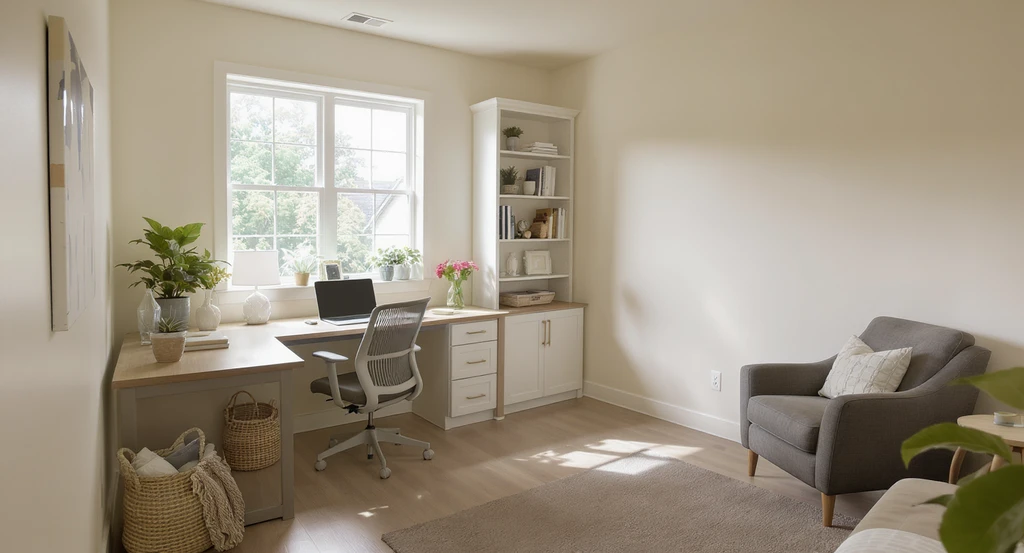
AI-powered home office design ideas illustrate how purposeful zone planning, floating furniture, and virtual staging tools can optimize small office spaces.
The most common issue is skipping the layout stage and jumping straight into buying furniture or decor. This usually leads to a cramped, awkward space where the desk is shoved in a corner and storage is scattered without logic.
This happens when people focus on filling the room, not planning zones. To correct this: define a single strong work zone where the desk and major storage are the anchors, then add a small support zone for reading or display. Place your desk with the window ideally to the side, which maximizes daylight while reducing glare. Always ensure there's at least 36 inches (92 cm) of clear circulation behind your chair and don’t push all furniture against the walls, floating major pieces helps the room feel purposeful, not temporary. For more zoning tips, see our guide on designing a productive home office.
-
02. Choosing Furniture Only for Looks, Not Function
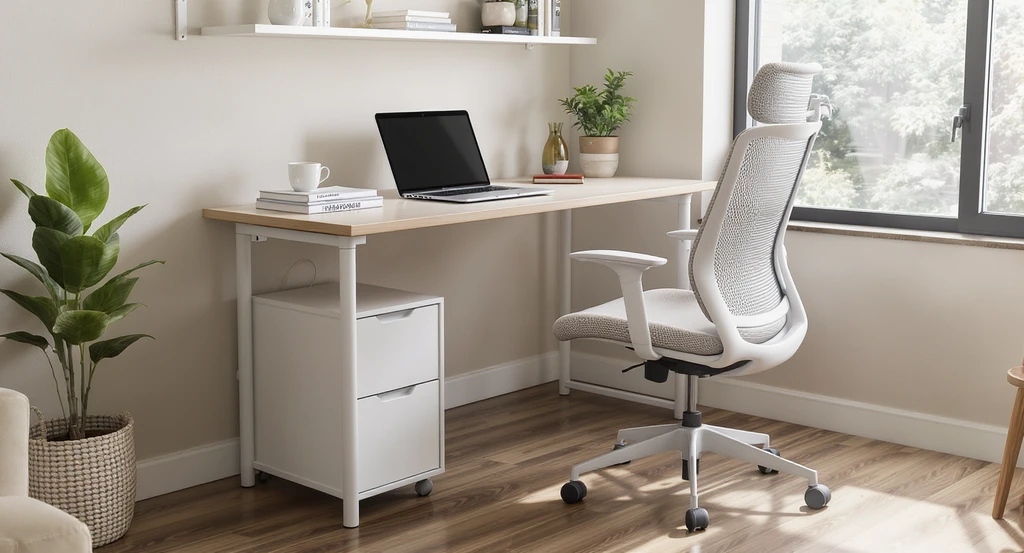
Discover how AI-powered home office design ideas and virtual staging tools help select ergonomic, functional furniture for small or cozy workspaces.
A desk or chair selected for visual appeal instead of scale and comfort quickly leads to discomfort and clutter. Small desks can’t accommodate your work style, while the wrong chair can cause strain.
This is common in small or shared spaces, when style is prioritized over ergonomics. To fix it: use a desk with at least a 24–30 inch depth (60–76 cm) for laptop and paperwork. In compact settings, a wall-mounted or slim-leg desk creates more usable space. Choose an office chair with proper lumbar support, adjustable height, and breathable material. Closed storage reduces visible clutter, while open shelves should be styled intentionally. If you see exposed wires or random boxes, refine until cables are hidden and surfaces are clear. Learn how to adapt furniture in tight spots in our small-space home office strategies.
-
03. Mixing Visual Styles: Limiting Noise for Calm
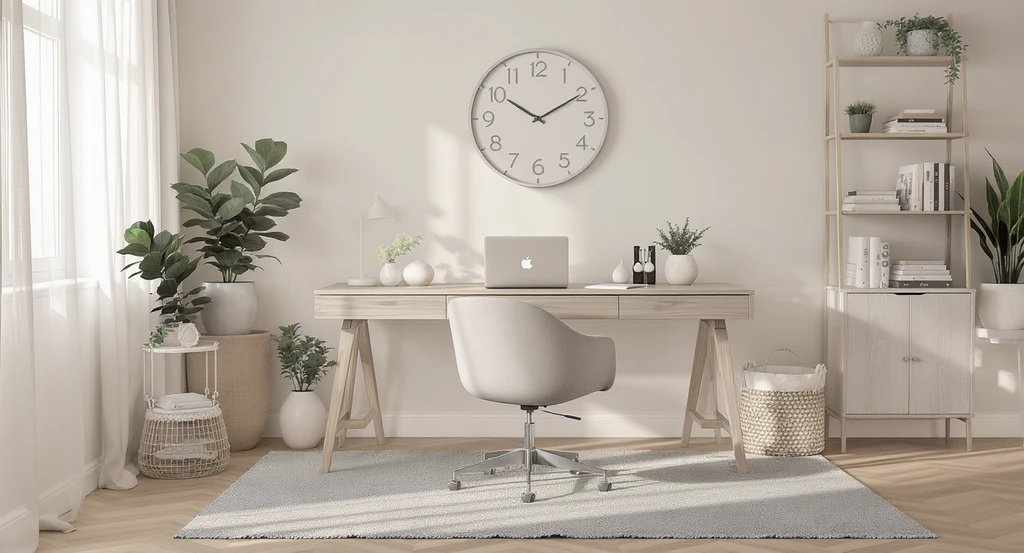
03. Mixing Visual Styles: Limiting Noise for Calm Image
Bringing in furniture or decor from every trend creates visual confusion. Instead of blending styles for personality, this approach results in an unsettled, "unfinished" feeling.
This mistake is common on impulse buys or following inspiration from too many sources. Correction is simple: decide on one aesthetic direction before you purchase or arrange anything. Options might include minimalist warm (wood/white), modern professional (neutral metals/leather), or creative cozy (books, textiles, plants). Limit your palette to one wood tone, one metal finish, and two or three core colors. This keeps the room cohesive and calmer, a rule that also counteracts the one-dimensional look from too much wood, as discussed in our advice for balancing strong wood elements.
-
04. Overlooking Layered Lighting for Comfort and Focus
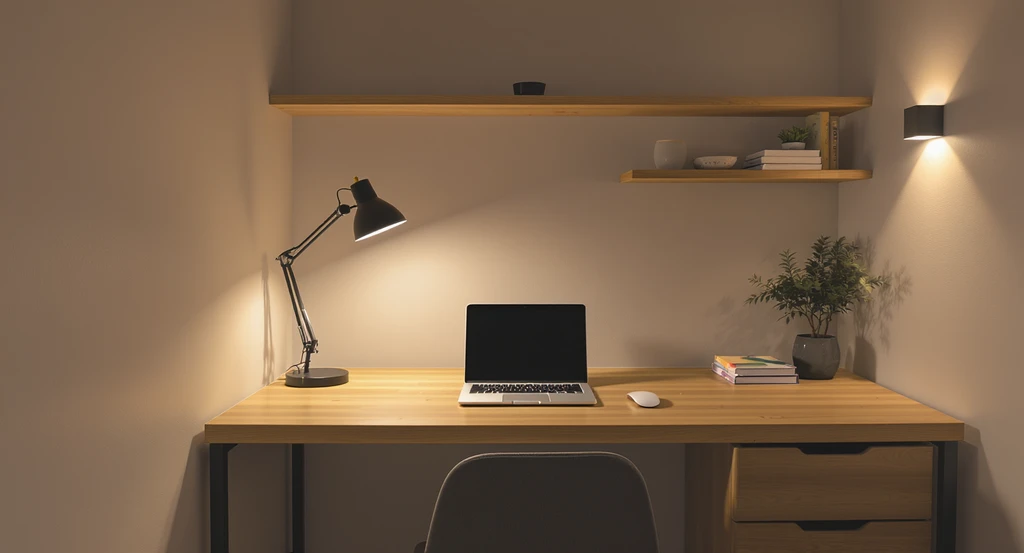
An AI-powered home office design demonstrates layered lighting—ambient, task, and accent—for comfort and focus. Explore virtual staging tools for small office AI room makeovers and discover how AI interior designers personalize spaces for productivity.
Many home offices are lit by a single ceiling fixture. This leads to harsh shadows, glare on screens, and tired eyes. A more structured approach is needed.
This happens when lighting is treated as an afterthought. For complete comfort, install three layers: ambient (ceiling), task (desk lamp), and accent (wall or shelf light). Use bulbs in the 3000–4000K range to avoid overly cool "office" glare. Place desk lamps slightly off-center to minimize reflective glare on screens. Avoid relying only on overheads, and if your space is limited, opt for compact wall-mounted or clamp task lights. These steps will immediately improve both appearance and function, as emphasized in our lighting setup guide.
-
05. Missing Softening Elements: Rugs, Curtains, and Muted Sound
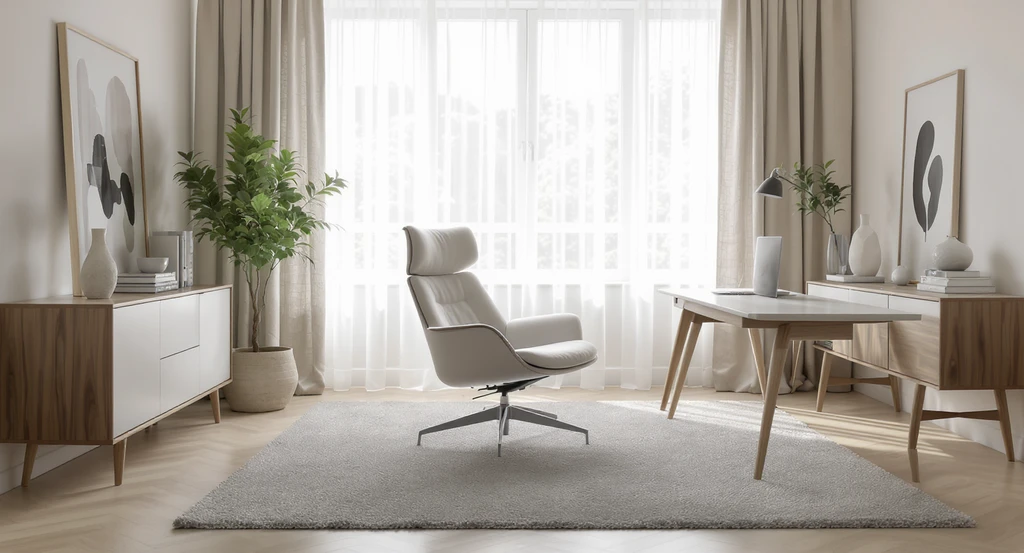
Virtual staging tools for small offices can add rugs, curtains, and cushions for comfort. AI room makeover for cozy workspaces shows how softening elements improve focus and well-being.
Hard surfaces, floors, walls, bare windows, make the office echoey and cold. Neglecting softness increases distraction and discomfort.
This problem is common if the focus is on "minimalism" without layering comfort. To fix this, always include a rug sized to anchor both desk and chair, this defines the work area. Add curtains to soften the visual and absorb sound, and consider an upholstered chair or cushion. Even a small rug will change the feel from temporary to intentional. More on warming up minimal homes in our minimalist comfort guide.
-
06. Overdecorating Walls: Focused Personality Over Clutter
06. Overdecorating Walls: Focused Personality Over Clutter Image
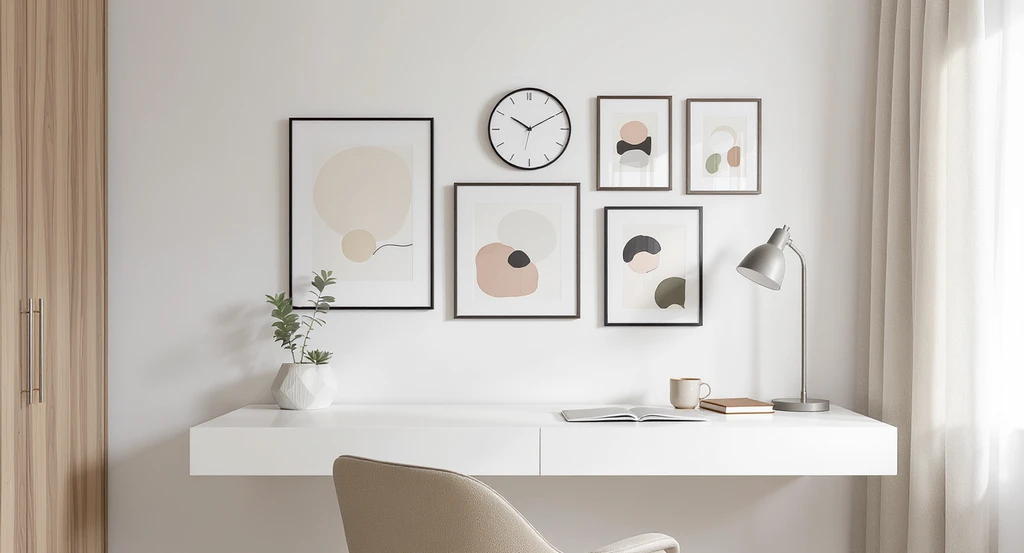
Cramming the office with photos, busy pinboards, or random objects disrupts focus and shrinks visual space. This is especially obvious in video calls and day-to-day work.
This mistake usually stems from trying to display everything at once. Instead, choose one framed art piece, a small grid/pinboard, or floating shelves with a defined number of objects. This approach creates a sense of identity without visual chaos. Furniture and wall placement should allow for clear views and avoid blocking natural light from windows.
-
07. Skipping the Final Layout Checklist
07. Skipping the Final Layout Checklist Image
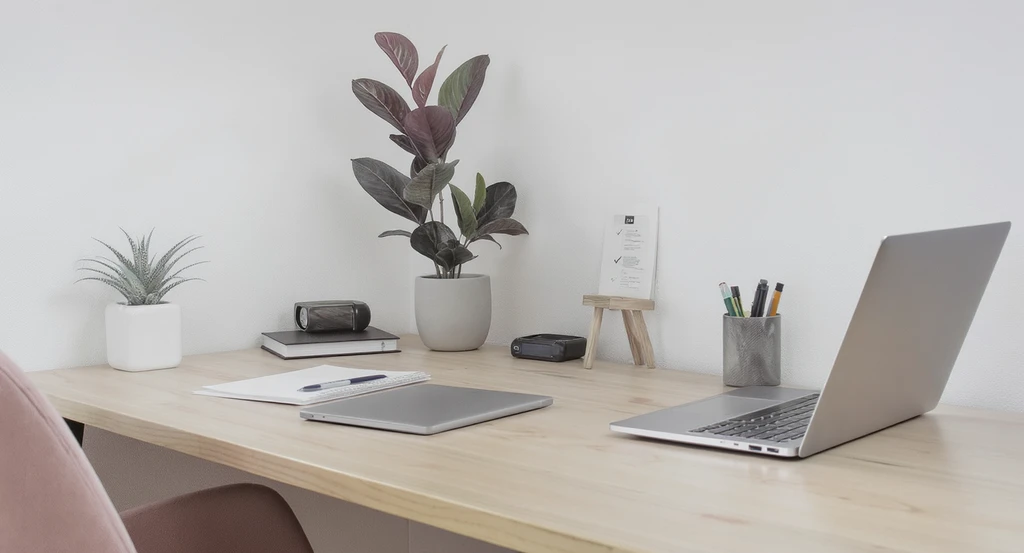
Many home offices feel unfinished because a few key functional or visual elements are missing. Without a structured check, these oversights add up.
To avoid this, use a step-by-step checklist:
- Desk sized for daily actual work
- Comfortable office chair (not a dining chair)
- Cables and wires managed and hidden
- One clear aesthetic style
- Layered lighting (ambient, task, accent)
- Rug or other soft element for sound and comfort
- One personal touch (plant, art, or book)
If you’re missing two or more items, the space will stay incomplete. Reviewing with this list ensures your home office is practical, balanced, and calm.
Frequently Asked Questions
- What’s the optimal desk placement in a home office?
- The best placement is with the desk facing a wall or with a window to the side for natural light without glare. This layout is backed by expert advice in our productivity-focused office guide.
- How do I avoid visual clutter in a small workspace?
- Use closed storage for most office supplies, limit wall decor to a few meaningful items, and choose a single color palette. More on this in our small-space home office article.
- Can I balance a minimalist look and comfort?
- Yes—add rugs, cushions, and soft lighting to keep the room inviting without excess decor. See our warm minimalist setup tips.
- How do I layer lighting in a workspace?
- Combine ambient ceiling light, task lighting at the desk, and at least one accent light for mood. For more tips, read our complete guide.
Conclusion
A well-designed home office relies on more than a good desk and some wall art. Correcting layout, prioritizing comfort, setting style boundaries, improving lighting, and checking off a functional list makes the space truly work for you. For the best results, review your plan at each step, adjust for your room’s real constraints, and use visual preview tools if you need clarity before committing. Thoughtful adjustments ensure your home office supports both your workflow and the broader feel of your home.