
TL;DR
Occupied to Vacant is an AI photo edit that removes furniture, clutter, and visual distractions so you can plan decor and layout without the mess. It’s the fastest way to test bigger artwork, rug size, and storage changes from one image — ideal for renters, offices, and budget-conscious makeovers. Try it now: upload a photo to ReimagineHome.ai and use the Occupied to Vacant tool for instant clarity. If you’re searching “how to remove clutter and objects from photos,” this is the clean, realistic route.
The Real Cost of Showing Rooms ‘As They Are’ Online
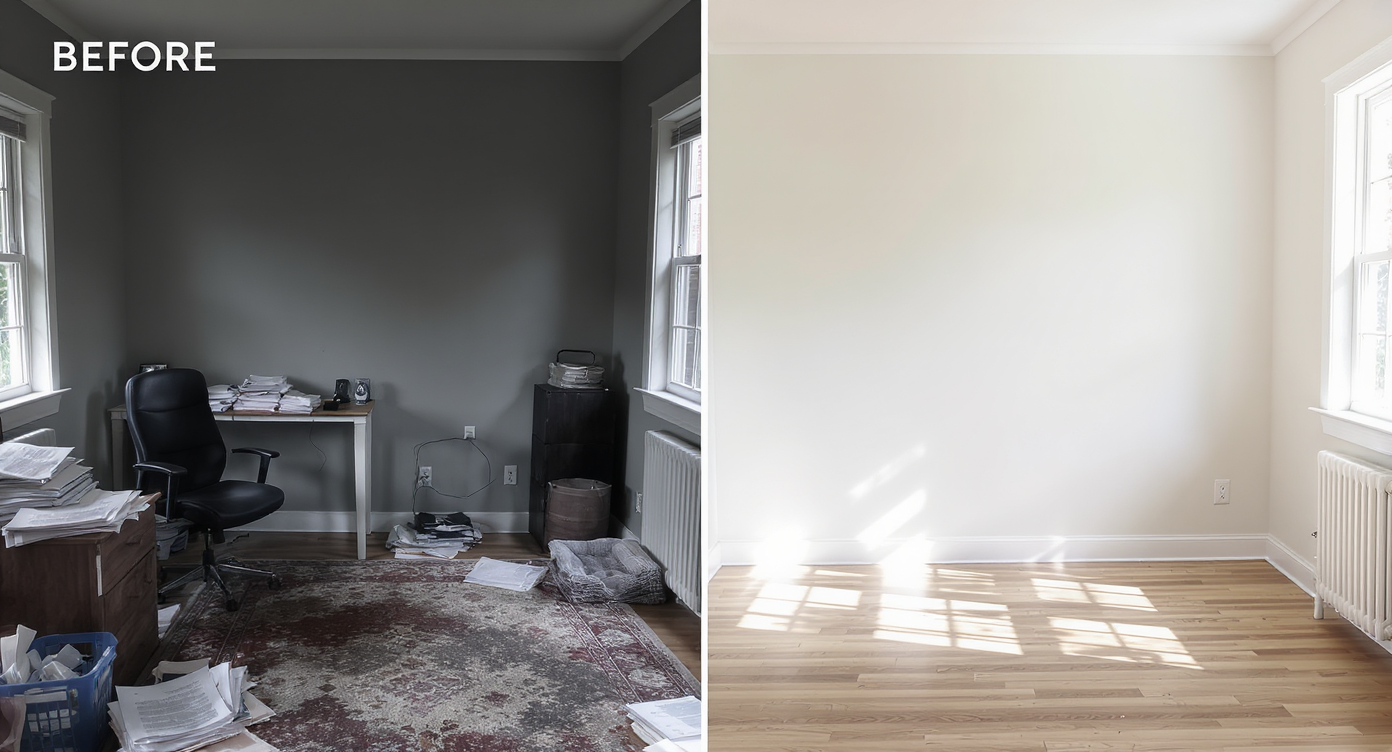
Clear the noise from your photos to see true space and make confident design choices.
Occupied to Vacant is an AI-powered edit that clears furniture and clutter from your photo, leaving a believable, empty room that’s perfect for planning. It matters because visual noise makes rooms feel smaller on screen and makes design choices (art size, rug scale, shelving vs. decals) harder than they should be.
- Results: See true scale fast — bigger art, better rug size, smarter storage decisions.
- Realism: Clean, natural-looking empties that keep walls, floors, windows, and architecture intact.
- Speed: One upload; minutes to a blank canvas.
- Cost: Test directions digitally before buying paint, art, or a second rug.
- Workflow: Clear the mess first; then plan decor and layout with confidence.
- ROI: Fewer missteps, easier approvals, stronger buyer and client buy-in.
- Peace of mind: No moving furniture or hauling boxes to “see if it’ll work.”
If you already have a tricky room photo in mind, upload it to ReimagineHome.ai and test this solution on a real image while you read.
Why This Visual Problem Hurts More Than You Think

Clutter dims your room's natural features, shrinking space and complicating design decisions.
Even simple clutter can make key features — flooring, natural light, and wall height — harder to read at a glance. When buyers, clients, or teammates scroll, a busy scene gets skipped; a clean scene gets considered. In an office, that means the too-small rug looks smaller, random art reads as chaotic, and the unchangeable gray wall feels heavier than it is.
Here’s the quiet truth: most people struggle to visualize scale. They can’t picture how a single large canvas anchors a wall or how a 9x12 rug reframes a seating area. By removing the distractions first, you can judge proportion, color balance, and flow without the mental gymnastics. That shift reduces decision fatigue, speeds approvals, and makes budget conversations calmer — because everyone is looking at the same simplified canvas.
Anecdote
That office with a gray wall you can’t paint, a lamp you’re not sure about, and a rug that never looked right? Clear the photo, test a single oversized canvas and a larger rug, and the room finally makes sense — without buying a thing first.
What Occupied to Vacant Actually Is (In Plain Language)
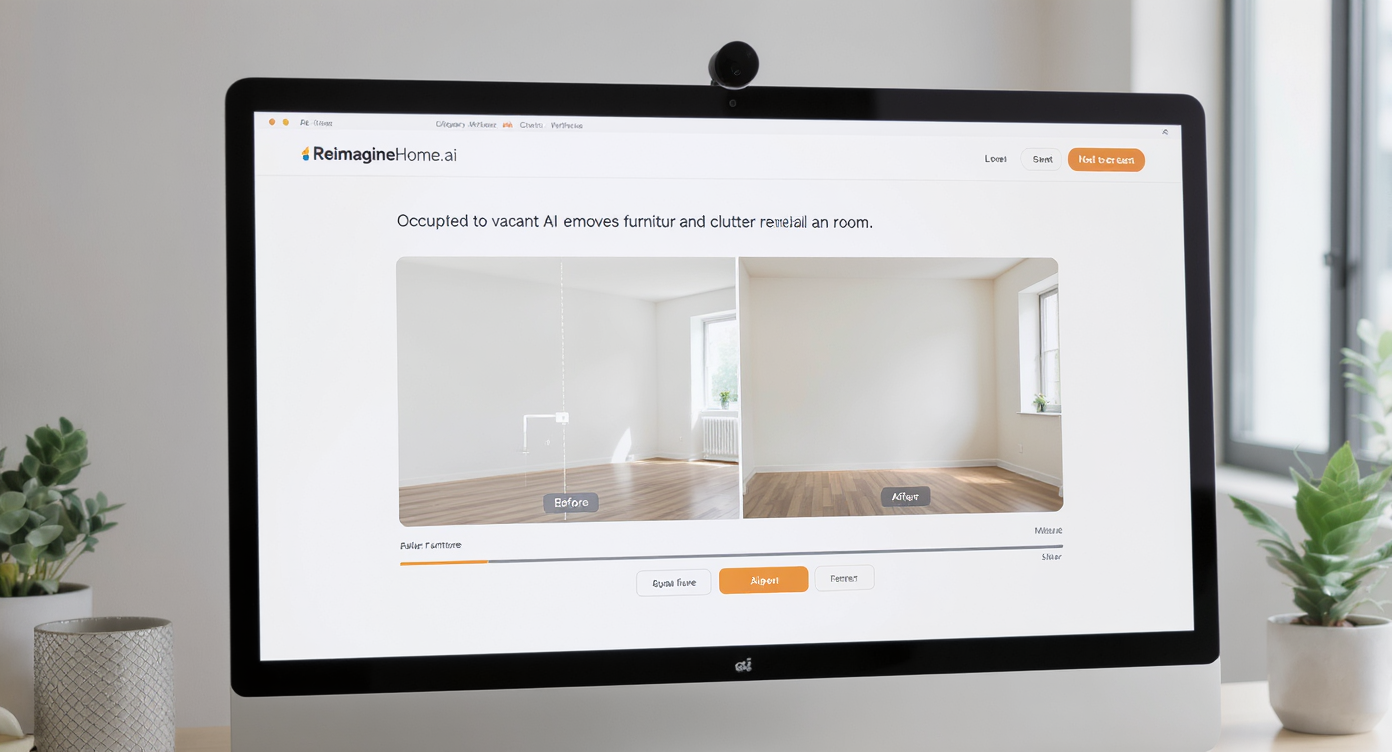
Occupied to Vacant uses AI to clear rooms digitally, preserving authentic architectural details for planning.
Occupied to Vacant is a purpose-built AI edit that takes a furnished or cluttered room photo and outputs a believable, empty version of that same space. It keeps your architecture and finishes (gray wall, windows, floors, doors) while removing furniture, boxes, toys, lamps, wall art, and visual extras.
You provide a single photo — straight-on or lightly angled works best. The output is a clean room image that’s ideal for measuring proportion, choosing art size, testing rug coverage, or planning storage. To try it, open ReimagineHome.ai’s Occupied to Vacant tool and drop in your room photo. In a few minutes, you’ll have a blank canvas that feels real, not “over-filtered.”
Once you’ve cleared the space, many people like to layer ideas digitally. If you want to audition larger art, a deeper rug, or different seating, you can move from a cleared image into ReimagineHome.ai’s virtual staging solution to mock up finishes and furnishings that match your style and budget.
How Occupied to Vacant Works Step by Step
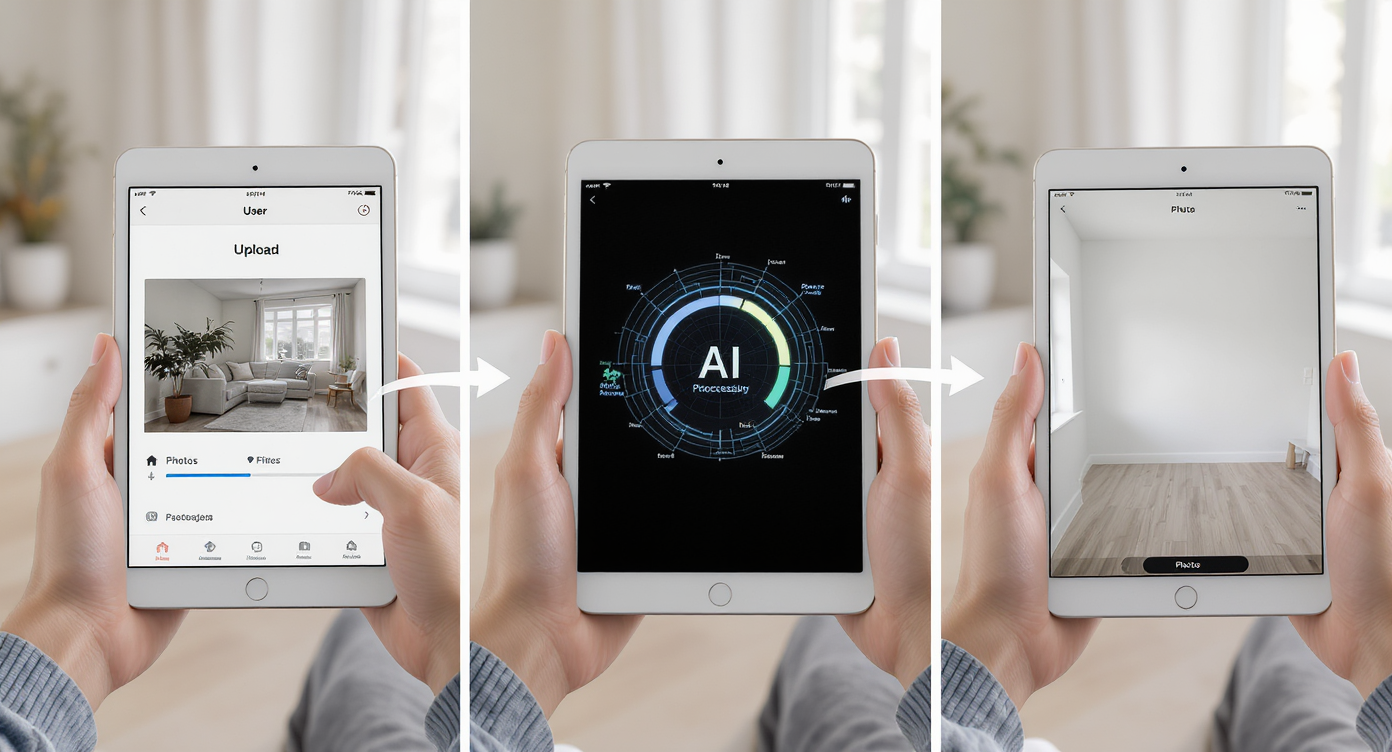
Upload, process, and receive a flawless empty room photo in minutes for easy design planning.
Good source photos and simple steps drive the best results.
- Choose the right photo: Pick the angle that best shows the wall you’re deciding about (e.g., the gray feature wall across from your desk). Avoid extreme wide angles that distort scale.
- Upload to ReimagineHome.ai: Start at the home page or go directly to the Occupied to Vacant tool.
- Select Occupied to Vacant: Tell the AI to clear furniture and clutter for a true blank canvas.
- Generate and review: Within minutes you’ll see the room emptied — floors, trim, windows, and wall color preserved.
- Refine if needed: If a small object remains, run a second pass or use its clutter and object removal tool for precise touch-ups.
- Export: Download high-resolution files ready for mood boards, client decks, or MLS if you’re an agent.
Constraint to know: Resolution matters. Aim for images at least 2000–3000 pixels on the long edge. Bright, evenly lit photos yield the most realistic empty rooms.
Tips and Tricks for More Realistic Results
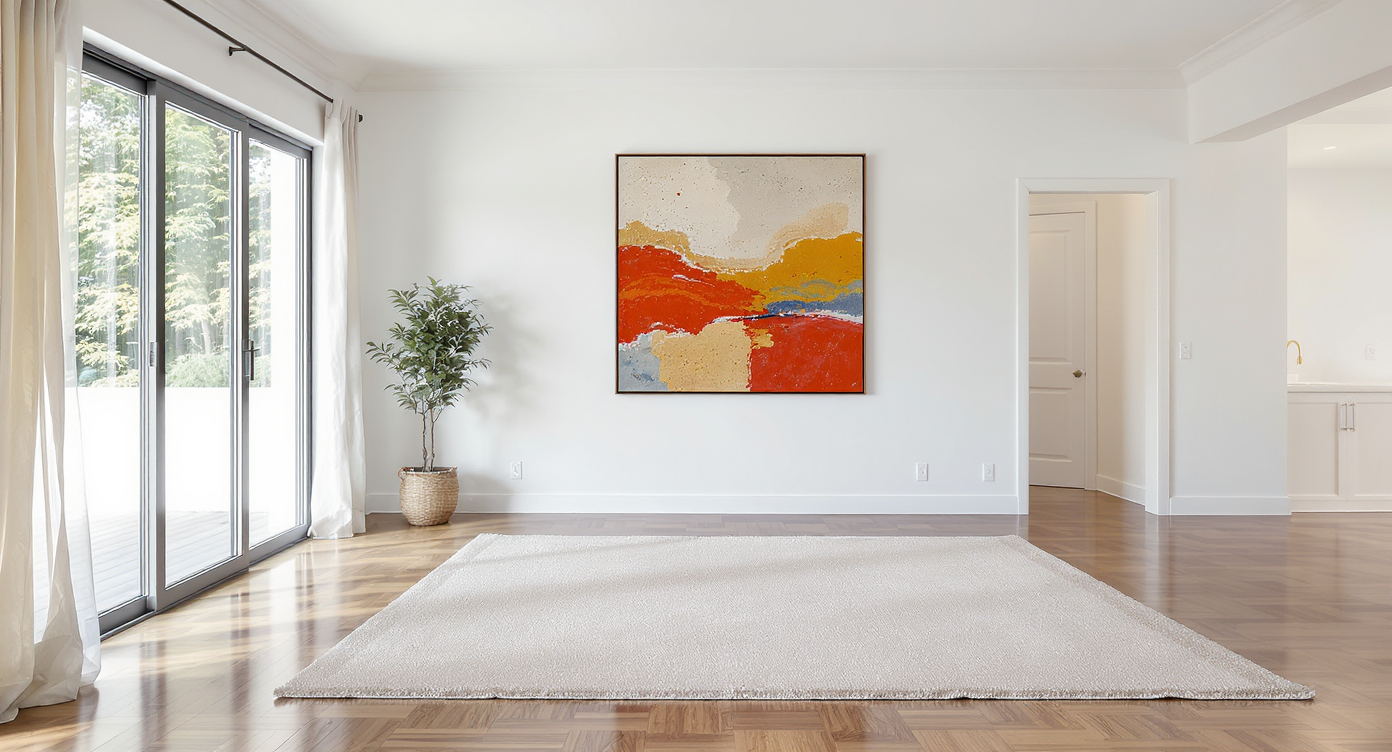
Choose bold, singular statement pieces for natural, realistic, and impactful room styling.
Start with a rule of thumb: bigger single statements beat a cluster of small items on large walls. Here’s how to get realistic, decision-ready images.
- Shoot straight: Keep vertical lines vertical. A clean, centered shot lets you judge art scale and rug coverage accurately.
- Use daylight or warm lamps: Mixed color temperatures exaggerate edits. Turn off overhead fluorescents and rely on window light plus warm bulbs.
- Keep one architectural anchor: A doorframe, window, or column helps viewers trust the edit and read dimensions.
- Test art size on the cleared wall: After the room is empty, mock up one large canvas that echoes your furnishings’ palette rather than several small prints.
- Rug math: On a cleared floor, visualize 8x10 vs. 9x12 coverage; the larger size usually calms the composition and makes seating zones feel intentional.
- Storage strategy: Use the clean image to decide where closed storage (cubes, cabinets) makes sense, then preview it with virtual staging if you want to see finishes.
- Stay plausible: If you’re using the image for real estate, keep edits realistic and align the final listing set with the property’s actual potential.
Visualization Scenario
Upload an office photo, clear the room, then overlay a 40x60 canvas centered at eye level and a 9x12 rug. Compare to a grid of smaller prints and an 8x10. Decide in minutes which option calms the space and anchors the wall.
FAQ
Can AI really remove clutter and objects cleanly from a room photo?
Yes. Occupied to Vacant is designed for realistic clutter removal and furniture clearing while preserving floors, windows, and wall color. Try it on a single image with ReimagineHome.ai’s Occupied to Vacant tool.
What’s the difference between Occupied to Vacant and object removal?
Occupied to Vacant clears the whole room in one go for a blank canvas. If one or two items remain or you want to target a specific object, use its clutter and object removal tool for precise touch-ups.
Is it okay to use edited images in real estate listings?
Policies vary. Keep changes plausible, avoid misrepresentation, and provide unedited photos when required. Many agents use cleared photos for planning and marketing decks, then pair them with virtually staged images labeled as such.
What resolution do I need for good results?
For crisp, believable edits, aim for images at least 2000–3000 pixels on the long edge. Even lighting and straight verticals also help.
Can I add new decor after I clear the room?
Absolutely. Many users clear a space first, then audition decor with ReimagineHome.ai’s virtual staging solution to test art size, rug scale, and storage finishes.
Visualize Your Next Listing or Workspace Before You Commit
Two quick before/after stories show where this shines:
- The cluttered office with a gray wall and undersized rug: We cleared the scene, saw how small the rug really looked, and swapped the plan to a single oversized canvas plus a 9x12. The space suddenly read as calm and professional — without painting a thing.
- A rental living room where paint wasn’t allowed: Clearing the photo revealed balanced wall space for peel-and-stick arches and a low credenza. The finished room felt softer, and the renter stayed within budget.
Most disappointment with AI edits comes from bad source photos, not the AI itself. Tiny or blurry images, extreme angles, or mixed lighting can create odd results. Keep it simple, shoot clearly, and let the tool do what it’s built for: removing the noise so you can make smarter decisions.
Who benefits most?
- Agents and teams: Faster make-readies and cleaner marketing when a home is still lived in.
- Brokerages and marketing staff: Consistent, on-brand visuals without reshoots.
- Photographers and media pros: Upsell a “decluttered set” before virtual staging.
- Renters, office managers, and WFH folks: Plan art size, rugs, decals, and storage when painting or renovations aren’t possible.
- Designers and stagers: Create client alignment quickly; reduce revisions with clear, scaled mockups.
Think of Occupied to Vacant as rehearsal. You’re trying ideas on screen before you spend money or time, which is exactly how good rooms — and strong listings — come together. When you’re ready, clear your room photo with ReimagineHome.ai’s Occupied to Vacant tool, and, if you want to dress it back up, layer concepts with its virtual staging. Or just head to the home page and start exploring: ReimagineHome.ai.