
TL;DR
AI furniture swapping replaces specific items in your bedroom photo — bed, nightstands, dresser — so you can compare white vs mid-tone vs dark (or mix them) before buying. It’s the fastest answer to “which color bedroom set?” and a smarter alternative to a matchy-matchy suite. Try it now with your own image on ReimagineHome.ai’s Swap Furniture & Objects tool to avoid costly mistakes and keep the room feeling curated, not catalog.
The Real Cost of Showing Rooms “As They Are” Online

AI furniture swapping helps break decision paralysis by previewing styles on your real room photo.
AI furniture swapping is a tool that replaces specific items inside a real room photo — beds, nightstands, dressers, mirrors — with alternatives in seconds. It’s a powerful fix for decision paralysis around bedroom sets because you can test different wood tones and mix pieces without guessing or overbuying.
- Results: Compare white vs mid-tone vs dark wood and blend styles on your actual room photo.
- Realism: Proper shadows, scale, and angles keep swaps looking believable.
- Speed: Generate multiple options in minutes; A/B test and keep your favorite.
- Cost: Preview before you purchase; avoid returns and repainting.
- Workflow: Upload photo, select items, swap, refine, export.
- ROI: Clearer choices, fewer regrets, more cohesive rooms and listings.
If you already have a tricky bedroom photo in mind, upload it to ReimagineHome.ai and test this solution on a real image while you read.
Why This Visual Problem Hurts More Than You Think

Full matching bedroom sets can feel heavy and impersonal, intensifying design challenges on screen.
Rooms assembled from a full matching set often feel heavier and less personal on screen than curated mixes of 2–3 coordinated pieces. That’s why so many people hesitate at checkout — a bedroom that looks perfect in a catalog can read flat or “too much” at home.
On a scroll, the eye decides in seconds. All-white furniture can look sterile without contrast; dark espresso can read dusty and dense; mid-tone woods may echo a ceiling beautifully — or double down on sameness. Buyers and homeowners alike report the same issues: unclear scale, color cast surprises, and a room that feels either catalog-perfect or oddly mismatched once everything arrives.
The fix is seeing combinations in your exact light and layout. Swapping a sleigh bed for an upholstered headboard, trading two blocky chests for a single highboy, or testing darker nightstands against a pale rug are choices best made visually — not in your head, and not on a white product page.
Anecdote
That perfect-but-blank builder bedroom? We replaced the heavy sleigh bed with an upholstered headboard, kept the matching low dresser, and switched the nightstands to slim mid-century silhouettes. The mix made the ceiling’s wood sing — and sold the design to a skeptical partner in one screenshot.
What Swap Furniture & Objects Actually Is (In Plain Language)
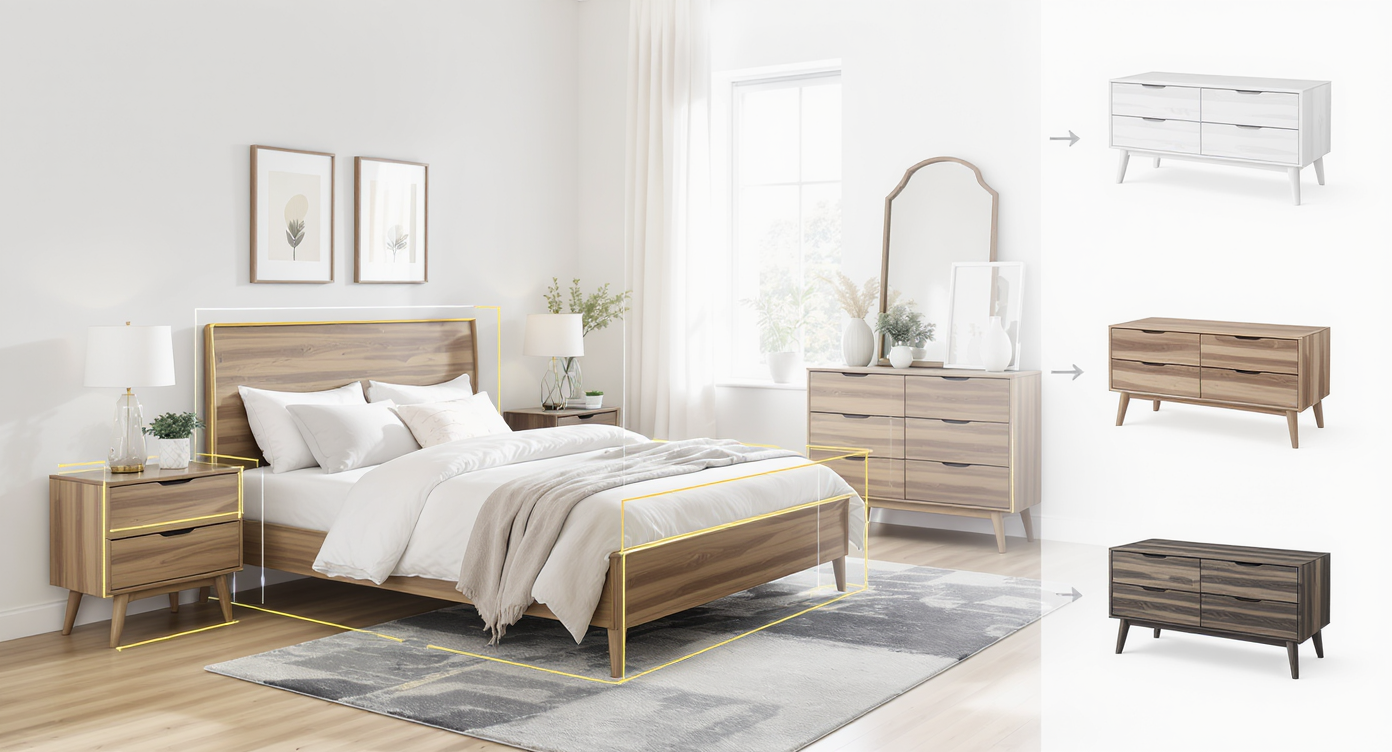
AI furniture swapping digitally targets objects to preview new styles before you buy in real photos.
AI furniture swapping is the targeted replacement of objects inside a photo to preview new styles, colors, and materials while preserving your room’s architecture and light. You keep the same camera angle and layout; the tool intelligently replaces the selected bed, nightstands, dressers, art, or mirrors with believable alternatives.
In ReimagineHome.ai, you can load a bedroom photo and use its Swap Furniture & Objects solution to try white lacquer, mid-tone oak, walnut, rattan, upholstered headboards, brass-accent nightstands — even change hardware style — until the mix feels right. The output is a high-quality image you can share with a partner, client, or seller for fast alignment.
How Swap Furniture & Objects Works Step by Step
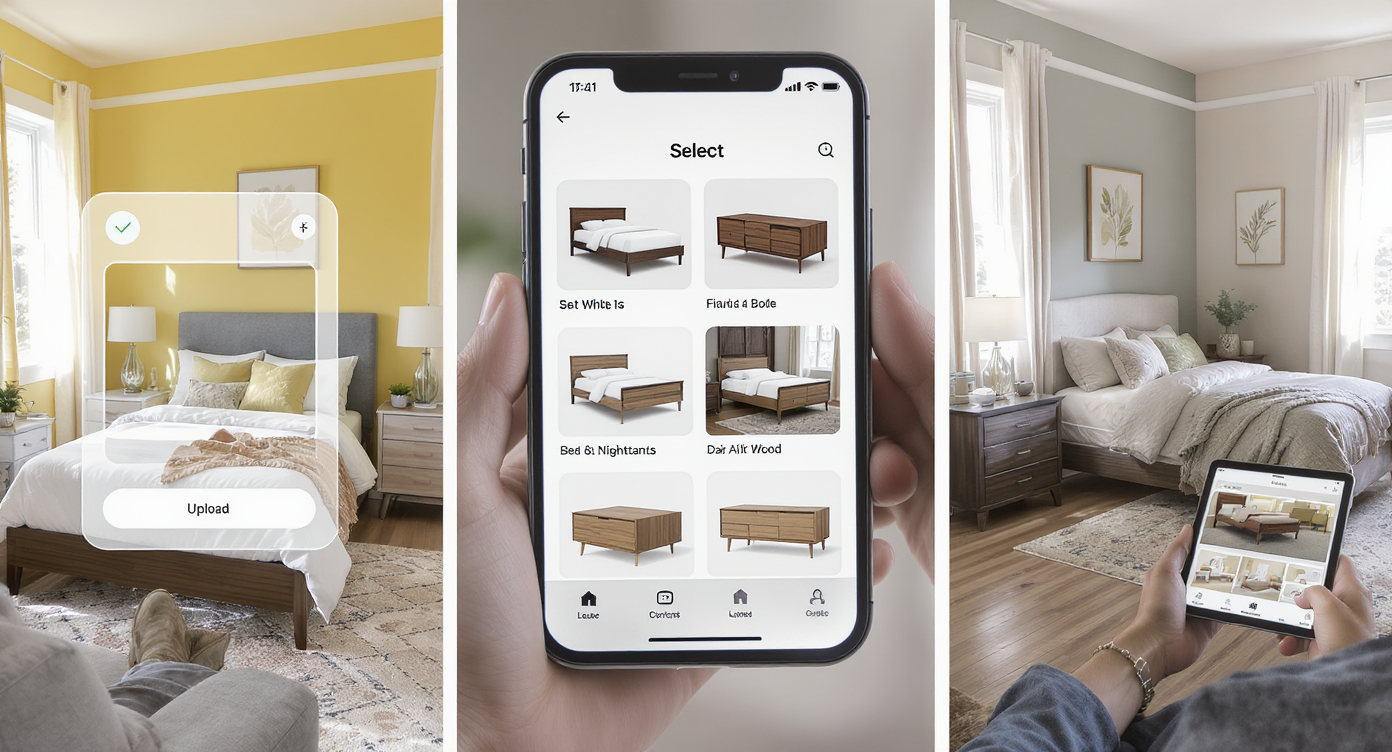
Easily upload, select, swap, and refine furniture in your room photo step by step using AI.
- Choose the right photo. Aim for a clear, well-lit image around 2000–3000 px on the long edge. Include the bed wall and at least one dresser/nightstand so swaps can sit naturally in frame.
- Upload to ReimagineHome.ai. Start on the home page or go straight to Swap Furniture & Objects.
- Select what to replace. Brush over the bed, a single nightstand, both nightstands, or a dresser. Precise selection yields cleaner edges and more accurate shadows.
- Set style and tone. Choose wood species (oak, walnut), paint finish (white, cream, greige), leg profile (tapered, block), hardware vibe (black, brass) to match your mood.
- Generate and compare. Save 2–4 variations: all-white, mid-tone mix, dark headboard with light nightstands, etc. Review in full-screen to judge scale and visual weight.
- Refine or layer edits. If the original photo has clutter, try its clutter and object removal tool first for a cleaner canvas. Want to nudge wall color? Preview paint tweaks with the Repaint Wall tool so furniture tones read true.
- Export and share. Download high-resolution results for shopping, client approvals, or listing prep.
Rule of thumb: broader, straighter-on angles make furniture sizing and shadows look most convincing, especially for beds and dressers.
Tips and Tricks for More Realistic Results
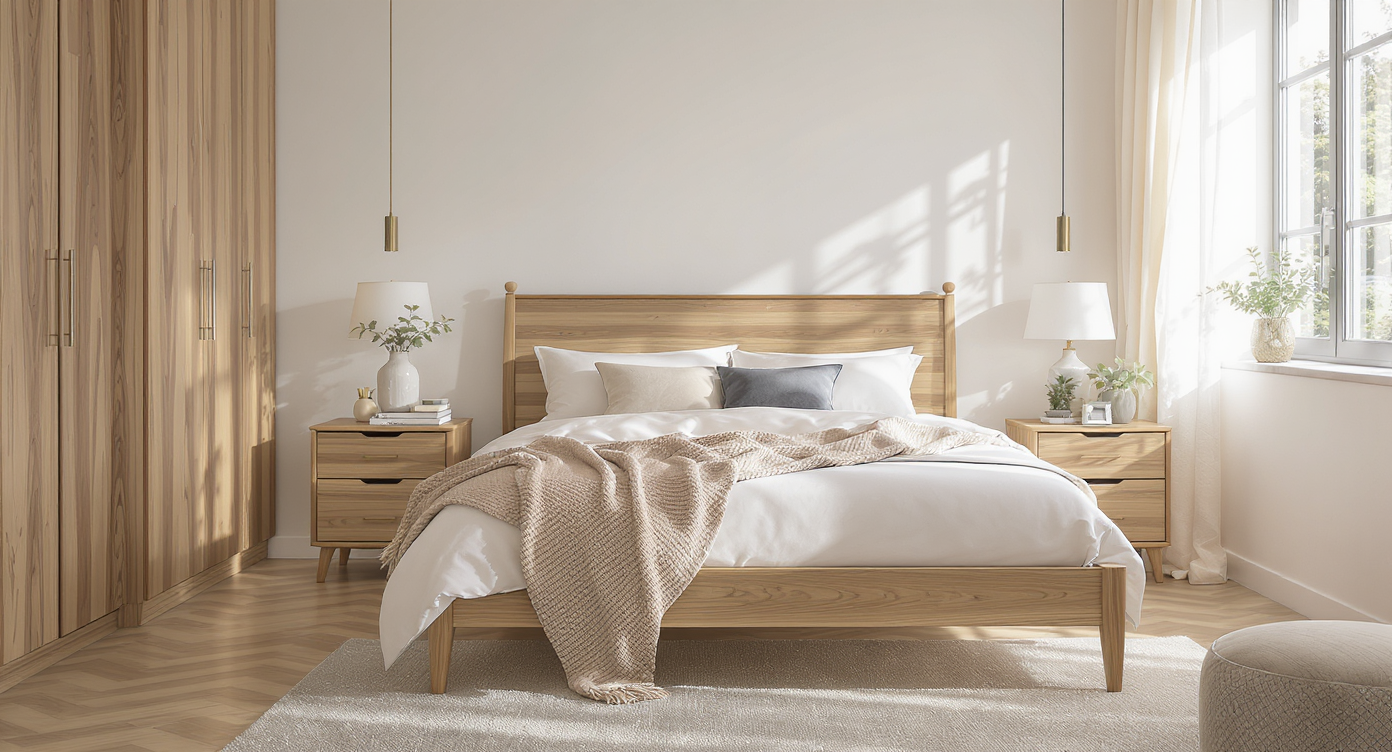
Achieve realistic swaps by matching scale, lighting, and colors for a cohesive bedroom look.
Realistic swaps start with believable scale, light, and a tight palette plan.
- Limit matches to two or three pieces. If you love a set, keep the bed and one dresser; let nightstands or a vanity contrast for a curated, not catalog, look.
- Mix wood tones with intent. Aim for one dominant wood and one supporting tone; tie them together with repeat metals (e.g., brushed brass hardware across pieces).
- Mind the leg profile. Blocky bases add visual weight. If the bed is heavy, let nightstands float on slender legs so the room can breathe.
- Test contrast against your envelope. White walls and pale rugs often benefit from mid or dark woods; wood ceilings may call for either echo (mid-tone) or contrast (walnut) — try both.
- Check glare and color cast. North light cools whites; warm bulbs can yellow oak. If tones shift, make a quick wall-color pass with Repaint Wall and re-evaluate.
- Edit distractions first. Visible boxes, cords, or clutter can break the illusion; clear them with Remove Anything before swapping.
- Keep hardware consistent. Matching metals across mixed woods creates cohesion fast — an easy win when you’re blending families of furniture.
Visualization Scenario
You’re choosing between an all-white set, a mid-tone oak mix, and a dark walnut bed. In one photo, you try all three, then settle on: walnut bed + light oak nightstands + white dresser with brass pulls — balanced, warm, and uniquely yours.
FAQ
Can AI really swap furniture color and style in my bedroom photo?
Yes. The tool replaces beds, nightstands, dressers, art, and more while preserving your room’s perspective and light, giving a realistic preview.
Do I need an empty room for good results?
No. You can swap individual items inside a furnished room; if something’s in the way, clear it first with ReimagineHome.ai’s object removal.
How do I choose between white, mid-tone, and dark wood digitally?
Generate 2–4 variations with the same camera angle. Compare how each option balances your walls, floor, rug, and ceiling; pick the one that offers contrast without feeling heavy.
What resolution should I use?
Higher is better: aim for 2000–3000 px on the long edge for crisp edges and natural shadows in AI furniture swaps.
Is this the same as virtual staging?
It’s more targeted. Virtual staging builds entire scenes; furniture swapping focuses on replacing specific items you already have (or plan to buy) so you can fine-tune a curated mix.
Visualize Your Next Listing (or Project) Before You Commit
Two minutes of visualization can save years of living with the wrong suite. Whether you’re staging to sell or finally investing in a bedroom you love, rehearsing white vs mid-tone vs dark — and deciding how much to match — is far easier when you can see it on your own walls and floors.
Try a few mixes today with ReimagineHome.ai’s Swap Furniture & Objects, or start from the home page at ReimagineHome.ai. Confidence comes quickly when the right choices are right in front of you.