7 Strategies for Integrating Multiple Desks into a Living Room Layout
TL;DR
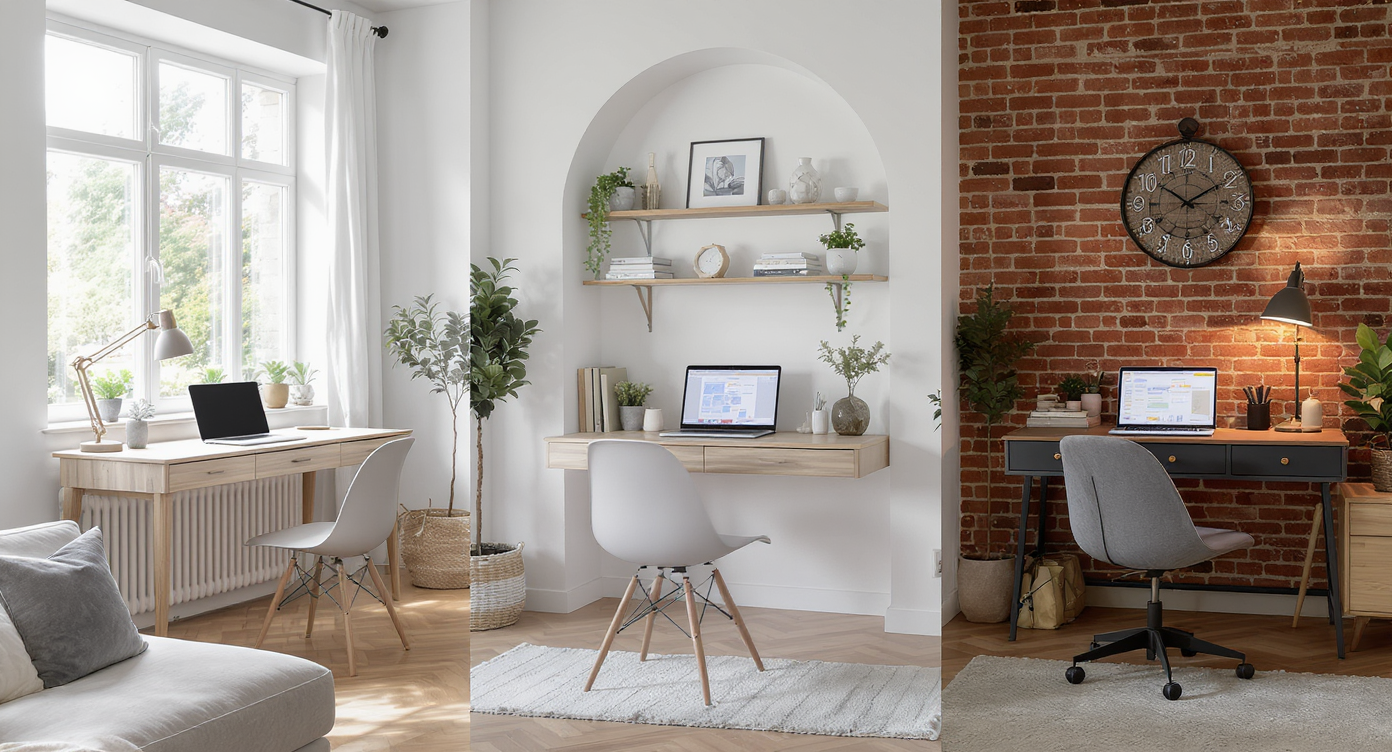
Adapting your living room to fit two work-from-home desks is entirely feasible with thoughtful planning. The right furniture selection, traffic flow awareness, and clear zoning can create a multifunctional space that feels organized and inviting, even in homes with odd layouts.
Why Combine Work and Living in One Room?
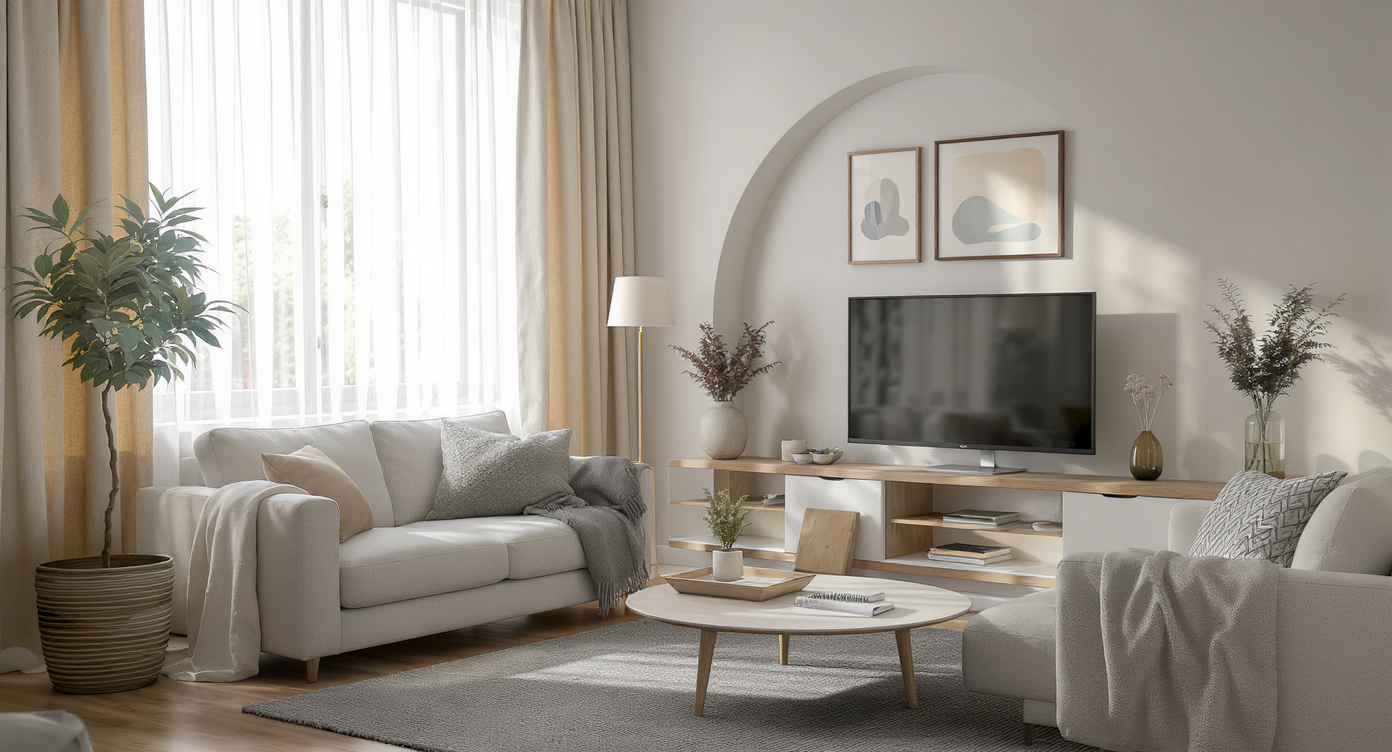
A real-world living room featuring two thoughtfully integrated workspaces, balancing productivity and style for a harmonious hybrid home.
As hybrid work becomes a long-term reality, the demand for creative living room layouts is growing. Many households need more than one WFH workspace, but limited room count and architectural quirks can make creating a double desk layout a spatial puzzle. It’s a challenge that blends practicality with style, especially when entertaining guests is still a priority. Living rooms with odd layouts, open sightlines, or shared traffic paths require a flexible approach to furniture and flow. Each arrangement must balance productivity needs and the comforts of home, making the most of every square foot. Here are seven field-tested strategies to merge multiple desks smoothly into your living space without sacrificing organization or style.
-
1. Designate a Clear Work Zone
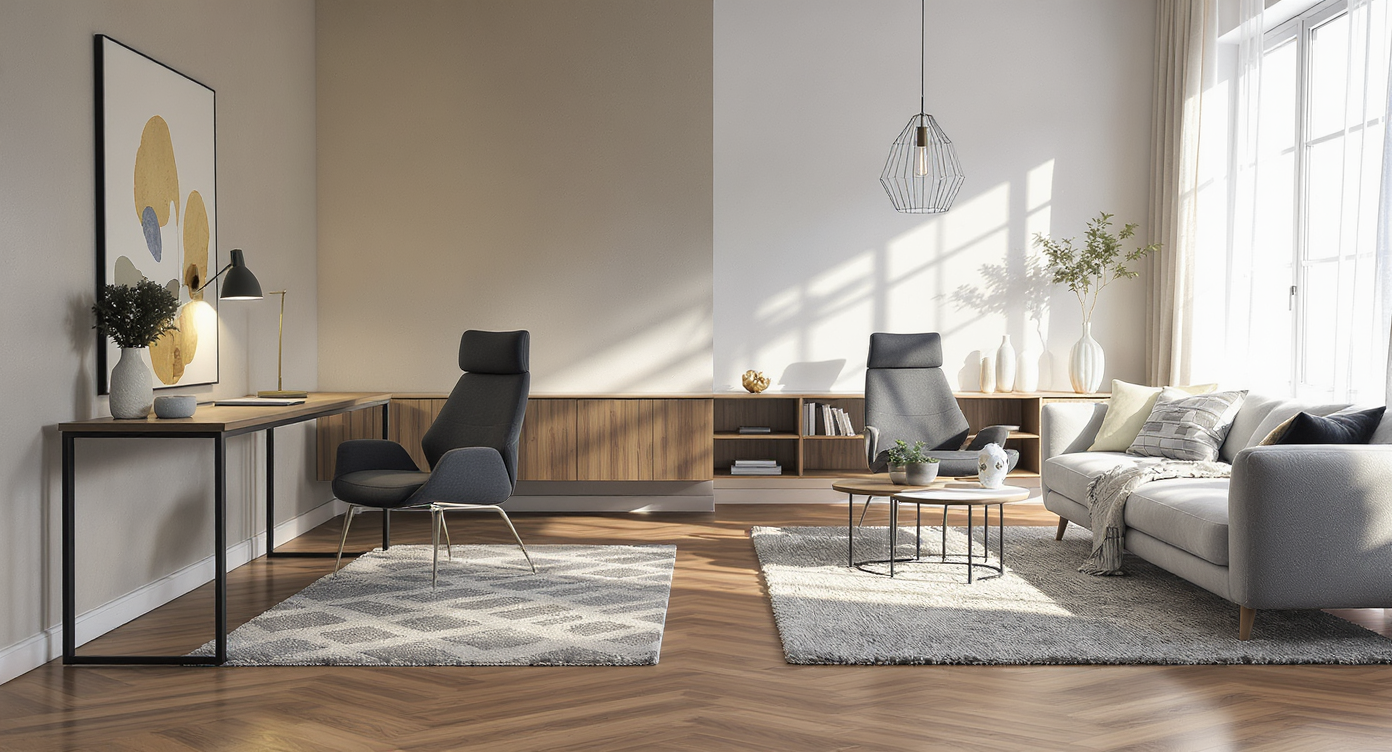
A low bookcase, area rug, and strategic lighting clearly define a dual-desk work zone within a shared living room environment.
Defining where work ends and relaxation begins is vital when hosting two desks in a shared room. Zoning can be accomplished with subtle area rugs, shelving units, or lighting changes that visually separate workstations from the main living area. Designers often recommend using a low bookcase or a slim room divider to create a semi-private nook—a technique that manages sightlines and keeps the focus on leisure when visitors arrive.
-
2. Select Modular Furniture for Flexibility
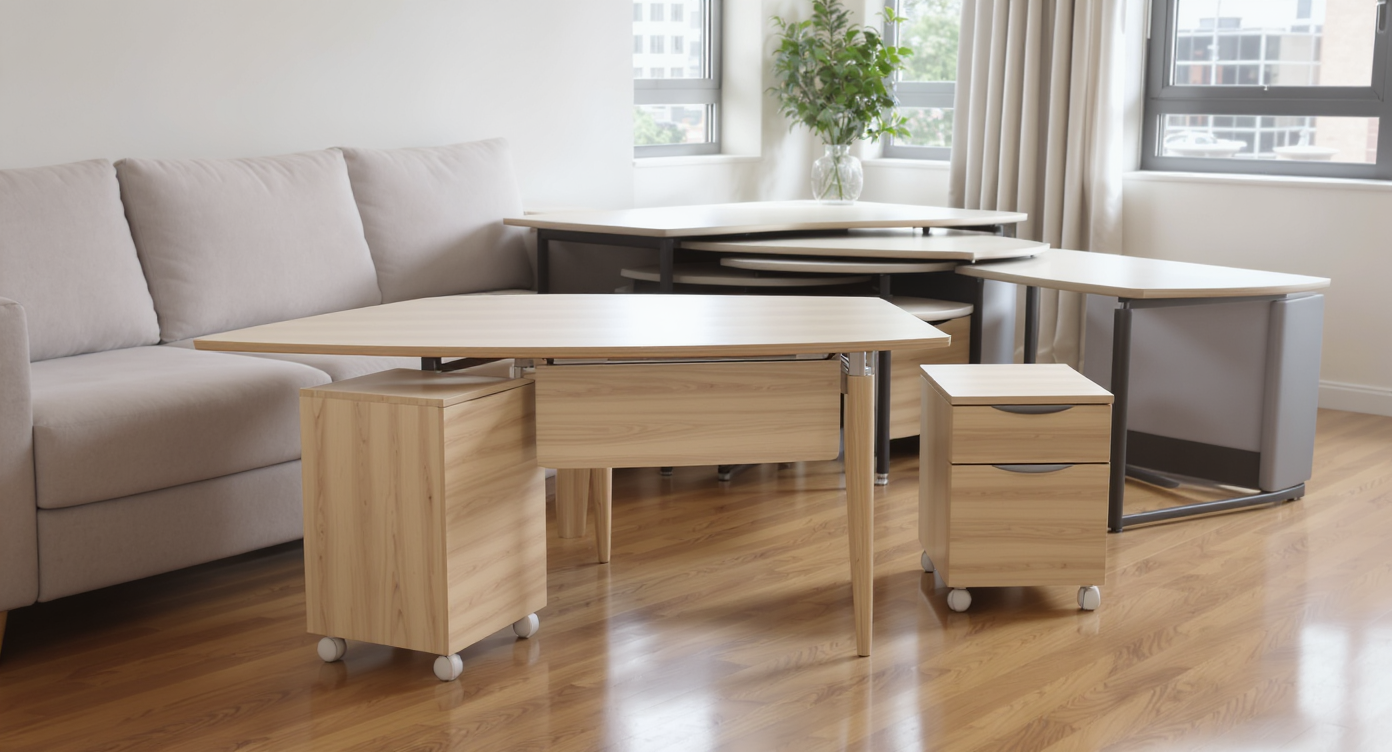
A realistic living room setup featuring modular desks, drop-leaf tables, and mobile storage units for maximum WFH flexibility.
Choosing modular desks or tables that adapt to different layouts can be a game changer in managing odd layouts. Mobile pedestals, drop-leaf tables, or nesting desk systems let users reconfigure WFH spaces according to daily needs. This approach is especially helpful if the room doubles as a guest area. Furniture with wheels or easy-fold options also enables a quick conversion back to full living mode. These flexible solutions can be explored through visualization tools on REimagineHome.ai before making any purchases.
-
3. Address Furniture & Flow Challenges
Maintaining clear pathways between living and work zones prevents the room from feeling cramped or disordered. According to furniture arrangement best practices, plan for 30 to 36 inches of walkway clearance around major pieces to protect daily function. If two desks must be on the same wall, offset their placement to preserve through-traffic and avoid blocking windows or doorways.
-
4. Conceal Workstations Creatively
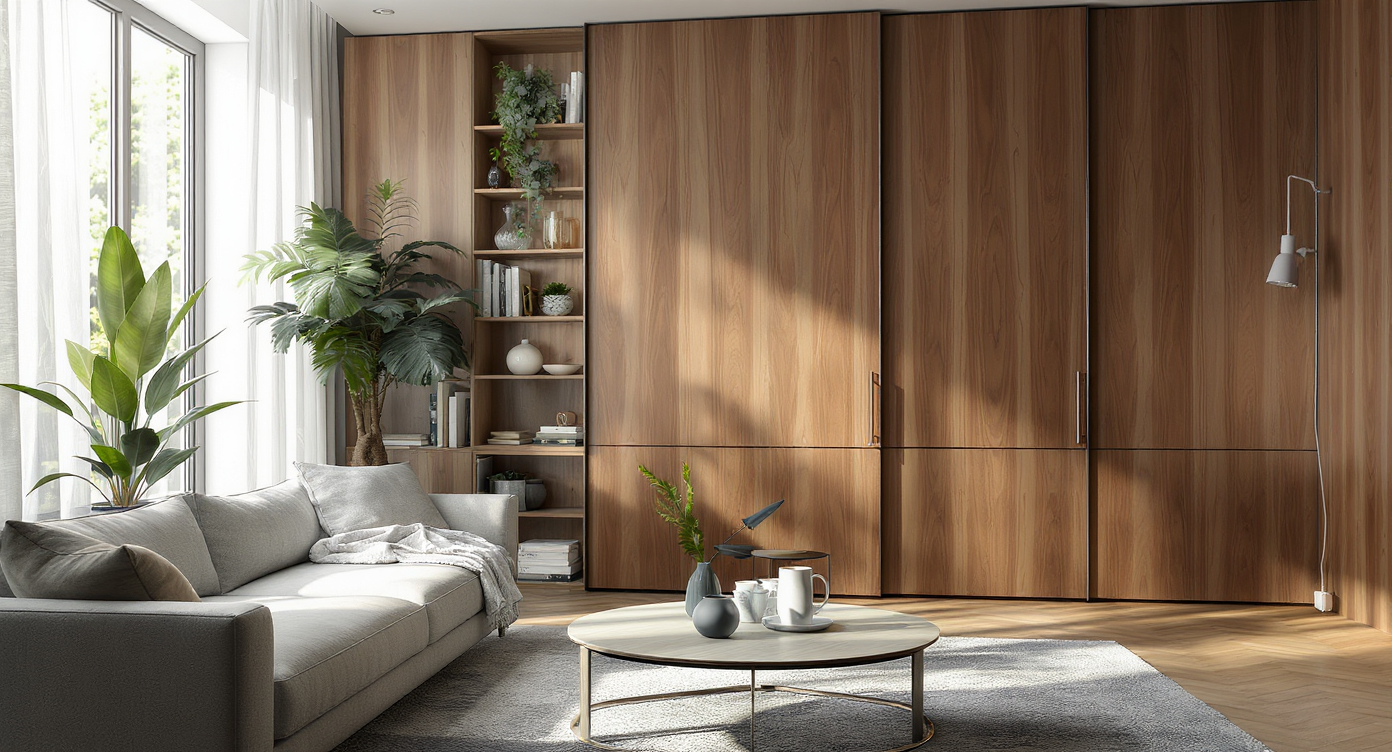
A concealed workstation is hidden behind custom sliding panels in a living room, seamlessly blending remote work with home aesthetics.
If hosting and aesthetics are priorities, consider ways to disguise WFH spaces after hours. Designers sometimes use tall storage walls, curtained alcoves, or entertainment units to hide desks when not in use. As some home office solutions suggest, a freestanding shelving unit or a custom built-in can tuck desks behind a visual barrier while keeping everything functional and accessible.
-
5. Prioritize Cable and Clutter Management
No matter the desk’s location, visible wires or piles of paperwork quickly disrupt a living room’s calm. Use cable channels, under-desk baskets, and wireless peripherals to keep mess at bay. A pattern noted in small-space WFH setups is allocating separate agreement for closed storage—think drawer units, wall-mounted bins, or built-in cubbies. Smart cable management is foundational to ensuring desks blend into the decor rather than stand out as eyesores. Refer to ideas in compact home office inspiration for more tips.
-
6. Use Desk Placement to Frame the Room
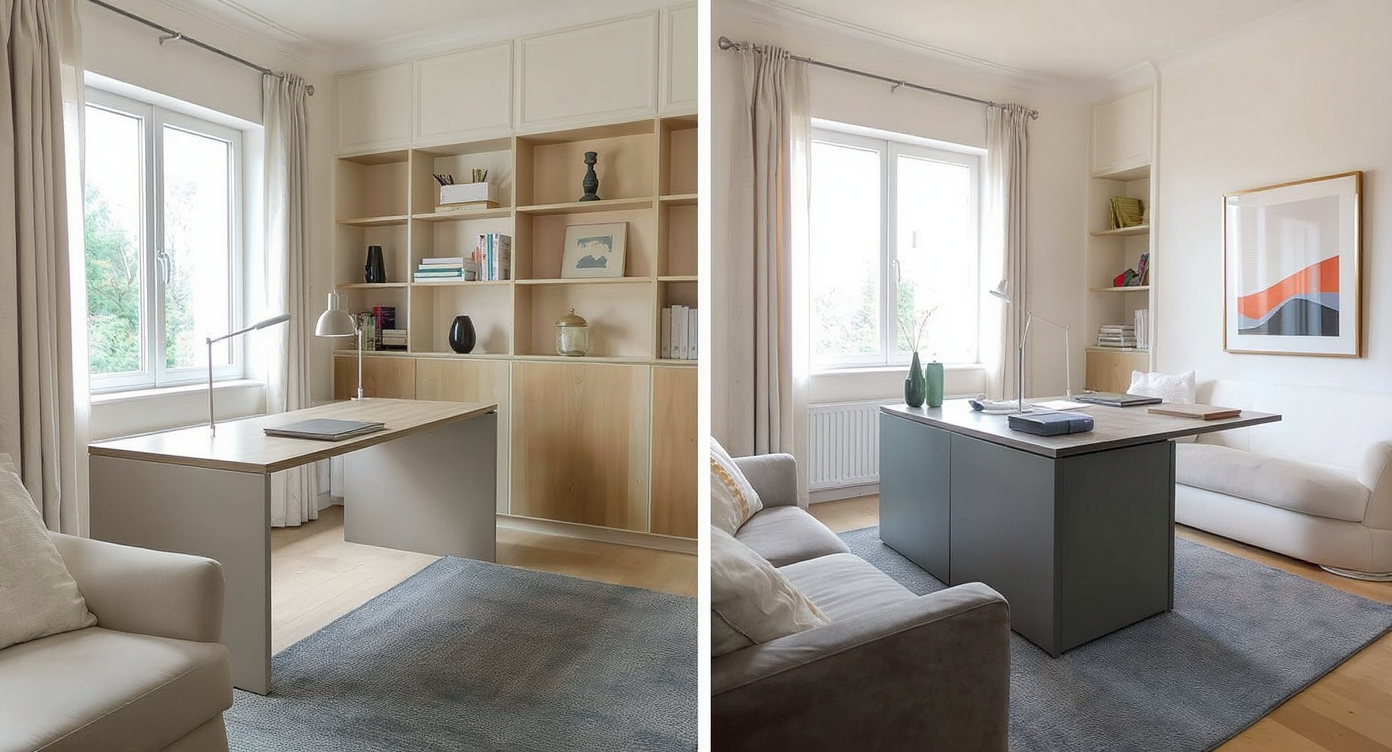
Strategic placement of dual desks—side by side with a bookshelf divider and back to back with low storage—balances and frames the living room layout.
The placement of two desks can actually define and balance a challenging living room. Some designers arrange desks side by side, using a bookshelf divider for partial privacy—a technique that still allows both people to enjoy natural light or a view of the room. Alternatively, creating a back-to-back configuration with low storage between can open up the center of the space, minimizing crowding and maximizing usable area, as discussed in living room layout guidance.
-
7. Personalize with Lighting and Accessories
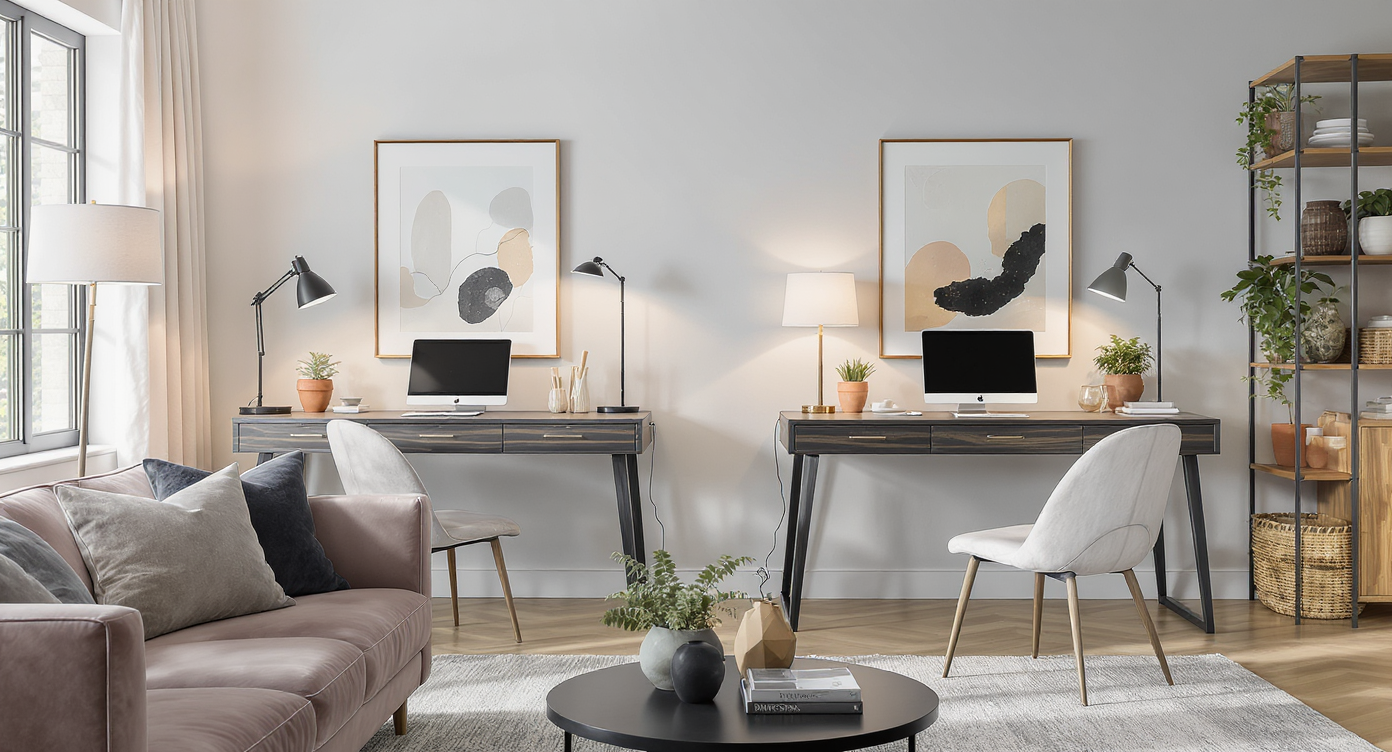
Layered lighting, personalized lamps, and coordinated accessories create intentional, inviting workspaces within a modern living room.
Lighting has a profound effect on work quality and ambience. Task lamps, adjustable sconces, or even strategically placed floor lamps can help each desk feel intentional and separate. Layered lighting—mixing ambient, task, and accent sources—ensures that workstations do not overwhelm the softer evening atmosphere of the living room. Add art, plants, or decorative organizers that coordinate with the room’s palette to tie both desk zones into your existing style. For more on boosting both inspiration and function, see designing a workspace for productivity.
FAQ: Designing Living Rooms with Multiple Desks
Yes, with careful zoning, space-saving furniture, and efficient storage, even compact rooms can host dual WFH spaces without feeling overcrowded.
What is the best way to separate work and relaxation areas?
Use rugs, shelving, lighting, or screens to create visual distinction between desk zones and leisure areas. Virtual planning on REimagineHome.ai can help preview these choices.
How do I keep a living room with desks guest-friendly?
Opt for desks with closed storage, employ clutter-containment strategies, and, if possible, conceal workspaces with furniture arrangements or decorative screens when entertaining.
Are there key measurements to maintain flow?
Maintain at least 30 inches of walkway clearance around large furniture. Refer to the furniture and flow layout guide for more specifics.
What are examples of good dual desk layouts?
Desks placed side by side with a divider, back to back with shared storage, or in separate corners with consistent finishes all promote privacy while maximizing the communal feel.
Making the Most of Shared Spaces
Combining multiple workspaces in a single living area is about finding nuanced solutions for flow, privacy, and visual order. Modular furniture, purposeful zoning, and thoughtful storage help odd layouts become productive, harmonious multi-use environments. Tools like REimagineHome.ai make it easier than ever to test placement decisions virtually so you can achieve a layout that works for both productivity and hospitality.