10 Common Mistakes to Avoid with AI Interior Design Tools
TL;DR
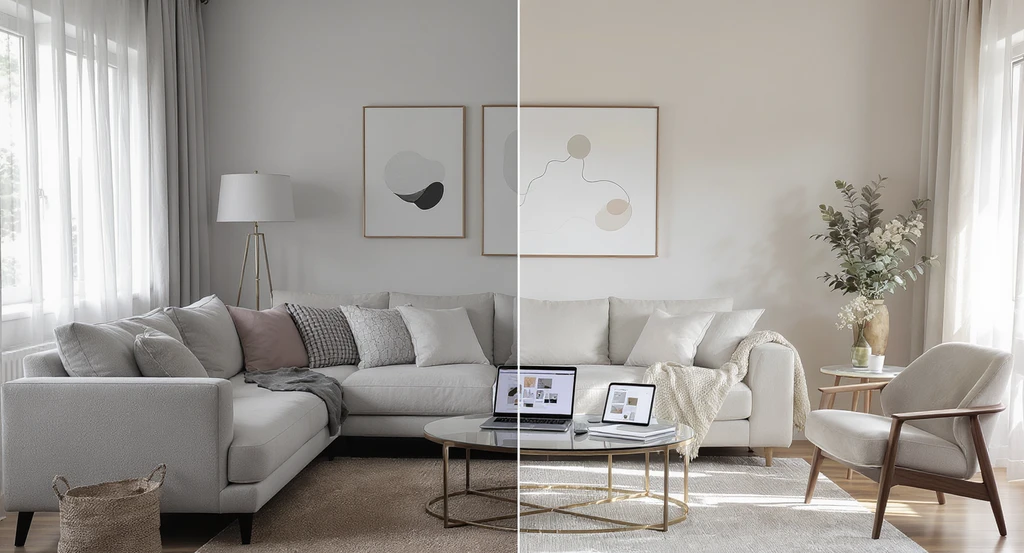
Avoid vague prompts, skipping iteration, and ignoring room dimensions when using AI interior design tools. Balance style with your lifestyle, prioritize lighting and color harmony, and actively guide the AI process. These steps help transform rough AI concepts into confident, practical designs that match both vision and real room constraints.
Why Most AI-Driven Room Makeovers Fall Short—And How to Fix Them
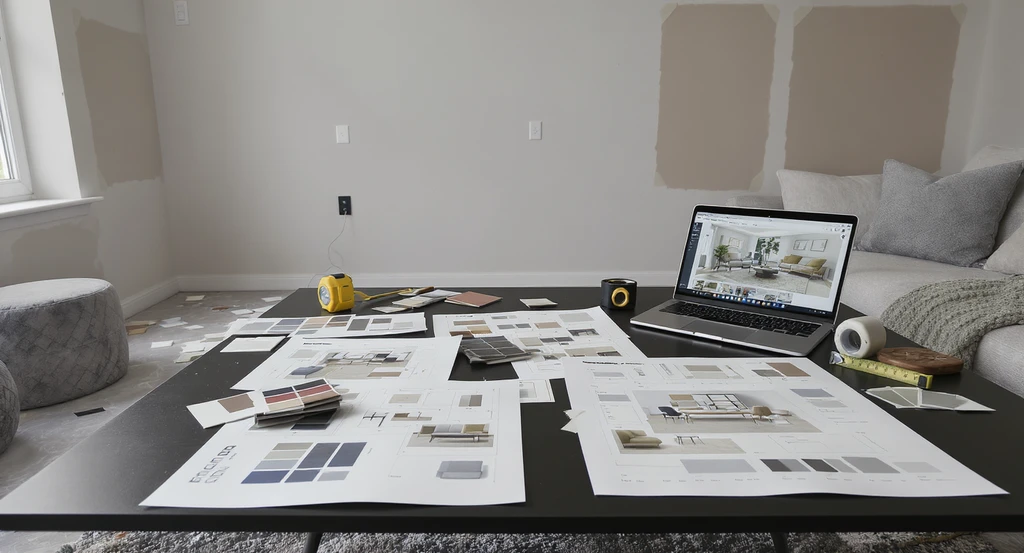
Many common mistakes in AI interior design, like unclear prompts and inaccurate measurements, lead to mismatched layouts and design regret. Using AI tools effectively for personalized room layouts and balanced aesthetics avoids these pitfalls.
AI interior design tools unlock new possibilities for homeowners, renters, and real estate professionals to visualize, experiment, and perfect spaces before making costly mistakes. But the same tech that lets you swap sofas and paint with a click can generate frustration—or bland results—if used without a clear strategy. Below, we explore ten common pitfalls users face when planning home improvements with AI-powered tools. For each, we explain why it happens, how to avoid regret, and how the simple act of seeing before deciding can save time, money, and disappointment. Make every digital preview a step toward real-life satisfaction—and resale gains—by understanding these core missteps.
-
Why “Modern Living Room” Isn’t Enough: The Problem with Generic Prompts
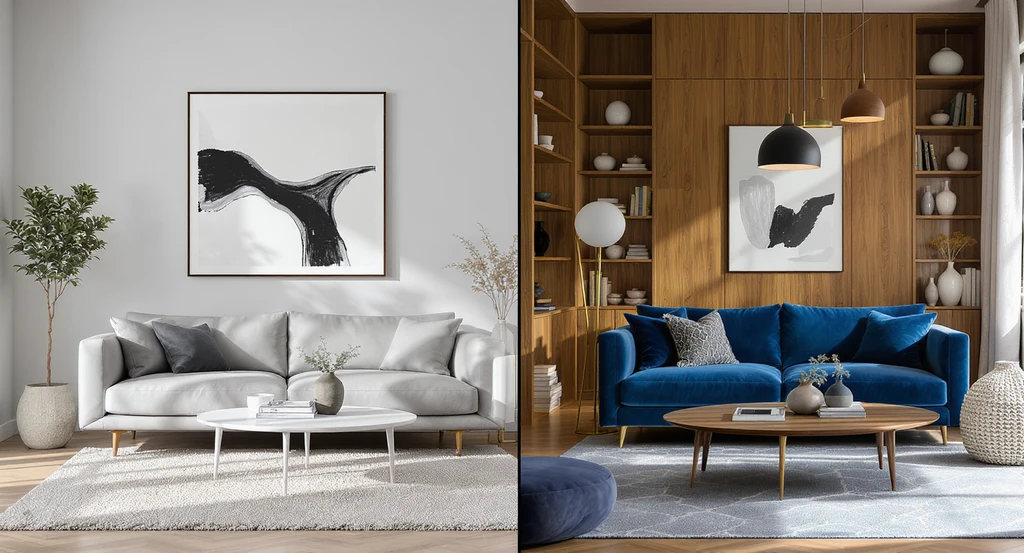
A split-scene reveals the impact of generic versus specific AI design prompts: generic inputs create bland spaces, while detailed, accurate prompts—factoring in room dimensions, function, and style—result in customized, livable modern living rooms. This illustrates best practices for using AI tools to avoid common AI interior design mistakes and achieve balanced room layouts.
AI relies on detailed instructions to deliver relevant, personalized design suggestions. Entering broad prompts such as “modern living room” gives the algorithm minimal direction, resulting in cookie-cutter outputs that won’t match your actual preferences or needs. The solution? Be exact about style, color, layout, and desired mood. As explained in our guide to using AI interior design tools, thinking like a design consultant and iterating with specific, layered prompts leads to visuals you’ll actually want to implement.
Expert Insight
One client started with a prompt for a “cozy living room” and got a bland, grey space. By specifying “soft olive tones, built-in bookshelves, plush seating, and layered lighting for reading,” she ended up with a perfectly tailored room she now loves.
-
First Option Trap: Why Iteration Unlocks Better Design
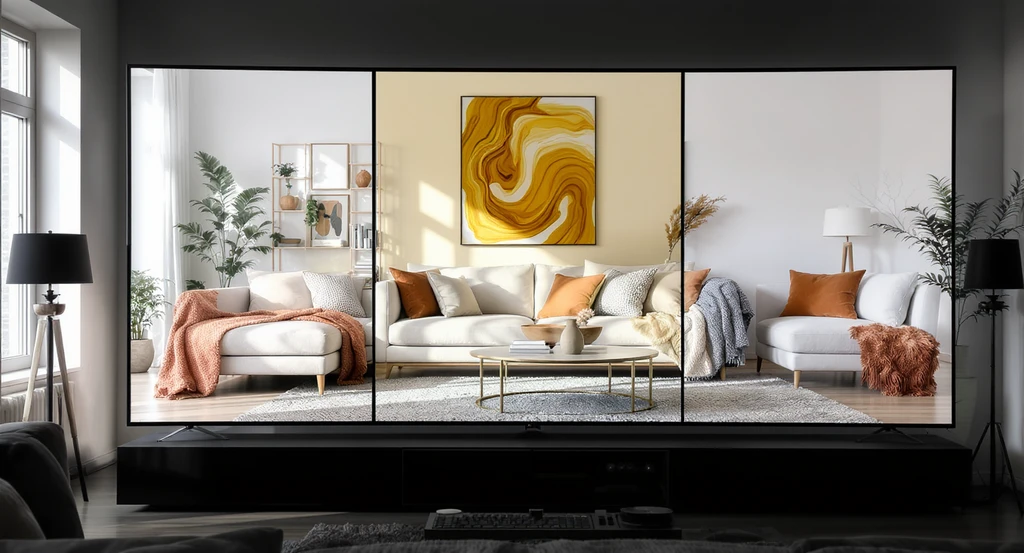
Comparing multiple AI-generated room layouts side by side helps avoid common mistakes in AI interior design and supports best practices for writing effective AI design prompts and balancing aesthetics with function.
Many users stop at the first AI-generated design. But that first result should be treated as a jump-off point, not the final answer. Experimenting with varied prompts—tweaking color palettes, furniture choices, or layouts—can reveal more creative and appropriate solutions. According to our article on visualizing room makeovers instantly, generating and comparing multiple versions is essential for uncovering the best fit—both visually and practically.
-
Ignoring Room Scale: The Pitfall of Skipping Measurements
Even advanced AI can only infer so much from a room photo. If you don’t specify exact dimensions, you risk picking furnishings or layouts that won’t physically fit. Use tools with floor plan and measurement features when possible, and always check that suggested items align with your actual space. As outlined in our advice for avoiding costly renovation mistakes, confirming scale early avoids expensive errors and design regrets later.
-
Style vs. Lifestyle: Is That Trend Practical for You?
A vibrant, on-trend look is appealing—but not if it’s out of step with your needs. AI can generate beautiful ideas, but only you can judge if shag rugs or glass tables make sense with pets, kids, or work-from-home routines. Our article explaining how to personalize your AI-generated interior style emphasizes filtering every option through the lens of your daily reality.
-
The Importance of Color Harmony and Psychology
Color isn’t just about taste—it directly shapes how a room feels. Using AI, you might try bold or contrasting palettes, but take time to research how those hues influence mood and energy. Most platforms suggest harmonious color schemes that respect color psychology principles, letting you compare results visually before making real changes.
-
Lighting: The Underestimated Impact
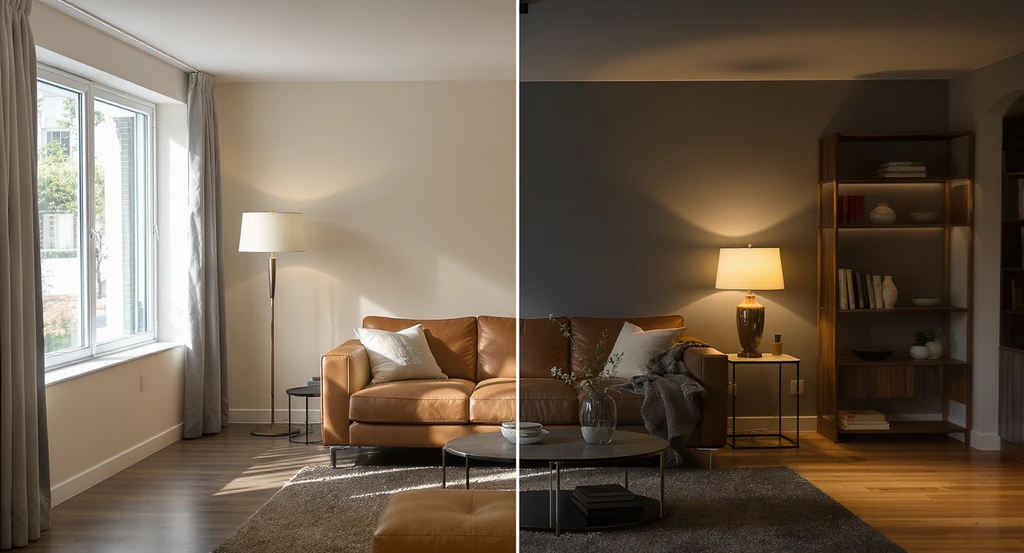
Previewing both daylight and artificial lighting in AI-generated room layouts helps avoid common AI interior design mistakes and ensures comfort, style, and accurate room dimensions.
Many see lighting as an afterthought—but it is central to making any space comfortable and functional. AI tools now simulate different lighting scenarios, so take advantage of visualizations for both natural daylight and layered artificial light. As our room makeover visualization coverage notes, previewing these effects ensures your finished design won’t appear flat or unwelcoming.
-
Only Using AI for Looks: Don’t Skip Floor Plan Generation
Relying just on photorealistic renders overlooks the importance of layout and flow. Tools that create or analyze 2D/3D floor plans help avoid awkward traffic paths and maximize usable space. Integrating layout features, such as those described in our AI tools comparison, gives you confidence that the design is practical as well as attractive.
-
Expecting “Magic Wand” Perfection: Why Human Input Still Matters
No AI tool replaces your direct involvement or unique vision. Use digital previews to explore, but refine and adjust results based on your habits, tastes, and practical constraints. As discussed in our summary on how visualization prevents renovation mistakes, treating AI as an assistant, not an authority, dramatically reduces regret and increases long-term satisfaction.
-
Losing Ideas: The Risk of Not Saving or Organizing AI Designs

Best practices in AI interior design include saving and grouping AI-generated room layouts by category, using digital archives and notes. Organizing concepts ensures accurate room dimensions, effective prompt results, and helps balance function with aesthetics.
After generating several options, it’s easy to lose track of promising ideas. Save your favorites, group concepts by room or theme, and make short notes about what works. This creates a valuable digital archive that makes side-by-side comparisons fast and eliminates second-guessing later on.
-
REimagineHome AI Clarity Model: A Structure for Smarter Decisions
The REimagineHome AI decision structure—called the Clarity Model—guides users through: 1. Defining objectives and style needs (function first, then feel). 2. Supplying room specifics (scale, natural light, constraints). 3. Iterative testing and prompt refinement. 4. Cross-checking visual results against practical realities (budget, lifestyle, resale potential). This method ensures every design preview is grounded in both vision and day-to-day function, and helps bridge the gap between digital inspiration and successful implementation.
-
Definition: Why AI-Generated Room Designs Sometimes Miss the Mark
An AI-generated room design becomes generic when prompts lack detail or context. This happens when users provide broad terms like 'modern' or 'cozy' without specifying layout, color, or function. While most expect the AI to read their minds, in fact, the visual outcome is entirely shaped by the input data and prompt clarity—making user guidance crucial for credible, satisfying results.
-
How Visualization Changes the Decision Outcome
Before using visualization, most homeowners and designers feel uncertain—"Will this really look right in my space?" After previewing multiple design options in their own room using AI, clarity increases and second-guessing drops. Seeing realistic before/after images aligns expectations, prevents costly mistakes, and increases confidence. According to our AI usage guide, visual validation is the fastest path from indecision to action.
Visualization Scenario
Picture uploading a photo of your current bedroom, writing a detailed prompt—"serene, minimalist style with soft wood, low-profile bed, layered warm lighting, and discreet storage"—and instantly seeing three realistic options. Suddenly, the decision to repaint or change beds feels grounded, not risky—your future room, clearly visualized before spending a cent.
Frequently Asked Questions about Using AI in Interior Design
Include style, color, function, and any non-negotiables; the more specific, the more tailored the results.
Does AI know if furniture will fit my room?
AI can estimate using photos, but you should always input or confirm measurements for accuracy and avoid scale errors.
Why do AI designs sometimes look generic?
Generic prompts result in uninspired designs. Add details and iterate for AI-generated visuals that feel truly personal.
What if my preferred style isn’t practical?
Balance aesthetics with needs—use AI for ideas, but always account for your habits, pets, children, and work routines before implementation.
How does visualization reduce regret?
Previewing multiple design options in your own space helps you make confident, cost-effective choices and prevents post-purchase disappointment.
Key Takeaways: Smarter AI, Smarter Spaces
AI is a creative powerhouse—but only with focused user input, spatial awareness, and a structured, iterative approach. Avoid the biggest pitfalls by refining prompts, checking dimensions, testing multiple options, and evaluating how designs fit both your life and your real room. Harness the full confidence of visualization technology—and create spaces that work as well as they wow.