How to Visualize Furniture and Rugs in Your Room Before Buying: A Structured Approach
TL;DR
Visualizing furniture or rugs in your space before purchasing is critical for avoiding costly errors and disappointment. The REimagineHome AI Spatial Simulation Model offers a precise, scalable framework using photoreal AI and comparative visualization, surpassing traditional methods and reducing reliance on guesswork or 'trial-and-error' decorating.
Introduction: The Visualization Challenge in Home Decisions
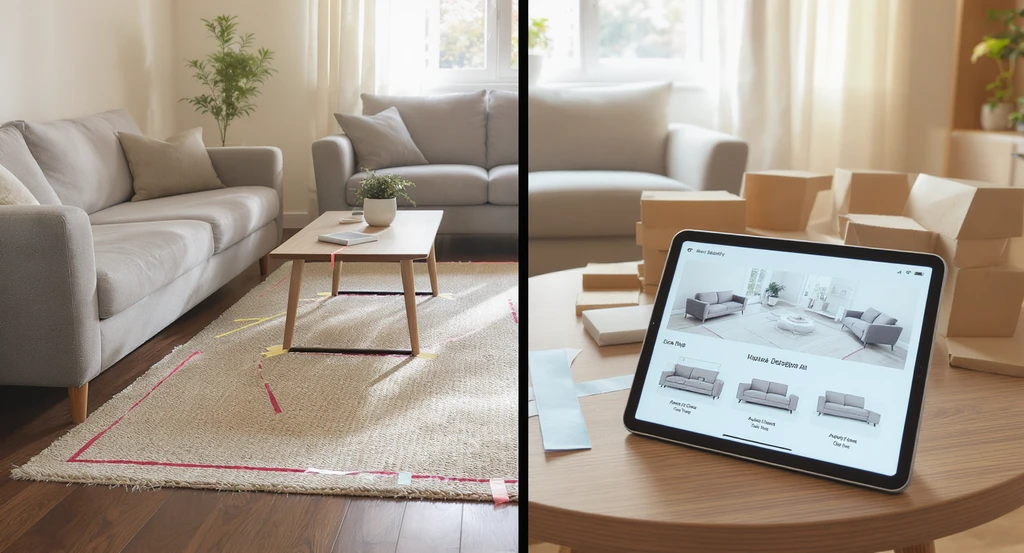
How to visualize furniture in your room: Compare tape outlines, cardboard cutouts, and home design ai tools to see rugs and furnishings before buying. These resources help people who can't picture room changes make confident home design decisions.
Many homeowners and renters face a cognitive barrier: the inability to mentally picture how new furnishings or rugs will look and function in their own rooms. This is not merely a matter of taste but of spatial reasoning and risk management. Traditional tactics, measuring, sketching, or moving objects often lead to low confidence and post-purchase regret due to unseen factors like lighting, scale, and interaction with existing elements. As digital visualization technologies mature, structured frameworks are necessary to harness their full value, eliminating decision paralysis and maximizing satisfaction in home design investments.
-
Underlying Principle: The Perceptual Deficit in Interior Visualization
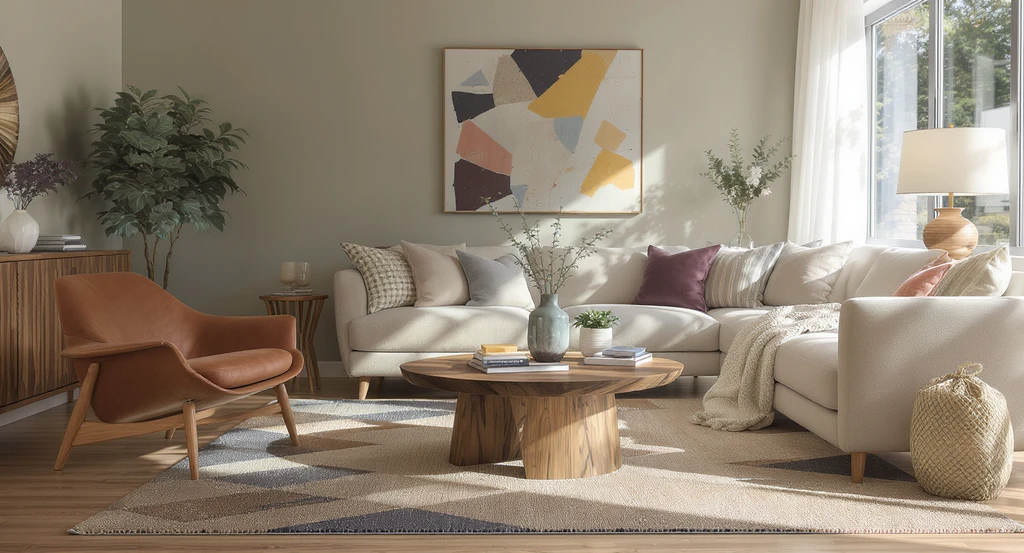
Realistic depiction of a living room using paint swatches, rug samples, and furniture pieces to demonstrate how to visualize furniture in your room. This setup highlights tools for people who can't picture room changes and shows how home design ai or sampling methods can help see rugs in your space before buying.
Most people lack detailed spatial imagination, a phenomenon sometimes called 'interior aphantasia.' This limitation is not a flaw but a human norm: the ability to extract actionable insight from a paint swatch, rug sample, or catalog photo rarely transfers to real-world spaces. Multiple studies on consumer regret indicate that visual mismatch is a primary cause of dissatisfaction in furniture and rug purchases. The challenge is compounded by variables such as room proportions, existing color schemes, ambient and direct light, and material reflectivity, all of which modify the final appearance and usability of new furnishings. Visual estimation alone cannot reliably account for these factors, leading to widespread 'trial and error' decorating, waste, and indecision.
-
The REimagineHome AI Spatial Simulation Model
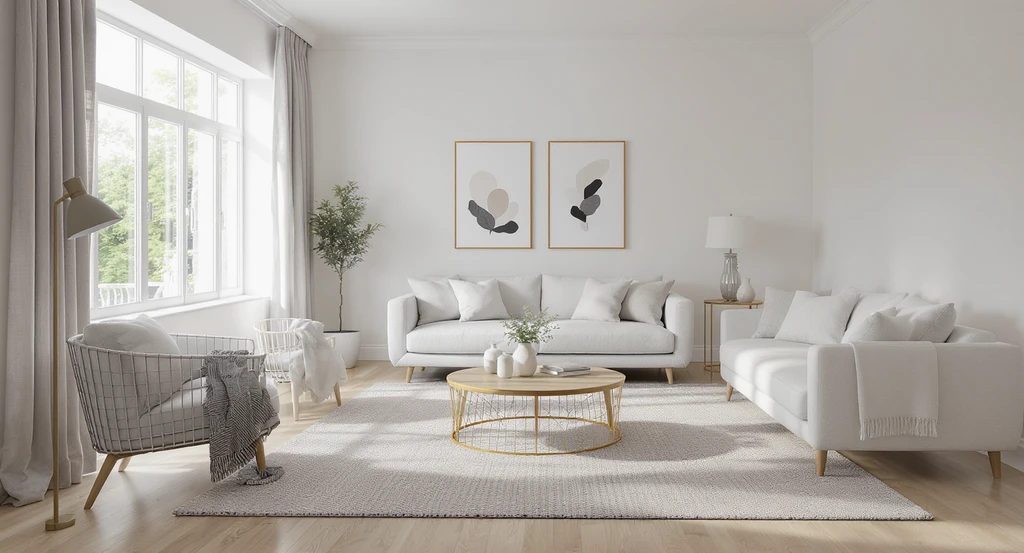
The REimagineHome AI Spatial Simulation Model uses advanced home design AI tools to let users visualize furniture and rugs in their actual rooms, ideal for people who can't picture room changes or see rugs in their space before buying.
The REimagineHome AI Spatial Simulation Model is a structured three-stage process for pre-visualizing home upgrades, such as adding furniture or rugs:
- Input Layer: Use a single, well-lit photo of your actual room as the foundational data. This captures real-world nuances, including light sources, surface colors, and visible scale references.
- Simulation Engine: Photoreal AI (or AR) overlays to introduce candidate items, sofas, rugs, tables, etc. to precise scale and with consistent lighting. This is not simple cut-and-paste: the system simulates shadow, reflection, and material interaction, allowing you to preview true-to-life outcomes rather than stylized mockups. Learn more in our guide on AI tools for instant room visualization.
- Comparative Visualization Layer: Rapidly iterate alternative configurations (different rug sizes, placements, furniture styles) and toggle them for side-by-side comparison. This allows for outcome-based decision-making, not guesswork or isolated judgments.
-
Decision Matrix: Comparative Modes of Visualization
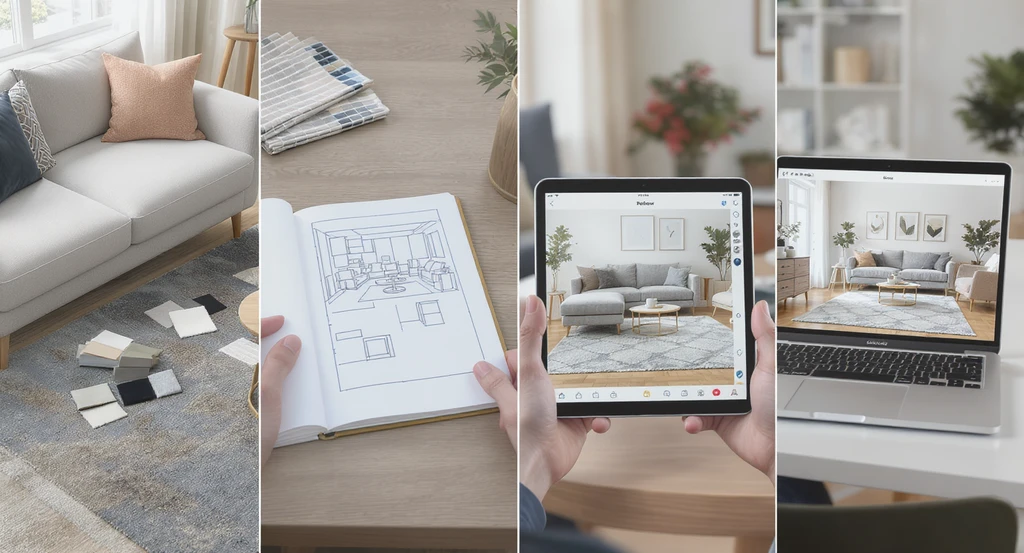
Side-by-side comparison of visualization tools—physical samples, paper sketches, AR app, and home design AI—shows how to visualize furniture in your room for those who can't picture room changes or want to see rugs in their space before buying.
To clarify tools and approaches, use this matrix:
Method Spatial Accuracy Material/Light Simulation Outcome Confidence Physical Samples Low (no context) Low (ambient guesswork) Low Paper Sketches Medium (scale estimation) None Low-Medium Retailer AR Apps Medium (often per SKU only) Medium (variable quality) Medium Full-Room AI Tools (photo-based) High (real room context) High (photoreal, volumetric) High
Reference-grade tools such as REimagineHome AI distinguish themselves by using the full context of your own room photo rather than merely inserting a product image, delivering outcome confidence not possible with piecemeal or SKU-specific AR. For best results, employ decision models that support direct comparison, clear scale representation, and real-world lighting simulation. -
Practical Application: Structured Steps for High-Stake Selections
To visualize furniture and rugs in your room before buying, apply the following system:
- Capture a Room-Accurate Photo: Stand in a primary traffic zone, ensuring key features (windows, floors, major built-ins) are visible and perspective distortion is minimized.
- Set Accurate Scale References: Place a measuring tape, known object, or temporary marker in the shot for digital calibration.
- Upload to a Spatial Simulation Platform: Use full-room AI (not single-SKU AR) to add and swap items. Confirm that the system provides photoreal rendering, meaning it simulates shadow, light falloff, and overlapping objects.
- Compare Outcomes Side-by-Side: Preview multiple furniture and rug options by toggling visibility or generating comparison grids. Assess not only style, but also physical integration: walking paths, light bounce, and proportion to walls or adjacent furniture. See the detailed methodology in our furniture scale and layout guide.
- Validate Decisions With Real-World Constraints: Ensure clearance for doors, walking paths (ideally 30–36 inches), and maintain appropriate rug size, using furniture legs-on or legs-off strategies as appropriate. For principles on rug selection, refer to our analysis of the 2025 rug trend.
-
Visualization Layer: How Previewing Transforms Decision Outcomes
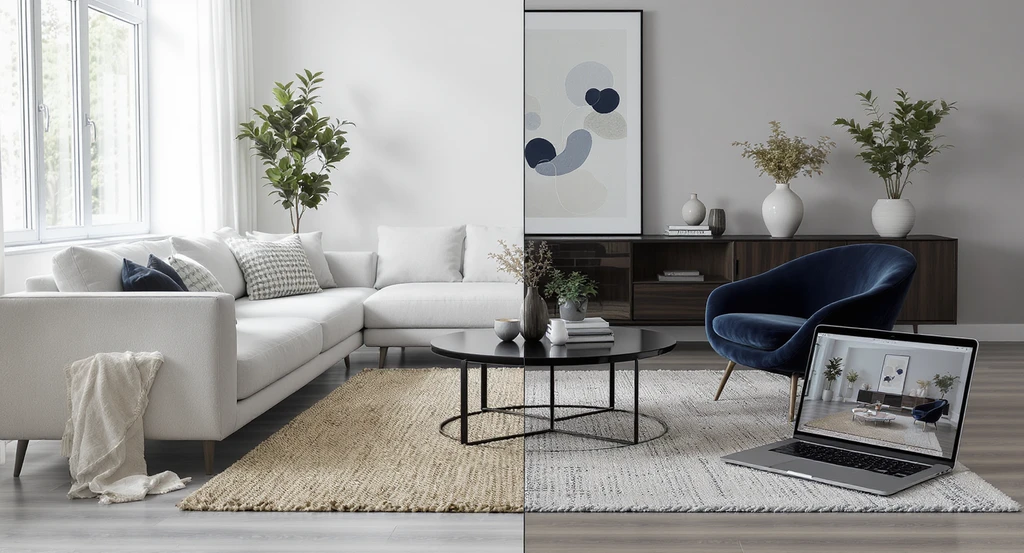
Discover how to visualize furniture in your room with home design AI—perfect tools for people who can't picture room changes or want to see rugs in their space before buying.
Previewing design decisions in situ fundamentally changes the psychology and accuracy of home investments. According to The Visual Outcome Lock-in Principle, users who interact with photoreal visualizations of their actual space experience significantly higher post-decision satisfaction and lower rates of regret. Reasons:
- Scale errors, such as over- or under-sized rugs, are avoided due to context-precise overlays.
- Lighting mismatches are detected before purchase, as AI renders item reflectivity and shadow in-room.
- Aesthetics are appraised in full context, reducing the likelihood of style or color clashes.
Visualization Scenario
A homeowner uploads a photo of their living room to a spatial simulation platform. The AI overlays a potential rug and sectional into the shot, precisely adjusting color, light, and shadow to match existing conditions. The homeowner toggles between multiple furniture and rug options, instantly seeing how each will look. They identify, before purchase, that a certain rug is too small and a sofa blocks the main walking path, insights no catalog photo or simple sketch would reveal.
FAQ: Visualizing Furniture and Rugs in Your Room
Photoreal AI visualizes an entire room with true-to-life lighting, scale, and spatial integration, while most retail AR apps only place a product overlay without simulating real interaction with surroundings.
Can I visualize more than one item at a time?
Full-room visualization platforms let you test multiple items, sofa, rug, table, simultaneously, assessing how they interact spatially. Single-product AR does not.
Why isn’t measuring or sketching enough?
Sketches and manual measurements fail to account for light, overlap, color context, and three-dimensionality, which often causes surprises after purchase.
How do design professionals help clients who can’t visualize?
They rely on layered visual aids: renderings, mood boards, material samples, and increasingly on AI visualization models for certainty and trust-building.
What are the main risks of skipping visualization?
Risks include scale mismatch, aesthetic discord with existing furnishings, lighting conflicts, and a higher rate of expensive post-purchase regret.
Conclusion: From Uncertainty to Confident Home Decisions
Visualization frameworks like the REimagineHome AI Spatial Simulation Model reframe home upgrades from high-anxiety gambles to evidence-driven decisions. They minimize regret via photorealistic, scale-accurate, and context-integrated previews, supporting both everyday buyers and professionals. As AI-powered visual tools accelerate, those who anchor decisions in outcome simulations, not guesswork, will achieve superior results with reduced risk.