6 Curtain Selection Mistakes You Can Fix Instantly With AI Visualization
TL;DR
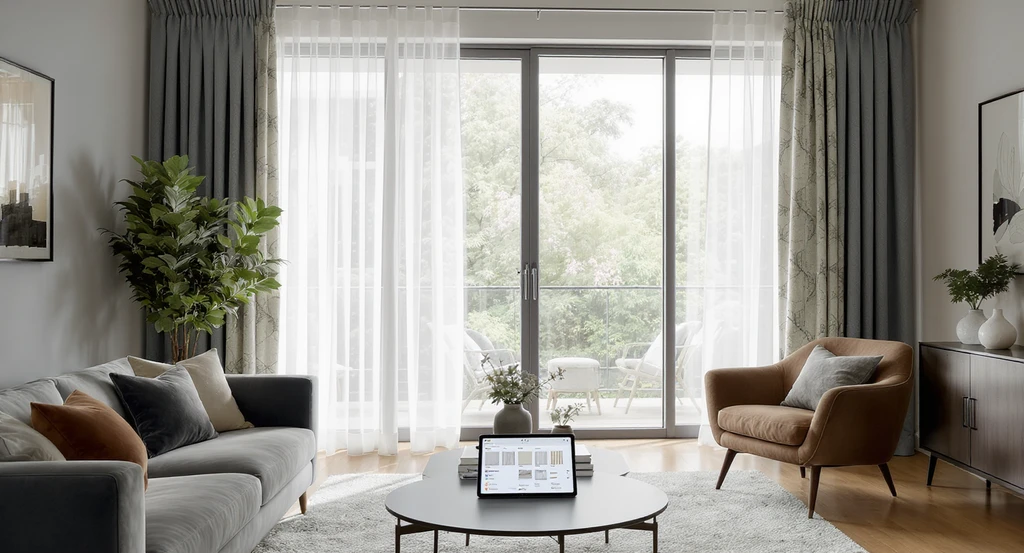
Curtain errors can flatten, shrink, or over-darken a room. Use the F.L.O.W. Method, Function, Light, Openness, Width, and AI visualization to preview fullness, mounting, color, and fabric in your real space before buying. This eliminates costly mistakes and makes your curtains an architectural asset rather than an afterthought.
Curtain Choices Shape More Than Style
Using ai curtain visualization for home design helps you avoid common curtain mistakes by seeing how different curtain styles impact privacy, lighting, openness, and energy efficiency. Experience the benefits of an ai room visualizer for curtain selection and smart fabric choices with ai assistance.
Curtains do more than decorate a window. The right selection will change how tall your ceilings look, how much light reaches your room, and how comfortable the space feels across seasons. According to the U.S. Department of Energy, window coverings can make a measurable difference in energy efficiency, so the stakes go beyond looks. What can go wrong? Common mistakes can shrink, flatten, or visually darken a space. That’s why smart curtain selection follows the F.L.O.W. Method:
- Function (privacy, insulation, glare control)
- Light (how fabric filters daylight)
- Openness (height and fullness for scale)
- Width (panel total versus window size)
-
01. Overlooking Curtain Function

01. Overlooking Curtain Function Image
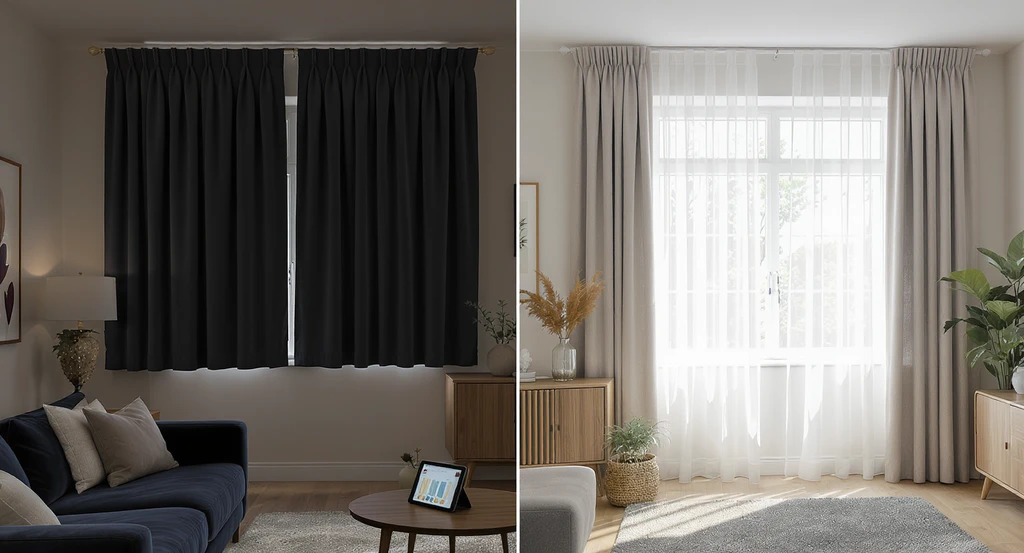
The first mistake is choosing curtains by looks alone, without considering privacy, insulation, or glare control.
This results in mismatched setups, such as blackout curtains in bright living rooms (making them dim), or sheers in bedrooms (leading to weak privacy). The correction: start with function. Use blackout or lined panels in bedrooms, sheers or layered curtains in living spaces, and double-rod systems for flexibility. AI curtain visualization for home design lets you preview day and night performance, preventing privacy gaps or rooms that feel too dark. Learn more about using function-driven selection in our curtain selection guide.
-
02. Choosing Unsuitable Fabric or Heading Style
02. Choosing Unsuitable Fabric or Heading Style Image
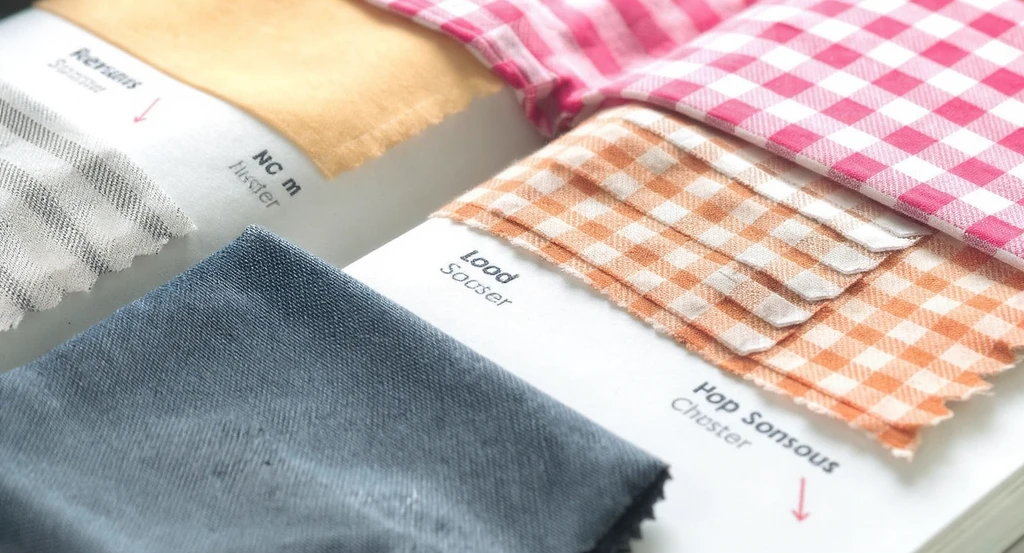
Picking trendy curtain fabrics or headings without weighing climate, sunlight, or maintenance leads to problems over time.
Heavy velvets absorb dust and weigh down humid spaces, silks fade quickly in sunlight, and rod pockets can be clumsy in busy rooms. To correct: Match fabric to climate and select heading styles based on room use, pinch pleats for tailored looks, grommets for smooth operation, and cotton/poly blends for durability. Previewing heading behavior and drape styles digitally helps anticipate issues before you order. For a deeper breakdown, see our guide on finishing living rooms with the right textiles.
-
03. Underestimating Curtain Fullness and Width
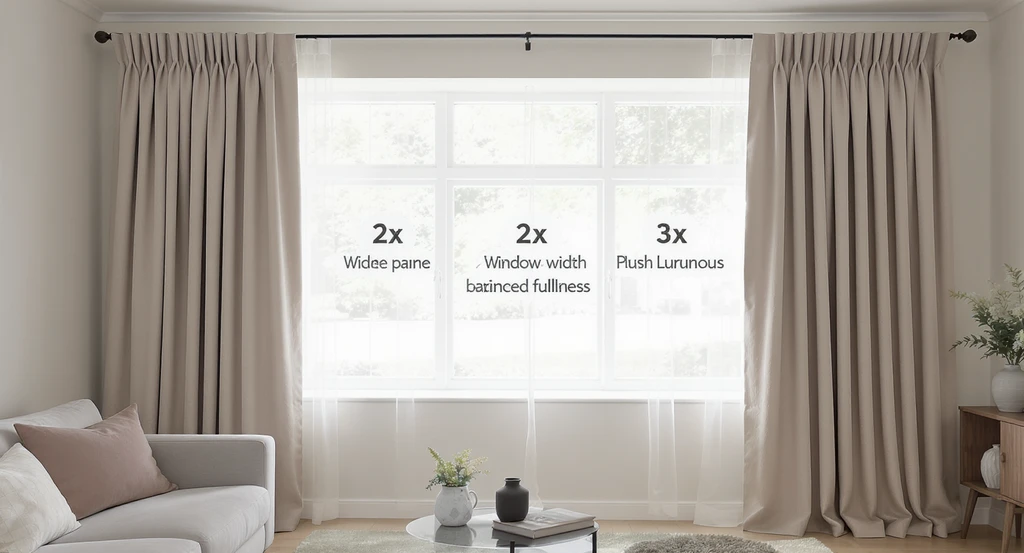
An ai curtain visualization compares curtain fullness and width, helping avoid common curtain mistakes using ai room visualizer for curtain selection.
Panels that barely reach beyond the window lead to a flat, skimpy look and weak coverage.
This mistake happens when the fullness rule is skipped: Curtain width should total 1.5–3 times the window width. Too little fabric results in limp gathers and limited privacy. The correction is clear: measure your window and multiply by the right fullness for your style, 1.5× for minimal, 2× for balanced, and 2.5–3× for luxurious folds. AI room visualizer tools make it possible to preview how your chosen panel width will look on your own window, especially helpful if you’re debating store-bought versus custom sizing.
- Fullness Rule: Curtain panels = 1.5–3 × window width
-
04. Mounting Curtain Rods Too Low
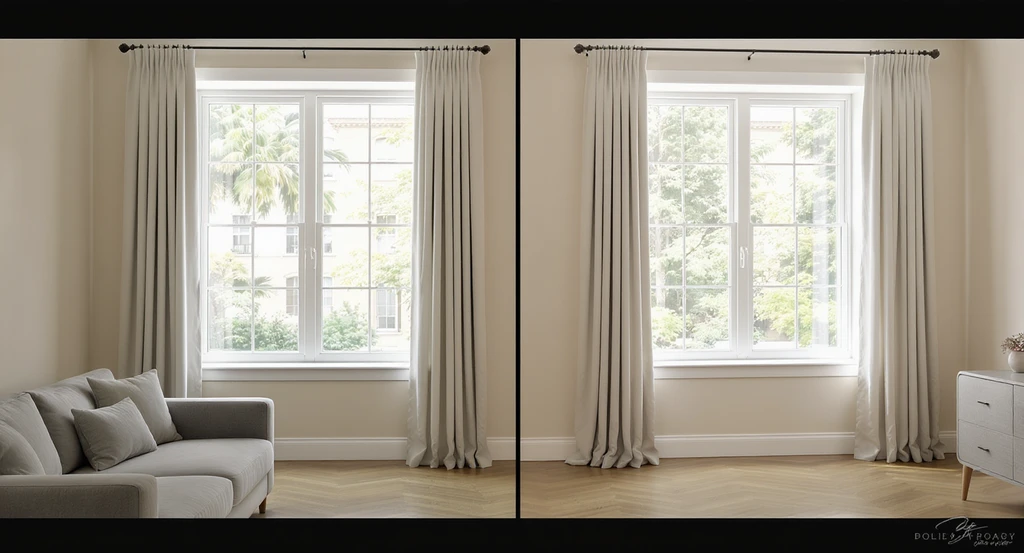
AI curtain visualization for home design reveals the dramatic impact of proper rod height; mounting rods higher avoids common curtain mistakes using AI.
Installing curtain rods just above the frame flattens wall height and makes ceilings appear lower.
Ceiling height is compressed when rods follow the window trim. Correction logic: always mount rods 4–8 inches above the frame, or as close to the ceiling as possible in rooms under 9 feet tall. This draws the eye upward and expands room scale. Curtains should just kiss the floor for a clean finish. To preview the impact before drilling, use an AI room visualizer for curtain placement, small mounting changes make a dramatic architectural difference.
- Height Rule: Mount rod 4–8 inches above frame (or near ceiling for low rooms)
-
05. Neglecting Light and Color Tone
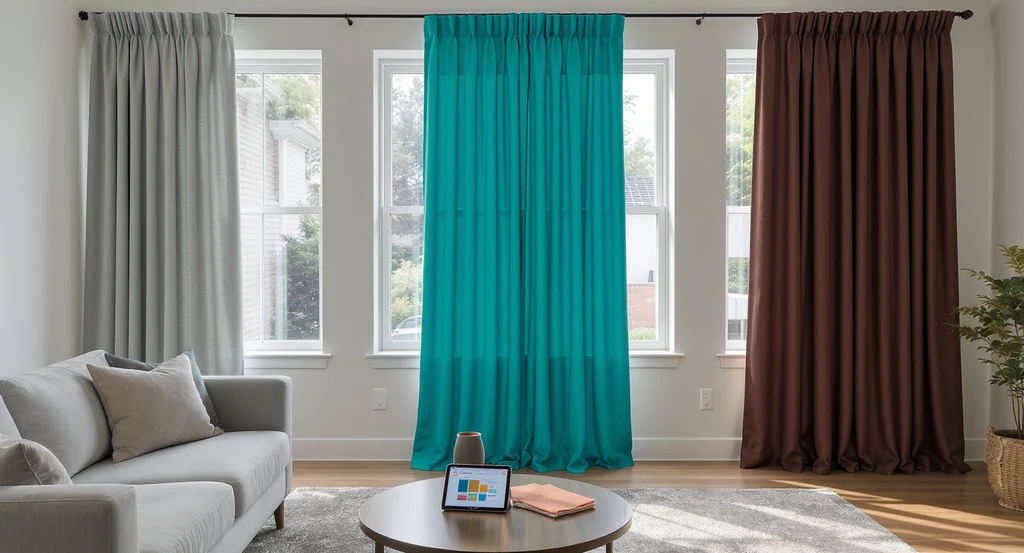
Using an AI curtain visualization tool streamlines home design by previewing curtain fabrics in real light, ensuring accurate color selection and avoiding common curtain mistakes.
Selecting curtain colors or fabrics without testing their effect on daylight can leave rooms dull or mismatched.
Daylight, window orientation, and adjacent surfaces can all shift a fabric’s apparent color and brightness. Cool grays go blue in north-facing rooms, bold shades overwhelm small spaces, and dark fabrics sap brightness. The correction: test swatches on site at different times of day, compare to your rug and upholstery, and always preview in context. Digital visualization tools let you simulate filtered daylight and avoid costly color mismatches, as explained in our home renovation planning guide.
-
06. Skipping AI Preview Before Purchase
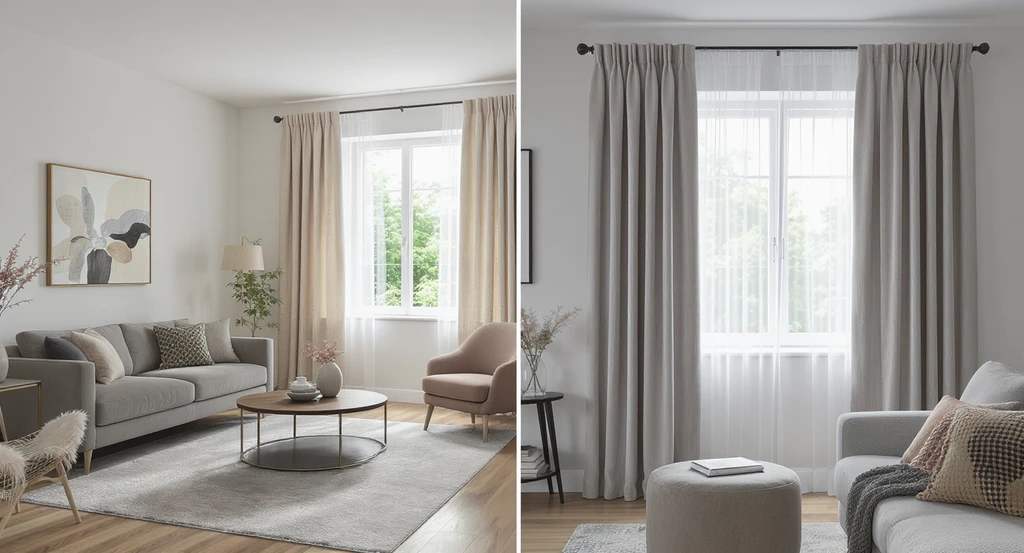
See how ai curtain visualization for home design prevents common mistakes by using an ai room visualizer for curtain selection and fabric preview before purchase.
Ordering custom or ready-made curtains without digitally testing options causes the most expensive mistakes, wrong color, scale, or light filtration.
This often happens because real rooms always differ from store settings: wall size, light angle, and furnishings change how curtains drape and glow. Using AI curtain visualization for home design allows you to try layered looks, simulate fullness, switch hardware, and preview day-to-evening brightness instantly. For staging or listing photos, reviewing curtain choices digitally helps rooms appear brighter, less cluttered, and more inviting, see how visual tools speed up this process in our article on AI design tools for home projects.
- Digitally test panel width, fabric weight, rod height, and color tone
- Simulate daylight and privacy levels before checkout
Curtain Visualization & Selection: FAQs
- How do I measure curtain fullness?
- Multiply your window width by 1.5–3, depending on how full or tailored you want the appearance.
- Should curtains touch the floor?
- In most living and bedroom spaces, yes—this gives a finished and cohesive look.
- Can curtains help with energy efficiency?
- Yes. Properly installed lined curtains can improve insulation and reduce heating/cooling loss.
- How do I check curtain color and lighting effects?
- Test at various times of day and use a digital AI room visualizer to preview light diffusion and tone.
- Best way to avoid all these mistakes?
- Follow the F.L.O.W. system and always use AI visualization to test your curtain choices in your own space, as shown in our AI tools guide.
Curtains: Structural Finishing, Not Afterthoughts
Curtains influence light, scale, and comfort, not just style. To avoid typical errors, follow the F.L.O.W. Method and always preview key choices (function, fullness, height, and color) with AI visualization before you buy. When you select and hang curtains with these methods, they act as architectural tools and shape your room’s mood, brightness, and comfort from day one.