How to Preview a Sofa in Your Living Room Before Buying It

Why Buying a Sofa Feels Risky

Compare colors, textures, and sofa styles visually before making a furniture decision.
Finding a sofa you love is exciting, but committing to one without seeing it in your own home can feel overwhelming. The lighting in the store, website filters, and staged photography rarely match your living room’s reality. Will the sofa actually look right next to your wall color? Will it crowd the space, or clash with your rug? For homeowners and renters, these questions often lead to hesitation—or expensive mistakes. Here’s the straightforward answer: previewing a sofa in your actual living room solves much of this uncertainty. Thanks to AI tools like ReimagineHome AI, you can test how a sofa will look in your room before buying, using just a couple of photos. This guide is for anyone wanting a smarter, less stressful way to make a big furniture decision.
-
The Real Challenges of Sofa Shopping
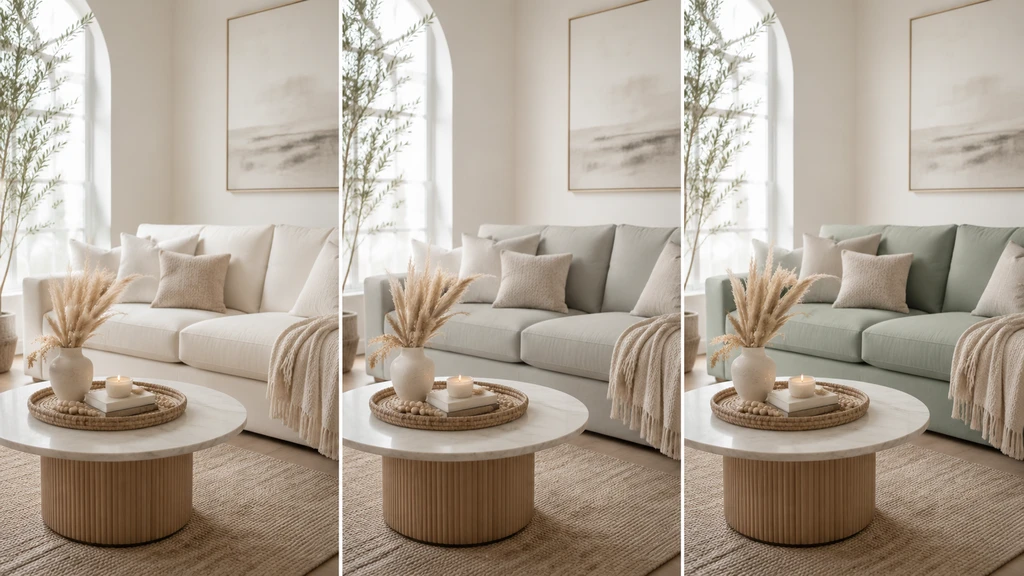
Test different sofa colors in your living room before choosing the one that fits best.
A sofa is usually the anchor of a living room, influencing how the entire space feels and functions. But shopping for one involves lots of doubts:
- Will the fabric and color look right under your home’s lighting?
- Does the sofa’s size fit, or will it make the room feel small?
- Does the style work with the furniture you already own?
- Should you go for a bold statement or keep things neutral?
-
How Previewing a Sofa With AI Actually Works
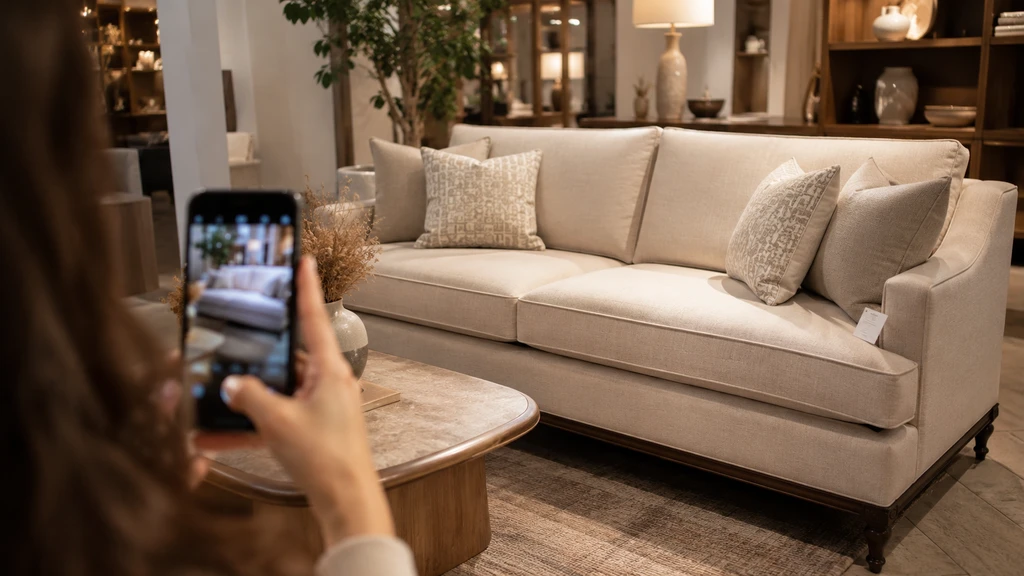
See a sofa you love in-store? Photograph it and preview a similar look in your own living room.
ReimagineHome AI offers a practical way to test any sofa before buying:
- Take a photo of your living room.
- Find a photo of the sofa you like—whether in-store, online, or in a catalog.
- Upload your room image to ReimagineHome AI and add the sofa image as a reference.
- Add a simple prompt, like: “Use this sofa style in my living room and create a cozy, modern look.”
- Review the AI’s design to see how the sofa—and its color, shape, and vibe, work in your actual space.
-
What You’ll Learn From the Preview (And What You Won’t)
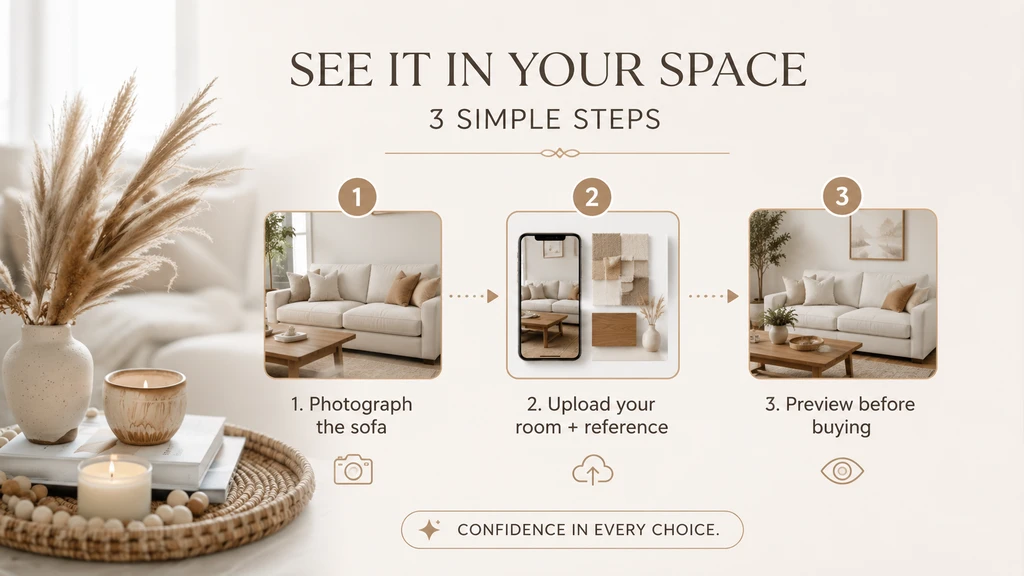
A simple three-step workflow: photograph the sofa, upload your room and reference, then preview the result.
Previewing your sofa choice gives you a clearer visual idea of how it may look in your living room before you buy it. You can see whether the sofa color works with your wall, flooring, and existing decor, whether the style blends naturally with the room, and whether the overall look feels too bold, too plain, or just right.
It also helps you understand the mood of the space. A sofa can make a room feel warm, modern, classic, relaxed, or more polished, depending on its color, shape, and fabric style. By previewing it first in ReimagineHome AI, you can check whether the sofa supports the look you are hoping to create instead of relying only on showroom photos or imagination.
That said, the preview is meant for visual clarity, not final product verification. As we explored in our deep dive on reference photos in AI design, you should still double-check the real sofa dimensions, delivery fit, fabric details, care requirements, and return policy before making the purchase.
-
Biggest Mistakes to Avoid When Previewing Furniture
It’s easy to get caught up in the excitement or trust the technology too much. Before you make your order, avoid these common pitfalls:
- Don’t forget to measure your room and sofa—previews show style, not physical fit
- Avoid relying only on photos for material or color accuracy—screen settings matter
- Test more than one option—try different sofa styles or colors to find the best match
- Don’t overlook how new furniture will impact traffic flow or other room features
FAQ: Previewing Sofas With AI
Do I need professional photos of my living room?
No, clear smartphone photos are usually enough for ReimagineHome AI to generate previews. Just avoid clutter and distracting angles for best results.
Can I preview furniture from any store or brand?
As long as you have a good image of the sofa, you can use it as a reference—even if it’s from a magazine, website, or showroom phone pic.
Can I preview other furniture or decor with the sofa?
Yes, you can include style prompts for rugs, artwork, lighting, and more in your request—and see how it all works together.
Is the preview enough to decide which sofa to buy?
Use the preview for style, color, and visual impact—but always double-check dimensions and other product specs before committing.
Buying Smarter, Not Just Faster
Previewing your sofa in your actual room takes much of the stress—and second guessing—out of a major purchase. Tools like ReimagineHome AI empower you to see design possibilities with your own eyes, instead of relying on imagination or risky guesses. Instead of regretting a choice, you can confidently welcome that new sofa into your space and style. When you’re ready, remember to use tech for inspiration and guidance, then finish with real-world details for the perfect fit.