How to Tell If a TV Is Too Big for Your Wall: A Practical Visualization Guide
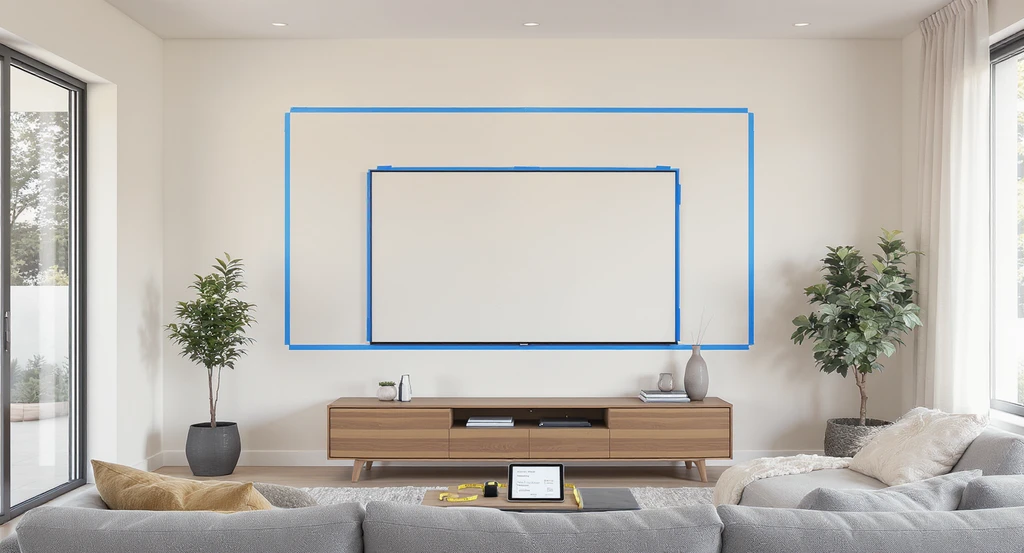
TL;DR
A TV overwhelms a room when it dominates the wall, forces head-turning to see the picture, or leaves little clearance on the sides. Use the 1.2x and 1.6x rules to check the ideal size for your viewing distance, and visualize with painter’s tape before buying. Proper placement, mounting height, and proportion all affect comfort and visual flow.
Why TV Size and Wall Fit Matter, In Plain Terms
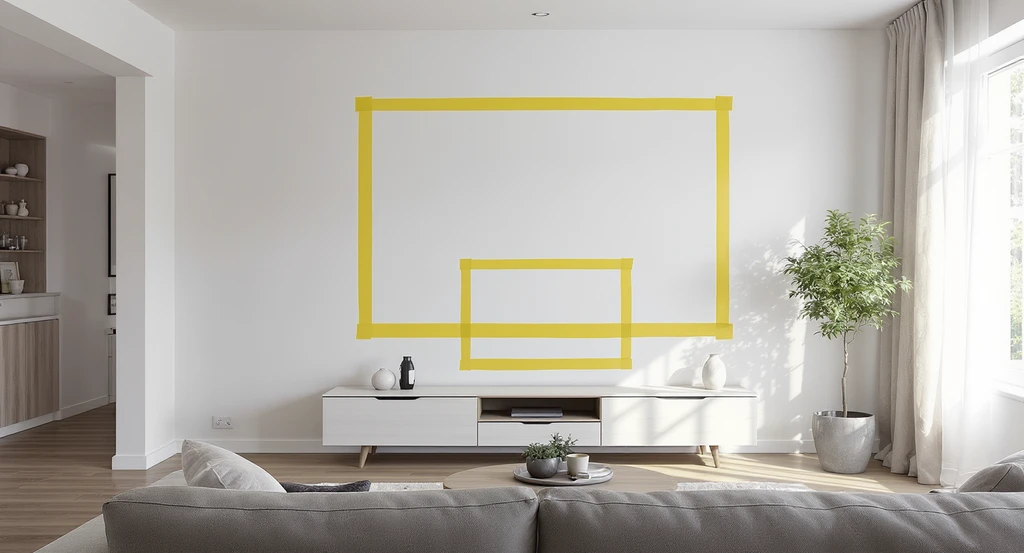
Learn how to visualize TV size on your wall with simple tools—like painter’s tape outlines—to imagine TV placement, scale, and furniture changes before buying.
Few decorating questions spark as much debate as, “Is this TV too big for the wall?” If you get it wrong, the room feels cramped, awkward, or dominated by a black rectangle, and you may regret it every time you turn on (or off) the screen. Get it right, and you enjoy immersive viewing that looks and feels intentional. The challenge? Most walls can technically fit a large TV, but the ideal size is about more than wall width. It comes down to room proportions, viewing distance, eye level, and visual balance with furniture and walkways. Here’s a practical, step-by-step approach to making sure your TV size suits your space.
-
The Core Issue: When Is a TV Too Big for the Wall?
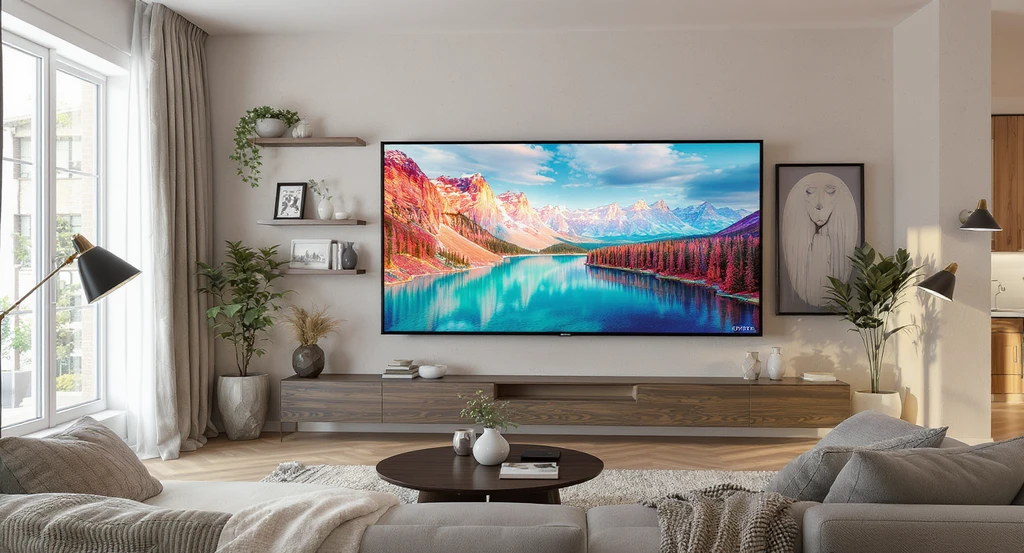
How to visualize TV size on wall: This realistic scene shows a large TV nearly spanning the entire wall, illustrating tools for imagining TV placement and highlights key tips for visualizing furniture changes and avoiding an oversized look.
A TV is too big for a wall if it overwhelms the room’s proportions, dominates sightlines, requires you to move your head to follow the screen, or leaves less than a few inches of space between the TV and the wall’s edges or nearby features (windows, doors, switches). This often happens when size is based only on wall width, not how the entire room is used or viewed. A proper TV size should fill about one-third to one-half of your horizontal field of view from the usual seating position: enough for immersion, not so much that you lose overall comfort. According to community feedback and practical experience, what may initially feel “huge” quickly becomes normal after a week of use. Still, an oversized TV remains a design challenge if the room is small, seating is too close, or the mount leaves no space for furnishings or visual balance.
Expert Insight
A client once bought an 85” TV for their modest living room, worried it would dominate the space. After taping the size on the wall and rearranging the console and seating, it turned out balanced, and the client couldn’t imagine going smaller once movie nights began.
-
Why It Happens: Common Mistakes and Spatial Errors
Why It Happens: Common Mistakes and Spatial Errors Image
The most common mistake is choosing a TV based only on the biggest model that fits the empty wall, without considering seating distance, room size, walkthrough clearance, or lighting. Oversized TVs also end up mounted too high or too low, forcing neck strain or poor angles (as described in our guide to TV mounting height). Ignoring the diagonal nature of TV sizing (not actual width/height), forgetting about base cabinets and speakers, or failing to visualize the screen in context often leads to awkward results.
-
Check First: 1.2x and 1.6x Distance Rules
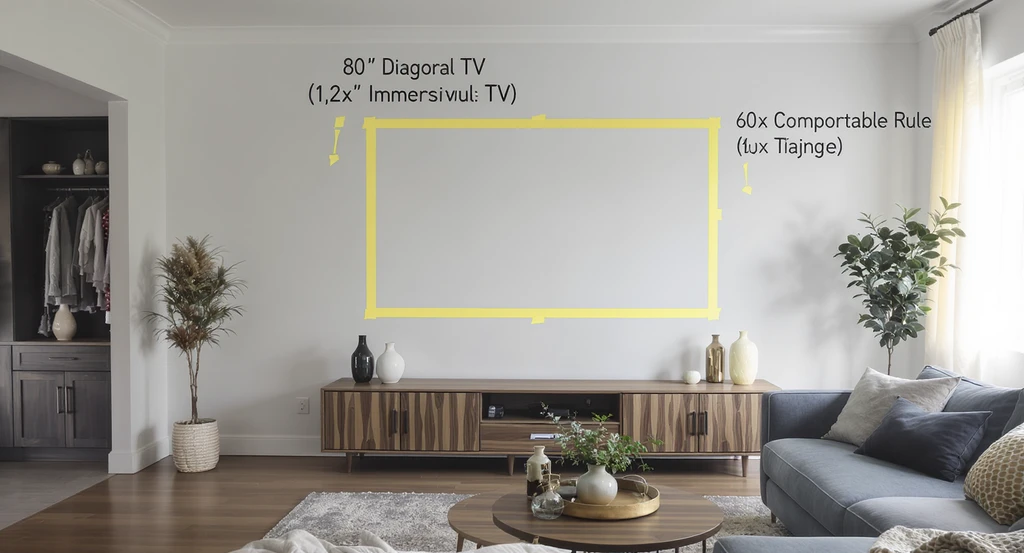
Use simple tools to visualize TV size on your wall by marking out 1.2x and 1.6x distance rules. This helps you accurately imagine TV placement and proportions before making changes.
The 1.2x Rule: Measure your primary viewing distance (in inches). Divide by 1.2 to get the maximum diagonal TV size for a truly immersive experience—commonly preferred by movie fans and gamers.
The 1.6x Rule: Multiply the TV’s diagonal size by 1.6 to find the standard comfortable viewing distance. This is ideal for multi-purpose living rooms, where you want immersive but not overwhelming size.
Example: If your sofa is 8 feet (96 inches) from the wall, 96 ÷ 1.2 = 80" max for immersion, or 96 ÷ 1.6 ≈ 60" for a general use sweet spot. Use these quick formulas to avoid guesswork and select a screen that matches your room’s real proportions and seating plan. Many users find that, after adjusting, larger sizes become comfortable—but scaling rules help prevent layout regrets. -
The Painter’s Tape Method: See Before You Buy
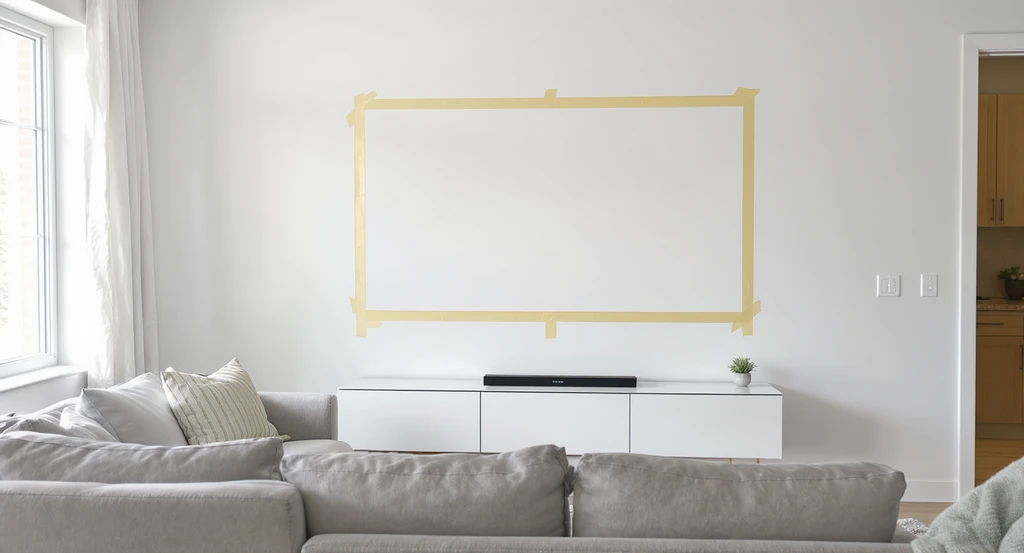
The painter’s tape method offers a hands-on way to visualize TV size on your wall and spot issues with furniture, spacing, or placement before you buy.
Before finalizing your TV size, use painter’s tape to outline the actual width and height on your wall (remember, a 65” TV is measured diagonally). Stand back, sit in your usual spot, and check if the taped area fits visually, without crowding switches, windows, or leaving the TV "floating" with no furniture anchor below. This tactile method lets you spot issues with balance, wall centering, and walkways. For a more precise and flexible preview, upload a room photo to REimagineHome AI and digitally test TV sizes before purchase. This sidesteps heavy lifting, surprise scale problems, and lets you review multiple options.
-
Mounting Height and Alignment: Avoiding Strain and Glare
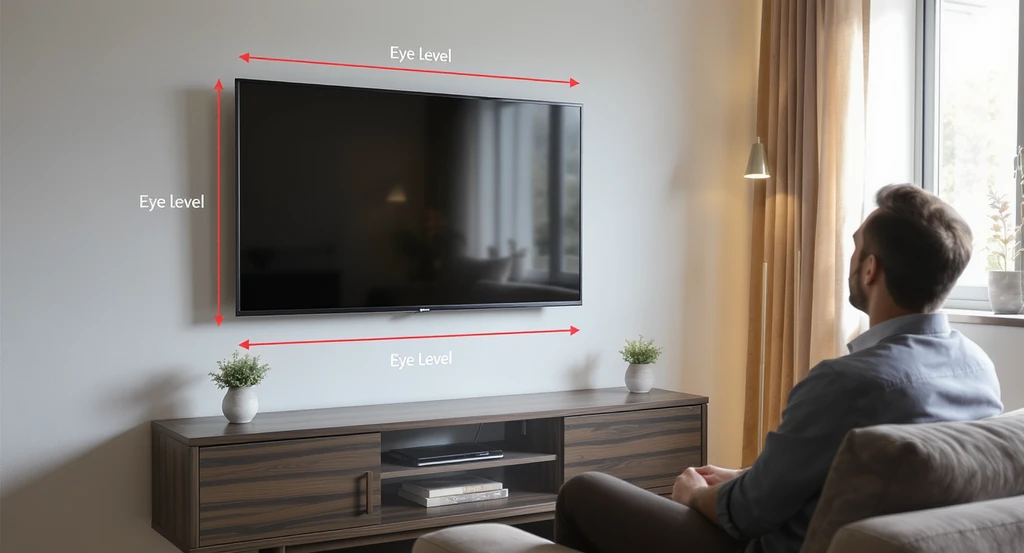
Mounting Height and Alignment: Avoiding Strain and Glare Image
A screen that’s too large and mounted incorrectly can make movie nights uncomfortable. It’s best to place the TV so that its center is at eye level when seated, typically between 42–48 inches from the floor, or lower for bedroom viewing. For oversized TVs, avoid placing the screen too high, as this can strain your neck (see our TV height guide). Watch for reflections from windows; a bigger screen can catch more glare, so consider tilt mounts, blackout curtains, and anti-glare finishes.
-
Room Flow, Furniture, and Focal Points: It’s About More Than the Wall
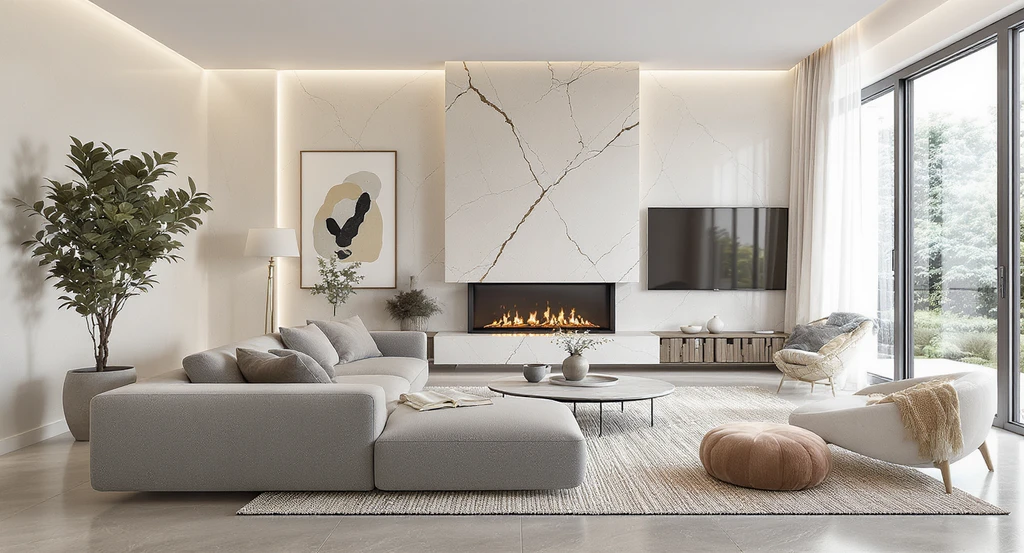
Room Flow, Furniture, and Focal Points: It’s About More Than the Wall Image
An oversized TV can make a room feel small, especially if there’s no media console or furniture to visually anchor it below. When the screen nearly touches ceiling lines, corners, or switches, the room loses visual breathing room. Plan for at least a few inches of clearance all around, and avoid blocking doors or windows. Review your seating distances and ensure at least 30–36 inches of walkway behind/around sofas, as detailed in our sofa and furniture arrangement guide and our overview on scaling furniture in small spaces. Use media consoles that are about 1.5 times the TV width below the screen for better proportions and to control cable clutter.
-
Visual Reasoning: The Impact of Scale, Spacing, and Light
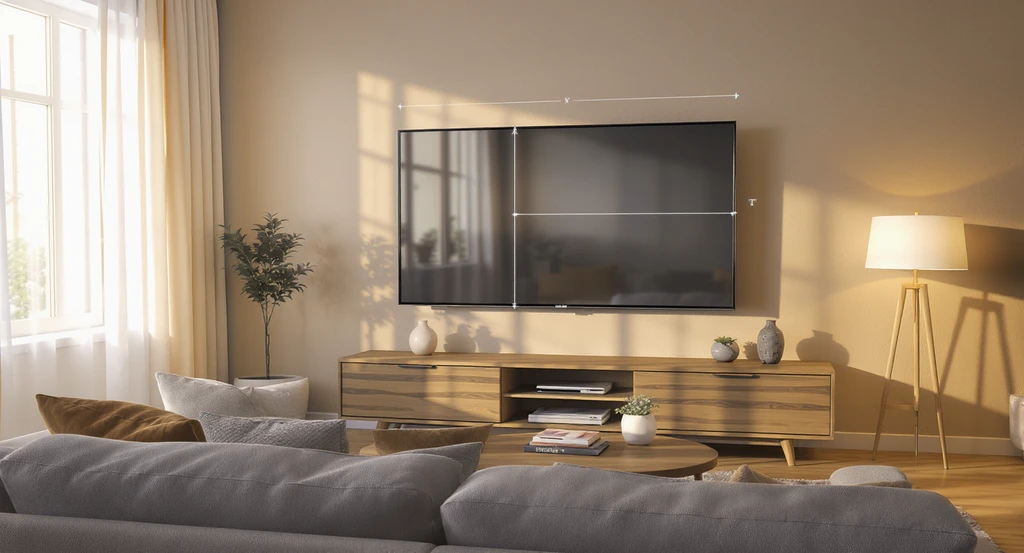
Visual Reasoning: The Impact of Scale, Spacing, and Light Image
A TV that fills almost the entire wall may not always look “wrong” in photos, but in daily life, it changes the feel of the space. Large, flat screens act like mirrors for windows and lamps, amplifying clutter or glare (as we covered in our living room layout problem-solver). Maintaining proportional negative space around the set, aligning the TV with other anchors (windows, consoles), and ensuring all furniture is oriented for comfortable, direct viewing keeps the layout functional and visually calm.
-
Step-by-Step: What to Check and Correct Before Buying or Mounting
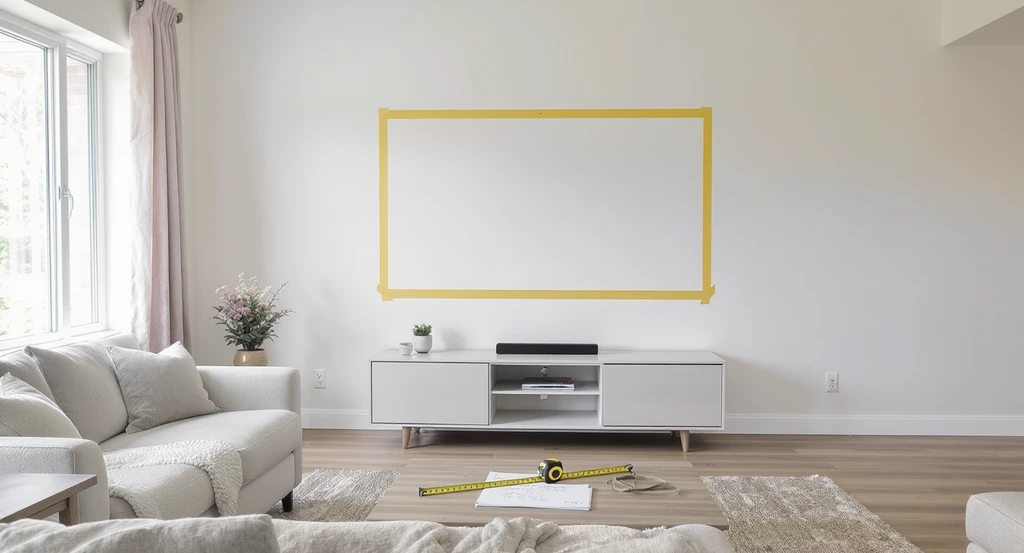
Use painter’s tape and measuring tools to visualize TV size on your wall, ensuring proportionate placement and clear walkways—essential tips for imagining furniture changes and avoiding common TV mounting mistakes.
- Measure your viewing distance from sofa (or bed) to TV wall.
- Apply the 1.2x and 1.6x rules to define upper and lower ideal TV sizes.
- Mark out real TV dimensions with painter’s tape or digitally using REimagineHome AI.
- Assess walkways: Confirm you’ll keep 30–36 inches of clear space in front of/around seating.
- Check wall features: Make sure outlets, switches, and windows aren’t blocked.
- Plan your media console or shelves for proportion; choose one about 1.5x TV width.
- Determine mounting height so TV center is at average eye level (usually 42–48 inches).
- Test for glare and reflections during different times of day.
Visualization Scenario
You’re torn between a 65” and 75” TV. Instead of guessing, you create a mockup with painter’s tape, then upload a room photo to REimagineHome AI. Instantly, you see how both sizes fit with your actual furniture and light, letting you make a confident decision before you buy or drill a single hole.
FAQs: TV Sizing and Visualization
Ideally, you should leave at least 3–6 inches of empty wall space on all sides, more if possible. This buffer prevents the TV from feeling wedged in and allows for proper ventilation and access to cables.
Does TV width or diagonal matter more for fit?
TVs are sold by diagonal, but width and height matter for wall fit. Always check actual product dimensions and use tape to mock up both width and height before mounting.
Will a very large TV feel less overwhelming over time?
Yes, most users who choose a large TV report that it feels normal within days or weeks. However, poor placement or lack of proportional furniture can keep the TV feeling awkward.
How do I make a large TV look balanced?
Pair with a media console about 1.5x the TV width, add wall decor around it, and avoid mounting the TV too high. This anchors the screen visually and prevents it from "floating."
Is it better to go slightly bigger or smaller?
If you’re near the ideal viewing distance and have the space, going slightly larger is usually preferred for immersion. Too large, however, and you'll sacrifice comfort and room flow. Use tape and digital previews to decide.
Key Takeaways: Proportion, Placement, and Preview
A TV is only "too big" if it disrupts room proportion, comfort, circulation, or viewing angles. Use practical viewing distance rules, visualize before buying, allow room for walkways and furnishings, and mount at proper height to avoid regret. Carefully planning TV placement makes movie nights and daily living more comfortable and cohesive, rather than dominated by the screen.