TL;DR
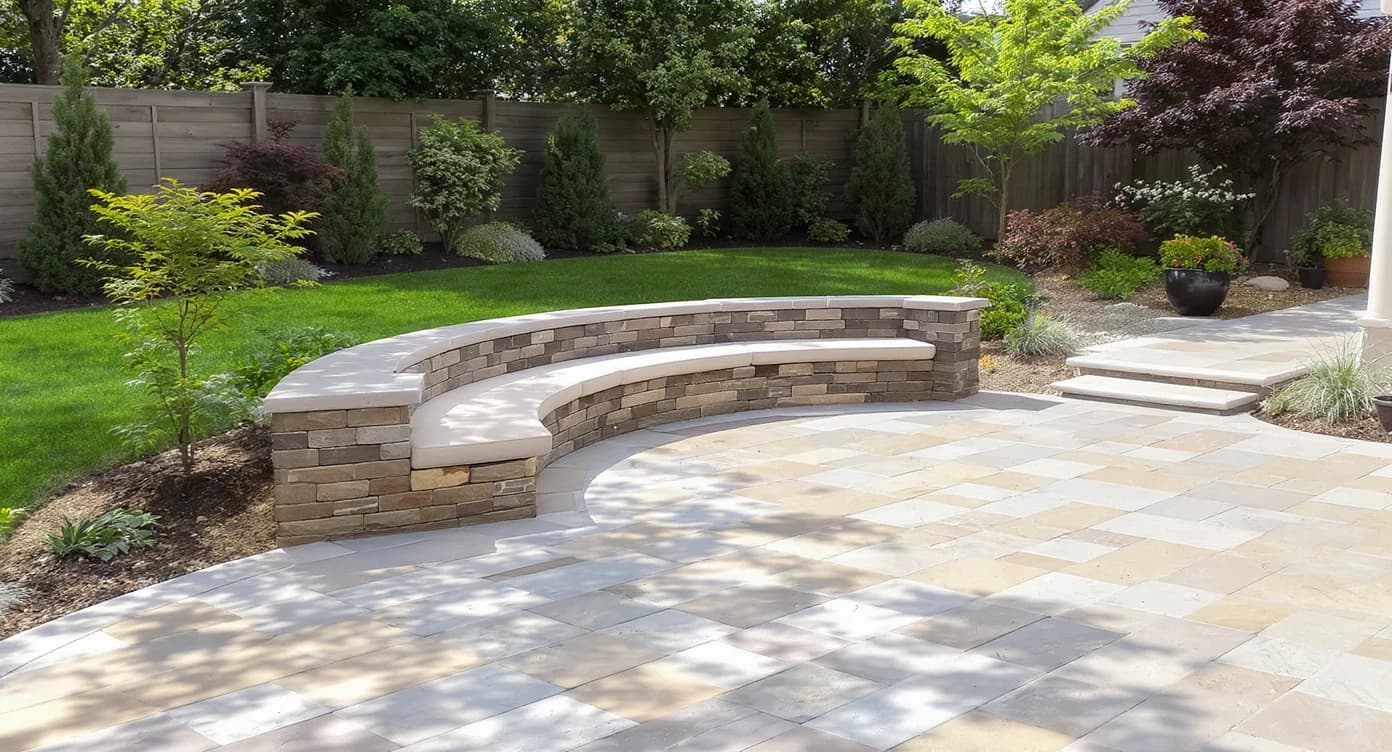
AI hardscaping from ReimagineHome.ai helps homeowners, agents, and designers visualize patios, pathways, and outdoor layouts instantly from photos. This solution boosts listing appeal and guides confident planning without the need for physical remodeling or blueprints. To try it on your space, upload a photo to ReimagineHome.ai and explore the possibilities with the hardscaping tool.
Why Photos Still Make or Break Your Outdoor Listings
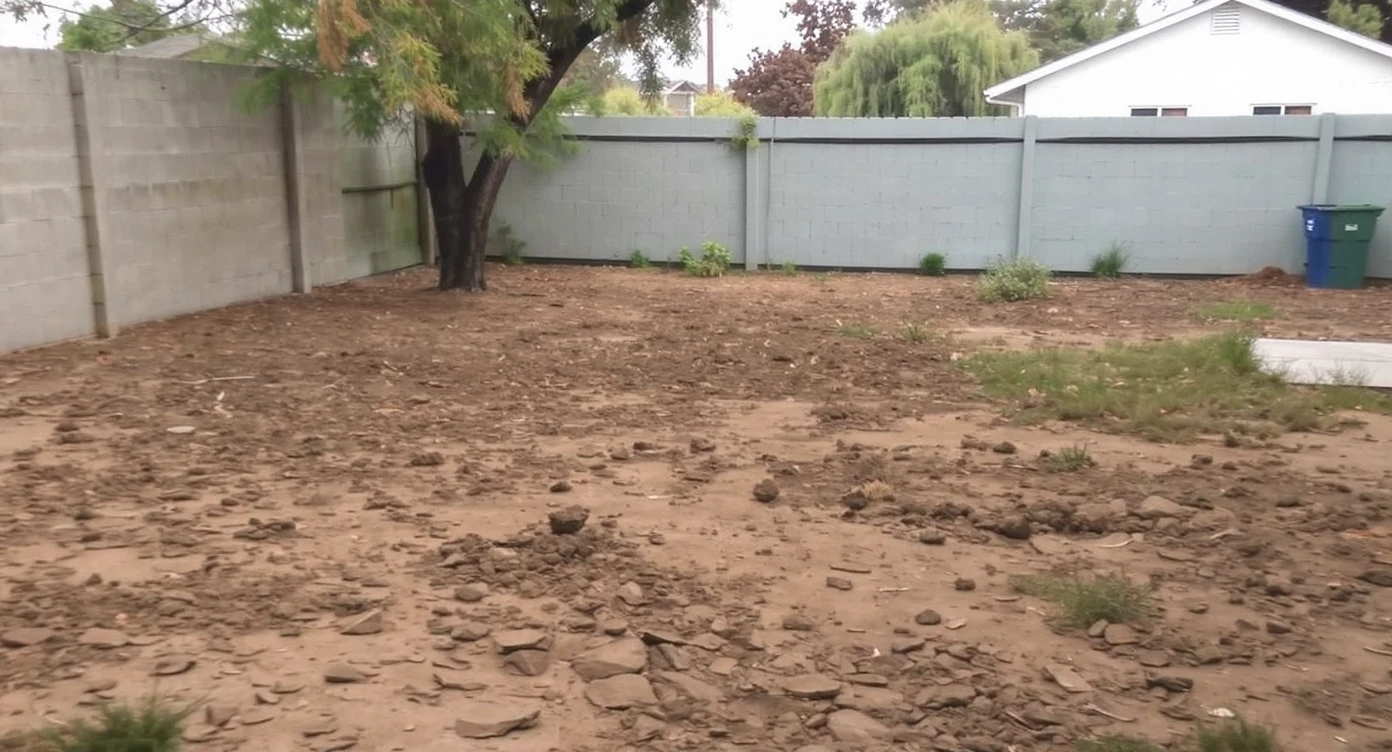
Bare yards often lack visual flow, making it hard for buyers to imagine functional outdoor living spaces.
Listings with bare yards or undefined outdoor spaces often get overlooked because photos can’t convey lifestyle or flow. AI hardscaping from ReimagineHome.ai adds structure—pathways, seating zones, patios—to make spaces feel intentional and welcoming, boosting buyer interest without costly physical changes. Here’s a look at how this AI landscaping design from a photo brings clarity and style to patios, yards, and terraces.
Why Hardscaping Defines Outdoor Spaces More Than You Think
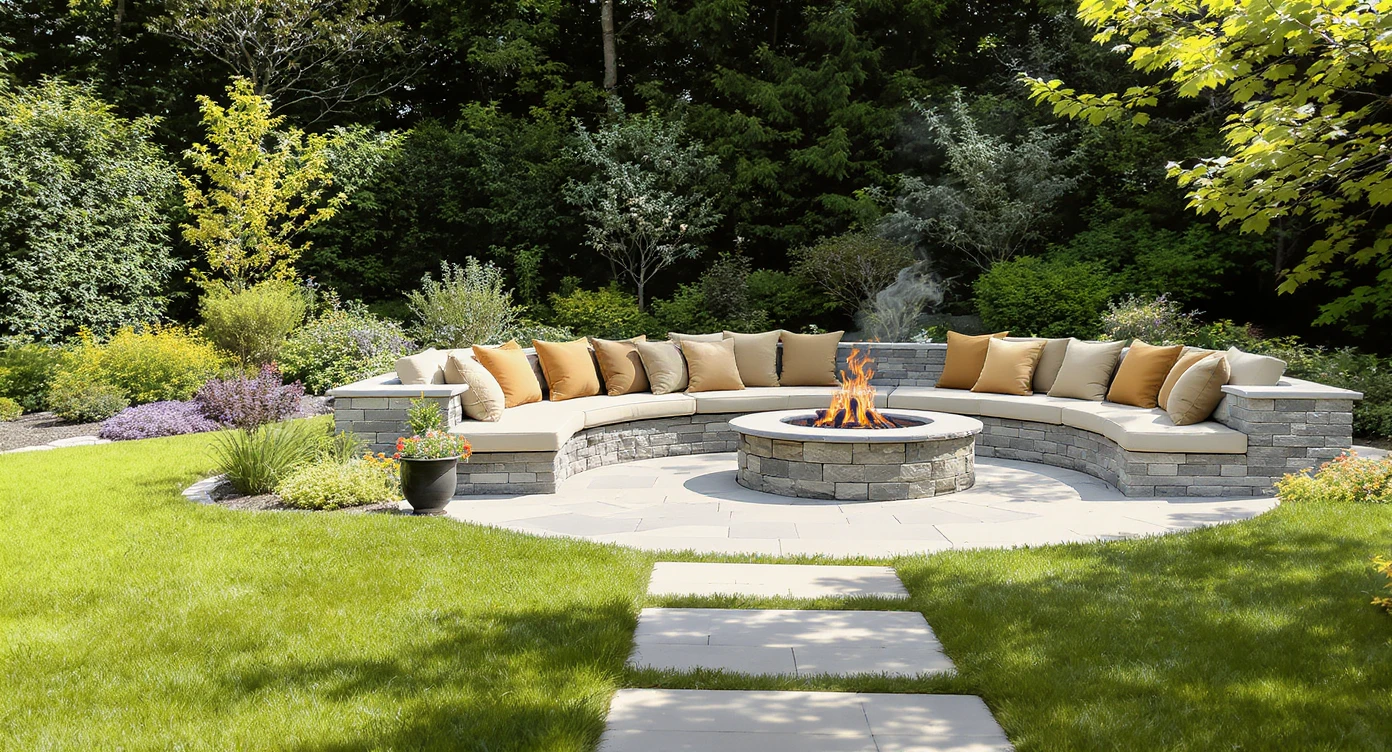
Defined pathways and gathering spots shape outdoor spaces that boost home appeal and usability.
Research shows that defined outdoor areas with clear pathways and gathering spots increase home appeal significantly, often translating to faster sales and higher engagement. Bare or loosely arranged backyards struggle to photograph well, leaving buyers confused about the potential use of space. For homeowners who can’t visualize dividing open areas, and for agents needing lifestyle-ready imagery, hardscaping solutions create balance, direction, and flow that transform outdoor spaces from overlooked to loved.
Anecdote
The backyard photo that looked flat until a simple circular firepit and gravel base appeared — showing the power of defined outdoor spaces through AI hardscaping.
What ReimagineHome.ai’s AI Hardscaping Actually Does
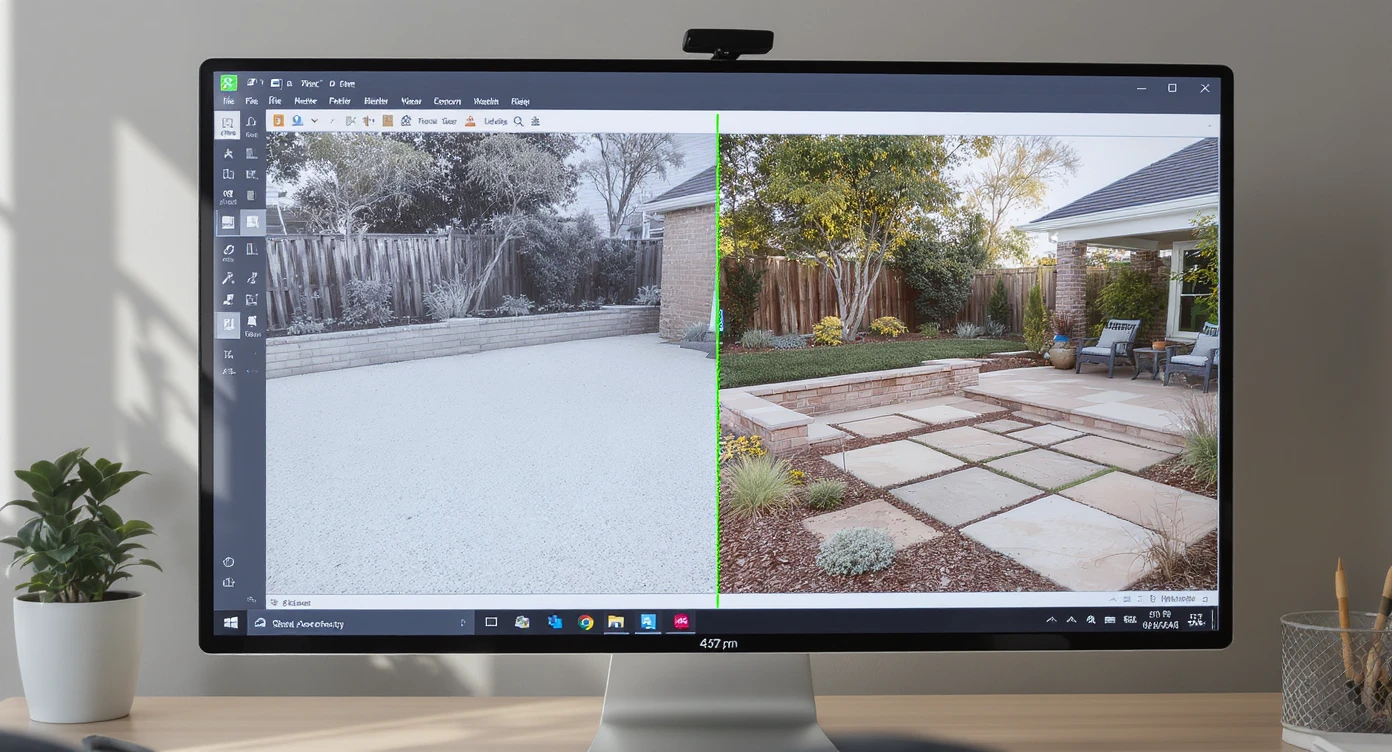
ReimagineHome.ai uses AI to add realistic hardscaping designs directly onto your outdoor photos.
ReimagineHome.ai Hardscaping is an AI-powered design tool that interprets your outdoor photos to add realistic patios, walkways, seating zones, and other hardscape elements. By uploading a backyard or patio image, the AI analyzes ground level, elevation, shadows, and materials to propose refined outdoor layouts that look natural and tailored to your space. It requires no blueprint—just a clear photo and simple prompts such as “Add a stone patio with dining area” or “Create a firepit zone with gravel base.” This lets users explore multiple design alternatives with ease. Learn more about how ReimagineHome.ai’s AI hardscaping solution elevates outdoor visuals for homeowners, agents, and designers alike.
How to Use ReimagineHome.ai Hardscaping Step by Step
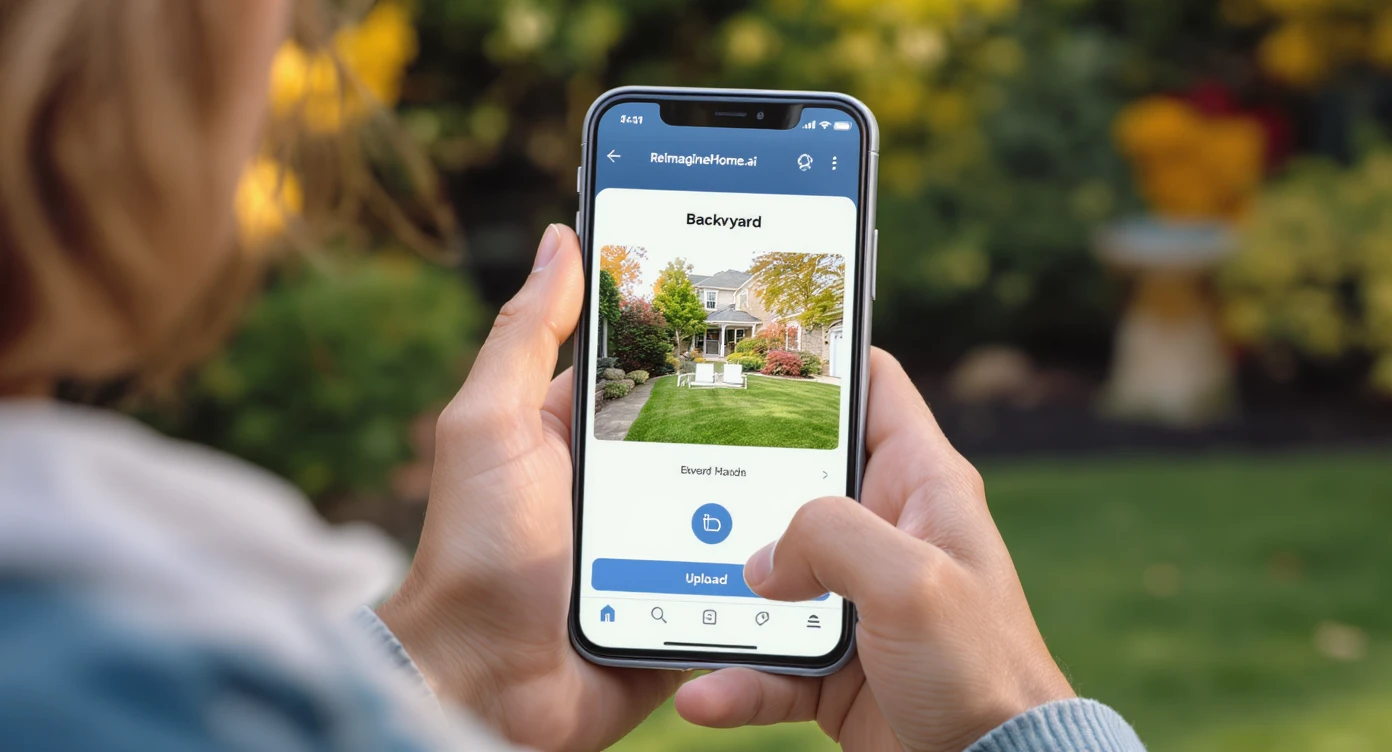
Easily upload your outdoor photos and let AI generate hardscaping designs in minutes.
1. Upload a clear photo of your patio, backyard, terrace, or courtyard. Ensure natural lighting and a ground-level view for best AI analysis. 2. Provide a detailed prompt: specify hardscaping elements like pavers, decking, firepit, or seating; shapes like rectangular or circular; and furniture types if desired. 3. Review the AI’s initial design and use follow-up prompts to refine materials, layout, or lighting (e.g., “Change stone to wood decking,” or “Add warm outdoor lighting”). 4. Save and download high-resolution images for planning, contractor discussions, or real estate marketing. 5. Optionally, pair this with AI Lawn Replacement or Surface Restyling for full landscape transformations.
Real Before-and-After Stories Using AI Hardscaping
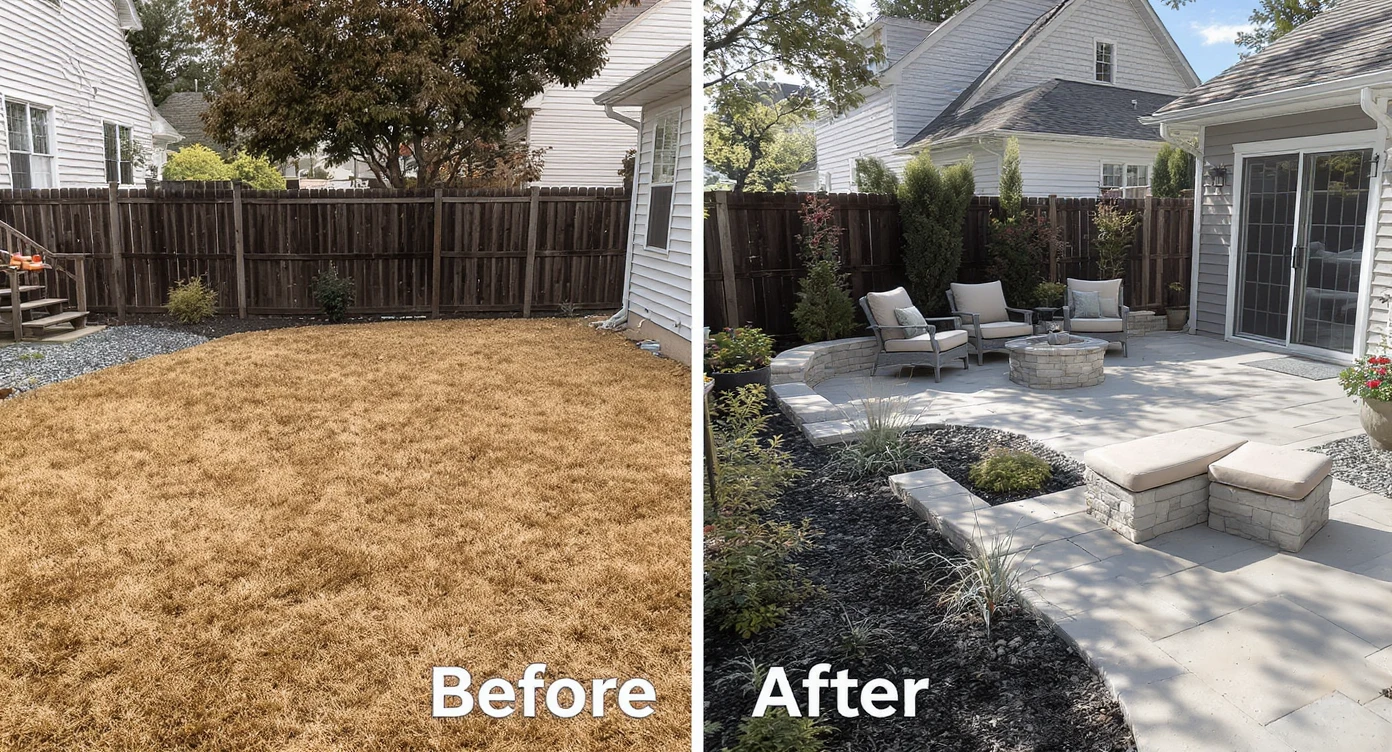
Real homeowners showcase dramatic backyard transformations enabled by AI hardscaping designs.
One homeowner uploaded a bare backyard photo unsure how to improve it. Using ReimagineHome.ai hardscaping, they added a rectangular stone patio with a Scandinavian dining set, instantly transforming the look and confirming their budget before construction. A real estate agent needed engaging exterior photos for a suburban listing; after adding a circular firepit area and gravel base via the hardscaping tool, the listing saw double the online inquiries. A landscape designer used AI hardscaping to offer multiple layout options to a hesitant client, speeding up approvals and reducing costly revisions.
Visualization Scenario
Visualize a once bare patio transformed into a welcoming stone terrace with seamless seating and dining zones, all before lifting a shovel or spending a dime.
Frequently Asked Questions About AI Hardscaping
How realistic are AI hardscaping designs from a single photo? ReimagineHome.ai uses advanced analysis of ground level, elevation, and natural light to generate highly realistic patios and walkways that align closely with your space’s architecture.
Can AI hardscaping help in small outdoor areas? Yes. Defining compact spaces with clear zoning and flow improves usability and visual appeal, making AI hardscaping especially valuable for tight backyards and terraces.
Does this tool replace professional landscape design? No, it supplements by offering clear visual concepts early in planning, helping clients and contractors align on materials and layout faster.
Can I edit and refine designs after the first AI proposal? Absolutely. Follow-up prompts let you tweak elements like materials, shapes, and furniture, ensuring the final design matches your vision.
Is AI hardscaping useful for real estate marketing photos? Definitely. Adding defined pathways and seating zones transforms basic exterior shots into lifestyle-driven images that engage potential buyers more effectively.
Visualize Your Outdoor Project Before You Commit
Visualizing your outdoor space’s next version before committing to construction reduces anxiety and costly mistakes. Tools like ReimagineHome.ai turn a single photo into a canvas of possibilities, helping everyone from homeowners to real estate pros see clear, stylish layouts instantly. To experience this firsthand, upload your outdoor photo, select the AI hardscaping solution on ReimagineHome.ai, and watch your outdoor vision come to life.