REimagineHome Update: 2x Faster AI Home Design
TL;DR
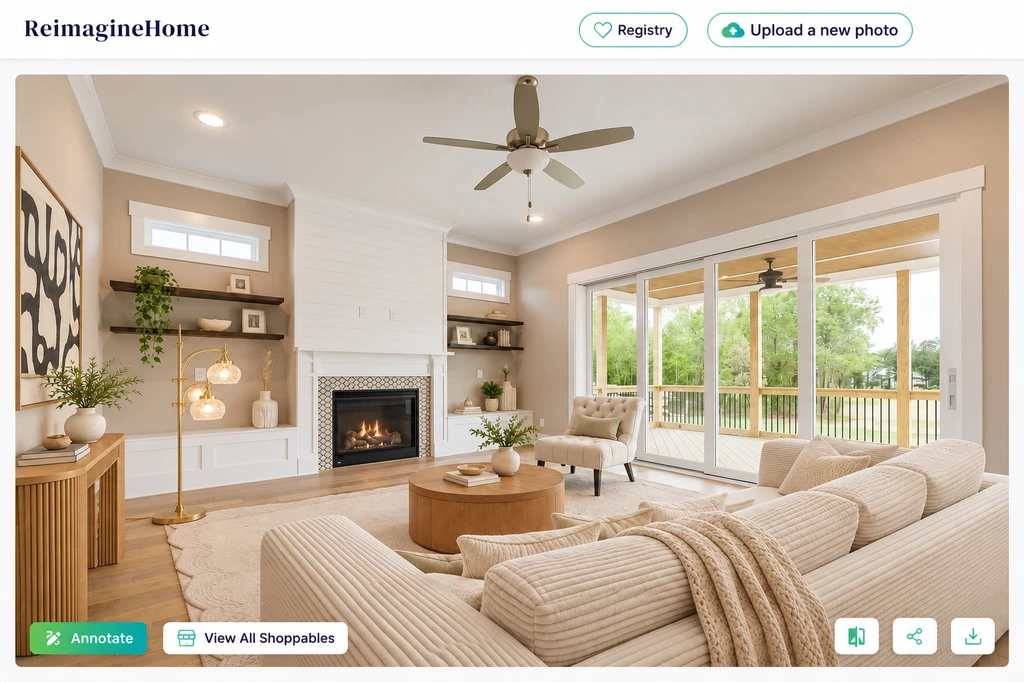
REimagineHome’s new update delivers twice-as-fast outputs, sharper AI design images, and results that better match your instructions. These improvements make it easier (and quicker) for anyone redesigning a room to test and compare ideas with realistic visuals, cutting down on waiting and guesswork. Designers and homeowners alike will find the new workflow more responsive and accurate for their specific needs.
-
What’s New in REimagineHome: The Direct Impact on Design Decisions
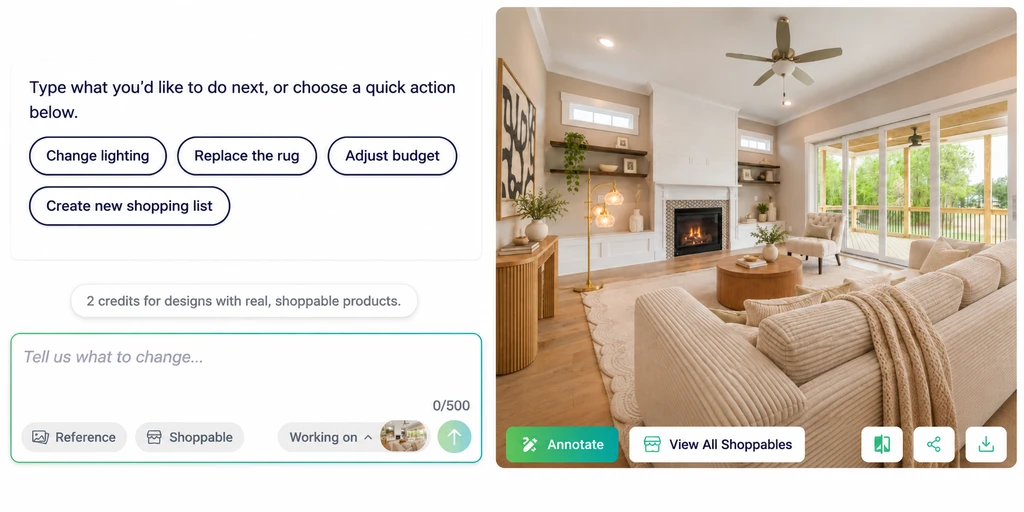
02-reimaginehome-design-review-workspace.png Use REimagineHome’s room preview and design controls together to review an idea and decide what to change next.
Direct answer: REimagineHome’s update means you spend less time waiting for AI-generated room visuals, review results with better details, and see outputs that more closely follow your design brief. For anyone weighing a room refresh or presenting options to a client, these changes make digital design sessions more practical and focused on real choices.
-
Why Faster Outputs Change the Design Process
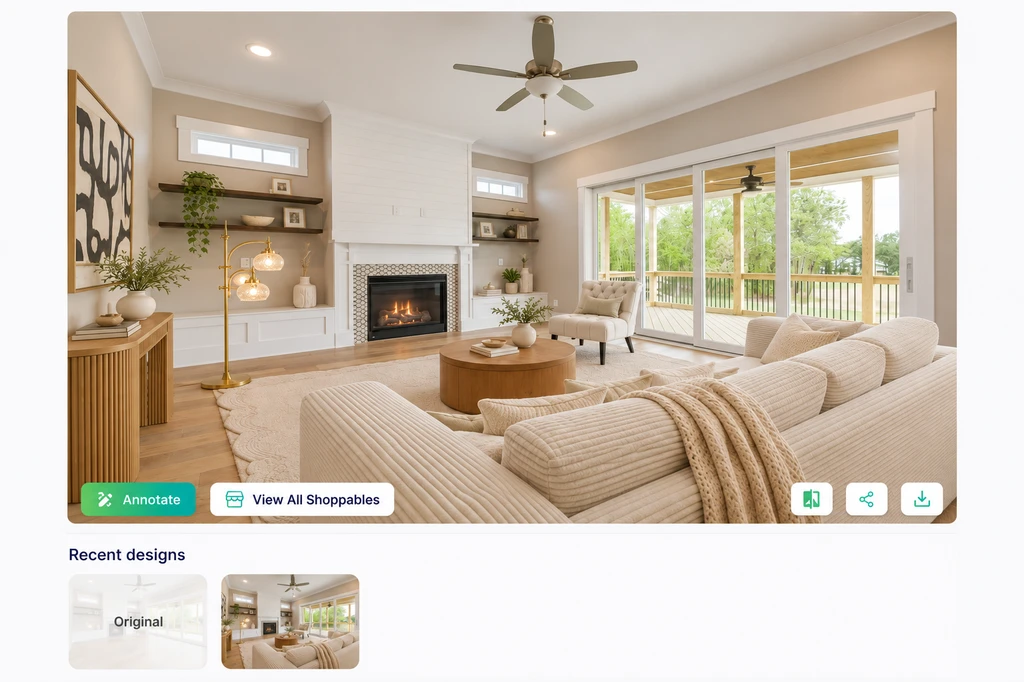
03-reimaginehome-room-design-iterations.png Faster AI room generation shortens the wait between revisions, helping you review a result and move to the next design decision.
Waiting for visual results can interrupt the creative flow, especially when you’re evaluating two different directions. The new 2x faster outputs from REimagineHome keep up with your decision-making pace, letting you compare options, like a warm neutral versus an olive green rug, without breaking your rhythm. This is especially helpful for interior designers during early concept talks or for homeowners eager to explore a new look. Quicker turnaround supports more productive back-and-forth discussions, as fast feedback lets you steer the project in real time.
-
Improved Image Quality Supports Smarter Choices
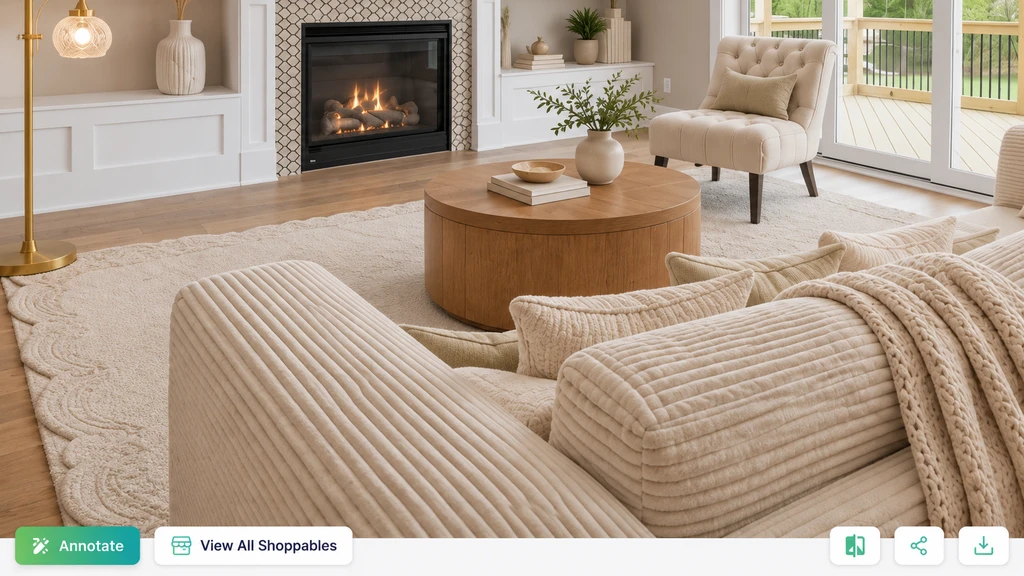
Review sofa texture, rug pattern, and wood finishes in your AI room design before choosing a direction or ordering samples.
Quality matters when judging a new design. With REimagineHome’s better visuals, you can see not just the mood of a space but also the finer details, like how well the rug fits with your sofa or whether the new wall color complements your flooring. Sharp, photorealistic results help you catch style mismatches or awkward pairings early, before you order paint or furniture. According to our guide on using REimagineHome AI, clear visuals are critical for reaching confident decisions and sharing convincing options with clients or family.
-
Better Prompt Adherence: See the Changes You Actually Asked For
One common frustration with any AI design tool is when the output drifts from your request. REimagineHome’s improved prompt adherence helps the system stick more closely to your instructions, for example, keeping your existing sofa but swapping out the wall color and rug as specified. As outlined in our AI for Interior Design 2026 guide, prompt quality shapes the end result. The latest update makes it more likely you’ll see the room edited according to your priorities, though you should still review the output against your brief before making final decisions.
-
A Practical Workflow for Trying New Room Designs
To get the most out of these improvements, start with a clear, well-lit photo of your space. Then, write a prompt that includes the style you want, specific changes (like the rug or wall color), and features to preserve. Generate your first version, review it for accuracy, and then tweak just one variable at a time, such as changing the rug color, so you can directly compare your options. As we explored in our guide to getting better AI home designs faster, focusing on just one change per revision helps you see which idea works best without confusion from other edits.
-
Use This Checklist Before Deciding
- Did the output reflect all your requested changes?
- Were preserved items (like your sofa or windows) accurate?
- Have you checked both small details and overall style?
- Is the visualization clear enough to steer your next step?
Frequently Asked Questions
What are the main new features in the latest REimagineHome update?
The latest update offers 2x faster outputs, higher-quality visuals, and images that more accurately reflect your design prompts. These changes improve both the speed and reliability of your design sessions.
How do I make sure the AI room design matches my vision?
Begin with a clear photo, write a prompt with specific instructions and elements to keep, then review each result against your requests. For more, learn from our interior design prompt guide.
How should I compare different design directions?
Edit one element at a time (like changing only the rug color) to easily spot what you like best. According to these best practices, comparing single changes helps prevent confusion.
Can I use these improvements for any room?
Yes—whether you’re updating a living room, bedroom, or kitchen, the improvements apply to all room types and styles. For prompt ideas and workflow advice, our REimagineHome how-to guide may be useful.
Where can I find more help on creating effective AI prompts?
See the step-by-step REimagineHome prompting guide for tips, examples, and best practices.
Final Takeaway: REimagineHome’s Updates Make Design Decisions Easier
With twice-as-fast rendering, better prompt following, and sharper imagery, REimagineHome now lets you examine and decide on room updates with less waiting and more accuracy. Whether you’re a designer prepping client visuals or a homeowner planning your next refresh, these improvements help you focus on comparisons that matter. The result is a quicker, more confident design process, so you can move from idea to action faster, with visuals you trust.