8 Proven Ways to Get Better AI Home Design Results Faster
-
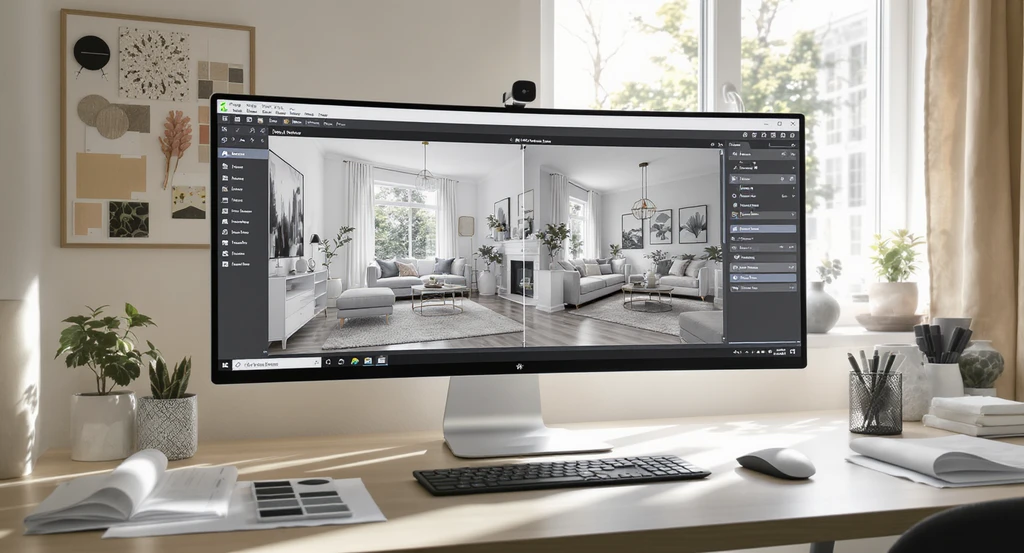
01. Use Reference Photos for Clearer Direction

For better AI home designs, use reference photos in your AI interior design workflow. Provide clear visuals and feedback to ensure accurate room makeovers.
One of the most common mistakes is describing your style but not providing a visual guide. This creates room for interpretation, and often the design doesn’t match your intent. Uploading reference photos, whether from Pinterest, a hotel room, or your previous design, lets the AI follow a specific example.
Reference images give the AI a visual benchmark for colors, materials, furniture styles, and room mood. Instead of interpreting broad style terms like "modern" or "coastal," the AI can follow specific visual cues that reduce design inconsistencies. For best results, add these photos early and mention exactly which features you want to replicate. As we explored in our guide to using reference photos with REimagineHome AI, this method eliminates guesswork and delivers a more precise outcome.
-
02. Give Feedback One Layer at a Time
Trying to fix multiple things at once can confuse the AI and introduce new errors, such as proportion or lighting shifts. Instead, address the most important change first, then focus on the next. This layered approach maintains clarity and control.
- After each render, identify the single most critical improvement needed.
- Make that change first, review the update, and then move to the next layer.
Iterative correction improves spatial relationships and visual balance over time.
-
03. Anchor Your Prompt with Style and Details
Using only general style words like "modern" or "cozy" is a common layout mistake, as it can result in generic or mismatched spaces. Instead, combine your style direction (such as "Japandi") with specifics: a color, a material, or a furniture type.
This approach gives the AI both context and constraint. As detailed in our guide on effective AI interior prompts, the clearer your anchor points, the closer the design will align with your vision.
-
04. Specify What Must Stay and What Should Change
AI tools may unintentionally remove architectural features or change room proportions if instructions aren’t explicit. Clearly separate your non-negotiables ("Keep ceiling height and built-ins") from what should be changed. This prevents accidental layout or spatial errors, such as window or door shifts.
The more precise your instructions, the easier it is to protect critical design elements. This prevents the AI from making unwanted structural edits.
-
05. Use Accurate Spatial Language for Furniture Placement
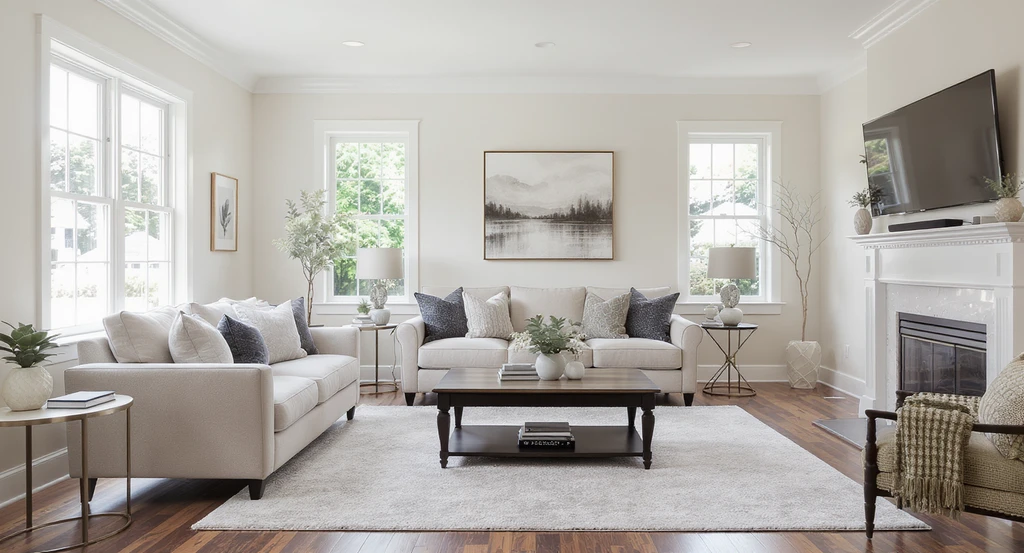
Precise furniture placement helps how to get better AI home designs. Best practices for AI room makeover include using reference photos and clear spatial instructions for optimal results.
Ambiguous furniture placement instructions often produce layouts that feel disconnected, overcrowded, or unrealistic. AI performs best when furniture positions are described relative to fixed room elements such as walls, windows, rugs, and walkways. To avoid scaling and alignment errors, describe where furniture should sit in relation to doors, windows, or other major features. Specific directions (“rug sits with front legs under sofa, coffee table centered on rug”) help maintain correct scale, spacing, and alignment.
This reduces mismatches in traffic flow and keeps the layout practical for real living conditions. For more about how reference photos can further improve spatial accuracy, learn from 6 Ways Reference Photos Improve AI Interior Design.
-
06. Try a Top-Down or Floor Plan View for Layout Challenges
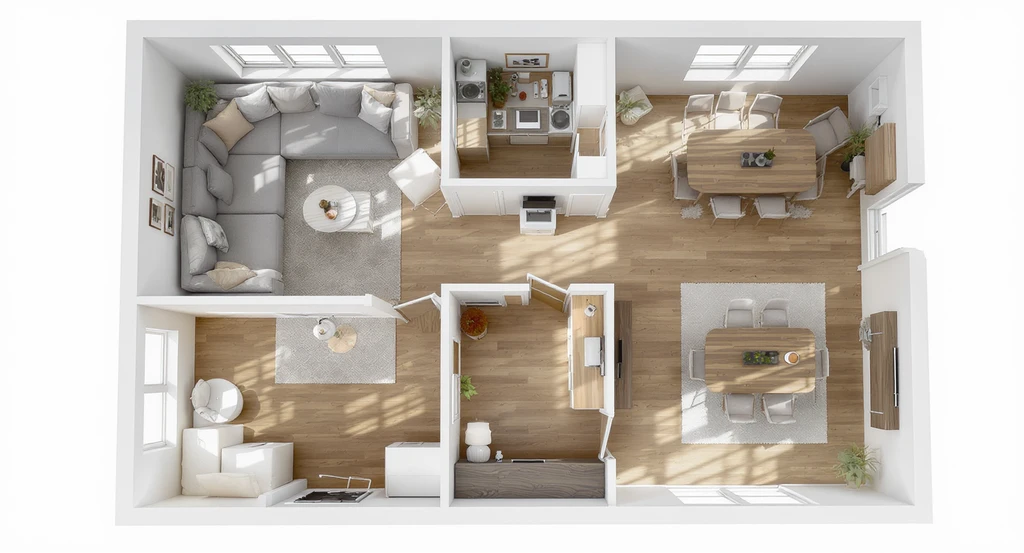
A clear floor plan view shows precise furniture placement for open-plan layouts, highlighting using reference photos in ai interior design and tips for marking changes on ai home design images to improve your AI home designs.
If you’re struggling to communicate where items should go, a top-down or floor plan view makes spatial relationships clearer. This helps the AI understand the connection between objects and prevents errors like blocked walkways or awkward alignments.
- Request a top-down layout to check furniture positions.
- Confirm desired scale and alignment before photorealistic rendering.
This is especially helpful for open-plan rooms, large living spaces, and dining area planning.
Top-down layouts are especially useful for open-concept homes where furniture arrangement affects circulation and functionality. Reviewing the floor plan first can prevent expensive layout mistakes before moving to photorealistic visualization.
-
07. Start Fresh from a Clean Version When Image Quality Drops
Multiple rounds of AI generation can introduce visual drift, including softer textures, inconsistent lighting, altered proportions, and less realistic furniture details. Returning to the original image periodically helps preserve image quality and spatial accuracy. If you notice loss of clarity, go back to your last high-quality image or the original room photo, then move forward from there. Using the clean version as a style reference while retaining the original as your source image helps maintain realism and accuracy.
This method restores lighting, shadow consistency, and proper texture connections across the space.
-
08. Mark and Annotate Changes Directly on the Image
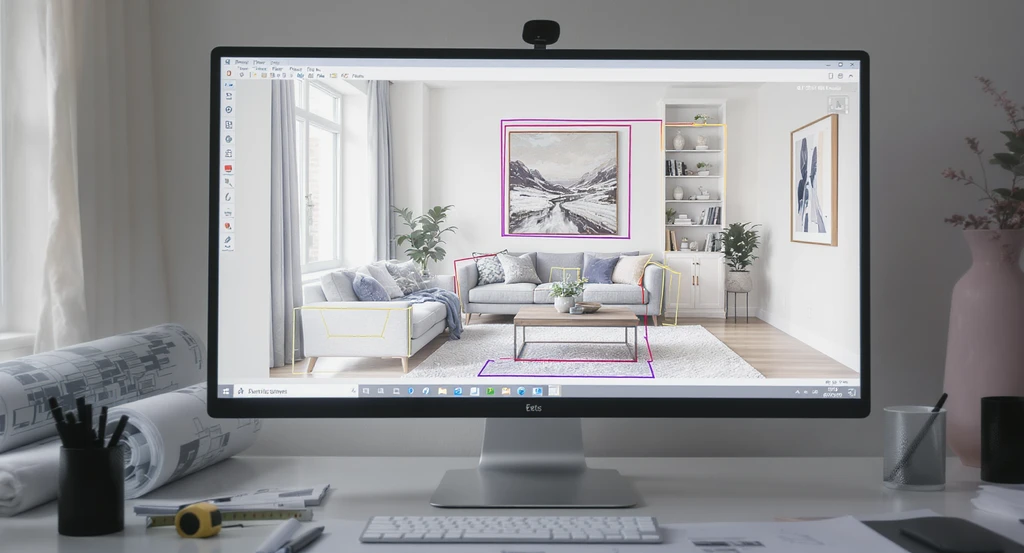
Visually marking changes directly on home design images helps get better AI home designs by providing clear, effective feedback to AI design tools—key for best practices in AI room makeover and using reference photos in AI interior design.
Structural and architectural changes are often difficult to communicate through text alone. Annotation tools remove ambiguity by allowing users to visually identify the exact wall, cabinet, window, or furniture piece that requires modification. The annotation or "mark & edit" feature lets you directly indicate areas for change (such as moving a wall or adjusting built-ins), which is far clearer than a text prompt. As detailed in our overview of image marking for AI redesign, marking changes visually guides the AI to target the exact area, reducing errors and saving time.
This tool is especially useful for geometric, architectural, or precise placement corrections, minimizing confusion and helping your ideas translate more effectively.
-
Common AI Home Design Mistakes and How to Avoid Them
Common AI Home Design Mistakes and How to Avoid Them
Mistake Solution Using vague prompts Add specific style, color, material, and furniture details to guide the AI more accurately. Uploading low-quality photos Use clear, well-lit room images that show the space from a complete and unobstructed angle. Editing too many things at once Focus on one change per iteration to maintain consistency and avoid introducing new design errors. Not using reference photos Provide visual examples that show the style, colors, and design elements you want to achieve. Forgetting to preserve key features Clearly identify non-negotiable elements such as windows, fireplaces, built-ins, or flooring. Ignoring room scale Use precise spatial instructions and reference points to maintain realistic furniture sizing and placement.
Frequently Asked Questions
- How do I get the AI to follow my preferred style?
- Combine style keywords with reference photos and clear details. For more, see effective interior design prompts.
- How can I be sure the AI will keep features I love?
- Explicitly list what must remain unchanged in every prompt. Restating non-negotiables reduces accidental changes.
- Why are my AI design results sometimes blurry after several edits?
- Repeated generations can degrade image quality. Go back to your last clean version or the original photo and start a new round with your saved progress as a reference image.
- Why does AI change windows and doors?
- AI may interpret windows, doors, and other architectural features as editable elements unless specifically instructed to preserve them. Always mention which structural details should remain unchanged.
- Why does furniture sometimes look too large or too small?
- Furniture scaling issues often occur when spatial relationships are unclear. Providing reference images, floor plans, or precise placement instructions helps the AI maintain realistic proportions.
- Can AI interior design tools understand floor plans?
- Many modern AI interior design platforms can use floor plans or top-down room views to improve layout planning, furniture positioning, and overall spatial accuracy.
Build Each Design Step with Intention
The best AI home design results come from combining visual references, precise instructions, structured feedback, and thoughtful iteration. By guiding the AI with clear expectations instead of broad requests, homeowners, designers, and real estate professionals can create more realistic, functional, and personalized spaces while reducing unnecessary revisions.
Use reference photos, precise instructions, and visual tools for feedback. Focus on one change at a time, and revisit your clean versions when quality drifts. Each of these approaches ensures not only better-looking spaces, but more realistic, comfortable designs for real life.