How to Preview Dark Wall Colours in 3D, Before You Paint
TL;DR
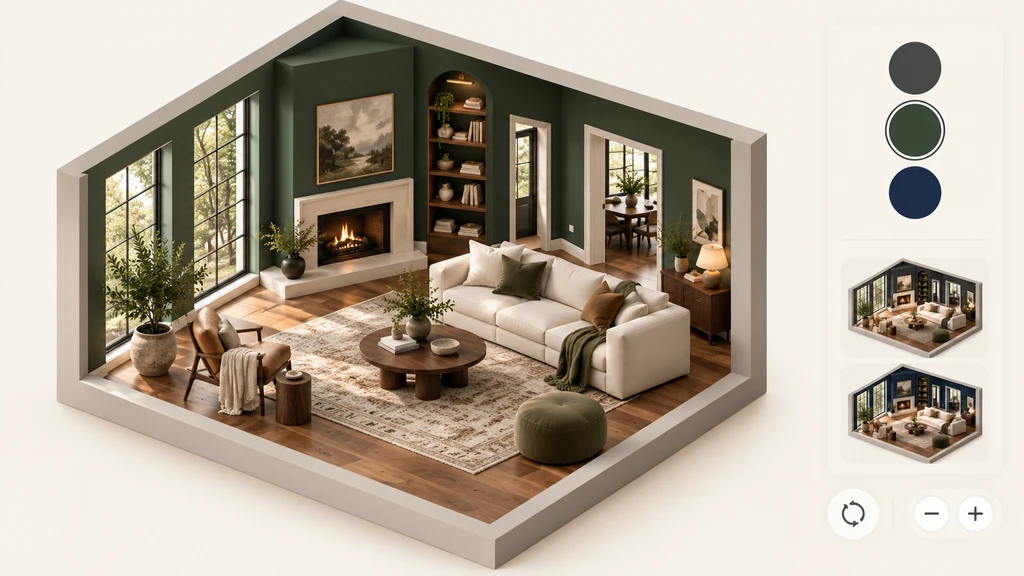
A 3D model can help you compare dark wall colours across the full room instead of judging them from a small swatch. Review each option from the doorway, primary-use position, wall elevation and floor-plan context. Use the preview to shortlist two or three colours, then make the final decision using large physical samples under your actual daylight and evening lighting.
-
Why Swatches and Photos Fall Short With Dark Paints
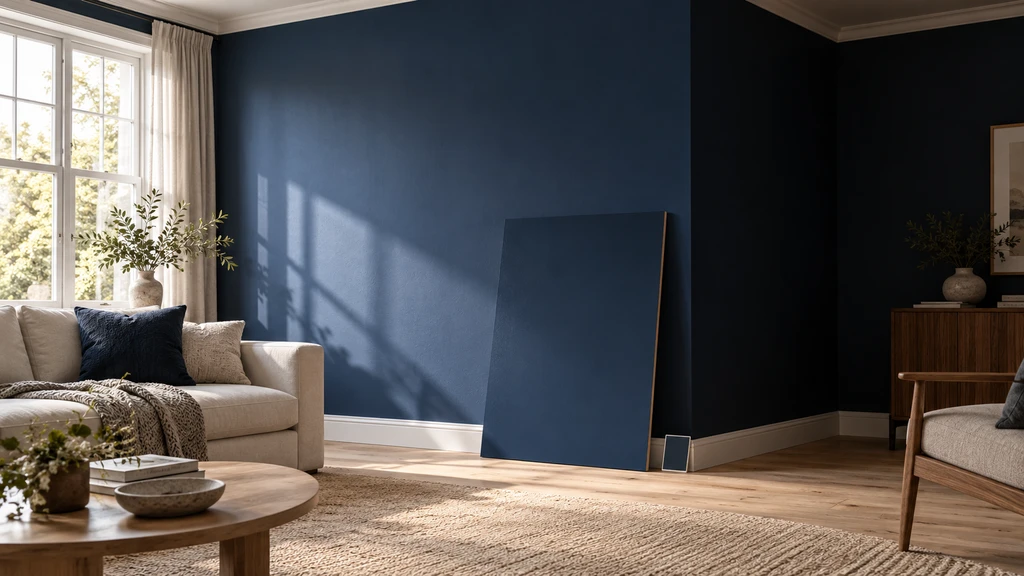
A dark colour can look dramatically different across a full wall as daylight and shadows move through the room.
Dark colours are especially difficult to judge from a small paint chip because their appearance depends on the complete room:
- Daylight: In a bright room, deep blue may retain more visible colour. In a room with limited daylight, the same shade may appear flatter or more enclosed.
- Surface area: A paint chip is a postcard; your wall is a billboard.
- Surroundings: Flooring, ceiling, trim, furniture and artwork all influence how a dark colour reads.
- Viewpoint: The wall may feel balanced from the doorway but visually dominant from the sofa, bed or desk.
A photograph shows only one angle and one lighting condition. Reviewing the room from several viewpoints can reveal whether a dark wall frames the space or overwhelms it. Spatial exploration adds context that a single static image cannot provide.
Expert Insight
Consider a home office with one window, a dark floor and limited evening light. Navy may feel balanced during the day but considerably heavier under one warm desk lamp. A 3D comparison can help identify that concern, but a physical sample board is still needed to judge the actual paint.
-
Add the original Four-View Test
Use the Four-View Dark Wall Test
Instead of asking whether a colour looks attractive in isolation, review it through four views that represent how you will actually experience the room.
- Doorway view: Does the dark wall draw you into the room or make the entrance feel visually closed?
- Primary-use view: How does it feel from the sofa, bed or desk where you will spend the most time?
- Wall elevation: Does the colour frame the furniture, artwork and openings—or overpower them?
- Floor-plan context: How much of the room receives the dark treatment, and how does that surface relate to the window?
Review every colour using the same furniture, flooring and viewpoints. Otherwise, a more dramatic presentation may appear better even when the wall colour itself is not the strongest option.
-
How Chez supports the comparison
Chez by ReimagineHome uses multiple photographs of the same room to create a photo-derived 3D space for exploration. It requires at least two clear photographs, while overlapping views from several corners provide more information about the room.
Once the room is available in 3D, you can examine it through walkthrough, floor-plan and wall-elevation views. The wall controls allow you to compare a selected wall with all walls, while preset-catalogue furniture can help you study general contrast and visual balance.
- Compare shortlisted colours: Apply charcoal, deep green or navy while keeping the flooring and furniture unchanged.
- Change viewpoints: Inspect the colour from the doorway, sofa or another position that matters in daily use.
- Review furniture contrast: Examine whether light furniture stands out or whether darker pieces lose definition.
- Compare coverage: Test one feature wall against all walls to understand how much dark colour the room can visually carry.
For a detailed explanation of the workflow, see our guide to creating a 3D room from photographs.
The preview is for visual exploration, not exact paint matching. Keep the same room setup while comparing colours so that the wall treatment remains the only meaningful variable.
-
A Fun Scenario: Should You Paint the TV Wall Dark?
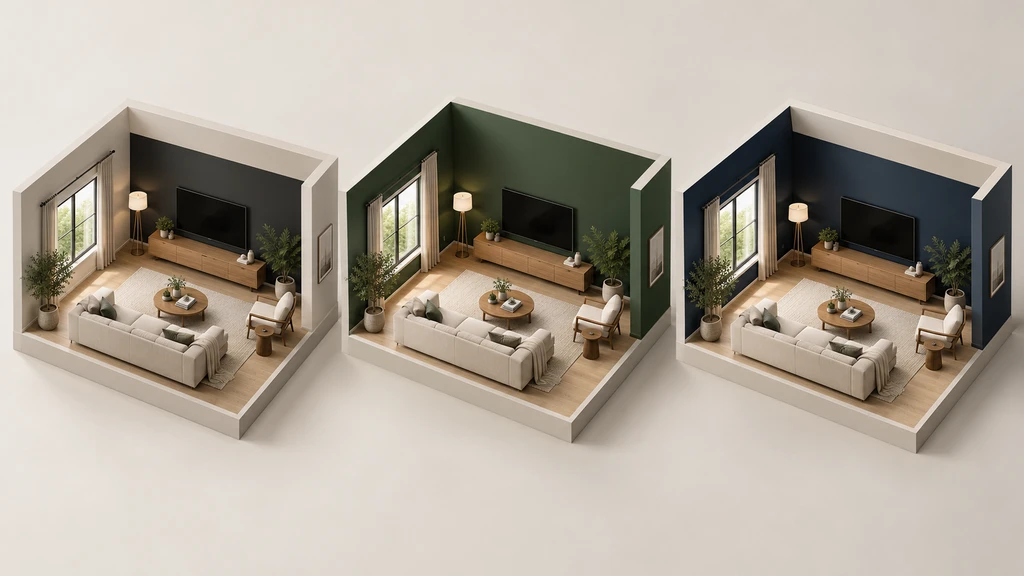
Compare dark-wall coverage in the same 3D room while keeping the furniture, flooring and lighting consistent.
Let’s imagine you have a living room with one window, a TV wall, and a grey sofa. What happens if you try a moody colour on just the TV wall—or, for the bold, every wall? Set up a simple comparison in Chez:
A virtual walkthrough shows you these trade-offs, so you’re not left guessing. According to our full Chez walkthrough, it’s all about seeing your actual space from every angle before lifting a roller.Option What You’d Check Possible Trade-Off Dark TV Wall Only Does it frame the screen? Anchor the seating area when viewed from the sofa? Contrast with lighter walls may look patchy All Four Walls Dark Is the space cosy or too boxed-in? Do you lose daylight? May feel smaller if light is scarce Dark Walls, Light Ceiling Does white overhead keep things open and balanced? Requires clean edge between wall and ceiling -
Pre-Paint Sanity Checklist
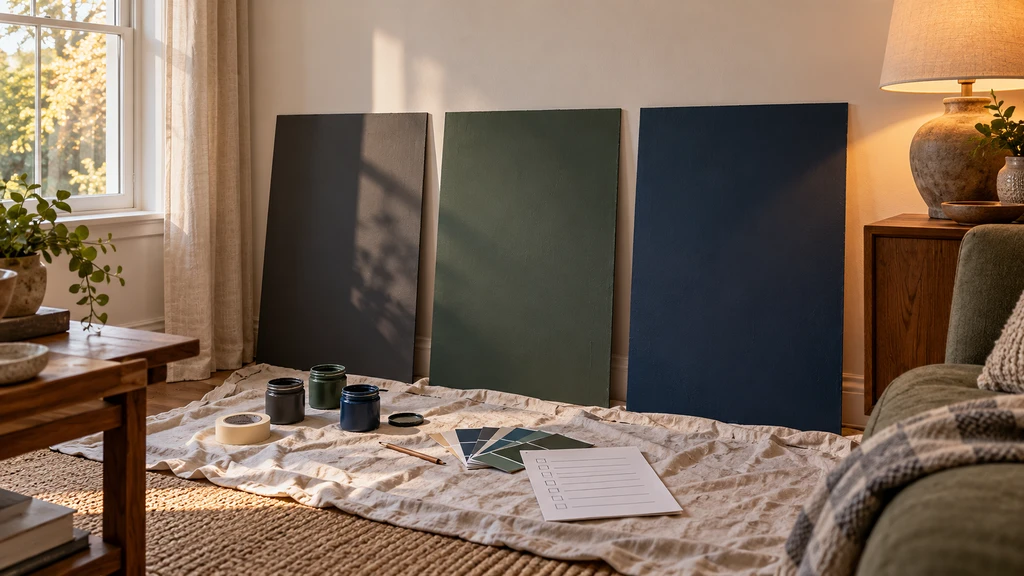
After narrowing the options in 3D, test large physical samples under daylight and evening lighting before choosing the final colour.
- Shortlist two or three wall colours from the 3D comparison.
- Buy sample pots or manufacturer sample sheets for the shortlisted colours.
- Paint large movable boards instead of placing small dabs directly on one wall.
- Move each board beside the window, into the darkest corner and behind the main furniture.
- Review the samples in morning, afternoon and evening light.
- Check them again under the lamps normally used at night.
- Confirm how the colour works with the existing ceiling, trim, flooring and furniture.
If one option works only in the most flattering part of the day, it may not be the strongest everyday choice.
Visualization Scenario
magine comparing forest green, charcoal and deep navy in the same photo-derived room. Keep the furniture, flooring and viewpoints unchanged, then inspect every option from the doorway and primary-use position. You may find that charcoal frames the television well but makes the grey sofa lose definition, while forest green creates clearer contrast. That observation helps you choose which colours deserve physical testing—it does not establish an exact paint match.
FAQ: Dark Walls in 3D Modelling
Can I preview dark wall colours before painting?
Yes. A photo-derived 3D room can help you compare wall-colour directions across a larger surface and from several viewpoints. Confirm the final shade using a physical sample in the actual room.
Will dark walls always make a room look smaller?
No. The effect depends on daylight, contrast, furniture, ceiling colour and how many walls receive the dark treatment. A dark room may feel intimate, visually enclosed or deliberately dramatic depending on those relationships.
Are the colours shown in Chez exact paint matches?
No. Digital colours are visual guides. Screen calibration, paint formulation, sheen and real lighting can all affect the finished result.
Can I compare one feature wall with all walls dark?
Yes. Chez provides controls for applying colour to a selected wall or all walls, allowing you to compare different levels of coverage.
Does Chez include furniture?
Chez includes furniture from a preset catalogue for layout and visual exploration. These models are not exact versions of every product you own or can purchase.
Do I still need to measure the room?
Yes. Dimensions derived from photographs are estimates. Verify measurements in person whenever they affect purchasing, installation or other physical work.
Shortlist in 3D, Then Confirm With Real Paint
Dark wall colours are not automatically too dramatic for a room. The result depends on how the colour relates to daylight, furniture, flooring, trim and the amount of wall coverage.
Use the Four-View Dark Wall Test to compare each option from the doorway, primary-use position, wall elevation and floor-plan context. Then take the strongest two or three directions into the real room with large physical samples.
A 3D preview helps you decide what deserves further testing. Your actual walls, lighting and paint samples make the final call.