
TL;DR
DIY can save money over time, but first projects often cost more due to tools, mistakes, and scope creep. Plan with a clear scope, 10–20% contingency, rent specialty tools, and visualize the result with ReimagineHome.ai so you only buy what you’ll actually use. This guide shows when DIY is cheaper, how to budget for tools, and how to preview layout, furniture, and paint changes before you commit.
Why Furniture & DIY Decisions Feel So High‑Stakes
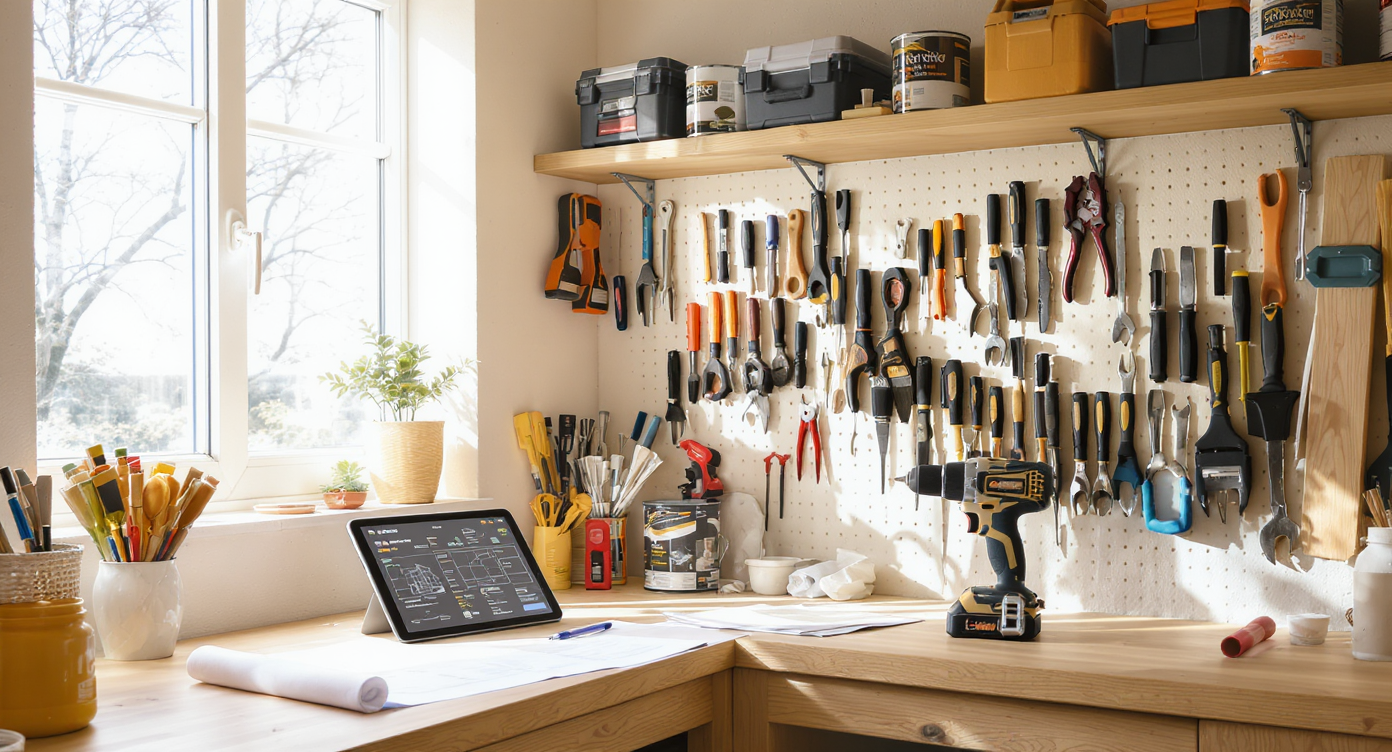
Plan smarter DIY projects with clear budgeting, rental tools, and AI visualization features.
DIY saves money when tools and skills get reused across projects; for one‑off or specialized tasks, you’ll often come out ahead hiring or renting. The fastest way to stop overspending is to define the scope, set a contingency, and preview the finished look so you don’t buy the wrong item twice.
- Budget first: define the outcome (one shelf vs. full wall), add 10–20% contingency, and price both DIY and pro bids.
- Rent or borrow specialty tools; buy only multi‑use basics you’ll use 5+ times a year.
- Lock the layout before buying: bad scale is the most common reason for returns and rework.
- Use AI previews to test paint colors, furniture sizes, and storage upgrades in your actual room photo.
- Know your line: hire out heavy, dangerous, or code‑critical tasks; DIY cosmetic and modular upgrades.
Before you move a single sofa or pick up a paint roller, upload a photo to ReimagineHome.ai and test a few ideas safely.
If you’re comparing tools and platforms, this overview of options in this breakdown of AI interior design tools explains differences between photo‑to‑room restyling, room layout AI, and virtual staging.
Why Interior Design Dilemmas Are Usually About Layout, Scale, and One Wrong Piece
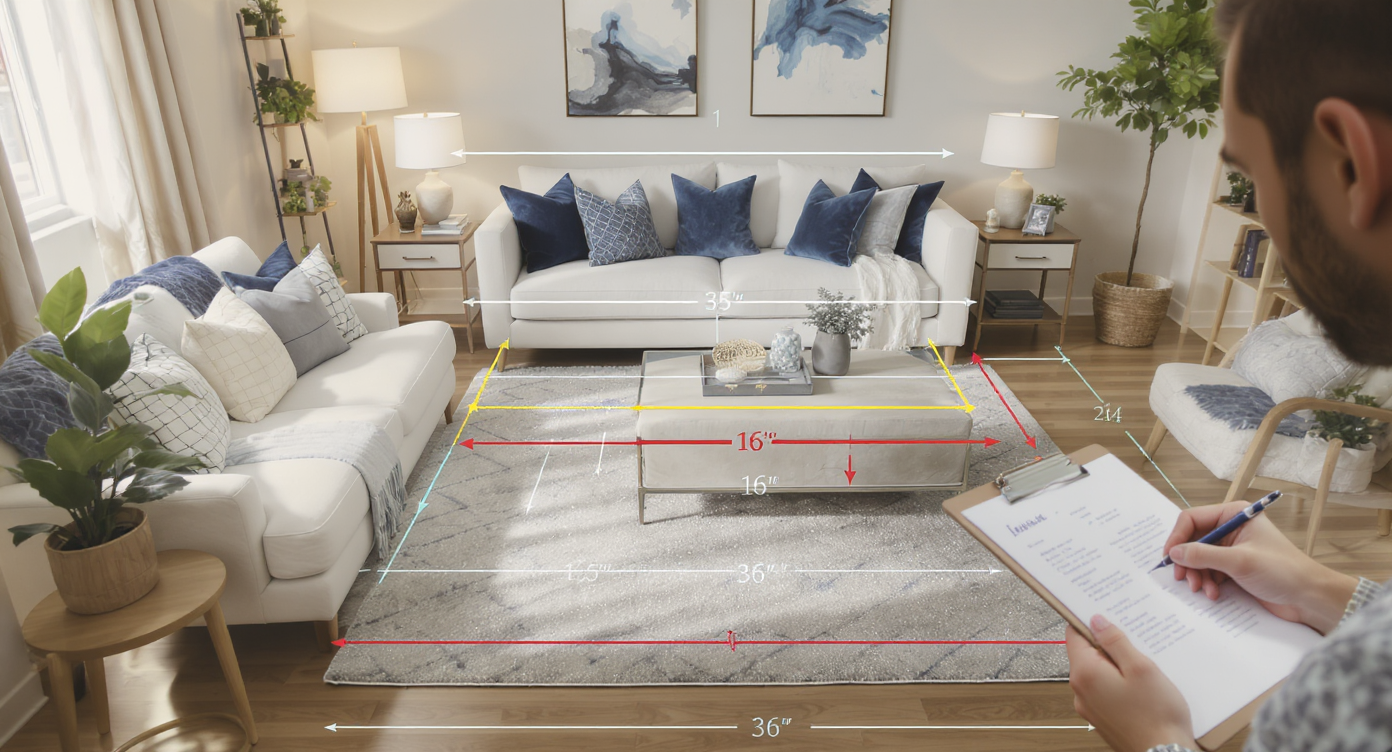
Correct layout and scale prevent common room design dilemmas and improve flow.
Most designers recommend keeping 30–36 inches of clear walking space through main paths; when clearances shrink, rooms feel cramped and purchases snowball. In living spaces, the “off” feeling is usually scale and circulation, not your entire taste. One oversized sectional or a too‑small rug can trigger a chain of fixes: new side tables, extra lighting, another rug — more cost, same problem.
Start by auditing size and flow. Measure the longest wall, the window/door swing arcs, and main traffic paths. If you can’t maintain roughly 30 inches of clearance, you likely need a slimmer sofa (32–36 inch depth instead of 40+) or a compact chair footprint. In dining corners, 36 inches from table edge to the wall helps chairs slide back without bruised knuckles.
Light also drives unnecessary spending. A dark room makes you chase decor when you really need layered lighting: one ceiling source, one floor lamp, one task lamp. If your lamp plan is right, you buy fewer “maybe this will fix it” accessories.
Before buying anything, drop a photo into AI and test scaled furniture swaps. You’ll see quickly if your “perfect” sofa crowds the door swing or if a round table cures traffic jams. For small homes, see a detailed guide to small living room layouts for spacing visuals and compact furniture strategies.
Anecdote
That shelf that seemed so simple? Mid‑way through you realize the studs don’t line up with your brackets, the level’s missing, and the paint you swore was “eggshell” is actually satin. With a quick AI preview you’d have shifted the size, chosen wall anchors, and grabbed the right touch‑up finish in one trip.
Furniture Rules That Quietly Solve Most Room Problems

Furniture placement rules quietly solve comfort and flow issues in any room.
Coffee tables usually work best 14–18 inches from the sofa front edge; closer cramps knees, farther invites clutter. A few quiet rules prevent 80% of layout mistakes (and wasted purchases):
- Walkways: Aim for 30–36 inches through main routes; 24 inches minimum around beds on the accessible sides.
- Sofa size: Depth around 34–38 inches suits small living rooms; oversized depths (40–44 inches) can overwhelm.
- Coffee table: Length ~2/3 the sofa, height within 2 inches of the seat height, 14–18 inches away.
- Rugs: Front legs of seating on the rug; typical living room rug starts at 8×10. Too-small rugs make the room read smaller.
- TV viewing: About 1.5–2.5× the screen diagonal to the seating.
Use these as filters before you shop. In ReimagineHome.ai, you can visualize multiple furniture sizes against your actual room photo, then pick the piece that fits both your budget and your clearances.
How ReimagineHome.ai Helps You Test Layouts, Styles, and DIY Ideas
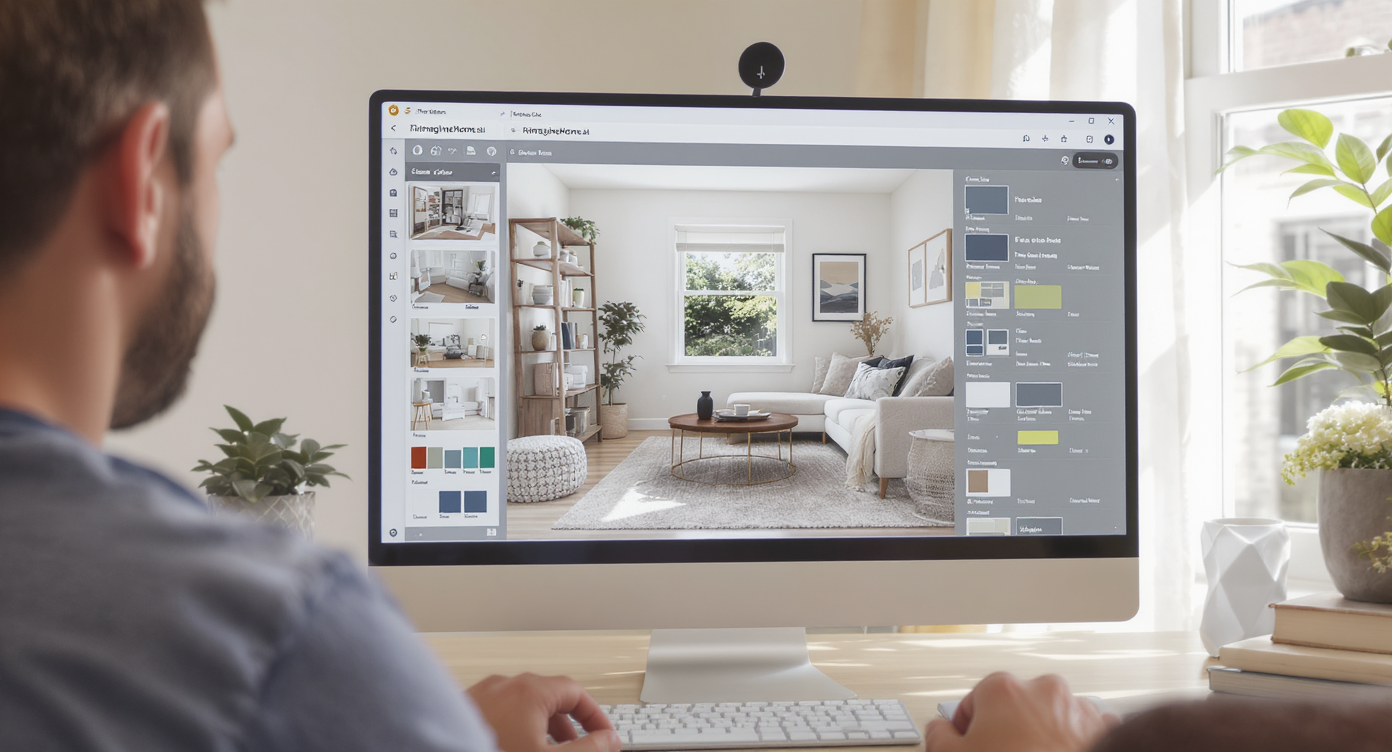
Use AI tools like ReimagineHome.ai to preview layouts and styles before buying or painting.
AI tools can show multiple layout and style options in minutes, reducing the risk of wrong‑size buys and repeated paint runs. With ReimagineHome.ai’s room design AI, you can:
- Restyle a room from one photo (no measurements) to preview different furniture styles and palettes before you spend.
- Use an AI room planner to try sofa/chair swaps, round vs. rectangular tables, and varied rug sizes for small spaces.
- Test paint colors, accent walls, and DIY finishes virtually so you buy the right amount of paint and primer.
- Explore global looks — Scandi, Japandi, Boho — without committing a dollar to decor you might return.
If you want a full walkthrough of virtual room design for beginners, see this deep‑dive on AI room makeovers for step‑by‑step photo‑to‑render workflows and budgeting tips.
Step‑by‑Step: Fixing This Room Using AI and Simple DIY Changes
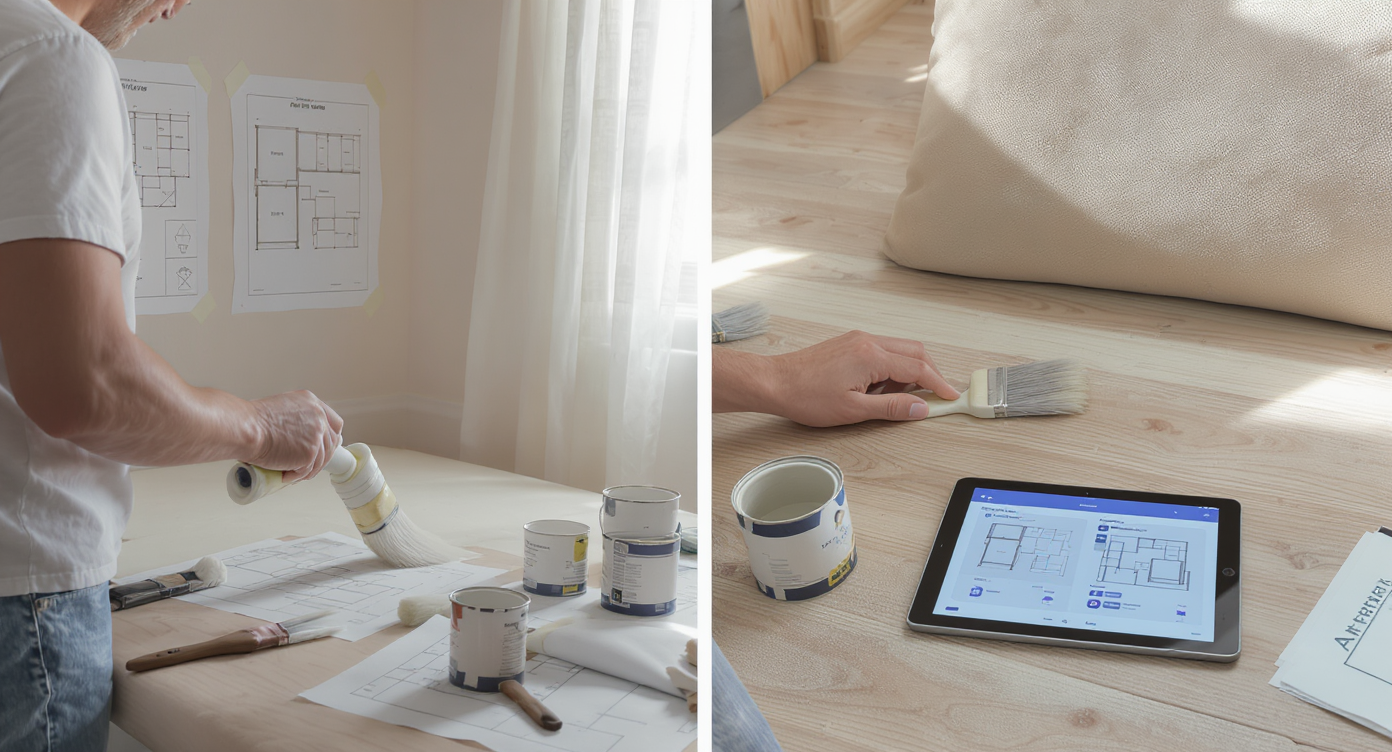
Fix rooms confidently with AI guidance and simple DIY paint and layout changes step-by-step.
DIY‑painted furniture typically needs 2–3 light coats over primer for durability; that’s your baseline for time and materials. Here’s a practical path to keep a small “fix” from turning into a budget spiral:
- Define the outcome in one sentence: “Hang one 36‑inch shelf for cookbooks,” not “fix kitchen storage.”
- Measure and map: Mark studs, door swings, and a level line. If you can’t hit studs, choose rated anchors that match the shelf load.
- Budget with contingency: Price materials, add 10–20% for surprises. Note the cost of a pro visit for comparison.
- Decide tools: Buy only multi‑use basics (stud finder, drill/driver, level, painter’s tape). Rent specialty items.
- Preview in AI: Upload your kitchen photo to ReimagineHome.ai. Test shelf lengths, finishes, and spacing with existing uppers so you avoid dead‑end purchases.
- Stage materials at once: Screws in two lengths, extra anchors, spackle, sanding pad, primer/paint for touch‑ups — buy to return, not to re‑drive.
- Install with clearances: Keep 16–18 inches between counter and shelf underside; verify appliance doors clear.
- Clean up and log: Save receipts, note anchor type and paint color for the next project. Your future self will thank you.
Visualization Scenario
Upload a photo of your long, narrow living room. In ReimagineHome.ai, test a 34-inch depth sofa, swap a rectangle coffee table for a round one, and scale the rug to 8×10. Compare lighting options and paint colors, then export the winning plan as your shopping list.
FAQ
How do I fix an awkward living room layout without buying all new furniture?
Measure paths and keep 30–36 inches of clearance, pull the rug to a correct size, and try a different furniture arrangement first. Use an AI room designer to test layouts with your existing pieces before replacing anything.
Which AI interior design tool is best for small apartments?
Look for photo‑based AI that restyles your exact room and tests compact furniture. ReimagineHome.ai is built for fast, layout‑aware previews in tight spaces.
How can I see if a new sofa or rug will fit my room before I buy it?
Apply basic rules (sofa depth 34–38 inches for small rooms; living room rugs typically start at 8×10) and preview in a virtual room design. For more layout visuals, see a detailed guide to small living room layouts.
Can I use AI tools to plan DIY paint or furniture projects?
Yes. Upload a photo, test paint colors and finishes, and compare 2–3 schemes before buying supplies. See workflows in this deep‑dive on AI room makeovers.
When is DIY actually cheaper than hiring?
When tasks are cosmetic or modular, tools are reusable, and safety/code risks are low. Add a 10–20% contingency and compare to at least one pro quote; rent specialty tools to avoid one‑off purchases.
Visualize Your Room’s Next Chapter
Most small projects balloon because we chase the fix instead of the fit. When you lock the layout, scale, and finish early — and see it in your actual room — you buy less and keep more. When you can see the possibilities, it’s easier to move with confidence. Start by uploading one honest photo to ReimagineHome.ai and let your next version of the room come into focus.