Why Room Visualization Could Mean Fewer Furniture Returns
TL;DR
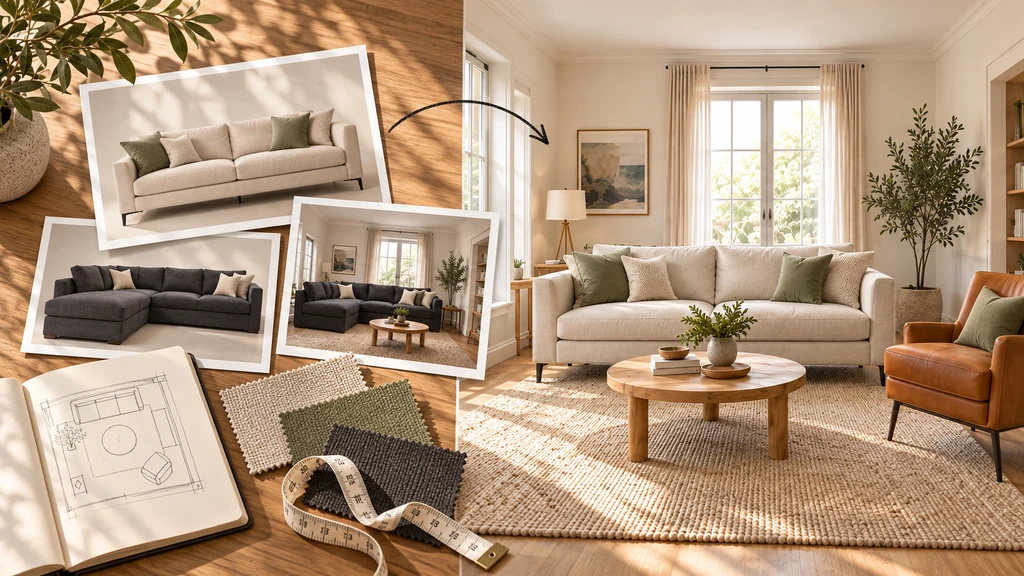
Room visualization helps shoppers preview how furniture could look and work within their own rooms before they buy. For Shopify merchants, it may help reduce returns caused by style, placement, visual proportion, or expectation mismatches, but it should complement, not replace, accurate dimensions, product details, and delivery guidance.
Understanding Why Furniture Gets Returned Online
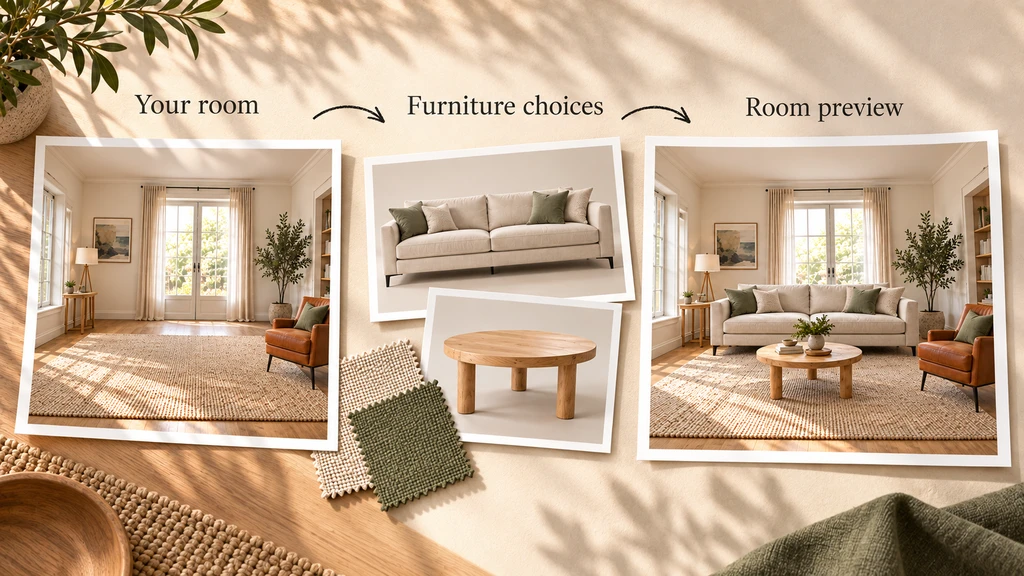
From room photo to furniture selection to final preview, room visualization helps shoppers see how products could work together in their own space before buying.
Furniture returns have different causes. Some result from unmet visual expectations, such as a sofa looking too large or clashing with existing furniture, while others involve damage, defects, comfort, or fulfillment issues.
Room visualization can help address expectation-related returns by giving shoppers better visual context before purchase, but it cannot prevent every type of return. The key question for Shopify merchants is: Which return reasons could better visual context help prevent?
-
1. Which Furniture Returns Can Room Visualization Actually Influence?
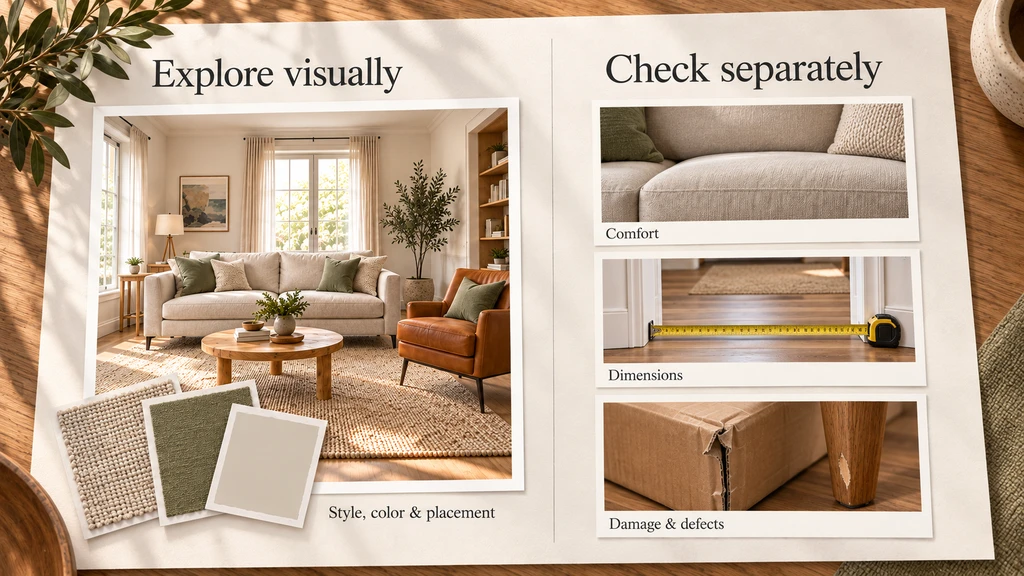
Room visualization can help shoppers assess style, color coordination, and placement, while comfort, exact dimensions, and potential damage still need to be verified separately.
Room visualization is most relevant when the reason for return is connected to how a shopper expected the product to look or work within their room. It can provide additional context around scale, style, color, and placement, but it does not replace accurate product information or solve physical product and fulfillment issues.
Return Reason Can Visualization Help? Why Product looks too large or small Partially It provides visual proportion context, but dimensions should still be confirmed. Style does not suit the room Yes, potentially Shoppers can compare products against existing furniture and décor. Color combination feels wrong Partially Visualization provides context, but lighting and screen differences can affect color. Furniture placement feels crowded Yes, potentially Shoppers can compare how different products work within the room. Product dimensions are incorrect No Accurate product specifications are still required. Comfort or firmness No A visual preview cannot communicate physical feel. Shipping damage No This is a fulfillment issue. Manufacturing defect No This is a product-quality issue. Wrong item shipped No This is an operational issue. The goal is not to present visualization as a universal return-reduction tool. It is to use it where visual context can genuinely help shoppers make a better decision before purchasing. For Shopify furniture merchants, that means focusing on products and return reasons where room scale, placement, style, or color are meaningful parts of the buying decision.
-
2. How Room Visualization Helps Before Purchase
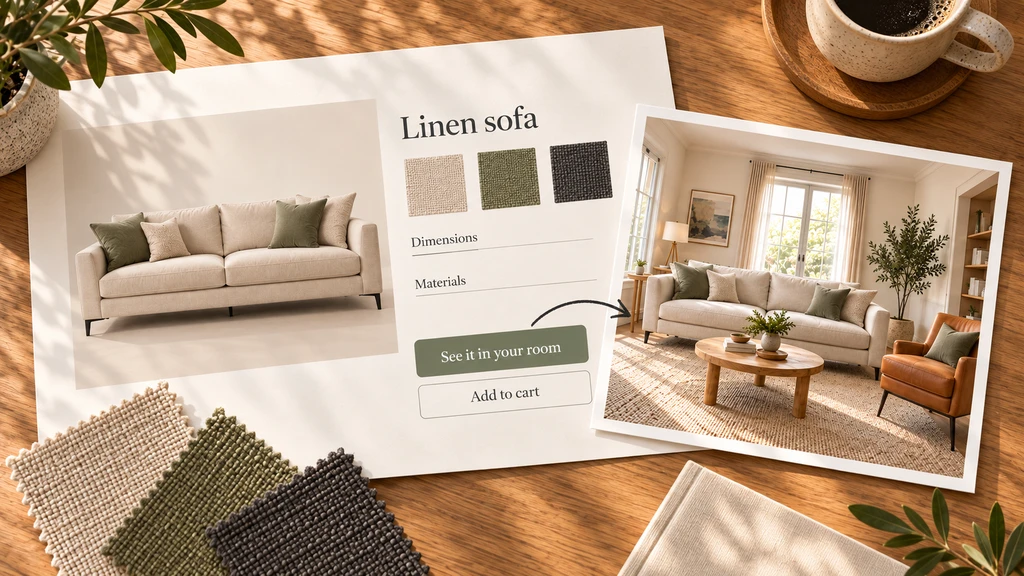
A room visualizer connects product details with real-room context, helping shoppers preview a sofa in their own space before adding it to cart.
Room visualization lets shoppers preview products from your catalog in their own room, compare options, and assess how they work with existing furniture. With ReimagineHome: Room Visualizer, shoppers can upload a room photo and visualize one or multiple products before purchasing.
For example, a shopper can preview a sectional with their existing flooring, wall color, and furniture, then compare different sizes, configurations, or colors. This added context can reduce uncertainty, but shoppers should still verify dimensions, materials, and delivery requirements.
-
3. What Visualization Can, and Can’t, Prevent
Room visualization is most useful for expectation-related issues such as style, placement, perceived proportion, and product combinations. It can help shoppers compare furniture and assess how different sizes, colors, or finishes may work in their space.
It cannot prevent returns caused by comfort, material feel, shipping damage, defects, or fulfillment errors. Think of it as an expectation filter, not a guarantee against returns.
-
4. Best Practices: Where and How to Integrate Visualization
Place room visualization near product images, dimensions, or the Add to Cart area, with a clear action such as “See it in your room”. Start with categories where room context matters most, such as sofas, rugs, dining tables, beds, desks, and storage furniture.
Keep visualization alongside accurate dimensions, product details, variants, and photography. Test the full shopper journey, from uploading a room photo and comparing products to returning to the product page and checkout.
-
5. How to Measure Whether Visualization Is Helping
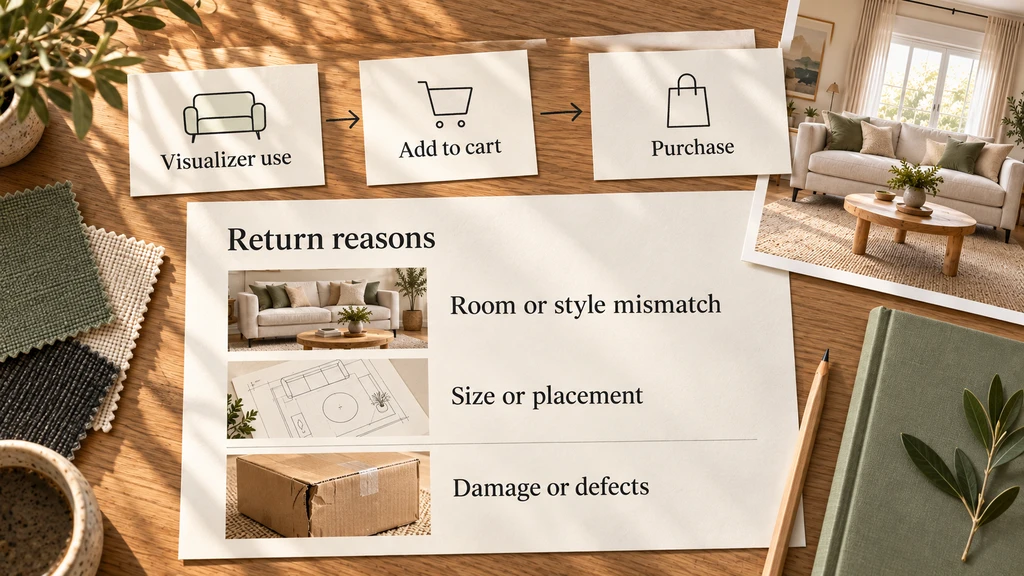
Track the full journey from visualization to purchase, and separate expectation-related returns, such as room or style mismatch, from issues like damage or defects.
Measure more than visualization clicks or conversion rate. Track visualization usage, add-to-cart rate, checkout progression, purchases, overall returns, and expectation-related returns such as “too large,” “too small,” or “didn’t match my room or style.”
Track damage and defect returns separately, since visualization cannot address them. Compare results carefully rather than assuming visualizer usage alone caused a purchase or prevented a return.
Frequently Asked Questions
Can room visualization really reduce furniture returns?
Room visualization may help reduce returns caused by visual expectation mismatches, such as style, placement, color coordination, or perceived proportion. Merchants should still measure their own return reasons before concluding that visualization reduced returns.
Is AI room visualization the same as augmented reality (AR)?
No. AI room visualization typically creates a preview from an uploaded room photo, while augmented reality places a digital product into a live camera view. Both provide useful visual context, but neither should replace verified product dimensions when physical fit matters.
Which furniture products should I prioritize for visualization?
Start with products where room context and placement matter most, such as sofas, sectionals, rugs, dining tables, beds, desks, larger chairs, and storage furniture.
What types of returns can room visualization not prevent?
Room visualization cannot prevent returns caused by comfort, physical material feel, shipping damage, manufacturing defects, incorrect items, or other fulfillment issues. It is best used as an expectation filter rather than a universal return-reduction solution.
Key Takeaways: Use Visualization Where It Adds Real Value
Room visualization is not a universal solution for furniture returns, but it can address one important source of them: the gap between how shoppers imagine a product and how they expect it to work in their own room. For Shopify merchants, the strongest approach is to combine visualization with accurate dimensions, clear product information, strong imagery, and transparent delivery guidance.
The goal is not to eliminate every return. It is to help shoppers make better-informed decisions before they place the order.