How to Prepare Your Shopify Catalog for AI Room Visualization
TL;DR
To get the most from AI room visualization on Shopify, start with clear photography, focused collections, and accurate details. Curate a test assortment, check product images and variants, and use real shopper scenarios to refine. Make every product easy to recognize, compare, and buy, so shoppers can trust what they see in your store.
Why Catalog Prep Matters for Room Visualization
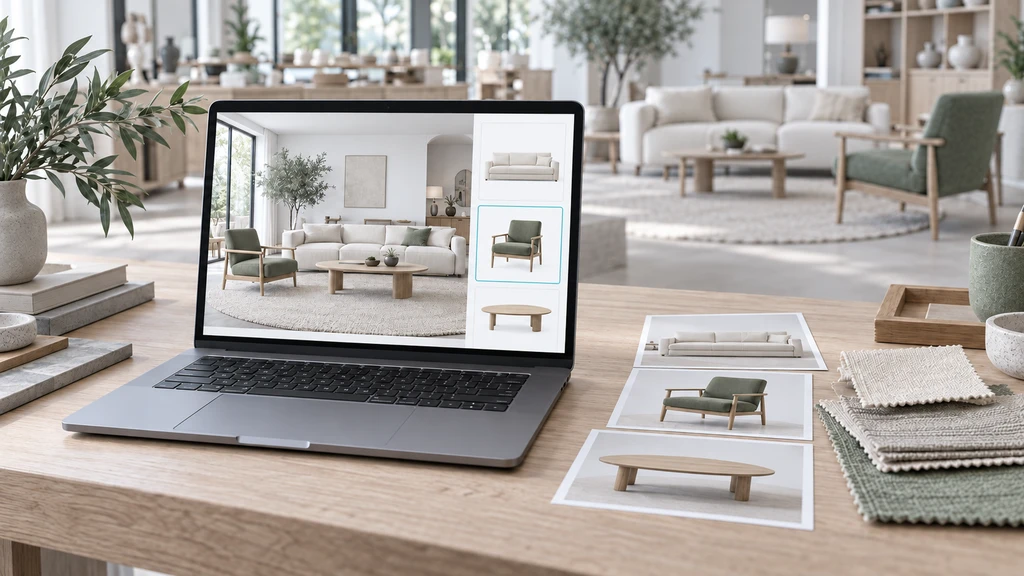
Clear product images and coordinated selections lay the groundwork for useful room previews.
Adding an AI-powered room visualizer to your Shopify furniture or home décor store helps shoppers preview your products in their own spaces, boosting confidence and trust at the crucial moment of purchase. But to deliver the best visual experience, your product catalog needs thoughtful preparation. That means starting with focused, well-photographed products, accurate options, and detailed information right from the listing. Merchants often ask: "Which products should I enable for room visualization first?" The right preparation turns your store into a buyer-friendly destination where inspiration meets easy decision-making. In this article, you'll learn how to select, check, and organize your initial catalog for a standout ReimagineHome: Room Visualizer experience.
-
Choose Your First Assortment Wisely
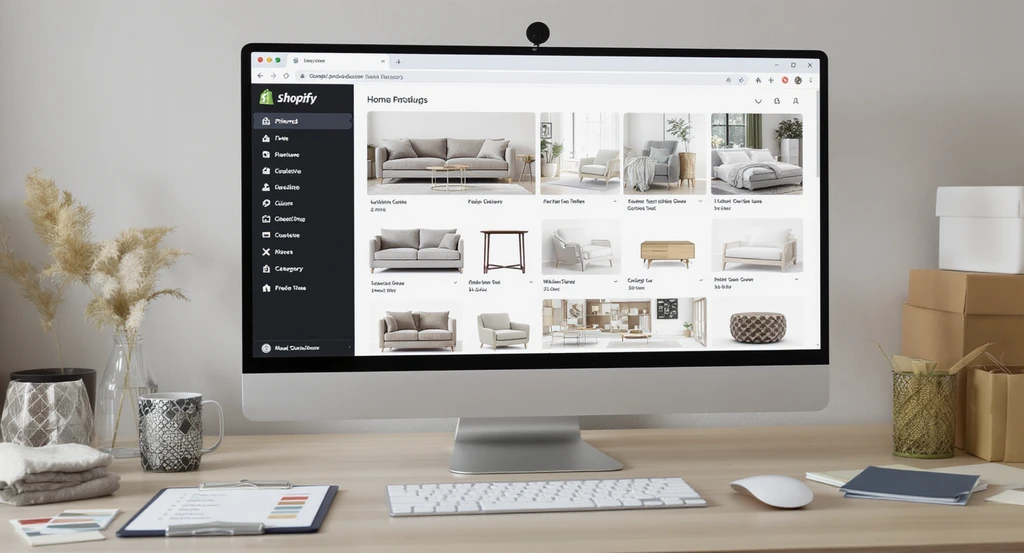
Prepare your Shopify product catalog for AI visualization by organizing curated assortments with the best product photography and a checklist for AI-ready listings for room visualizer apps.
Not every product needs to launch with room visualization on day one. Instead, begin with a collection tied to a clear shopper goal, like a living room refresh or bedroom makeover. This focused approach helps you review fewer items while maximizing impact. Prioritize products with: - Clear, up-to-date photography - Distinct product names and obvious differences (like material or size) - Reliable availability and transparent lead times - Real visual variety, so shoppers can compare styles easily Your best-sellers are a solid base, but add alternatives that demonstrate meaningful variety. Remember: too many similar products make it hard to spot visual differences during room previews. Learn more about constructing effective test collections.
-
Review and Refine Product Photography
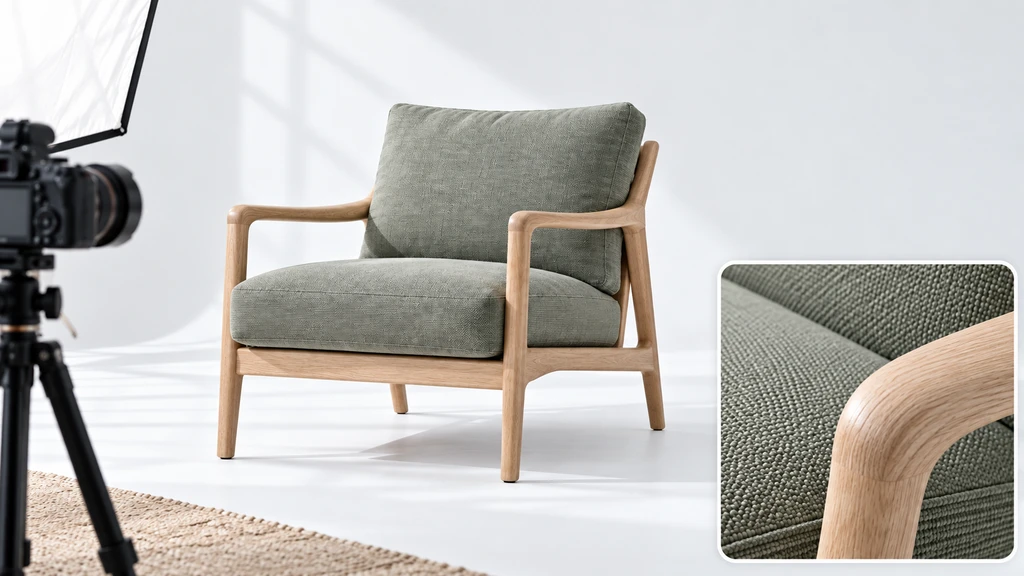
Review each product’s silhouette, color, and finish before including it in room visualization.
AI room visualizers work with your existing product images, no need for 3D models or custom shoots. However, not all product photos are created equal. For each item, ask: - Is the main shape clearly visible and unobstructed? - Does the photo accurately represent color and finish? - Are variants shown accurately (e.g., the walnut version isn’t pictured as oak)? - Can a shopper unambiguously identify the product in images with multiple items? Keep close-up detail shots on hand, but know that room previews prioritize the overall silhouette and finish as it will appear in context. According to our guide on boosting trust with room previews, shoppers are more likely to purchase when they can recognize and envision your products in their space.
-
Organize Collections by Shopper Task
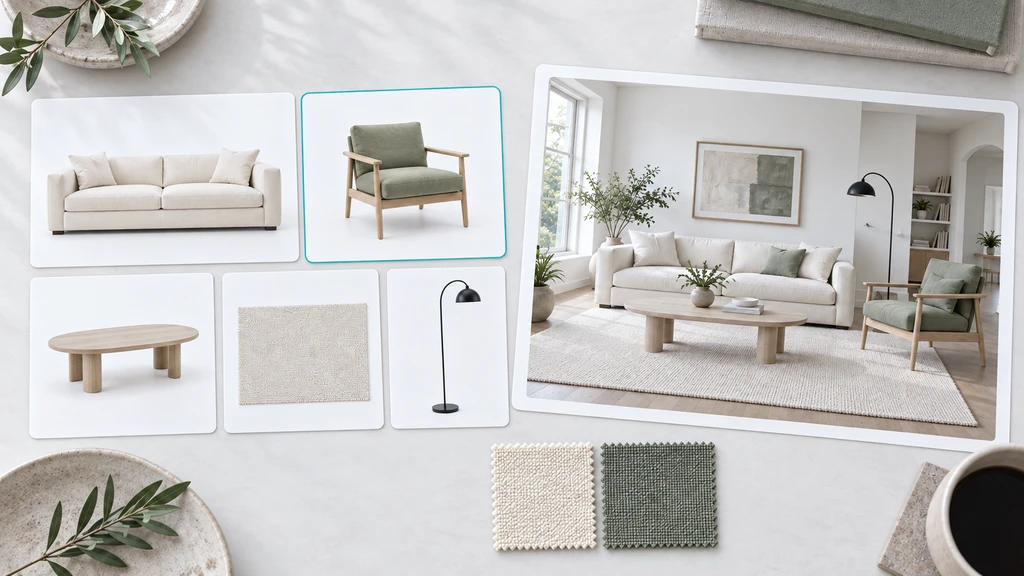
Build collections around a real project, such as a coordinated living room refresh.
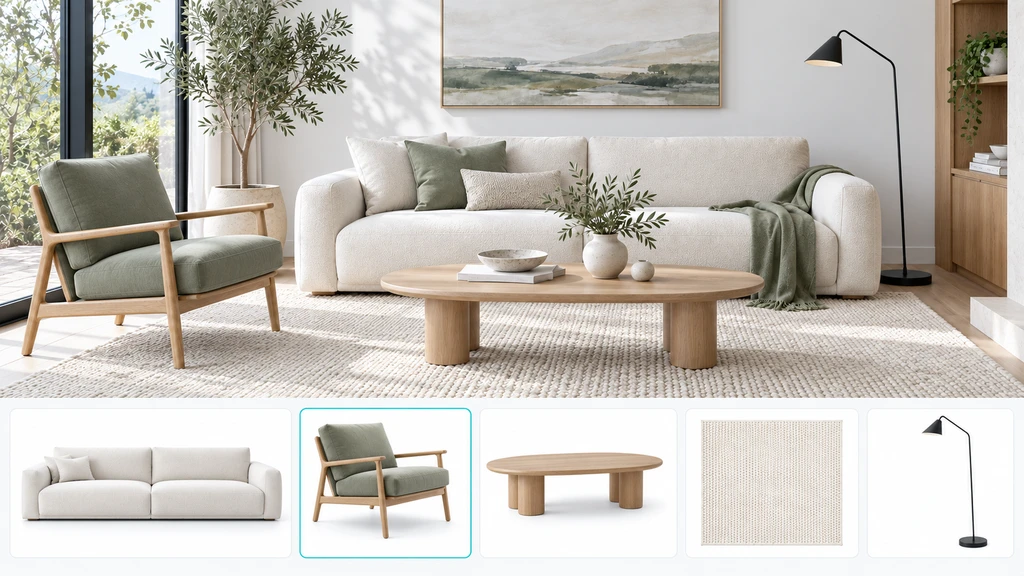
Build your test assortment around a real shopping scenario, like "Living Room Refresh." For example: - A few seating options (sofas or armchairs) - Complementary rug choices - Coffee and side tables at different price points - A lighting option or accent item Each product should have a clear role in the group. ReimagineHome supports combining one product per supported category in a single preview, making it essential to balance your product types. Avoid overwhelming shoppers with unrelated or overly similar products, clarity is key to a satisfying visualization journey. As we explored in our deeper dive on room design and assortment strategy, curating purpose-driven collections encourages more intentional shopping.
-
Double-Check Product Details and Variants
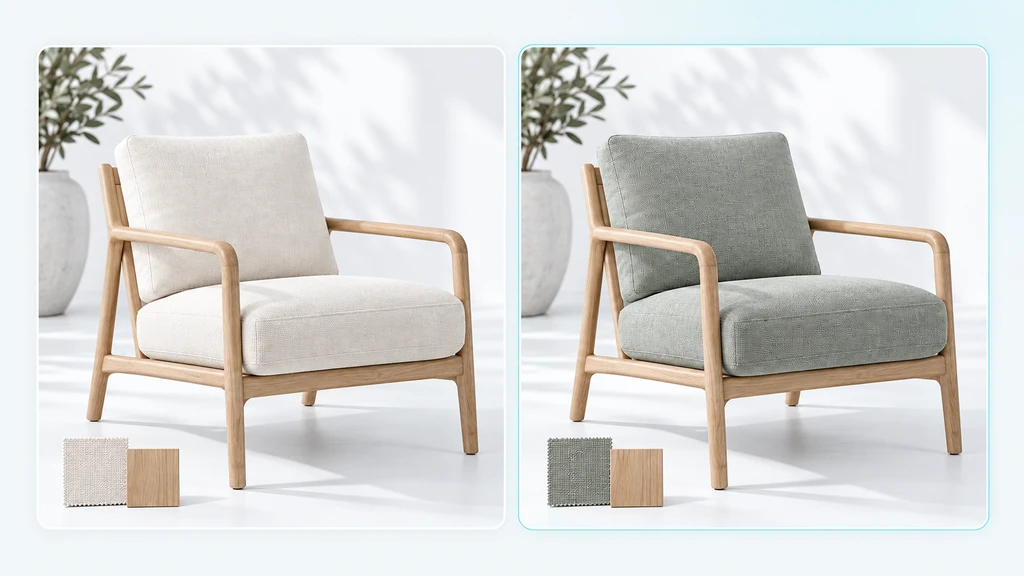
Make each variant easy to recognize with photography that reflects its actual upholstery and finish.
Make it easy for shoppers to distinguish products by using clear, descriptive names. Where you offer options, size, color, material, ensure these are accurately presented on the product page and reflected in your catalog feed. - Review availability and stock status (especially for popular variants) - Update specifications: dimensions, finishes, care details, and delivery info - Clarify how products with similar names or looks actually differ Good catalog hygiene here supports transparent shopper decisions, keeping surprises to a minimum when a shopper adds a visualized product to their cart.
-
Test and Refine Before Full Launch
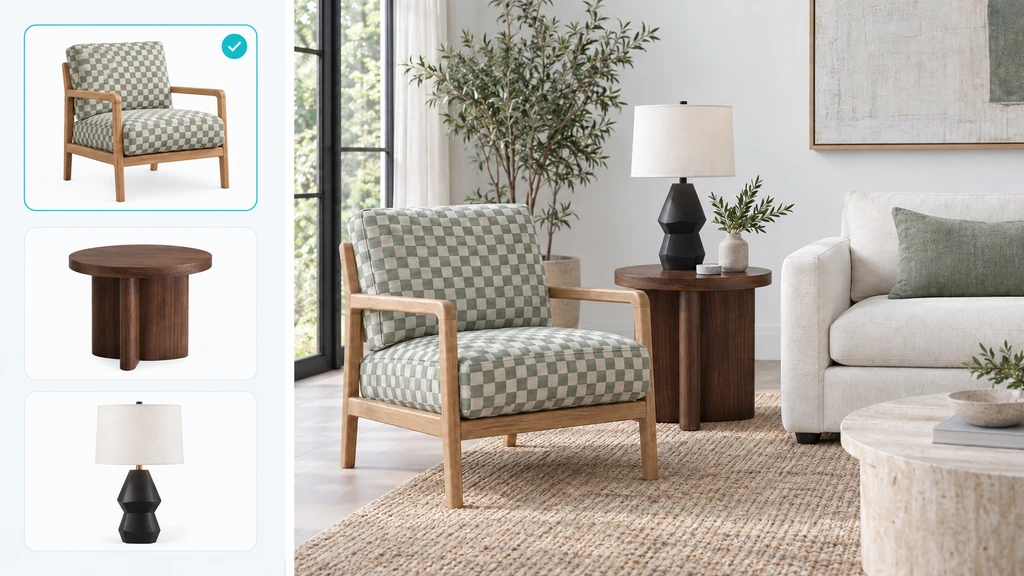
Compare product images with room previews to check recognizable shapes, patterns, and finishes.
Before rolling out room visualization across your entire site, test a sample set. Include a visually distinct item (like a pattern or deep finish), a complex silhouette, and products from different main categories. Preview these in sample room photos and compare the experience to your live listings. Look for: - Is every product easy to recognize in the visualization? - Does the preview match the actual product (shape, color, finish)? - Any confusion or missing details for shoppers? Keep a record of changes or issues uncovered. This iterative approach helps you scale confidently and ensures each new collection adds real value, as outlined in our Shopify setup guide.
Frequently Asked Questions
No. Begin with a focused collection—this makes review and troubleshooting easier, as noted in our merchant setup guide.
Should new photography be commissioned before using the app?
Not necessarily. First, assess your current images for clarity and accuracy. Supplement or refresh only as needed for visual clarity.
Will shoppers see every product in a room at once?
No. In ReimagineHome: Room Visualizer, shoppers combine one product per supported category per preview, keeping visualization focused on key purchase decisions.
Getting Your Catalog Ready Sets the Foundation
A successful AI room visualization experience hinges on the clarity and structure of your product catalog. By focusing on strong photography, organized collections, and transparent product details, you'll give shoppers what they need to browse, compare, and buy with confidence. Start with a targeted assortment and build up from there—each step brings your store closer to a seamless, inspiring shopping journey.