
TL;DR
Furniture Facelift in ReimagineHome.ai lets you restyle furniture from a photo of your own room — change upholstery, wood tones, and hardware to preview a makeover in minutes. It’s the quickest way to try room makeover ideas with AI, avoid reupholstery regret, and keep that warm, cozy aesthetic you already love. If you’re ready to test a real image, upload it to ReimagineHome.ai and try the Furniture Facelift workflow while you read. Long-tail: how to redesign my room with AI; AI decorate my room from a photo.
The Real Cost of Showing Rooms “As They Are” Online
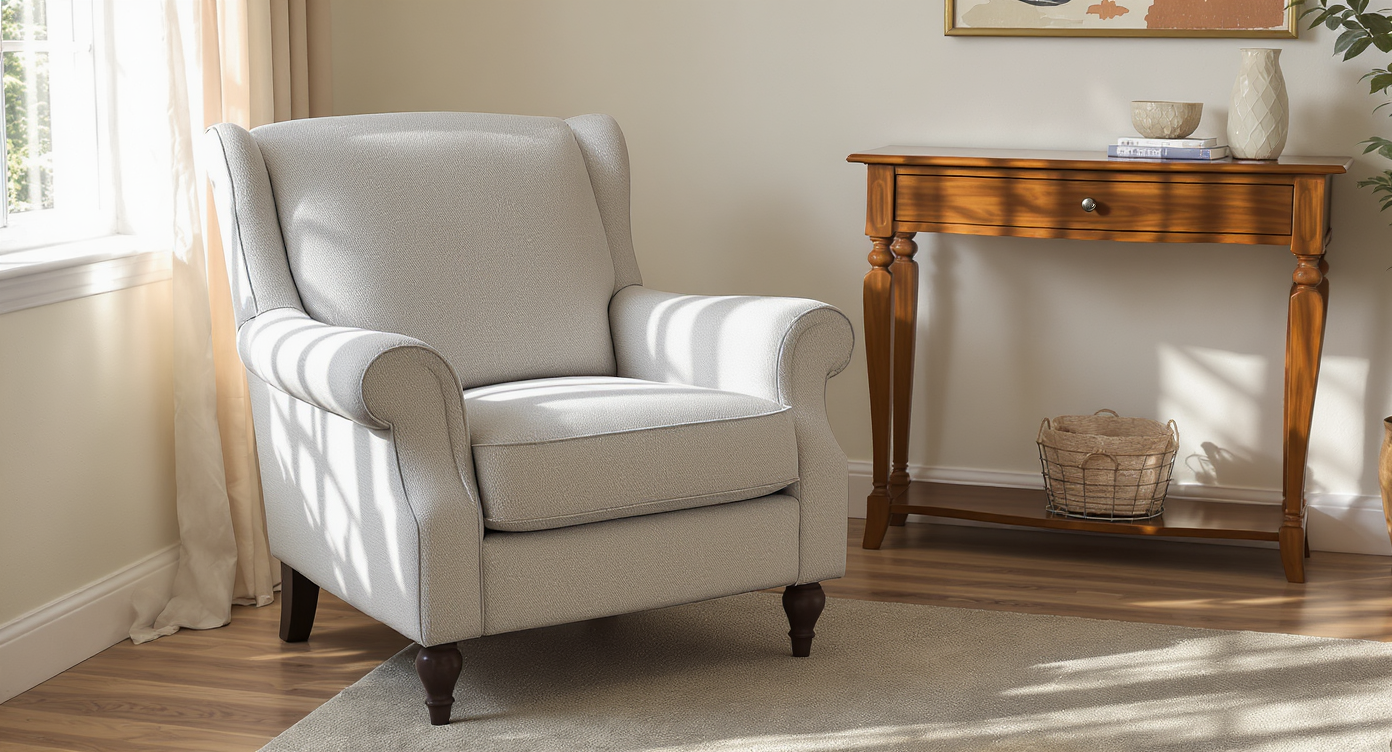
See your exact furniture fabrics and finishes in your home’s real lighting and layout before deciding.
Furniture Facelift in ReimagineHome.ai is a simple way to digitally reupholster, recolor, and refinish furniture in a photo of your real space. It matters because you can test cozy, lived‑in looks (or pet-friendly fabrics) before committing to paint, fabric orders, or a new couch.
- Results: See your sofa, chair, media console, or headboard in new colors, textures, and finishes — in your actual lighting and layout.
- Realism: Outputs align to perspective and shadows so changes look like the furniture was always that way.
- Speed: Generate multiple options in minutes, not weeks.
- Cost: Avoid reupholstery or replacement until you know you love it.
- Workflow: Start with one photo, iterate styles, export for inspiration boards or listings.
- ROI: Better photos and clearer decisions lead to fewer returns and faster approvals.
- Peace of mind: Preview bold choices — from white bouclé to caramel corduroy — without risk.
If you already have a tricky living room photo in mind, upload it to ReimagineHome.ai and test the Furniture Facelift tool as you read.
Why This Visual Problem Hurts More Than You Think
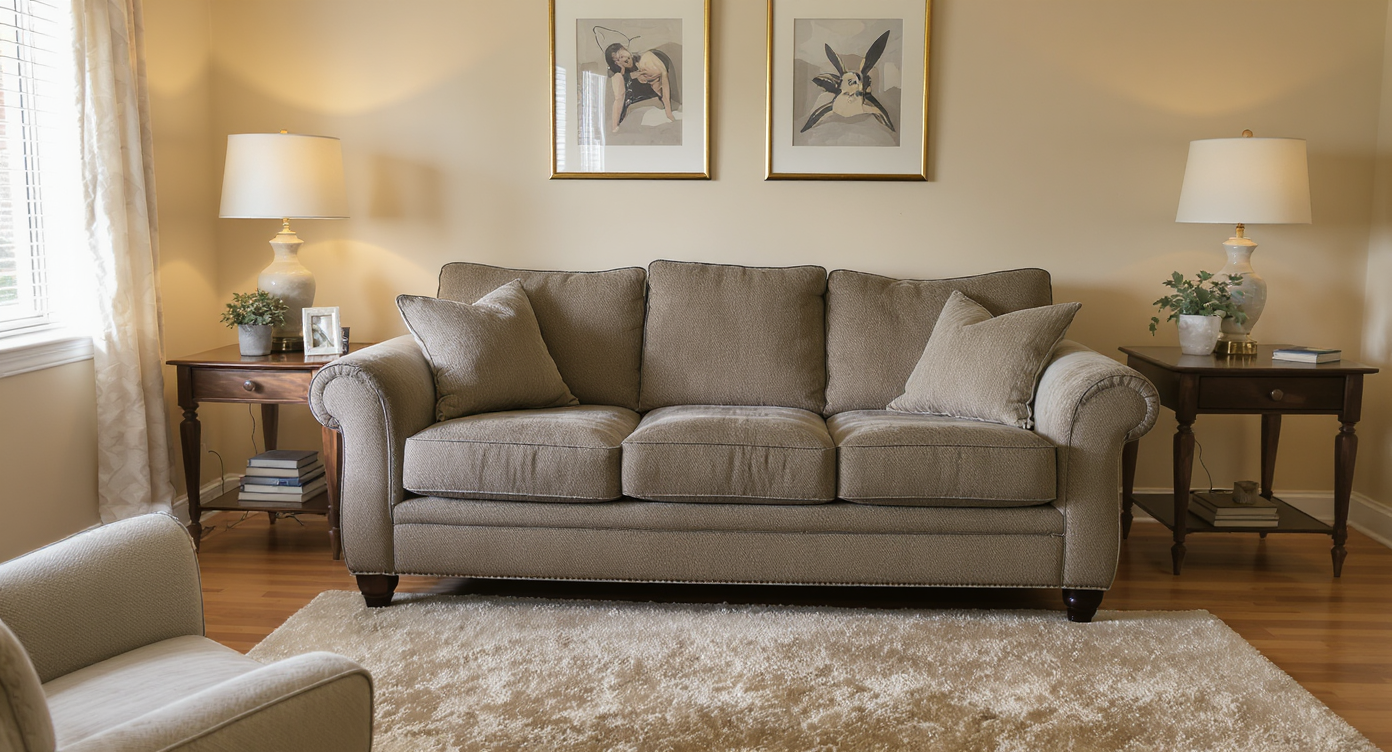
Why mismatched furniture textures and colors can spoil an otherwise perfect room vibe.
Even good rooms feel “almost right” when a single piece is the wrong color or texture. That one mismatch can flatten photos, confuse buyers, or stall your own decision-making.
Scroll behavior: people decide in seconds whether a space feels warm, coordinated, and comfortable. A sofa that’s too stark for a colorful room, or a console that clashes with the rug, can throw off the whole read at a glance.
Perception: when furniture feels off, viewers assume the room needs more work (or more budget) than it really does. In real estate, that can reduce clicks and in‑person showings; for homeowners, it creates decision fatigue and more “maybe later” carts.
Confidence: many of us love the cozy vibe we’ve built, but we hesitate to try a white sofa, a bolder wood tone, or new hardware because we can’t picture the result. A quick AI preview replaces guesswork with clarity.
Anecdote
That perfect-but-not-quite-right sofa: comfy, well loved, but the bright fabric fights your warm rug and sunny yellow console. Furniture Facelift lets you try a creamy performance weave or a caramel cord without second-guessing. Suddenly the whole room reads as cozy — the kind of space friends say they’d never want to leave.
What Furniture Facelift Actually Is (In Plain Language)
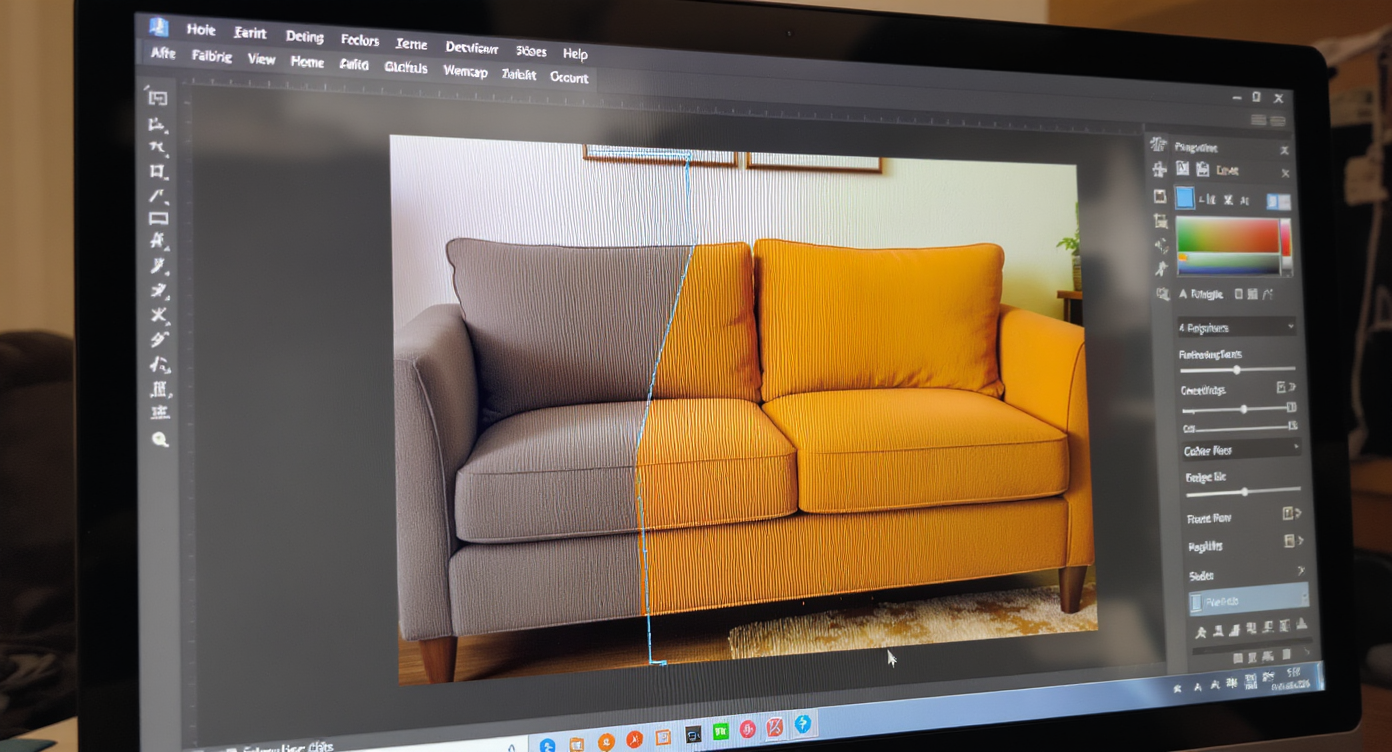
Digital furniture facelift: change colors and fabrics realistically using AI, no physical changes required.
Furniture Facelift is AI-powered furniture restyling from a single photo — think digital reupholstery and refinishing that respects the room’s perspective, light, and scale. You provide a picture of your space; the tool returns a realistic restyle of the selected piece: new fabric/color, new wood finish, even hardware changes, while keeping the item’s proportions.
It’s ideal for sofas, sectionals, accent chairs, ottomans, media consoles, headboards, and dining sets. You’ll generate multiple variations and pick the one that actually fits your color story and lifestyle.
To try it on your own image, open ReimagineHome.ai’s Furniture Facelift. You’ll work on real photos (not generic templates) so the results look like your room — just better.
How Furniture Facelift Works Step by Step
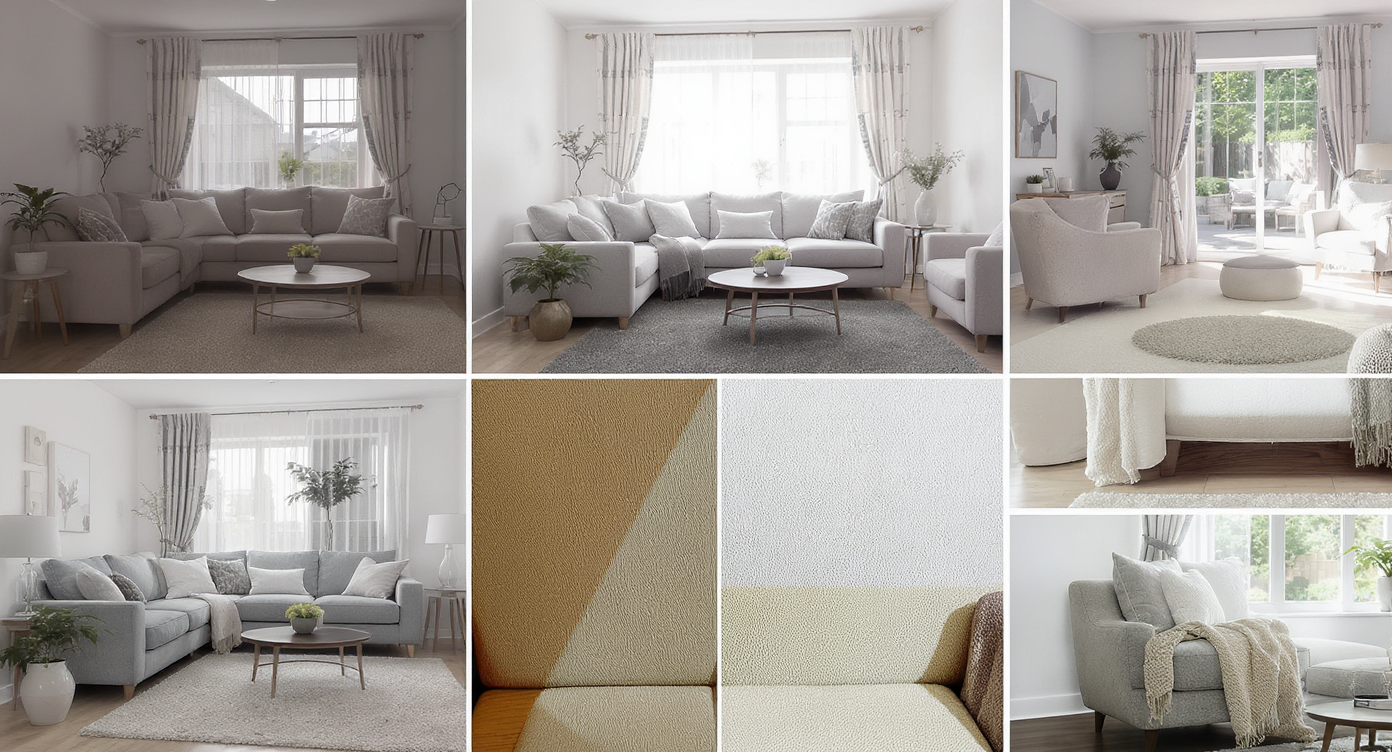
How to achieve realistic furniture restyling step-by-step with attention to light and perspective.
Start with clear, well‑lit photos; MLS and portfolio images typically look best at 2000–4000 px on the long side.
- Choose the right photo. Pick an angle where the target piece (sofa, console, chair) is at least 25–30% of the frame.
- Upload to ReimagineHome.ai. Drag‑and‑drop your image into the workspace.
- Select the tool. Choose Furniture Facelift and highlight the item you want to restyle.
- Pick options. Test upholstery colors, fabrics (linen, velvet, micro‑cord, performance weaves), wood tones, and hardware finishes.
- Generate and compare. Create several looks — warm neutrals for a cozy vibe, or bolder colors to echo artwork or rugs.
- Refine realism. Nudge texture intensity or sheen so it matches your room’s lighting; keep seams and scale believable.
- Export. Save your favorites for mood boards, client approvals, or listing photos.
Constraint to remember: front‑on or 3/4 angles yield the most accurate fabric and grain mapping; very oblique angles or heavy motion blur reduce realism. If needed, sharpen first with ReimagineHome.ai’s image enhancement for cleaner results.
Tips and Tricks for More Realistic Results

Tips for more realistic digital furniture edits: respect lighting, shadows, and material textures carefully.
Realistic AI furniture edits start with respecting what the camera saw: light direction, shadows, and scale.
- Match the mood: If your room leans warm and cozy, sample colors from existing textiles (throws, art, rugs) and keep fabrics with a soft hand — bouclé, chenille, corduroy.
- Keep scale honest: Don’t “puff up” cushions or change silhouettes dramatically. A facelift is a finish and fabric change, not a remodel.
- Mind the light: Align sheen and shadow. Matte linens look natural in soft ambient light; higher sheen velvets suit rooms with directional light.
- Coordinate woods: When changing a console or table finish, try two tones — a desaturated walnut and a honey oak — and compare against your floor and frames.
- Test white safely: Nervous about a white sofa? Generate a performance‑fabric white and an off‑white cream; the latter often photographs cozier and hides wear.
- Paint planning: If you’re debating wall color too, pair edits with a quick pass of digital wall repainting so the palette reads as one plan.
- Polish the final: Before sharing, run a fast pass of image enhancement to balance exposure and contrast, or upscale resolution for crisp uploads.
Visualization Scenario
Before: a colorful, cozy living room with a stark white sofa and a grey media console that steals focus. After: the sofa in a soft cream micro‑cord and the console in a mellow honey finish with brushed brass pulls — all previewed digitally before touching a staple or paint can.
FAQ
Is AI furniture restyling realistic enough for listings or client presentations?
Yes. Because it maps color, texture, and sheen to your photo’s light and perspective, results look believable on screen. Share responsibly and label edits in real estate contexts.
Can AI redesign my room from a photo, not just one piece?
You can restyle multiple items in sequence and pair with digital wall repainting or image enhancement to elevate the entire composition.
What resolution do I need for good results?
Images around 2000–4000 px on the long edge work well. Avoid heavy blur or noisy screenshots; consider a quick sharpen before editing.
How does this compare to traditional reupholstery?
It’s a visual decision tool — fast and inexpensive. Use it to pick fabrics and colors with confidence, then proceed to real-world work only when you love the look.
Can AI help me decorate my room for the holidays, too?
Yes. After the furniture pass, you can add seasonal touches in minutes with ReimagineHome.ai’s Festive Flip to preview trees, garlands, and cozy textures without clutter.
Visualize Your Next Listing (or Project) Before You Commit
Designers, agents, and homeowners get the same advantage: a low‑risk rehearsal. When you can see how your favorite pieces look in new finishes — in your actual room — it’s easier to commit with confidence.
If you’re refreshing a beloved sofa, rescuing a thrifted media console, or just exploring room design ideas with AI, open Furniture Facelift in ReimagineHome.ai and try two or three looks. It’s a quick way to fine‑tune your story before you spend time and money.