
TL;DR
Image Upscale by ReimagineHome.ai boosts photo resolution and detail to fix blurry or low-quality real estate images, making listings more engaging and professional. This solution offers clear, high-resolution visuals ideal for MLS listings, marketing materials, and design presentations, enhancing buyer confidence and helping agents avoid pixelation even on large screens. Upload your photo to ReimagineHome.ai to see improved listing photos in minutes.
Why Blurry Photos Undermine Your Listing’s Impact
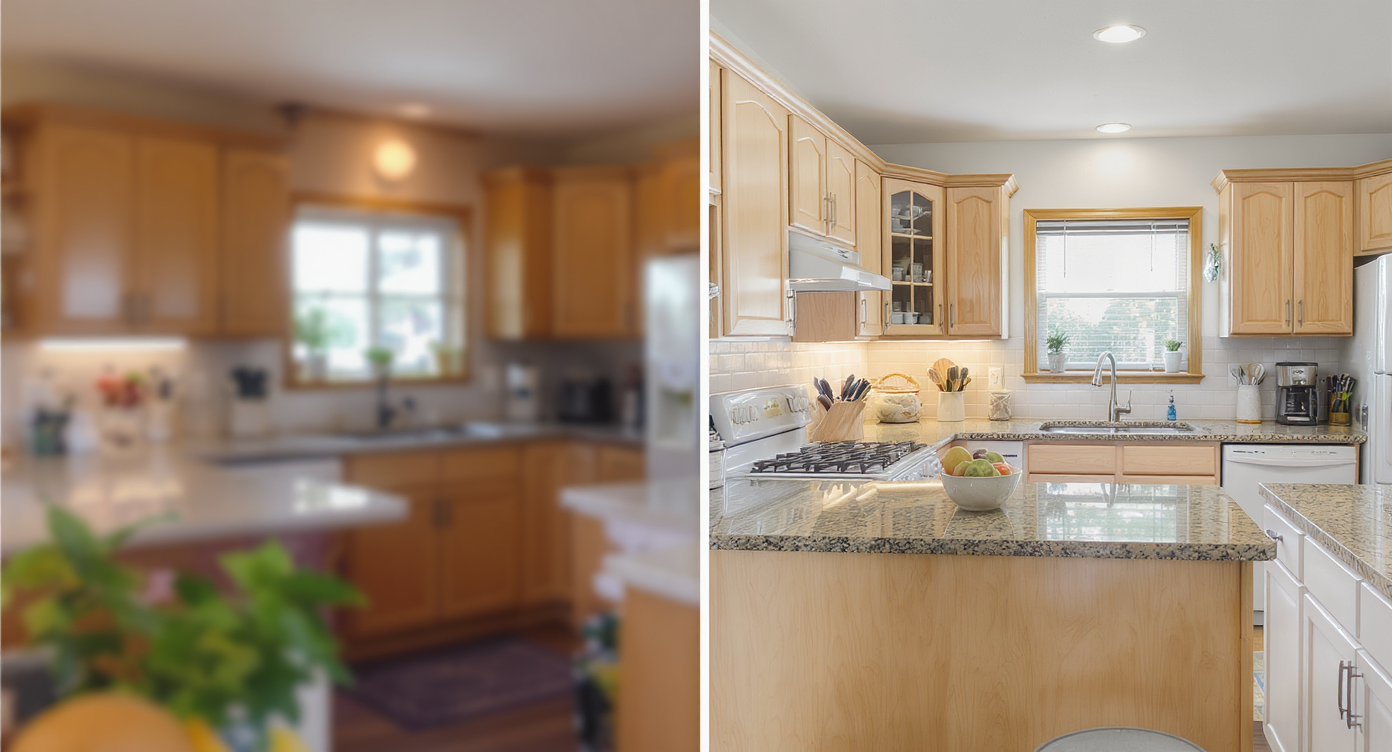
Clear photos reveal texture and detail, boosting buyer confidence compared to blurry images.
Blurry or soft photos have become a hidden threat to real estate marketing—it’s not just about aesthetics, but about what buyers subconsciously notice and how seriously they consider a listing. Low-resolution images obscure crucial details like textures, color accuracy, and edge sharpness, which directly affects scrolling behavior and buyer confidence. Whether it’s a phone snapshot, an older listing photo, or a screenshot, images that look pixelated or fuzzy can cause valuable listings to fade into the background online, lowering clicks and inquiries.
Why Image Clarity Makes or Breaks Real Estate Photos
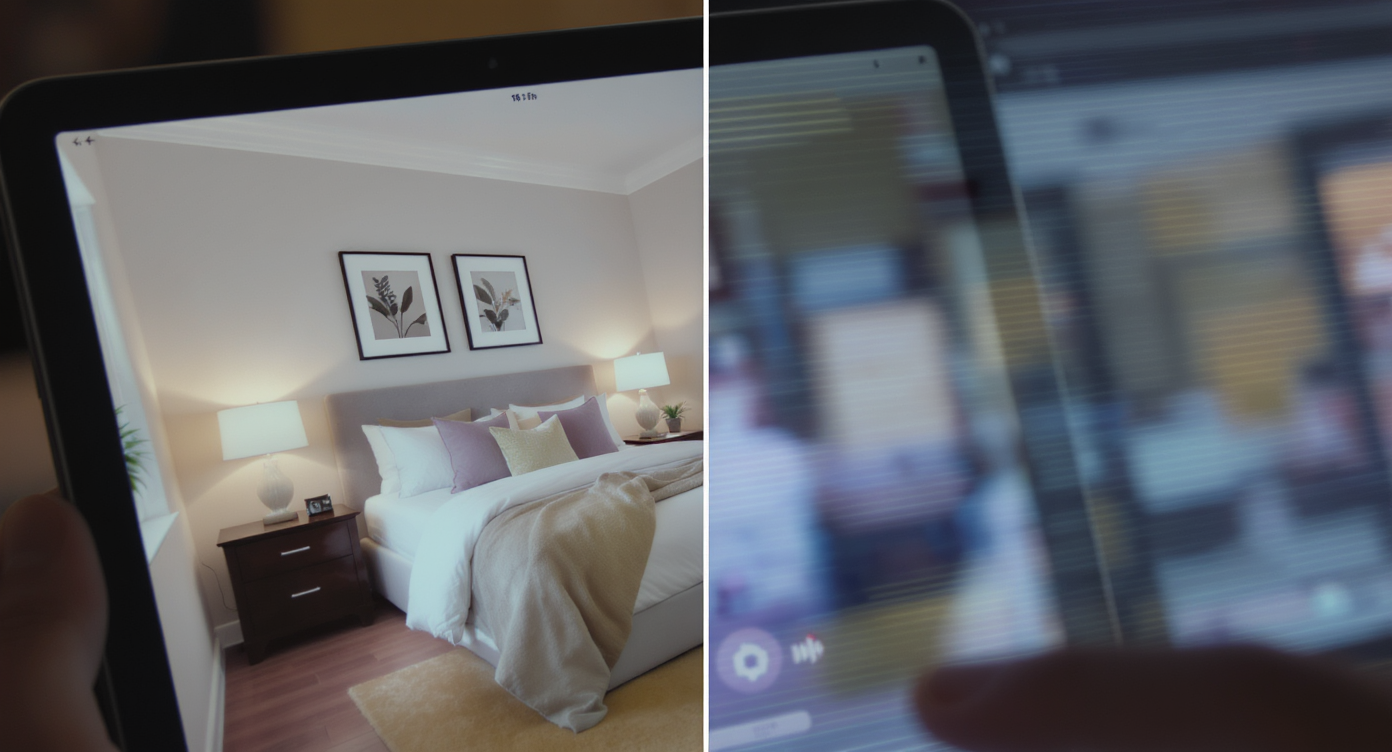
Sharp images increase engagement and showcase property details effectively.
Studies show that high-quality, clear photos significantly increase engagement on real estate portals. Images that lack crispness create visual noise, making buyers unsure about the condition and quality of the property. This visual uncertainty translates into fewer showings and a harder sell for agents. Moreover, agents and sellers may feel frustrated when their marketing efforts do not reflect the true appeal of a space due to poor image quality, which can drain confidence and dampen negotiations.
Anecdote
The listing photo of an urban apartment was so blurry buyers often scrolled past it. After upscaling with ReimagineHome.ai, the textures of the wood flooring and the crisp edges of the furniture came through clearly, leading to a spike in inquiries and faster showings.
Common Mistakes When Upscaling Images
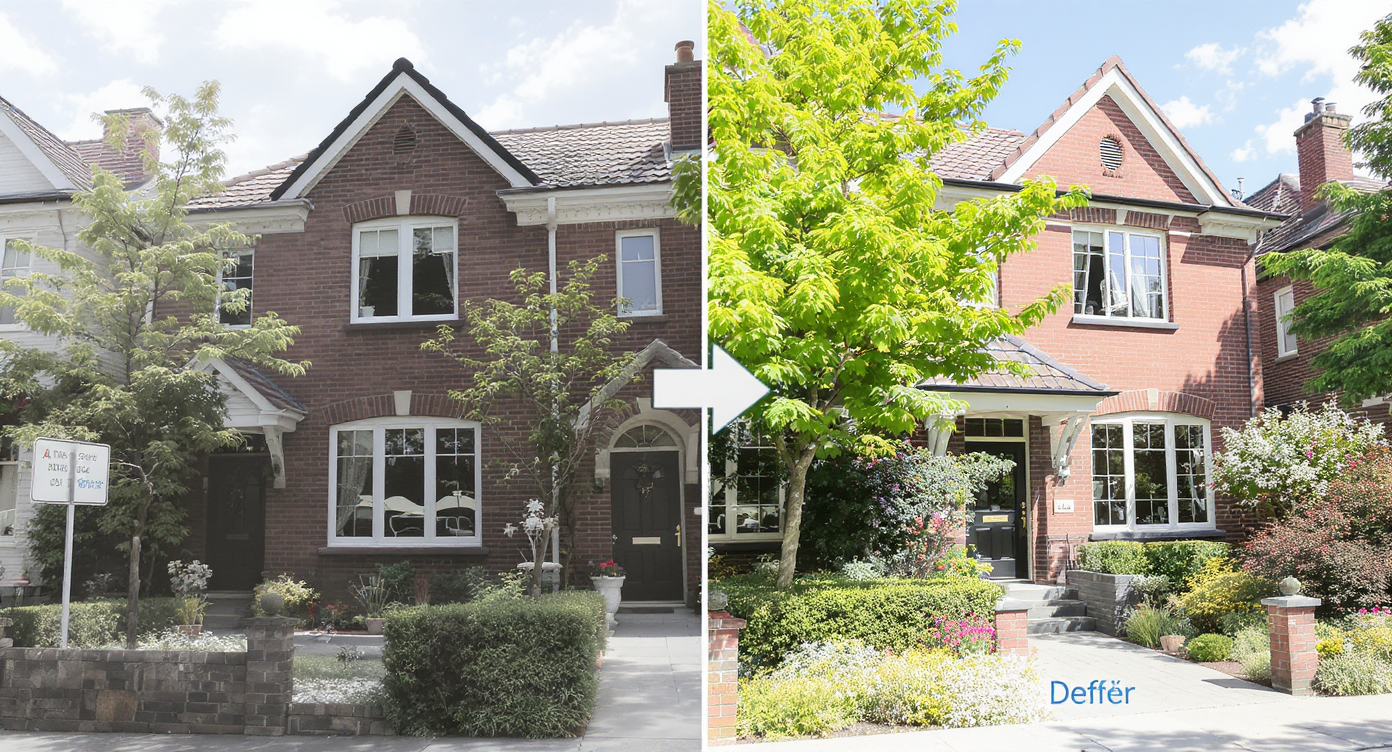
AI-driven upscale restores crisp detail to every surface and material in photos.
1. Increasing Resolution Without Improving Quality Many users simply enlarge an image, which stretches pixels instead of enhancing detail. True upscaling requires AI-based restoration—not just resizing. 2. Over-sharpening the Upscaled Image Pushing sharpening too far creates halos, harsh edges, and artificial textures. A balanced approach keeps the image natural and professional. 3. Ignoring Noise and Artifacts Before Upscaling Low-quality or grainy images become worse when upscaled if noise isn't addressed first. Cleaning the source image improves the final result dramatically. 4. Not Preserving Aspect Ratio Stretching an image to fit a certain size distorts proportions and makes rooms, faces, or objects look incorrect. 5. Upscaling Without Considering Final Use Case Using a high-resolution upscale for web thumbnails or MLS listings may slow load times unnecessarily. Choose the right resolution for the platform.
How to Use Image Upscale Step by Step

Simple, guided steps let agents easily sharpen listing photos with AI tools.
1. Choose a photo that represents your listing or design project well—ideally one that feels a bit soft or pixelated but has good composition. 2. Upload it to ReimagineHome.ai’s platform. 3. Select the Image Upscale tool from the solution options. 4. Use natural language prompts to guide the enhancement, such as “Upscale to high resolution,” “Sharpen details but keep it natural,” or “Reduce noise slightly while preserving texture.” 5. Review the enhanced image and, if needed, provide follow-up prompts for refinement. 6. Download the final, crystal-clear version for your listing or presentation. Best practice: Start with high-quality photos whenever possible—images over 1000 pixels wide produce the best upscaling results. Avoid heavily compressed or very blurry pictures.
Tips for Getting the Sharpest, Most Natural-Looking Upscale
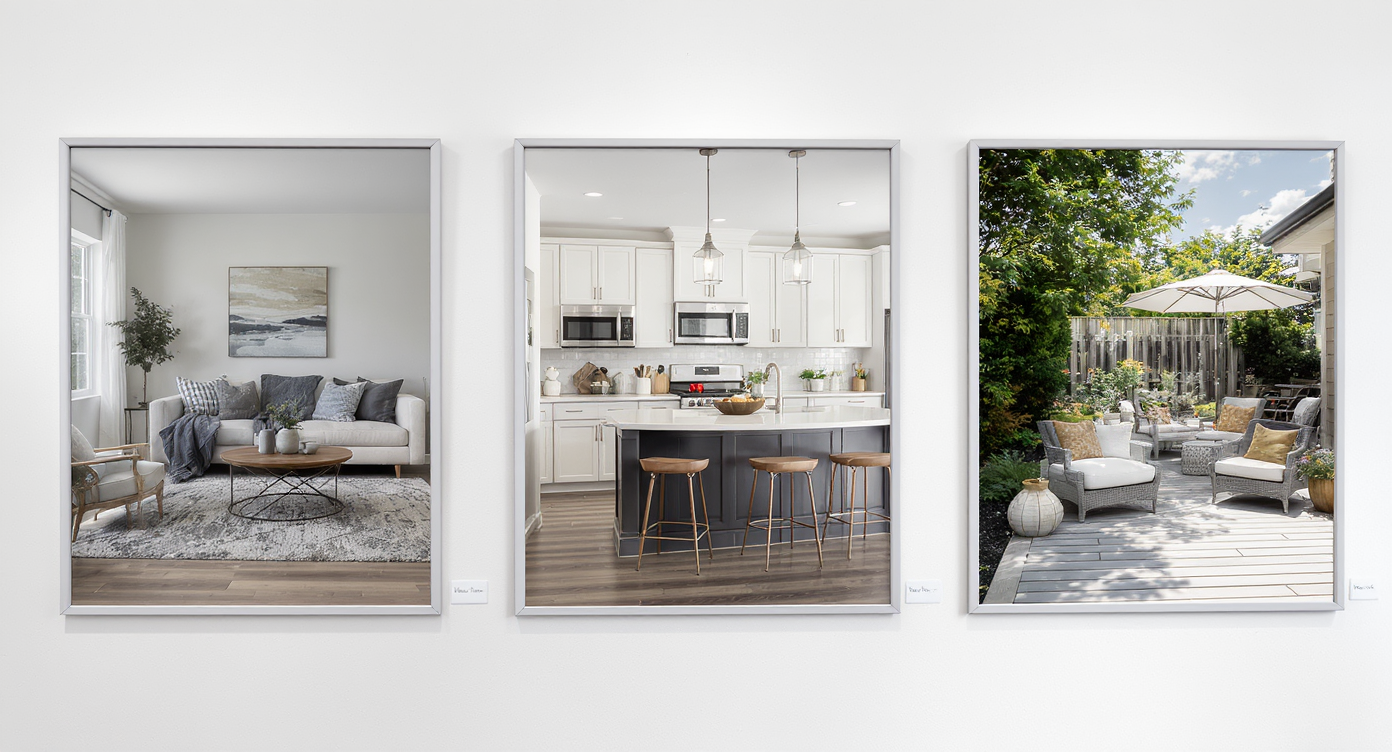
Best practices ensure upscaled photos look naturally sharp and appealing.
- Always specify your preferences clearly in prompts to avoid artificial-looking results. - Avoid requesting color or lighting changes with the Image Upscale tool; use separate solutions for those adjustments. - Combine Image Upscale with Image Enhancement for brighter colors and balanced shadows. - For crooked or tilted photos, use Image Straightening before upscaling. - Use file formats that preserve detail, such as PNG or high-quality JPEGs. - Remember that the AI respects the original image’s geometry; it won’t alter architecture or furniture shapes. - Test different prompt phrases to fine-tune sharpness, clarity, or softness until the image feels right.
Visualization Scenario
Imagine previewing your listing photos instantly at gallery quality—no need for reshoots or costly retakes, just sharper, clearer images that better showcase your space.
Frequently Asked Questions About Image Upscaling
Is Image Upscale suitable for all types of real estate photos? Yes, it works on room interiors, exteriors, decor details, and renovation photos to enhance clarity and detail. Will upscaling change the colors or lighting of my photos? No, the tool preserves the original colors and lighting; for those adjustments, use ReimagineHome.ai’s Image Enhancement solution. How large should my original photo be for best results? Photos ideally should be at least 1000 pixels wide to achieve clear, credible upscaling. Can Image Upscale make a blurry photo look perfectly sharp? It improves sharpness and reduces noise but works best when the original photo has a reasonable level of detail. Can I use upscaled images on MLS and other listing sites? Yes, upscaled images typically meet and exceed resolution requirements for MLS and online portals.
Visualize Crisp, Trustworthy Photos Before You Publish
Image Upscale is a quiet game-changer for listing photos and design presentations alike. By turning blurry, pixelated, or low-resolution images into crisp, high-detail visuals, it helps sellers and agents tell the true story of a home, uninterrupted by image quality issues. Visualizing your property with confidence is simpler and faster than ever through this AI tool. Ready to sharpen your listing photos? Try ReimagineHome.ai’s Image Upscale today and see the difference clarity makes.