
TL;DR
Repaint Wall is a photo-based, AI exterior paint visualizer that lets you test siding, trim, shutters, and door colors before you buy a single gallon. It’s the fastest answer to how to digitally repaint walls before buying paint and a practical way to avoid costly, character-stripping choices. Upload a front photo, try palettes, compare options, and export the winner with ReimagineHome.ai’s Repaint Wall tool.
Why These Facade Choices Can Backfire Online (and In Real Life)
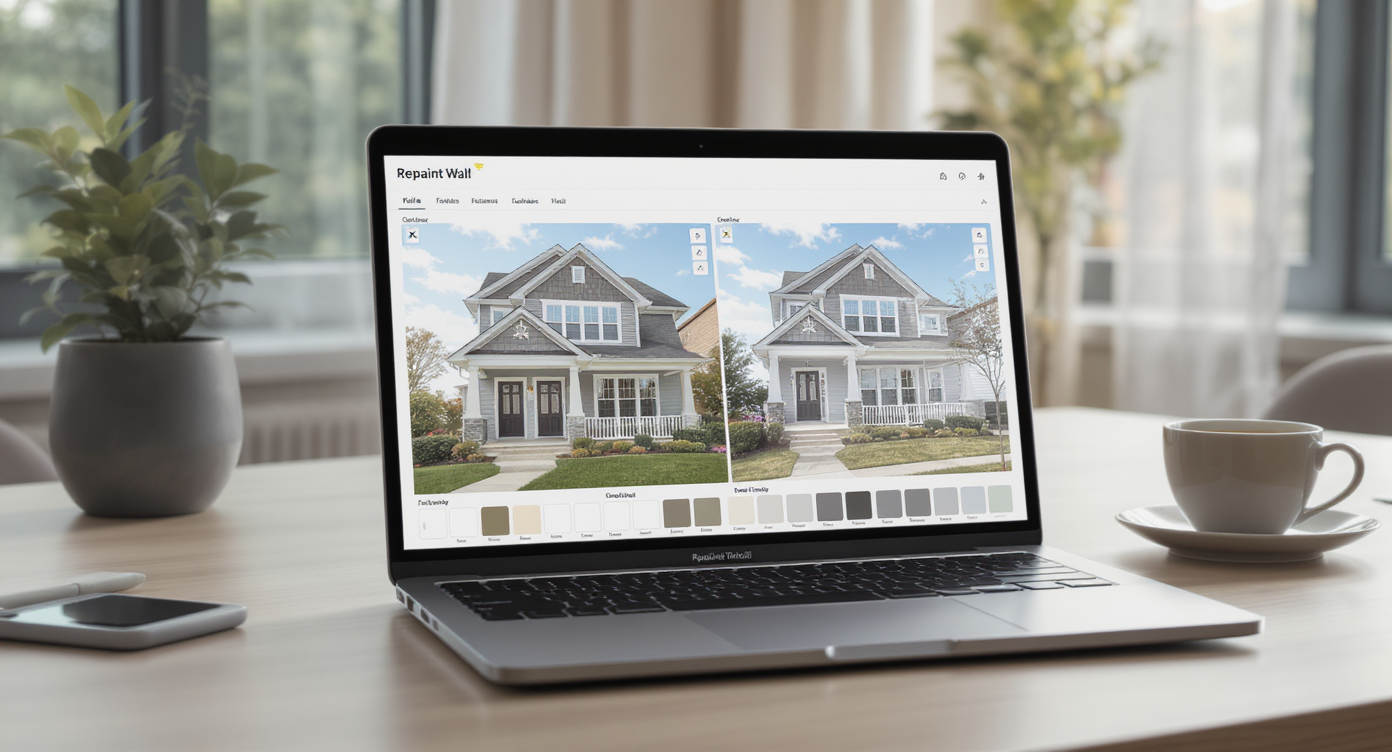
Repaint Wall tool lets you test multiple exterior palettes quickly and realistically.
Repaint Wall is a digital repainting tool that uses your photo to preview exterior color schemes—siding, trim, shutters, and doors—without touching a brush. It matters because the wrong palette can erase a home’s character and curb appeal, while the right one can feel authentic and inviting at a glance.
- Results: Compare multiple exterior paint palettes side-by-side and keep the one that preserves the architecture’s intent.
- Realism: Material-aware recoloring keeps brick, clapboard, stucco, and metal reading true, not flat.
- Speed: Go from upload to options in minutes—faster than a paint store run.
- Cost: Avoid repaint do-overs; make confident choices before labor and materials add up.
- Workflow: Share visuals with sellers, HOAs, or contractors to lock decisions.
- ROI: A better facade boosts first impressions, listing clicks, and showing requests.
- Peace of mind: Modernize thoughtfully—without steamrolling historic charm.
If you already have a tricky exterior in mind, upload it to ReimagineHome.ai and test Repaint Wall on a real photo while you read.
Why This Visual Problem Hurts More Than You Think
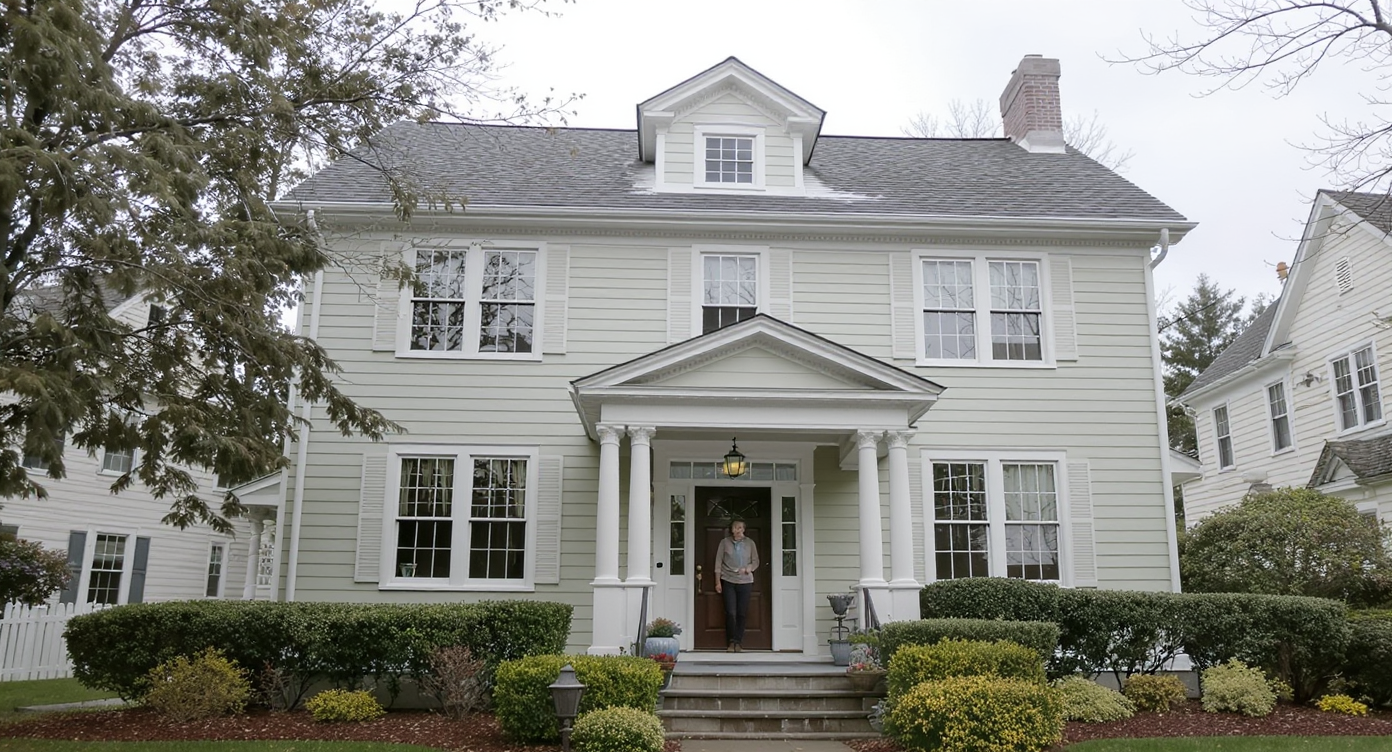
Wrong paint choices can erase architectural charm and hurt first impressions.
First impressions of a home are formed in seconds, and the hero exterior photo sets the tone for everything that follows. A mismatched facade—too stark, too trendy, or out of step with the architecture—shrinks buyer interest and creates costly repaint regret for owners.
Here’s how it shows up:
- Scroll behavior: Buyers skim; a jarring exterior color drops your listing from shortlists before interior photos get a chance.
- Perception: Overly stark black-and-white or high-contrast palettes can make classic homes read like generic boxes, dulling depth and proportion.
- Seller confidence: When a repaint feels off, sellers hesitate to invest further (landscaping, lighting, staging), compounding the problem.
Most mistakes aren’t about "modern" versus "traditional." They’re about palette calibration: roof undertones ignored, window proportions overwhelmed by dark trim, or shutters removed without compensating detail. Repaint Wall lets you audition the quiet, era-appropriate updates that keep charm intact.
Anecdote
That perfect Cape that once had a warm wood door and green shutters? The repaint flattened everything into a high-contrast monochrome that made the windows feel smaller and the entry anonymous. A five-minute digital test could have saved the soul of that facade.
What Repaint Wall Actually Is (In Plain Language)
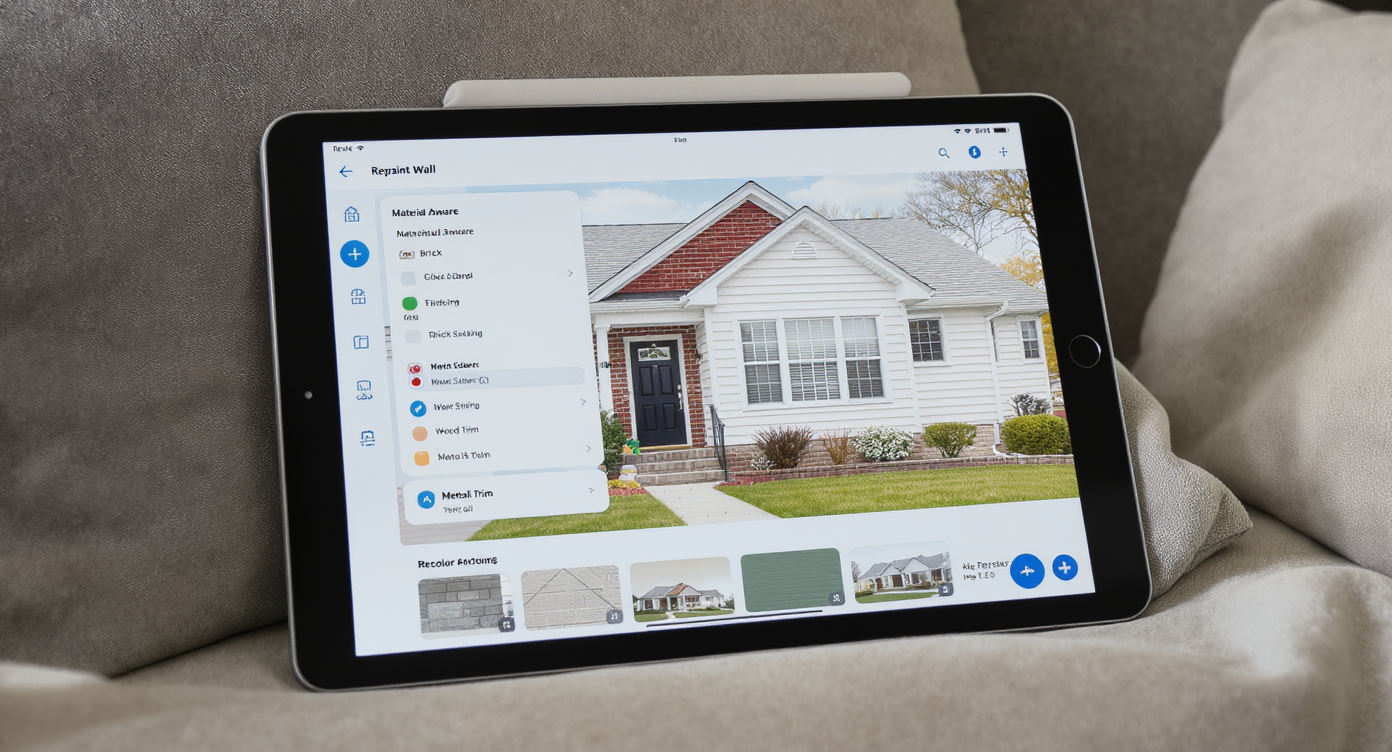
Repaint Wall uses AI to recolor surfaces realistically by preserving original textures and materials.
Repaint Wall is an AI-powered exterior paint visualizer that recolors surfaces directly from your photo. You upload an image, select the areas to repaint (siding, trim, shutters, door, even brick), choose colors, and generate realistic previews you can compare and share.
It needs a clear, front-facing photo with good daylight; it outputs high-resolution images you can download for MLS, HOA submissions, or contractor references. If you want to try it on your facade right now, open ReimagineHome.ai’s Repaint Wall tool—it’s built for fast, believable exterior color tests.
How Repaint Wall Works Step by Step
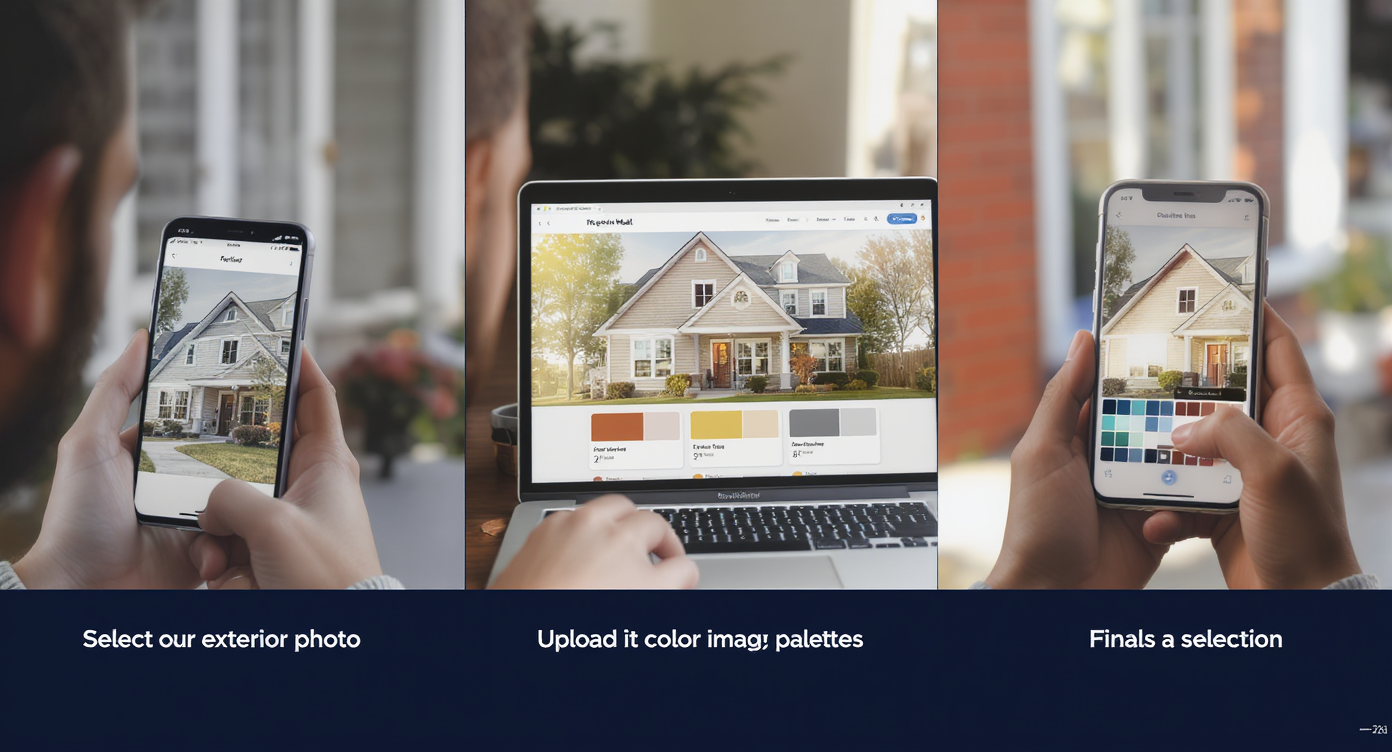
A step-by-step glimpse of how Repaint Wall guides you from photo to confident exterior paint choices.
Consistent inputs produce the most believable outputs.
- Choose the right photo: A straight-on exterior shot with minimal obstructions (cars, trash bins, shadows) works best. Aim for at least 3000 px on the long edge for crisp results.
- Upload to ReimagineHome.ai: Start at the home page or go directly to Repaint Wall.
- Select surfaces: The tool auto-detects edges; refine selections for siding, trim, shutters, doors, and visible masonry.
- Pick palettes: Test subtle variations first—e.g., off-whites with warm undertones, a heritage green or muted blue for shutters, and a wood-tone or painted door.
- Generate and compare: Produce several versions and view them side-by-side to see what respects the architecture.
- Refine: Adjust contrast between body and trim; confirm undertones against the roof and hardscape.
- Export: Download a high-resolution image for client approvals, HOA packets, or to guide your painter.
Constraint to know: extreme angles and heavy shadows can confuse edge detection. If possible, reshoot midday or on a bright overcast day.
Tips and Tricks for More Realistic Results
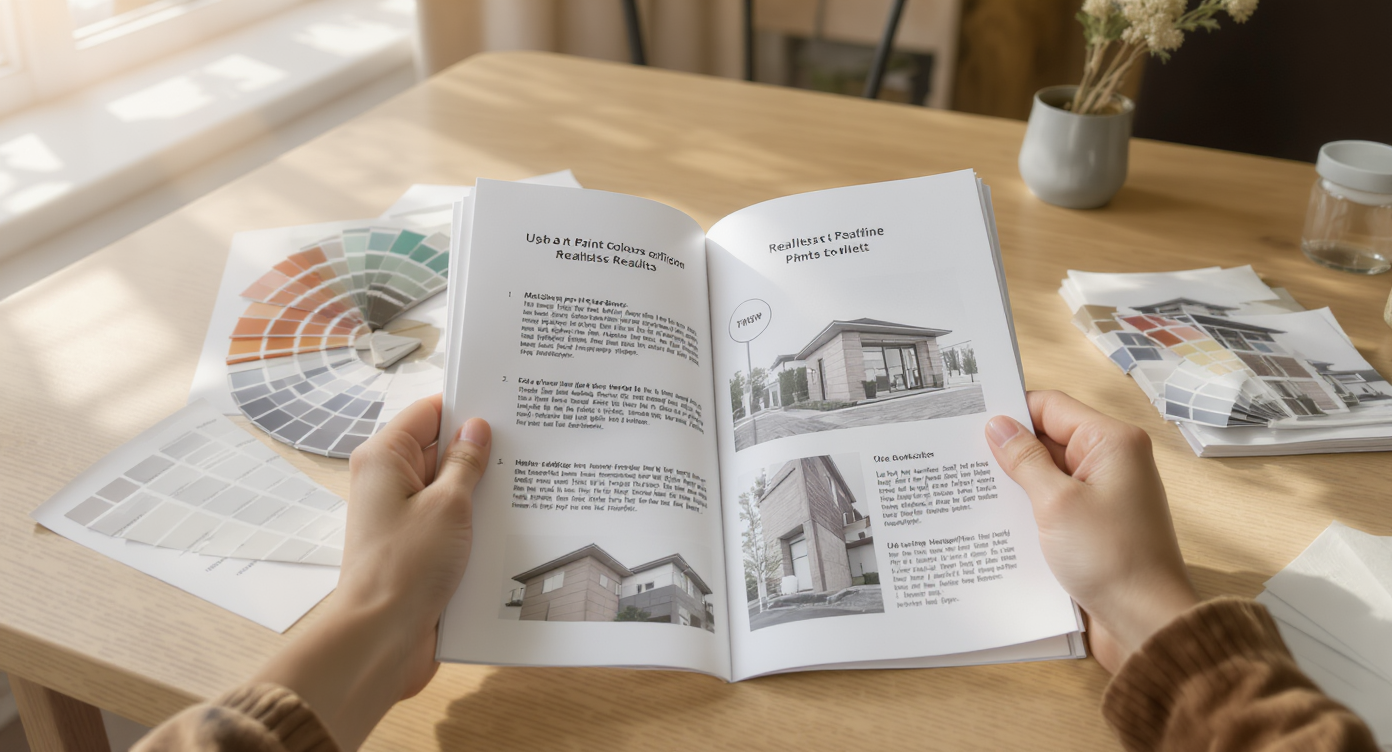
Expert tips emphasize material respect and context for authentic exterior repainting results.
Realistic exterior repainting starts with honoring material and context.
- Match sheen to material: Keep siding matte/satin, trim semi-gloss, and doors slightly higher sheen. Even in a photo, sheen cues make a facade feel believable.
- Read the roof undertone: Gray roofs often run warm or cool—pick body colors that blend, not fight.
- Respect scale and proportion: Dark trim can thicken sightlines around small windows; consider mid-tone trims to maintain lightness.
- Keep a hero element: If the entry door has character, choose a complementary, not competing, hue. Let the original focal point sing.
- Test “near neighbors”: Try three variations of the winning scheme—one lighter, one darker, one slightly warmer—to catch undertone surprises in daylight.
- Pair with curb appeal fixes: After repainting, consider softening overgrown turf. If your lawn looks tired in photos, ReimagineHome.ai’s Lawn Replacement can preview greener, neater grass to finish the look.
- Optimize the hero image: Want a twilight reveal after color testing? Use its Day to Dusk converter to turn a daytime shot into a warm, inviting exterior hero.
Visualization Scenario
A seller with a 1940s Cape plans to go black-and-white “modern farmhouse.” Using Repaint Wall, the agent tries a warm off-white body, softer mid-tone trim, and a muted green shutter/wood door. The house keeps its character, the roof undertone finally matches, and the entry becomes the hero again.
FAQ
How do I digitally repaint my house exterior before buying paint?
Upload a clear front photo to ReimagineHome.ai’s Repaint Wall, select surfaces (siding, trim, shutters, door), test palettes, and export the best option to share with your painter or HOA.
Will AI exterior repaint previews look realistic?
With a high-resolution, well-lit photo, material-aware recoloring reads convincingly and preserves texture. Keep sheen and undertones appropriate to maintain realism.
What resolution do I need for good results?
For MLS-quality images, aim for 3000 pixels on the long edge. Lower-resolution photos can work but may reduce edge accuracy and detail.
Can I test different materials like brick stain, shutters, or doors separately?
Yes. You can select and recolor individual elements—masonry, clapboard, shutters, and doors—so you see how each change impacts the whole.
Is digital repainting allowed for real estate listings?
Yes, as a concept visualization. Be transparent in captions if the color is proposed. For finished listing photos, repaint the actual home or clearly label previews as renderings.
Visualize Your Next Listing (or Project) Before You Commit
Previewing exterior paint with AI is a rehearsal, not a replacement for craftsmanship. But rehearsals matter: they spare you from costly do-overs and help you modernize with empathy for the architecture. Whether you’re a homeowner debating a bold trim, an agent prepping a listing, or an investor who doesn’t want to guess, a quick digital repaint sets the tone for smarter choices.
Give your facade the benefit of a test drive. Try ReimagineHome.ai’s Repaint Wall on your best exterior photo, or start from the ReimagineHome.ai home page to explore complementary tools.