
TL;DR
Repaint Wall is an AI interior design tool that lets you digitally repaint walls from a single photo so you can preview colors, sheens, and accent placements in minutes. If you’re wondering how to digitally repaint walls before buying paint, upload a photo and try ReimagineHome.ai’s Repaint Wall. It’s quick, realistic, and perfect for dialing in a headboard wall, softening dark curtains, or coordinating pillows and rugs. If you already have a tricky room photo, upload it to ReimagineHome.ai and test ideas while you read.
The Real Cost of Leaving Walls as They Are
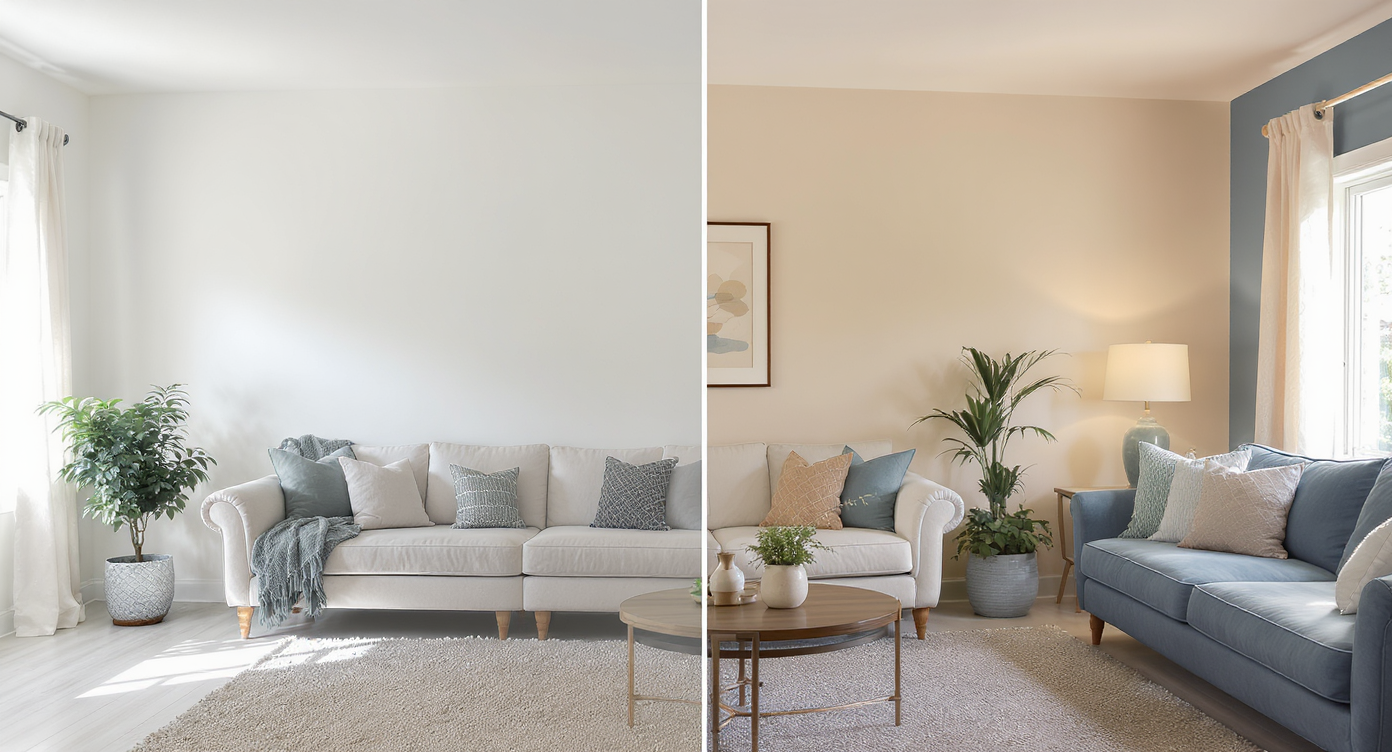
Compare neutral and accent wall colors digitally to preview your room’s new look instantly.
Digital wall repainting lets you try new paint colors — including a single accent wall — on your actual room photo, so you can choose confidently and avoid paint regret. It’s powerful because you see color, light, and shadow interact with your space in seconds, not after a weekend with rollers.
- Results: Quickly compare neutrals vs. bold accents and preview how they read with your curtains, bedding, and rug.
- Realism: Textures, trim, shadows, and window light stay intact for believable before/after decisions.
- Speed: Most rooms render in under a minute.
- Cost: Spend zero on sample pots until you’ve shortlisted.
- Workflow: Upload, pick walls, pick colors, export. Done.
- ROI: Fewer repaint cycles, faster cohesion, better photos.
- Peace of mind: Share options with roommates, landlords, or sellers before you commit.
If you already have a photo in mind, open it now in ReimagineHome.ai’s Repaint Wall or start from the homepage at ReimagineHome.ai.
Why This Visual Problem Hurts More Than You Think
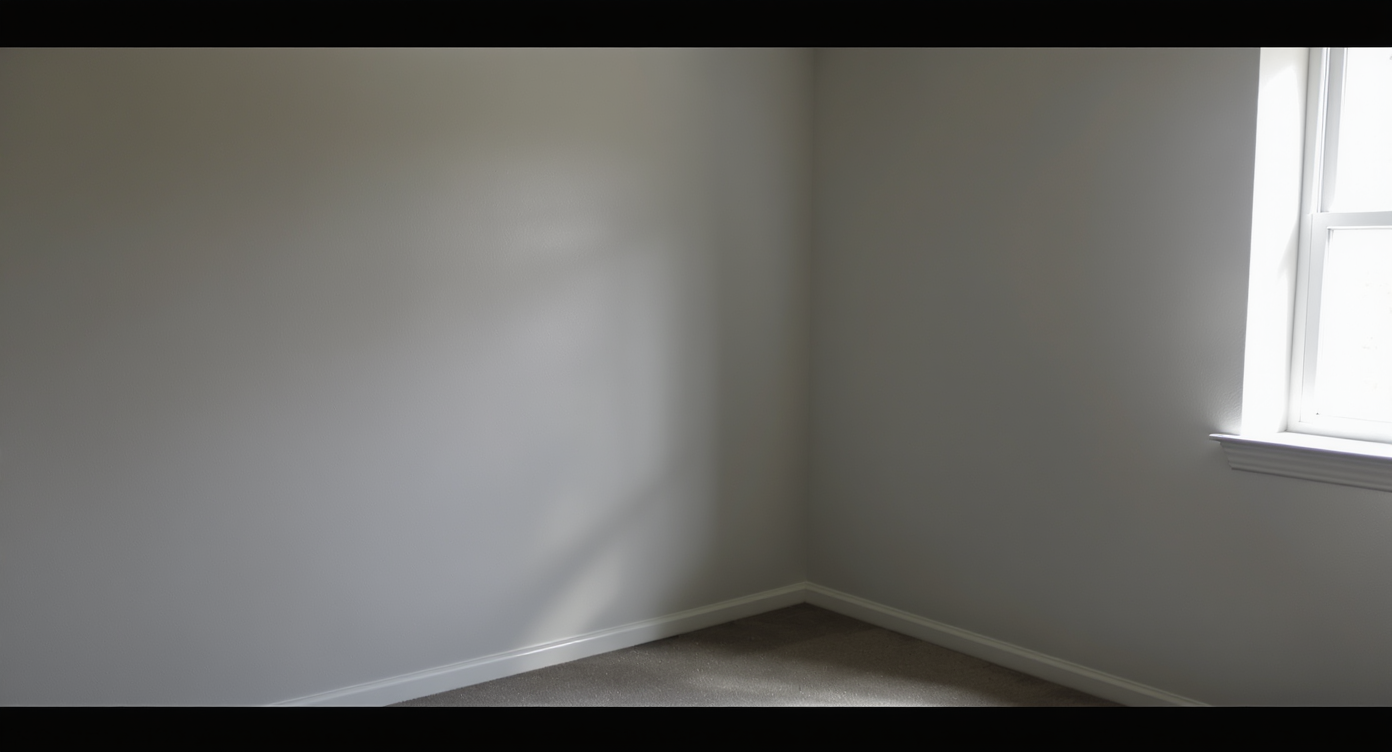
Blank walls can shrink a room’s feel, making it less welcoming and intentionally designed.
Vacant or poorly colored walls often make rooms feel smaller and less intentional than they are. When the wall tone fights the textiles — dark curtains, a cool gray rug, warm wood furniture — the eye stops reading the layout and fixates on mismatches.
On screen, that means more scroll-past and less connection. In person, it means second-guessing: Should the bed rotate 90 degrees to the half wall? Would a headboard help? Is a lighter curtain enough, or does the wall need warmth? A quick AI repaint gives you proof instead of guesswork — you can see whether an oatmeal or greige backdrop softens the room, whether a deeper accent behind the bed frames your mirror, or whether a muted sage calms busy patterns. The result is faster decisions, fewer returns, and a more put-together space.
Anecdote
That blank headboard wall? One warm greige test suddenly made the dark curtains feel intentional, the rug calmer, and the bed placement obvious.
What Repaint Wall Actually Is (In Plain Language)
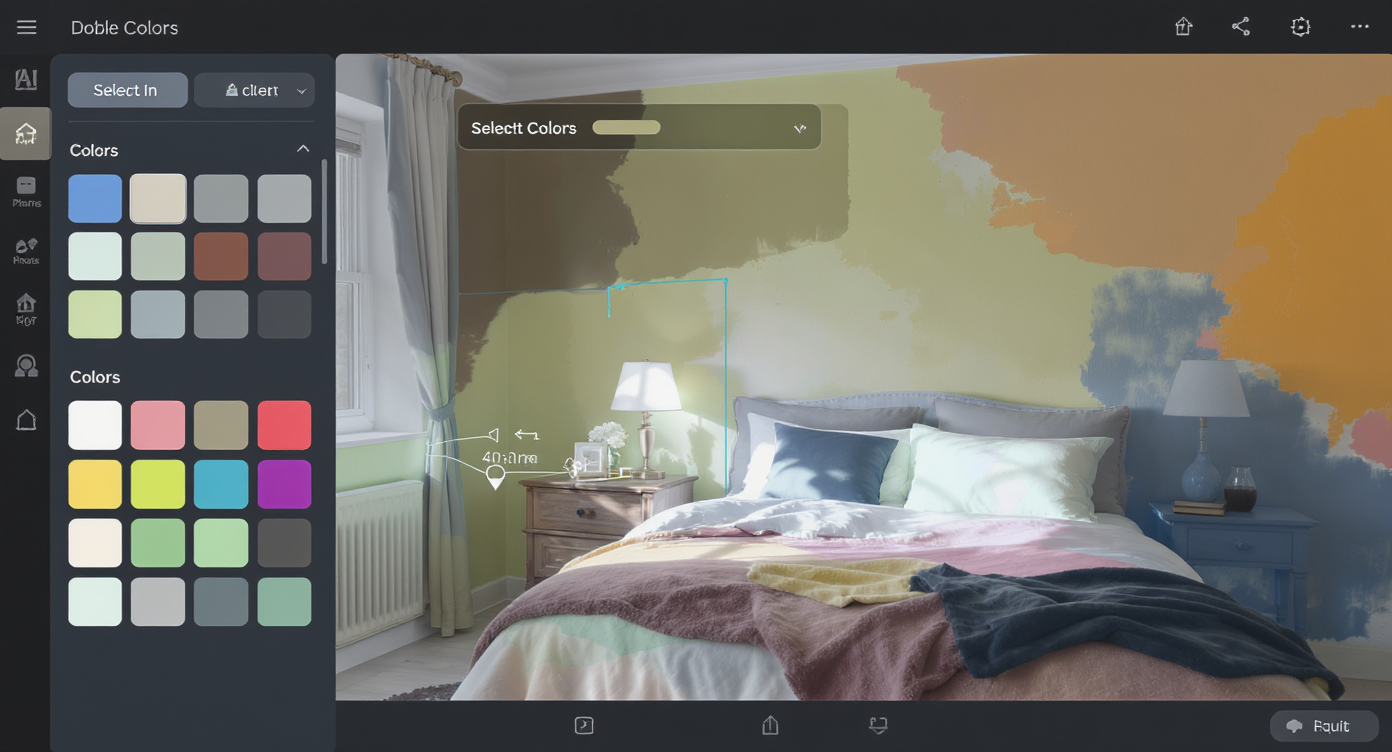
AI-powered repainting recolors walls in your photo while keeping textures and lighting intact.
Digital repainting is an AI room editor that recolors the walls in your photo while preserving texture, trim, art, and lighting. You upload a photo, choose which walls to target, select a color or finish, and the tool outputs a realistic render you can compare side by side.
With ReimagineHome.ai’s Repaint Wall, you can preview accent walls, full-room neutrals, and sheen changes (matte vs. satin) from a single image. It’s built for fast, believable results that help you decide whether that headboard wall should go warm clay, soft taupe, or stay bright white.
How Repaint Wall Works Step by Step

Simple four-step workflow: upload photo, select walls, choose colors, and export your digital repaint.
MLS, rental, or personal projects all benefit from clear, high-res source photos for the best AI results.
- Choose the right photo: Stand back to capture the full wall and major furniture (bed/sofa), and shoot at eye level to avoid distortion.
- Upload to Repaint Wall: The tool detects walls and edges automatically.
- Select target surfaces: Keep trim, doors, and ceilings excluded unless you’re repainting them as well.
- Pick color and finish: Test a light neutral vs. a rich accent; try matte for a softer, modern look.
- Generate and compare: Create a few variations and flip through them like swatches on your own room.
- Refine and export: Tweak edges if needed, then download for sharing or planning.
Concrete constraints: Aim for photos at or above 2000 px on the long edge; straighten tilted shots first for cleaner masks — you can do that in one click with ReimagineHome.ai’s Straighten Angles.
Tips and Tricks for More Realistic Results
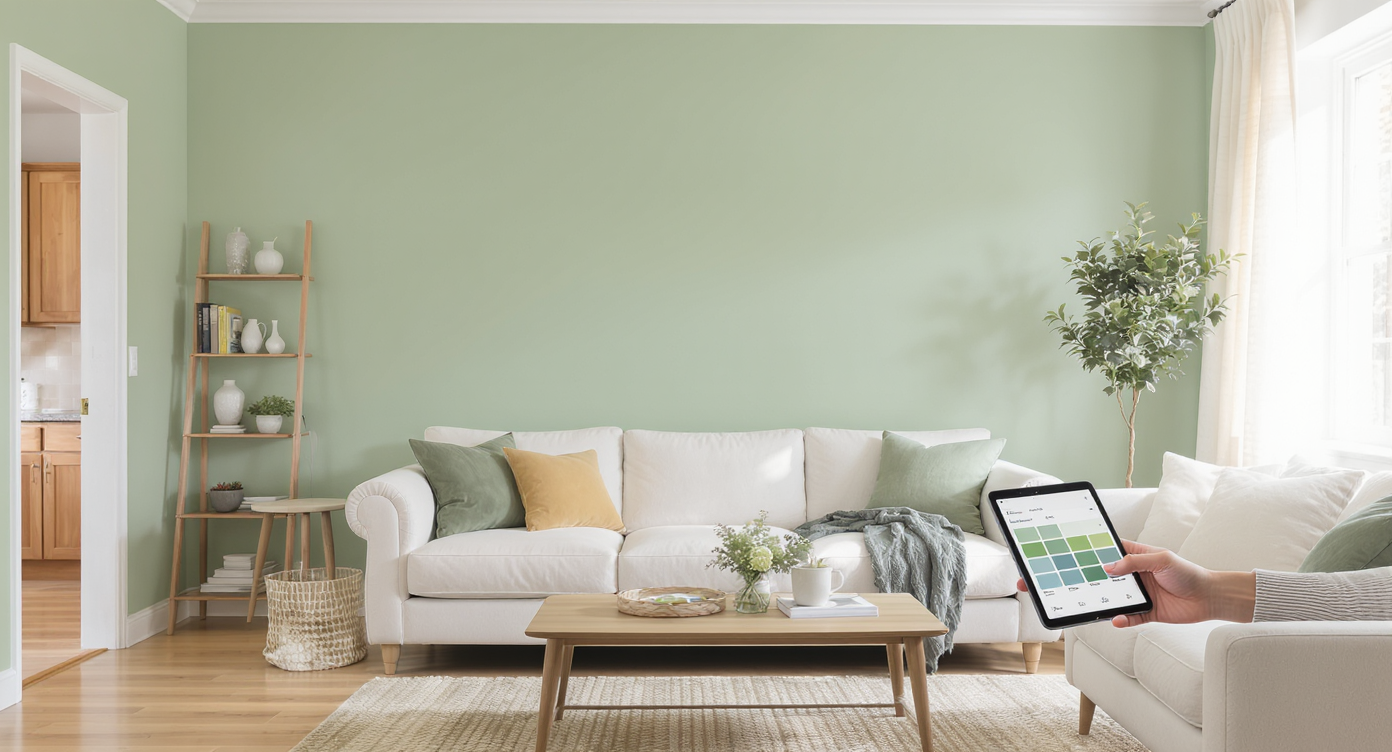
Simple prep and natural light ensure AI recoloring delivers realistic, harmonious interior visuals.
Even simple prep makes AI interior design from a photo look strikingly real.
- Use daylight if you can: Natural light reveals undertones; it’s the best way to compare warm vs. cool neutrals.
- Test your headboard wall first: Framing the bed with an accent color often anchors a layout and solves the “blank wall” problem in one move.
- Start with 3–5 controlled options: A warm greige, a muted green, a soft clay, your current white, and one deeper tone. Too many choices = decision fatigue.
- Mind undertones: If your curtains are dark blue-gray and your rug skews cool, pick wall colors with similar undertones to harmonize.
- Match sheen to reality: Matte hides imperfections and reads calm; satin adds slight reflectivity and durability in high-touch zones.
- Clean edges count: Zoom in on corners and around mirrors; refine masks so trim stays crisp and believable.
- Coordinate textiles digitally too: To preview pillow or curtain shifts without shopping, try ReimagineHome.ai’s Furniture Facelift to adjust fabric or wood tones for a cohesive palette. If your original photo is dull or noisy, run it through Image Enhancement first for truer color reads.
Visualization Scenario
Upload a wide shot of your room, tag only the headboard wall, and preview three accents: muted sage, warm clay, and soft greige. Compare at day and night.
FAQ
FAQ
How accurate are AI digital repaints vs. real paint?
Very close for planning. Because lighting affects color, preview in both daylight and lamplight photos when possible for the most reliable read.
What resolution do I need for good results?
Aim for photos 2000–3000 px on the long edge. Higher resolution improves edge detection and texture preservation.
Can I test just one accent wall behind my bed or sofa?
Yes. In Repaint Wall you can target specific surfaces to make the headboard wall or TV wall the focal point.
Does digital repainting change my furniture or curtains?
Walls only. For textiles or wood tones, use Furniture Facelift to preview fabric and finish adjustments.
Is AI repainting okay for real estate listing photos?
Many markets allow planning visuals in marketing decks, but edited MLS photos may require disclosure. When in doubt, confirm local rules and provide both original and AI preview.
Visualize Your Next Listing (or Project) Before You Commit
Where Repaint Wall Totally Changes the Game
Even small rooms feel intentional when the wall tone supports the layout.
- Before: A compact bedroom with a half wall, dark curtains, and a cool rug felt disjointed. After: A quick Repaint Wall test in warm greige plus an accent behind the bed tied the textiles together and made the bed orientation feel obvious.
- Before: A rental bedroom with a “boob light” and stark white walls looked harsh at night. After: A soft sand tone and a single accent wall behind the headboard warmed the lamp light — the tenant screenshotted options to the landlord and got the green light to paint.
- Before: A spare room pre-listing read cold in photos. After: A muted sage digital repaint suggested the staging direction; the listing photos felt calmer and more premium without overhauling furniture.
Common Mistakes with Repaint Wall (and Easy Fixes)
Most disappointment comes from weak source photos, not the AI.
- Pushing saturation too far: Neon or ultra-dark shades can look fake on-screen. Fix: Dial intensity down one step; prioritize muted versions.
- Using tiny, blurry photos: Low resolution muddies edges. Fix: Reshoot or upscale; aim for 2000–3000 px on the long side for crisp results.
- Ignoring lighting: Warm bulbs vs. daylight change undertones. Fix: Preview in both day and night photos if you can.
- Painting everything the same: Trims and ceilings need contrast. Fix: Keep them crisp white or a lighter tint for depth.
- Not aligning with finishes: Wall color should play with existing wood tones, metal, and fabrics. Fix: Cross-check undertones and preview textile tweaks with Furniture Facelift.
Who Gets the Most Value from This Tool
Anyone making color calls benefits when they can see options on their actual room.
- Renters and first-time decorators: Make a studio or dorm feel considered without repainting twice; share options to get buy-in.
- Agents and teams: Align sellers on neutral palettes for faster photo day; plan accent walls that photograph well.
- Photographers and media pros: Offer color previews as an upsell to guide staging and shot lists.
- Sellers, flippers, investors: Validate which neutral increases perceived light and space before paint crews roll.
- Designers and stagers: Use quick AI iterations to secure approvals and avoid costly repaints.
Visualize Your Next Listing (or Project) Before You Commit
Color is the fastest way to change a room’s mood — and the easiest to get wrong when you choose in the aisle. Repaint digitally, compare calmly, then paint once. Try your wall ideas now in ReimagineHome.ai’s Repaint Wall, or start from the homepage at ReimagineHome.ai to explore more room makeover AI tools.