Shopify Room Visualization: How AI Room Visualizers Work for Furniture Stores
TL;DR
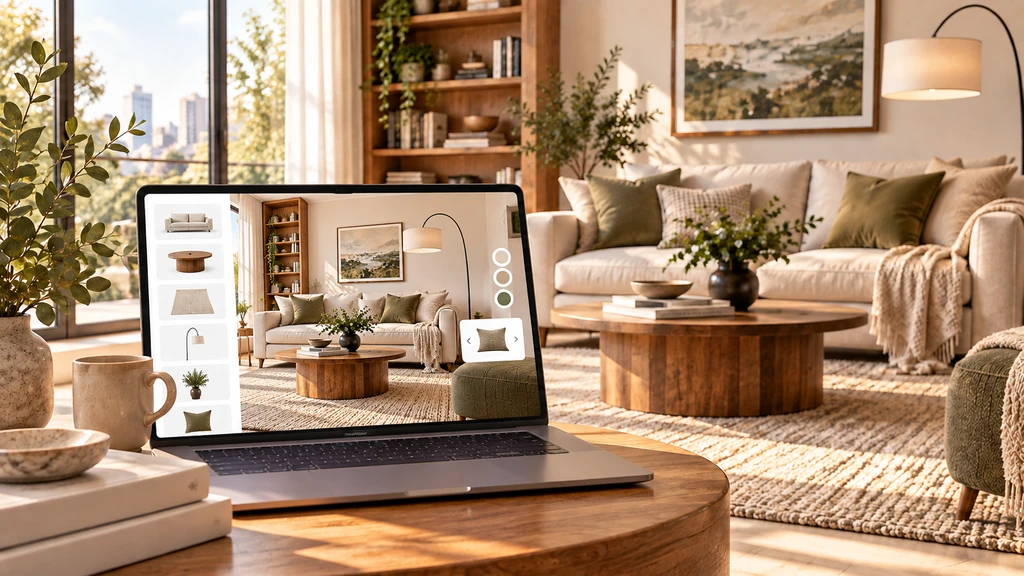
Shopify room visualization lets shoppers preview furniture and home products in their own rooms before buying. A Shopify room visualizer combines a room photo with product imagery to help customers evaluate placement, color, scale, and product combinations. For merchants, it adds a visual decision-making layer to the shopping journey and can be measured through engagement, add-to-cart rate, conversion rate, and return rate.
-
1. What Is Shopify Room Visualization?
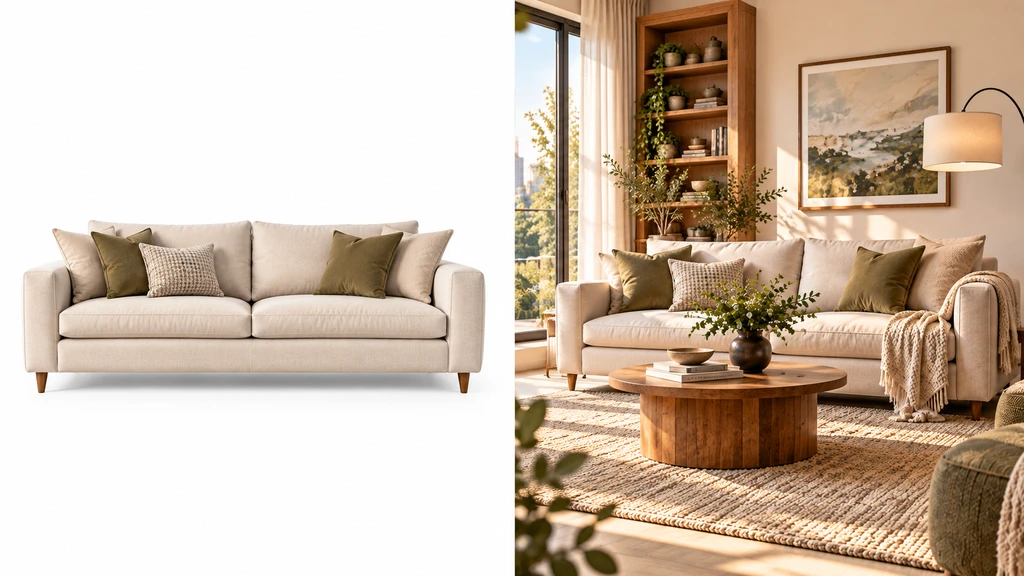
Room visualization combines a shopper’s room photo with store products to create a realistic in-room preview before purchase.
Shopify room visualization lets customers preview furniture and home products in their own space before buying. By combining a room photo with product imagery, it helps shoppers evaluate sofas, rugs, lamps, wall art, and more in context, with some tools also supporting product, color, or finish comparisons.
Unlike traditional product photography, room visualization shows how a product may work within the shopper's actual space.
-
2. Why Room Visualization Matters for Home & Furniture Ecommerce
Buying furniture and home products online often raises questions that standard product photography cannot fully answer: Will the sofa fit the room visually? Does the color work with existing furniture? Will the rug, coffee table, and artwork work together?
Dimensions, specifications, reviews, and product photos remain essential, but shoppers still have to imagine how a product will work in their own space. Room visualization adds context by showing products within the shopper’s room, helping them assess appearance, apparent scale, color, style, placement, and product combinations before buying.
-
3. How Shopify Room Visualization Works
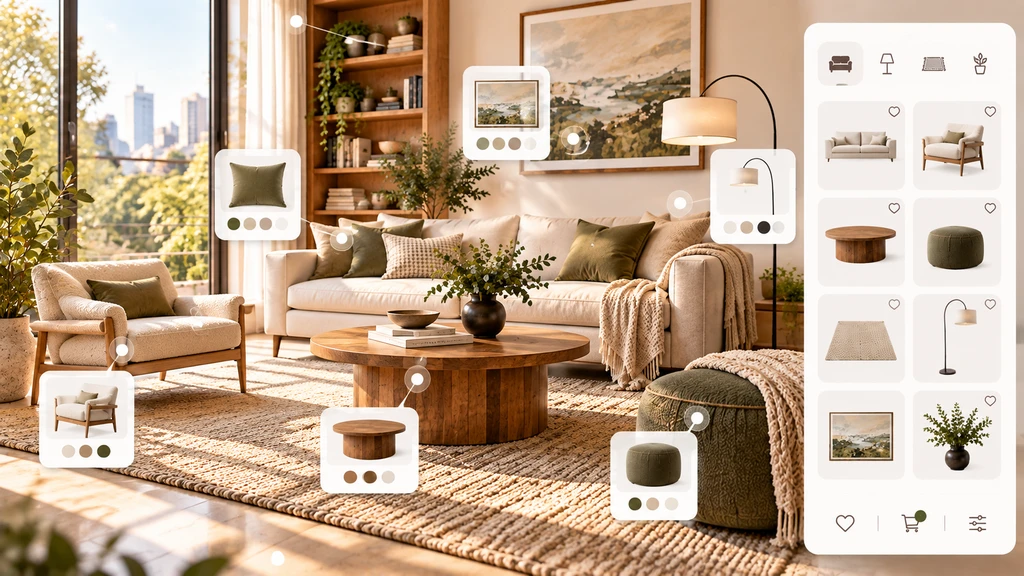
A typical room visualization journey connects product selection, a shopper’s room photo and an AI-generated in-room preview.
Shopify room visualization typically works by combining a shopper's room photo with product imagery, generating an in-room preview, and connecting that preview back to the product page and purchase journey. A typical Shopify room visualization experience follows five steps:
Step What Happens Choose a Product The shopper selects a product such as a sofa, rug, lamp, artwork, or other home furnishing from the Shopify store. Upload a Room Photo The shopper uploads a photo of their living room, bedroom, dining area, or another space where they are considering the product. Generate an In-Room Preview The visualization tool processes the room image and product imagery to create a preview showing the selected product within the space. Compare Products or Variants Depending on the platform, shoppers may be able to compare different products, colors, materials, finishes, or combinations. Continue to Purchase After evaluating their options, shoppers can return to the product page and add their selected products to the cart. The exact experience varies by Shopify app and implementation, but the objective remains the same: connect product discovery with visual decision-making.
-
4. AI Room Visualization vs. 3D and AR: What's the Difference?
AI-powered photo visualization and augmented reality (AR) can both help shoppers understand how products may work in their spaces, but they provide different experiences.
Feature AI / Photo-Based Visualization 3D / AR Visualization Shopper input Usually a room photo Camera or AR-enabled device Product assets Can often use existing product imagery Typically requires 3D product assets Product interaction Image-based preview Interactive 3D model Setup requirements Can be lighter depending on the platform Often requires 3D modeling and technical setup Best suited for Furniture, rugs, art, décor, lighting, and similar products Products where rotation and interactive spatial placement are important Catalog scalability Can be easier when existing images can be used Can require additional work for each 3D SKU For merchants, the right approach depends on the product catalog, available assets, desired customer experience, and implementation requirements. Photo-based visualization can be useful for showing products within a shopper’s existing room, while 3D/AR is better suited to interactive, multi-angle product experiences.
-
5. What Shopify Merchants Can Gain From Room Visualization
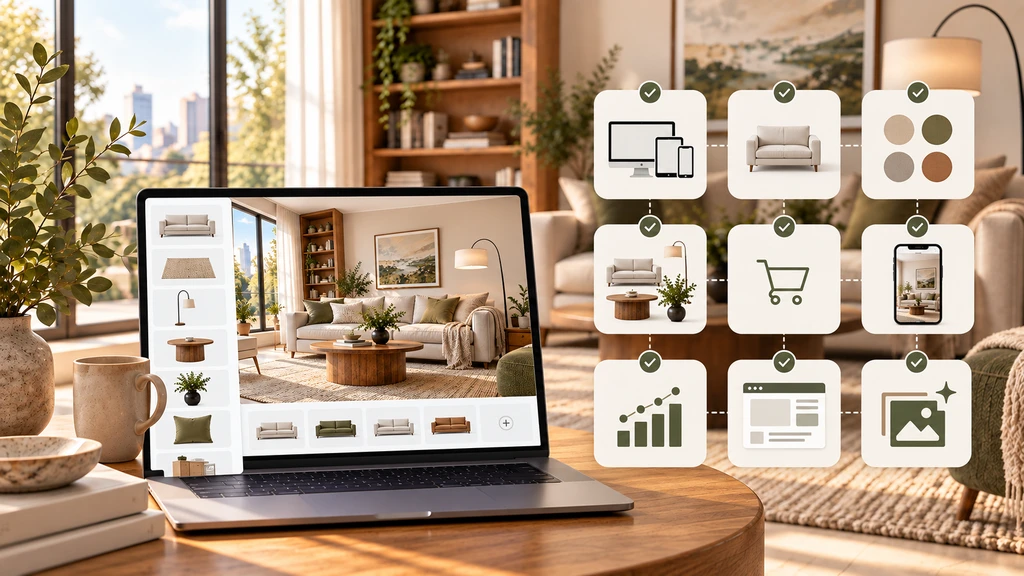
Letting shoppers experiment with complementary products in one room can support product exploration and more informed purchase decisions.
Room visualization helps shoppers evaluate products in the context of their own rooms, alongside product photos, dimensions, specifications, and reviews. It can also encourage product exploration by letting customers compare products, colors, finishes, or combinations and visualize complementary items such as sofas, rugs, coffee tables, and lighting together.
Merchants can measure its impact through metrics such as visualization engagement, add-to-cart rate, conversion rate, average order value, and return rate. However, room visualization does not replace physical measurements; shoppers should still check product dimensions, room measurements, clearances, walkways, and installation requirements before purchasing.
-
6. Which Shopify Products Work Best With Room Visualization?
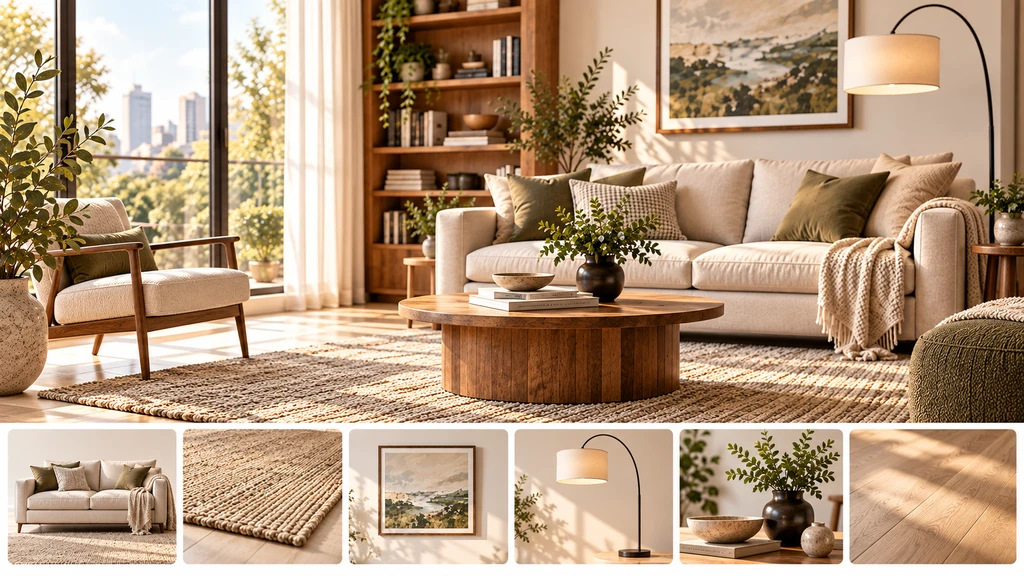
Evaluate a Shopify room visualizer across product compatibility, variants, mobile usability, cart integration, analytics and visual quality.
Room visualization is particularly relevant for products where appearance, placement, and coordination influence the purchase decision.
Product category How visualization can help Furniture Helps shoppers evaluate apparent size, placement, style, and coordination with existing pieces. Rugs Helps customers compare colors, patterns, and placement within their room. Wall Art Provides context for how artwork may work with the room's walls and furniture. Lighting Helps shoppers visualize the style and placement of fixtures within a room. Décor Makes it easier to evaluate individual pieces alongside existing furnishings. Flooring Gives shoppers a visual reference for how a finish may change the appearance of a room. The value of visualization depends on the product. Items where shoppers need to understand how something will look alongside existing furniture or finishes are particularly suited to an in-room preview.
-
7. Shopify Room Visualizer Checklist
Before choosing a room visualization app for your Shopify store, consider the following:
Requirement What to check Product compatibility Does the tool support your furniture, rugs, art, lighting, flooring, or décor catalog? Existing product assets Can you use your current product images, or are separate 3D models required? Shopify integration Does it work with your current theme and product pages? Product variants Can shoppers visualize different colors, sizes, materials, or finishes? Multi-product visualization Can customers preview multiple products together? Cart integration Can shoppers move from visualization to purchase without unnecessary steps? Mobile experience Does the complete visualization experience work smoothly on phones and tablets? Analytics Can you measure engagement and its relationship to ecommerce metrics? Implementation effort How much setup or developer involvement is required? Visual quality Does the output maintain realistic-looking proportions, lighting, and room context? The right solution depends on your catalog, customer journey, product assets, and Shopify setup. A feature checklist can help merchants compare platforms based on their actual requirements rather than choosing solely on the number of features offered.
-
8. Room Visualization in Practice: A Shopper Journey
For example, a shopper can select a rug on a Shopify store, upload a photo of their living room, and preview the rug alongside their existing sofa, coffee table, flooring, and other furnishings. They can then compare other products or visualize complementary items together before adding their chosen products to the cart.
This connects product discovery with the shopper’s actual space, giving them more context before making a purchase.
FAQ: Shopify Room Visualization for Home & Furniture Stores
How is room visualization different from traditional product photography?
Room visualization shows a product within a shopper's own room photo, helping them evaluate appearance, placement, color, and style in context. Traditional product photography shows the product itself but generally does not show how it works within the customer's specific space.
Can shoppers visualize multiple products together?
Some room visualization platforms allow shoppers to preview multiple products in the same room, such as a sofa with a rug, coffee table, or lighting. This can help customers evaluate how different products work together before purchasing.
What types of products benefit most from room visualization?
Furniture, rugs, wall art, lighting, décor, and flooring can benefit from room visualization, particularly when shoppers need to understand how a product may work with their existing space.
Can room visualization replace product dimensions?
No. Room visualization provides visual context, but shoppers should still check product dimensions, room measurements, walkways, door clearances, and installation requirements before purchasing.
Conclusion: Is Shopify Room Visualization Worth Adding?
Shopify room visualization gives home and furniture shoppers additional context before they buy by showing products within their own spaces. For merchants, it can add an interactive layer to the traditional product page and help customers evaluate appearance, placement, color, style, and product combinations.
The right solution depends on the merchant's catalog, product assets, Shopify setup, customer journey, and desired visualization experience. When evaluating a room visualizer, consider product compatibility, visual quality, mobile usability, Shopify integration, multi-product support, cart functionality, and measurable ecommerce outcomes.