Before Buying Furniture Online, See It in Your Room With ReimagineHome

TL;DR
Shopping for furniture online can be confusing when you can't truly picture how a piece will look in your space. ReimagineHome lets you visualize furniture and real products in your own room using AI-powered design tools, making it easier to decide what truly fits before you buy. It bridges the gap between liking a product and knowing it works at home.
-
01. The Furniture Visualization Gap: Why It Matters

See furniture in your own room with AI, compare styles and visualize pieces before buying. Discover the benefits of AI-powered virtual furniture staging.
Buying furniture online often starts with finding gorgeous images, a plush sofa, a chic dining set, or a vibrant rug. But once that product arrives, it might overwhelm your living room, clash with your wall paint, or simply feel wrong. This challenge is known as the visualization gap: the difficulty of translating product photos into your unique living space.
As we explored in our guide to overcoming visualization struggles, most homeowners (even those with a keen eye) find it tough to imagine multiple furniture choices in their own room, especially when making decisions online. That gap leads to costly mistakes, wasted time, and disappointment after delivery.
-
02. Why Standard Product Pages Aren’t Enough
Nearly every furniture website provides crisp product photos, detailed dimensions, material descriptions, and customer reviews. Yet, these listings show items in perfect, staged settings, rarely resembling your real home. Your space has its own quirks: different light, existing decor, traffic flow, and color. It's about more than whether you love a piece, it's about whether you love it *here*.
-
03. How ReimagineHome Lets You Visualize Furniture Before You Buy
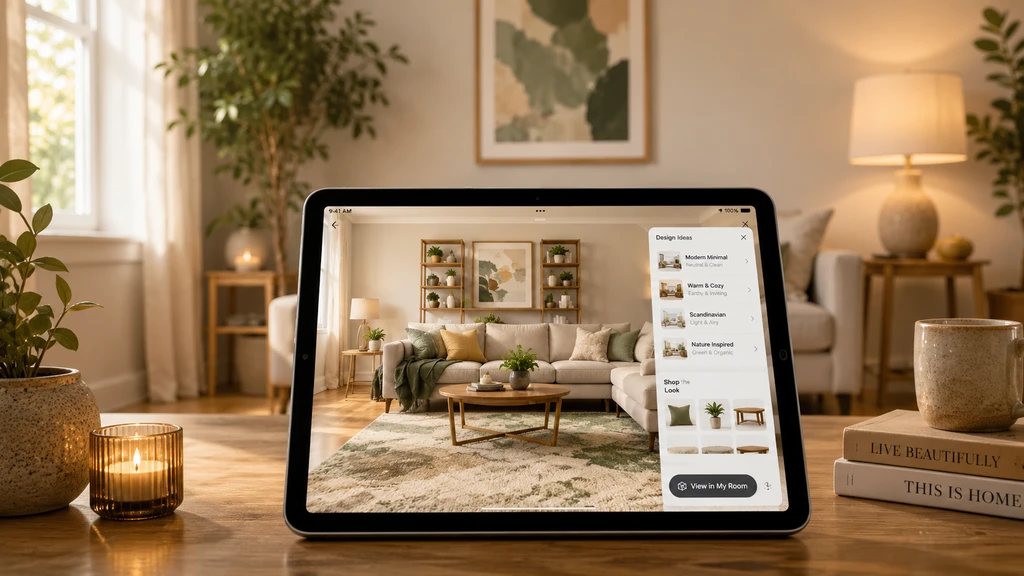
Discover how to see furniture in your own room with AI for practical visualization before buying. AI-powered virtual staging helps compare furniture styles and shows the benefits of AI room design tools.
Instead of wondering, 'Will this really work?', ReimagineHome starts with your real room photo. Upload a snapshot of your living room, bedroom, or office. You can then play with design updates, changing sofas, adding rugs, rearranging layouts, or testing new colors, all within your space. The AI considers your room's lighting, proportions, and features, so changes feel realistic and tailored.
-
04. From Inspiration to Real Products: Shoppable Room Staging
Once you've explored design possibilities, you'll want to move beyond visual inspiration to real, shoppable furniture. ReimagineHome’s Real Product Staging feature lets you preview actual, purchasable furniture in your space, based on your style, budget, and location. This means you're not just seeing generic pieces but real products you can add to your cart, adjusted for your needs.
-
05. How Visualization Helps You Make Smarter Decisions
Visualization is more than a trend, it’s a practical decision-making tool. Here’s what you can confidently evaluate:
- Scale and size: Spot if a sofa visually dominates the room or a coffee table crowds your layout before you order.
- Color harmony: See how the shade shifts in your lighting and against your walls, avoiding unpleasant surprises.
- Style match: Judge whether modern, Scandinavian, farmhouse, or eclectic designs actually complement your current decor.
- Arrangement and flow: Test if new furniture blocks walkways or disrupts movement.
- What to prioritize: Identify anchor pieces for upgrades, like a bed frame or area rug, before layering in side tables or accessories.
-
06. Avoiding the Most Common Furniture Shopping Mistakes
AI room visualization isn’t just about discovering new looks, it helps avoid all-too-common errors:
- Buying based on photos, not context
- Ordering items before considering scale and flow
- Designing piecemeal instead of planning a room composition
- Feeling pressured to buy everything at once
- Forgetting to confirm measurements
- Treating AI images as exact, always double-check product sizes and specs
-
07. A Better Workflow: From Vision to Purchase
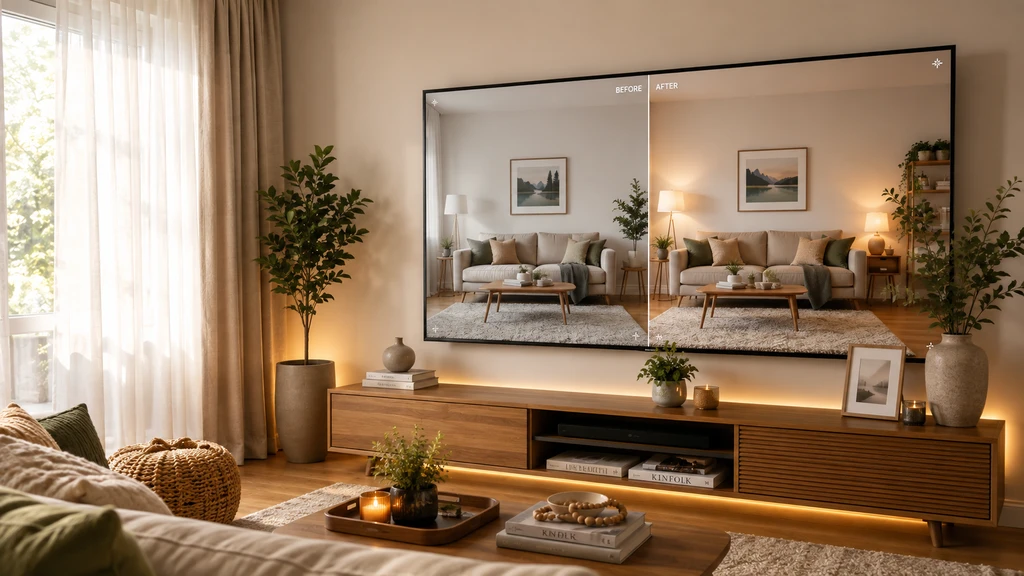
See furniture in your own room with AI-powered virtual staging tools, visualize new furniture before buying, compare styles, and discover the benefits of using AI room design workflow for smarter purchasing decisions.
If you want practical steps to a smarter purchase, try this sequence:
- Photograph your room, don't rely on memory alone.
- Identify what feels off (empty, cluttered, missing a focal point, outdated fashion).
- Set a design direction: style, colors, preferred furniture types, and budget.
- Visualize options in your actual space using ReimagineHome.
- Compare layouts, color schemes, and product choices side-by-side.
- Explore real-product staging for shoppable items tailored to your taste and price point.
- Confirm all details: dimensions, materials, reviews, shipping, return policy.
- Decide with greater confidence, knowing you’ve already 'seen' the room with your new selections.
-
08. Measuring and Making Room for Reality
Visualization is powerful, but it doesn't replace a tape measure or careful product research. Always:
- Measure room dimensions and key entryways
- Compare product sizes to your space
- Review return policies and delivery info
- Check materials and assembly instructions
See Before You Buy: A Smarter, More Confident Furniture Shopping Experience
Online furniture photos show you the product, but not how it will look in your room. ReimagineHome helps you visualize, compare, and shop furniture within your actual space before making a purchase.
See what fits. Compare with confidence. Shop what works.