
TL;DR
Style Swaps in ReimagineHome.ai is an AI interior design tool that restyles a room from a single photo so you can swap tiles, finishes, and vibes before buying or installing. It’s the fastest way to avoid backsplash or marble mistakes and see multiple design directions side by side. Try it now with ReimagineHome.ai’s Style Swaps for a quick, realistic preview that protects budget, time, and peace of mind.
The Real Cost of Choosing Finishes Blind
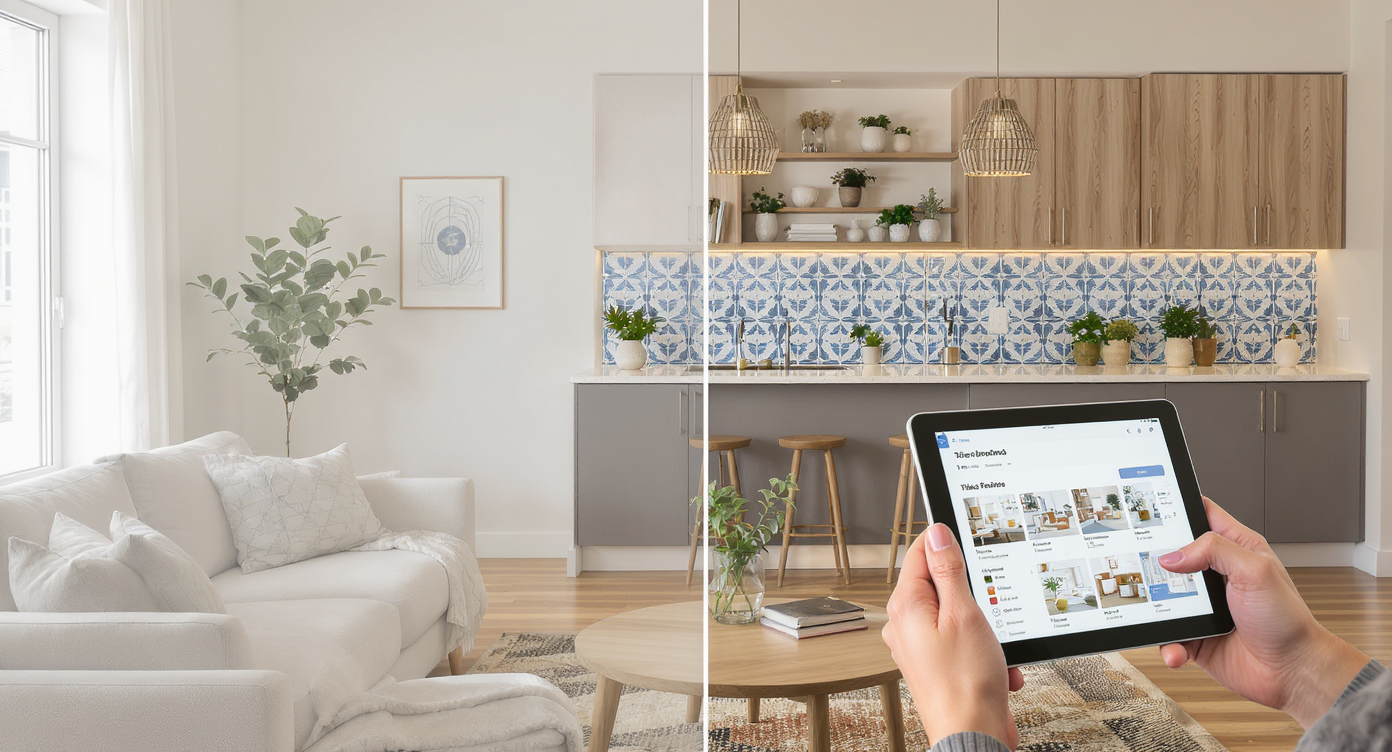
Preview tile finishes on your exact room photo with intuitive AI style swaps.
AI style swaps let you restyle a real room photo — tile, color, mood, and finishes — so you can see the end result before you spend. It’s a powerful fix for backsplash indecision, marble mix-ups, or that moment you realize a “temporary” Sharpie line on stone wasn’t temporary.
- Results: Test multiple tile styles, grout colors, and patterns in minutes, not weeks.
- Realism: Photorealistic restyles on your exact space, not a generic template.
- Speed: Upload, pick a style, generate; iterate until it clicks.
- Cost: Avoid rework and returns; confirm choices before purchase.
- Workflow: Use one photo; export for your spouse, client, or contractor.
- ROI: Better decisions up front reduce delays and change orders.
- Peace of mind: See it first. Then commit.
If you already have a backsplash, bath, or floor you’re unsure about, upload it to ReimagineHome.ai and test a Style Swap while you read. For finish-first redesigns, open ReimagineHome.ai’s Style Swaps and try 2–3 tile looks in one sitting.
Why This Visual Problem Hurts More Than You Think
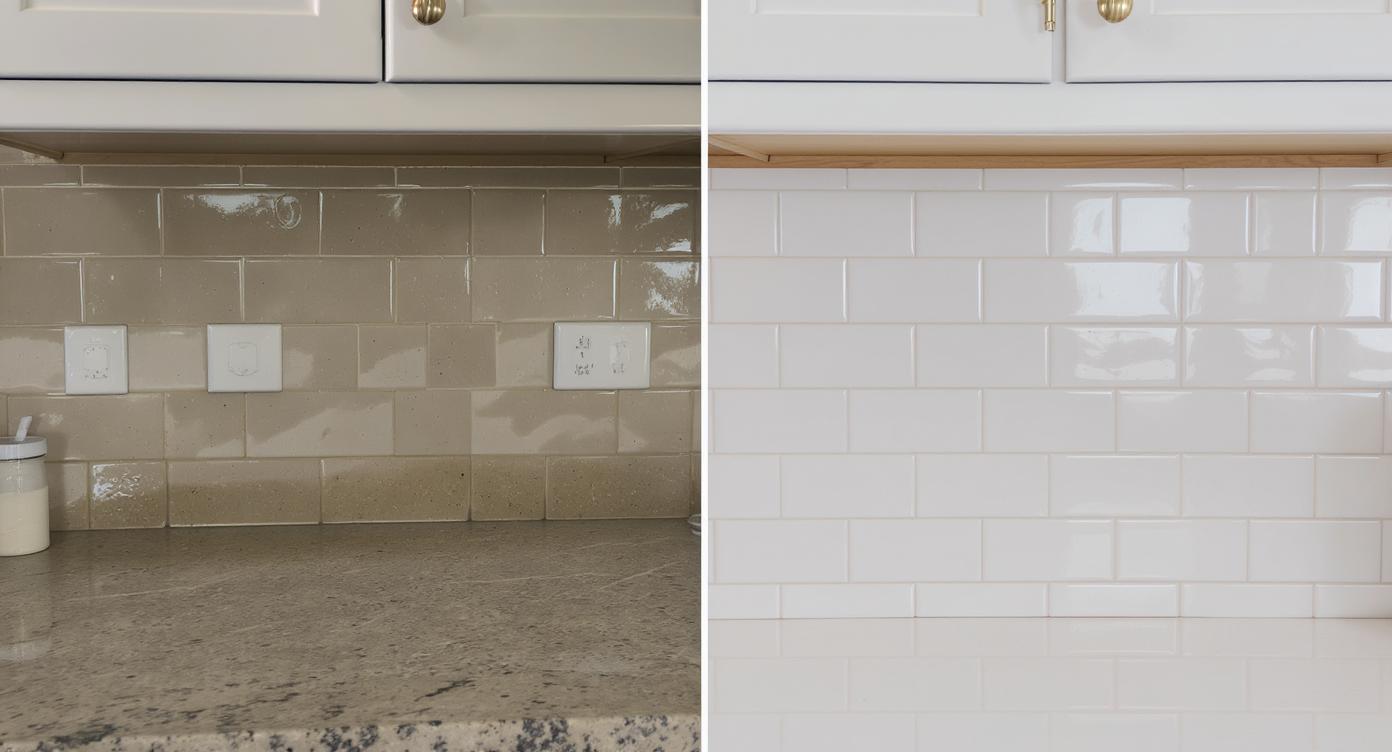
Small tile finish mistakes can lead to expensive costly labor and time delays.
Even small finish mistakes can add days and hundreds of dollars in redo labor. When a tile choice feels off — or worse, gets stained during layout — confidence drops, timelines slip, and every decision afterward gets second-guessed. Online, unfinished or mismatched rooms also underperform in listing photos: buyers struggle to visualize, and they scroll past.
We’ve all seen it: that perfect shower wall where a bold veining pattern reads too busy once it’s up, or a new marble mosaic that shows every stray mark. The fix is almost always labor, dust, and more dollars. Style Swaps turns that gamble into a rehearsal — so you see scale, grout width, and overall vibe before you open a single box of tile.
Anecdote
That “perfect” marble shower where a Sharpie cut line soaked into the stone — the whole field looked scarred by the time the fittings went on. One Style Swap later, the homeowner pivoted to a marble-look porcelain and warm grout, avoiding both the stain risk and a pricey redo.
What Style Swaps Actually Is (In Plain Language)
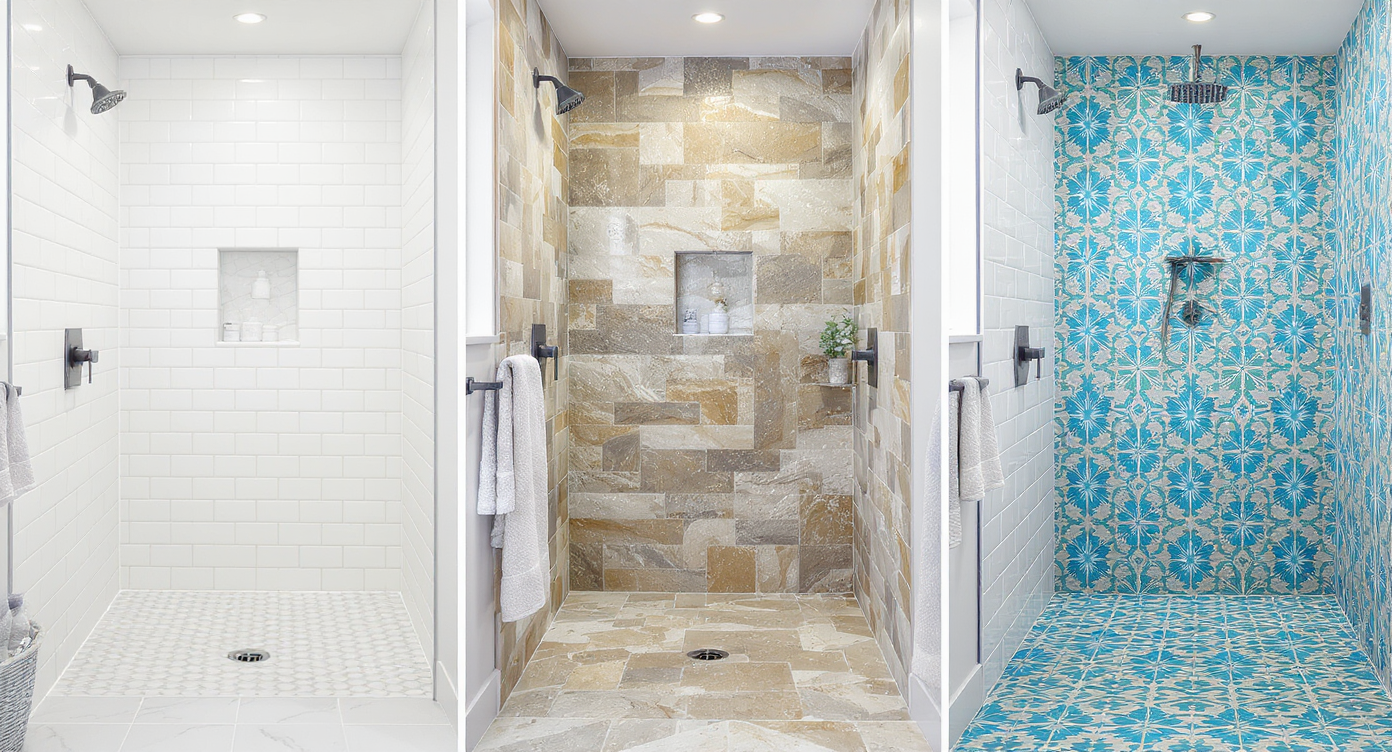
Style Swaps lets you envision diverse tile looks easily and realistically.
Style Swaps is an AI interior design tool that restyles a room from a photo — swapping furniture style, wall colors, tile looks, and overall mood — while keeping your architecture intact. You bring one clear image; the system returns photoreal options that answer, “What would this backsplash, floor, or shower tile actually look like here?”
It’s not a construction drawing and won’t change your real room; it’s a decision-speed tool for the moments that stall projects. To try it, head to ReimagineHome.ai’s Style Swaps and upload any well-lit photo of the space you’re planning to renovate.
How Style Swaps Works Step by Step
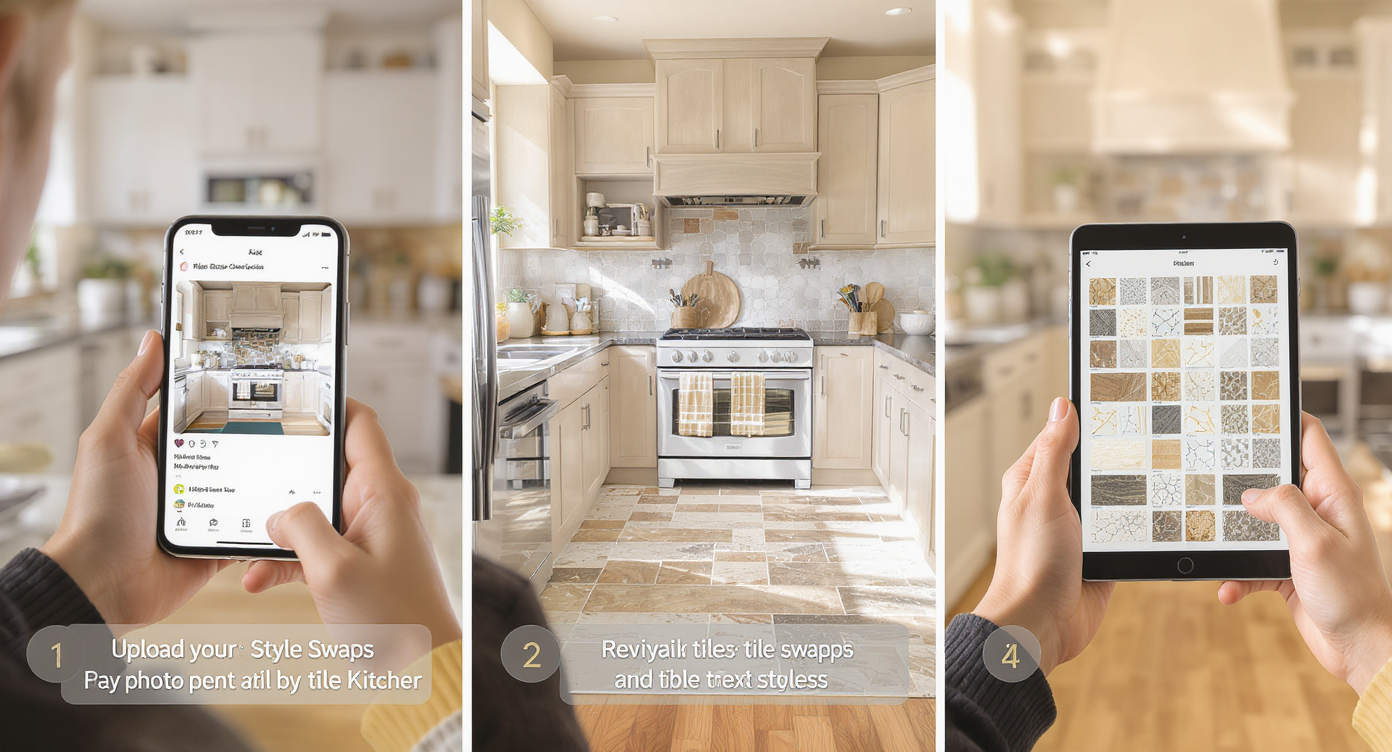
How Style Swaps simplifies testing tile styles step by step before you commit.
Good source photos and scale awareness drive the best results.
- Choose the right photo: Stand square to the wall/floor you plan to restyle. Avoid extreme wide-angle lenses; natural light is your friend.
- Check resolution: Aim for 2000–3000 pixels on the long edge; low-res images limit texture detail.
- Upload to ReimagineHome.ai: Open the Style Swaps tool and select a look (modern, transitional, coastal, etc.).
- Guide the vibe: In your prompt, mention specifics like “matte white zellige backsplash with warm grout,” “calacatta marble-look porcelain, 12×24 stacked,” or “herringbone floor tile in medium gray.”
- Generate and compare: Create 3–6 options. Shortlist the ones that get scale and grout contrast right.
- Refine details: Tweak color temperature, pattern direction, and grout tone to sanity-check realism.
- Export and share: Save high-resolution images for your partner, designer, or contractor to align on the plan.
Constraint to remember: the AI respects your room’s geometry, so if a surface is heavily blocked by clutter, you may want to clear or digitally tidy first. If your planning photo has distractions you’d rather hide, use ReimagineHome.ai’s clutter and object removal tool to clean up the view before swapping styles.
Tips and Tricks for More Realistic Results
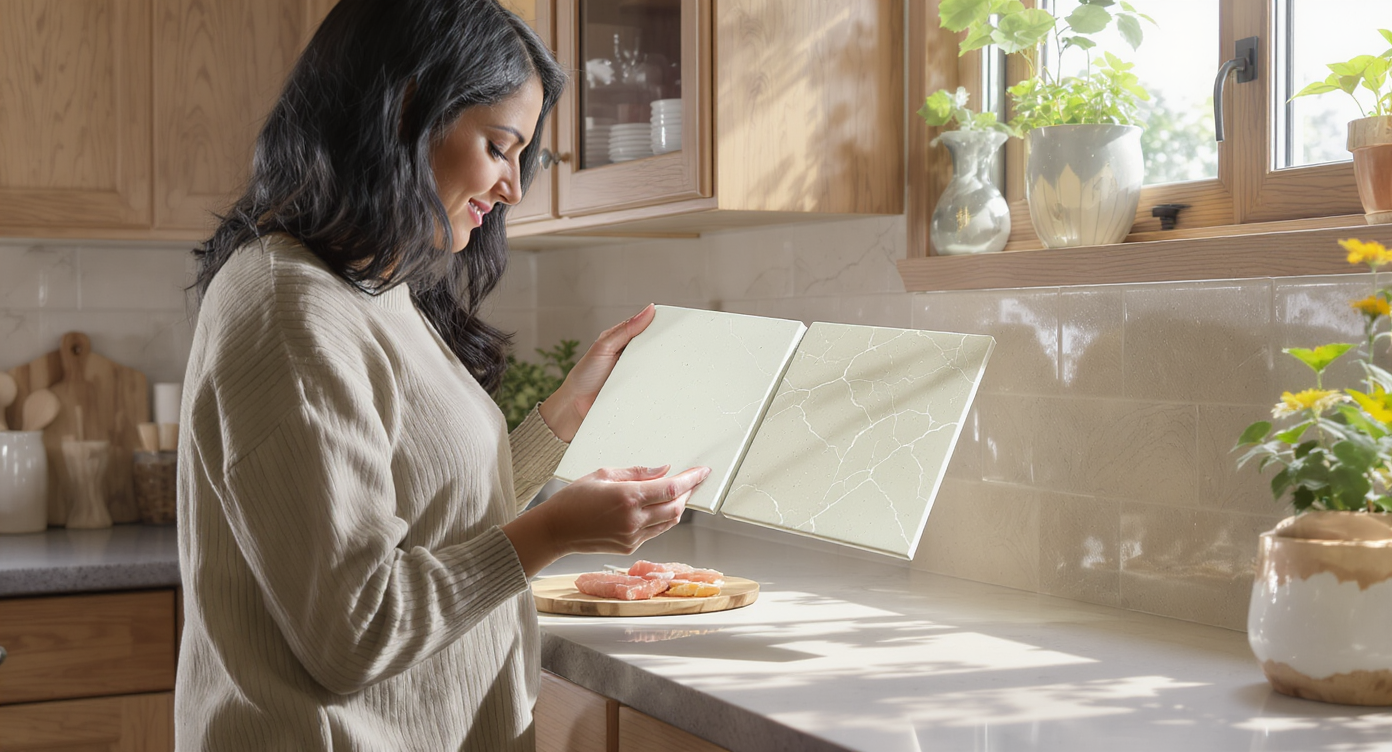
Matching scale and texture ensures your style swaps feel buildable and real.
Small, realistic constraints produce designs that feel truly buildable.
- Match scale: If your real tile is 3×12, describe that size so veining and joints look convincing.
- Honor grout: Ask for the grout color you intend to use; grout contrast can change the pattern’s “read” dramatically.
- Mind light direction: Keep the photo’s light source consistent; glossy tiles need believable highlights.
- Stay in budget ranges: Try one “reach” material (true marble) and one practical alternative (marble-look porcelain) to compare look vs. maintenance.
- Check cleaning reality: Highly polished stones show marks; matte and honed finishes hide more. Test both in your Style Swaps to set expectations.
- Lock the hero surface: If cabinetry or counters are already installed, mention their color so the AI harmonizes tones accurately.
- Use multiple angles: If it’s a long run (like a kitchen), style-swap one wide shot and one close-up to confirm pattern scale and edge details.
For deeper inspiration, scan six elegant tile trends for 2025 visualized with ReimagineHome.ai and, if you’re planning a weekend refresh, this DIY kitchen backsplash plan you can see first is a steady guide.
Visualization Scenario
Upload your current kitchen photo, ask for “matte white zellige backsplash, almond grout, brushed brass hardware,” generate 4–6 options, and pick the one that aligns with your counter’s undertone — all before you buy a single tile.
FAQ
Can AI really swap my tile from a single photo?
Yes. With Style Swaps, ReimagineHome.ai restyles surfaces and overall mood while keeping your room’s layout intact, giving a realistic preview for kitchens, baths, and entries.
How realistic are AI interior design results for tile and grout?
Very realistic when you specify tile size, finish, and grout color. Include scale details in your prompt and use high-resolution photos for texture clarity.
Do I need professional photos to use room design AI?
No. A well-lit smartphone photo (ideally 2000–3000 px on the long edge) works. Avoid heavy glare and extreme wide angles for best results.
Will Style Swaps replace a designer or installer?
It’s a decision-speed tool, not a substitute for technical drawings. Use it to align on look and feel, then proceed with precise measurements and specifications.
Is it okay to show AI-restyled rooms in real estate listings?
Yes, when used transparently. Many agents share both the current photo and a clearly labeled AI concept to help buyers visualize potential without misrepresenting the property.
Visualize Your Next Listing (or Project) Before You Commit
Visual rehearsals prevent expensive do-overs. Whether you’re weighing marble versus porcelain, a zellige backsplash versus subway, or just trying to avoid marking mistakes during layout, an AI room designer lets you confirm style and scale before money and time are locked in. Style Swaps turns “I hope this works” into “We’ve already seen it.”
Ready to try? Upload a planning photo to ReimagineHome.ai’s Style Swaps to test tile and finish combinations, or start from the ReimagineHome.ai home page if you want to explore multiple tools in one session.