
TL;DR
Virtual staging is AI interior design from a photo: you upload your room, then test layouts, oversized rugs, lighting, stone or tile on the fireplace, and window treatments without buying a thing. It’s the fastest way to figure out how to style a 20‑foot living room and how to design a room with AI you already have in your camera roll. Try a real image now in ReimagineHome.ai’s virtual staging tool to compare styles and scale before you commit. If you’re on the fence about curtains, a chandelier, or a warmer palette, you’ll get clarity in minutes.
Why Giant‑Wall Living Rooms Feel Impossible (Until You See Options)

Experience AI-powered virtual staging to confidently design tall spaces without physical alterations.
Virtual staging is AI interior design from a photo. It lets you drop in correctly scaled rugs, furniture, drapery, lighting, and even a stone fireplace look on top of your real space so you can decide with confidence — no installers, no scaffolding.
- Results: See a balanced seating plan, a right‑sized rug, a warmer palette, and lighting that visually lowers the ceiling.
- Realism: Photo‑real scenes mapped to your walls, floors, and windows.
- Speed: Generate multiple directions in minutes; compare side‑by‑side.
- Cost: Spend a fraction of what full‑height drapes or a masonry crew would cost — and avoid returns.
- Workflow: Upload a photo, pick styles, stage, refine, export.
- ROI: Prevent expensive mistakes, get faster approvals, and if you sell later, you’ll already have listing‑ready visuals.
- Peace of mind: Make big decisions on scale and style with zero risk.
If you already have a tricky living room photo in your camera roll, upload it to ReimagineHome.ai and test this solution on a real image while you read.
Why This Visual Problem Hurts More Than You Think

Empty tall rooms can feel cold and uninviting without the right design elements.
Rooms with double‑height ceilings often read colder and emptier on screen than they do in person, especially when the furniture lives in the bottom third of the frame. That’s why so many great rooms feel cavernous: low seating, a small rug, and an unanchored fireplace push the eye upward with nothing to catch it.
On buyers’ phones and homeowners’ minds alike, that translates to hesitation: Is the rug tiny or is the room huge? Will drapes make it cozy or cost a fortune? Should the fireplace go to the ceiling? Without a visual plan, you can burn budget on the wrong scale — a too‑small coffee table, curtains you can’t easily install, or a chandelier that disappears in all that vertical space.
The fix is to preview scale and balance first. Virtual staging makes the height feel intentional by testing overscaled anchors (rug, lighting, mantel treatment, plants) until the volume feels grounded.
Anecdote
That perfect-but-empty great room where the rug floats like a postage stamp? One pass with a larger rug, twin pendants dropped to 9 feet, and a chunkier coffee table made the space feel grounded and inviting — no demo, no delivery trucks.
What Virtual Staging Actually Is (In Plain Language)
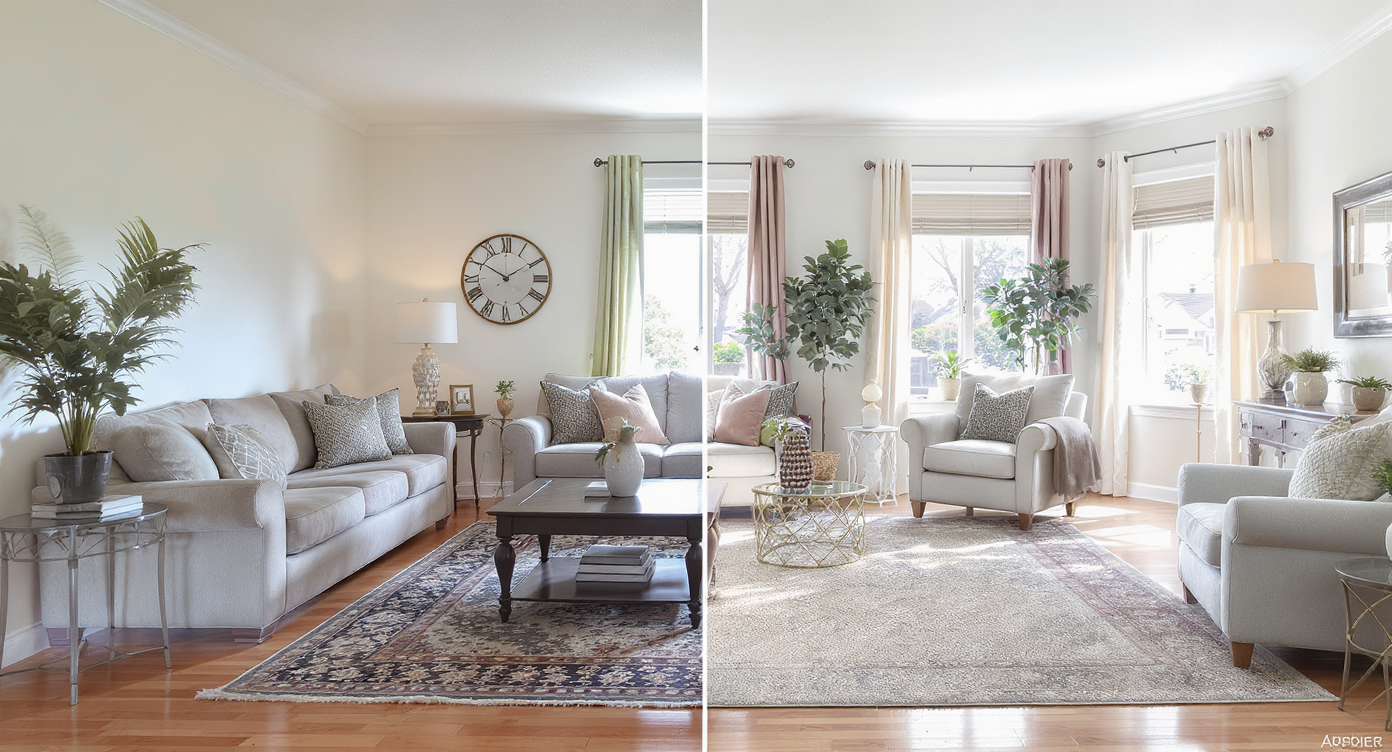
Virtual staging overlays realistic decor onto your photos for clear design insights.
Virtual staging is a room design AI that overlays realistic furnishings, decor, lighting, and surface treatments onto a photo of your space. You supply one or more photos. The output is a styled image — same room, new look — that shows how different choices affect scale and warmth.
For tall living rooms, that means you can try: an oversized 9x12 or 10x14 rug, a pair of lounge chairs to close the seating loop, a substantial coffee table, a dropped chandelier or two, picture‑frame molding below the top windows, stone or tile up the fireplace shaft, and window solutions you can actually reach. You can explore variations quickly using ReimagineHome.ai’s virtual staging solution, which is built to keep proportions believable and lighting coherent so results feel lived‑in, not CGI.
How Virtual Staging Works Step by Step
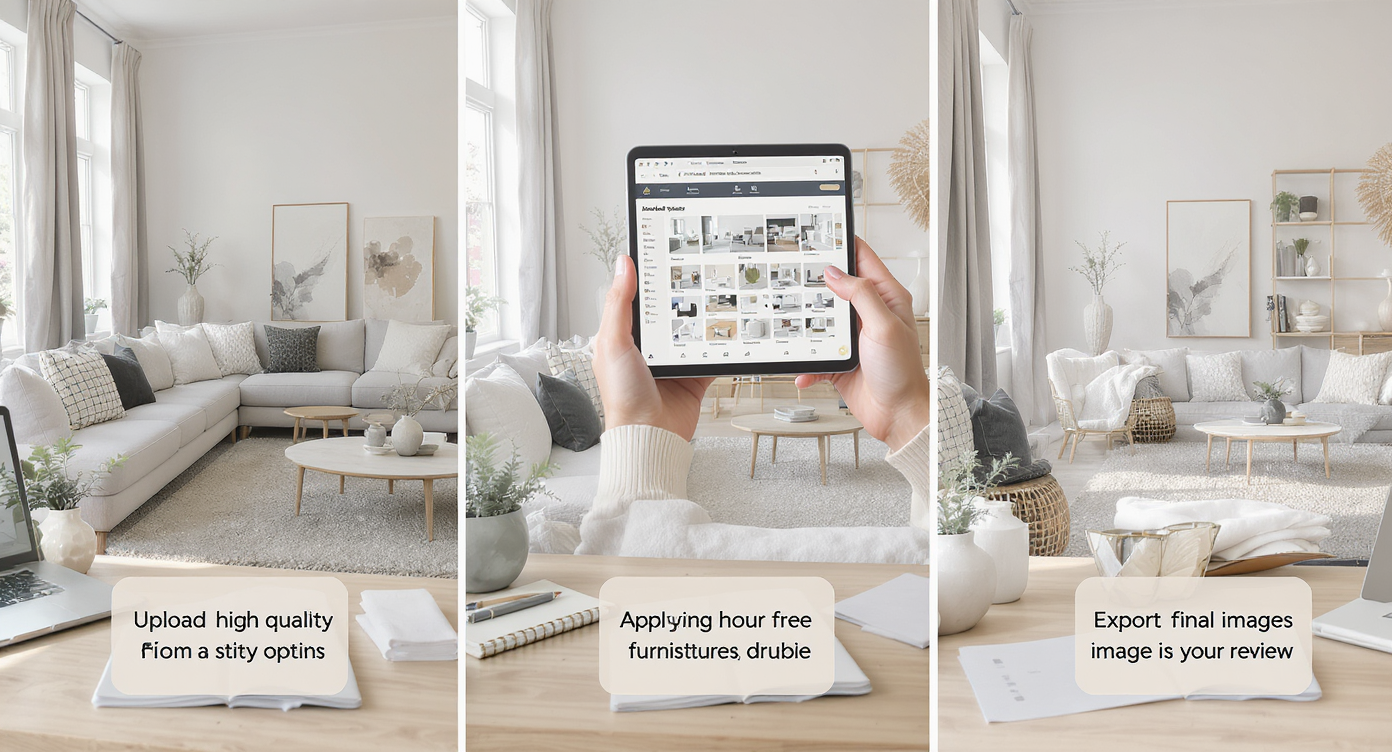
Follow simple steps from photo upload to realistic virtual staging results.
Strong source photos and simple steps create the best results.
- Choose the right photo(s). Natural daytime images work best. Shoot straight on if possible, keeping verticals vertical. Avoid extreme ultrawide distortion.
- Upload to ReimagineHome.ai. Start with your best angle; you can add a secondary angle for layout confirmation.
- Select Virtual Staging. Pick a style direction (modern warm, transitional, contemporary) and note your constraints (no drapery above the lower transom, chandelier drop height you can service with a ladder).
- Configure the scene. Request a larger rug, a solid wood coffee table, layered lighting, and warmer textiles. If toys or pet gear crowd the frame, you can temporarily clean the image using its clutter and object removal tool for a clearer read.
- Generate, review, refine. Try two or three options: bare upper windows + linen shades below, dual chandeliers at 9–10 feet, or a partial‑height stone fireplace versus full height. Keep what feels balanced.
- Export. Save MLS‑ready or presentation files to share with your spouse, designer, or contractor. For a pure blank canvas, you can also test a wide‑open look with Occupied → Vacant before you restage.
Pro tip: Aim for images at or above 3000 pixels on the long edge. That resolution preserves detail in fabrics, stone texture, and window light for more convincing results.
Tips and Tricks for More Realistic Results
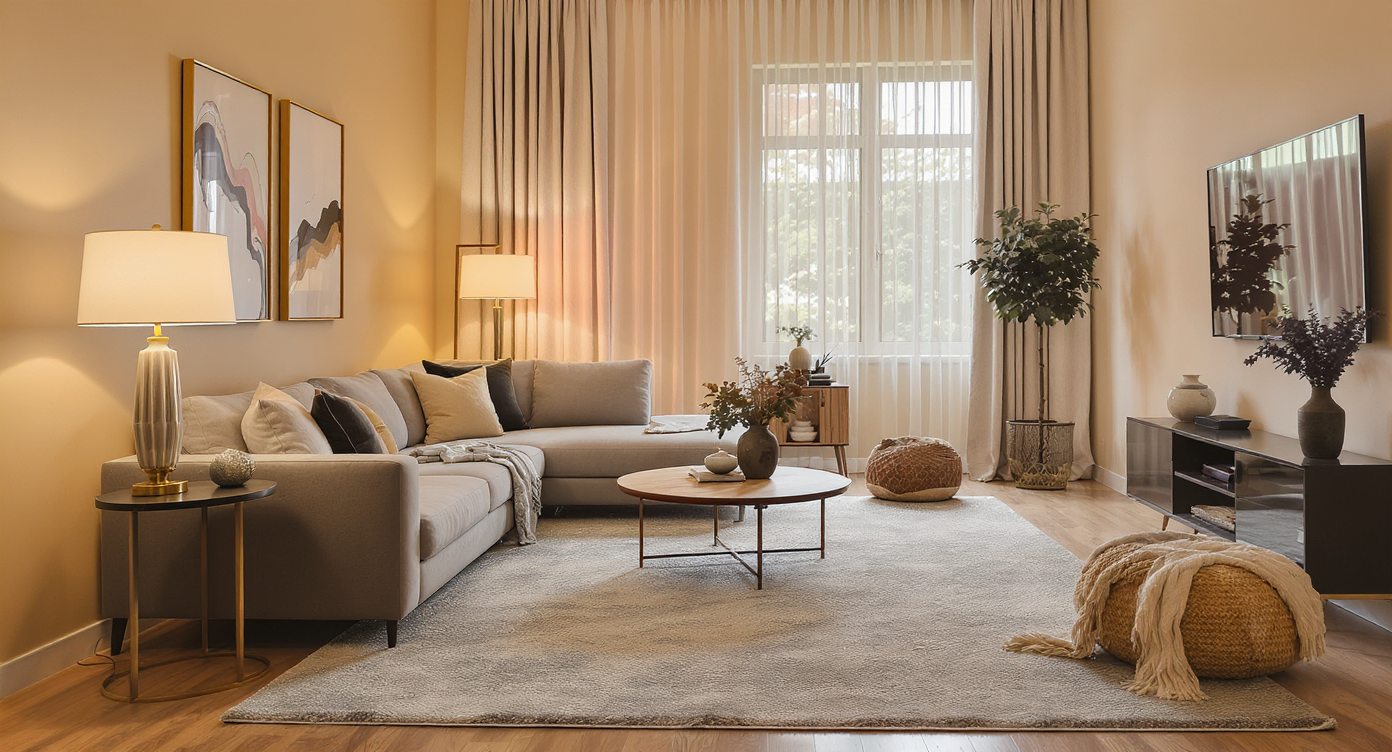
Applying scale and lighting tips makes large rooms feel cozy and balanced.
Even simple scale corrections make big rooms feel intentional.
- Start with the rug. In a large living room, a 9x12 or 10x14 usually beats an 8x10. At minimum, front legs of all seating should land on the rug to visually connect the zone.
- Lower the perceived ceiling with light. In virtual staging, set a chandelier or pair of pendants to drop to typical 8.5–10 feet above the floor. The glow acts like a visual canopy.
- Don’t fight your windows. If servicing the upper glass requires scaffolding, keep them bare in the render and test roller shades or linen drapery only on the lower windows. You’ll still get softness and privacy where it counts.
- Give the fireplace real presence. Stage a wider mantel, darker stone hearth, or floor‑to‑ceiling paneling tests. Compare a full‑height stone stack to a mid‑height treatment; see which grounds the wall without overwhelming it.
- Warm the palette. Swap in wood tones, woven textures, and color on pillows and chairs. Neutral walls can stay — warmth in materials does most of the work.
- Close the seating loop. Add two swivel chairs or a bench opposite the sectional and a substantial coffee table to anchor the center of the rug.
- Clear visual noise. Before staging, remove pet beds, extra toys, or seasonal clutter with Remove Anything so the AI reads scale cleanly.
Visualization Scenario
Upload your two-story living room photo, test a 10x14 rug, add two leather swivel chairs, try a warm oak coffee table, drop a modern chandelier to 9.5 feet, and compare a full-height stone fireplace vs. painted millwork. Keep the version that finally makes the height feel intentional.
FAQ
Is virtual staging the same as AI interior design from a photo?
They overlap. Virtual staging is a room design AI that places scaled furnishings, decor, and finishes onto your actual photo so you can preview the look before buying. It’s faster than mood boards because it uses your real space as the canvas.
Can AI handle very tall ceilings and giant walls?
Yes. With a good, straight photo, virtual staging can test larger rugs, dropped chandeliers, taller fireplaces, and layered window solutions so a double‑height room feels balanced and cozy.
What resolution do I need for realistic results?
Upload images at roughly 3000–4000 pixels on the long edge. Higher resolution preserves fabric grain, stone texture, and clean lines, which improves realism.
How do I make a vacant living room feel cozy with virtual staging?
Use a generous rug, a substantial coffee table, layered lighting at human height, and warmer materials. You can start from a blank canvas using Occupied → Vacant and then restage.
Is virtual staging allowed in real estate listings?
In many markets it’s common when clearly labeled as “virtually staged.” Check local MLS guidelines and disclose edits. For homeowner planning, it’s simply a visualization tool to reduce risk before you buy.
Visualize Your Next Listing (or Project) Before You Commit
Seeing your own living room transformed — with the right rug, a human‑scale chandelier, a confident fireplace treatment, and window solutions you can maintain — changes everything. You stop guessing and start editing, quickly, until that tall room feels warm and livable.
Whether you’re planning a room makeover AI pass for your forever home or prepping photos for a future listing, use ReimagineHome.ai’s virtual staging solution to audition the big moves before you spend. Or drop any tricky space into ReimagineHome.ai and try a few looks tonight.