
TL;DR
Virtual staging is a fast way to try furniture layouts, warm lighting, and paint colors on top of your existing room photo, so you can make confident decisions without heavy lifting. If you are asking how to redesign my room with AI or want ai interior design from photo, this is the simplest place to start. Upload a photo to ReimagineHome.ai and preview bed placement, nightstands, rugs, and 3000K lamp glow in minutes. It is quick, realistic, and far cheaper than buying the wrong items or repainting twice.
The Real Cost of Showing Rooms ‘As They Are’ Online

Virtual staging blends technology and design to help envision your bedroom's best layout before any purchases.
Virtual staging is an AI room decorator that places realistic furniture, lighting, and decor into your photo so you can test layouts and style before you spend. It works because layout, light temperature, and color drive how big and inviting a bedroom feels on screen.
- Results first: see multiple bed placements, two-nightstand symmetry, and the impact of a larger rug in minutes.
- Realism: soft, warm lighting and true-to-scale furniture make a small room feel livable, not staged to the point of disbelief.
- Speed: generate options in 30–90 seconds and refine until it feels right.
- Cost: avoid bad buys, wrong paint, or a layout that never feels comfortable.
- Workflow: try neutral walls, center the bed, then test a desk–dresser swap without breaking a sweat.
- ROI: better photos mean more confident decisions at home and more clicks or showings if you list.
- Peace of mind: commit to hardwood, paint, and a TV stand with visual proof.
Why This Visual Problem Hurts More Than You Think
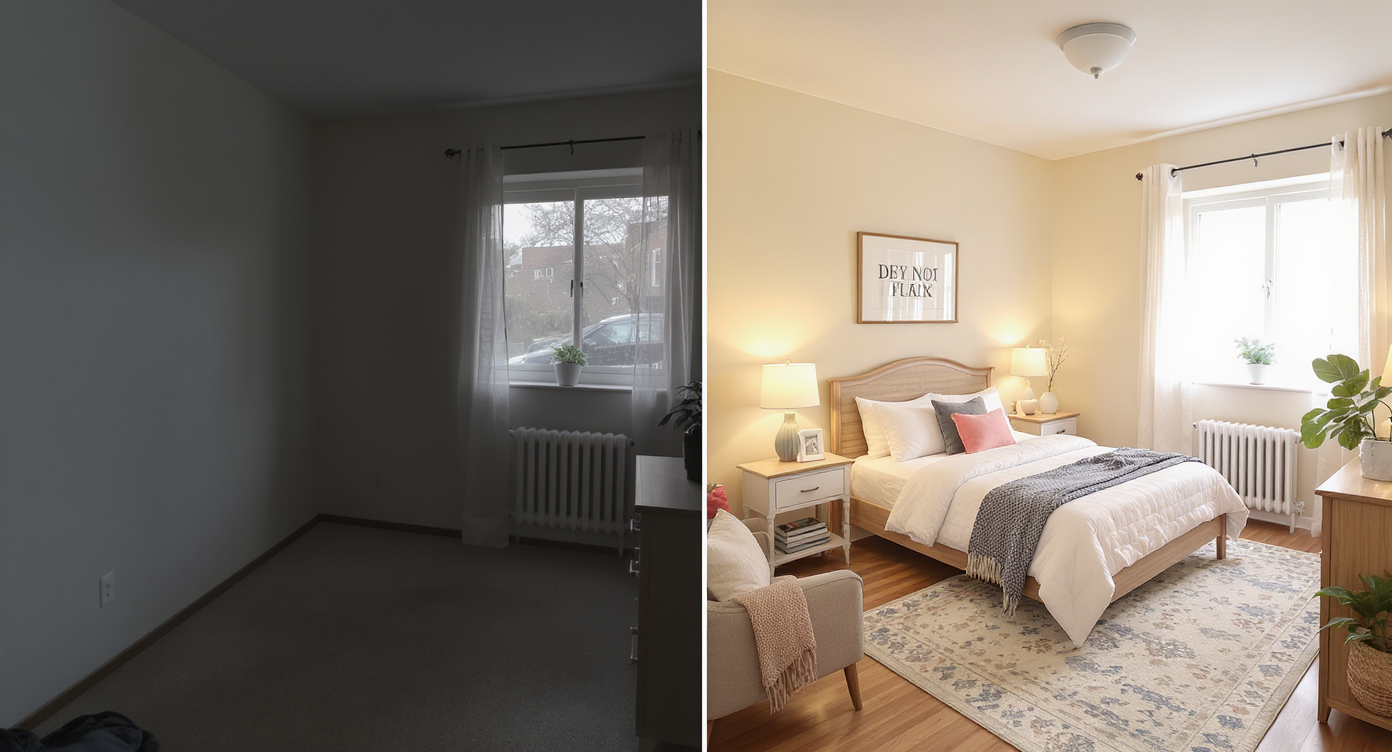
Empty rooms look smaller and colder; virtual staging adds warmth and scale to help you connect with your space.
Vacant or poorly arranged rooms consistently look smaller and colder on camera than staged ones. That is why dim overheads, gray walls, and a bed shoved into a corner quietly lower appeal. When viewers scroll a room like this, they cannot feel scale or comfort. The eye hits the brightest spot first, which is often a harsh ceiling light. That flattens textures, exaggerates shadows, and makes gray paint read as concrete. A centered bed with two lamps at 2700–3000K creates an immediate sense of symmetry and warmth. A larger area rug under the front two-thirds of the bed frames the zone and makes hardwood look intentional, not bare. For owners and agents, this is not just an aesthetic problem. You get second-guessing. You get smaller online engagement. You get “I can’t tell if the queen fits” or “Does a dresser block the doorway?” Virtual staging answers those questions with a picture, not a paragraph.
Anecdote
That perfect-but-empty bedroom that looks like a cell online suddenly feels like a retreat when you center the bed, add twin lamps, and throw down an 8×10 rug. Virtual staging lets you see it without moving a thing.
What Virtual Staging Actually Is (In Plain Language)
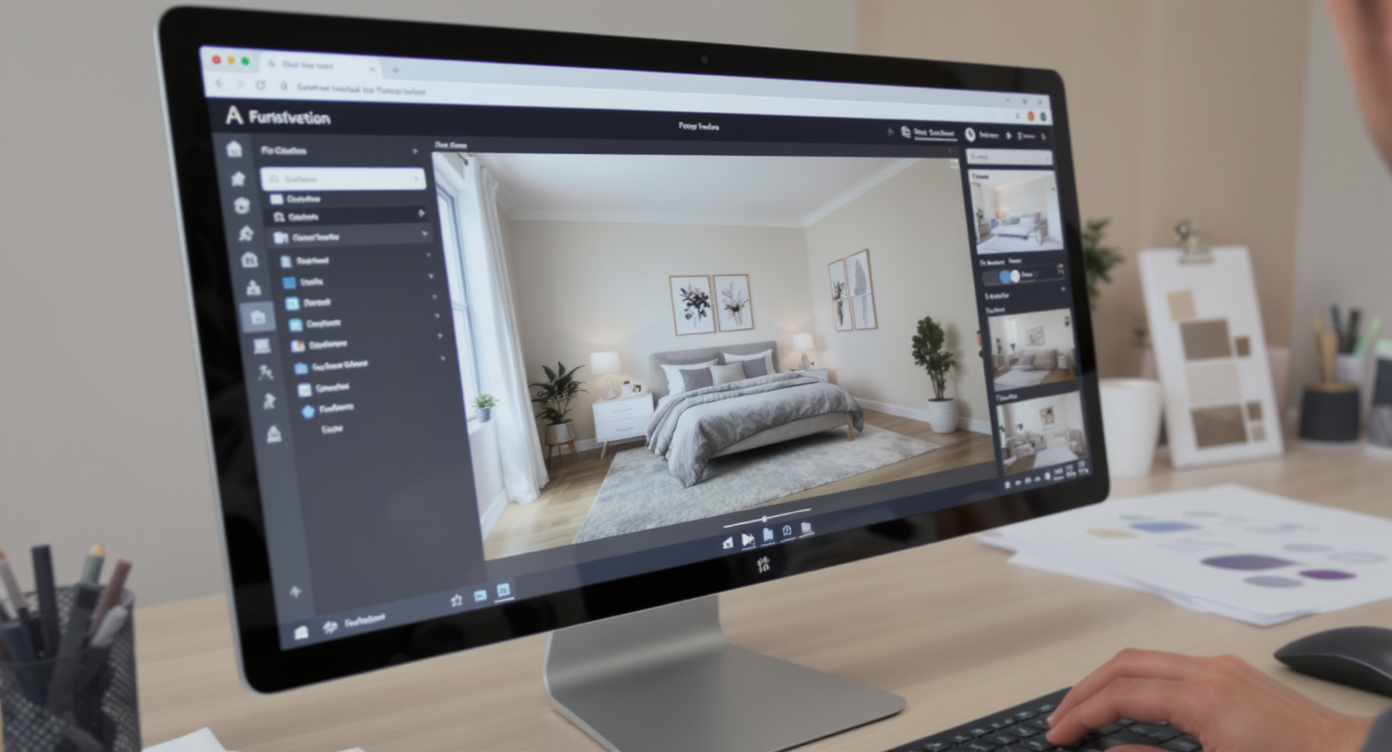
Virtual staging AI overlays realistic furniture and lighting on your photos, simplifying interior design choices.
Virtual staging is AI interior design from a photo that overlays believable furniture, rugs, lighting, art, and even TV placement onto the room you already have. You provide one clear photo, choose a style, and the software generates a furnished scene at the correct perspective and scale. It does not knock down walls, and it does not pretend your room has windows it does not have. It shows plausible arrangements you could install tomorrow. If you want a dedicated bedroom workflow, start with ReimagineHome.ai’s virtual staging solution. You can go from “bed against the wall or centered?” to side-by-side layouts with warm lighting and a properly sized rug in minutes. If the photo is cluttered, you can first clean up distractions using its clutter and object removal tool. And if you want a completely blank canvas, clear furniture with Occupied → Vacant, then stage from scratch.
How Virtual Staging Works Step by Step
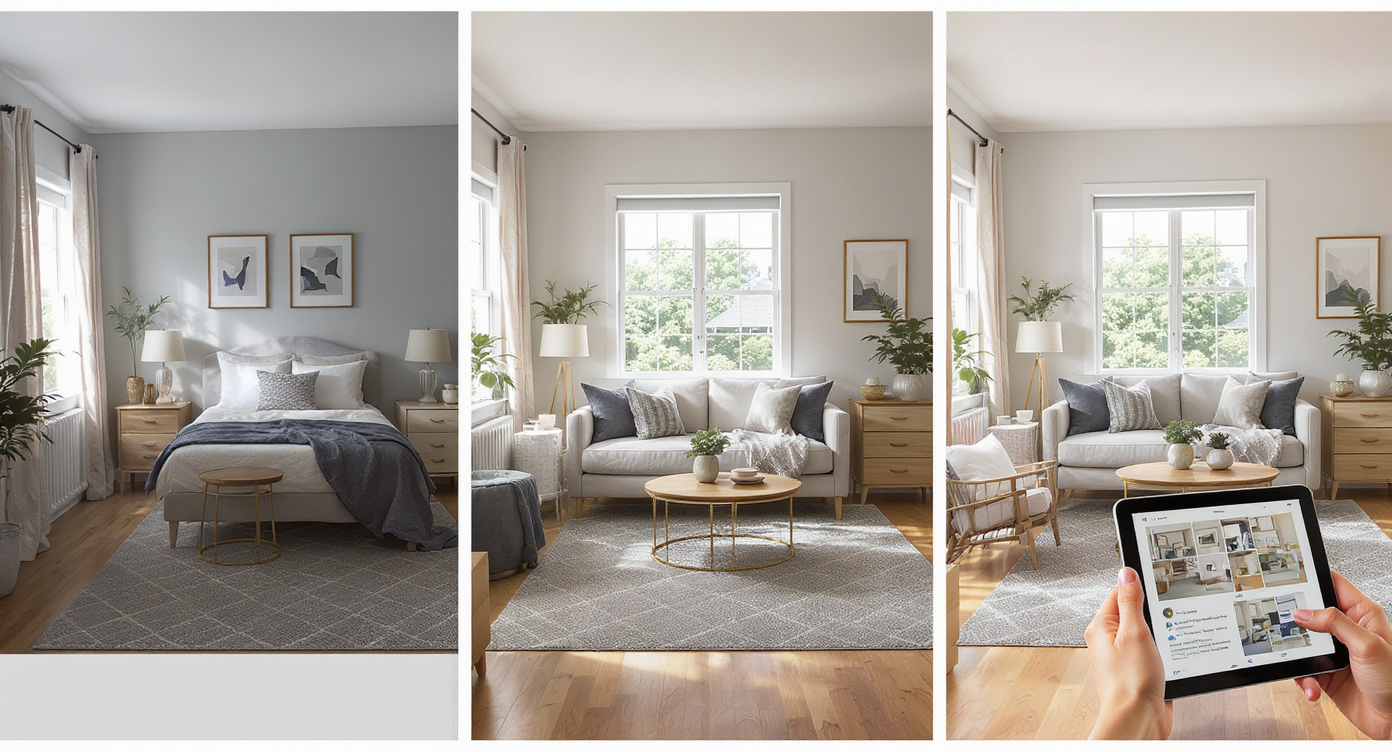
Virtual staging works through smart furniture placement, lighting tweaks, and rug additions for realistic results.
Good inputs and simple choices give the best results with AI virtual staging for real estate and home design. 1) Choose the right photo: Stand back and capture the whole bed wall and the opposite wall if possible. Keep the verticals straight and shoot at eye level. Aim for 3000+ pixels on the long edge for crisp output. 2) Upload your image: Drop it into ReimagineHome.ai and select Virtual Staging. This is the fastest path if you want ai room planner simplicity with believable results. 3) Pick a style: Try Warm Modern, Minimal, or Transitional. For gray rooms, pick warm neutrals and natural textures to offset cool paint. 4) Set the focal point: Test a centered bed with two nightstands first. Then try the bed on the desk wall, and swap the desk and dresser. Generate variations with a larger rug to see how the floor reads. 5) Light it properly: Add two table lamps at 2700–3000K and a floor lamp near the dresser. Avoid relying on a single overhead. 6) Review and refine: If scale feels off, regenerate with a different bed size or adjust rug dimensions. Keep windows, doors, and architectural features true to the photo. 7) Export confidently: Download high-resolution images ready for MLS, presentations, or your own shopping list.
Tips and Tricks for More Realistic Results
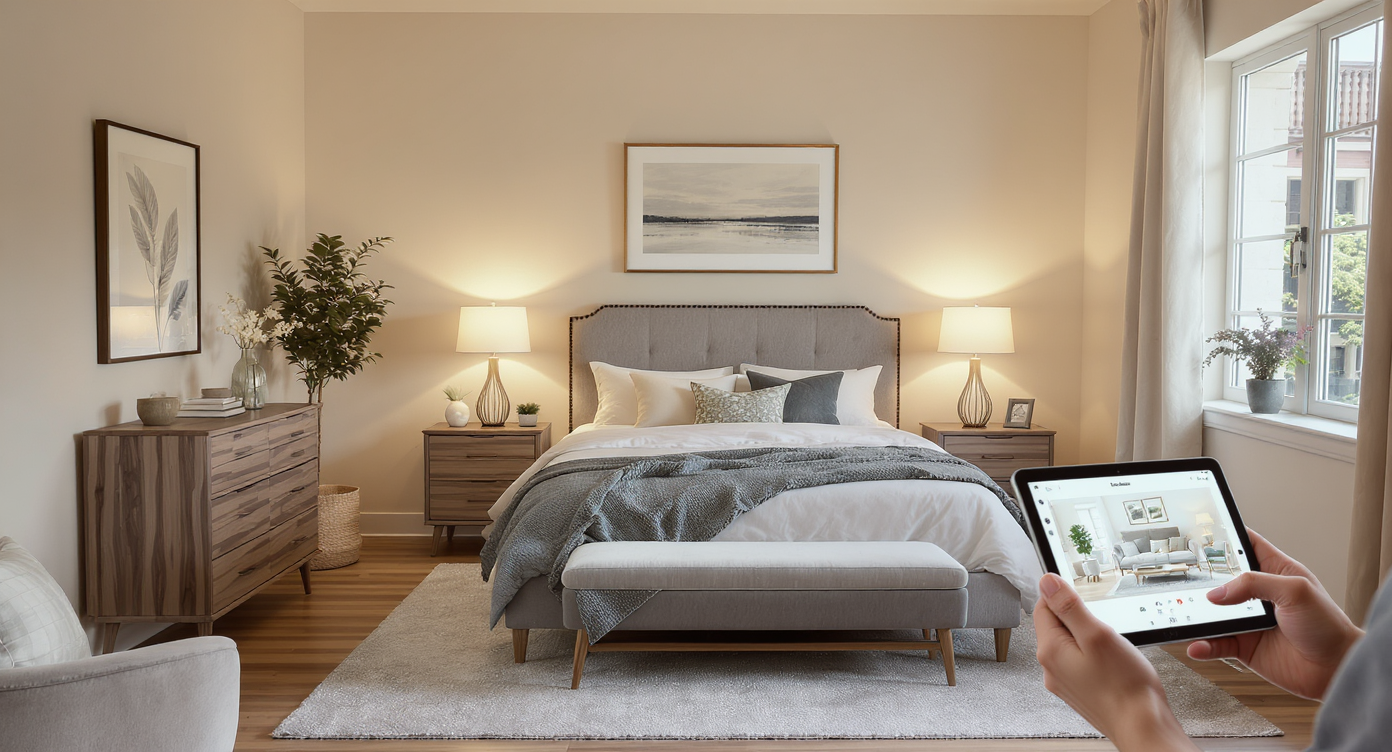
Keep virtual staging realistic by matching furniture scale and lighting to your room for authentic results.
Realism starts with honoring what the room can actually support and keeping changes within a plausible budget. - Start with symmetry. A bed centered on the feature wall with two nightstands almost always reads calmer than a bed pinned to a corner. - Size the rug up. Under a queen, 8×10 is a safe bet; under a full, 6×9 at minimum. Slide the rug 2/3 under the bed to define the zone and soften hardwood. - Warm the light. Use 2700–3000K bulbs in table and floor lamps. This is the fastest way to replace a cold, gray vibe with a cozy one. - Keep the headboard visible. Low-profile or upholstered headboards photograph better against lighter walls. - Choose a lighter paint. Off-white or warm white trims will combat gray. Preview it visually, then sample real paint in two sheens before committing. - Edit, then stage. If cables, random chairs, or a small rug distracts, remove them virtually with ReimagineHome.ai’s object removal before you stage new pieces. - Be honest with scale and features. Do not add windows or structural elements. Do not place a 75-inch TV where an outlet does not exist unless you intend to run cable management for real. These rules work whether you are prepping a listing or simply using home design AI to make a bedroom feel like yours.
Visualization Scenario
Upload your current bedroom photo. Try warm white walls, a centered upholstered bed with two walnut nightstands, an 8×10 rug, and 3000K bedside lamps. Add a slim dresser opposite the bed and a floor lamp to the dark corner. Export your favorite and build the room with confidence.
FAQ
Is virtual staging allowed in real estate listings?
Yes. Most markets allow virtual staging if edits are realistic and disclosed. Furniture, lighting, rugs, and art are fine. Do not add or remove permanent features without clear labeling.
How realistic are AI virtual staging results for bedrooms?
When you start with a sharp photo and keep edits plausible, results look photo-real. Correct scale, warm lighting, and styles that match the architecture improve believability.
Can AI remove clutter and objects cleanly from room photos?
Yes. Use ReimagineHome.ai’s object removal to take out cables, small rugs, wall junk, or extra chairs before staging new pieces.
What resolution do I need for good results?
A simple rule: aim for 3000 pixels on the long edge with straight verticals. Higher resolution helps the AI fit furniture to the scene cleanly.
What is the best way to test bed placement with AI?
Generate two or three virtual staging options: bed centered with twin nightstands, bed on the opposite wall with a larger rug, then a layout where the desk and dresser swap sides. Compare comfort and traffic flow at a glance.
Visualize Your Next Listing or Bedroom Before You Commit
Previewing furniture placement or wall color before you move a single item saves time, money, and headaches. Virtual staging turns a gray, overhead-lit room into an inviting scene with the right bed position, two lamps, and art that fits. It is the rehearsal before the performance. If you are on the fence about hardwood tone, rug size, or whether a desk–dresser swap frees the bed wall, stage it first. Then commit with confidence. Try it now with ReimagineHome.ai’s virtual staging or upload a photo on the home page to see the difference in minutes.