
TL;DR
Pool Add/Treat is an AI pool design preview that lets you add a pool digitally to a photo of your backyard and restyle existing pools before you commit. It’s ideal for sloping blocks and tiered yards where access, retaining walls, and crane reach can blow budgets. Try a plunge, container, or above‑ground look, compare sizes, and test decking or fencing in minutes with ReimagineHome.ai’s Pool Add/Treat tool. If you’re searching “how to add a pool digitally,” this is the fast, low‑risk way to decide.
Why Guessing on Pool Placement Costs More Than You Think
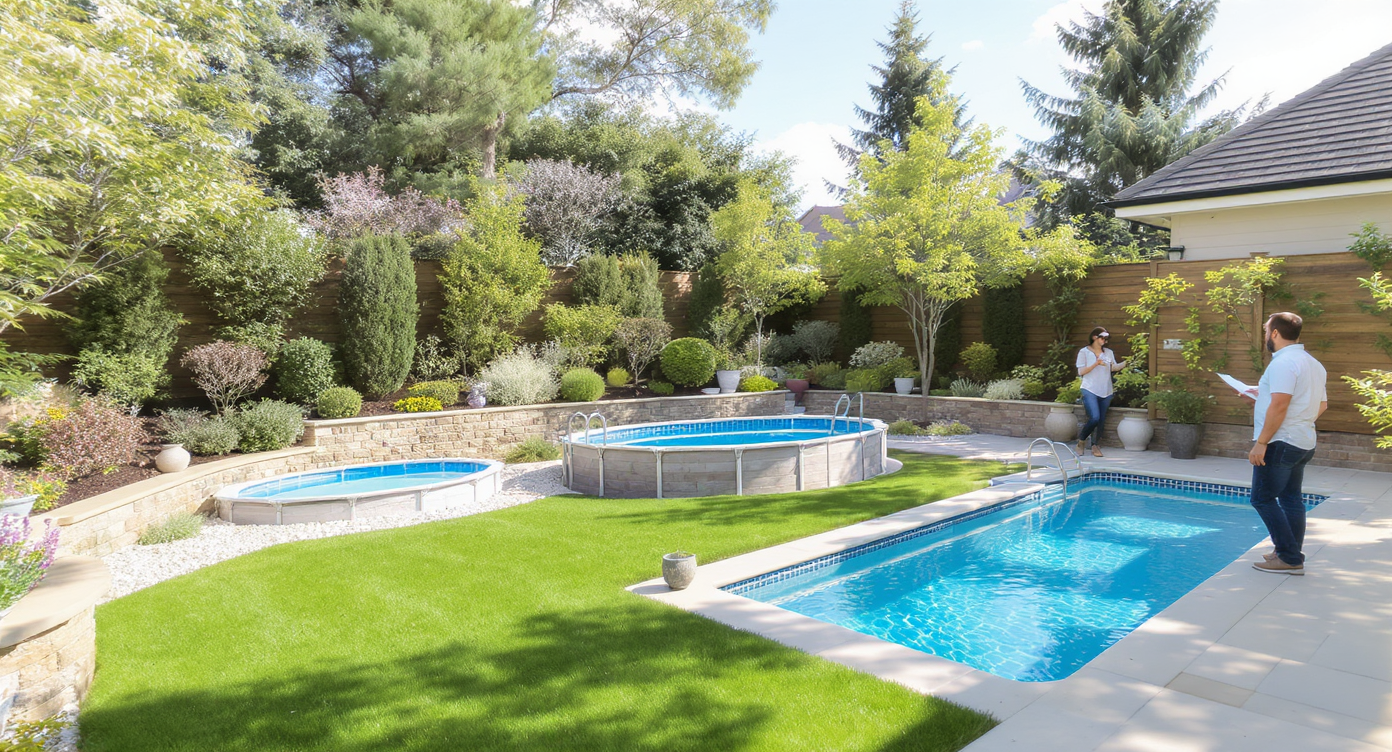
Compare realistic pool options directly on your backyard photo before making costly decisions.
Pool Add/Treat is a simple way to place a realistic pool into your own backyard photo and compare options before you dig. It matters because on sloping blocks and tight sites, a picture‑perfect plan on paper can fall apart once access and site constraints show up.
- Results: See a plunge, container, or above‑ground pool sized to your space — plus decking, coping, and water clarity — all from one photo.
- Realism: True‑to‑scale perspective that respects your terrace levels, fence lines, and sightlines.
- Speed: Try multiple AI backyard design ideas in minutes, not weeks of back‑and‑forth quotes.
- Cost clarity: Spot crane needs, retaining conflicts, and deck/fence impacts before a single hole is dug.
- Workflow: Upload a photo, choose Pool Add/Treat, generate, and iterate until it fits budget and access.
- ROI: Reduce redesigns, avoid over‑sizing, and confirm a layout you’ll actually use.
- Peace of mind: Share visuals with engineers, pool builders, or family to align early.
If you already have a tricky yard photo, upload it to ReimagineHome.ai and test Pool Add/Treat while you read.
Why This Visual Problem Hurts More Than You Think
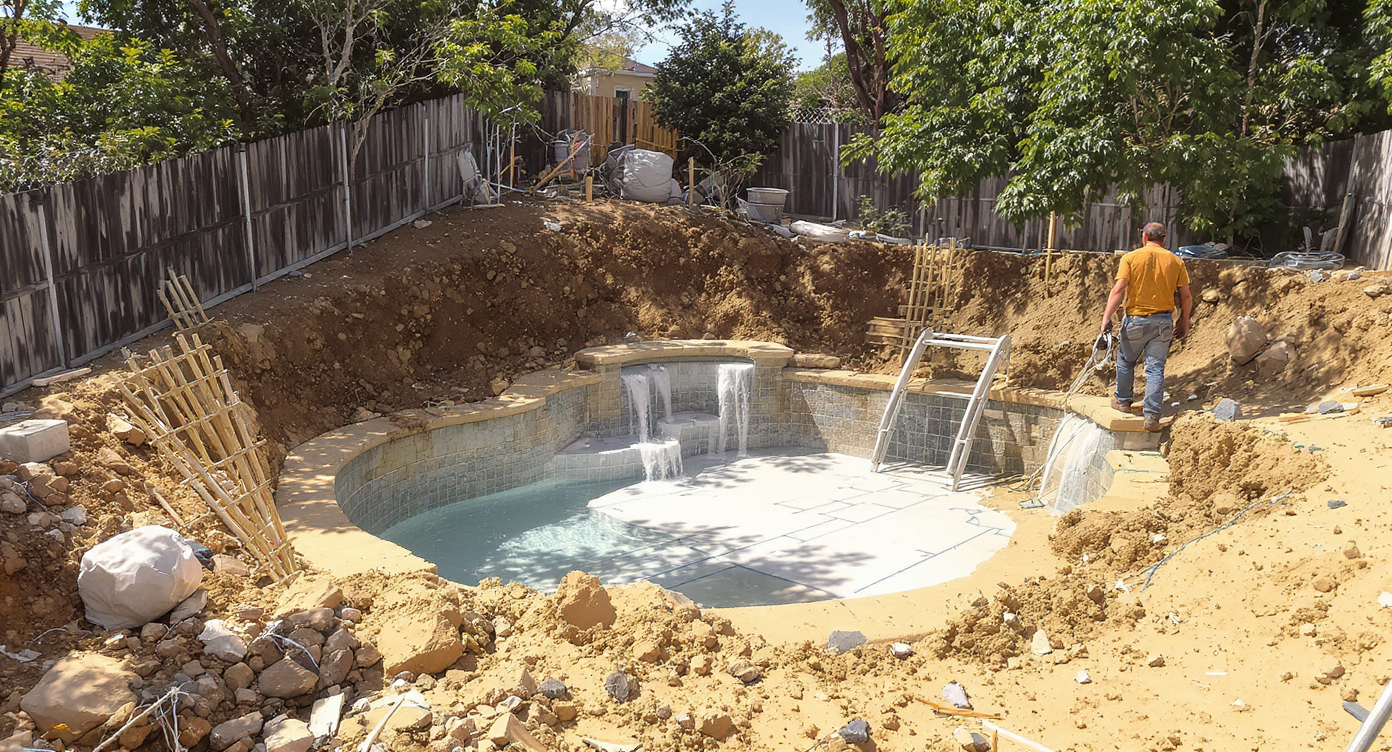
Site realities like slopes and narrow access can derail pool plans and inflate costs unexpectedly.
Big outdoor projects frequently run over budget when site realities surface late — access, slope, services — not the pool shell itself. A quick visual plan can limit those surprises.
Here’s how the pain shows up. On a tiered block, a standard dig may require a larger crane or a second machine staged on the lower terrace. If you pick a pool size that only fits on the top tier, you might inherit new retaining, extra decking, or setbacks you didn’t price. Even a modest misread on scale can add thousands in excavation, spoil removal, or coping adjustments. And when you’re buying sight‑unseen, family buy‑in fades fast.
Seeing a pool in your actual space — not in a brochure — clarifies scale. You’ll quickly spot whether a 5 m plunge fits the bottom terrace without pinching circulation, or if a container pool aligned to a boundary keeps costs, fencing, and crane reach sane. Visual certainty drives better quotes and fewer change orders.
Anecdote
That “perfect” plunge you circled on a brochure looked modest — until you dropped it on the lower terrace in a render and realized it would choke the steps and need new retaining. A half‑meter shorter and rotated 90 degrees? Suddenly it fits like it was always meant to be there.
What Pool Add/Treat Actually Is (In Plain Language)
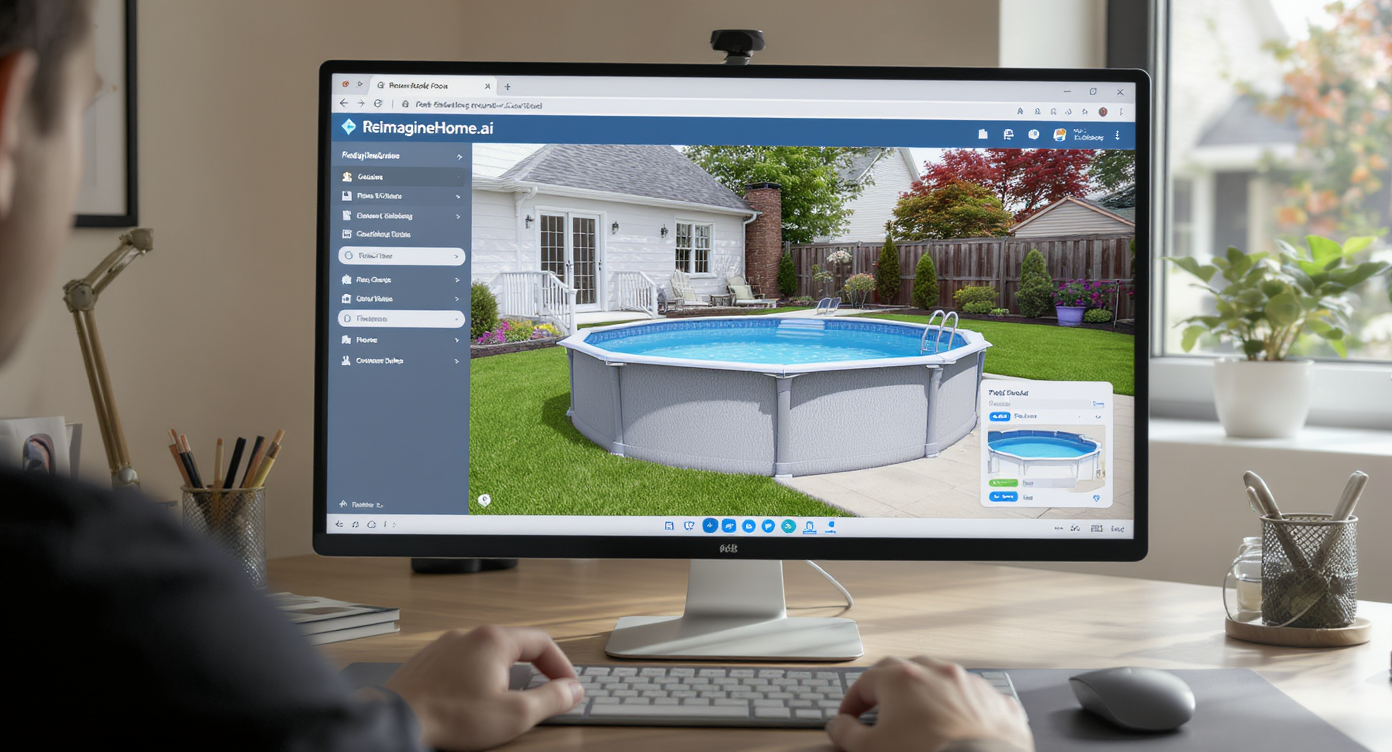
Pool Add/Treat uses AI to add realistic pools into your backyard photo, streamlining outdoor design planning.
Pool Add/Treat is an AI outdoor design tool that adds a realistic pool or refreshes an existing one inside a single backyard photo.
In practice, you upload a clear yard image, choose the pool style (plunge, container, in‑ground, above‑ground), and the system renders a scaled design with water, coping, and surroundings. Outputs are ready‑to‑share images you can use for decisions, quotes, or listing previews. To try it now, open ReimagineHome.ai’s Pool Add/Treat tool and test placements on the lower terrace, along a boundary, or centered in the yard to see what actually works.
Have lawn that needs love around the new layout? Pair your mockup with ReimagineHome.ai’s Lawn Replacement to preview fresh turf edges and pathways for a finished look.
How Pool Add/Treat Works Step by Step
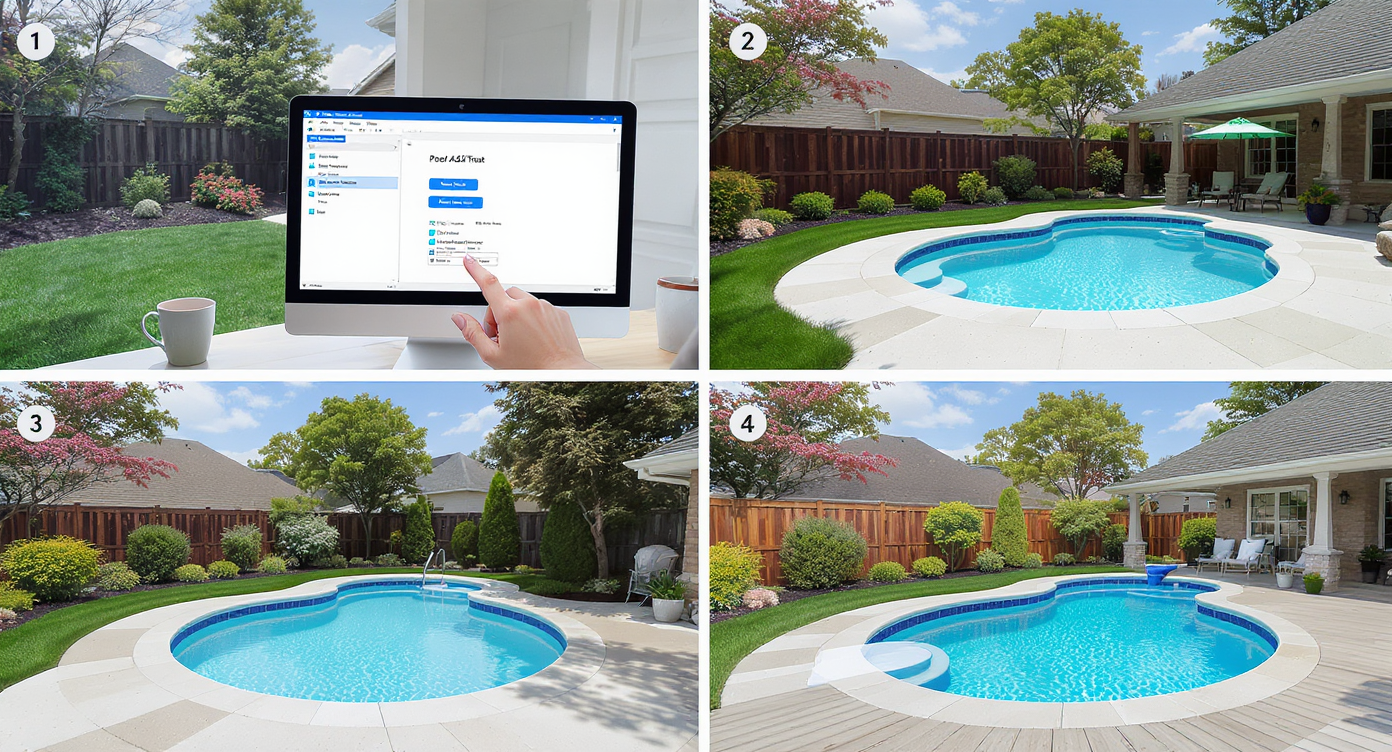
Follow simple steps to add and refine a realistic pool design tailored perfectly to your yard.
Great source photos and simple steps create the most convincing results.
- 1) Choose the right photo: Stand where people will actually view the pool (often at the house or main deck). Include terrace edges and fence lines. Aim for 3000+ px on the long edge.
- 2) Upload to ReimagineHome.ai: Start a new project and select Pool Add/Treat.
- 3) Pick a path: Add a new pool (plunge, container, in‑ground/above‑ground) or restyle an existing pool (new water, tile, coping).
- 4) Set size cues: Reference a door width, paver size, or known boundary to keep scale honest.
- 5) Generate and compare: Produce multiple AI backyard design options — different lengths, orientations, or deck interfaces — and save your top three.
- 6) Refine the surrounds: Test simple decking, privacy screens, or hedging to understand fencing obligations and walking clearance.
- 7) Export: Download for quotes, family review, or MLS if you’re pre‑marketing a project. For crisp results, pair with Upscale Resolution before sharing.
Constraint to remember: photos taken at severe angles (steep upward/downward tilt) or with heavy lens distortion create scale drift; step back, shoot at chest height, and keep verticals straight.
Tips and Tricks for More Realistic Results
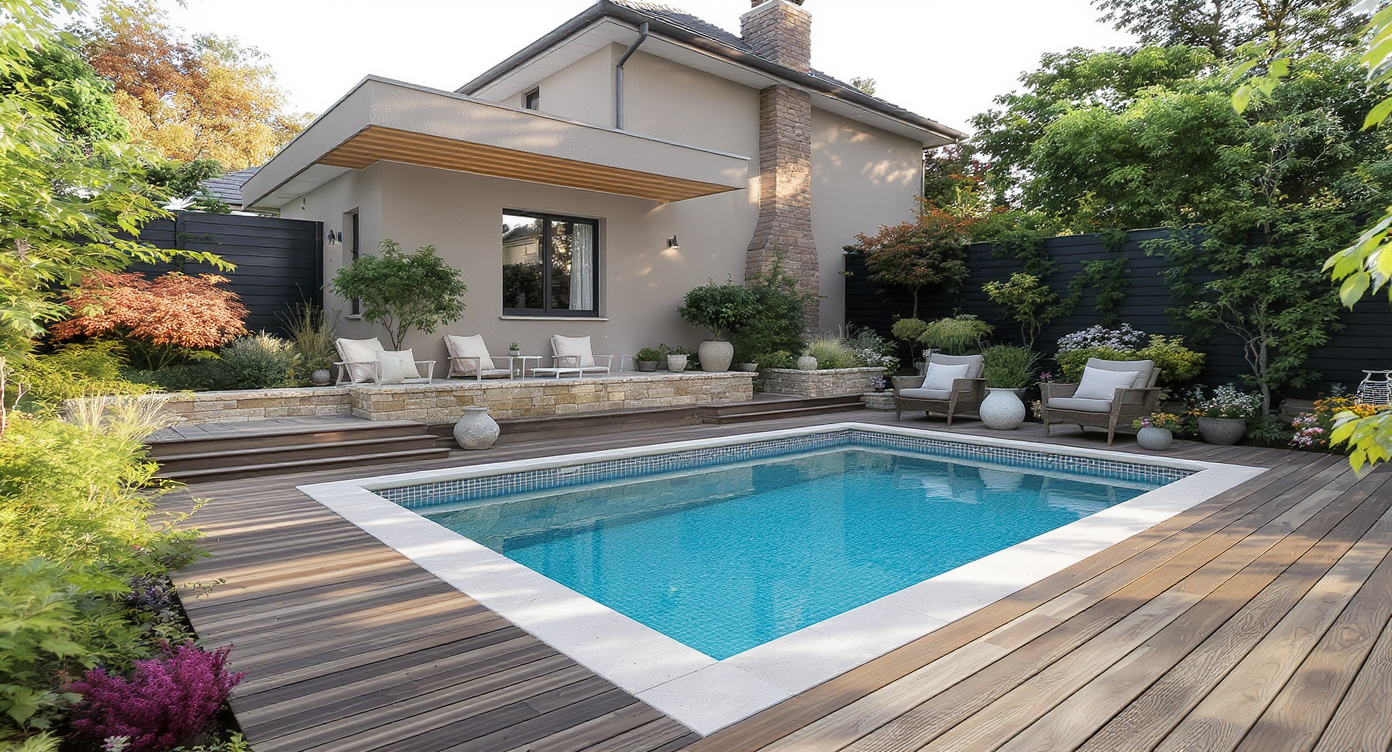
Match pool style and materials to your home's architecture for the most realistic and appealing results.
Realistic previews follow one rule of thumb: match the pool to the architecture and the site, not just the dream.
- Respect the slope: On tiered yards, try a plunge on the lowest terrace to minimize new retaining and reduce crane reach.
- Consider above‑ground: Recess an above‑ground shell slightly and wrap with decking — a common, lower‑cost path that still looks intentional in renders.
- Container clarity: Test container pool placement parallel to a boundary to simplify access and fencing lines.
- Scale with known objects: Align pool length to paving modules or window bays; a 4–5 m plunge often feels larger than expected once staged to scale.
- Plan the walk: Leave 900–1200 mm clear around edges in your mockup for comfortable circulation and compliance conversations.
- Water and finish updates: If you already own a pool, use Treat mode to simulate new water clarity, tile tone, and coping; pair with image enhancement to make water sparkle in listing photos.
- Mind services: Sketch likely sewer or power corridors on your printout; if a layout crosses them, try a different orientation in AI before you fall in love.
Visualization Scenario
Upload a photo taken from your main deck; add a 5 m x 2.5 m plunge pool on the lowest tier, wrap one side in composite decking, and place a privacy screen along the boundary. Generate a second version with a container pool aligned to the fence to compare access and crane reach.
FAQ
Can AI add a pool to my backyard photo realistically?
Yes. Pool Add/Treat places a scaled pool into your image with correct perspective so you can judge size, orientation, and surrounds. Realistic inputs (clear edges, level shot) yield the best results.
Is this useful for sloping blocks or tiered yards?
It’s ideal. You can test a plunge on the lower terrace, a container pool along a boundary, or an above‑ground option wrapped in decking — and immediately see access and retaining implications.
Can I restyle a pool I already have?
Yes. Use Treat mode to improve water clarity and swap coping or tile tones for fresher listing photos or renovation planning.
What resolution do I need for good results?
Aim for 3000 pixels on the long edge. Higher resolution preserves detail and makes scale cues — pavers, windows, fence posts — more accurate.
How do I start adding a pool digitally?
Upload a backyard photo to ReimagineHome.ai’s Pool Add/Treat, pick a pool type, and generate multiple versions. Compare side‑by‑side and share with your builder for quotes.
Visualize Your Next Listing (or Project) Before You Commit
Two quick visuals can erase weeks of uncertainty.
Before/after 1: A tiered backyard where a big in‑ground pool felt right on paper. Pool Add/Treat showed the crane would need to boom over the house. The owner pivoted to a 5 m plunge on the lower terrace with a compact deck — same swim, half the headache.
Before/after 2: A shipping‑container pool felt too “industrial” to the family. A side‑yard render, wrapped in timber screening with a slim coping, won instant buy‑in and made fencing straightforward.
Before/after 3: An older listing with a cloudy pool. Treat mode clarified the water, lightened the interior, and aligned the hero shot with the rest of the gallery, leading to more saves and inquiries.
Most disappointment with outdoor renders comes from weak source photos or over‑sized concepts, not the AI. Fix it by shooting a clean, level photo, checking scale against known dimensions, and keeping the design plausible for your site and budget.
Who benefits most? Agents and teams use it to pre‑market a backyard vision; owners on sloping blocks compare plunge vs container vs above‑ground quickly; photographers upgrade a cloudy pool to a sparkling hero; builders and landscapers align clients on scope before quoting. In every case, you get speed, clarity, and fewer surprises.
Ready to see a pool that actually fits your block? Open ReimagineHome.ai’s Pool Add/Treat, drop in a photo, and test the layouts you’re considering — before you spend a dollar on excavation.