
TL;DR
AI furniture and object swapping lets you replace or restyle items in any room photo to modernize listings or preview purchases without moving a thing. It’s fast, realistic, and perfect for testing multiple looks — think “replace sofa with a tan sectional” or “swap wall art for abstract.” To try it on your images, open ReimagineHome.ai and use the Swap Furniture & Objects . Ideal for agents, homeowners, and designers who want results without reshoots, big budgets, or guesswork.
Why Photos Still Make or Break Your Listing in Seconds
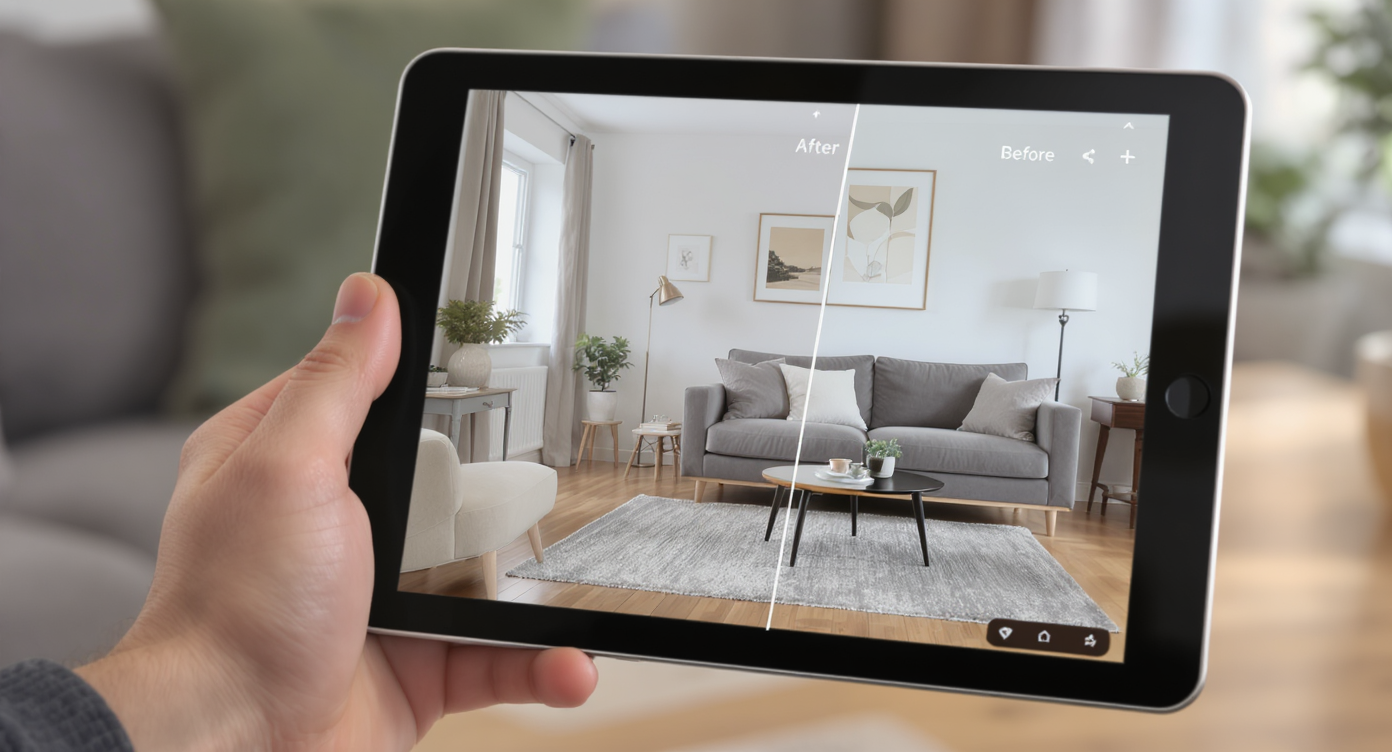
Interactive digital preview of furniture swaps bringing new life to rooms instantly and realistically.
AI furniture and object swapping replaces specific items in your photo — sofas, lamps, art, tables — with new choices that match the room’s lighting and perspective. It helps you modernize a space, align with a target buyer, or test purchases visually without hauling a single piece of furniture.
- Results first: Update a dated room by swapping just two or three pieces that dominate the photo.
- Realism: Matching light direction, reflections, and scale keeps the edits believable.
- Speed: Minute-level control — iterate quickly until it looks right.
- Workflow: Works on furnished, partially staged, or cluttered rooms.
- ROI: Spend on the right pieces only after you’ve seen them in context.
Instead of guessing what buyers or clients might respond to, upload a photo to ReimagineHome.ai and try the tool on a real project.
Why This Problem Matters More Than It Seems
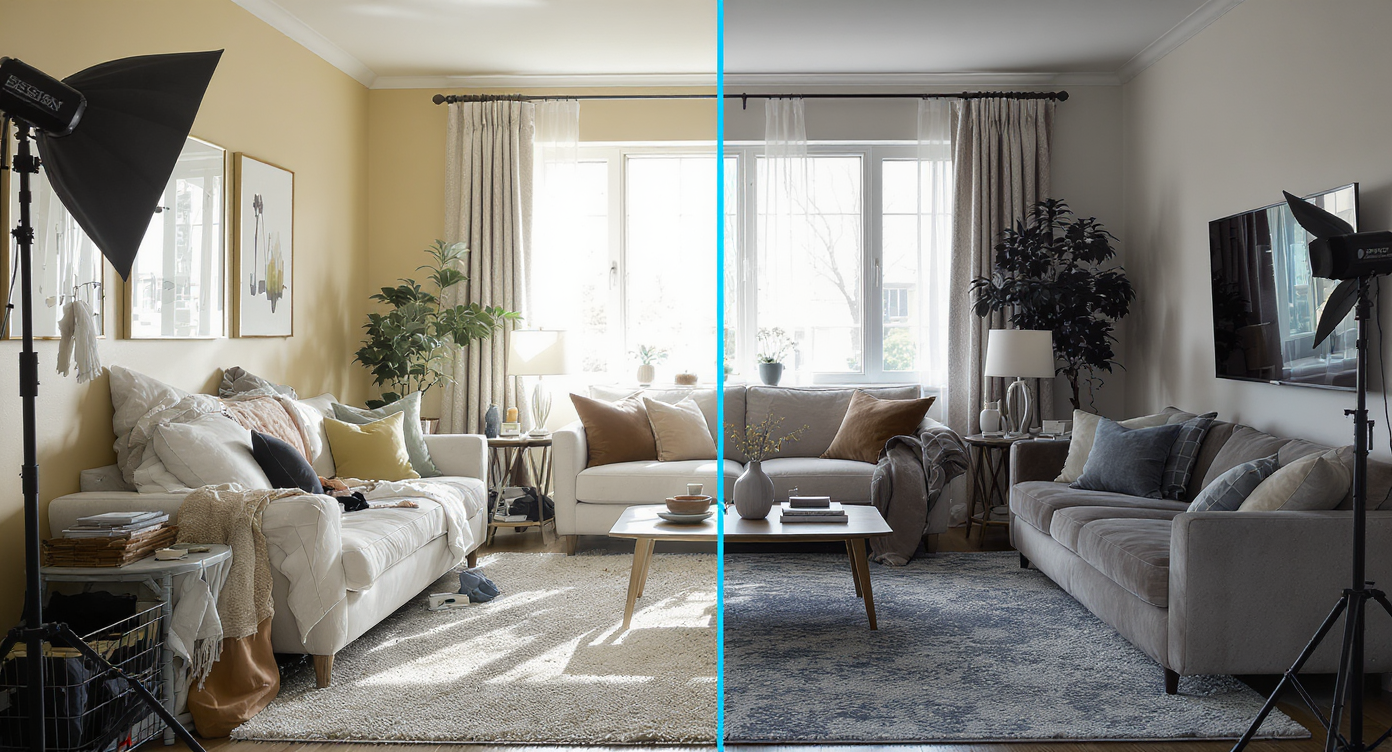
Well-styled listing photos significantly boost buyer interest and engagement in property marketing.
Listings with design-forward, well-styled photos consistently outperform their peers in clicks and time-on-page — even when nothing structural has changed. Most rooms are judged in under three seconds; if a sofa or artwork sends the wrong message, buyers move on, and homeowners lose confidence in their plan.
Here’s the quiet truth: you often don’t need a remodel, you need new focal points. The sofa that’s too bulky, the bunky coffee table, the art that dates the space — these are visual speed bumps. Agents feel the pressure when a great floor plan still reads “tired.” Homeowners hesitate to buy big-ticket items without seeing them in place. Designers juggle client preferences and approval cycles that turn weeks long.
AI furniture swapping tackles that tension directly. Swap one hero piece, and the whole narrative shifts — minimal cost, zero heavy lifting, and no reshoot risks. It’s a clean way to test taste, fix mismatches, and give buyers a clearer story about how the room lives.
Anecdote
That listing with a great layout but a fussy sofa? Swapping it for a clean-lined sectional made every other feature — floors, windows, light — snap into focus.
What ReimagineHome.ai’s Swap Furniture & Objects Actually Does
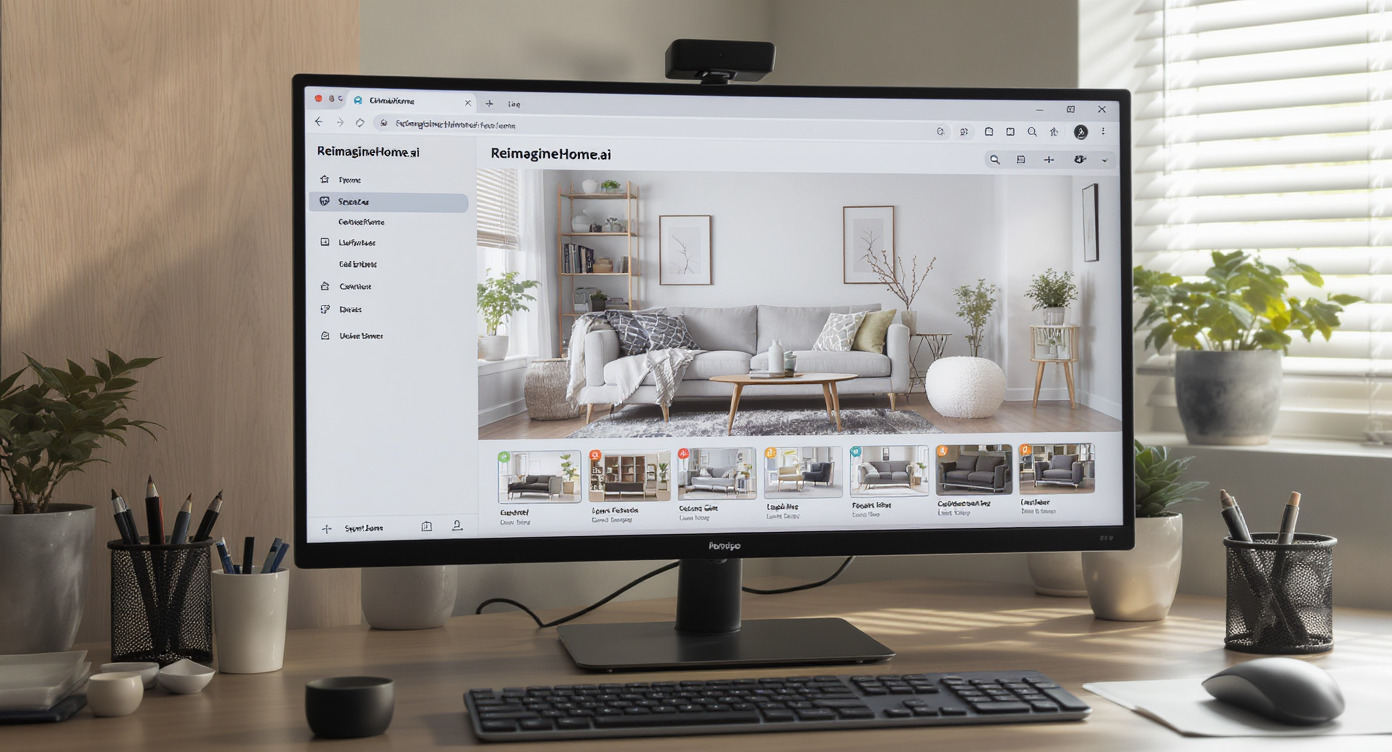
ReimagineHome.ai allows precise furniture swaps, matching lighting and scale seamlessly in your photos.
AI furniture and object swapping is a targeted photo-editing workflow that replaces specified items while preserving the room’s structure, lighting, and depth.
In plain terms: you upload a room photo, tell the AI what to replace and with what (“replace sofa with a tan sectional,” “swap wall art for a single large abstract”), and receive a refreshed image that looks natural.
Inputs: one photo and a simple prompt describing the object and the desired style, color, or material. Outputs: a regenerated image with replaced or restyled furniture that respects lighting direction, shadows, reflections, and proportions.
ReimagineHome.ai’s Swap Furniture & Objects is built to understand object boundaries, textures, and spatial depth so the new piece belongs in the scene rather than floating on top of it.
How to Use Swap Furniture & Objects Step by Step
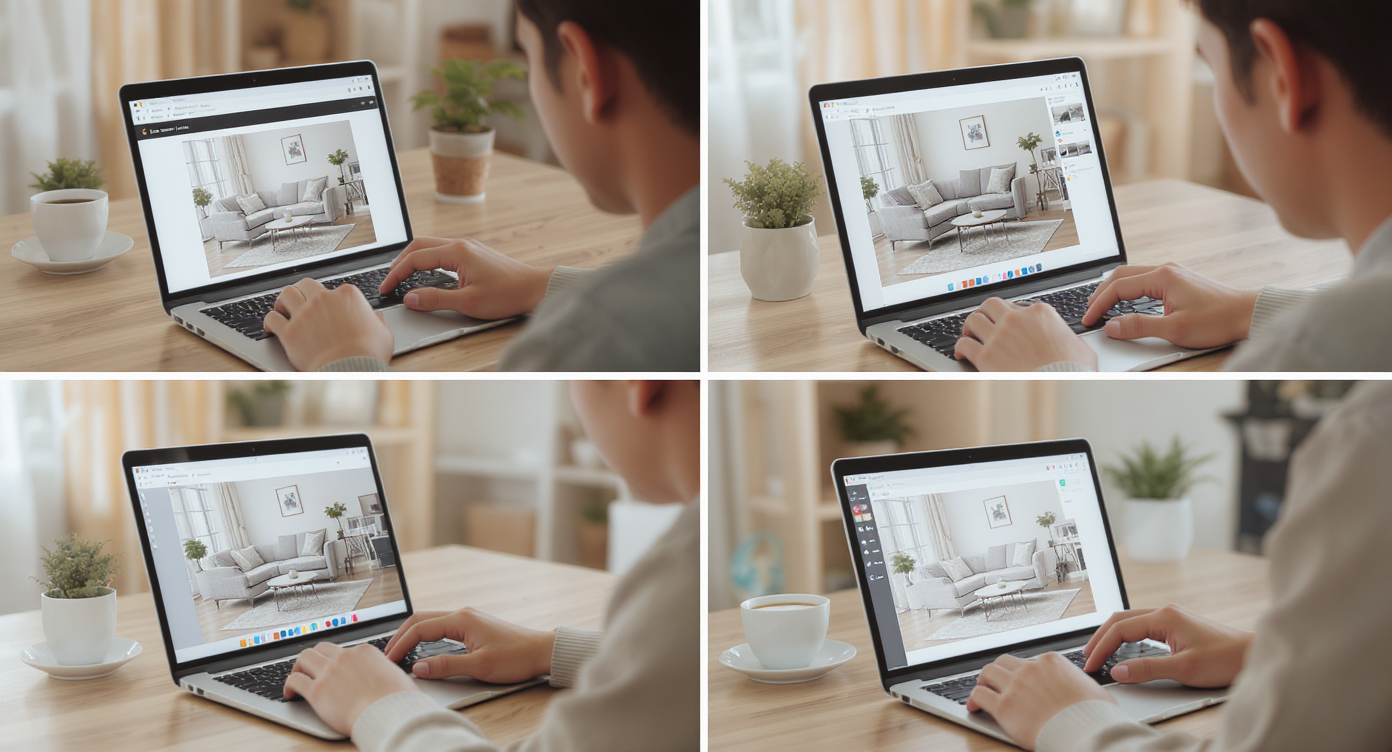
Simple steps to refresh your room: upload, select, swap, and visualize with ReimagineHome.ai.
Most agents aim for at least 3000 px on the long edge for crisp, MLS-ready photos — start with the cleanest image you have for best results.
- Upload your room photo. Clear, well-lit shots with straight walls and minimal tilt yield the most realistic swaps.
- Describe one change at a time. Try prompts like “replace sofa with a dark-gray L-shaped sectional” or “swap the coffee table for a round marble-top table.”
- Be specific about style or material. Add guidance such as “make it Scandinavian,” “light-wood frame,” or “matte black metal legs.”
- Protect what you love. Say “keep the rug” or “don’t change the wall art” to limit edits to the intended target.
- Refine with follow-up prompts. Layer adjustments: “add texture with a woven rug,” “replace pendant lights with wall sconces,” “keep the plant in the corner.”
- Respect scale and placement. For realism, avoid asking to move furniture or change sizes; keep the object in its original footprint while swapping the design.
- Download and compare versions. Present options to sellers or clients side-by-side to align on direction quickly.
For rooms that also need decluttering before swapping, pair with ReimagineHome.ai Remove Anything to clear distractions cleanly. If the walls or finishes are fighting the new look, consider ReimagineHome.ai Repaint Wall or broader Surface Restyling to bring colors and textures into harmony.
Real Before-and-After Stories Using Swap Furniture & Objects
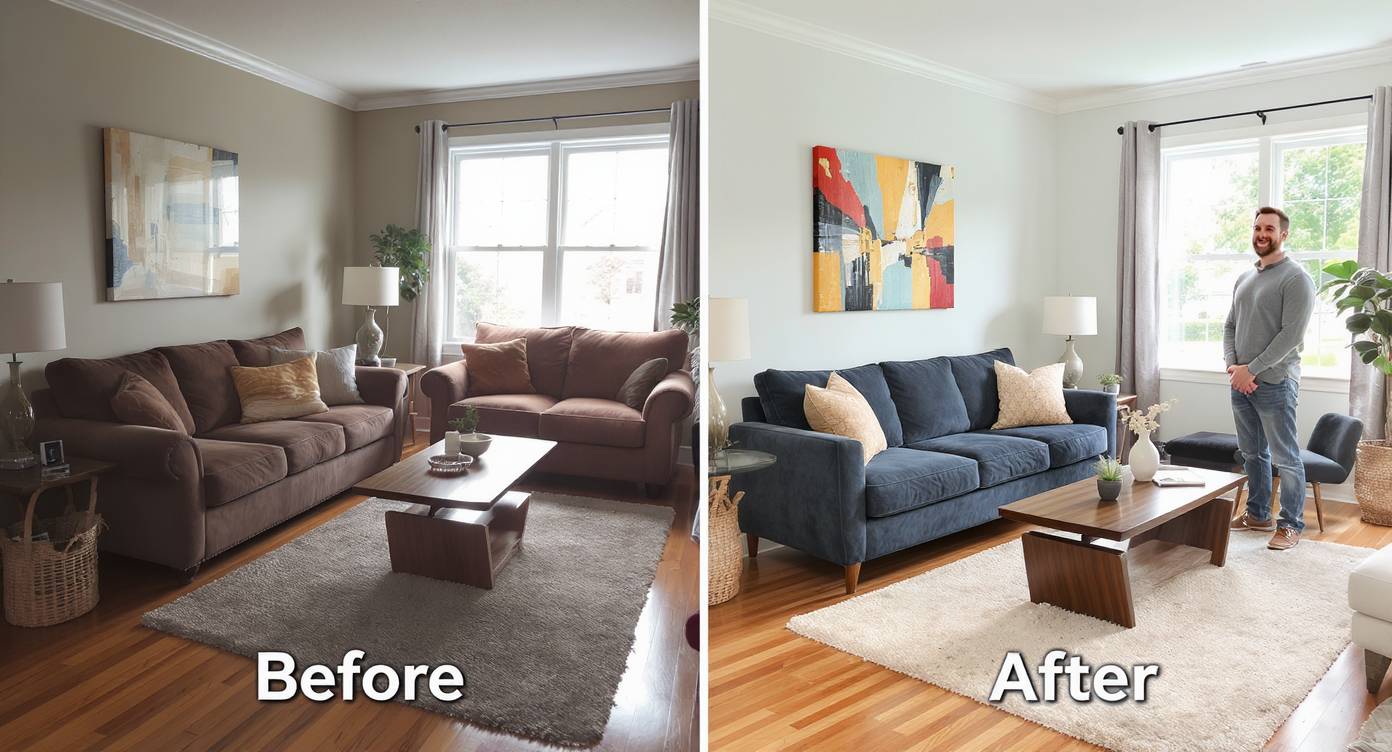
Real transformations with swapped furniture deliver fresh, inviting spaces that resonate with homeowners.
Professional stagers often recommend at least one lifestyle-driven hero shot per key room, and these quick pivots can deliver it.
- The dated living room refresh: A suburban listing with solid bones felt heavy on screen thanks to a rolled-arm sofa and ornate coffee table. Using Swap Furniture & Objects, the agent replaced the sofa with a low-profile tan sectional and swapped the table for a simple round marble piece. Engagement on the listing’s primary photo jumped after the update, and the space read “modern, move-in ready.”
- Condo bedroom cohesion: A city condo had a great view but mismatched bedside lamps and art. The team used Swap Furniture & Objects to unify the lamps in matte black and replace the artwork with a single large abstract. Paired with Enhance Image to crisp the final, it photographed like a boutique hotel suite.
- Designer concept options in one meeting: A designer presented two material directions for a client’s living room — warm neutrals vs. cool monochrome. They kept the layout but used Swap to flip sofa fabric, coffee table material, and art. Quick visual options led to immediate buy-in and faster ordering.
Visualization Scenario
Upload a photo of your living room, replace the bulky coffee table with a round marble option, switch the sofa to a tan sectional, and keep the rug. Compare two versions and pick the one that feels like home.
FAQ
How realistic is AI furniture swapping for real estate photos? It’s designed to match lighting, shadows, reflections, and scale so replacements sit naturally in the scene. Use high-quality images and specific prompts for the best results.
Can I replace specific pieces only? Yes. Target individual items like sofas, coffee tables, lamps, or artwork with prompts in the Swap Furniture & Objects workflow.
Will it move furniture or change sizes? No. For realism, the tool replaces items in place and keeps proportions consistent; request design, color, or material changes rather than relocation.
Does it work on furnished photos? Absolutely. It reads existing items and replaces only what you specify, preserving the rest of the room.
What other tools enhance the result? Try Remove Anything to clear clutter first, Enhance Image for crisp lighting and color, or Style Swaps to shift the overall vibe.
Visualize Your Next Listing or Project Before You Commit
The best-performing listing photos often come from a few focused improvements, not a total overhaul. Swapping furniture is the simplest lever: change a couple of heroes and the entire room reframes itself. For agents, it’s a faster path to a cohesive, market-appropriate story. For homeowners, it’s confidence before you buy. For designers, it’s a proof deck you can iterate live.
Smart pairings amplify the effect. Use Remove Anything to delete clutter or dated accents first, then Swap Furniture & Objects to place the right pieces. If the style needs a bigger vibe shift, layer in Style Swaps to move from minimal to cozy or modern to rustic without touching the layout.
When you can see the upgrade before you pay for it, every decision feels calmer. Start with one honest photo in ReimagineHome.ai, pick the Swap Furniture & Objects tool, and watch the next version of your listing or home come into focus.