
TL;DR
AI landscaping design from a photo lets you test planting palettes, hardscape lines, and lighting layouts on your actual house image in minutes. Upload a front-yard photo, pick styles, and generate realistic options with ReimagineHome.ai’s AI landscaping. It’s fast, cost-aware, and helps avoid expensive missteps while boosting curb appeal for listings and lived-in homes alike.
The Real Cost of Showing Exteriors “As They Are” Online

Preview multiple photoreal landscape plans digitally before making physical yard changes or buying materials.
AI landscaping takes a single exterior photo and produces photoreal design options — from drought-tolerant planting to modern hardscape and path lighting — tailored to your home. It matters because you can preview real curb-appeal changes, like floating concrete steps or a low gabion wall, before spending a dollar on materials.
- Results first: Stronger curb appeal visuals that read clearly at a glance and invite more clicks and showings.
- Realism: Photographic outputs that respect perspective, scale, and regional planting styles.
- Speed: Generate multiple yard designs in minutes; iterate on details like rock type or planter proportions.
- Cost control: Avoid pricey rework (wrong stone, oversized grasses, misaligned lights) by testing digitally.
- Workflow: Shoot, upload, select a style, refine, export for MLS or client approvals.
- ROI: Better exterior hero shots and clearer scopes for contractors and DIY weekends.
- Peace of mind: Make confident choices on slopes, erosion control elements, and plant massing.
If you already have a tricky exterior photo in mind, upload it to ReimagineHome.ai and try a landscaping render while you read.
Why This Visual Problem Hurts More Than You Think

Plain front yard photos often deter clicks and limit listing appeal more than many realize.
Front-yard photos often decide whether people click deeper into a listing or keep scrolling. When the yard looks generic — thin lawn, random shrubs, flat light — buyers assume the rest is equally uninspired, and homeowners lose momentum to start the project.
That’s why the details matter: the cadence of path lights, the thickness and spacing of concrete steps, the contrast between gravel and steel, even the roundness of river rock in a gabion basket. On a slope, a low gabion can double as subtle erosion control and a visual anchor; if you don’t show that intention clearly, the yard reads unfinished. Likewise, bold grasses or “no-mow” groundcovers can add welcome softness — but if their mature scale isn’t obvious in a photo, they may feel heavy or unbalanced near the street.
AI landscaping helps you make these calls visually, not theoretically. You can see how three lights versus four read at twilight, whether a narrower steel planter calms the facade, or if swapping pea gravel for Mexican pebble is worth the splurge for a cleaner look.
Anecdote
That “nice-but-nothing” builder yard that photographs flat until you drop in a clean ribbon of gravel, a low gabion for the slope, and three broad concrete treads that finally aim the eye to the door.
What AI Landscaping Actually Is (In Plain Language)
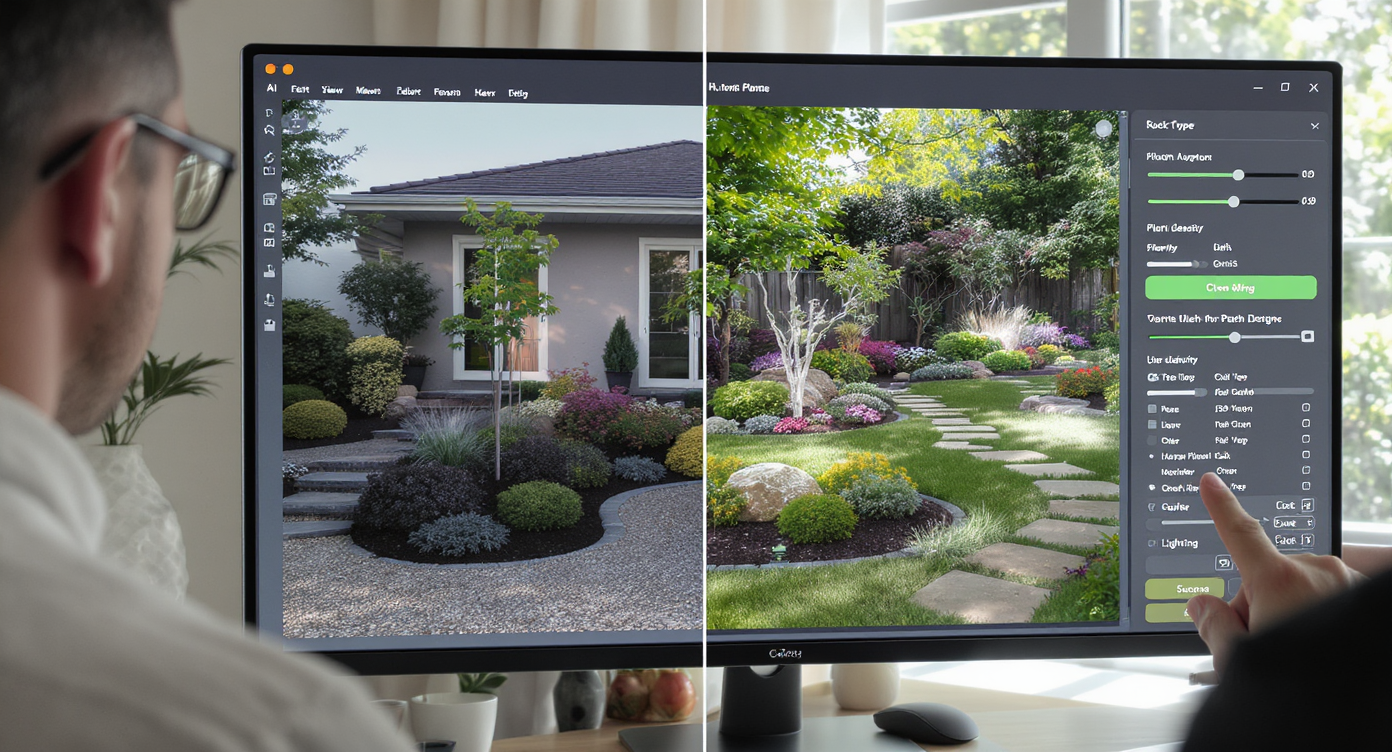
AI landscaping transforms a single exterior photo into multiple custom design options easily and quickly.
AI landscaping is a design visualization tool that uses your real exterior photo to generate multiple, photoreal yard concepts. You provide a front or 3/4 angle image; the system returns images with new planting, hardscape, and accents that align to perspective, proportions, and your style.
With AI landscaping from a single exterior photo, you can test xeriscape palettes, floating concrete steps, steel planter boxes, gravel or decomposed granite fields, and even gabion wall segments for slope management. Outputs are high-resolution images ready to share with sellers, partners, or contractors, and to use as planning boards for materials and plant lists.
If your project also involves changing structural elements on the facade — a new porch beam, entry canopy, or fencing line — you can complement your yard options with ReimagineHome.ai’s exterior render tool to keep house and landscape in sync.
How AI Landscaping Works Step by Step

High-quality photos and intuitive software deliver compelling AI-generated landscape designs step by step.
High-quality source photos (ideally 3000 px on the long side) make the most convincing results.
- Photograph the exterior: Use a slightly angled, eye-level shot that shows the full front yard, walkway, and key facade elements. Avoid strong shadows or clipped highlights.
- Upload to ReimagineHome.ai: Start a new project and choose the Landscaping option.
- Select styles and goals: Pick directions like modern xeriscape, low-maintenance, or native/wildlife-friendly. Add notes such as “floating concrete steps,” “steel planters,” or “low gabion for slope.”
- Mark key areas (optional): Indicate lawn to replace, where you’d consider planters, or the zone for a gravel band so the AI prioritizes those edits.
- Generate and compare: Review multiple AI landscaping design options. Zoom in to check step proportions, rock size, plant massing, and path light spacing.
- Refine: Request changes — e.g., swap Mexican pebble for chunky river rock, reduce grass height near the curb, or center lights to every other step.
- Export: Download high-res images for MLS, client decks, or your project folder. Use them to scope quantities (linear feet of edging, cubic yards of gravel, number of luminaires).
Pro tip: Keep cars, bins, and hoses out of the shot, and shoot at consistent grade so step heights and planter edges read cleanly.
Tips and Tricks for More Realistic Results
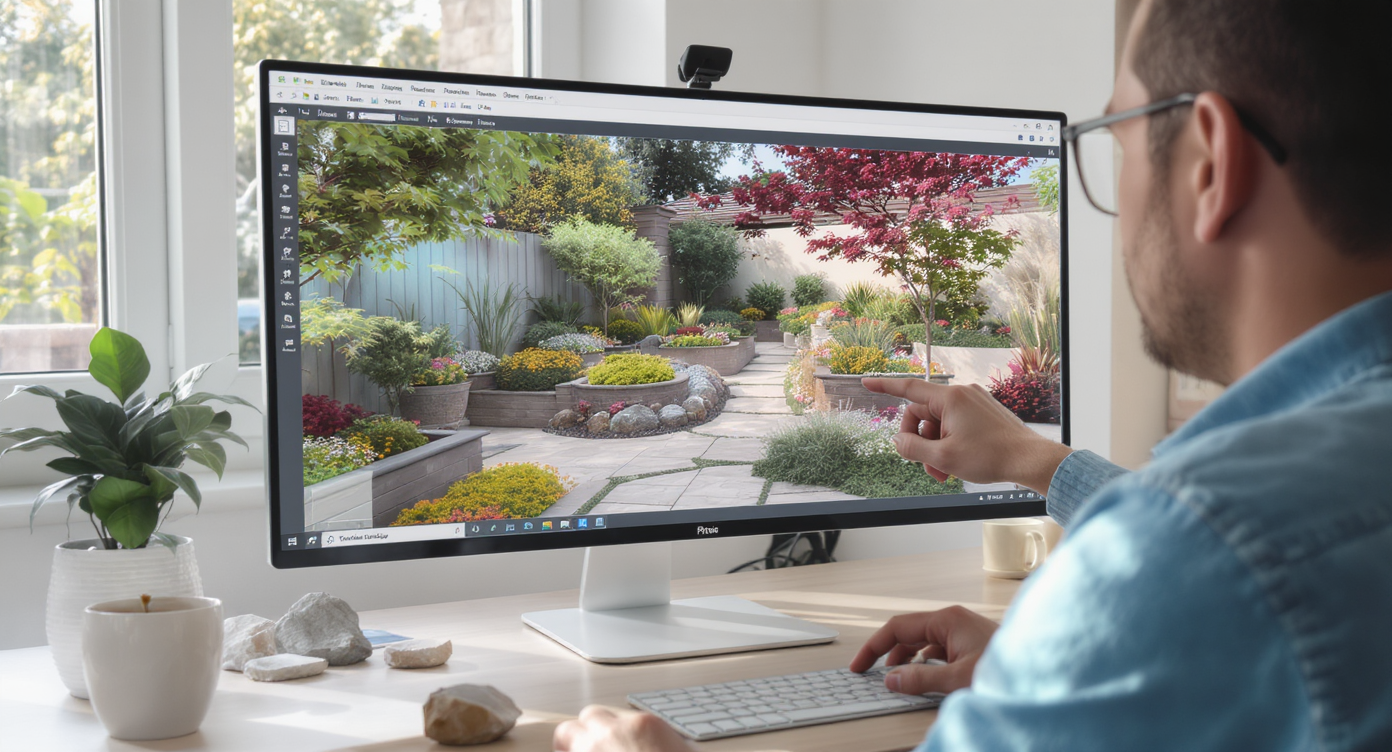
Ensuring consistent scale and materials in AI renders is key to achieving lifelike, trustworthy landscape previews.
Consistency of scale and material is the fastest path to realism in AI yard previews.
- Shoot for depth: A 3/4 front angle shows how floating steps, gabions, and planter boxes layer in space — much clearer than a flat head-on view.
- Respect mature sizes: Ask the AI for plant masses (3–5 of a kind) and specify max heights for grasses or no-mow groundcover to avoid a “too heavy” front edge.
- Tune hardscape thickness: Floating steps should read substantial (think 4–6 inches) with 1–2 inch reveals to avoid looking like thin tiles.
- Choose rock intentionally: Smooth Mexican pebble delivers a tailored look in gabions and beds; larger, angular stone reads more rugged and economical. Preview both.
- Light with restraint: In AI tests, try lights centered on every other tread or at panel edges rather than one-per-step to prevent runway vibes.
- Show drainage logic: On slopes, request a low gabion ribbon or swale line so the design feels purposeful and functional, not “pretty but impractical.”
- Keep facade and yard in sync: If you update siding color or a front door, reflect that in the render. For bigger architectural changes, pair with the exterior render tool so exterior and landscape tell one story.
Visualization Scenario
Upload a daylight 3/4 angle photo, request modern xeriscape with steel planters, floating steps, and a slim gabion; compare a Mexican-pebble scheme versus angular river rock and choose the calmer, more tailored look for the listing hero image.
FAQ
How does AI landscaping from a photo work?
You upload a clear exterior photo, choose styles and goals, and the system generates photoreal yard designs that align to your home’s perspective. It’s a fast way to see multiple curb appeal options before purchasing materials.
Can AI show elements like gabion walls, floating steps, and steel planters?
Yes. You can request specific hardscape features and materials, then iterate on thickness, spacing, rock type, and planter proportions inside ReimagineHome.ai’s AI landscaping tool.
Do AI landscaping previews match the finished yard?
They’re visual guides, not engineering drawings. Expect strong alignment on look, scale, and mood; exact dimensions and grading should be finalized with measurements and, when needed, a pro.
What resolution do I need for good results?
Use high-resolution images — ideally 3000 pixels on the long edge — with minimal clutter and even lighting for the most realistic outcomes.
Will this work for sloped front yards or erosion control ideas?
Yes. You can preview low retaining strategies like a gabion ribbon, terraced planters, or swales to see how they read visually before planning materials and labor.
Visualize Your Next Listing (or Project) Before You Commit
The fastest way to make smarter yard decisions is to see them on your own house before you start. AI landscaping turns guesswork into clear images — where steps feel grounded, lighting is paced, and plants sit at the right scale for your street.
Whether you’re an agent shaping a market-ready hero image or a homeowner weighing steel planters versus a gravel terrace, treat this like a rehearsal. Try a few takes, pick the strongest, then build with confidence. Start with ReimagineHome.ai’s AI landscaping, or browse the full platform at ReimagineHome.ai.