7 Halloween Living Room Ideas You Can Preview in 3D With Chez
TL;DR
Plan your Halloween living room around a single focal display, comfortable seating, and easy-to-navigate paths. With Chez by ReimagineHome, preview furniture arrangements, check sightlines, and optimize your seasonal setup in 3D—so you can decorate festively without crowding your space.
-
1. Choose a Single Halloween Focal Point
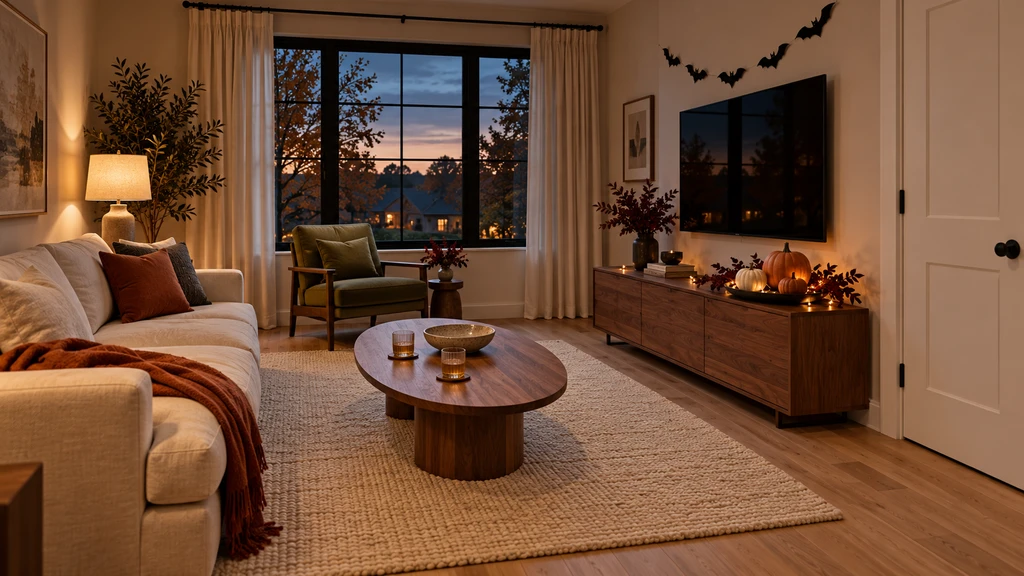
Preview in 3D how to design a Halloween focal point with pumpkins, dark foliage, and lights, using space-saving tricks for small living rooms.
Pick one area—like a console, sideboard, or shelf—for your main Halloween display. This keeps festive décor from taking over functional spots like coffee tables. Use a tray with pumpkins and dark foliage, and add battery lights for atmosphere. Accent with autumnal hues or dramatic Halloween colors for more impact. As we noted in our guide to Chez’s 3D visualization, you can keep your everyday furnishings and simply layer in seasonal touches.
-
2. Plan Seating and Paths Around the Party Activity
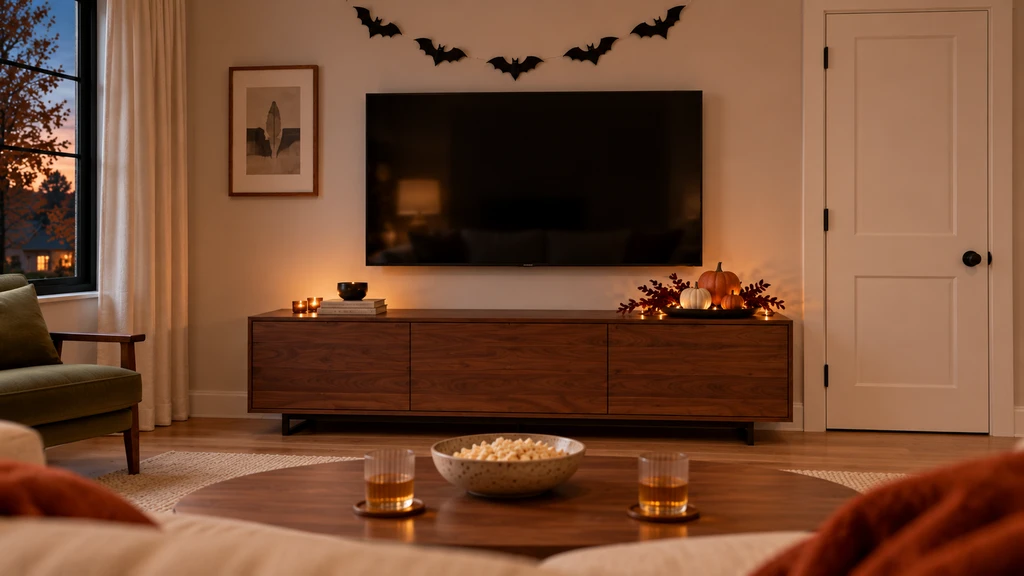
Explore seating arrangements in Chez that leave room for movie snacks and easy movement.
Before decorating, decide how you’ll use the space: is it a movie night or a gathering for snacks and conversation? Arrange seats for a clear view of the screen or easy conversation and make sure there’s room for guests to move between the entrance, seating, and refreshment table. Chez by ReimagineHome lets you explore these layouts from multiple perspectives, making it easier to keep routes clear—no more last-minute furniture shuffling.
-
3. Preview Layouts in 3D With Chez
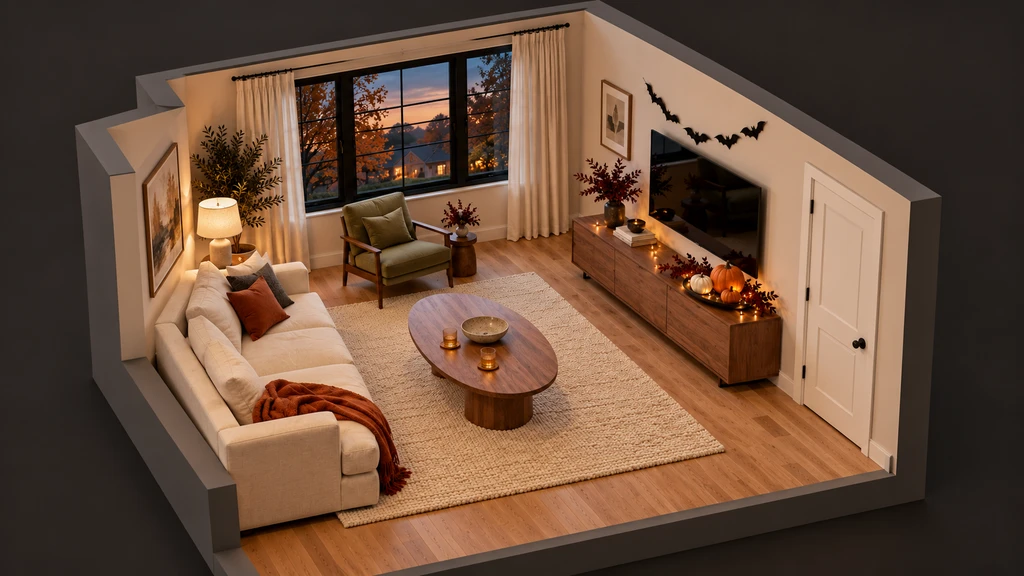
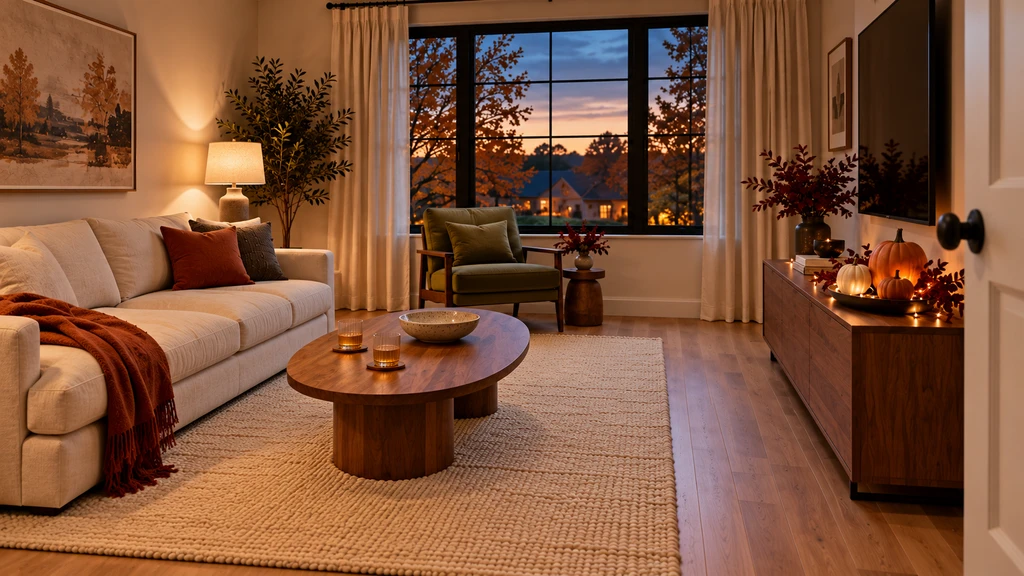
Use the Chez app to preview 3D Halloween living room decoration ideas, arrange furniture for gatherings, and perfect your Halloween focal point layout.
Upload room photos to Chez and instantly switch between floor plan and eye-level views. Try placing extra tables near seating or test a new layout for your console and see how the room flow changes. As demonstrated in our room photo-to-3D walkthrough, this lets you experiment freely and spot crowding before it happens.
-
4. Check Four Key Viewpoints for a Foolproof Setup
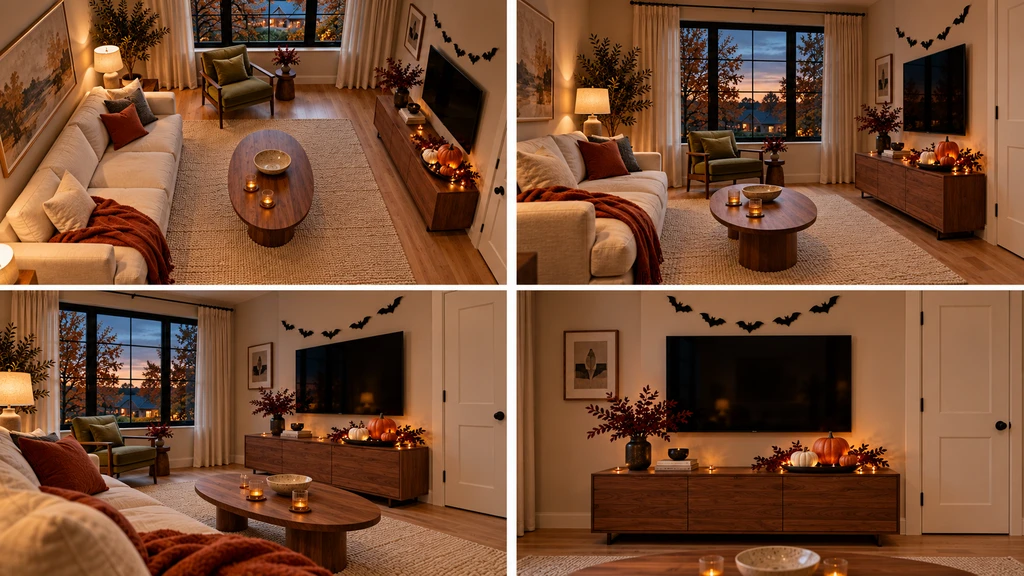
Preview 3D Halloween living room decoration ideas by checking room layouts, focal points, and furniture placement from all angles in the Chez app.
Review your Halloween room design from four directions: floor plan (walking paths), entrance (first impressions), seating (movie sightlines), and wall elevation (balance of your display). Each view can expose a different potential snag—like blocked doorways or cluttered coffee tables. Our exploration of working with existing furniture in 3D room planning shows how quickly you can identify layout issues ahead of time.
-
5. Use the Console or Sideboard for a Pumpkin Display
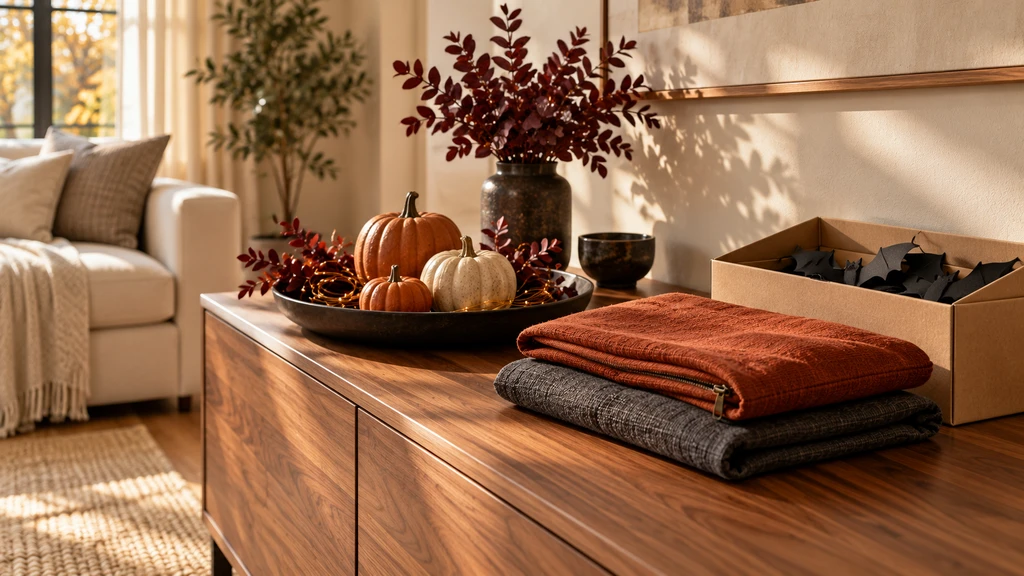
Pair your Chez room views with a brief covering the decision, what stays, options to compare, and next steps.
Assign the decorative role to a non-essential surface, such as the console by the entrance, to keep walkways open. Reserve the coffee table for movie snacks or drinks, and consider a side table by the accent chair for extra convenience. In Chez, you can visualize the arrangement from both the entrance and main seating positions. Take notes on which placements leave traffic paths uncluttered, as suggested by our guide to planning around what you already own.
-
6. Keep Tall Décor Out of Sightlines
Tall candle holders or stacked pumpkins can look great—but not if they block the view of the TV or guests. When previewing in 3D, check sightlines from the sofa and ensure all decorative lighting or accents stay below eye level. Preview the impact of each accessory position before setting up at home, so the room feels festive—never fussy.
-
7. Make Resetting After Halloween Simple
Arrange Halloween accessories on trays or in swappable cushion covers. Snap a quick phone photo of your everyday setup before decorating, so you can easily restore it afterwards. Grouping accessories means you can clear the festive look in minutes, keeping post-Halloween cleanup stress-free.
Halloween Living Room 3D Planning FAQs
- How do you decorate a small living room for Halloween?
- Pick one dedicated display area and use a limited palette in your throws or cushions. Plan the layout in 3D first, as explained in our beginner’s guide to Chez, so furniture and décor don’t crowd the space.
- Can Chez automatically decorate my living room for Halloween?
- Automated holiday decorating is not yet available in Chez. Use its 3D features to experiment with furniture, layout, and style direction, then place seasonal accessories at home. For a full feature breakdown, see our Chez overview.
- Can a 3D room preview confirm if all my decorations will fit?
- Chez offers realistic 3D previews and size estimates, making it easier to spot crowding before decorating. Still, always double-check real measurements for large accessories and furniture, as advised in our how-to.