
TL;DR
Crooked real estate photos often fail MLS compliance because they distort room proportions, reduce clarity, and imply misleading edits. Using ReimagineHome.ai's auto-straightening tools ensures vertical and horizontal alignment for accurate, professional listing photos. This simple fix enhances buyer trust, listing clicks, and complies seamlessly with MLS standards.
Why Crooked Listing Photos Are a Bigger Problem Than You Think

Crooked listing photos subtly distort space and perspective, risking buyer trust and MLS violations.
Crooked or tilted real estate photos are surprisingly common — but they’re far from harmless. Even subtle image tilt can distort a room's size and perspective, leading to misrepresentation. This not only breaks MLS guidelines but also damages the perceived professionalism of your listing, steering potential buyers away. The solution? Consistently sending in perfectly straight photos that respect the property’s true geometry and details.
Why Crooked Images Fail MLS Compliance and Hurt Your Listing
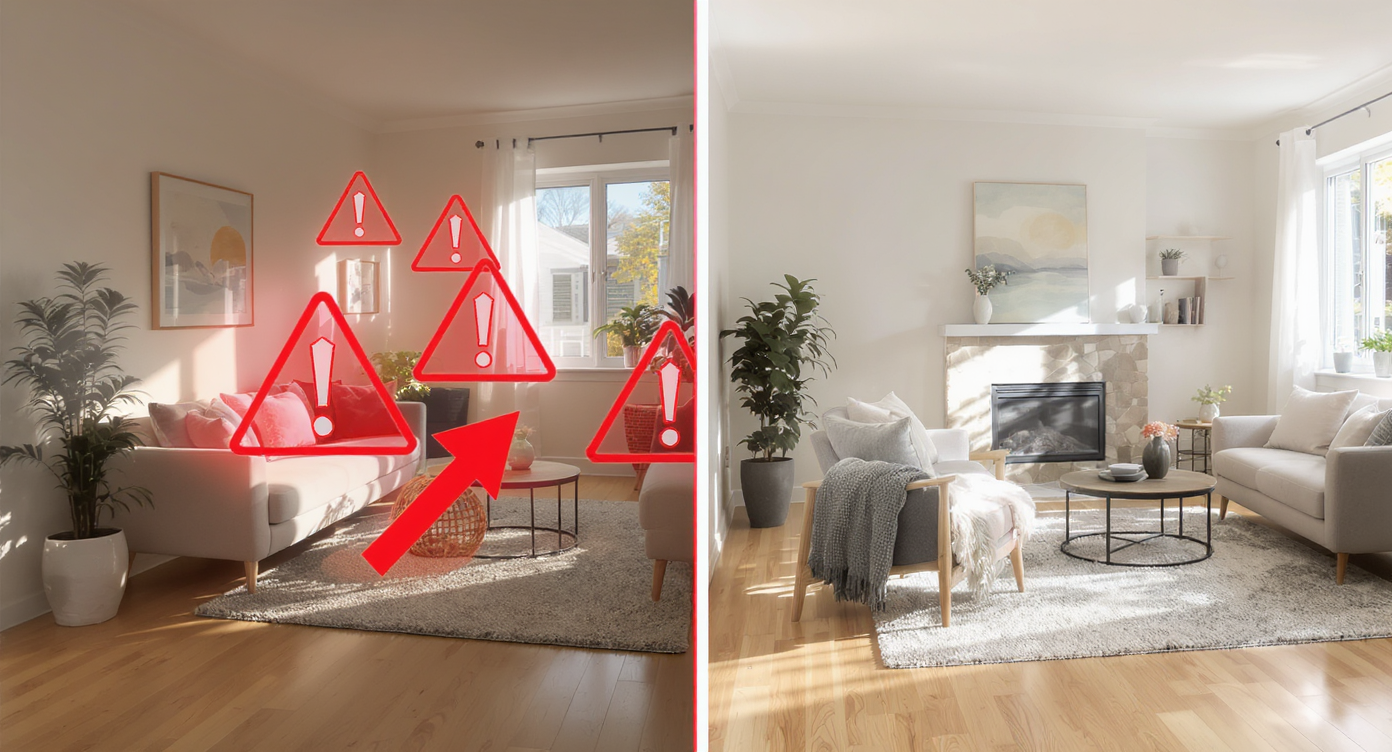
Crooked photos mislead buyers and violate MLS rules, undermining listing effectiveness and trust.
MLS compliance standards are strict about photo alignment because crooked images mislead potential buyers. Photos with tilted horizons or leaning walls exaggerate room dimensions or skew perspectives, creating a false sense of space. This distortion lowers a listing's credibility and disrupts buyer trust, often resulting in fewer clicks and showings. MLS platforms flag these irregular images as misrepresentations, making crooked photos a compliance risk as well as a marketing liability.
Anecdote
That one listing photo where the kitchen looks like it’s about to slide off to the side — it’s a tiny tilt but an instant trust-breaker for buyers scrolling fast.
Common Straightening Mistakes to Avoid
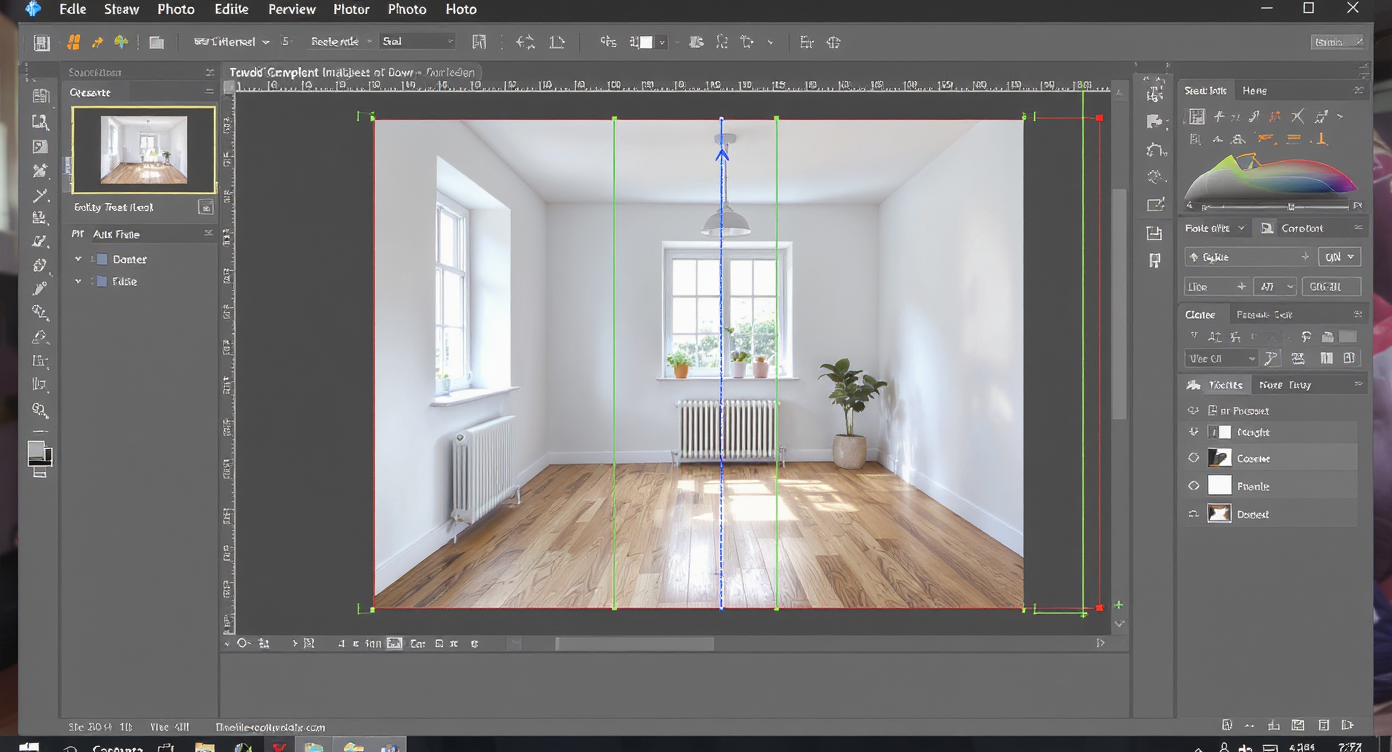
Auto-straightening digitally corrects photos, ensuring all verticals and horizontals meet MLS standards.
1. Aligning Only the Horizon Many editors straighten photos based on the floor or horizon alone, ignoring vertical lines. MLS reviewers look for upright walls, windows, and doorframes — not just level floors. 2. Over-Rotating the Image Correcting tilt too aggressively can distort proportions and stretch the room unnaturally, which can be flagged as misrepresentation. 3. Forgetting Perspective Correction Wide-angle lenses bend verticals outward. Straightening alone won’t fix this — both leveling and perspective alignment are needed for MLS accuracy. Tools like ReimagineHome.ai correct both automatically.
How ReimagineHome.ai’s Photo Straightening Works Step by Step
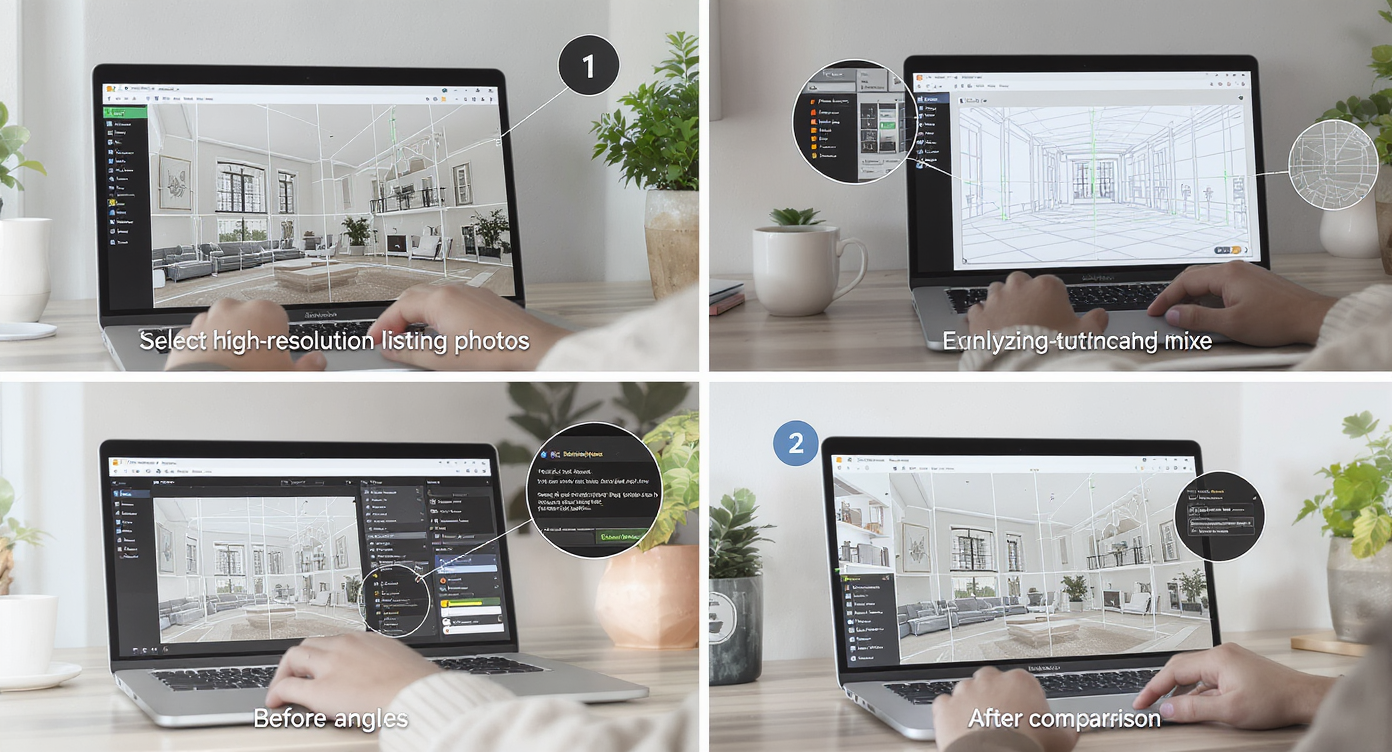
ReimagineHome.ai simplifies photo straightening through intuitive steps for flawless MLS-compliant images.
1. Choose your listing photos, ideally high-resolution shots showing architectural lines clearly. 2. Upload them to ReimagineHome.ai, selecting the auto-straightening tool. 3. The AI analyzes vertical and horizontal references (walls, corners, window frames) and corrects any tilt with small prompt. 4. After straightening, proceed to virtual staging or other design editing with confidence that your photos remain MLS-compliant. 5. Download your aligned, polished images, ready for MLS upload. Best practice: use photos taken with minimal lens distortion and clear lines for optimal results.
Tips for Creating Perfectly Straight Photos Every Time
Pro tips for creating flawlessly straight photos every time enhance listing appeal and compliance.
Align vertical lines first — walls, door frames, and window trims should stand perfectly upright. Keep horizons and horizontal surfaces level — floors, tables, countertops, and rooftops must be parallel to the frame. Avoid extreme cropping post-straightening to prevent composition loss. Check lens distortion in wide-angle shots and apply corrections. Use batch processes if dealing with multiple photos to save time. Pair straightening with subtle image enhancement to boost clarity and vibrancy. Leverage ReimagineHome.ai’s integrated tools to ensure a seamless workflow from straightening to virtual staging.
Visualization Scenario
Picture scrolling through dozens of listings and stopping abruptly on a home because the photos look perfectly straight, professional, and trustworthy — that’s the power of proper alignment.
Frequently Asked Questions About Straightening MLS Photos
Q: Why does MLS require straight photos? A: MLS mandates straight photos to prevent misleading representation of room size and layout, ensuring potential buyers see an accurate depiction. Q: Can AI really straighten crooked listing photos? A: Yes, AI tools like ReimagineHome.ai automatically detect and correct tilt in vertical and horizontal lines, producing compliant images swiftly. Q: Is there a recommended resolution for photos before straightening? A: High-resolution images with clear architectural lines yield the best straightening and editing results. Q: Will straightening affect the original photo quality? A: Proper auto-straightening preserves image quality while correcting perspective and alignment. Q: Can I straighten photos after virtual staging? A: It's best to straighten first, as ReimagineHome.ai’s workflow ensures staging edits are applied on properly aligned images to maintain MLS compliance.
Visualize Compliance and Confidence with Straight Photos Instantly
Straight photos are more than just aesthetics — they’re a compliance necessity that boost buyer confidence and accelerate listings toward sale. ReimagineHome.ai makes straightening images a breeze, eliminating the guesswork and delays caused by MLS rejections. With this tool, agents and sellers can visualize a polished, honest, and compelling property story from the first click. Embrace straight photos to tell your listing’s true story with clarity and trust.