How to Design Your Dream Bedroom With ReimagineHome AI
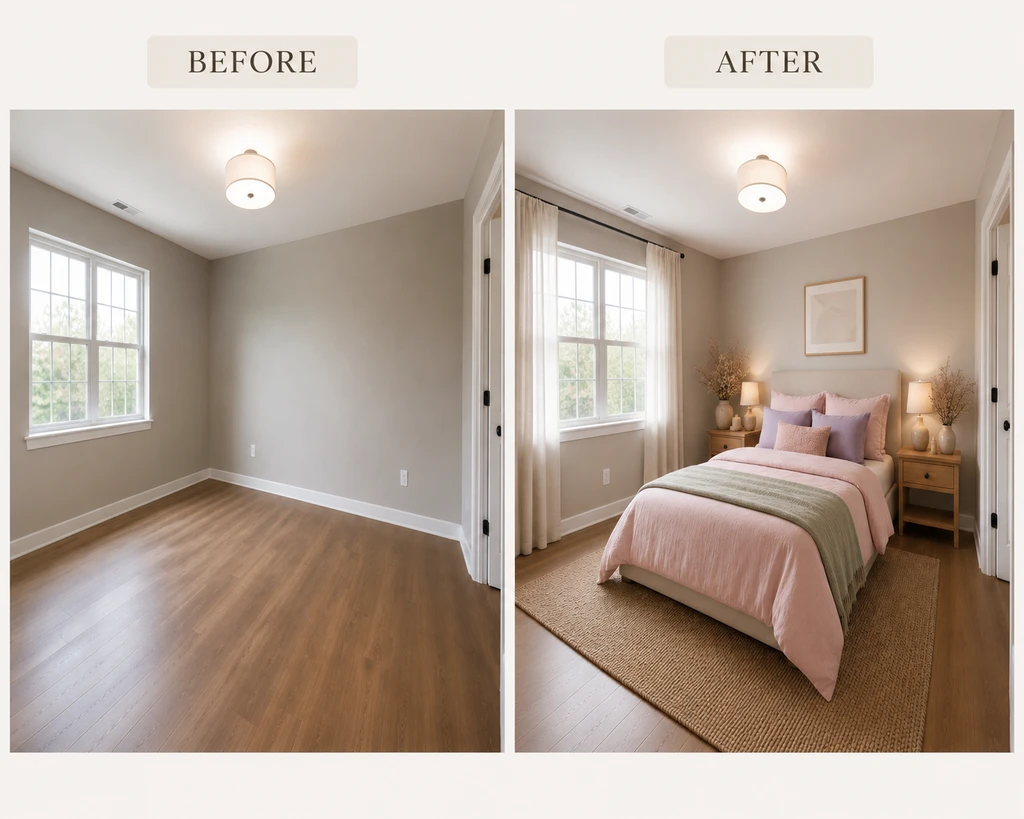
Redesign Your Bedroom Smarter, Not Harder
Designing your dream bedroom once meant endless inspiration images and lots of guesswork about what would actually work in your space. With new AI tools, you no longer need to imagine your future bedroom, you can see it, rearrange it, and refine it on your own terms. Using ReimagineHome AI for bedroom design lets you upload your actual space, explore new styles, visualize furniture options before you commit to a single purchase. how to design your bedroom with ReimagineHome AI, with a focus on practical strategies and confident decision-making for 2026 and beyond.
-
1. Upload Your Bedroom and Describe Your Vision
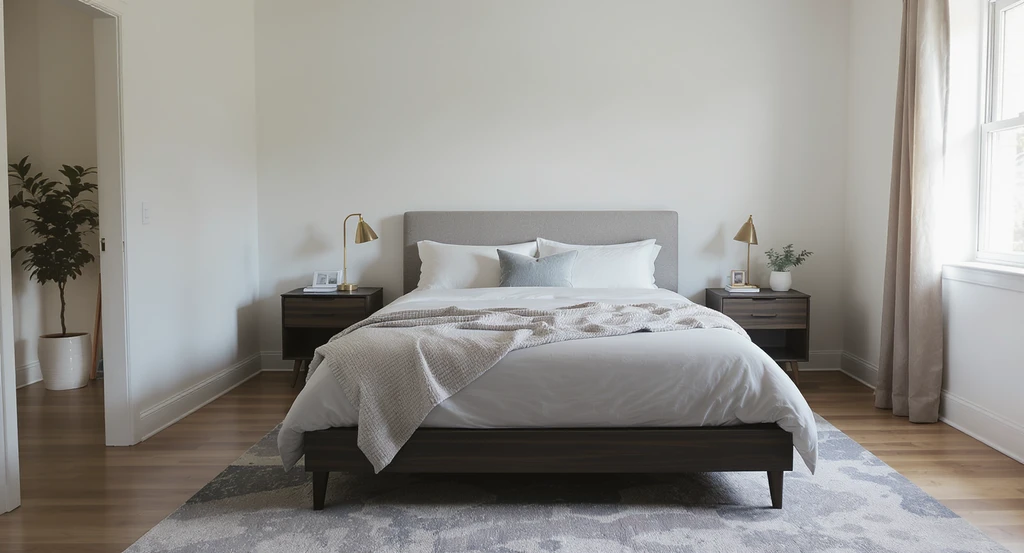
Begin your ai bedroom design journey by uploading a real, well-lit bedroom photo—perfect for exploring bedroom design ideas ai and staging your space with ai visualization tools.
Start by uploading a photo of your real bedroom and describe what you want to change. You can ask AI to completely redesign the space from scratch or provide instructions to keep specific furniture pieces, or elements you already love. This helps create personalized bedroom design ideas based on your actual room instead of generic inspiration.
-
2. Use Reference Images to Guide Your Bedroom Design
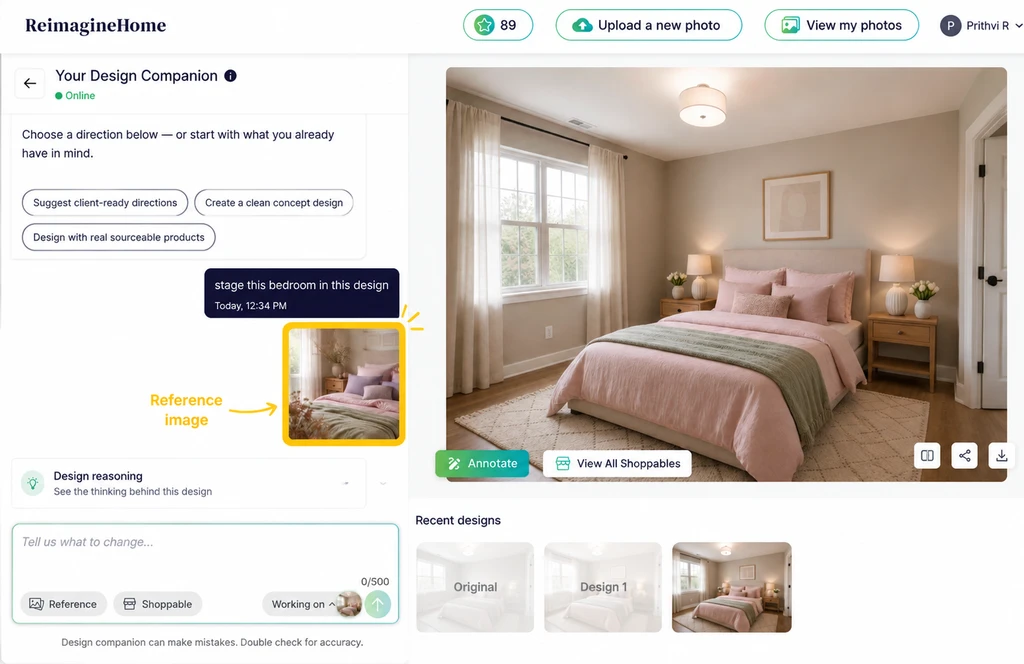
Upload a reference image to inspire your AI-powered room transformation.
Bring your ideas to life by uploading reference images that inspire your bedroom design. You can use references to extract specific furniture, decor elements, or products, or guide the entire room transformation based on the style and mood of the image. These strategies help you visually align inspiration with your own unique layout and preferences.
-
3. Refine Your AI Bedroom Design Until It Feels Right
Once your bedroom design is generated, continue refining it until it matches your vision. Make changes to furniture, colors, layouts, or overall style through AI instructions. If the generated style does not feel right, you can explore a completely new direction and create another version.
-
4. Turn Your Design Into a Shoppable Bedroom
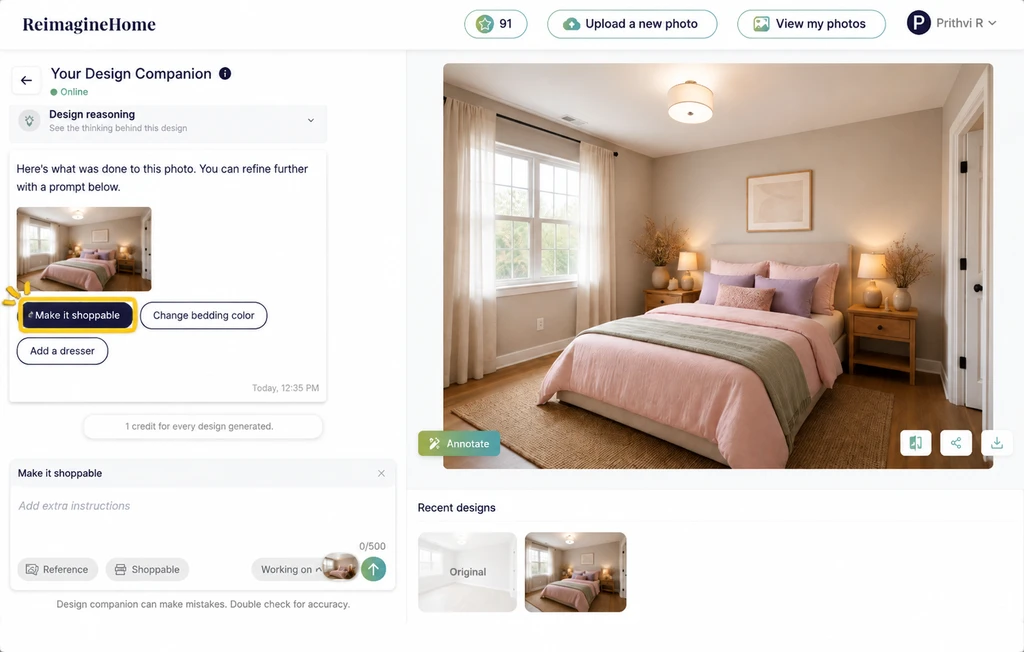
Make AI-designed rooms shoppable with real furniture products.
Once you finalize your bedroom design, make it actionable by adding real products. Create a shoppable bedroom by selecting your preferred style, entering your zipcode and budget, or using the available options to find furniture that fits your space. Explore how to stage and design with real products using ReimagineHome AI.
-
5. Swap Products and Visualize Changes Before Buying
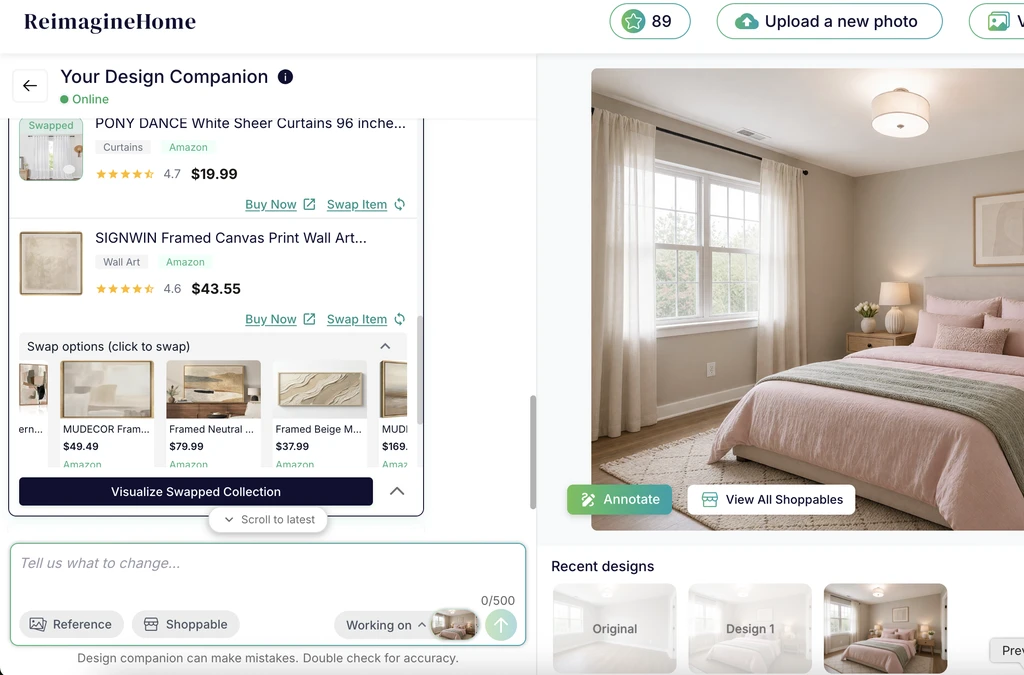
Explore and shop real products used in your AI-generated room design.
Your bedroom design can continue to evolve even after adding products. Swap furniture pieces, replace items that do not match your preferences, and visualize the updated changes directly in your room. You can also explore the complete product bundle to review all the items included in your design.
-
6. Purchase Your Favorite Bedroom Products
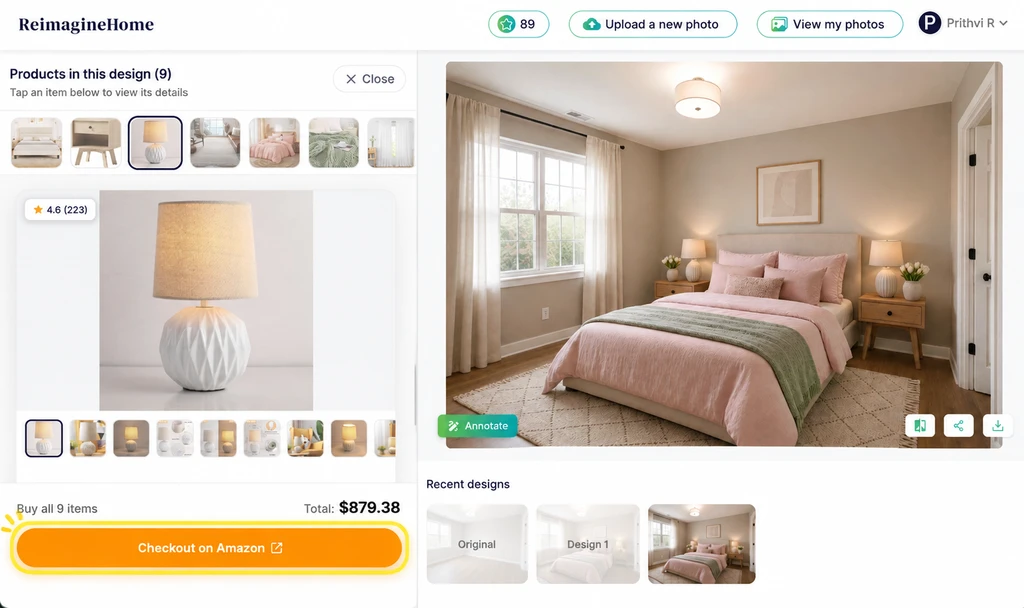
Buy all selected products from your AI-designed room with one-click checkout.
After finalizing your design and product choices, you can move forward with purchasing the items. Shop products through Amazon or adjust your shopping preference to Shopify if you prefer a more premium and luxury-focused product selection.
Frequently Asked Questions About AI Bedroom Design
- What are the biggest bedroom design trends for 2026?
Warm minimalism, natural materials, layered textures, and layouts that support both relaxation and multifunctional use are key trends for bedrooms in 2026. - How can I see my bedroom with new furniture before buying?
Upload your room photo to ReimagineHome AI to visualize real, shoppable furniture pieces in your actual space before committing to a purchase. - Can AI help rearrange my bedroom layout?
Yes. AI design tools let you experiment with different configurations digitally, helping you find the best arrangement for your room’s size and function. - Is it possible to avoid common bedroom design mistakes with AI?
Absolutely. Visualizing design concepts helps catch issues with scale, lighting, and style coherence so you can fix them before they become expensive mistakes. - What is the best AI tool for bedroom design?
For those who want realistic results based on actual rooms and real products, ReimagineHome AI is a top choice.
Design With Confidence—Your Bedroom, Your Way
The best way to design your bedroom isn’t by starting from scratch, but by building on what you already have—and seeing the results instantly through AI. Upload your photo, try on styles, preview furniture, and refine until your room truly works for you. In 2026 and beyond, the smartest bedroom design is the one you know will fit your space and your style.