
TL;DR
Image straightening is the AI-powered process of correcting tilted lines, leaning walls, and crooked horizons in real estate photos. This quick fix transforms distorted shots into clean, balanced images that better represent rooms or exteriors, increasing buyer confidence and listing engagement. ReimagineHome.ai offers a user-friendly image straightening tool that real estate agents, homeowners, and designers can use in minutes to enhance listing photos effortlessly.
Why These Photos Aren’t Doing Your Listing Any Favors
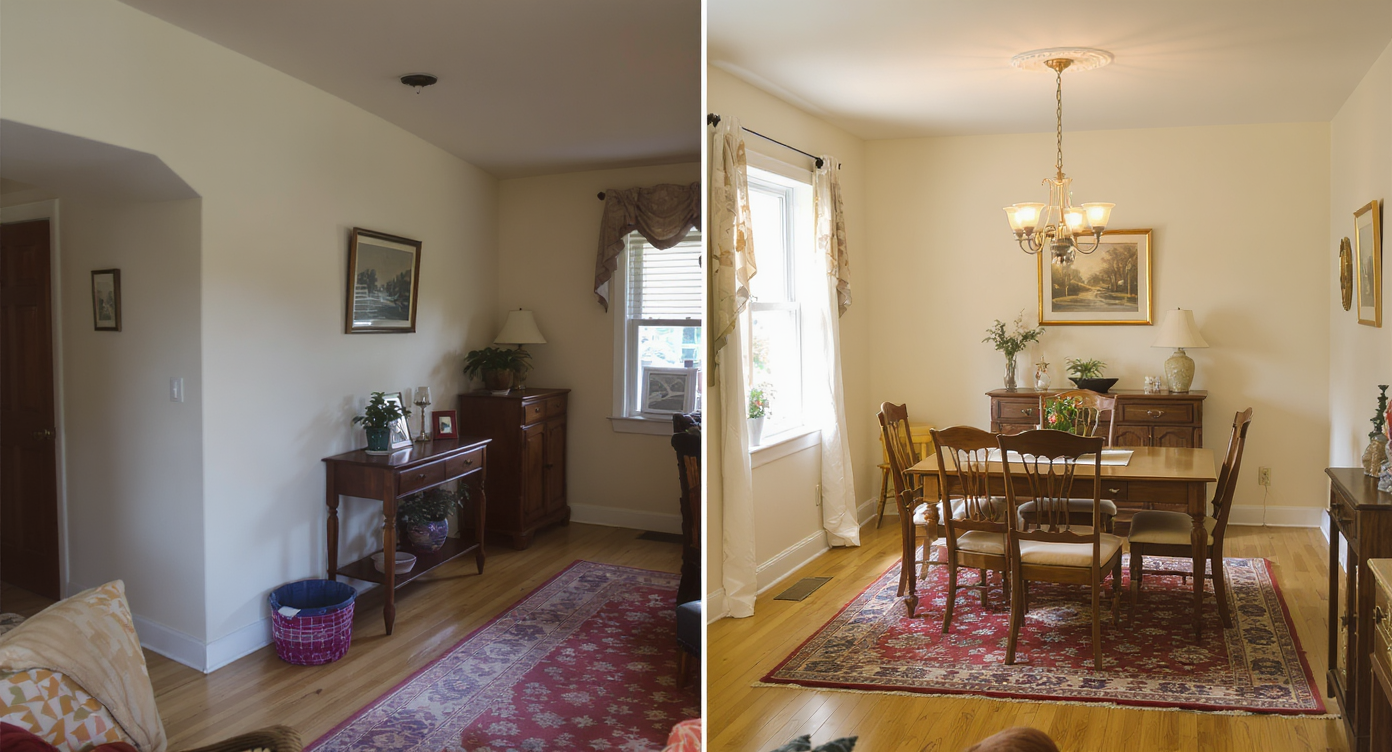
Comparing tilted and straightened photos highlights how alignment influences perception and trust.
Tilted photos can make even the most attractive home interiors and exteriors look unprofessional and misleading. Leaning walls distort perception, crooked horizons distract buyers, and skewed angles make rooms feel smaller or oddly shaped. Correcting these visual flaws is essential to present trustworthy and appealing real estate images. ReimagineHome.ai’s image straightening solution is designed to fix these problems quickly and accurately, helping your listing photos stand out for the right reasons.
Why Tilted Listing Photos Hurt More Than You Think
Tilted photos can mislead buyers and reduce engagement by distorting space perception.
Tilted or distorted images can reduce online listing clicks by making rooms feel cramped or visually confusing. Buyers scrolling listings often skim past photos that appear “off” because they trust images that look balanced and straight. This mistrust lowers showing requests and can even impact seller confidence if they feel their home isn’t being represented properly. Agents, photographers, and designers also find it challenging to evaluate spatial flow or plan layouts when foundational lines are crooked. By straightening images, you restore clarity and proper perspective, helping everyone see the space as it truly is.
Anecdote
That listing with a charming living room felt off because the walls appeared to lean oddly — a quick image straighten transformed it from a scroll-past to a showing favorite.
What Image Straightening Actually Is (And What It Isn’t)
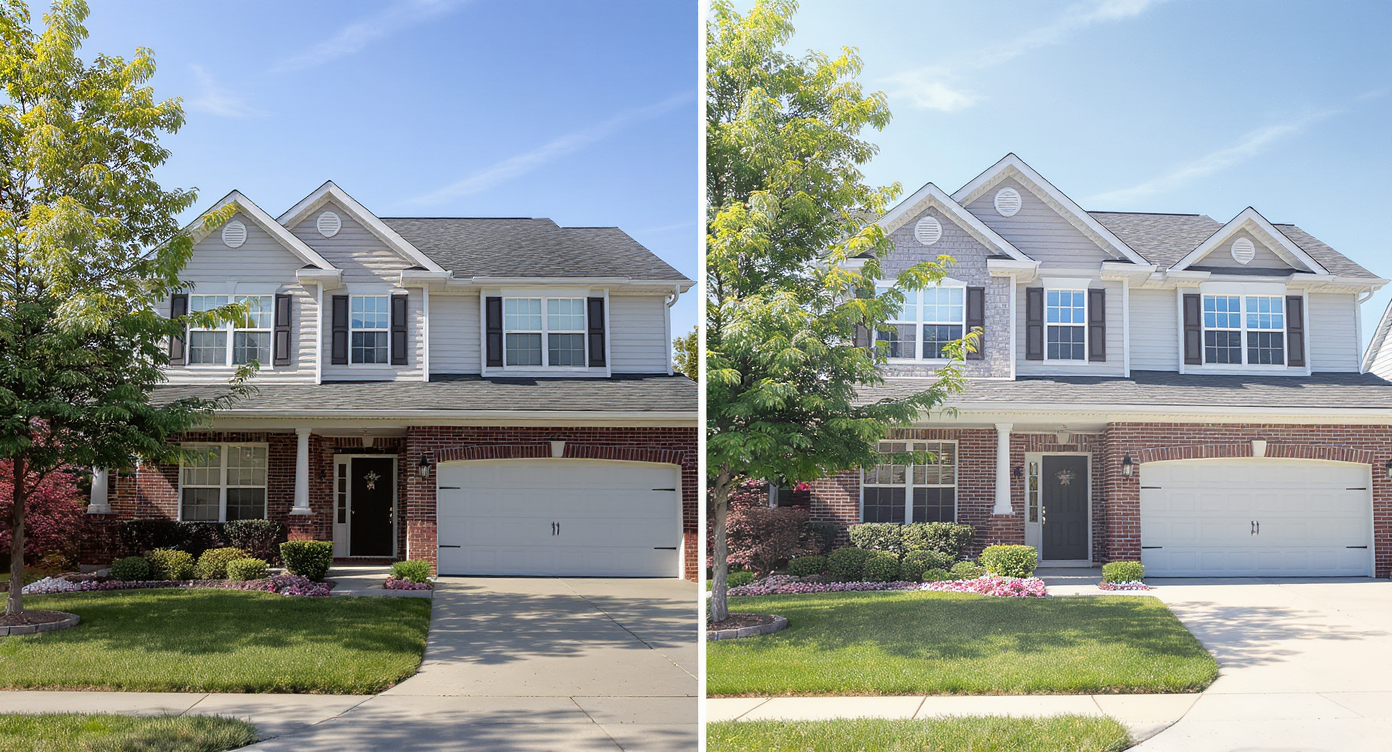
Image straightening corrects tilts to present property photos with accurate perspective and professionalism.
Image straightening is the process of digitally adjusting photos to correct tilted angles, leaning lines, and distorted perspectives without cropping or stretching important parts of the photo. Using artificial intelligence, the technology analyzes structural elements such as walls, floors, furniture edges, and horizon lines to realign them vertically and horizontally. Unlike manual editing tools that require expertise, ReimagineHome.ai offers a straightforward upload-and-fix approach where you simply provide a room or exterior photo and receive a clean, professionally aligned image. To try it yourself, visit the image straightening solution page to see how quickly your photos can look more trustworthy and balanced.
How ReimagineHome.ai’s Image Straightening Works Step by Step
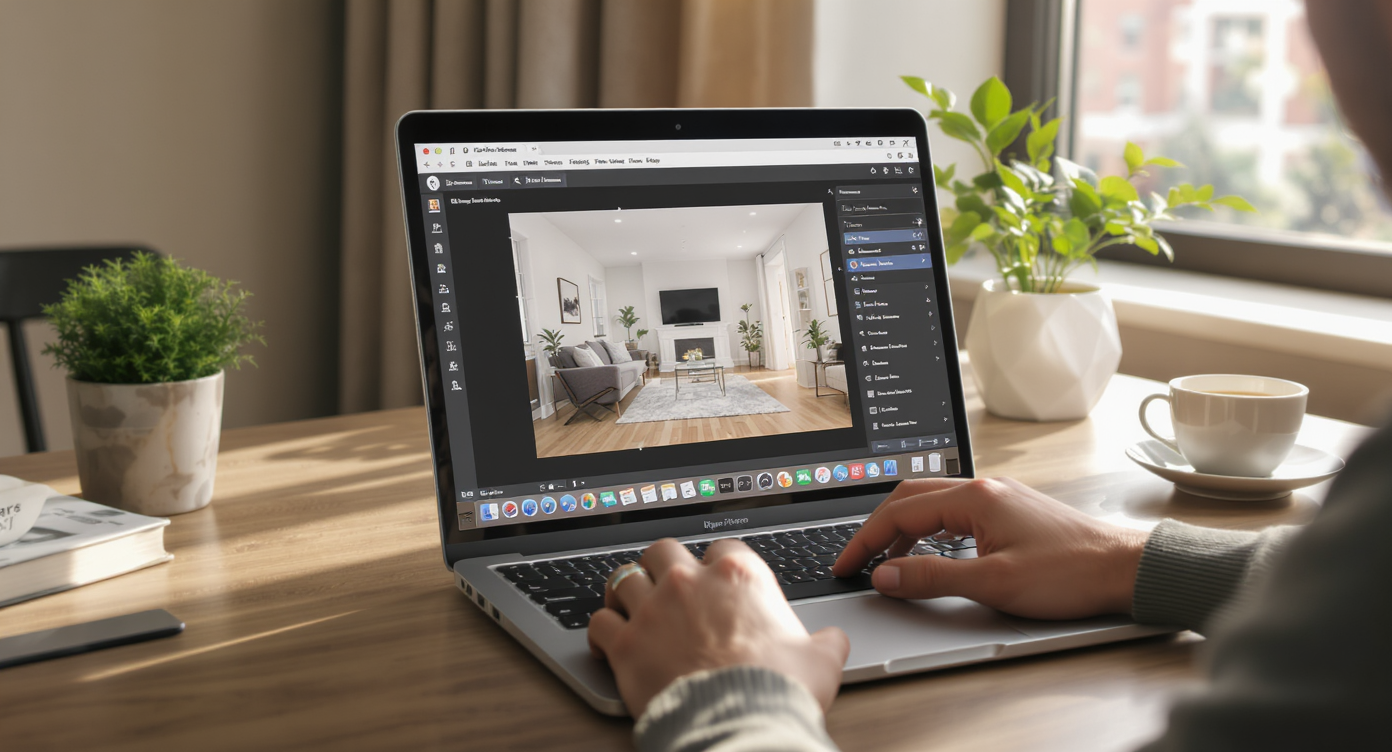
Step-by-step image straightening with ReimagineHome.ai streamlines photo correction for realtors.
Follow these simple steps to achieve perfectly straight real estate photos using ReimagineHome.ai:
- Choose the photo(s): Select images showing distorted walls, tilted horizons, or leaning furniture—interior shots or exterior views work equally well.
- Upload to ReimagineHome.ai: Use the intuitive interface on the image straightening page to submit your photos.
- Prompt the fix: Provide clear instructions like “straighten verticals” or “fix tilt” to guide the AI precisely.
- Review and adjust: Fine-tune results using follow-up prompts to keep natural perspectives and avoid overcorrection.
- Download the final version: Save your aligned images for listing portals, client presentations, or renovation documentation.
Tips and Tricks for More Realistic Results

Simple tips like proper alignment and lighting enhance realism in straightened listing photos.
For more realistic and effective image straightening, keep these tips in mind:
- Always specify that you want the image straightened without cropping to keep the entire scene intact.
- Choose photos with obvious architectural lines, edges, or horizons to maximize AI detection success.
- Use gentle prompts if you want to preserve the natural wide-angle lens effect common in rooms and exteriors.
- Pair straightening with image enhancement to brighten and sharpen your photos after correction.
- Where distortion is heavy, consider combining straightening with object removal to clear distracting elements simultaneously.
- Test different angles especially if you have multiple photos of the same room to pick the one needing the least correction.
Visualization Scenario
Test-drive corrected photos side-by-side to choose the look that best tells your property’s story without distortion.
Frequently Asked Questions About Image Straightening
Is image straightening allowed in real estate listings?
Yes, image straightening is a standard practice to correct camera distortions and ensure photos accurately represent the property without misleading buyers.
How realistic are AI straightened photos?
AI straightened photos maintain true room proportions and perspectives without artificial stretching, producing natural and trustworthy images.
Can image straightening fix all types of camera lens distortion?
While it effectively corrects tilt and crooked lines, heavy fisheye or barrel distortion may require additional correction tools beyond straightening.
What photo resolution works best for image straightening?
Using high-resolution images with clear structural lines yields the best results. Aim for photos at least 3000 pixels on the long edge if possible.
Can I combine image straightening with other AI enhancements?
Absolutely. Many users enhance straightened photos further with tools like image enhancement or object removal for a polished final image.
Visualize Your Listings and Projects Clearly Before You Commit
Image straightening transforms photos from distracting and misleading to clean and trustworthy visuals that highlight a space’s true appeal. With ReimagineHome.ai, real estate professionals, homeowners, and interior designers can now easily correct crooked images and showcase properties with confidence and clarity. Whether you’re preparing listing photos, documenting renovations, or planning layouts, this tool offers a quick and cost-effective solution to bring visual balance and professionalism to every shot. Explore ReimagineHome.ai’s image straightening today and see the difference a straight line can make.