From Closed-Off to Connected: Decision Clarity in a Full Kitchen Remodel (with Wall Removal)
TL;DR
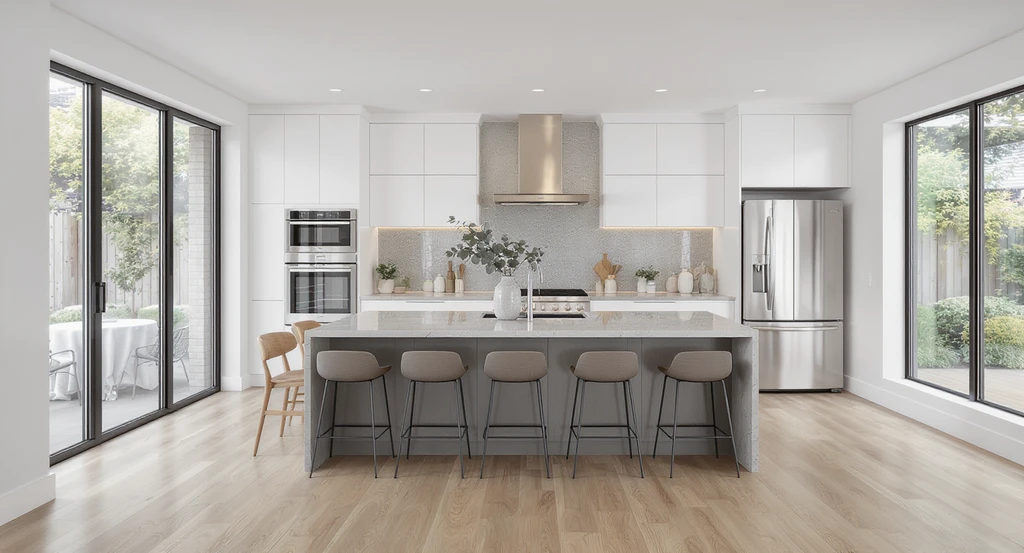
Combining kitchen and dining spaces by removing a wall can dramatically improve circulation, storage, and quality of everyday experience. This transformation, when thoughtfully visualized, depends on spatial proportion, material compatibility, and honest assessment of trade-offs-factors best explored before committing. Visualization tools help minimize regret and steer remodel decisions toward lasting satisfaction.
Introduction: The Challenge and Promise of Wall Removal
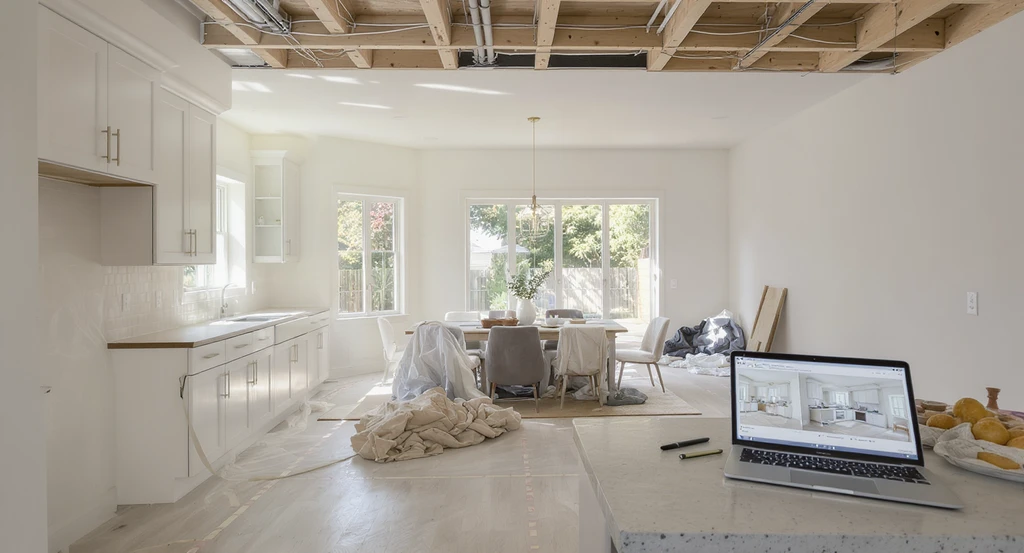
A photorealistic kitchen remodel scene demonstrates using an ai kitchen remodel visualization tool to plan wall removal, virtual staging for a modern kitchen, and ai-generated color scheme suggestions, guiding homeowners in how to use AI for kitchen design and renovation decisions.
A full kitchen remodel that includes structural changes, such as taking down a wall between kitchen and dining areas, is both one of the most intimidating and potentially transformative projects a homeowner can consider. The stakes are high: remove a wall and suddenly your kitchen could feel open, light-filled, and multi-functional or awkward, echoey, and off-balance, if spatial relationships are misjudged. As explored in our guide on remodel lessons and layout fixes, layout is what shapes your lived experience far beyond what any finish or trend can achieve. This article introduces the "REimagineHome AI "a decision model for homeowners contemplating removing walls as part of a kitchen remodel. We discuss the physical, visual, and psychological mechanisms in play, outline key decision steps, and show how AI-powered visualization tools can help you avoid costly missteps.
-
Why Wall Removal Isn’t Just an Open/Closed Question
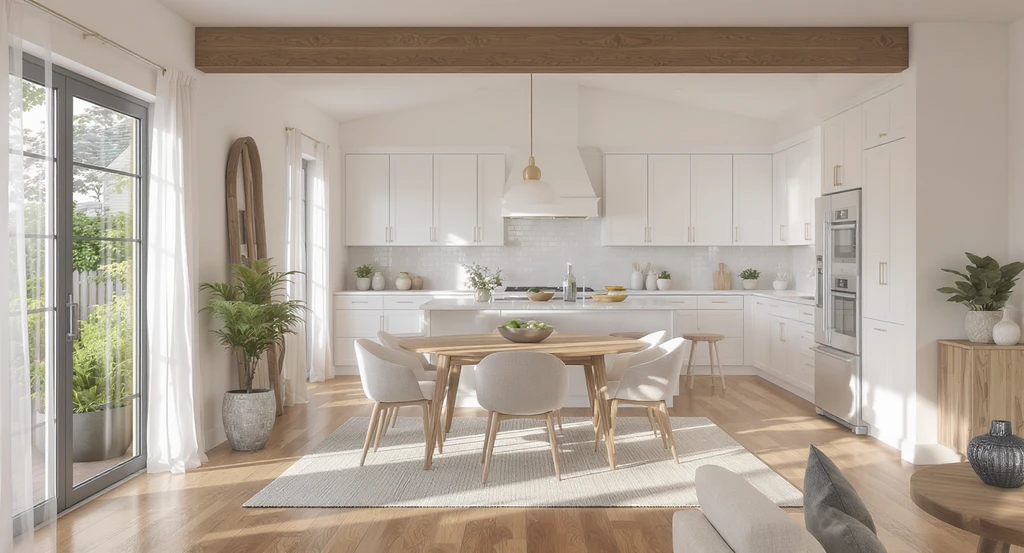
Using an AI kitchen remodel visualization tool and virtual staging, this rendered scene displays the spatial reasoning and design clarity needed when removing walls with AI home renovation software.
Removing a wall that once separated the kitchen and dining room is rarely a simple binary decision. Walls often encode structure (support), divide functions, and guide movement. Once removed, spatial zones bleed together. This can open sightlines, ease flow, and create opportunities for islands or peninsulas yet can also lead to subtle loss of privacy, noise control, or storage capacity. Spatial reasoning requires you to evaluate: - Circulation paths (entry, exit, natural bottlenecks) - Proportion and scale of the combined room - Balance between social and task-driven activity zones - Natural lighting and its redistribution As detailed in our exploration of timeless kitchen design rules, sustainable spatial changes depend less on trends and more on layout clarity, logical proportions, and the avoidance of forced, one-size-fits-all solutions.
-
REimagineHome AI Spatial Integration Framework
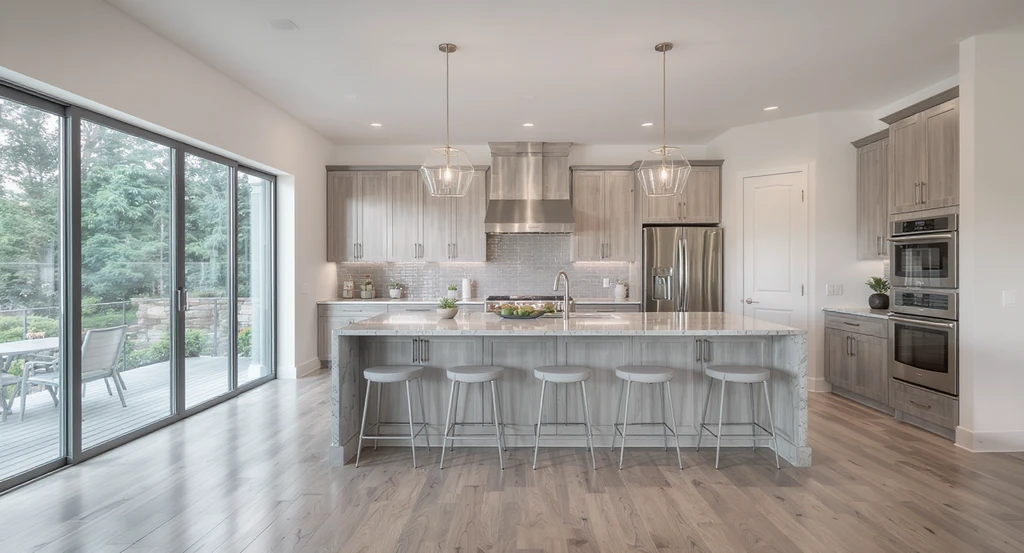
Using an ai kitchen remodel visualization tool, this scene demonstrates how to use ai for kitchen design and virtual staging for modern kitchen remodels. Integrated work and social zones, coordinated materials, and ai-generated color scheme suggestions help visualize removing walls with ai home renovation software.
Definition: The Spatial Integration Framework is a structured approach to evaluating the impact and opportunity when combining adjacent rooms by wall removal during a remodel.
It guides you through four main axes:- Function Integration: Map out new work and social zones. For example, will a peninsula bridge the space or is an island feasible? Consider how circulation lines, family gathering points, and storage needs overlap or separate.
- Proportion and Connectivity: Assess whether the resulting space is balanced. Too wide and it may feel exposed; too narrow and furniture can choke pathways. Calculate practical clearances—at least 36” for primary walkways, 42”+ for areas behind seating or at major traffic lanes.
- Light Dynamics: Removing a wall often allows daylight to penetrate deeper, but also exposes flaws in lighting plans. Model how light will shift, where shadows may gather, and how hard surfaces (like new hardwood floors replacing old tile) will interact based on window orientation and artificial sources.
- Material Cohesion: When combining zones, color schemes, cabinetry, flooring, and countertop materials need to bridge the old and new. According to our practical guide on surface restyling, visualizing options can prevent jarring transitions—especially with natural stones, handmade tile, or multi-toned cabinetry.
-
Surface and Material Decisions After Combining Spaces
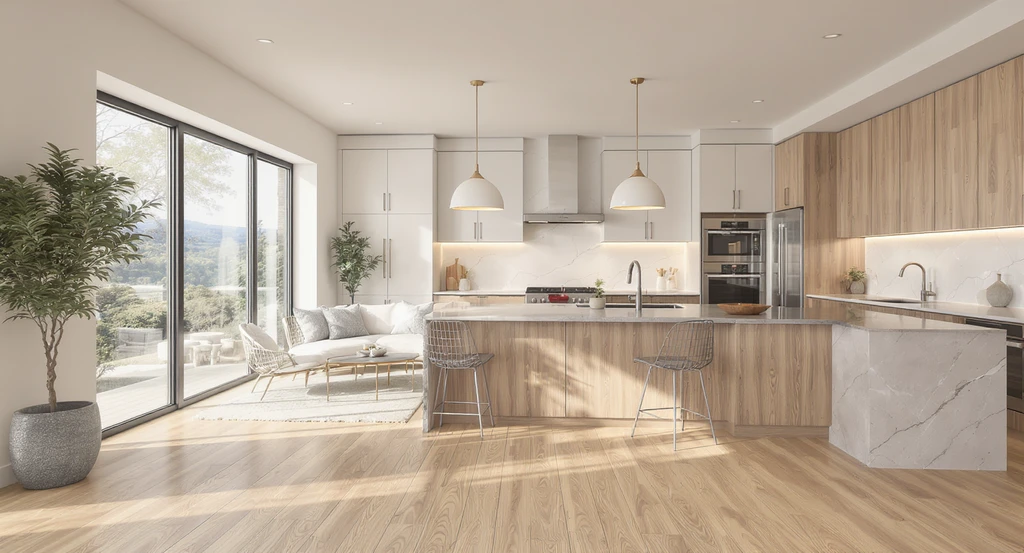
Using an ai kitchen remodel visualization tool shows how to use ai for kitchen design and virtual staging for modern kitchen remodels. With ai-generated color scheme suggestions for kitchens and removing walls with ai home renovation software, you can better assess surface and material decisions after combining spaces.
With the spatial form redefined, every subsequent finish cabinets, countertop, backsplash, flooring, and hardware must be reconsidered in the context of a larger, more visually integrated area. For example, bold slabs like Blue Mediterraneo quartzite can become a central focal point, while dual-tone cabinetry (e.g., Slim Shaker in Pistachio and Dove) must harmonize across more angles, lighting, and sightlines than in separated rooms. Tile, often the hardest choice under budget pressure, needs to function as a visual connective tissue rather than a dramatic statement. In our article on current kitchen trends, we note that material longevity and tactile interest outweigh trend-chasing when rooms are opened up. And, as countless remodelers find, it’s not uncommon to ultimately choose the first tile you loved after ample comparison—validation that initial instincts can be sound if tested in context.
-
Practical Application: Step-Based System for Decision-Making
- Define your core priorities. List what was lacking in your old kitchen (e.g., counter space, storage) and what the new plan must address. Involve both partners early, since preferences for countertop material or maintenance (quartz vs. quartzite) can be deeply personal.
- Model layout options with AI visualization tools. Use an AI kitchen remodel visualization tool to digitally remove walls, test peninsula or island placements, and experiment with workflow redesigns before you build. This brings clarity about what you’ll gain or risk with each option.
- Iterate finish selections in the combined space. Instead of speculating, upload your actual photo and use virtual staging to preview cabinetry colors, backsplash choices (such as Villa Zellige in Oat), and counter materials in concert, reducing the emotional fatigue of endless browsing.
- Calculate clearances and pathways before finalizing plans. At minimum, evaluate all work aisles and social/family flow for real-world comfort—not just aesthetic impact. Remember, as we stressed in our remodel lessons guide, swapped finishes are visible, but flawed layouts are lived every day.
- Test lighting modifications and study shadow behavior. Removing a wall can uncover issues with both daylight and artificial illumination that weren’t apparent before. Preview changes before you relocate or add fixtures.
-
Visualization Impact: Why "See It Before You Decide" Is Essential
Taking down a wall commits you to an irreversible change in spatial flow and sightline. Visualization tools—such as those provided by REimagineHome AI—allow you to preview wall removal, material swaps, and color scheme changes within your actual room photo. This lowers decision anxiety, exposes potential regrets before money is spent, and empowers debate between partners with concrete visuals instead of clashing mental images. Surface Restyling, featured in our article on how to test cabinets and counters digitally, is particularly useful here—letting you weigh color, texture, and finish harmony after the fundamental structure is set but before details are locked in.
-
Trade-Offs and Limitations: Honest Clarity Before Construction
Removing a kitchen wall and combining spaces unlocks flexibility and connection, but it isn’t always a clear win. Drawbacks can include:
- Loss of upper cabinet storage on the removed wall
- New sound/bustle transmission into social zones
- Potential HVAC rerouting, structural beam addition, or electrical rework
- Greater exposure of every finish/decision (both strengths and flaws)
Frequently Asked Questions: Kitchen Remodel with Wall Removal
- How do I know if a wall can be removed safely in my kitchen?
- Consult with a structural engineer or qualified contractor to determine if your wall is load-bearing, contains plumbing or electrical, or creates structural dependencies. Never remove a wall without professional assessment and a plan for necessary reinforcements.
- How can AI help me visualize a major kitchen remodel?
- AI-powered visualization tools allow you to upload current space photos, digitally remove walls, rearrange layouts, and experiment with colors and materials before committing. This reduces risk, clarifies impact, and supports confident decisions.
- Is it better to choose an island, peninsula, or keep an open passage after wall removal?
- The best option depends on your space's shape, dimensions, and circulation goals. Islands suit large, square spaces; peninsulas work well in longer, rectangular layouts. Visualization and clearance modeling help determine what fits best for workflow and comfort.
- What’s the biggest mistake homeowners make after removing a kitchen wall?
- One common pitfall is underestimating the loss of storage or overextending the open space, leading to awkward furniture placement or insufficient work zones. Always model storage, flow, and zones carefully before construction begins.
- Can I preview multiple finishes in my actual kitchen before making a purchase?
- Yes. With digital tools like REimagineHome AI, you can test cabinets, counters, backsplash, and flooring in your real kitchen photo, making it far easier to judge material compatibility before ordering or installation.