
TL;DR
ReimagineHome.ai’s Pool Add/Treat is an AI tool that restyles or adds a pool in any backyard photo, refreshing water, tile, and surrounding hardscape digitally so you can preview a pool renovation with AI or market a listing that’s not renovation‑ready. It’s fast, realistic, and a fraction of the cost of construction. Try it on a real image now at ReimagineHome.ai and see design options side by side.
The Real Cost of Showing Pools “As They Are” Online
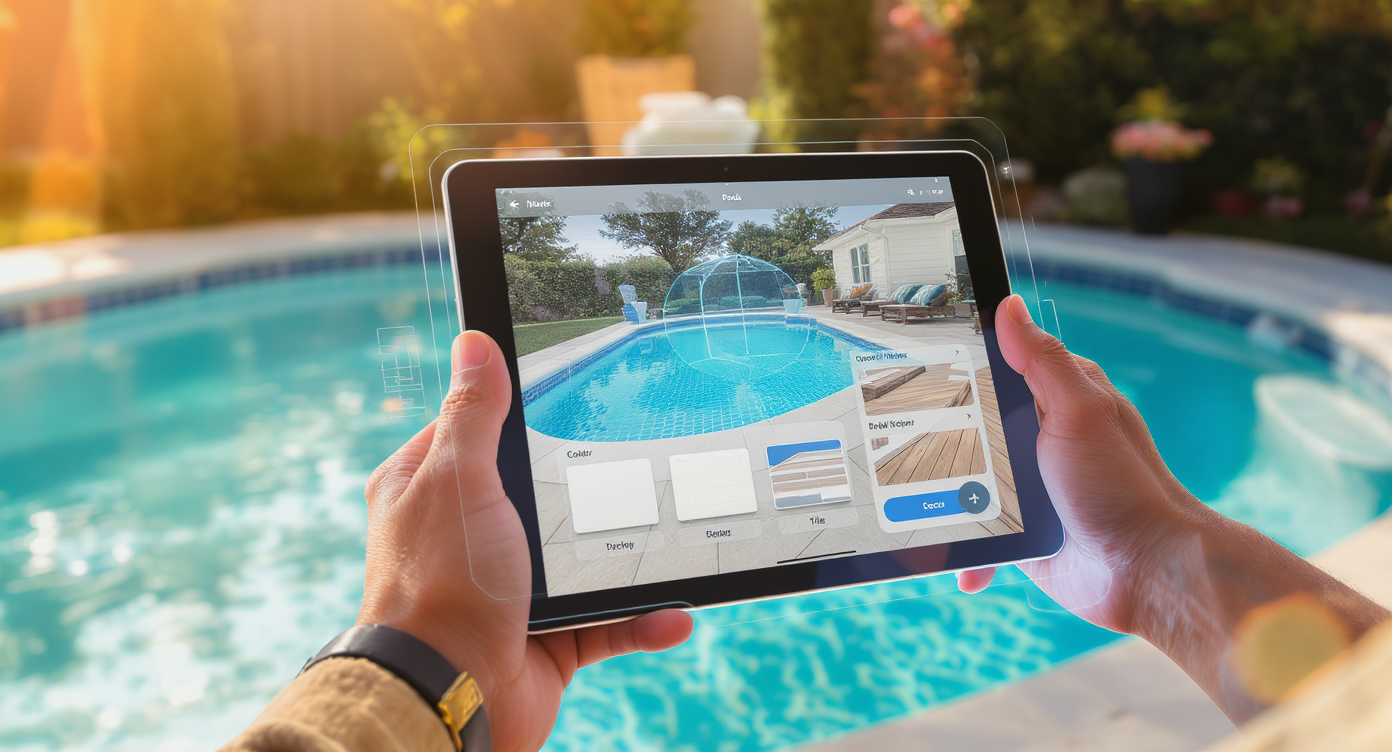
Preview refreshing pool renovations digitally before committing to costly real work.
Pool Add/Treat in ReimagineHome.ai is an AI tool that restyles or adds a pool in a photo, refreshing water, tile, coping, and decking digitally. It’s a powerful way to preview a pool renovation — or to make a tired pool photo look clean and inviting for a listing — without spending five figures.
- Results: Clear, blue water; modern waterline tile; refreshed coping and deck that read as move‑in ready.
- Realism: Photo‑real edits that respect perspective, shadows, and reflections for credible AI outdoor design.
- Speed: Upload a backyard photo and generate options in minutes.
- Cost: Pay per image — far less than resurfacing, and ideal while you price contractors.
- Workflow: Preview styles, compare looks, share with sellers or partners for quick decisions.
- ROI: Better hero images drive more clicks and showings; planning visuals reduce change orders.
- Peace of mind: Test materials, colors, and layouts digitally before the jackhammers arrive.
If you already have a tricky pool photo in mind, upload it to ReimagineHome.ai and test Pool Add/Treat on a real image while you read.
Why This Visual Problem Hurts More Than You Think
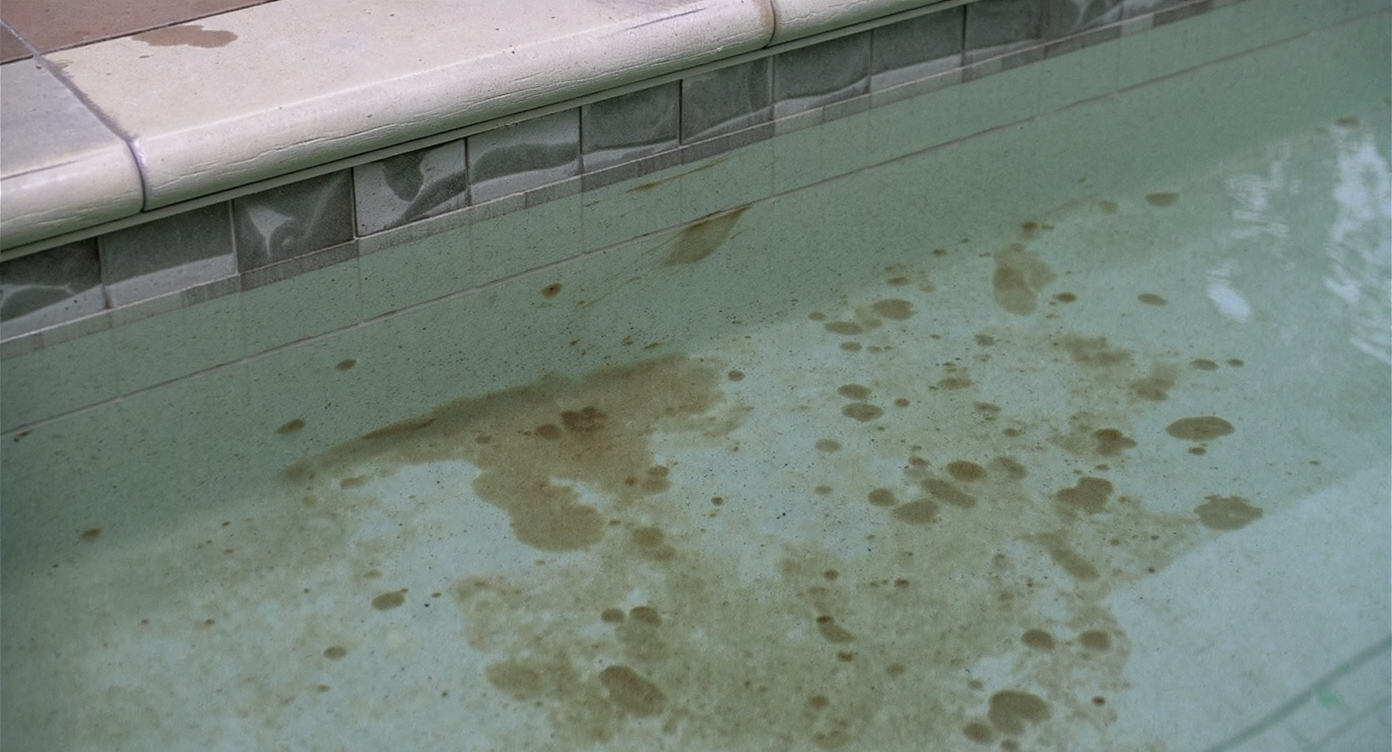
Poor pool visuals can deter buyers before they even visit your property.
Well-presented exterior photos often decide whether buyers click through — murky water and stained tile reliably suppress engagement.
Scroll behavior is blunt: if the first backyard image is hazy or the waterline looks grimy, many buyers assume “project” and keep moving. Agents report that even great houses stall when the pool photo signals maintenance or major expense. Sellers feel stuck between paying for renovation now or going to market with subpar visuals.
Pool fatigue shows up as flat water, dated tile, and sun‑baked decking that looks hot and harsh (hello, Texas pebblestone). In photos, those cues read as cost and complexity. Digitally clarifying the water, modernizing materials, and taming glare reframes the story: it’s a lifestyle space, not a money pit.
Anecdote
That beautiful house with the backyard photo everyone swiped past because the pool water looked tired and the pebble deck read “too hot, too old”? One digital restyle later, showings picked up before any contractor set foot on site.
What Pool Add/Treat Actually Is (In Plain Language)
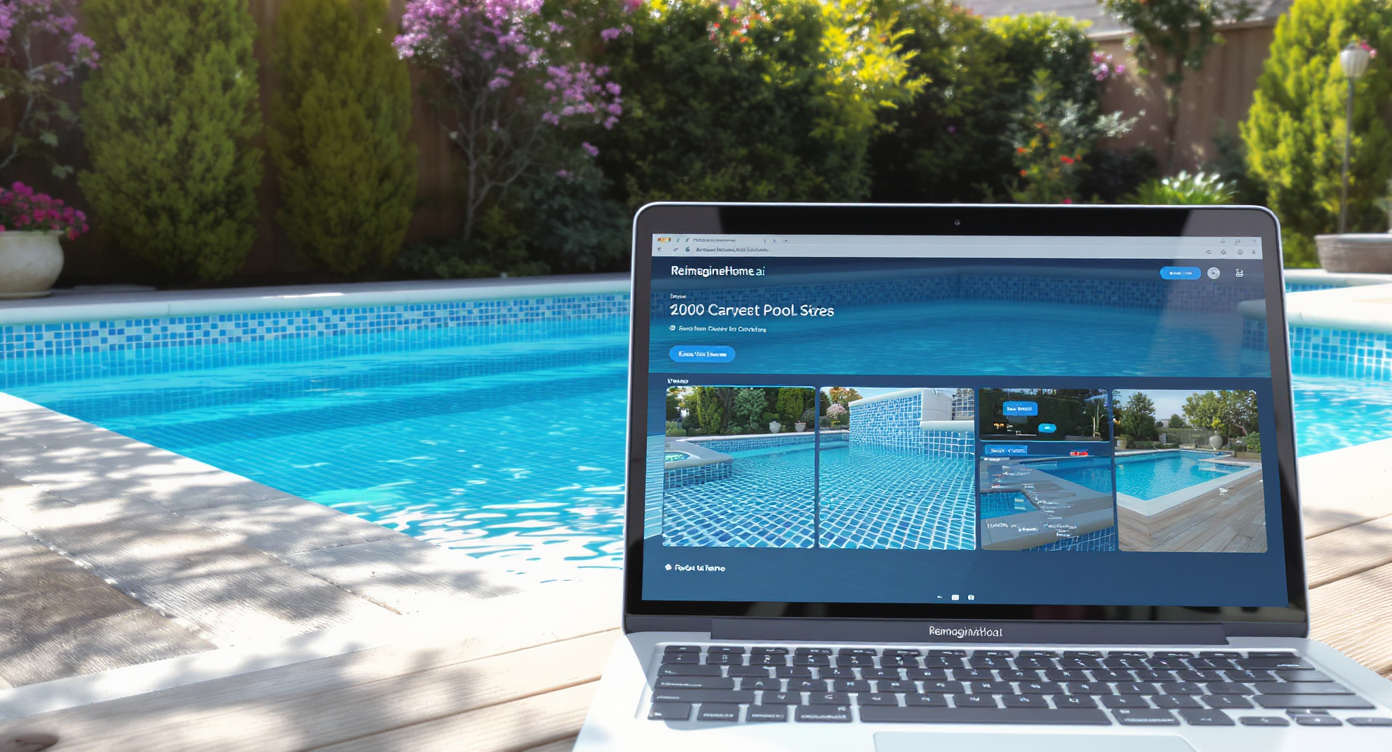
AI virtual restyling transforms tired pools with fresh water, tile, and decking looks.
Pool Add/Treat is AI virtual restyling for backyard pools — it upgrades the look of water, tile, coping, and adjacent surfaces directly in your photo.
In plain language: you upload a backyard or exterior image and select Pool Add/Treat to either add a pool to a yard that doesn’t have one or to restyle an existing pool’s finishes. The output is a photo‑real image you can use for listings, presentations, or renovation planning. It’s not a construction bid or permit — it’s a credible visual that helps you decide.
To try it now, open ReimagineHome.ai’s Pool Add/Treat tool; you’ll see options to make water sparkle, swap waterline tile, refresh coping, or preview alternate deck looks.
How Pool Add/Treat Works Step by Step
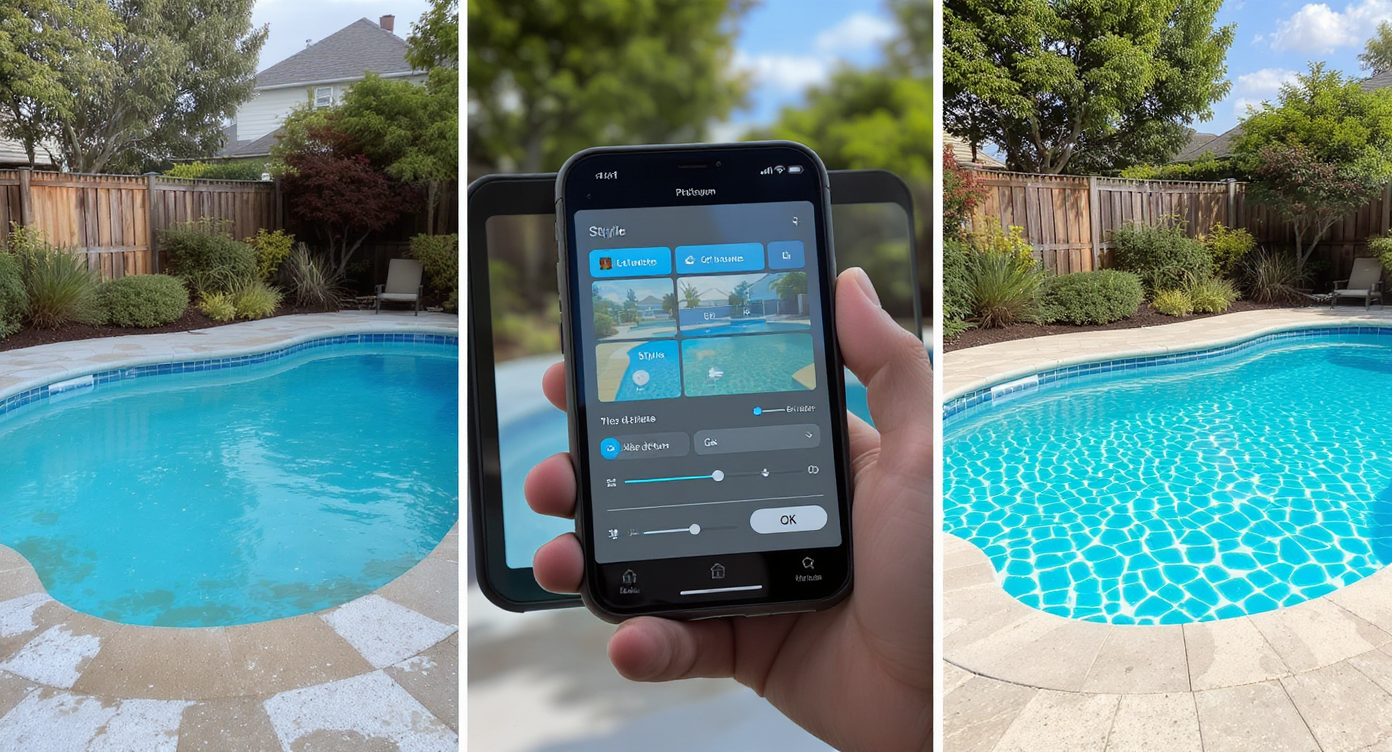
From photo to preview: watch your pool makeover in clear, realistic steps.
Good source photos (ideally 2000–4000 px on the long edge) produce the most convincing AI backyard remodel visuals.
- Choose the right photo: Wide exterior shots that include the pool edges, some surrounding deck, and a bit of house or fence give the AI context and depth.
- Upload to Pool Add/Treat in ReimagineHome.ai.
- Select your goal: Restyle an existing pool (clear water, replace tile, refresh coping/deck) or add a pool where none exists to explore layout ideas.
- Pick style cues: Modern, classic, or resort; lighter or darker water tones; neutral stone or cool concrete. You can generate multiple looks.
- Review and refine: Check edges, reflections, and color temperature. Regenerate with small adjustments until it feels market‑right.
- Export: Download high‑resolution images for MLS, portals, or seller decks. Keep a before/after pair for transparency.
Pro tip: If the source image is dull or unevenly lit, run an enhancement pass first. You can brighten and balance exposure using ReimagineHome.ai’s Image Enhancement, and for MLS clarity, finish with Upscale Resolution.
Tips and Tricks for More Realistic Results
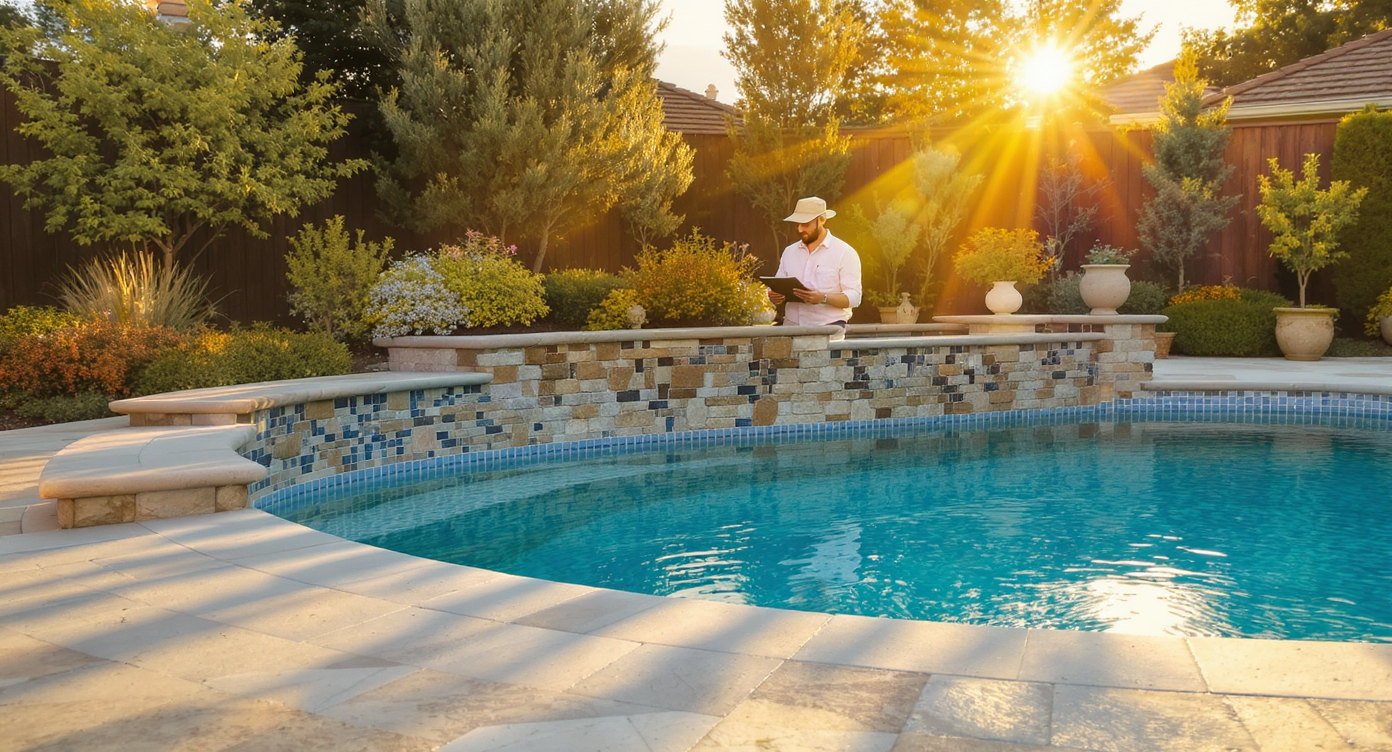
Match light, materials, and scale for believable digital pool transformations.
Realistic pool edits match local materials, light direction, and scale — when those align, viewers simply accept the image.
- Match the sun: Note shadow direction in the original photo and favor water tones and deck highlights that agree. Consistent light sells the scene.
- Keep materials plausible: In hot markets like Houston, cooler deck finishes (travertine, light concrete) photograph better and feel believable; avoid glossy “wet look” everywhere.
- Respect edges: Ensure coping lines and skimmer placements remain consistent; don’t float tiles where they can’t exist.
- Tame the color cast: If the yard is warm at golden hour, lean slightly warm in water and stone. Over‑blue water can look artificial.
- Mind scale: Chairs, steps, and waterline tile heights should relate correctly; oversized tile bands break the illusion.
- Start clean: Remove leaves, hoses, and toys in the source image first using Image Enhancement for a crisp base, then restyle.
- Export big: For portals that compress images, generate a larger file and, if needed, run Upscale Resolution so details hold up on retina screens.
Visualization Scenario
A single Houston backyard photo — afternoon light, dated waterline tile — becomes three options: classic plaster with light travertine, modern deep‑blue water with charcoal coping, and a family‑friendly light concrete deck with a simple mosaic band.
FAQ
FAQ
Can AI really add or restyle a pool in my backyard photo?
Yes. Pool Add/Treat uses AI to add a pool or restyle water, tile, coping, and decking in an existing photo, producing photo‑real visuals suitable for planning and marketing.
Is using AI pool edits allowed in real estate listings?
Policies vary by MLS. Many markets allow digitally enhanced images if changes are disclosed and do not misrepresent fixed property details. When in doubt, include a before/after pair.
How realistic are AI pool photos for buyers?
When lighting, perspective, and materials are kept plausible, viewers perceive the result as realistic. Stick to region‑appropriate finishes and avoid adding features that don’t exist on site.
What resolution do I need for good results?
Aim for 2000–4000 px on the long edge. If your file is smaller, generate first and then use Upscale Resolution to boost clarity for MLS and portals.
Can I preview tile colors and deck materials before I hire a contractor?
Yes — that’s a prime use case. Upload your photo to Pool Add/Treat and generate multiple options to compare side by side with your bids.
Visualize Your Next Listing (or Project) Before You Commit
Visual rehearsal reduces risk — a quick AI pass can settle debates and focus real dollars where they matter.
Three quick snapshots of where Pool Add/Treat changes the game:
- A Houston family with a pebble deck that scorches bare feet used Pool Add/Treat to preview cooler, lighter deck textures and a simple waterline tile refresh. They listed with the AI restyle while scheduling phases over two seasons.
- An investor with a dated pool and murky water generated a clean‑water, modern‑tile look to market showings immediately. The digital “after” helped buyers see potential before the contractor could start.
- A large older pool with failing returns needed triage. The owner used AI to test classic plaster vs. pebble, confirm tile color against the brick, and choose a coping profile — cutting indecision and expensive rework.
Most disappointment with AI visuals comes from weak source photos or pushing edits past what the architecture can carry. Start with a sharp image, keep materials region‑appropriate, and show both versions if disclosure is required in your market.
Whether you’re an agent trying to boost curb‑appeal clicks, a homeowner sanity‑checking a five‑figure bid, or a photographer offering upsells, you can shorten decisions and tell a clearer story today. Open ReimagineHome.ai’s Pool Add/Treat and visualize the backyard your audience wants to see — before you spend a dollar on demolition.