
TL;DR
Seasonal Reset is an AI photo edit that flips an image from winter to spring or summer to fall in minutes — a practical fix when your listing photos were shot off-season. It’s the minimalist way to add seasonal decor without storing a single item, and it works on interiors and exteriors. Try it now on a real image at ReimagineHome.ai and see how an in‑season look can lift engagement and clarity for buyers.
The Real Cost of Showing Off-Season Online
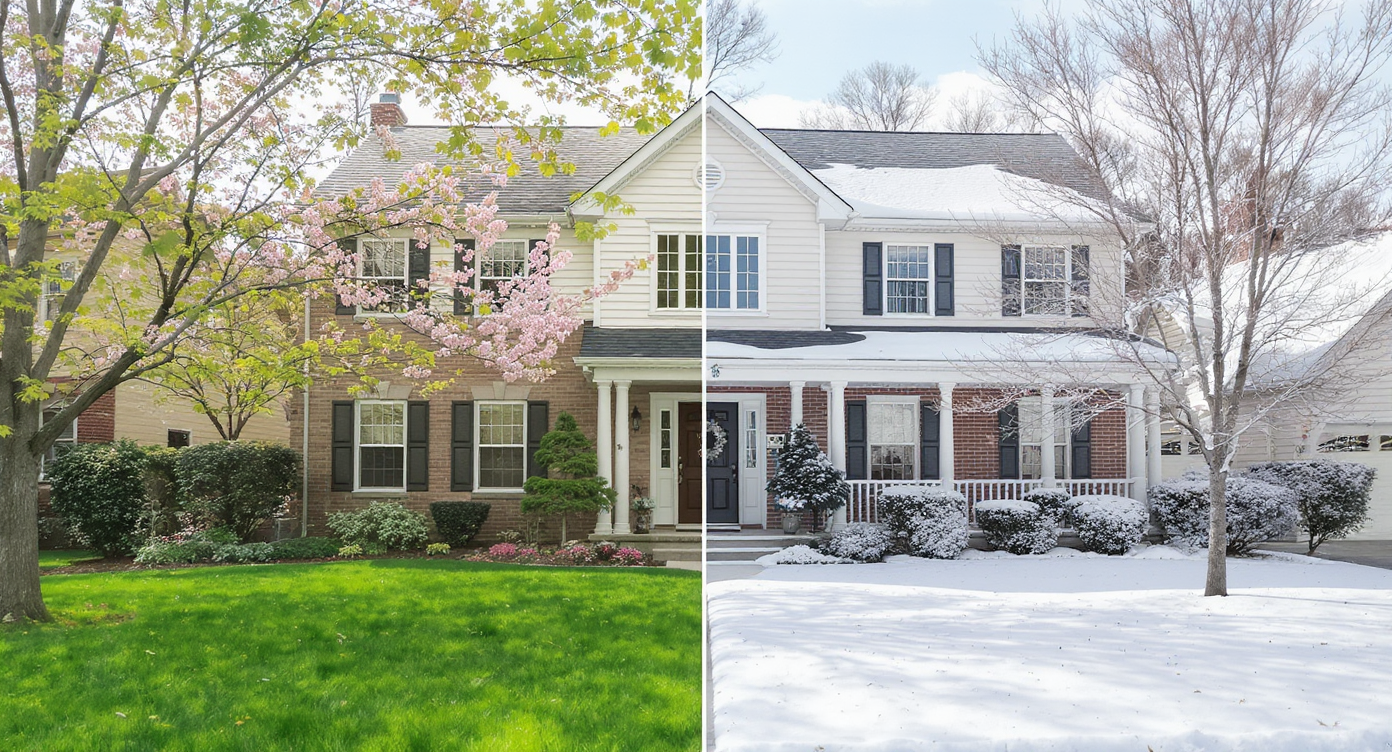
Visualizing how Seasonal Reset transforms a home's look without physical changes.
Seasonal Reset is a photo edit that transforms the season inside or outside a home image — snow to green, bare trees to leafed-out, autumn tones to bright summer. It matters because buyers respond to cues that match the moment; an in-season photo feels move-in ready and warm without adding physical clutter.
- Results: Swap winter to spring or summer to fall in minutes; make rooms and yards read “fresh” at a glance.
- Realism: Natural foliage, lighting, and subtle color grading keep edits believable.
- Speed: Upload, select Seasonal Reset, generate; most images are done in under a minute.
- Cost: A fraction of reshooting, re-landscaping, or buying decor you don’t want to store.
- Workflow: Use your existing photos; no extra gear or site visits needed.
- ROI: Timely, attractive images get more clicks, better saves, and faster buyer shortlists.
- Peace of mind: Keep a neutral base at home; change the vibe in the photo, not your storage closet.
If you already have a tricky off-season photo, upload it to ReimagineHome.ai and test Seasonal Reset while you read.
Why This Visual Problem Hurts More Than You Think
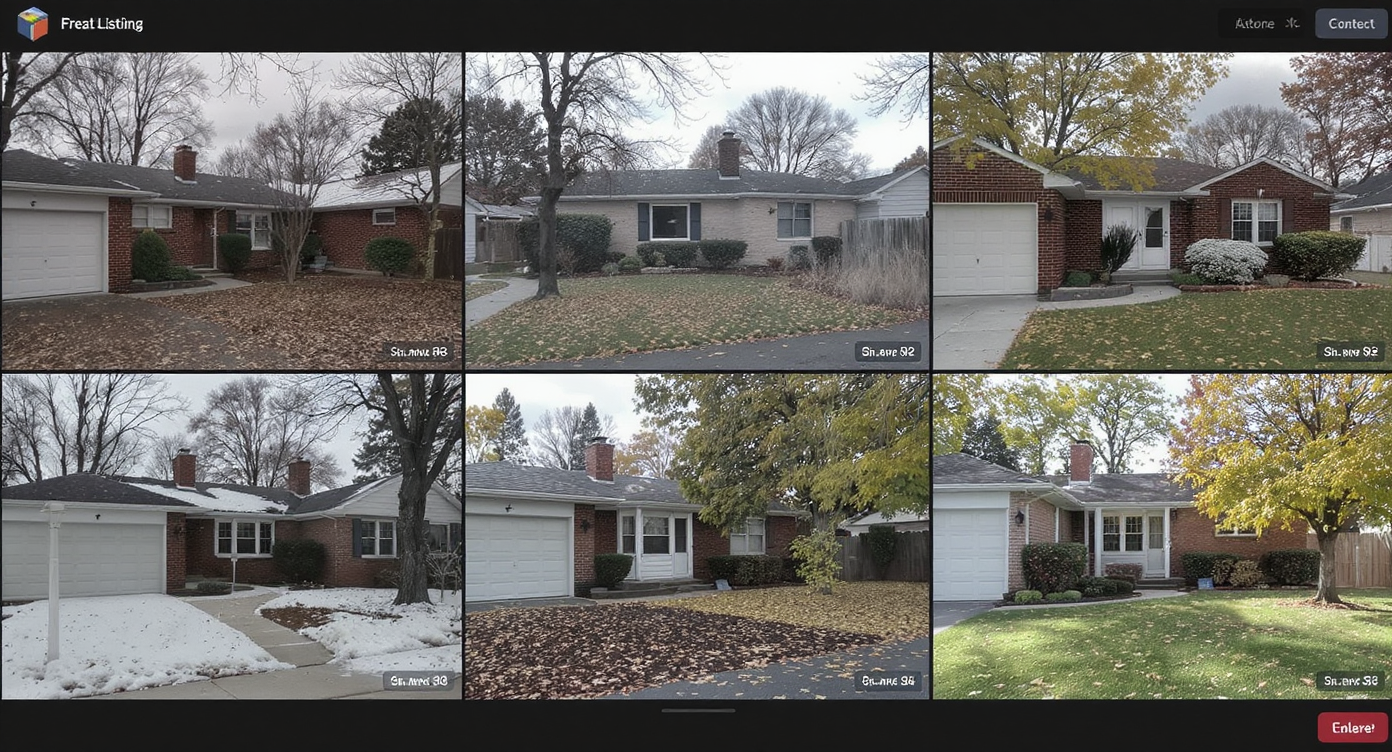
Seasonal mismatch in photos quickly deters buyers scrolling online listings.
Seasonal mismatch is one of the fastest ways to lose buyer interest mid-scroll. When the yard looks brown and the sky is gray, or a living room reads “December” in June, people bounce before they’ve noticed your floor plan or light.
Here’s how it shows up in real life:
- Scroll behavior: Carousels with green, leafy hero images and warm interiors tend to hold attention longer than stark winter shots.
- Buyer perception: Off-season visuals make a place feel cold, smaller, and harder to imagine living in — the opposite of “move-in ready.”
- Agent and seller confidence: If your best photos were captured in the wrong season, you hesitate to relist or run ads. A quick seasonal edit removes that friction.
For minimalists, this is even more relevant: you don’t want a closet full of seasonal decor. Seasonal Reset does the mood work digitally, so your home can stay neutral and uncluttered.
Anecdote
That perfect-but-bare yard you shot in February finally looked alive: the same angle, now with soft spring greens, became the hero image that stopped buyers mid-scroll.
What Seasonal Reset Actually Is (In Plain Language)
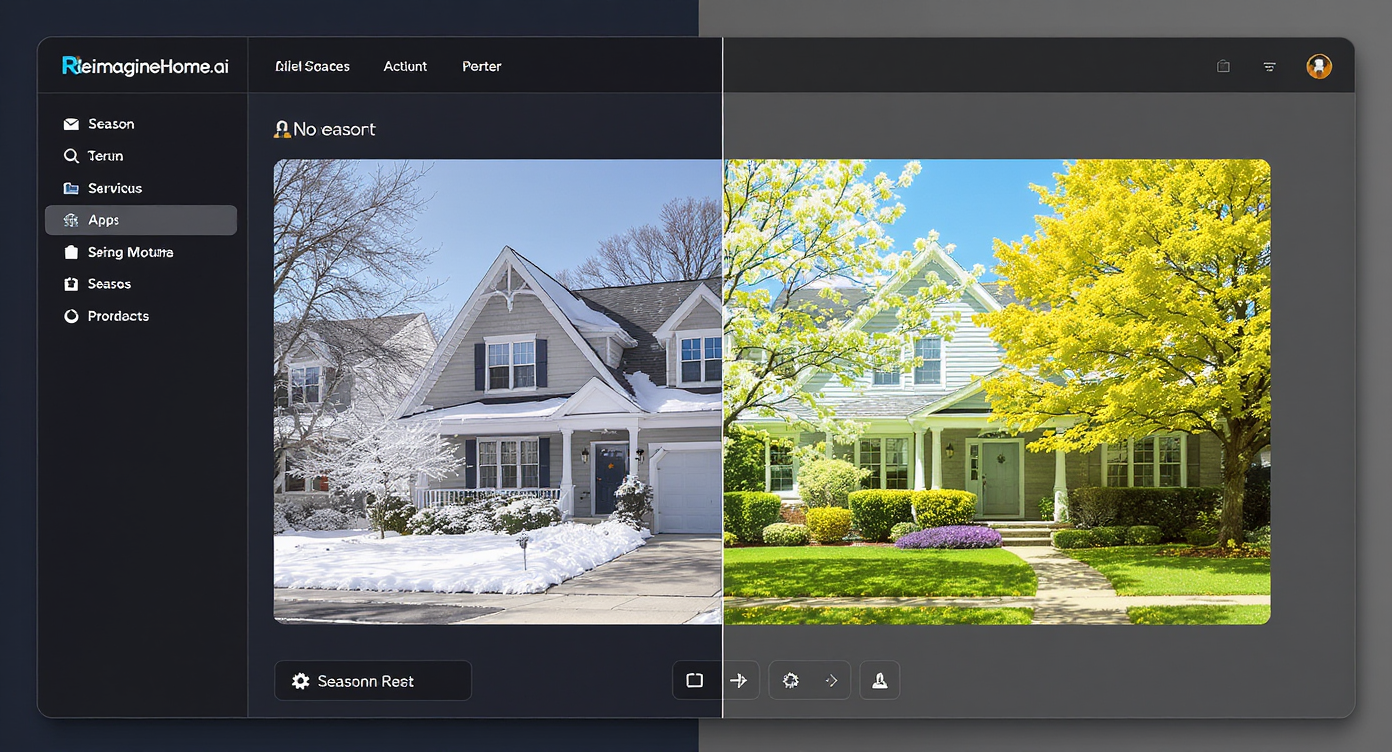
Seasonal Reset's straightforward AI tool makes seasonal updates simple and fast.
Seasonal Reset is an AI-powered transformation that changes the seasonal cues in a photo — foliage, light color, and outdoor ground cover — while keeping architecture and layout intact. It works on exterior photos (lawns, trees, beds, skies) and interior shots (window views and ambient color temperature), creating the feel of spring, summer, fall, or winter without staging props.
You provide a standard real estate or smartphone photo; the output is a high-resolution, seasonally updated image ready for MLS, portals, or marketing. Explore capabilities on ReimagineHome.ai’s Seasonal Reset page and see examples of winter-to-spring, snow-to-green, and fall color adjustments.
How Seasonal Reset Works Step by Step
Good inputs make great outputs — aim for clear, well-composed photos for the best seasonal edit.
- Choose the right photo: Front exteriors, backyard angles, and living rooms with windows are ideal. Avoid extreme backlight or heavy motion blur.
- Upload to ReimagineHome.ai: Create a project and select the Seasonal Reset tool.
- Select target season: Pick spring, summer, fall, or winter. Outdoors, AI adjusts lawn, trees, and sky; indoors, it tunes views and warmth.
- Generate and review: In seconds, compare before/after. Look for natural shadows and foliage variety.
- Refine if needed: Try a slightly different season (early spring vs. peak summer) for a more authentic local look.
- Export for MLS and social: Save the high-res file for your listing, brochure, or email campaign.
Constraint and best practice: Start with a photo at least 2000–3000 pixels on the long edge. If your originals are small, first run them through ReimagineHome.ai’s Upscale Resolution to improve clarity before the seasonal edit. A quick pass with its Image Enhancement tool can also lift exposure and contrast for more believable results.
Tips and Tricks for More Realistic Results

Proper lighting and composition enhance realism in seasonal photo transformations.
Realistic seasonal edits follow the same rule as good staging: if a stranger can’t spot the work, you did it right.
- Match the market’s calendar: If you’re listing in April, choose early spring greens and lighter skies, not peak August lawns.
- Keep shadows honest: Angle-of-sun should stay consistent with the original photo so the edit reads naturally.
- Vary the greens: Mix light and dark foliage tones; pure neon green looks fake.
- Respect regional flora: In arid markets, subtle desert greens beat lush East Coast lawns. Keep plant types plausible.
- Mind window views: For interiors, let the outside update subtly; avoid over-saturated color bleeding inside.
- Stagger edits across the set: Make the hero image more vibrant, and keep secondary frames restrained for cohesion.
- Polish the file: After Seasonal Reset, a light pass with Image Enhancement can balance white balance and micro-contrast without overcooking.
Visualization Scenario
Picture your clean, neutral living room. With Seasonal Reset, the window view shifts to early spring greens and brighter daylight, changing the whole vibe — while your shelves stay blissfully uncluttered.
FAQ
FAQ
What is a seasonal reset for real estate photos?
It’s an AI edit that updates seasonal cues — foliage, lawn, sky, and window views — so a home looks in-season without physical decor. It’s ideal for off-season listing photos.
How realistic are AI winter-to-spring or summer-to-fall edits?
When you match local flora and keep shadows consistent, edits look natural on screen and in print. Start with a clear photo and avoid extreme saturation.
Is it okay to use seasonally edited images on MLS?
Most markets allow non-misleading photo enhancements. Keep architecture and lot features accurate, and use Seasonal Reset for timing and mood only.
What resolution do I need for good results?
Aim for 2000–3000 pixels on the long edge. If your file is smaller, run it through Upscale Resolution before applying Seasonal Reset.
Can I get a seasonal vibe without storing decor?
Yes. Seasonal Reset changes the mood in the photo, so your home can stay neutral and uncluttered — perfect for minimalist living or small spaces.
Visualize Your Next Listing (or Project) Before You Commit
Where Seasonal Reset Totally Changes the Game
Even one timely image can reframe a buyer’s first impression.
- That winter shoot you did before the yard woke up: Seasonal Reset turned gray grass and bare trees into a soft spring scene. The hero image finally matched the copy, and showings picked up the week it went live.
- The compact condo with big windows: The original photos felt December-cozy in July. A summer reset cooled the color temperature and brightened the view, so the rooms read larger and airier.
- The minimalist seller who hates storage: No bins, no wreaths. We kept the home neutral and used Seasonal Reset to cue “holiday warm” for a December relist, then swapped to early-spring imagery for a January refresh.
Common Mistakes with Seasonal Reset (and Easy Fixes)
Most disappointment comes from weak source photos, not the AI. Start with the best image you have and keep edits plausible.
- Over-saturated greens: If it looks fluorescent, dial back to early spring or add a subtle enhancement instead of a full shift.
- Tiny or blurry files: Upscale first with Upscale Resolution so edges and leaves hold up on large screens.
- Ignoring local cues: Don’t add lush lawns to desert exteriors; choose a season look that reflects your region.
- One image out of step: If the hero is summer and the rest are winter, refresh 2–3 key frames so the set feels consistent.
- Editing beyond reality: Keep architecture, hardscape, and views intact. Seasonal Reset is for timing, not reconstruction.
Who Gets the Most Value from This Tool
Anyone who needs timely visuals without storage, reshoots, or props benefits from Seasonal Reset.
- Agents and teams: Keep listings current year-round and reduce reshoot budgets.
- Brokerages and marketers: Standardize photo quality across markets and seasons for consistent brand presence.
- Photographers and media companies: Offer an off-season add-on that saves trips and boosts client satisfaction.
- Sellers, flippers, and investors: Market faster after renovations regardless of season; no staging bins needed.
- Designers and stagers: Present mood boards and seasonal concepts digitally, then stage light and smart.
Visualize Your Next Listing (or Project) Before You Commit
Think of Seasonal Reset as a rehearsal for your listing story. Your base photos stay clean and neutral; the season shifts to meet the moment. When you’re ready to see it on your own images, head to ReimagineHome.ai’s Seasonal Reset or start from the homepage at ReimagineHome.ai and upload a photo in under a minute.