
TL;DR
ReimagineHome.ai’s Seasonal Reset is an AI photo edit that flips winter listing photos to spring—snow to green, bare branches to foliage—so off-season images still convert. It’s the fastest way to fix off-season listing photos and keep momentum without waiting for the weather, a common long-tail search like “how to fix off-season listing photos” or “AI landscaping from a photo.” If you already have a tricky exterior shot, upload it to ReimagineHome.ai and test it while you read.
Why These Photos Aren’t Doing Your Listing Any Favors
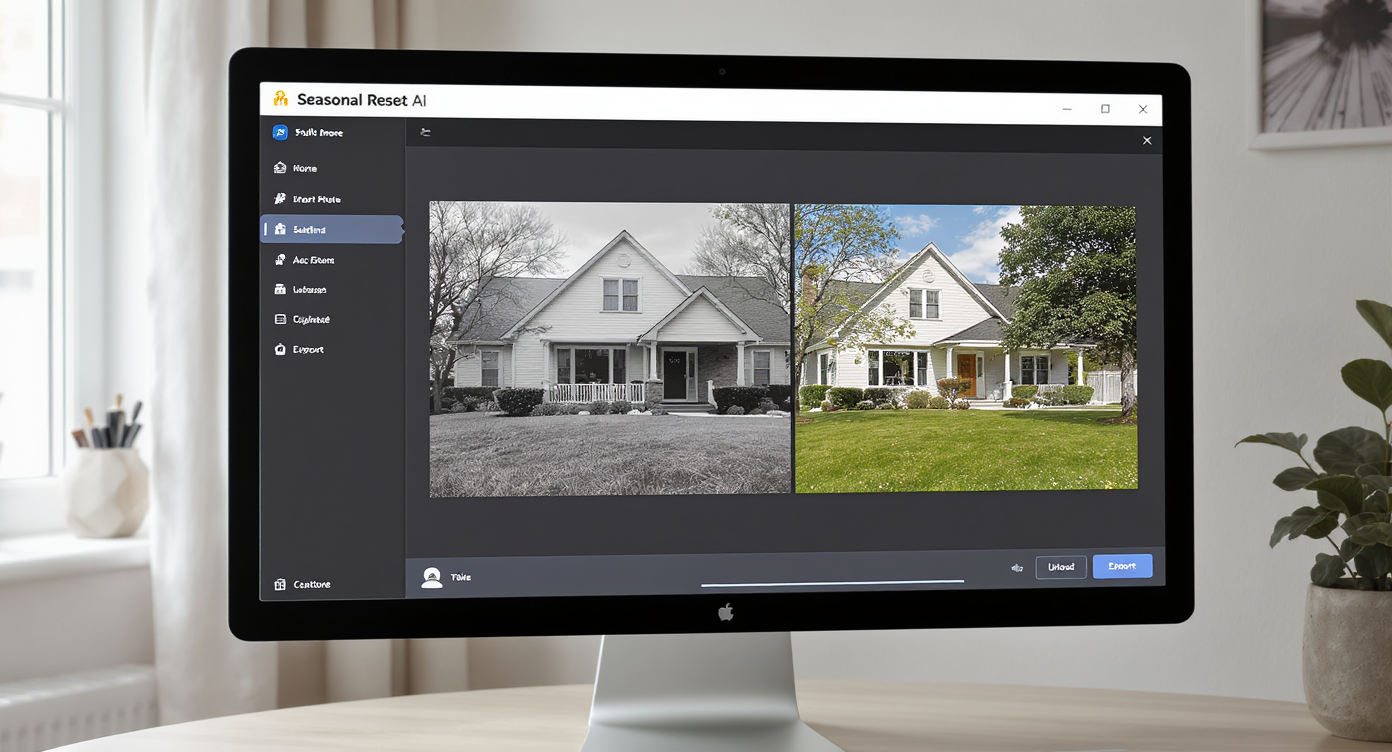
Seasonal Reset software turns cold, off-season photos into fresh spring-ready images instantly.
Seasonal Reset is a targeted AI edit that converts winter exteriors into spring-ready images—greener grass, lush trees, and cleaner skies—without changing the home itself. It matters because off-season photos often underperform: buyers scroll past cold, gray facades and assume the property feels drafty or dated.
- Results: Fresh curb appeal from a single photo—more clicks, more saves.
- Realism: Vegetation, shadows, and textures are rebuilt to match the original light and perspective.
- Speed: Minutes, not weeks—no reshoot required.
- Cost: A fraction of photography, landscaping, or waiting for the season to change.
- Workflow: Upload, select Seasonal Reset, review, export for MLS.
- ROI: Better first image = higher engagement and faster showings.
- Peace of mind: Keep marketing on schedule despite snow, dead lawns, or off-season timing.
If you already have a tricky listing photo in mind, upload it to ReimagineHome.ai and test Seasonal Reset on a real image while you read. For a dedicated walkthrough, explore ReimagineHome.ai’s Seasonal Reset tool to see examples and export options.
Why This Visual Problem Hurts More Than You Think

Cold, dull photos drive buyers away; vibrant spring visuals boost listing engagement dramatically.
Twilight-like hero shots and green exteriors frequently rank among the most clicked images in a listing carousel. When the yard looks dormant—patchy lawn, bare shrubs, pale sky—buyers often assume deferred maintenance and higher monthly costs, even if the systems are solid. On small screens especially, a gray lawn reads as “work,” while a green lawn reads as “move-in ready.”
That cold first impression ripples through the whole journey. Scroll behavior slows on lifeless photos, and the “save” action usually happens on the first two images. Sellers feel the drag too—longer days on market are rarely a photography problem alone, but visuals are the easiest lever to fix immediately. If your timing forces a January list date, your photos don’t have to look like January.
Micro-anecdote: that great colonial with new windows, listed after a snowstorm. The roof looked heavy, the yard looked crunchy, and the first image made the home feel… chilly. One Seasonal Reset later, it read like a May morning. Same house. Different outcome.
Anecdote
That perfect-but-frozen front lawn with snow piles at the curb—buyers assume drafty windows and big heating bills. After a Seasonal Reset, the same home looks like late April: crisp grass, leafy street trees, and suddenly the kitchen matters again.
What Seasonal Reset Actually Is (In Plain Language)
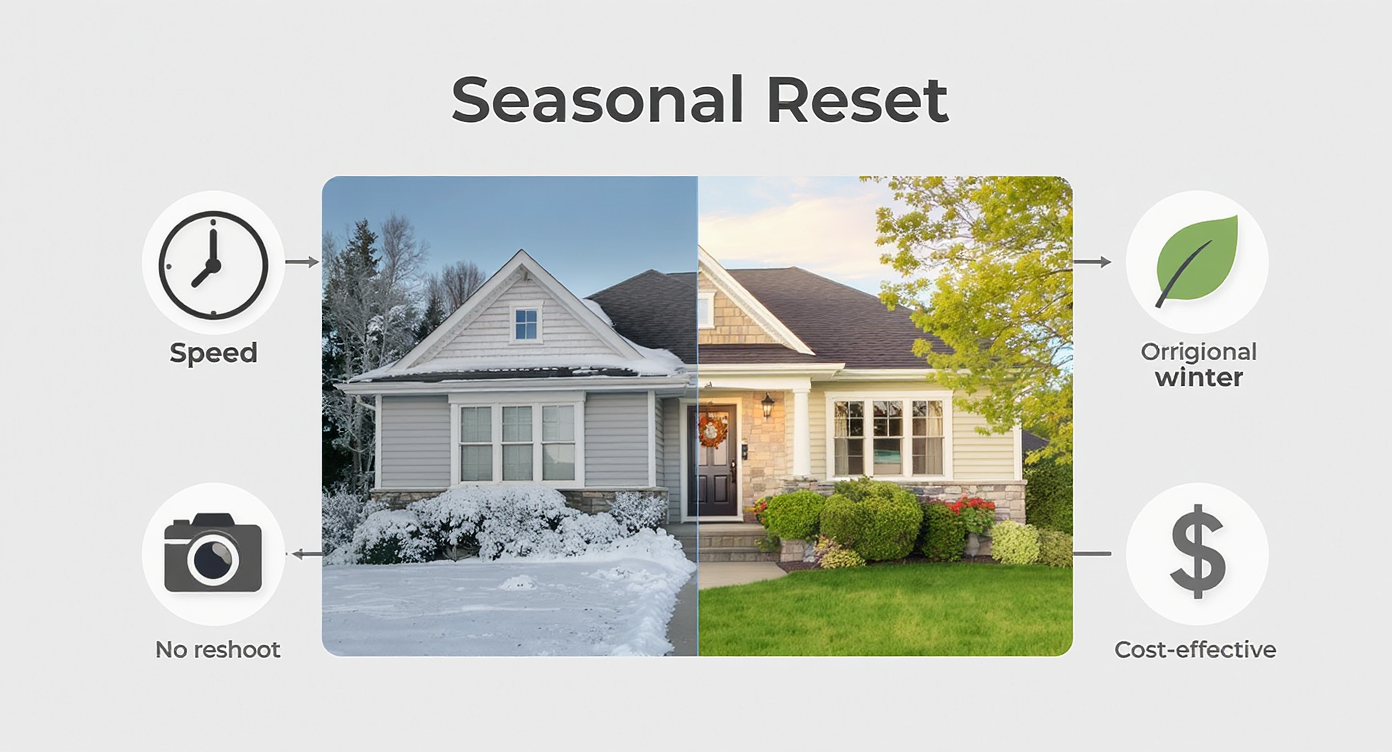
Seasonal Reset swaps winter dormancy with spring vibrance quickly and cost-effectively without reshoots.
Seasonal Reset is a photo-to-photo AI transformation that keeps the architecture intact and swaps winter cues for spring growth. You upload a standard exterior shot; the tool analyzes perspective, light, and structural edges, then replaces snow, mud, and dormant vegetation with natural-looking lawns and foliage. It does not remodel the house or alter permanent features; it refreshes the season around them.
The input is a single exterior image (front yard, backyard, or patio). The output is a spring-ready photo aligned to MLS-friendly standards and better curb appeal. To see how it works and what export sizes you can expect, visit ReimagineHome.ai’s Seasonal Reset solution page.
How Seasonal Reset Works Step by Step
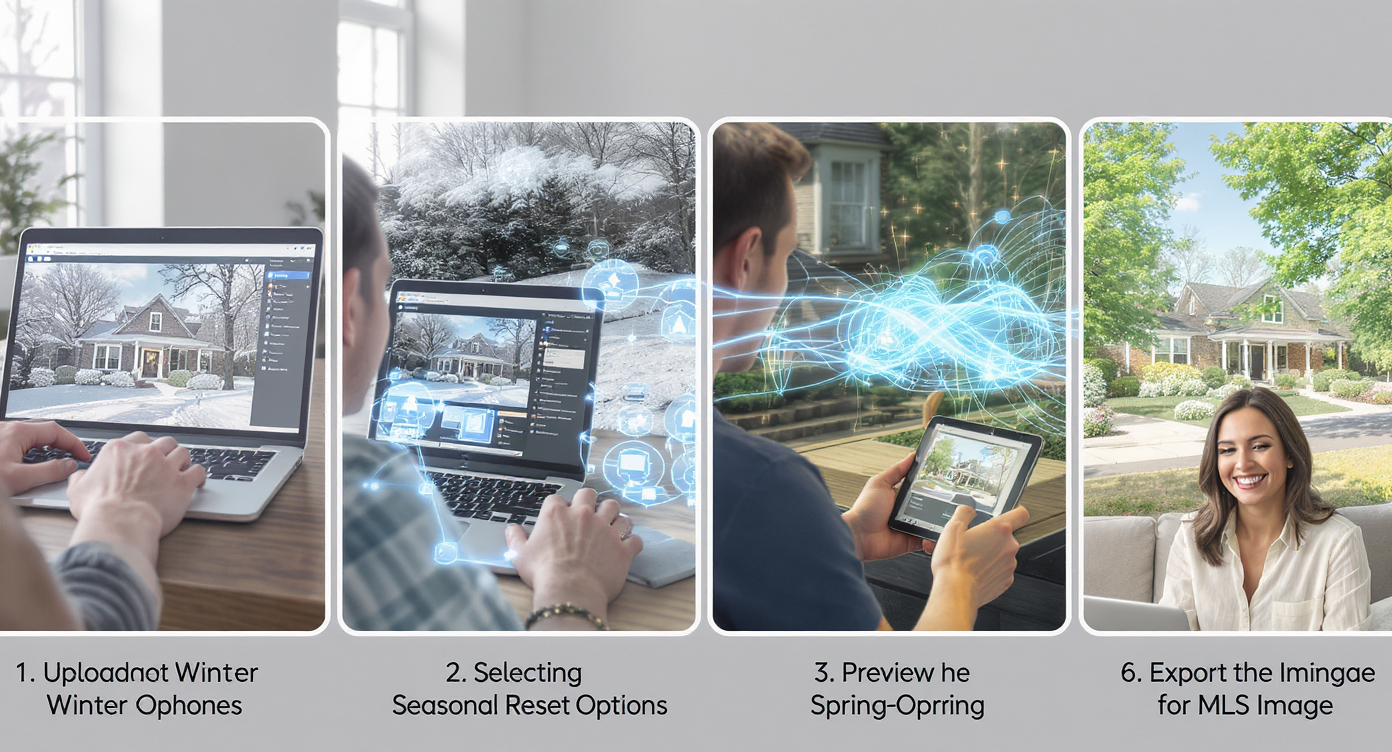
Seasonal Reset simplifies transforming off-season photos into spring-ready visuals in minutes, boosting MLS appeal.
MLS and portals typically reward clean, high-resolution images—ideally 3000–4000 pixels on the long edge—to avoid compression artifacts. Start there and the AI will meet you halfway.
- Choose the right photo: Pick the cleanest composition of the façade or yard. Avoid extreme wide angles that distort the horizon or heavy obstructions in the foreground.
- Upload to ReimagineHome.ai: Drag-and-drop your exterior image into your project dashboard.
- Select Seasonal Reset: Choose Seasonal Reset to flip winter to spring with AI landscaping from a photo.
- Review and refine: Check lawns, shrubs, and tree lines. Look for natural edge transitions around driveways, siding, and fences.
- Pair with enhancement if needed: If the original is dull, run ReimagineHome.ai’s image enhancement for smarter light and color before or after the reset.
- Export for MLS/portals: Download at high resolution. If your source was small, use its Upscale Resolution tool to boost clarity.
Constraint to remember: overly dark, underexposed snow photos may limit what any AI can recover. If possible, snap a quick reshoot at midday light for cleaner inputs.
Tips and Tricks for More Realistic Results

Expert tips ensure Seasonal Reset images reflect true late-spring ambiance for authentic curb appeal.
A good rule of thumb: the best Seasonal Reset results look like your market’s late spring—not a botanical garden. Subtle beats saturated.
- Match the light: If the original sky is cool, keep greens cool; if it’s warm, let the lawn skew warmer. Light-temperature consistency sells realism.
- Respect local flora: Favor generic turf and region-friendly shrubs over palm trees in Boston or desert plants in Ohio.
- Keep edges honest: Zoom into driveway seams, foundation lines, fence posts, and mulch borders. Soft transitions read natural; hard “stickers” don’t.
- Mind the shadows: Shadows shouldn’t move. If your façade shadow angles left, the grass should honor that. It’s the easiest tell buyers notice subconsciously.
- Control saturation: Pull back the vibrancy until it looks like a Tuesday in April, not a postcard.
- Prep files well: If the source is grainy, run Upscale Resolution first; then use Enhance Image for balanced contrast before you export.
- Stay consistent across the set: If you reset the hero image to spring, reset other exterior angles so the gallery tells one coherent story.
Visualization Scenario
Picture your lead exterior photo: slushy driveway, bare shrubs, gray sky. Now see the same frame with clean turf, soft foliage, and a brighter sky—still your house, just in its best season. That’s the gallery buyers swipe through and save.
FAQ
Is changing seasons in real estate photos allowed?
Yes—most markets allow edits that adjust seasonality and cleanliness as long as the home’s permanent features aren’t misrepresented. Use Seasonal Reset for vegetation and ground cover, not structural changes.
How realistic are AI landscaping edits from a photo?
Very realistic when light, shadows, and edges are respected. Keep plant choices generic to your region and match the original lighting to maintain believability.
What resolution do I need to get good results?
High-resolution images (3000–4000 px on the long edge) produce the best results. If your source is small, run Upscale Resolution first.
Can Seasonal Reset fix patchy lawns and muddy beds?
Yes—Seasonal Reset replaces dormant or patchy areas with healthy turf and foliage while preserving edges around driveways, sidewalks, and foundations for a clean, MLS-ready look.
How fast is the workflow compared to a reshoot?
Minutes instead of days or weeks. Upload, apply Seasonal Reset, review, and export—no need to wait for the weather or landscaping crews.
Visualize Your Next Listing (or Project) Before You Commit
Where Seasonal Reset Totally Changes the Game
Even simple lawn replacement and foliage can change click behavior dramatically when timing isn’t on your side.
- Townhouse after a late storm: The original showed plowed snow and a salt-streaked curb. Seasonal Reset delivered green edges and leafy trees. Result: the hero image finally matched the interior’s warmth, and the open house drew a full first hour.
- Investor flip with patchy sod: Replanted in October, photographed in December. Reset to a tidy spring lawn and light shrubs. Result: stronger first-week saves on portal apps and less buyer fixate on “lawn repair” during showings.
- Relocation listing in a four-season market: Seller had moved; no budget for landscaping. Seasonal Reset created clean, plausible curb appeal. Result: fewer “we’ll wait until spring” comments, more immediate tours.
Common Mistakes with Seasonal Reset (and Easy Fixes)
Most disappointment comes from weak source photos, not the AI. Garbage in, garbage out still applies.
- Pushing greens too far: Oversaturated lawns look fake. Fix: bias toward neutral greens and let contrast do the heavy lift.
- Using tiny or blurry photos: Low-res images amplify artifacts. Fix: export large from the camera, or run Upscale Resolution before the reset.
- Ignoring regional cues: Incompatible plants break trust. Fix: choose generic deciduous foliage or turf appropriate to your MLS area.
- Mixing seasons in one gallery: Spring front, winter back. Fix: reset all exteriors for consistency.
- Forgetting disclosure etiquette: Don’t hide material defects. Fix: use Seasonal Reset for seasonal cues only; keep structural reality intact.
Who Gets the Most Value from This Tool
Seasonal Reset supports anyone who needs curb appeal regardless of the calendar.
- Agents and teams: Keep launch dates, boost hero images, and answer “what will it look like in spring?” without delaying the list.
- Brokerages and marketing staff: Standardize galleries during winter months so every listing card looks fresh and consistent.
- Photographers and media companies: Offer an off-season add-on alongside twilight and virtual staging—easy upsell with fast turnaround.
- Sellers, flippers, investors: Cost-effective curb appeal while landscaping establishes. Buyers see potential, not mud.
- Designers and planners: Quickly visualize front-yard concepts and plant massing with AI landscape ideas before committing budget.
Visualize Your Next Listing (or Project) Before You Commit
Previewing seasonality is like rehearsing the story of a home before opening night. With Seasonal Reset, you keep momentum, protect first impressions, and present the exterior buyers expect to tour when the grass actually grows. Try it now with ReimagineHome.ai’s Seasonal Reset, or start from the homepage at ReimagineHome.ai if you’re building a multi-photo workflow.