
TL;DR
Day-to-dusk editing transforms listing photos into warm, inviting twilight scenes that significantly increase clicks and perceived value. To achieve the best results without common pitfalls like oversaturated skies or unrealistic lighting, use ReimagineHome.ai’s AI-driven day-to-dusk solution for subtle, realistic, and MLS-safe twilight transformations. This guide highlights the top seven mistakes and how AI helps avoid them.
Why Photos Still Make or Break Your Listing in Seconds
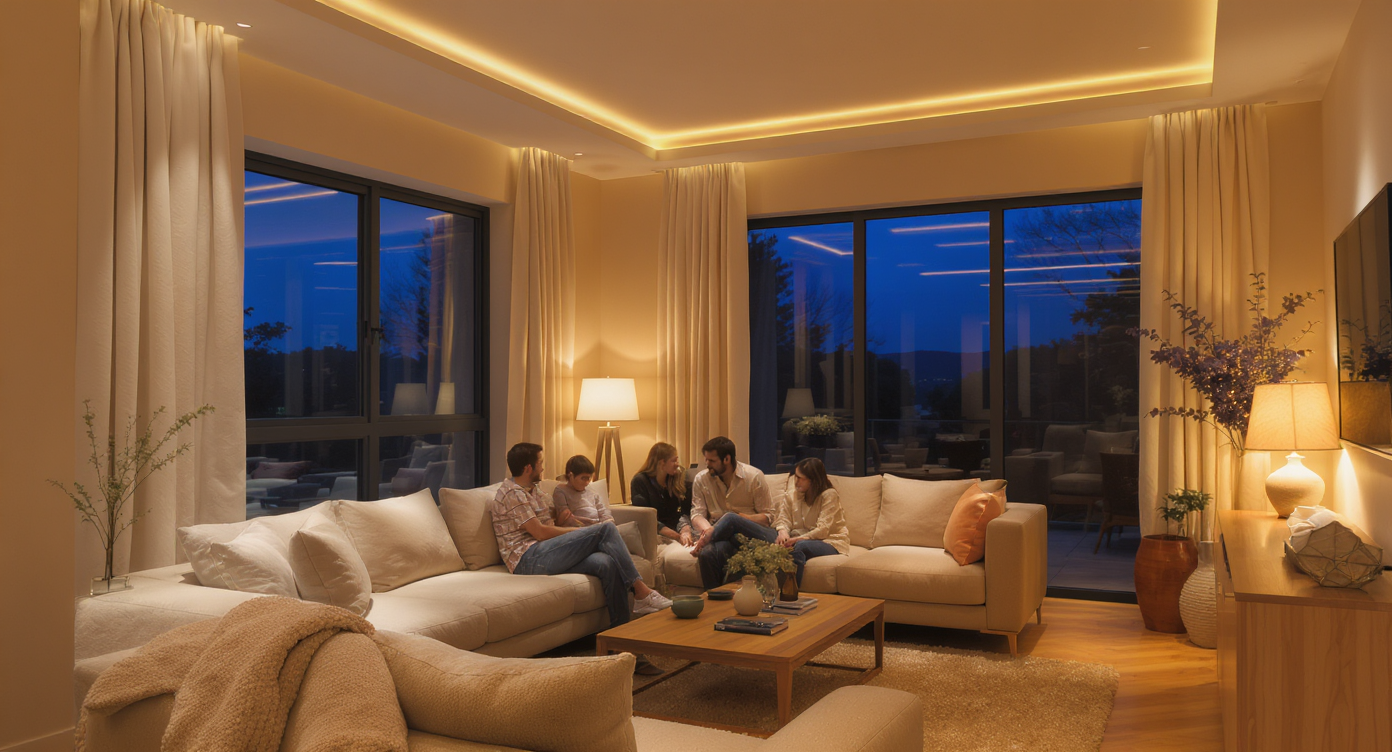
Twilight tones create mood and warmth inside, setting an inviting scene in real estate photography.
Day-to-dusk editing is a powerful real estate photo enhancement that transforms bright daytime photos into warm, inviting twilight scenes. This effect helps listings stand out by adding mood and perceived value, tapping into buyer emotions instantly. However, achieving a subtle, realistic twilight look requires finesse to avoid common mistakes that can make photos appear artificial or non-compliant with MLS rules.
- Subtlety and realism come first—avoid oversaturated skies and unnatural lighting.
- Consistent lighting inside and out preserves photo credibility.
- Careful masking around edges prevents obvious editing artifacts.
- Maintaining MLS compliance ensures edits boost your listing without risks.
- Fast AI workflows save time while giving you control over the final look.
Instead of guessing how buyers might respond, upload a photo to ReimagineHome.ai and try the Day to Dusk solution on a real project.
How ReimagineHome.ai’s Day to Dusk Editing Elevates Listing Photos
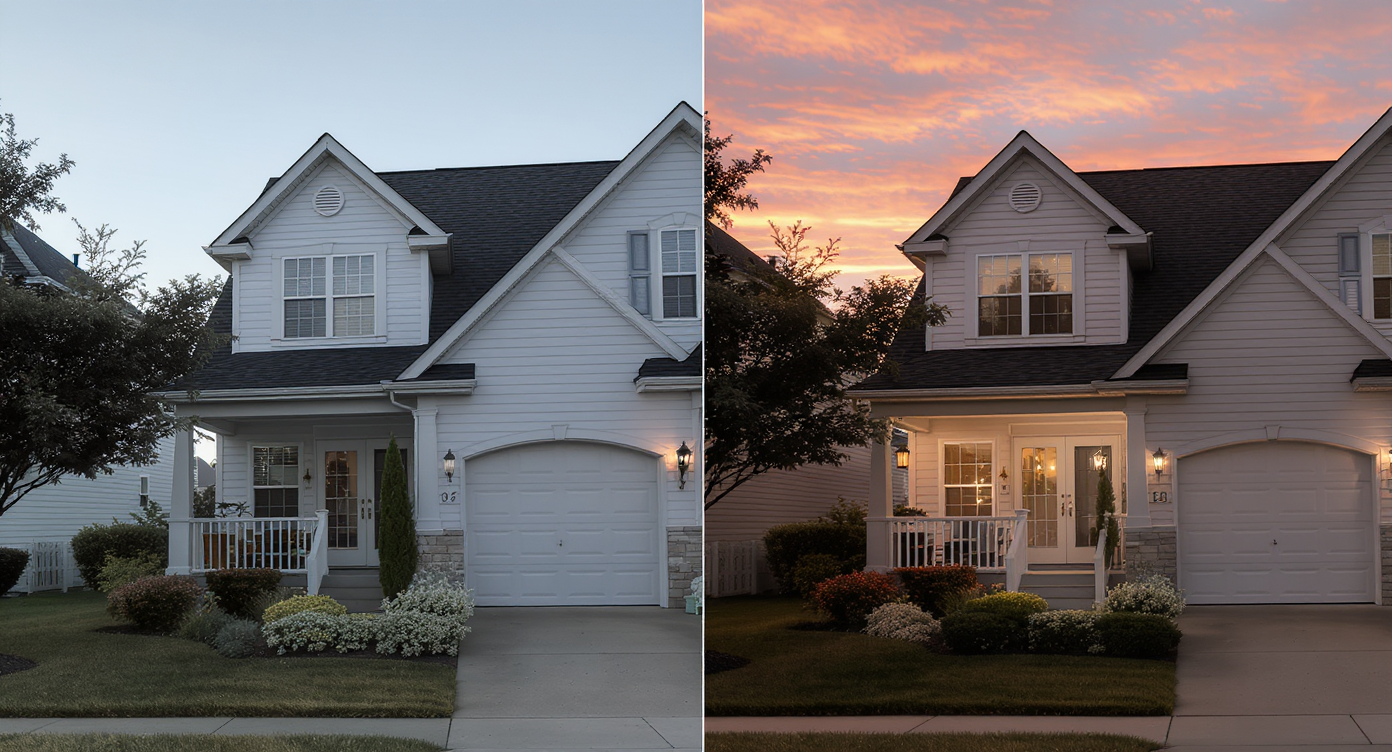
ReimagineHome.ai’s Day to Dusk editing elevates listing photos with natural, warm twilight realism.
Day to Dusk editing with ReimagineHome.ai converts daytime photos into believable twilight scenes by carefully adjusting sky color gradients, window lighting, reflections, and shadows. The AI engine uses trained models on natural light behavior to add soft amber-to-blue sky transitions, warm yet balanced interior window glows, and subtle shadow deepening—avoiding the cartoonish or artificial looks that plague manual edits. This solution addresses key problems:
- Inconsistent lighting that breaks immersion.
- Unrealistic sky and color saturations.
- Poorly masked edges around complex structures.
- MLS compliance by enhancing, not altering property features.
Anecdote
That listing with perfect structure but daytime photos felt flat until twilight conversion revealed warm, inviting curb appeal and boosted online views dramatically.
The 7 Biggest Day-to-Dusk Editing Mistakes and How to Avoid Them
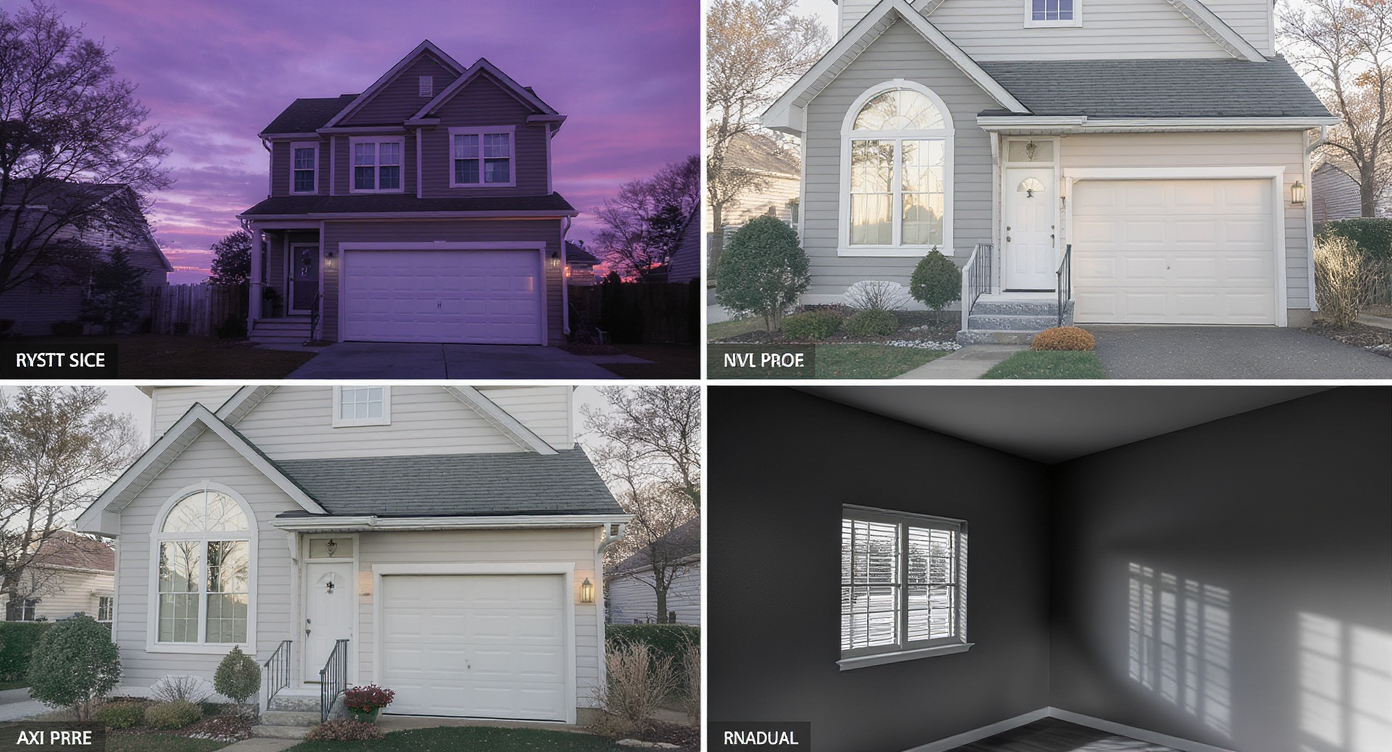
Avoid common pitfalls with balanced lighting and careful masking for authentic twilight photos.
Even seasoned editors often misstep on these top seven day-to-dusk pitfalls:
1. Overly Saturated Skies
Neon oranges or hyper-bright purples distract buyers and break real-world feel. Use subtle gradients of warm amber fading into soft blues to keep skies believable.
2. Window Light That Doesn’t Match
Adding strong, bright yellow interior lights can create a surreal look. Window glows should be soft, warm, and evenly balanced to match the evening mood.
3. Ignoring Reflections and Shadows
Reflections in pools, cars, and glass surfaces must update to mirror the new sky. Shadows should deepen gently without harsh midday contrasts to keep lighting consistent.
4. Daytime Colors Left Unchanged
Green lawns and white walls that still look sunlit appear unrealistic. Cooling these colors slightly and adding subtle evening shadows maintains natural harmony.
5. Overdoing Exterior Lights
Adding lights where none exist or over-bright porch glows is a quick way to look fake and breach MLS rules. Enhance only existing lights with soft, warm tones.
6. Harsh Masking Edges
Poor masking near tree branches or rooftop edges creates halos or jagged borders that scream “photoshopped.” Use precise feathered masks and avoid bright skies behind dense foliage.
7. Violating MLS Compliance
Removing flaws or adding features that don’t physically exist risks penalties. Day to Dusk edits must enhance but not misrepresent property details.
Following these guidelines ensures every twilight photo looks both stunning and authentic.How to Use ReimagineHome.ai Day to Dusk Step by Step
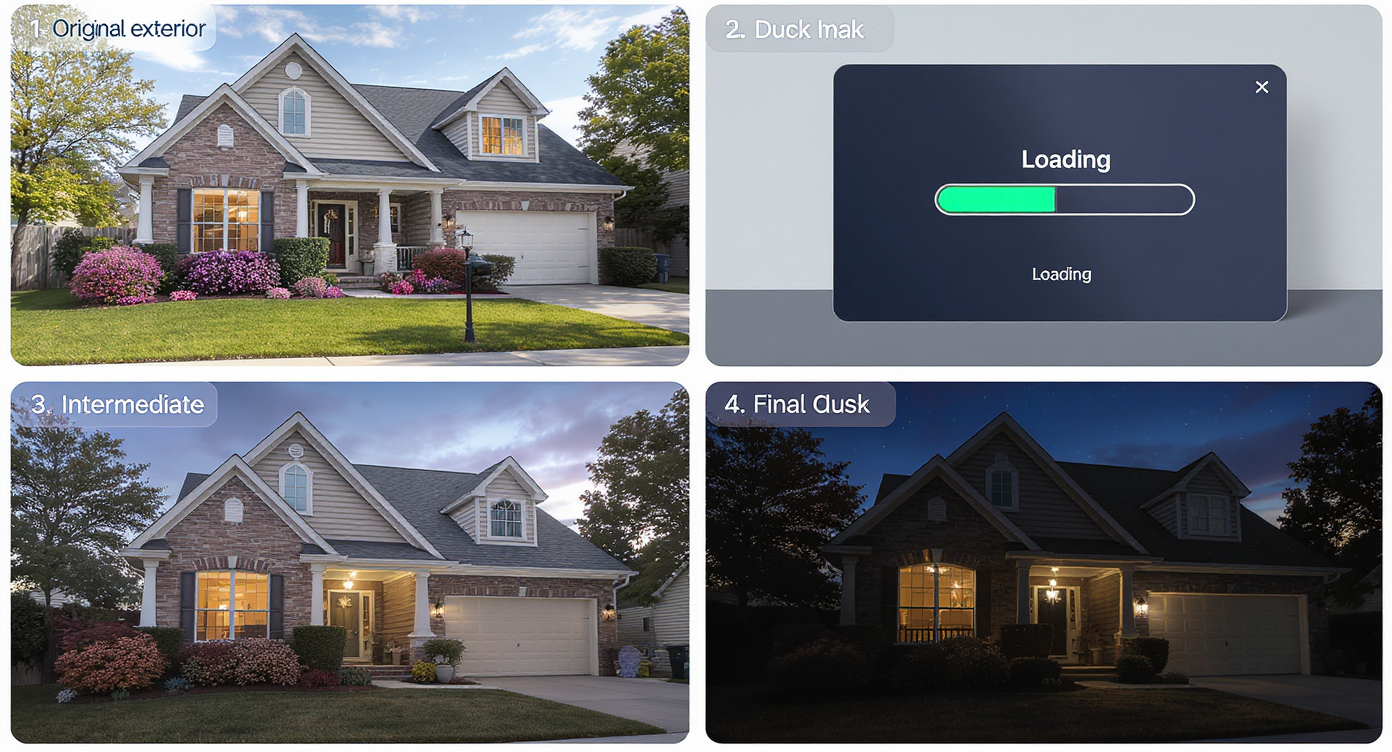
Stepwise AI editing transforms photos with user-friendly controls for perfect twilight effects.
Using ReimagineHome.ai Day to Dusk is straightforward yet powerful:
- Upload a Clear Daytime Photo: Aim for high-resolution, well-lit exterior shots with visible skies and windows.
- Select the Twilight Style: Choose from subtle warm-to-cool dusk gradients optimized for real estate listings.
- Adjust Window Lighting: Use built-in sliders to balance interior glow warmth and brightness uniformly.
- Refine Shadows and Reflections: Let AI automatically adapt these or fine-tune to fit your property’s setting.
- Preview and Compare: Flip between day and dusk versions to ensure authenticity and MLS compliance.
- Download and Share: Once satisfied, download high-res images ready for MLS or marketing channels.
Power Pairings: Combining Day to Dusk with Other ReimagineHome.ai Solutions
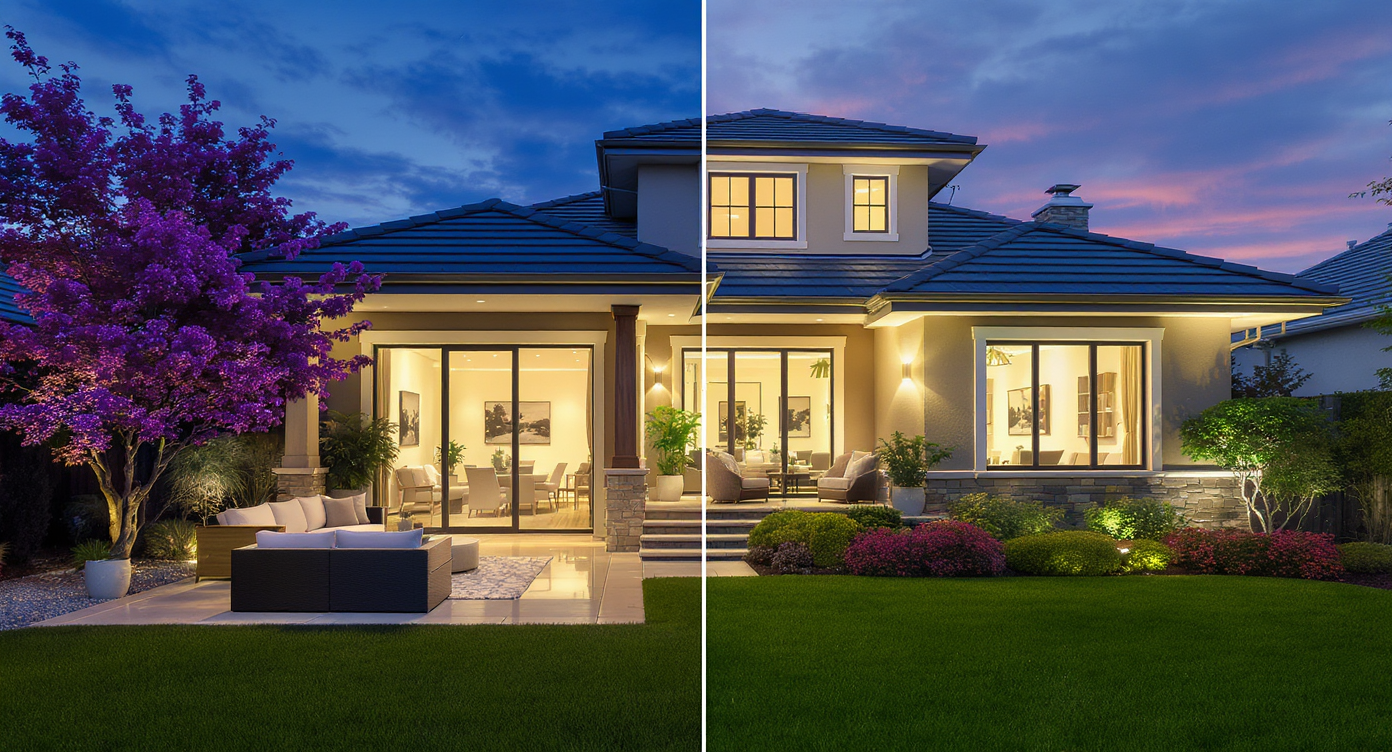
Power pairings combine day-to-dusk and additional AI enhancements for compelling listing visuals.
The most compelling listing photos combine multiple enhancements for maximum impact:
- Day to Dusk + Sky Replacement + Image Upscale: Switch skies naturally, enhance twilight tones, then boost resolution for MLS-ready images.
- Day to Dusk + Remove Anything: Clear distracting daytime objects then transform lighting for a pristine evening presentation.
- Day to Dusk + Virtual Staging: After dusk transformation, add furniture to empty rooms, creating warm, inviting interior/exterior combos.
Visualization Scenario
Transform your sunny day home photo into a golden hour masterpiece to attract more buyer interest and differentiate your listing immediately.
Frequently Asked Questions About Day to Dusk Editing
How realistic is AI day-to-dusk editing for real estate photos?
When done with tools like ReimagineHome.ai Day to Dusk, AI delivers highly realistic twilight scenes by accurately adjusting sky gradients, lighting, and shadows based on natural light physics.
Can I control window lighting and reflections in day-to-dusk edits?
Yes, most AI platforms allow you to fine-tune warm interior glows and update reflections on pools, glass, and cars to match the new lighting, ensuring a cohesive image.
Is it safe to add exterior lights in a day-to-dusk photo for MLS?
Adding new lights not originally present is against MLS rules. Enhance only existing lighting features to maintain compliance and trustworthiness.
Can I use AI to fix harsh edges around trees after sky replacement?
Advanced AI like ReimagineHome.ai uses pixel-level segmentation for feathered edges that avoid halos and unnatural outlines, ensuring seamless twilight skies.
Does day-to-dusk editing work on any daytime photo?
Best results come from high-quality, well-exposed photos with visible skies and windows. Extremely dark or obstructed images may produce less convincing edits.
Visualize Your Next Twilight Listing Before You Commit
Creating flawless twilight photos is part craft, part technology. ReimagineHome.ai Day to Dusk lets you visualize your listing’s next-level appeal before committing to costly physical staging or reshoots. When you can see the upgrade ahead, every decision feels more confident and less risky.
Start with one honest photo in ReimagineHome.ai, pick the Day to Dusk solution, and watch the next version of your home come into focus.