
TL;DR
AI virtual staging lets you restyle a kitchen from a single photo so you can preview cabinet finishes, backsplash patterns, and layout ideas with lifelike results. It’s the fastest way to avoid remodel regret and get buy‑in on design decisions — perfect if you’re searching “ai kitchen design from photo” or “how to preview interior renovation with AI.” Try your own image in ReimagineHome.ai’s virtual staging to test options now: ReimagineHome.ai’s virtual staging solution.
The Real Cost of Deciding Finishes Without Seeing Them First
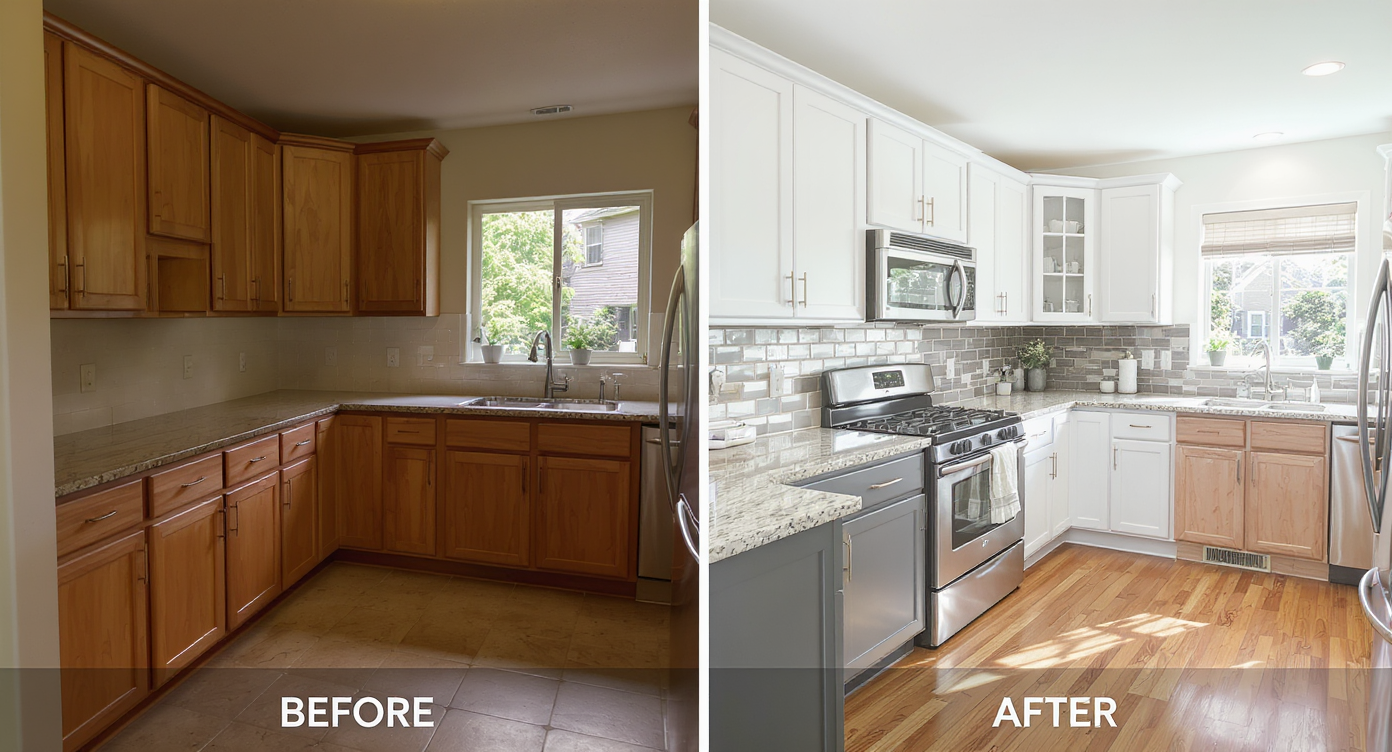
AI virtual staging lets you preview kitchen styles and layouts quickly and realistically before remodeling.
AI virtual staging restyles a room from a photo so you can see different cabinet colors, tile backsplashes, and seating layouts in minutes. It’s a powerful way to test kitchen ideas — from a cozy dining nook to mixed-metal hardware — before you commit to materials or labor.
- Results first: realistic previews of cabinet finishes, backsplashes, lighting, and dining nook vs. island.
- Realism: lifelike scale, light, and textures that respect your architecture.
- Speed: generate multiple looks in under a minute per variation.
- Cost: pennies compared to samples, returns, or rework.
- Workflow: upload one photo; explore styles; iterate with family or clients.
- ROI: fewer mistakes, faster decisions, clearer contractor bids.
- Peace of mind: see the space as you’ll actually use it, not just on a mood board.
If you already have a tricky kitchen photo, upload it to ReimagineHome.ai and test a cabinet color or backsplash while you read.
Why This Visual Problem Hurts More Than You Think

Choosing kitchen finishes affects the room's brightness, size perception, and style more than you might expect.
Even simple finish choices — like white vs. wood cabinets — can shift how big, bright, or period-appropriate a kitchen feels. When you guess, you risk expensive changes later, slower decisions, and second-guessing from everyone involved.
Here’s how that pain shows up:
- Scroll behavior: People skim past uninspiring or confusing photos. A warm, staged preview of your future kitchen keeps attention and sparks discussion.
- Buyer perception: For sellers, a well-styled kitchen image becomes a hero slide; for homeowners, it’s the difference between “I think it will work” and “I know this is it.”
- Confidence: Trying Delft-style tile, brass hardware, or a custom nook on screen makes it easier to defend choices — especially if you’re preserving old-home character.
If you’re weighing cabinet tone, mixed metals, or a built-in bench instead of an island, seeing it in your actual room beats any sample fan deck.
Anecdote
That perfect-but-empty corner where an island never quite fit? Stage a slim built-in bench with a small round table and watch the plan click — suddenly it’s the coziest seat in the house.
What Virtual Staging Actually Is (In Plain Language)
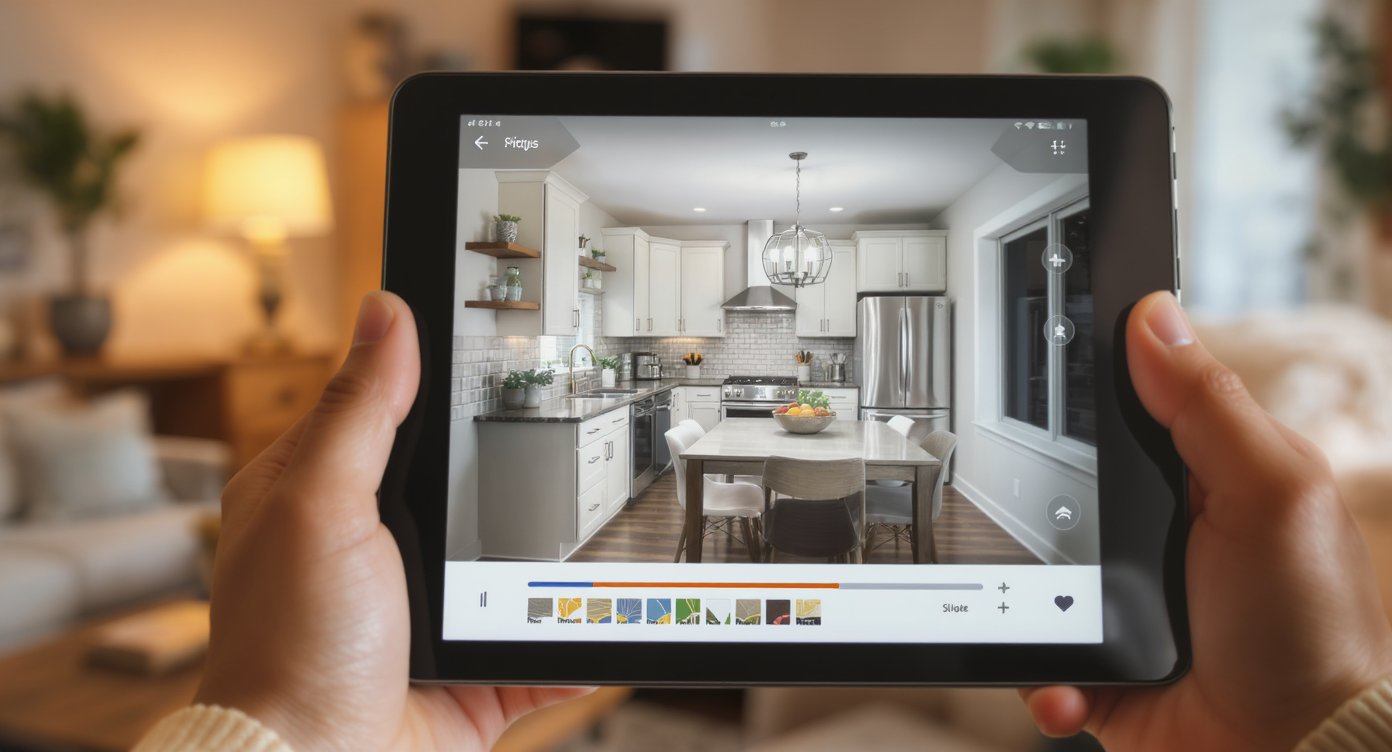
Virtual staging uses AI to realistically add or change kitchen elements in your own photos quickly and simply.
Virtual staging is AI that adds or restyles furnishings and finishes in a real photo without touching the physical room. You upload your kitchen image, choose a style, and generate variations — such as painted vs. stained cabinets, backsplash patterns, pendant lighting, or a breakfast nook.
You can try classic, modern, or vintage-leaning looks and compare them side by side. To get these lifelike previews in minutes, use ReimagineHome.ai’s virtual staging solution, which is designed to make spaces feel real — not like a render pasted on top.
If you’re torn specifically between light paint and warm wood, this deep dive can help you frame the decision: white vs. wood cabinets — visualize and decide.
How Virtual Staging Works Step by Step
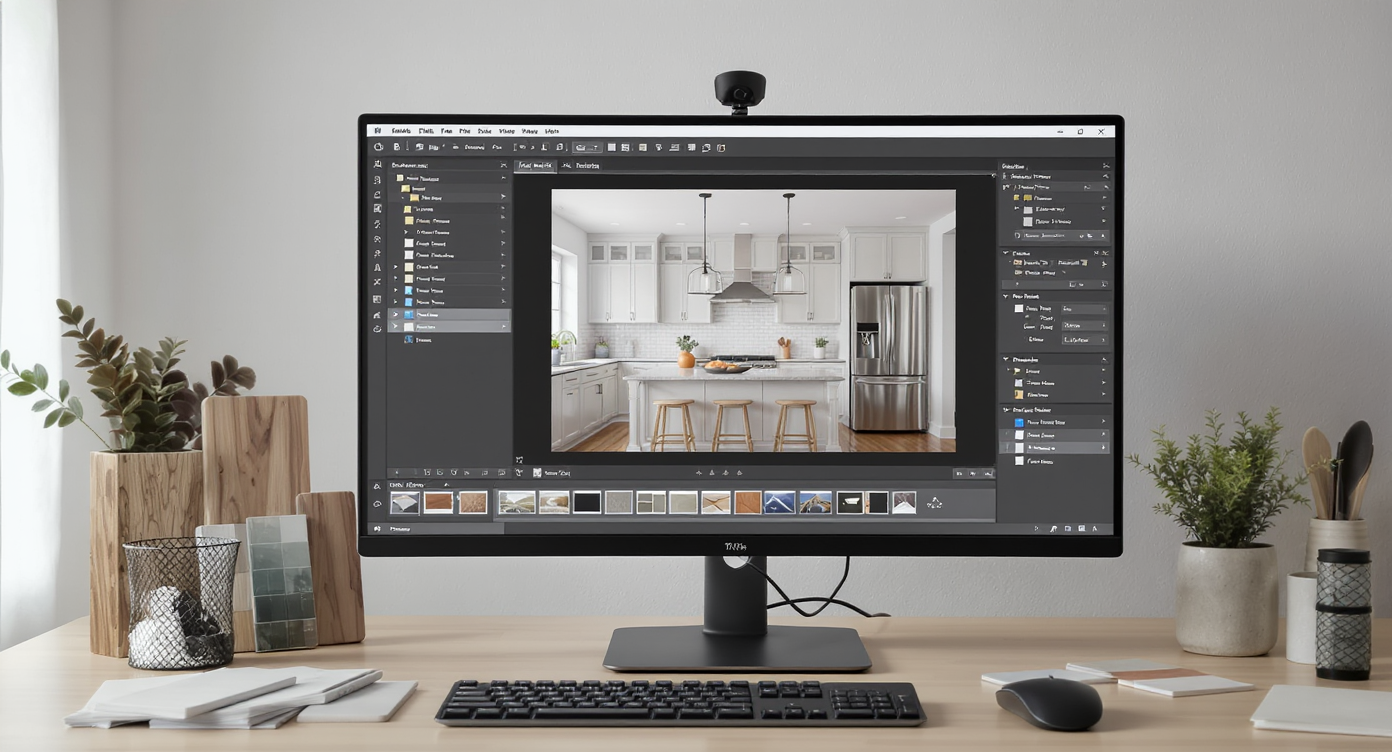
Learn how quality source photos and stepwise digital editing create realistic virtual kitchen staging results.
Good results start with good source photos. Aim for a straight-on or 3/4 angle, natural light, and at least 2000–3000 pixels on the long edge.
- Choose the right photo(s): Pick the angle that shows your key decisions — the run with the range hood, the window wall, or the future dining nook.
- Upload to ReimagineHome.ai: Drag your image into the workspace and select Virtual Staging.
- Select styles or set a vibe: Try Classic Traditional, Warm Modern, or Vintage European to honor an older home. You can explore color-forward options to avoid the “blinding white kitchen” effect.
- Generate multiple variations: Test aqua lower cabinets, wood uppers, Delft-inspired tile, or a paneled bench with a pedestal table in the nook.
- Refine: Keep the variation you like, then iterate — change hardware tone, soften the wall color, or swap pendant shapes.
- Export: Download high-resolution images for your mood board, contractor notes, or listing carousel.
Pro tip: If counters or shelves feel cluttered in your source photo, quickly clean it up with its clutter and object removal tool first so finishes read clearly.
Tips and Tricks for More Realistic Results
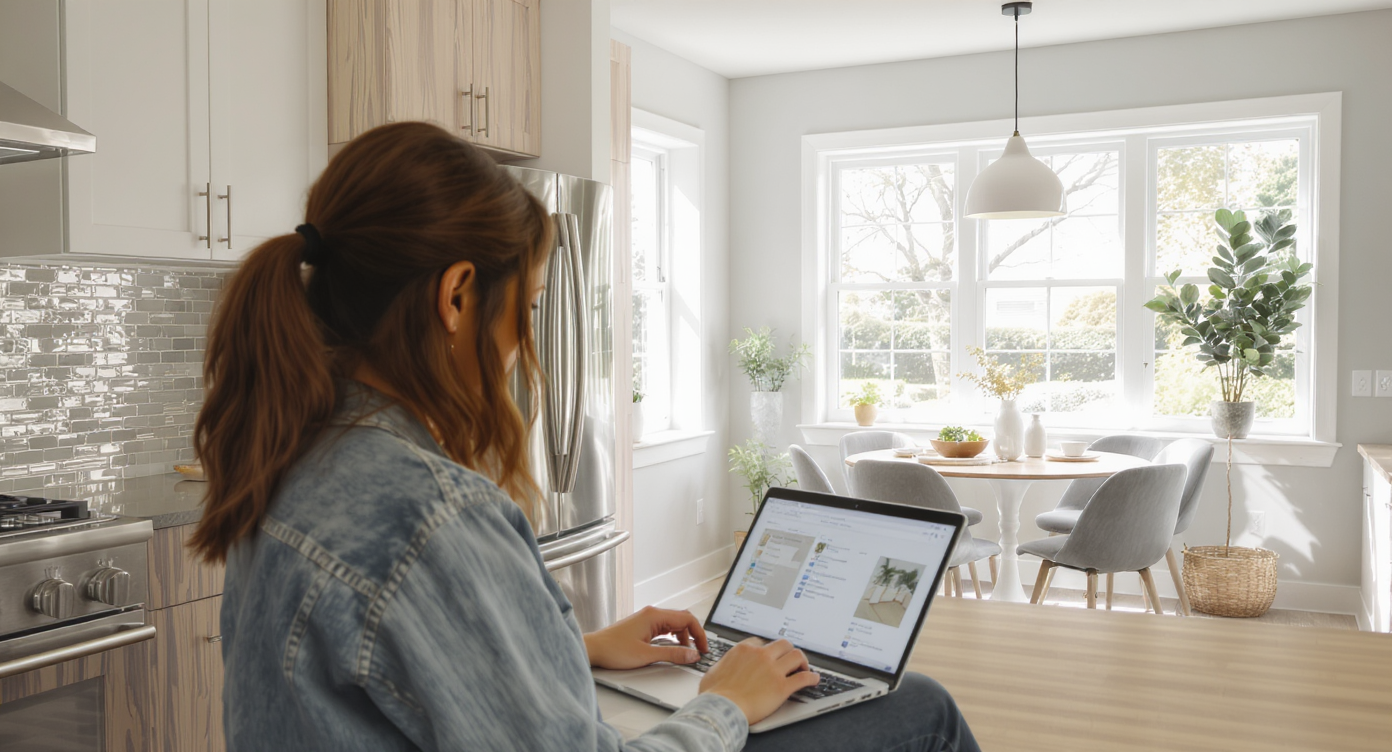
Realistic virtual staging balances scale, lighting, and materials for authentic kitchen remodel previews.
Realistic virtual staging follows the same rules as a great photograph: scale, light, and material logic come first.
- Honor the architecture: Keep trim profiles, archways, and original doors visible. Let your AI styling complement them, not fight them.
- Mind the palette hierarchy: Choose one hero (stone, tile, or cabinet) and let the others support. Blue-grey quartzite + soft aqua lowers? Keep wall color and grout quiet.
- Test mixed metals with intent: Polished nickel faucet plus unlacquered brass hardware can feel collected — just keep finishes to two families and repeat them.
- Nook vs. island: If square footage is tight, stage a built-in bench and small table to show real seating. Many buyers and families prefer a sit‑down nook over perch‑and‑go stools.
- Cabinet light/dark balance: Dark uppers can work when broken with glass fronts or wall color. Stage a version each way to compare visual weight.
- Texture reads as quality: Show wood grain on uppers, subtly veined stone, and handmade‑style tile. Gloss everywhere can look flat on screen.
- Prep the file: Shoot level, avoid harsh backlight, and use the largest image you have. Small, blurry photos limit realism.
If you’re repurposing a corner into a breakfast nook or turning an underused dining area into a pantry wall, consider testing layouts with ReimagineHome.ai’s Room Reuse to explore alternate functions before you stage finishes.
Visualization Scenario
Upload your current range-wall photo. Generate one version with warm wood uppers and aqua lowers, a Delft-inspired backsplash, and unlacquered brass pulls; then a second with painted uppers, nickel hardware, and a subtle zellige tile. Compare side by side and choose with confidence.
FAQ
Can I use virtual staging for a kitchen remodel, not just vacant listings?
Yes. Many homeowners use AI virtual staging to preview cabinet colors, backsplash ideas, lighting, and seating layouts from their own photos.
How realistic are AI cabinet color changes and backsplash previews?
Lifelike results depend on a good source photo (angle, resolution, even lighting). Staging preserves your room’s proportions so materials read credibly on screen.
What resolution do I need to get good results?
Aim for high-resolution images — ideally 2000–3000 pixels on the long edge — with level horizons and minimal motion blur.
Is virtual staging allowed in MLS photos?
Policies vary by MLS. If you’re staging for a listing, clearly label virtually staged images and keep edits plausible. For personal remodel planning, there’s no restriction. Learn more and start with ReimagineHome.ai’s virtual staging solution.
Can AI remove clutter and objects cleanly before staging?
Yes. Use ReimagineHome.ai’s clutter and object removal tool to clear counters, magnets, or small appliances so finishes are easier to evaluate.
Visualize Your Next Listing (or Project) Before You Commit
Visualizing beats guessing. Whether you’re selling a home or renovating one, virtual staging gives you a safe rehearsal for the story your kitchen should tell — warm, practical, and true to the house. Try the cabinet mix, the Delft tile, the brass that will patina, and the dining nook you’ll actually use.
When you can see it, you can decide faster and with confidence. Start with your own photo and generate options in minutes using ReimagineHome.ai’s virtual staging, or browse more tools on the ReimagineHome.ai home page.