
TL;DR
Virtual staging shows realistic furniture layouts in your exact room photo, so you can test a curved sofa, two club chairs by the fire, or a multi-zone plan without guessing. For anyone asking how to furnish a room with an off-center fireplace, this is the fastest low-risk way to decide. Try a real photo while you read by uploading it to ReimagineHome.ai’s virtual staging solution at https://www.reimaginehome.ai/ai-virtual-staging?utm_source=blog. It saves time, reduces costly returns, and makes the room feel cohesive from day one.
The Real Cost of Showing Rooms “As They Are” Online

Empty living room with tricky layout ready for virtual staging and multiple seating ideas.
Virtual staging is a way to place lifelike furniture and decor into a photo of your real room so you can see different seating layouts and styles before buying. It’s especially powerful for awkward living rooms with off-center fireplaces or entry landings because it lets you test angles, traffic flow, and rug sizes in minutes.
- Results first: preview 3–4 seating plans (curved sofa, two chairs, sofa + lounge chair, multi-zone) that feel realistic.
- Realism: properly scaled furniture, natural shadows, and believable textures create confidence.
- Speed: multiple options in a single session; iterate until the layout clicks.
- Cost control: avoid mis-sized sofas and returns; buy once, buy right.
- Workflow: upload a photo, pick a style, generate, refine, export.
- ROI: better decisions, fewer mistakes, faster room readiness.
- Peace of mind: see how everything fits around the fireplace, stairs, and windows before committing.
If you already have a tricky living room photo in mind, upload it to ReimagineHome.ai and test virtual layouts while you read.
Why This Visual Problem Hurts More Than You Think
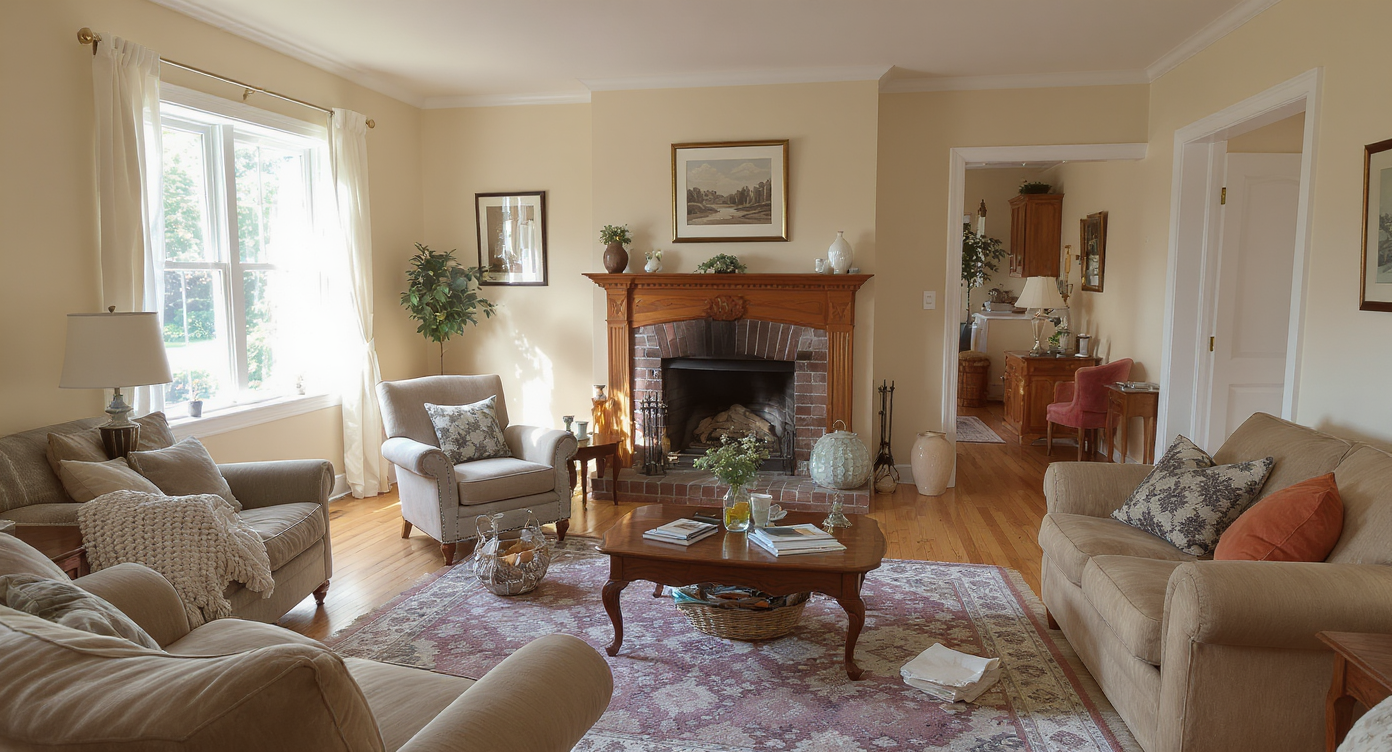
Off-center fireplaces and awkward layouts can shrink room feel and block seating flow.
Rooms with off-center fireplaces and large openings tend to feel smaller and less inviting until the furniture creates a clear focal point and a path. When the entry landing eats up floor space, buyers and homeowners often under-furnish or push seating to walls, which makes the fireplace feel disconnected. The result: people scroll past the photo online or walk in and can’t picture how 3–4 people would sit comfortably.
In practice, you’re juggling three realities: a fireplace that wants attention, a walkway that needs clearance, and a seating count that demands a real plan. Virtual staging lets you resolve this puzzle visually. You can test a low-profile curved sofa angled to the fire, or two club chairs facing the hearth with a separate sofa zone nearby. Seeing the options clarifies proportion and flow immediately.
Anecdote
That perfect entry room with a gorgeous fireplace — but the landing steals the floor space and nothing feels centered. We tested two club chairs near the hearth and a sofa along the solid wall; instantly, the room read as welcoming and connected, with a clear path from the door.
What Virtual Staging Actually Is (In Plain Language)
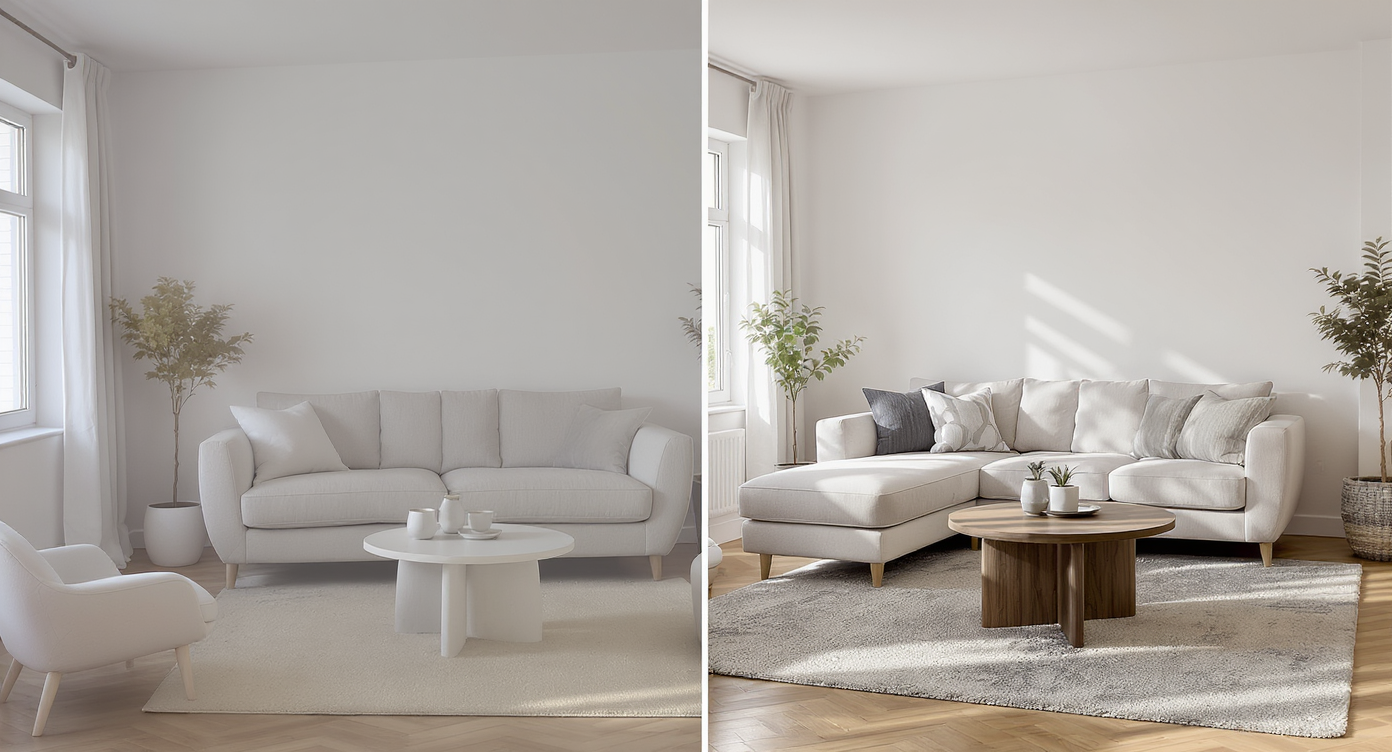
Virtual staging inserts photoreal furniture digitally to visualize layouts effortlessly.
Virtual staging is a digital design tool that inserts photoreal furniture and decor into your actual room photo to preview layouts and styles. You upload an image, choose a look, and receive staged renders that show scale, placement, lighting, and material choices.
With ReimagineHome.ai’s virtual staging solution, you can experiment with curved sofas, sectionals, club chairs, ottomans, and different rug sizes without moving a thing. Start from a vacant shot or clear a busy room first and restage it. If your photo includes existing items you want to hide, you can quickly clear them using the platform’s Occupied → Vacant tool to create a blank canvas, then stage exactly what you want to see.
How Virtual Staging Works Step by Step
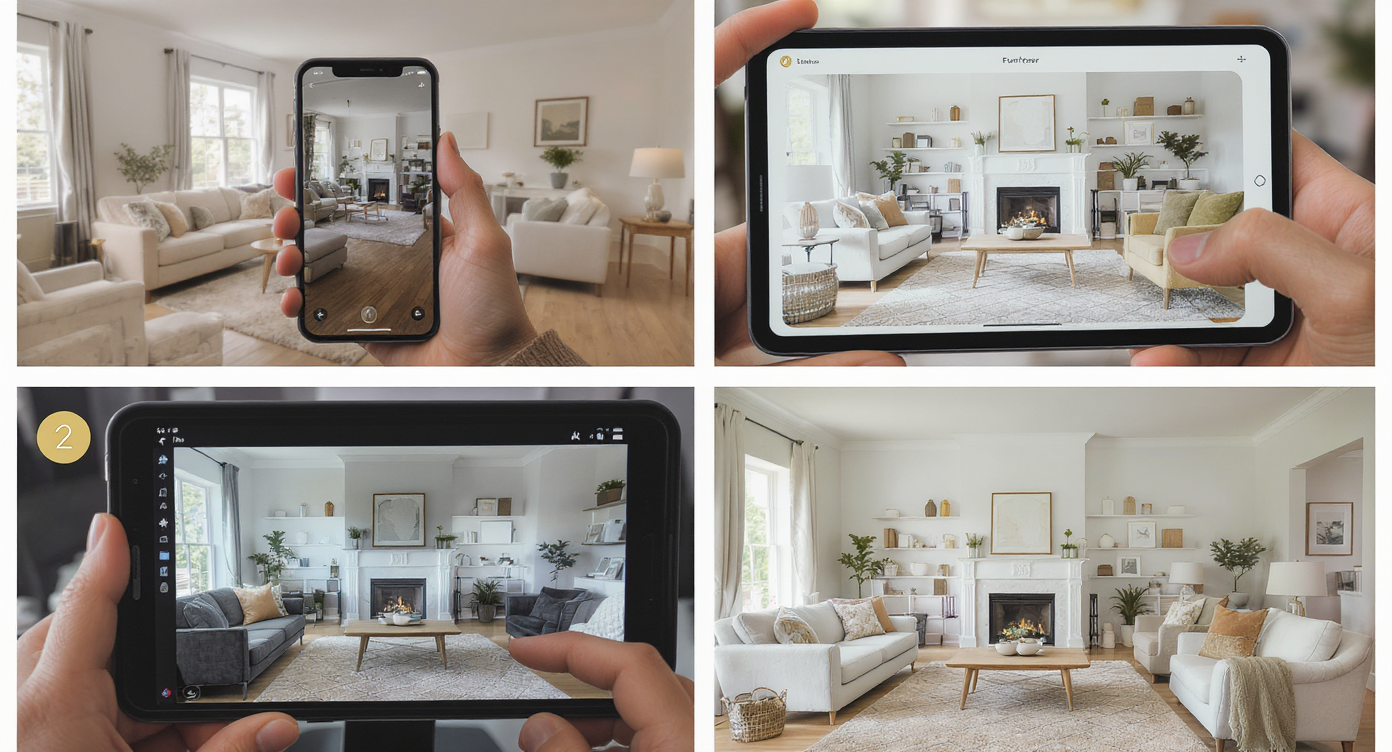
Virtual staging workflow: photo, style pick, computer render, and final staged room preview.
Good source photos lead to better results, and most living room edits work best from a straight-on or slightly angled shot.
- Choose the right photo: capture the fireplace wall and entry landing in one frame if possible. Aim for at least 2500–4000 px on the long edge for crisp results.
- Upload to ReimagineHome.ai: start a new project and select your room image.
- Select Virtual Staging: pick a core style (Scandinavian, modern, transitional, cozy traditional) to match your architecture.
- Configure layout ideas: request a curved sofa angled to the fireplace, two club chairs by the hearth, or a dual-zone plan with a sofa along the solid wall.
- Generate and compare: create several variations to study traffic flow, conversation distance, and rug coverage.
- Refine details: adjust sofa size, swap chairs, or test a larger rug. You can also swap specific furniture pieces if you want to compare a curved sofa vs. a tight-back sofa.
- Export: download for sharing with a partner, designer, or contractor. If this is for a listing, export in high-res for MLS and portals.
Tips and Tricks for More Realistic Results
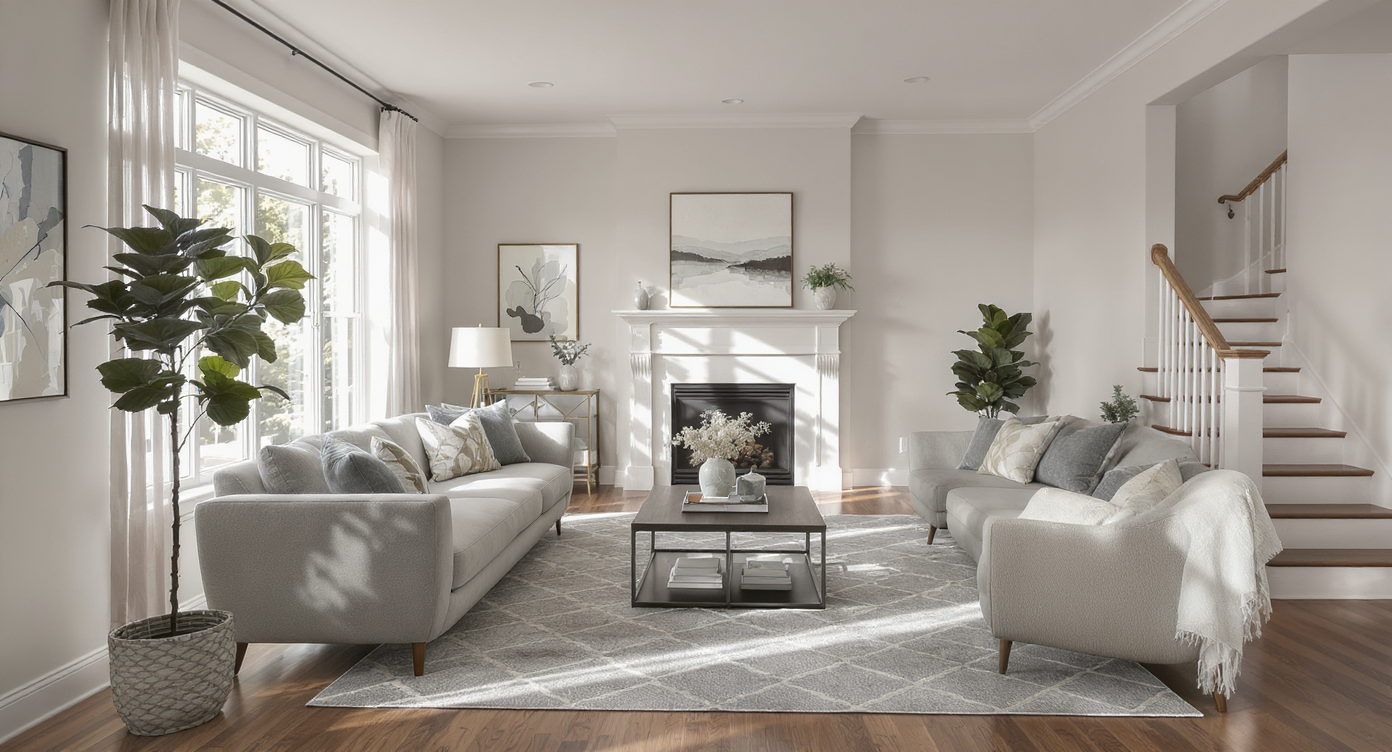
Tips for realism: proper scale, walkways, natural shadows, and harmonious decor create confidence.
A believable staged plan follows basic scale rules: leave 30–36 inches for walkways and 12–18 inches between seating and the coffee table.
- Angle with purpose: if the fireplace isn’t centered, a gentle angle on a curved sofa can acknowledge the hearth without blocking the entry path.
- Two-zone magic: position two comfortable chairs by the fireplace for an intimate conversation spot, and put a 3-seat sofa plus side chairs in the broader area to seat 4–5 overall.
- Rug sizing wins: rugs should tuck under at least the front legs of seating; in long rooms, a second rug can define the hearth nook. Keep safe clearance from the firebox — never stage a rug overlapping the hearth in real life.
- Chair arms vs. traffic: low, open-armed chairs near the landing feel lighter and make the walkway read wider.
- Low-back near windows: preserve sightlines and natural light with a lower sofa under or parallel to windows.
- Balance mass: if one side of the room has the entry landing, counterweight with a wider console or a trio of art pieces above the sofa on the opposite wall.
- Warm layers, cool restraint: add lamps, a plant, and textured pillows for depth — but avoid over-accessorizing; the fireplace should remain the star.
If your current photo is cluttered or partially furnished, use the Remove Anything tool to clear distractions first, then stage a clean, realistic plan.
Visualization Scenario
Upload a photo showing the fireplace and entry landing. Generate three options: 1) curved sofa angled gently toward the hearth, 2) two club chairs by the fire plus a sofa zone, 3) sofa along the solid wall with a swivel chair bridging both zones. Compare rug sizes and traffic flow, then export the winner.
FAQ
Is virtual staging good for rooms with an off-center fireplace?
Yes. Virtual staging lets you test angled sofas, chair groupings, and multi-zone layouts so the fireplace reads as a feature without blocking traffic.
How realistic are the results with ReimagineHome.ai virtual staging?
Furniture is scaled and lit to match your photo, creating lifelike scenes that help you judge proportion, walkway clearance, and style. Use high-resolution photos for best results.
Can I remove existing furniture to try a different layout?
Absolutely. Use the platform’s Occupied → Vacant tool or Remove Anything to clear a room, then restage it with the pieces you want.
What’s the best seating for 3–4 people around a fireplace?
Common winners include a 3-seat sofa plus a lounge chair, or two club chairs at the hearth with a separate sofa zone. Virtual staging makes it easy to compare distances and angles.
What resolution do I need for good virtual staging?
Aim for 2500–4000 pixels on the long edge. Clear, well-lit photos produce the most realistic results and more accurate furniture scale.
Visualize Your Next Listing (or Project) Before You Commit
Previewing layouts visually prevents expensive “buy and hope” decorating. You’ll know whether a curved sofa belongs, if two chairs by the fire read cozy instead of cramped, and where to place rugs so the entry stays clear.
Ready to furnish with confidence? Stage your room in minutes with ReimagineHome.ai’s virtual staging or start from the home page at ReimagineHome.ai to explore complementary tools.