Best AI Interior Design Tools for Homeowners in 2026: Clear Decision Guide
TL;DR
AI interior design tools in 2026 allow homeowners to plan layouts, test furniture arrangements, and visualize spaces instantly. These tools reduce guesswork, prevent costly mistakes, and prioritize functionality over decoration. The best tools focus on layout clarity, usability, and real-life application—not just visual styling.
Why AI Tools Are Changing Home Design Decisions
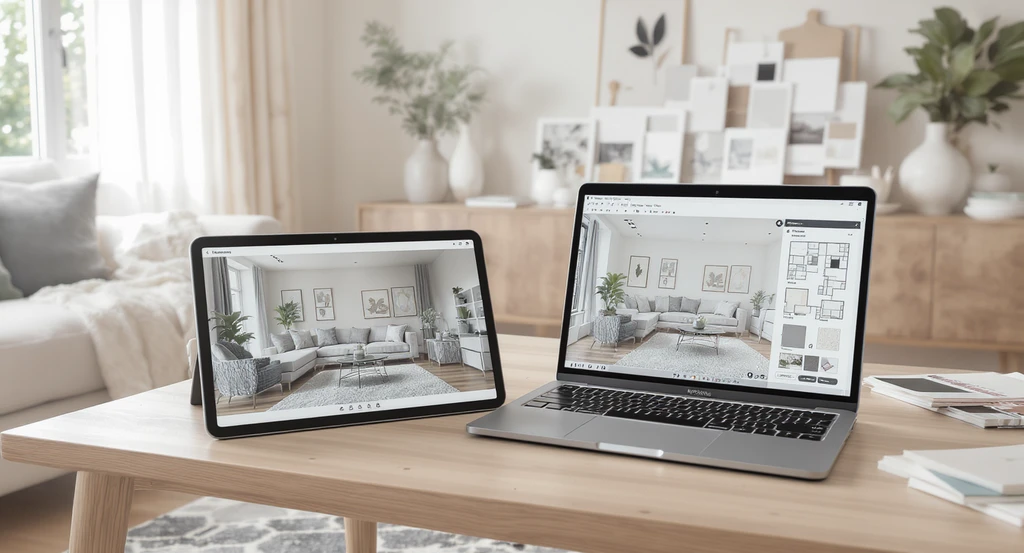
Visualizing the power of the best AI interior design tools 2026: Homeowners use advanced AI home design tools to virtually stage their spaces, compare layout options, and select finishes—making smarter design choices and avoiding costly mistakes.
Why AI Tools Are Changing Home Design Decisions
AI interior design tools now help homeowners rapidly redesign spaces, visualize style changes, and plan layouts before making expensive commitments. Instead of only offering decorative inspiration, these platforms simulate real decisions—minimizing risks related to poor furniture fit, inefficient flow, or wasted budget.
This shift reduces reliance on guesswork and helps users focus on what works in real life, not just what looks good digitally.
-
What Are AI Interior Design Tools and Why Are They Different in 2026?
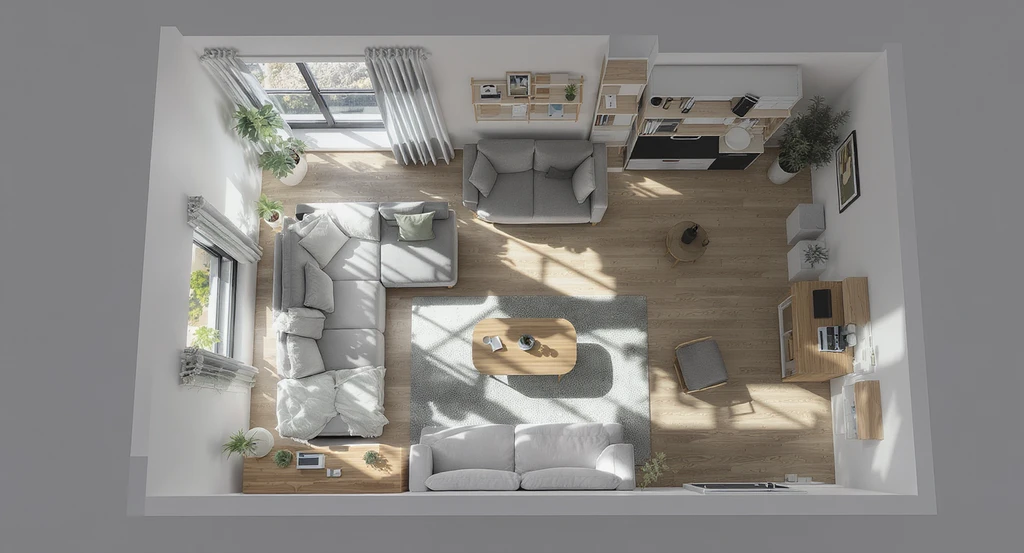
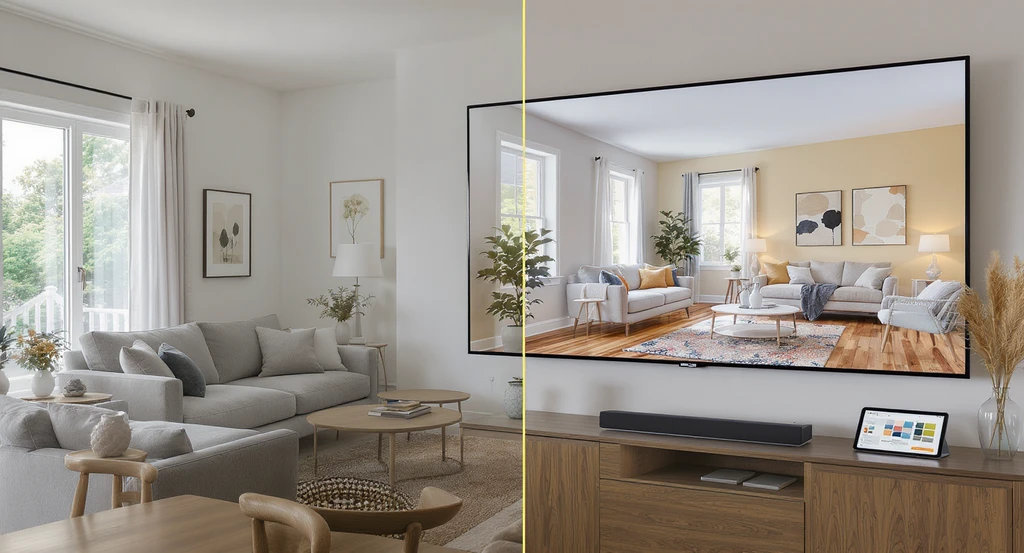
AI interior design tools in 2026 create photorealistic virtual stagings for homeowners. See how the best AI home design tools work to optimize room layout, simulate space planning, and help you choose the right AI design platform for multifunctional living.
What Are AI Interior Design Tools in 2026?
AI interior design tools use machine learning and spatial analysis to generate, modify, and optimize room layouts. They evaluate room size, lighting, furniture placement, and user preferences to produce realistic visualizations in seconds.
In 2026, these tools are increasingly layout-driven, prioritizing functional flow over decoration.
Unlike traditional apps that only suggest aesthetics, AI tools simulate real-world usability such as movement flow, scale accuracy, and spatial efficiency.
Expert Insight
A homeowner uploaded their living room photo to an AI platform, hoping for a bold new look. The first result was stylish but blocked the main walkway and made conversation corners cramped. Only after comparing three layouts did they see the benefit of previewing function as well as style, preventing an expensive furniture purchase that would not have worked.
-
Top AI Interior Design Tools for Homeowners in 2026
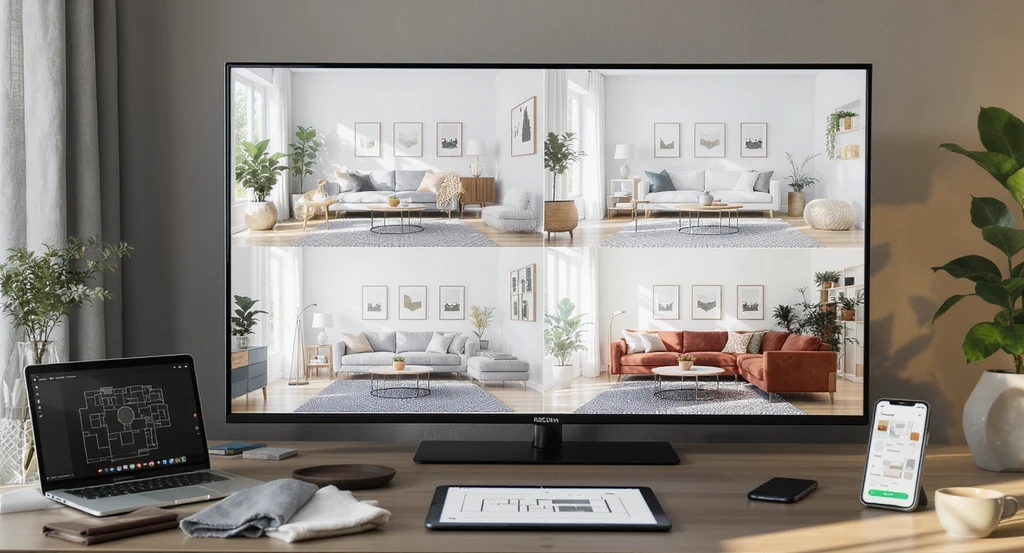
Discover the best AI interior design tools for 2026: See how top platforms enable homeowners to virtually stage, visualize, and compare real-time room makeovers, showcasing how AI home design tools work and help in choosing the right AI design platform.
Today’s AI interior design tools serve different needs, from quick inspiration to advanced space planning. Some platforms focus on rapid room transformations, others on floor planning, photorealistic visualization, or interactive experimentation. Choosing the right tool depends less on features alone and more on whether your priority is layout clarity, realistic rendering, or ease of use.
- Layout & Planning Tools: Planner 5D and similar platforms support floor plans, furniture testing, and 2D/3D layouts.
- Visualization Tools: Homestyler and HomeVisualizerAI help refine lighting, depth, and realistic room previews.
- Fast Inspiration Tools: RoomGPT and Paintit.ai work well for quick idea generation.
- Advanced Design Platforms: Foyr Neo, PromeAI, and DecorAI support larger-scale or more detailed design workflows.
These tools also generally fall into three tiers: free tools for inspiration, mid-tier tools for everyday homeowner planning, and advanced tools for professional-grade rendering. Choosing the right tier prevents overpaying for features you may not need, or using underpowered tools for complex projects.
Not all AI tools improve layout clarity. Some prioritize visual styling while overlooking movement flow, scale, or usability, which can create beautiful concepts that fail in practice. The strongest results come from treating AI as a functional planning tool first and a styling tool second, helping avoid many of the most common AI design mistakes.
-
How to Choose the Right AI Home Design Tool
Choosing the right AI interior design tool starts with matching the platform to your primary goal and comfort level. The best results come when tools are selected based on whether you need layout planning, visualization refinement, quick inspiration, or whole-home coordination.
- Layout planning: Use flexible tools like Planner 5D or REimagineHome AI
- Visualization: Choose photorealistic platforms like Homestyler
- Fast ideas: Use quick upload-and-redesign tools like RoomGPT
- Whole-home coordination: Look for tools focused on style consistency
A practical AI workflow usually follows three stages:
- Explore: Generate multiple layout directions
- Validate: Test circulation, scale, and usability
- Finalize: Refine lighting, materials, and aesthetics after the layout works
User experience level matters as well. Beginners often benefit from guided templates and simpler controls, while advanced users may need more precision for measurements, lighting simulation, and multi-room planning. Used this way, AI becomes a structured decision system, not just a visual experimentation tool.
-
Core Principle: The Clarity-First AI Framework
To evaluate an AI design tool’s value, use this simple decision model: AI Design Value = Layout Clarity + Usability + Visualization Accuracy – Noise. A strong platform should help users understand how a space functions, offer intuitive controls, generate realistic outputs, and reduce unnecessary visual distractions rather than add them.
A useful AI tool should simplify decisions, not overwhelm users with endless variations. The most effective platforms narrow choices and improve confidence through clearer spatial thinking, not decorative overload. As explored in our guide to smarter AI makeovers, better outcomes often come from fewer, more relevant options.
AI interior design tools are not interchangeable, they serve different stages of the design process. Early-stage tools help explore layout directions quickly, while advanced tools focus on refining lighting, materials, and visualization accuracy. Choosing the wrong tool at the wrong stage can create false confidence, especially when a styling-heavy platform is used to solve what is actually a layout problem.
-
Common Mistakes: Where Homeowners Go Wrong with AI Design Platforms
Common AI design mistakes often come from over-trusting visual outputs. A layout may look appealing in a render but fail in real life by disrupting movement flow, misjudging furniture scale, or creating visually inconsistent spaces. These examples show why AI should support validation and planning, not replace decision-making.
The most common mistakes include treating AI outputs as finished plans, ignoring dimensions, overdecorating based on generated suggestions, and prioritizing style over functionality. A useful rule is simple: if the issue is movement or usability, start with layout-first AI tools; if the layout already works but the room feels incomplete, use visualization or styling tools instead.
AI should help users make better decisions, not bypass logical thinking. As explored in our guide to avoiding common AI design mistakes, the strongest results come from using AI as a planning layer first and a styling layer second.
-
Step-by-Step: Using AI to Improve Room Function
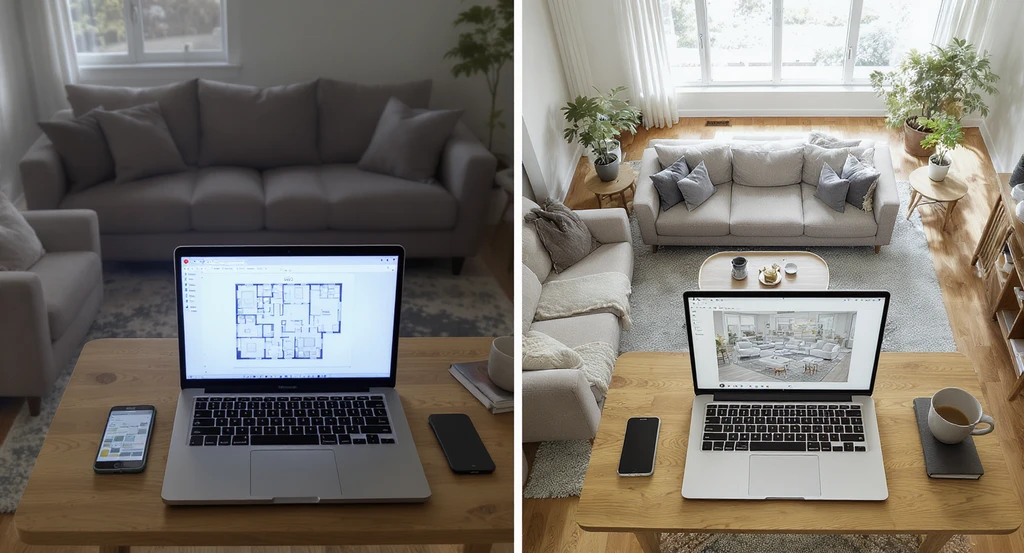
See how the best AI interior design tools in 2026 help homeowners use virtual staging and layout comparison to improve room function and choose the right AI design platform.
A practical way to use AI for better room function starts with testing layouts before making physical changes. Generate multiple options, compare circulation and furniture placement, and focus on function before styling.
- Upload a reference photo or floor plan to an AI design platform.
- Generate multiple layout options and compare furniture groupings.
- Evaluate circulation, lighting, and proportion, not just aesthetics.
- Identify clutter, blocked pathways, or scaling issues.
- Test the strongest layout ideas before buying or moving furniture.
This process works best when AI is used as an iterative planning tool rather than a one-click solution. Small layout adjustments often improve a space more than decorative changes alone.
Quick AI Tool Selection Guide:
- Layout-first problems: Planner 5D, REimagineHome AI
- Visualization problems: Homestyler, HomeVisualizerAI
- Fast inspiration: RoomGPT, Paintit.ai
- Whole-home consistency: DecorAI
This distinction matters because many users assume all AI tools solve both layout and styling equally—which is rarely true.
-
How Visualization Prevents Costly Mistakes
Previewing design changes through AI is one of the most effective ways to avoid costly mistakes. Virtual staging, before-and-after comparisons, and 3D test views help identify issues with proportion, lighting, and layout before making real purchases or changes. As explored in our guide on AI visualization, this reduces trial-and-error and improves decision confidence.
The real advantage of AI tools is no longer just visual quality, but how effectively they improve usability and support faster, smarter decisions. In many cases, AI-assisted planning acts as both a design aid and a cost optimization tool.
- Can reduce physical trial-and-error redesigns by 40–60% in many residential spaces
- Helps prevent unnecessary furniture purchases through spacing validation
- Reveals layout and circulation issues before implementation
- Improves budget control by reducing avoidable design mistakes
Used well, AI does more than visualize possibilities, it helps optimize decisions before money is spent.
Visualization Scenario
Imagine uploading a reference photo to REimagineHome AI and instantly previewing three different furniture arrangements. With side-by-side views and 3D visualizations, you quickly spot which layout maximizes light, maintains traffic flow, and feels the most inviting—long before moving a single chair.
Frequently Asked Questions
- What is the best free AI home design tool for layout planning?
- Platforms like Planner 5D and the basic version of REimagineHome AI offer free tools for layout planning, photorealistic previews, and drag-and-drop experimentation. Choose one that allows real measurements and multiple layout tests.
- How accurate are AI-generated room designs?
- Accuracy depends on measurement input and the tool’s rendering quality. High-quality platforms can closely match scale and lighting, though dimensions should always be verified before implementation.
- Can AI design tools replace a professional designer?
- AI tools simplify layout testing and visualization for many homeowners, but complex remodels and high-end projects still benefit from professional expertise. AI works best as a decision aid, not a replacement.
- What’s the main difference between AI room planners and traditional mood boards?
- AI room planners simulate real spatial decisions with interactive layouts and scalable visuals, while mood boards are static inspiration tools. Learn more in our 2026 AI design guide.
- How can I avoid clutter and confusion when using AI interior design tools?
- Use accurate room sizes, test one variable at a time, and prioritize layout clarity before styling. Avoid layering multiple styles in a single prompt, as explained in our common mistakes guide.
Final Thought: AI Isn’t About Decoration, It’s About Better Decisions
The next phase of AI interior design will move beyond visualization into predictive space optimization, where tools suggest layouts based on behavior patterns, movement flow, and lifestyle needs rather than relying only on manual experimentation. This shift points toward a more analytical approach to design, where data increasingly supports better spatial decisions.
The best AI interior design tools in 2026 do not replace thinking, they strengthen it. They help homeowners test layouts, validate ideas, and prevent expensive mistakes by improving clarity around scale, usability, and spatial flow.
Most importantly, use AI as a decision partner, not a decorator. The ultimate goal is not a room that simply looks impressive in renders, but a home that functions better in everyday life.