TL;DR
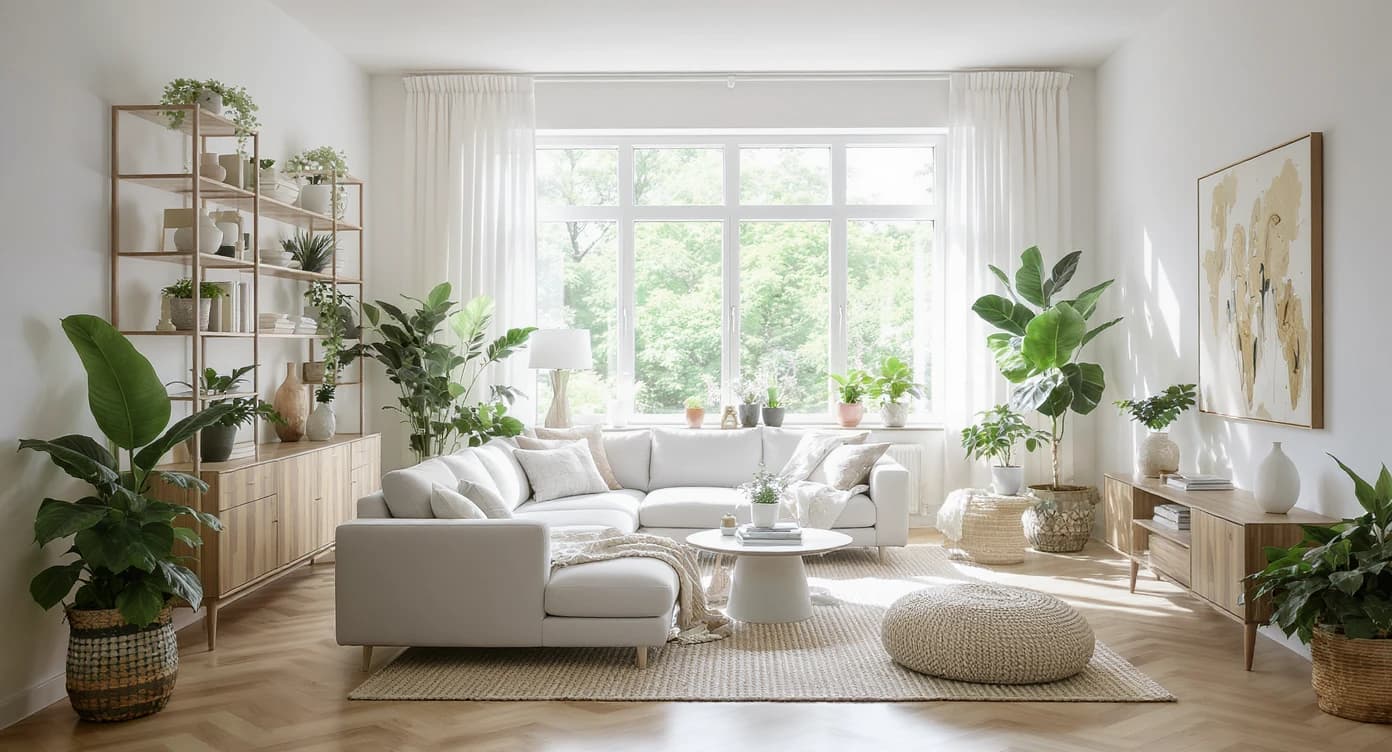
Yes, you can transform a room from one photo. ReimagineHome.ai lets you upload a picture, test styles, swap color palettes, and visualize realistic layouts in minutes. It is ideal for kitchens, living rooms, and small apartments where measurements are tricky. Try it now to compare designs before you buy.
Turn One Photo into a Full Room Makeover — Fast
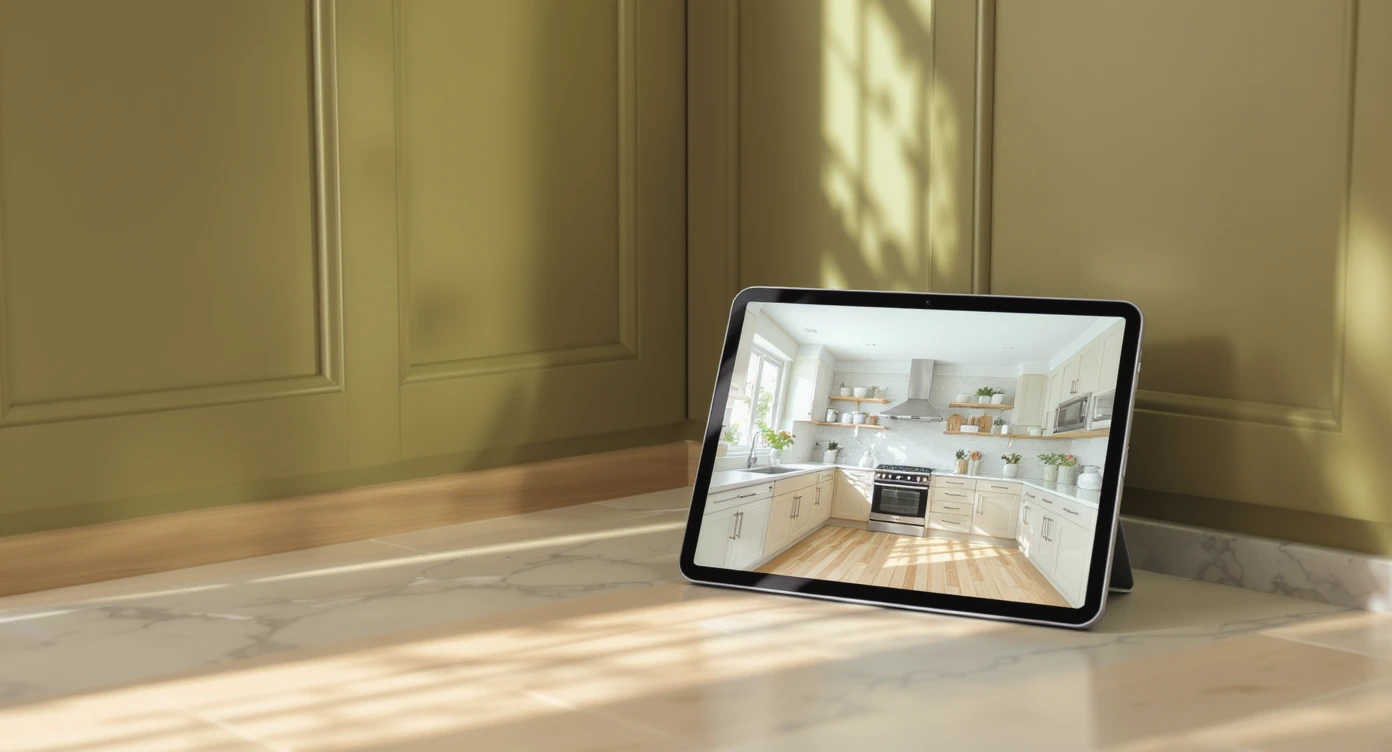
Use a single snapshot to explore multiple realistic design ideas instantly with ReimagineHome.ai.
Yes, you can redesign a room using only a photo. Modern AI home design tools convert a single image into a canvas for testing styles, color palettes, and layouts with credible realism so you can make confident choices.
- At a glance: upload one image, explore multiple looks, fine-tune details, and save shareable concepts.
- See lighting, color, and material interactions before you spend.
- Ideal for kitchens, living rooms, rentals, and quick refreshes without measurements.
- Export options make it easy to brief contractors or shop decor.
Try your own design ideas instantly on ReimagineHome.ai.
Alt text: “Olive green kitchen concept generated from a single photo on ReimagineHome.ai.”
Caption: “Upload a photo and explore warm, food-friendly greens without repainting first.”
For deeper dives, explore our guides: AI Room Visualizer Guide, Kitchen Color Palette Playbook, and Small-Space Layout Secrets.
Why AI Design Tools Matter (and Where ReimagineHome Fits In)
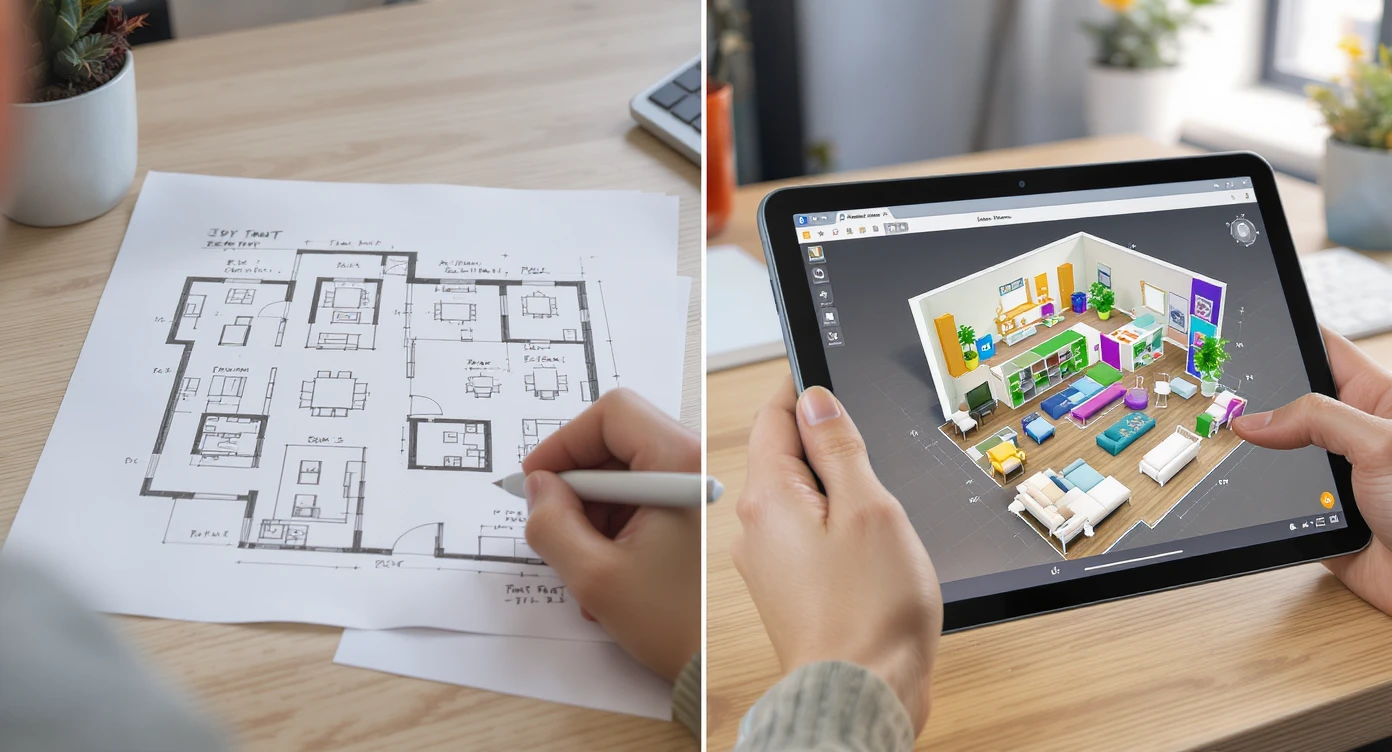
AI tools slash design time and bring clarity to your vision—see where ReimagineHome fits in.
Fact: AI room planners can reduce design time by up to 60%, turning indecision into clear, visual choices you can compare side by side.
Why it matters: we make most design mistakes on scale, lighting, and color. In kitchens, for instance, 36 inches of clear circulation space keeps traffic smooth, pendant lights look balanced at 30–36 inches above an island or table, and warmer bulbs at 2700–3000 K preserve the appetizing tones of food. Good tools let you see those relationships quickly.
ReimagineHome.ai leans into realism. It reads the planes in your photo, respects your architecture, and re-renders finishes so you can judge nuances like undertone and sheen. If you work from plans, you can still check proportions at common scales such as 1:50 or 1:48, but the magic here is visual certainty from a snapshot. That is especially useful in open-plan spaces where a kitchen color decision affects the living area at a glance.
Anecdote
A homeowner in Austin uploaded a single photo of an open-plan kitchen with natural oak herringbone floors. Within ten minutes she had three credible directions: a grounded olive scheme with cream tile, a lighter two-tone that borrowed the warmth of the floor for uppers, and a playful blue concept tempered by a stone-look counter. She shared the images with her contractor, who appreciated seeing clear references for grout color and pendant height, and the build moved forward without second-guessing. A designer in Toronto used ReimagineHome.ai to pitch a weekend refresh to a client who feared green cabinets might feel trendy. By generating both olive and desaturated eucalyptus options under 2700 K lighting, the designer proved the palette’s longevity. They chose the calmer green, then matched hardware and faucet in a single warm metal for a cohesive finish.
Comparing Tools — Why ReimagineHome.ai Wins for One‑Photo Room Makeovers
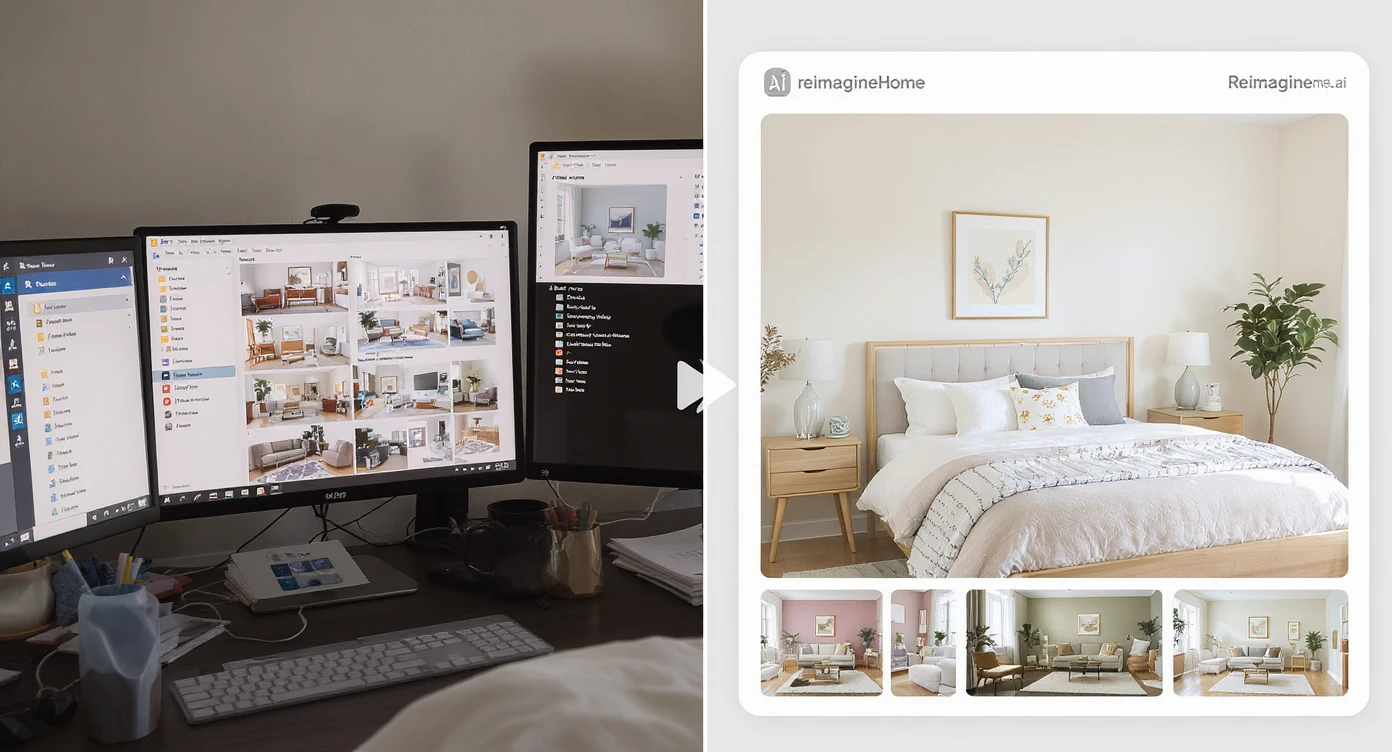
ReimagineHome.ai excels at quick, stunning one-photo room makeovers with intuitive design flow.
Fact: A single, well-lit photo is enough for AI to map walls, flooring, and major furniture, allowing dozens of style tests in minutes.
Here is what to look for in one-photo makeover tools and how ReimagineHome.ai stacks up:
- Photo-to-style accuracy: ReimagineHome.ai keeps your room geometry, swapping finishes and furnishings without warping sightlines. That means you judge color next to your real flooring, not a generic model.
- Palette and material flexibility: From olive to sage, navy to chalk white, you can iterate natural wood, stone, and tile patterns to see how they play with existing elements.
- Lighting sense: Warm vs cool lighting shifts a color by a full step. ReimagineHome.ai previews those shifts, crucial at 2700–3000 K for kitchens and 3000–3500 K for task-heavy zones.
- Speed and shareability: Generate multiple options in a session, save favorites, and compare side by side with homeowners or contractors.
- No-measure convenience: If you are not ready to draft, an upload is enough to explore styles. When you do have dimensions, use them to validate clearances like 36 inches around islands.
Want a primer on reading AI render realism? See our AI Room Visualizer Guide for telltale signs of accurate perspective and finish fidelity.
How to Use ReimagineHome.ai to Turn a Photo into a Redesigned Room

From photo upload to photorealistic redesign in minutes — refine every detail with ease.
Fact: You can go from photo to photoreal concept in under five minutes, then refine details like cabinet color, backsplash, and pendants.
- Photograph your room. Stand back to include floor and ceiling lines. Daylight plus a few warm bulbs yields the cleanest input.
- Upload to ReimagineHome.ai. Choose a target style or start with a color focus such as olive green cabinetry or light blue tile.
- Test palettes first. Toggle two to three nearby shades rather than opposites. In kitchens, greens with a faint brown undertone sit well over natural oak, while cooler blues benefit from cream or warm white counters.
- Check clearances. Keep 30–36 inches of walking space around major pieces. For islands, 36 inches works for a single-cook kitchen; 42–48 inches is better for two cooks.
- Tune lighting and metals. Set pendants to hang 30–36 inches above the island, pick 2700–3000 K bulbs, and coordinate hardware finishes in one family for visual calm.
- Save, compare, decide. Generate two to four versions that differ by one variable each: cabinet color, backsplash tone, or hardware. Share links with stakeholders and vote.
Alt text: “Light blue kitchen variation with cream zellige-style backsplash simulated in ReimagineHome.ai.”
Caption: “Swap tile color and grout in seconds to judge warmth against oak flooring.”
Common Mistakes and How ReimagineHome Fixes Them
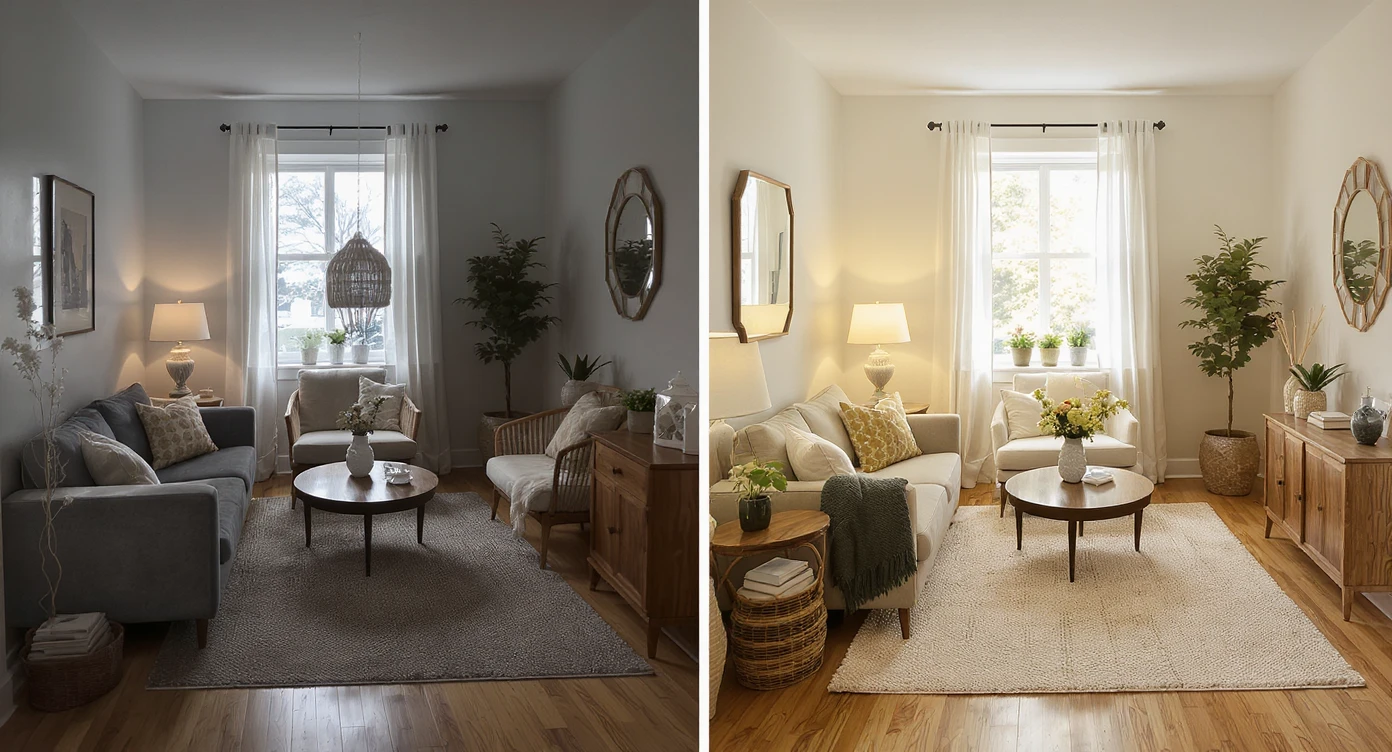
Avoid layout mistakes with AI-guided corrections for flawless small space designs.
Fact: Most layout regrets stem from scale errors of just 10–15%, especially in small spaces where every inch matters.
- Picking color without checking undertone. Warm oak floors favor greens with brown or gray undertones. ReimagineHome surfaces multiple swatches side by side, so you can spot the best match quickly.
- Overbusy backsplash. If the floor has strong pattern or grain, choose a calmer tile. Generate options with plain, cream, or softly variegated finishes to keep the eye at rest.
- Ignoring lighting temperature. A gorgeous paint swatch can turn sour under cool bulbs. Preview at 2700–3000 K to preserve natural wood and food tones.
- Forgetting circulation. When concepts look tight, use the overlay grid and mentally validate 36-inch passages and 42–48 inches around islands.
- Style hopping without a baseline. Save a neutral control image first. Then change only one variable per version so your comparisons stay honest.
Pro tips from designers:
- Upper-lower balance: Darker lowers with lighter uppers feel grounded and reduce visual bulk in open plans.
- Hardware rule of thirds: On tall doors, position pulls roughly at one-third from the top for comfortable reach and consistent lines.
- Backsplash height harmony: Terminate tile at the underside of wall cabinets or carry it 18 inches above counters for a tidy proportion.
Visualization Scenario
Picture your kitchen on a quiet morning. The oak herringbone floor glows under 2700 K bulbs. In the first image, cabinets are a rich olive, pendants hover 32 inches above the island, and a soft cream tile rises 18 inches from the counter. You click once, and the second image appears: light blue lowers, warm wood uppers, and the same layout holding a comfortable 36-inch walkway. Another click tests a bolder green, but this time with a quieter backsplash so the floor can shine. The difference is instant and calm. You choose the version that feels like home, not just the trend of the week.
FAQ
How can I turn a photo into a room design?
Upload a clear, well-lit image to ReimagineHome.ai, choose a style or color focus, and generate photoreal variations to compare side by side.
Do I need measurements to use an AI room visualizer?
No. A single photo is enough to explore styles. Add dimensions later to validate clearances like 36-inch walkways or 30–36 inch pendant heights.
What’s the best way to test kitchen color palettes with oak floors?
Start with greens that have brown or gray undertones, or pair soft blues with cream tiles. Use ReimagineHome.ai to preview options under 2700–3000 K lighting.
How realistic are AI room designs?
High-quality inputs produce convincing results. Look for consistent perspective, natural shadows, and material texture; ReimagineHome.ai is optimized for those cues.
Is there a free vs paid difference for AI home design?
Free tiers are great for quick experiments; paid plans typically unlock higher resolution, more styles, and export controls. Start free, then upgrade if you need advanced outputs.
Wrap-Up — Where Design Meets Imagination
Design confidence grows when you can see choices in your actual space. With ReimagineHome.ai, one photo becomes many credible futures, from cozy olive kitchens to breezy blue accents, each refined with real-world rules like 36-inch clearances and 2700–3000 K lighting. You decide faster, waste less, and enjoy the creative part of the process.
See how your space could look in minutes — explore ReimagineHome.ai today.
SEO summary: Explore how ReimagineHome.ai turns one photo into a photoreal room redesign you can trust.
Alt-text suggestions:
• “AI-generated modern kitchen in olive green — ReimagineHome.ai visualization.”
• “Before and after kitchen restyle from one photo using ReimagineHome.ai.”
• “Mood board transformed into real room view via ReimagineHome.ai.”