
TL;DR
Lawn Replacement in ReimagineHome.ai lets you do AI landscaping design from a photo so you can swap out problem surfaces — like mossy brick — for gravel, slate chips, turf alternatives, or new pavers before you spend a dime on materials. It’s a fast way to test drainage-friendly, non-slip options and align on a plan. Try it now with your backyard photo on ReimagineHome.ai’s Lawn Replacement tool to see low-maintenance ideas side-by-side. If you’re weighing cost, speed, and realism, this approach reduces guesswork and helps you avoid rework.
Why That Shady Brick Patio Keeps Turning Slippery
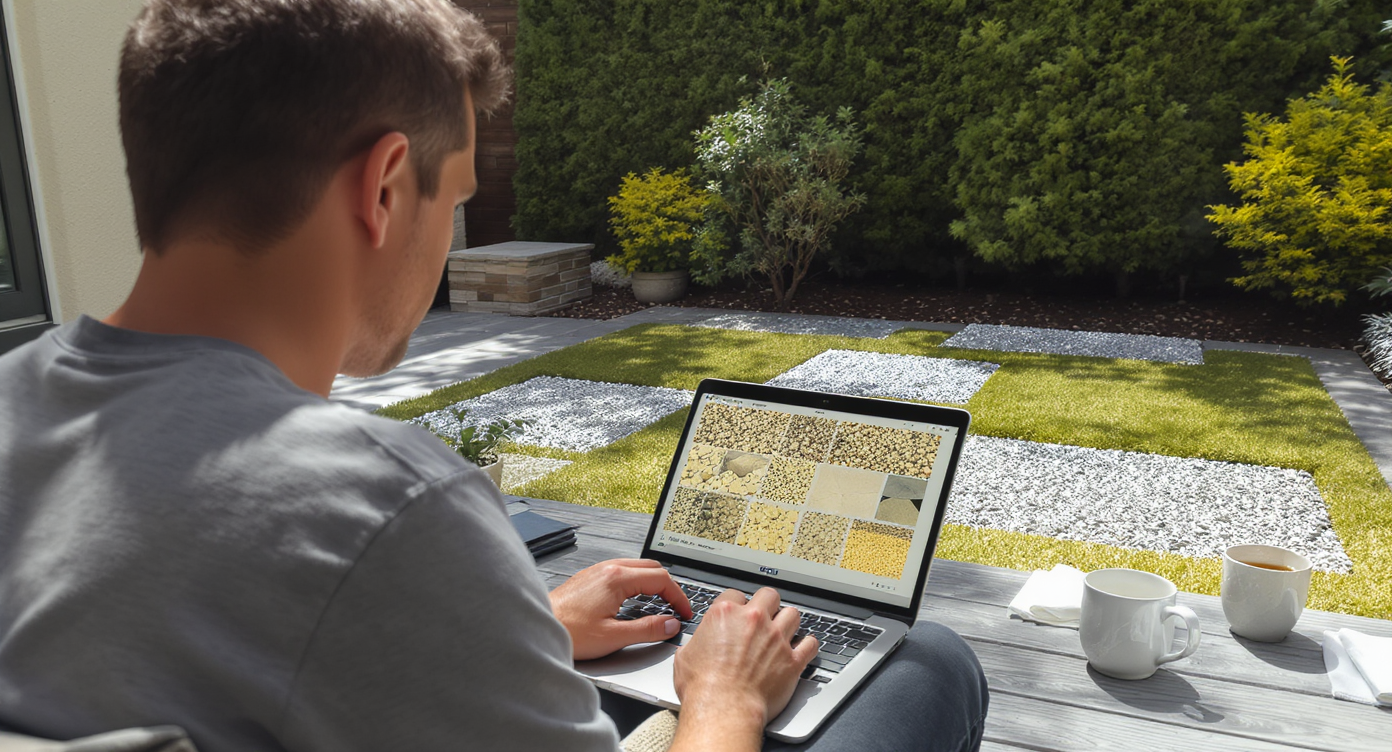
Testing photorealistic ground surface swaps on your own yard photo helps find safer, lower-maintenance solutions.
Lawn Replacement in ReimagineHome.ai is an AI landscaping tool that replaces ground surfaces in a photo so you can test better materials for wet, shady areas. It matters because porous masonry and poor drainage invite moss and algae, and a quick AI yard design preview helps you find a safer, lower-maintenance fix without guesswork.
- Results first: See your shady patio with angular gravel, decomposed granite, or big-flagstone-with-gravel joints in minutes.
- Realism: Photorealistic, context-aware swaps anchored to your actual yard photo — not stock renderings.
- Speed: Upload, select Lawn Replacement, choose materials, and compare versions in a single session.
- Cost clarity: Use visuals to decide if you need a full rip-and-replace or a targeted resurfacing and regrade.
- Workflow: Share side-by-sides with partners or contractors to align on drainage, slope, and edging.
- ROI and safety: Reduce slip risk, cut annual power-washing, and present a cleaner exterior if you plan to sell.
- Peace of mind: Commit to materials only after you’ve seen them on your actual space.
If you already have a tricky exterior photo in mind, upload it to ReimagineHome.ai and test this solution on a real image while you read. To jump straight in, open ReimagineHome.ai’s Lawn Replacement tool and start exploring non-slip surfaces.
Why This Visual Problem Hurts More Than You Think

Moss and algae on porous bricks create serious slip hazards and lower curb appeal in shady, damp areas.
Shady, damp hardscape surfaces are a common slip hazard and can make buyers and guests assume “deferred maintenance.” When a patio sits below surrounding grade or stays shaded most of the day, moisture lingers on porous brick, feeding a film of algae and moss that returns quickly after cleaning.
On screen, that green sheen reads as cold and dark, and in person it feels like black ice. For homeowners, it’s an annual cycle of bleach, scrubbing, and pressure washing — plus the risk of blasting out joint sand and destabilizing pavers. For sellers, those photos can quietly reduce curb appeal clicks. The deeper fix is almost always better drainage and different materials: surfaces that shed water and don’t offer a sponge-like texture for growth to anchor.
That’s where AI yard design helps: you can test angular gravel, decomposed granite, or wide-joint flagstone (with gravel infill) that drains instantly, or even a low-profile groundcover pathway. Seeing options side-by-side makes it easier to commit.
Anecdote
That north-side patio that looks like a woodland path every winter — beautiful until the first slip. After previewing angular gravel with wide-joint flagstone in ReimagineHome.ai, the owner chose a subtle regrade and slate chips. The space dried out, stayed grippy, and finally stopped demanding an annual power-wash weekend.
What Lawn Replacement Actually Is (In Plain Language)
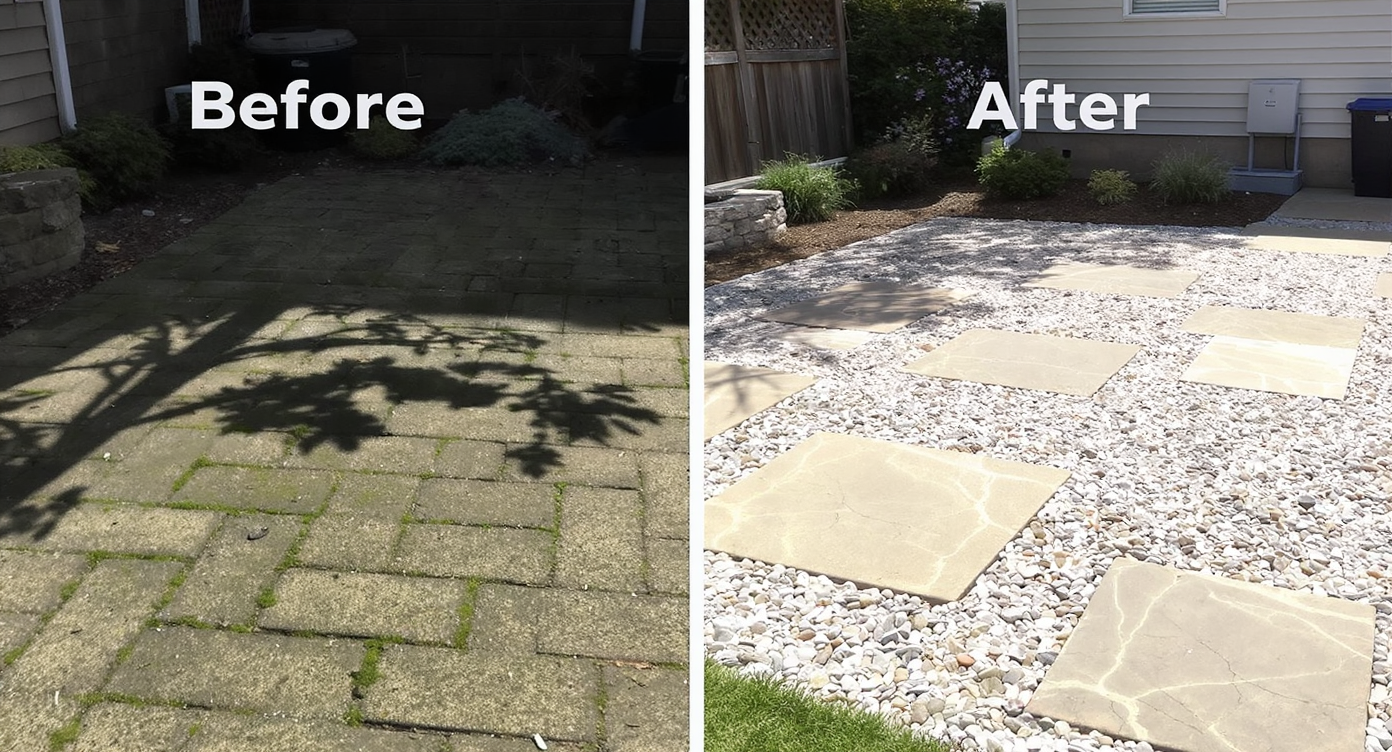
AI Lawn Replacement swaps your yard’s slippery surfaces for safer, attractive materials in realistic previews.
AI Lawn Replacement is a photo-based surface swap: you upload a yard image, select the ground area, and ReimagineHome.ai maps new materials with realistic scale, shadows, and edges. You can explore gravel types, stone layouts, turf alternatives, and joint treatments to find what looks right and stays grippy underfoot.
You’ll get multiple photoreal versions that respect your existing plantings, walls, and furniture — ideal for shaded patios, side yards, and damp walkways. If you’re considering a more permanent change, these previews are a low-risk way to test slope-friendly patterns and lighter colors that brighten dark corners.
Try it now with ReimagineHome.ai’s Lawn Replacement — a fast way to visualize AI backyard design without measuring or modeling.
How Lawn Replacement Works Step by Step

Start with clear photos and select materials in AI tools for accurate, photorealistic lawn replacement previews.
Good inputs lead to better outputs. Start with a clear, well-lit photo that shows the full problem area and any grade clues (step edges, thresholds, drain grates).
- Choose the right photo: Shoot from a corner at waist height so lines converge naturally and the full patio is visible. Overcast light works; avoid deep shadows.
- Upload to ReimagineHome.ai: Open Lawn Replacement and import your image.
- Mask the surface: Trace the brick or paver zone you’d like to change; keep edges tight along foundations and borders.
- Select materials: Test 3/8 inch angular gravel, decomposed granite, slate chips, or large flagstone with gravel joints. Consider color — lighter tones can brighten shade.
- Refine for realism: Adjust texture scale so gravel pieces don’t look oversized; add edging to keep aggregates contained.
- Generate and compare: Produce several versions and compare side-by-side. Share with a contractor to discuss drainage and base prep.
- Export: Download high-resolution images for your project file, HOA submission, or to align the crew.
Constraint to remember: photos at or above 2000–3000 px on the long edge will render crisper textures. If your patio is sunken, include nearby grade in the frame so you can plan a subtle regrade or French drain if needed.
Tips and Tricks for More Realistic Results
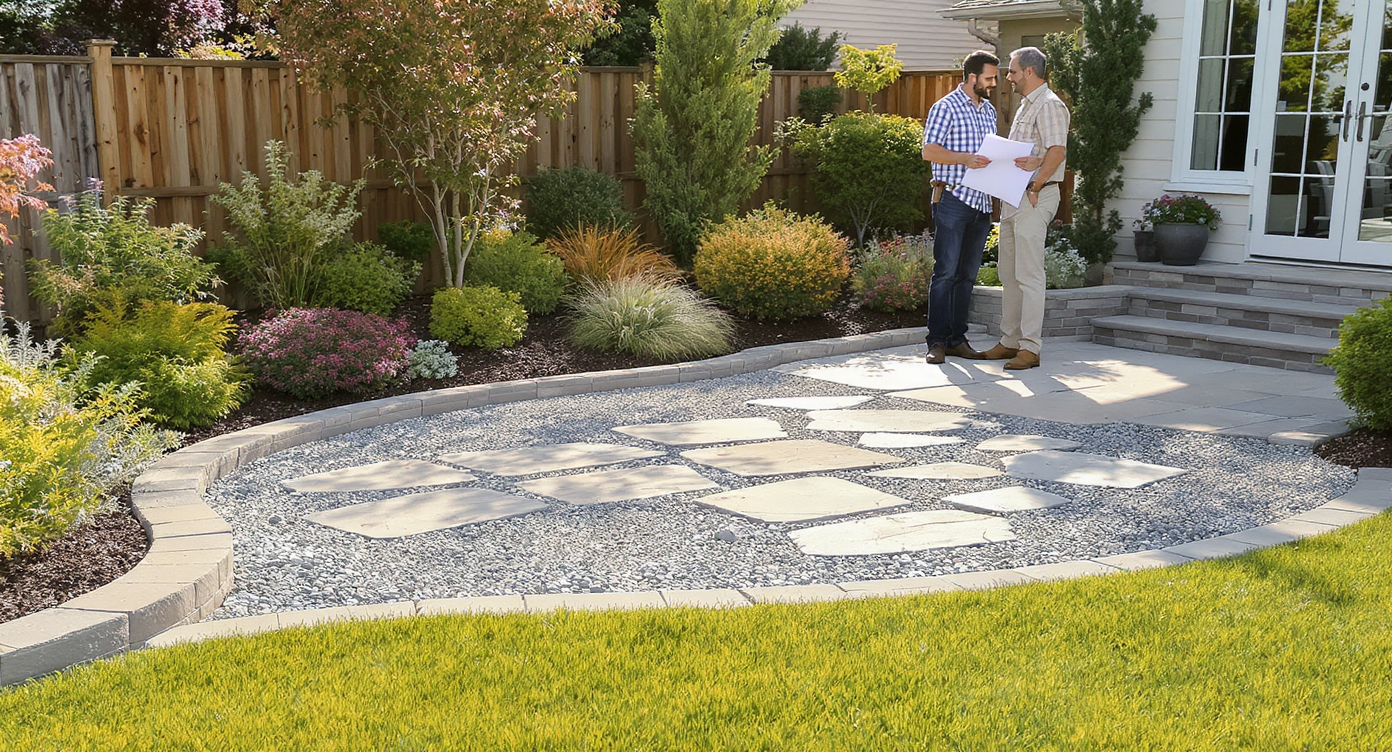
Realistic landscaping previews depend on scale, slope, and edging for seamless integration with your yard’s features.
Realistic AI landscaping previews follow the same rules as good hardscape: scale, slope, and edges make or break the result.
- Pick angular aggregates over pea gravel. Angular 3/8 inch gravel locks together, drains instantly, and is less slippery than smooth, round pea gravel.
- Show a crown or gentle fall in your plan. Even a small slope away from the house helps water move off the surface and reduces regrowth.
- Use wide-joint flagstone to minimize slick surface area. Large stones with gravel infill cut the contiguous hard surface where algae can form.
- Brighten the shade with color and joint choice. Lighter stone or DG, plus crisp steel or stone edging, makes dark corners feel cared-for.
- Plan joint stabilization where needed. If you keep pavers, preview a polymeric-sand look — it locks joints and slows moss return.
- Seal selectively. A penetrating sealer reduces absorption on porous brick, but note winter icing can increase on sealed surfaces; choose aggregates if icing is a concern.
- Polish the final render. For listing-ready images, run a quick pass with ReimagineHome.ai’s Image Enhancement or straighten a tilted shot with its Straighten Angles tool.
For more curb appeal strategy around resilient, low-maintenance yards, this guide to hardscaping and survival gardening in ReimagineHome.ai is a useful reality check. Considering turf swaps? Read the cautionary artificial turf gone wrong — and how to see fixes first.
Visualization Scenario
Upload a photo of your damp, shaded brick terrace. Mask the brick. Generate three versions: 1) decomposed granite with steel edging; 2) angular 3/8 inch gravel in a warm gray; 3) oversized flagstone with gravel joints. Compare brightness, edge containment, and perceived traction before you choose.
FAQ
Does AI landscaping from a photo really help fix mossy patios?
It won’t fix drainage by itself, but it shows exactly how alternative materials and layouts will look so you can choose a safer, low-maintenance design with confidence. Use the visual to brief regrading, edging, and base prep.
What should I replace slippery brick with in a shady, wet area?
Angular gravel, decomposed granite, or large flagstone with gravel joints are grippy, drain fast, and reduce continuous slick surfaces. Reimagine options in Lawn Replacement before you order materials.
Will polymeric sand or sealing stop moss completely?
They slow regrowth but won’t beat deep shade and standing moisture. Pair joint stabilization or sealing with improved slope and a surface that doesn’t absorb water.
What photo resolution works best for AI yard design?
Images around 2000–3000 pixels on the long edge render more realistic textures and edges. Include surrounding grade and edges to inform drainage decisions.
Can I use this for listing photos to improve curb appeal?
Yes. Clean, non-slip outdoor surfaces photograph better and feel cared-for. Use AI previews to plan real changes, then capture the upgraded space; you can also tune final images with Image Enhancement.
Visualize Your Next Listing (or Project) Before You Commit
Visual decisions are easier when you can stand in your yard — even virtually — and see the change before committing. If your patio keeps turning into a slick green slip zone, the right solution is usually better drainage and materials that don’t hold water. AI yard design lets you rehearse that outcome from a single photo, then bring a confident brief to your contractor.
Open ReimagineHome.ai’s Lawn Replacement to explore gravel, DG, or flagstone options for your shady spot, or start from the ReimagineHome.ai home page to mix in lighting and image touch-ups. Spend minutes now to save weekends later — and step out onto a safer, cleaner surface this season.