
TL;DR
Direct answer: To fix an overwhelming, clash-heavy interior design dilemma, edit down patterns, recalibrate furniture scale and walking paths, and anchor the palette with one dominant style—then test the changes visually with ReimagineHome.ai before you move or buy. You’ll see how to mix furniture styles in one room, replace risky choices (like carpeted kitchens), and create visual “rest” zones while keeping what you love. Try your own photo-to-design makeover in ReimagineHome.ai.
Why This Room Feels “Off” (and Why You’re Not Imagining It)
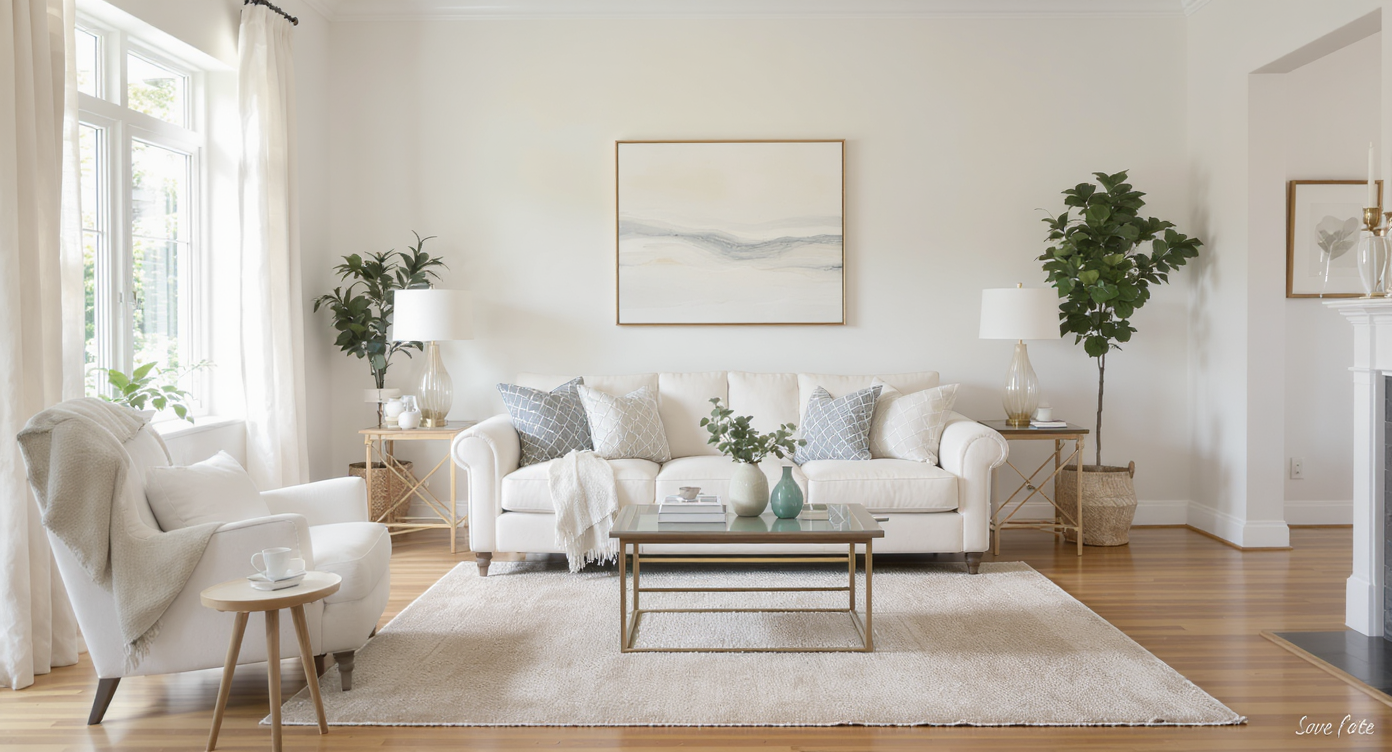
Taming pattern overload and maintaining clear walkways brings instant calm to busy rooms.
Quick answer: Most unsettling rooms suffer from pattern overload, furniture that’s too big for the footprint, and compromised paths around the room. Strip back a few loud elements, tighten the color story, and protect 30–36 inches of clear circulation—and the space instantly calms.
- At a glance: How to tame pattern overload without going beige.
- Furniture scale, walkways, and rug sizing that stop the visual chaos.
- What to do about flooring mistakes (carpeted kitchens, we see you).
- Creating visual rest: fewer focal points, more breathable walls.
- Using ReimagineHome.ai to preview layouts, palettes, and DIY upgrades from one photo.
Before you move a single sofa or pick up a paint roller, upload a photo to ReimagineHome.ai and test a few ideas safely.
If you’re wrestling with tiny walkways or odd proportions, this primer pairs well with a detailed guide to small living room layouts. And if you’re comparing digital helpers, see this breakdown of AI interior design tools to understand free vs. paid options for virtual room design.
Why Interior Design Dilemmas Are Usually About Layout, Scale, and One Wrong Piece

Correct furniture scale and clear paths solve most layout dilemmas and reduce visual tension.
Most designers recommend keeping 30–36 inches of clear walking space through main paths; dip below 28 inches and the room feels cramped and stressful. When a home reads as "too much," the culprit is usually a few over-scaled pieces, too many focal points, and one or two outlier choices pulling hard against everything else.
Think of the greatest hits that make people uneasy: a carpeted kitchen with high-contrast walls, a sunken tub in the middle of pivotal circulation, or a living room where every surface is a different pattern. None of these are fatal. You don’t need a total gut; you need a recalibration:
- Scale: Deep, overstuffed seating in a modest room eats circulation. Swap one piece for slimmer arms or a tighter depth (32–36 inches) and watch the flow return.
- Focal points: One star per room. If you have a statement chandelier, don’t also let the rug, drapery, and wallpaper scream at once. Pick one hero, let the rest support.
- Material logic: Wet zones want hard, cleanable surfaces. Kitchens do best with sealed wood, tile, or LVP—carpet invites stains and odors you’ll battle forever.
When the layout is awkward—long and narrow, too many doors, off-center windows—solve circulation first, then layer style. For examples of pathways and seating trickery in constrained rooms, see a detailed guide to small living room layouts.
Anecdote
That carpeted kitchen that looked quirky online? In real life it swallowed spills, trapped odors, and made the red floors and blue walls feel even louder. Once the floor switched to warm, durable LVP and the walls calmed two shades, the cabinetry finally had space to breathe.
Furniture Rules That Quietly Solve Most Room Problems
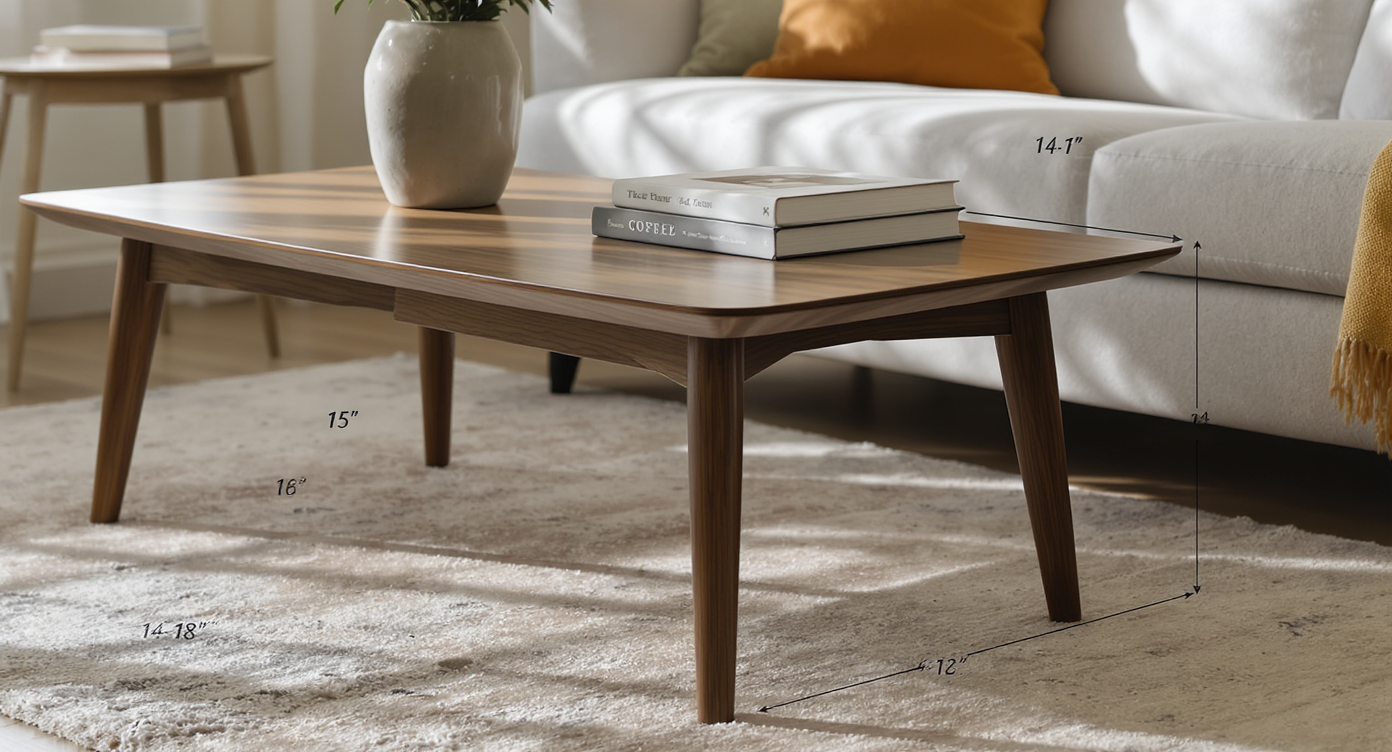
Simple furniture spacing rules quietly transform room function and comfort without drastic changes.
Coffee tables typically work best 14–18 inches from the sofa edge; closer feels cramped, farther is a reach. A handful of simple rules turns chaos into a calm plan:
- Walkways: 30–36 inches in primary paths, 24–28 inches in secondary.
- Sofa depth: 32–38 inches for small living rooms; arms that are visually light help.
- Rugs: Front legs of all primary seating on the rug; in most living rooms, that’s 8×10 or 9×12. In dining, leave 24 inches beyond the table edge on all sides so chairs stay on the rug.
- Lighting: Pendants over dining tables hang 30–36 inches above the tabletop; bedside lamps work best with a 24–28 inch bottom height for reading.
- Art: Aim for a 57-inch centerline to eye level; groupings should have 2–3 inches between frames for visual breathing room.
If you’re mixing furniture styles—say, clubby lodge pieces with a modern ball chair—give yourself a 70/30 ratio: let one style anchor 70% of the big shapes, and let the secondary style be accents. It’s the easiest way to keep “eclectic” from becoming cacophony.
Not sure which pieces to keep? Drop a photo into ReimagineHome.ai and generate versions with one element removed at a time—a rug, a wallpaper, a sofa—to see which single edit un-jams the room. For rug and layout nuance, pair this with a no-stress rug sizing guide.
How ReimagineHome.ai Helps You Test Layouts, Styles, and DIY Ideas
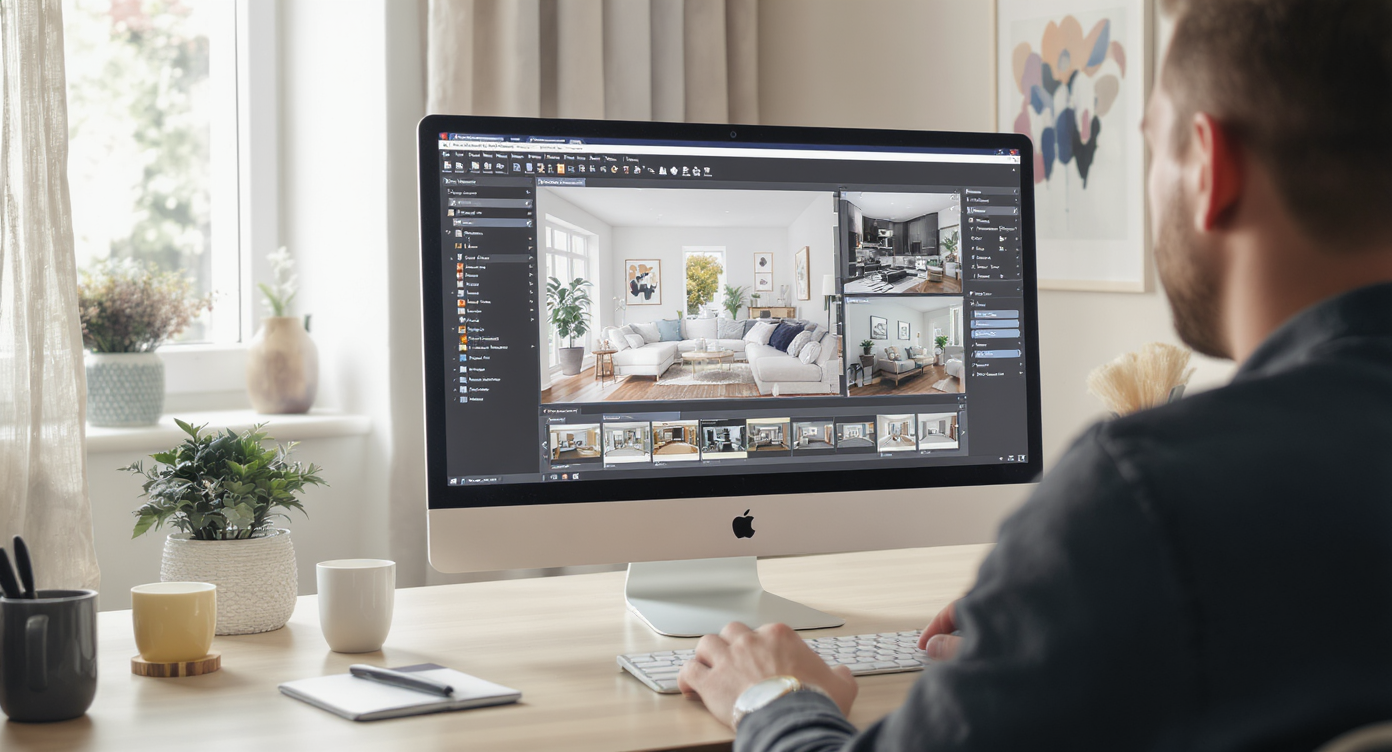
ReimagineHome.ai lets you preview and experiment with layouts and styles before making changes.
AI tools can show multiple layout and style options in minutes, before you move a single piece. With ReimagineHome.ai’s room design AI, you can test furniture layouts, palettes, and even flooring changes directly on a photo of your space.
- AI interior design from one photo: Upload, choose a style (Scandi, Japandi, Classic, Eclectic), and compare side-by-side renders. It’s an easy way to see how calmer palettes or fewer patterns change the mood.
- AI room planner for small spaces: Try a slimmer sofa, rotate a dining table, or re-center a conversation area without breaking a sweat.
- Paint and finish previews: Test a desaturated wall color or a lower-contrast wallpaper; visualize swapping kitchen carpet for checkerboard tile or wood-look LVP.
- Virtual staging for clutter-heavy rooms: Remove excess decor and taxidermy in the preview so you can judge the architecture and flow, not the noise.
If you’re new to virtual room design tools for beginners, start with this deep-dive on AI room makeovers from one photo—it walks through prompts, comparisons, and how to translate a favorite render into a weekend plan.
Step-by-Step: Fixing This Room Using AI and Simple DIY Changes

AI and easy DIY upgrades create a focused, calming room transformation over a weekend.
Most people can reclaim calm with a focused weekend and a plan. Aim for measurable wins.
- Map your paths: Protect 30–36 inches through the main route. If you can’t, remove or swap the bulkiest piece for a slimmer silhouette.
- Choose one hero: Statement light, bold rug, or patterned wall—pick only one. Keep the others low-contrast and textured, not patterned.
- Neutralize the base: If floors or walls are loud, mute them first. Kitchens and baths should be hard-surface; replace carpet with LVP or tile rated for wet areas.
- Rug reset: Use an 8×10 or 9×12 to pull scattered seating into one zone. Front legs on, equal margins left/right to re-center the composition.
- Color edit: Build a 60/30/10 palette—60% calm base, 30% supportive mid-tone, 10% high-energy accent. Repeat each color/material at least three times.
- Lighting layer: Overheads for ambient, lamps for task, sconces for accent. Dimmer switches prevent the “casino” glare effect.
- AI compare: In ReimagineHome.ai, render three options—“Keep the rug,” “Keep the wallpaper,” “Keep the chandelier.” Choose the calmest outcome and execute only that plan.
- DIY discipline: For paint or furniture refreshes, plan on 2–3 light coats over primer and proper sanding for durability in high-use zones.
For a fuller walkthrough on taking an AI render to reality, see our step-by-step photo-to-room redesign.
Visualization Scenario
Upload your loudest room to ReimagineHome.ai and generate three versions: one where only the rug changes, one with the wallpaper muted, and one with a different sofa scale. Compare the breathing room in each and pick the version that makes your shoulders drop.
FAQ
FAQ
How do I fix an awkward living room layout without buying all new furniture?
Clear 30–36 inches for the main path, anchor seating on a right-sized rug, and remove one oversized piece. Use a room layout AI like ReimagineHome.ai to preview swaps on your photo first.
Which AI interior design tool is best for small apartments?
Look for AI that restyles from a single photo and offers multiple layout variations; ReimagineHome.ai is built for quick, visual comparisons in tight spaces. See this breakdown of AI interior design tools for features and pricing.
How can I see if a new sofa or rug will fit my room before I buy it?
Measure your walkways and test 8×10 or 9×12 rug options in a render. ReimagineHome.ai lets you visualize furniture layout online and check clearances visually.
Can I use AI tools to plan DIY furniture or paint projects?
Yes—preview paint colors, furniture finishes, and even flooring changes on your own photo. Plan on proper prep and 2–3 light coats for durability.
What’s the easiest way to mix different furniture styles in one room?
Follow the 70/30 rule: let one style lead, one support. Repeat materials and colors three times each, and keep only one true focal point.
Visualize Your Room’s Next Chapter
One strong edit, thoughtful scale, and a quieter color story can turn an exhausting space into a room you actually exhale in. When you can see the side-by-side choices, it’s easier to let go of the wrong pieces and keep the memorable ones.
When you can see the possibilities, it’s easier to move with confidence. Start by uploading one honest photo to ReimagineHome.ai and let your next version of the room come into focus.